

Cómo usar la superresolución con IA en línea
Amplía cualquier imagen en tres pasos rápidos con la herramienta de superresolución online de OpenArt.
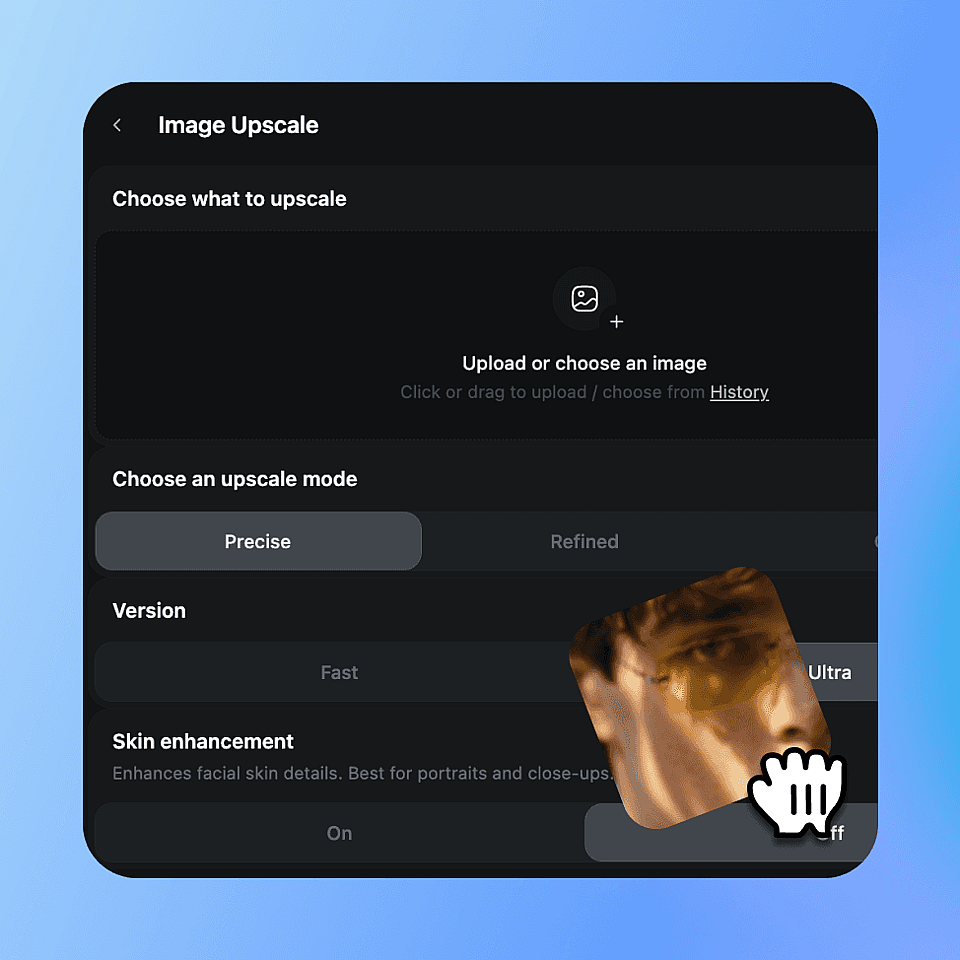
Sube tu imagen
Sube cualquier foto o archivo de imagen: retratos, fotos de productos, arte generado por IA, fotos escaneadas, lo que sea.
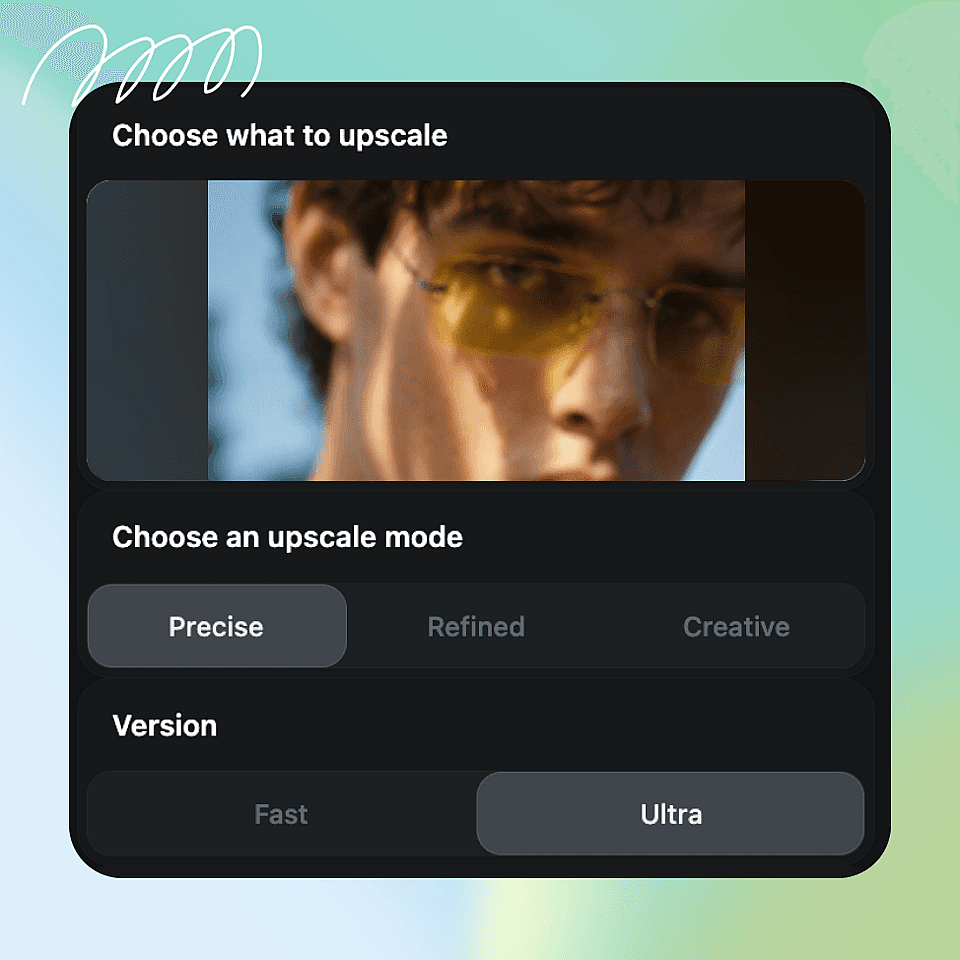
Elige tu modo de escalado
Elige el modo Preciso, Refinado o Creativo. Usa Preciso para conservar la imagen original, Refinado para una mejora sutil con IA o Creativo para una reconstrucción de detalle más intensa y una mejora artística.
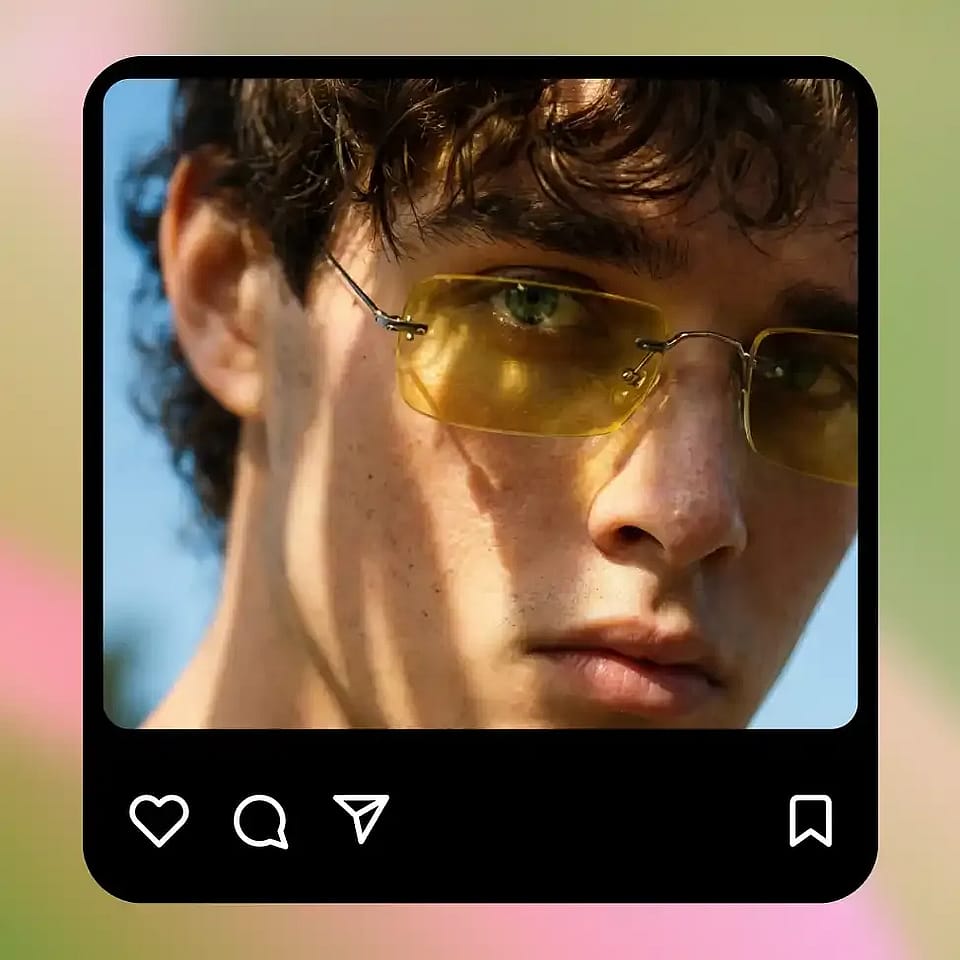
Mejorar y descargar
Pulsa generar, previsualiza el resultado escalado y descárgalo. Ajusta el modo y vuelve a intentarlo si quieres un resultado diferente.
Qué puedes hacer con AI Super Resolution
Con la tecnología de avanzados modelos de superresolución con IA, OpenArt te da un control preciso sobre cómo se mejora tu imagen, desde la resolución de salida hasta el detalle de la textura.
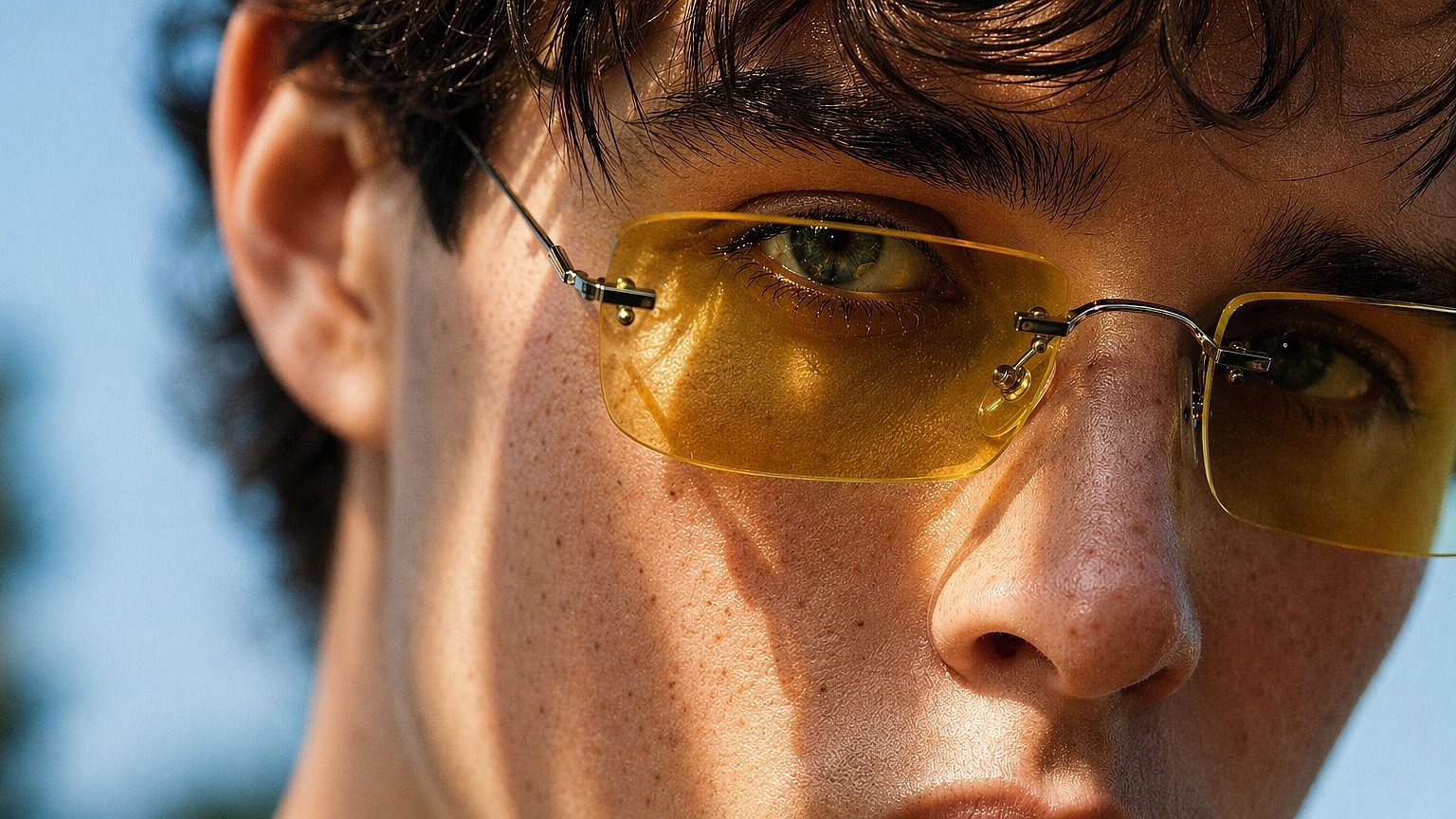
Mejora imágenes generadas por IA
Upscale AI artwork to print-ready or high-display resolution. Get more out of every generation without re-running the model. Or start fresh with OpenArt's Generador de imágenes con IA.
Pruébalo ahora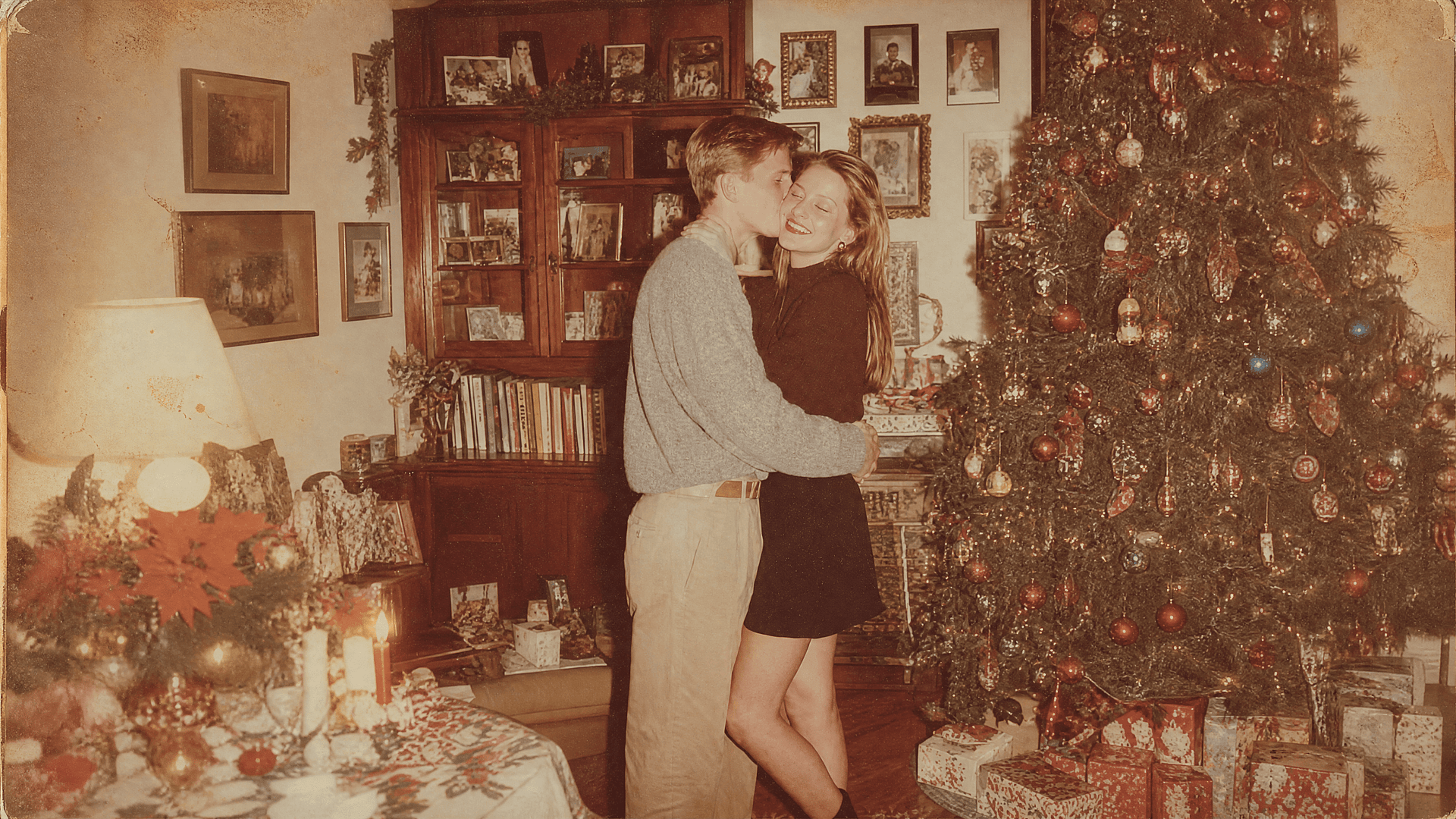
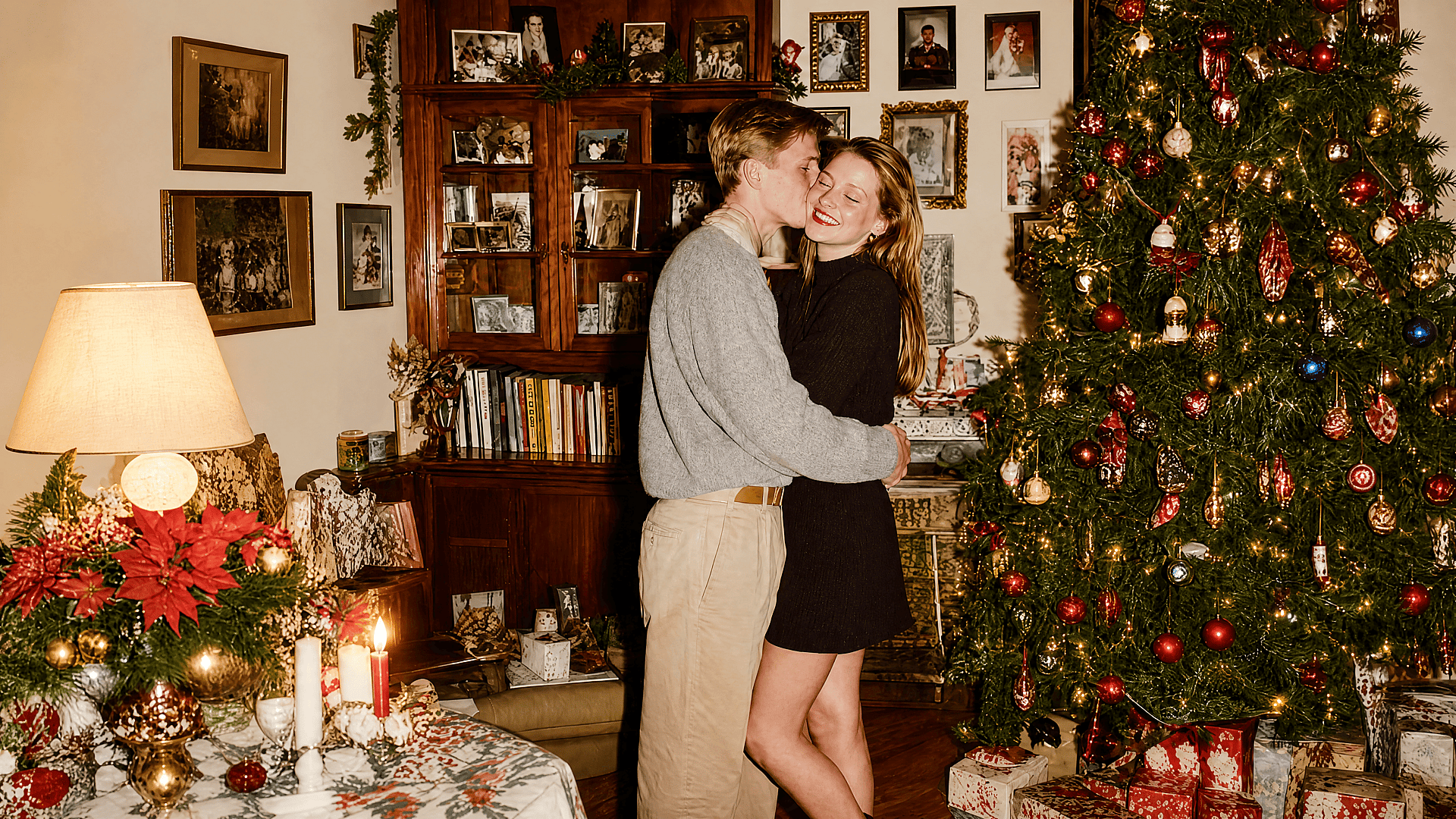
Restaura fotos antiguas y de baja resolución
Recupera escaneos borrosos, JPEG comprimidos o fotos familiares antiguas. La IA de superresolución recupera el detalle perdido y define los bordes sin que la imagen parezca sobreprocesada.
Pruébalo ahora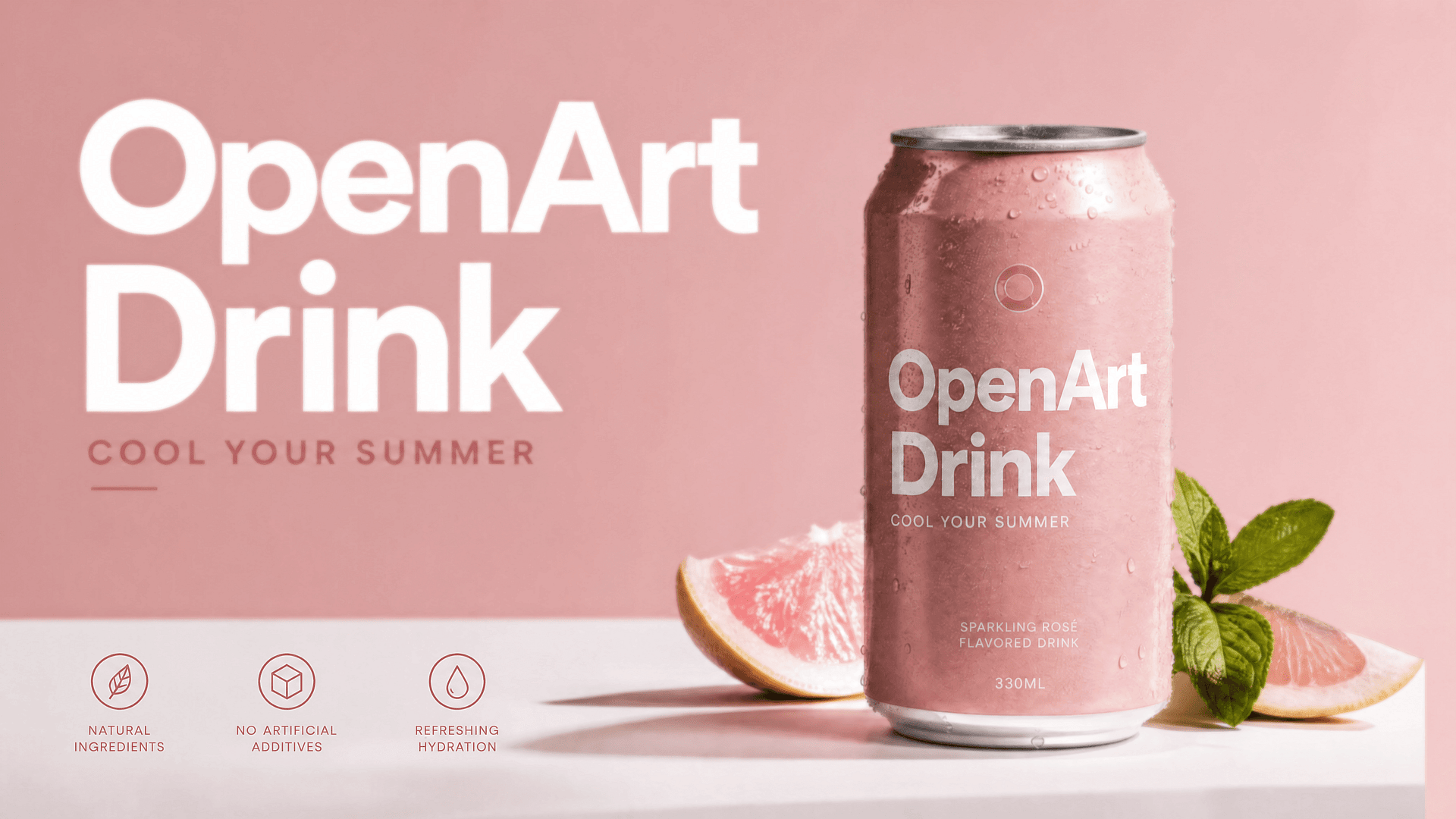
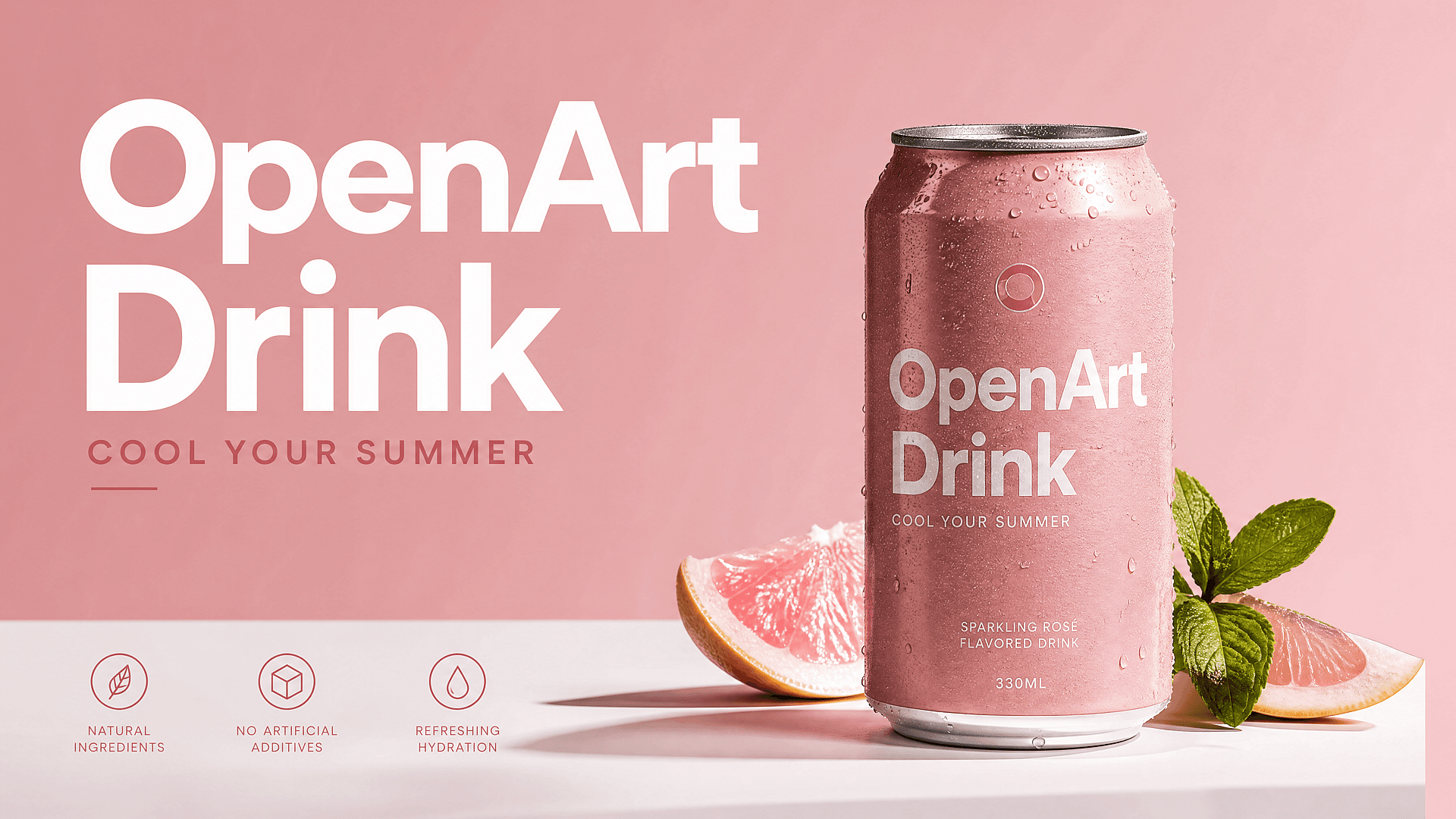
Mejora las fotos de producto y de comercio electrónico
Retoca las fotos de producto para listados de marketplace, anuncios y páginas de aterrizaje. Las imágenes de mayor resolución lucen más profesionales y rinden mejor.
Pruébalo ahora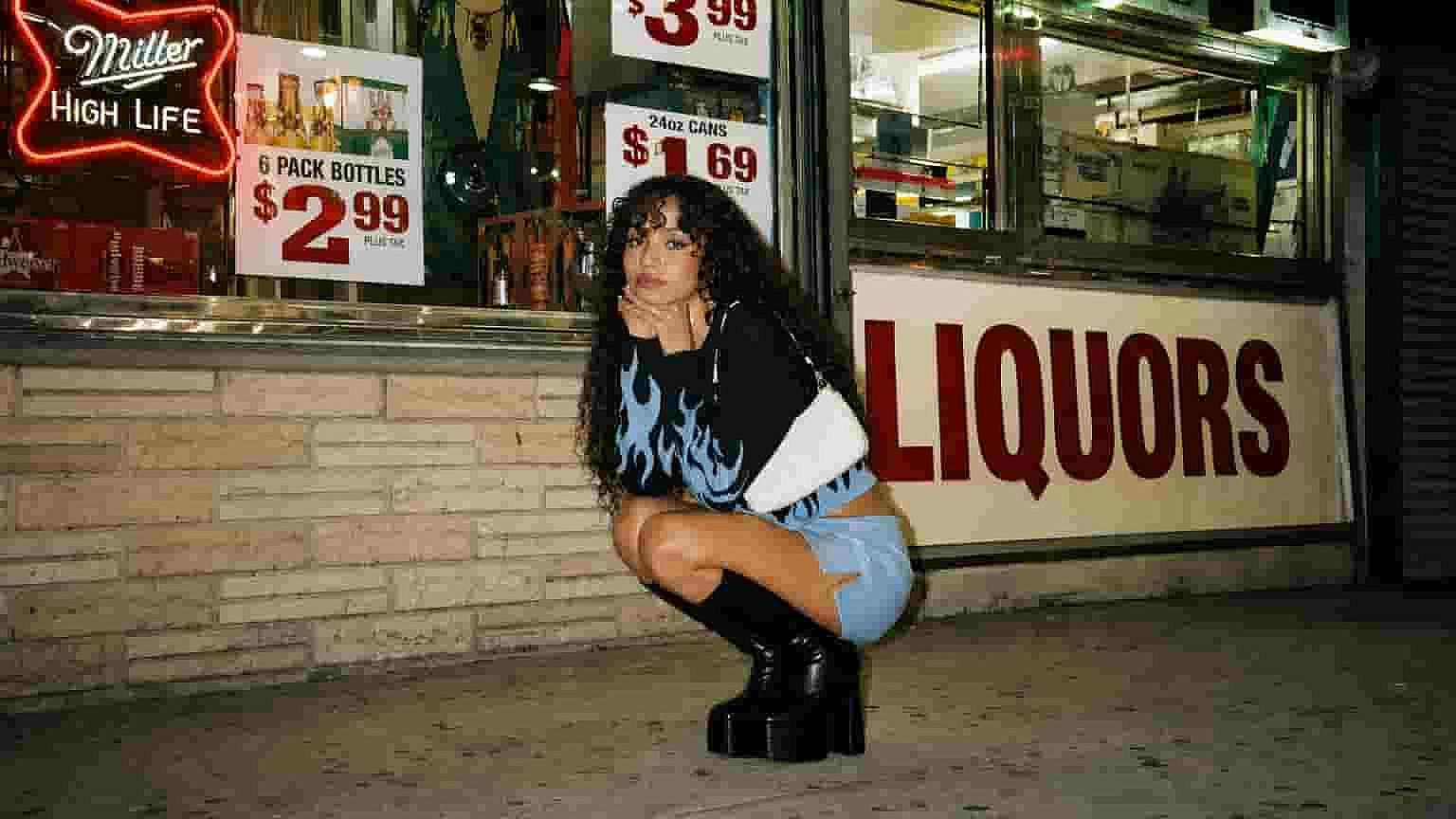
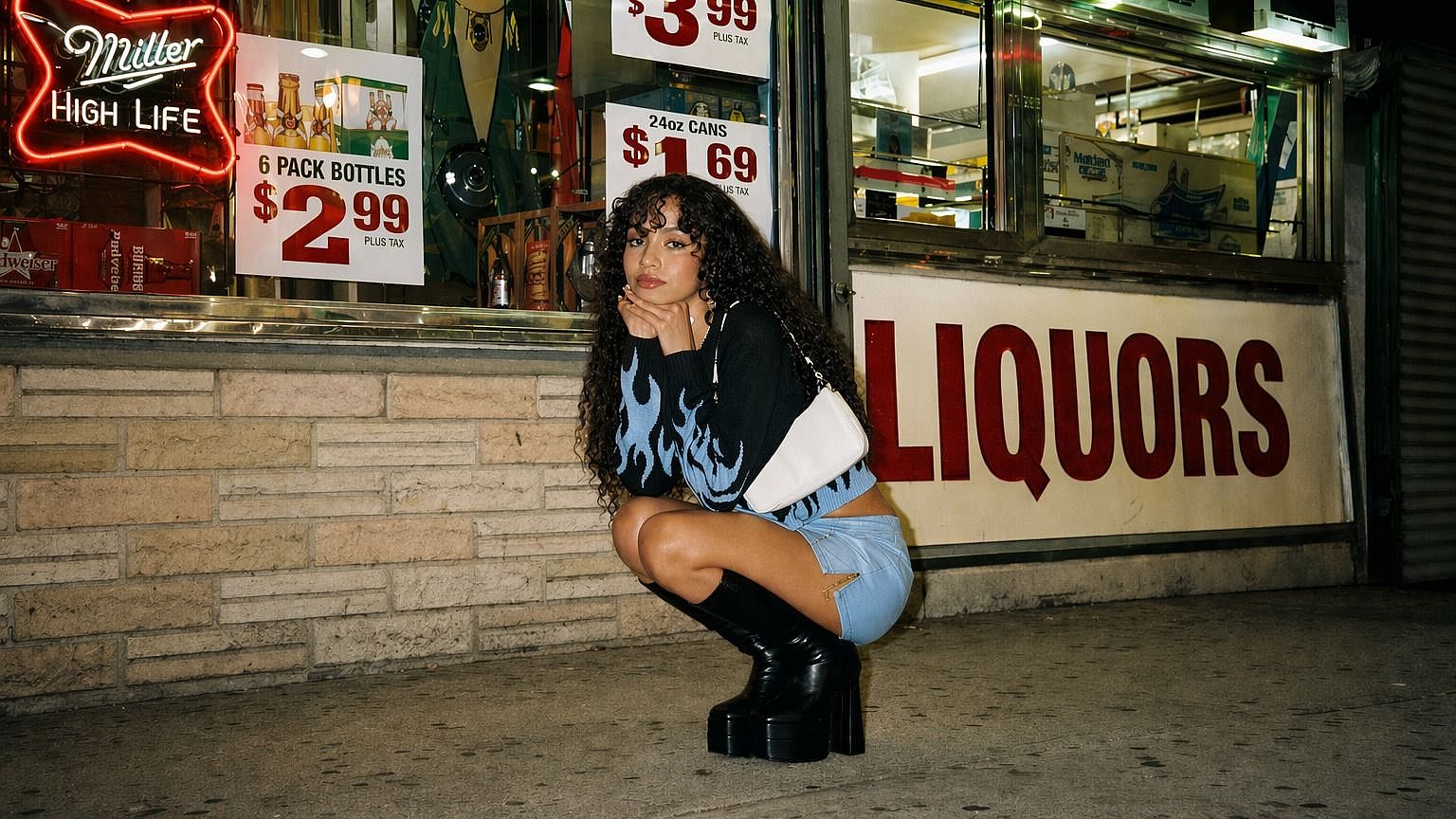
Escalar imagen a alta resolución
Elige un modo de escalado y ajusta el nivel de mejora cuando esté disponible. El modo Preciso se mantiene fiel al original; el Refinado añade textura y pulido sutiles; el Creativo deja que la IA reconstruya más detalle para un resultado más nítido y mejorado.
Pruébalo ahora
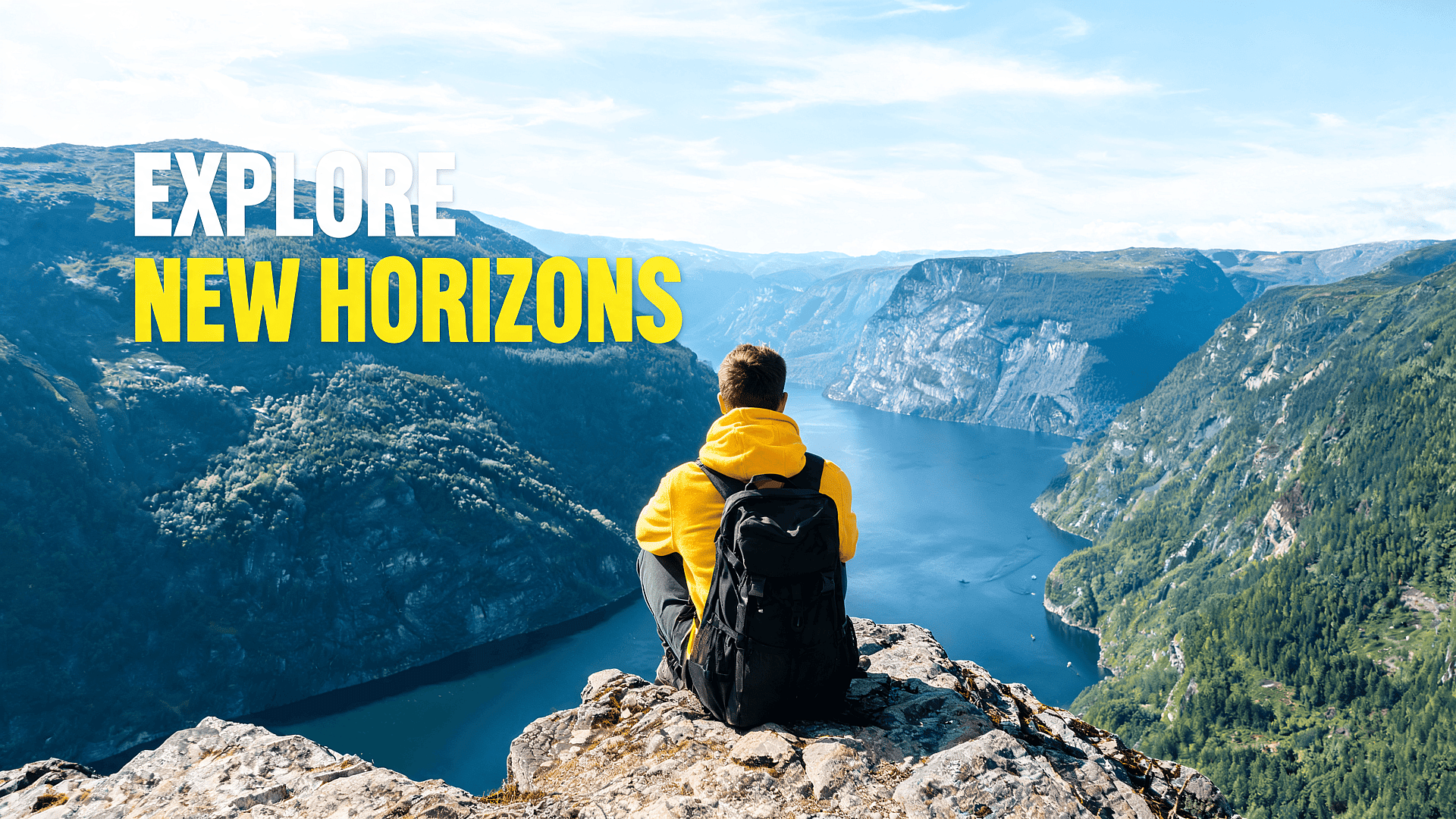
Publicaciones para redes, miniaturas y banners
Las imágenes borrosas se ignoran enseguida. Escala imágenes para miniaturas de YouTube, portadas de TikTok, publicaciones de Instagram, pines de Pinterest, banners de X e imágenes hero de blogs. Una imagen más nítida ayuda a que el sujeto principal destaque en el móvil, sobre todo cuando el archivo original estaba recortado o se descargó de otra fuente.
Pruébalo ahoraLos mejores ajustes para distintos tipos de imagen
Para retratos
Usa primero el modo Preciso para conservar la identidad de la persona. Activa la mejora de piel para retratos y primeros planos, solo está disponible en el modo Preciso. Si el resultado sigue viéndose difuso, prueba luego con Refinado. El objetivo es un resultado más nítido sin cambiar el aspecto de alguien ni hacer que la piel parezca artificial.
Para fotos de producto
Usa Precise para bordes de producto limpios y detalles del embalaje. Si la imagen original tiene ruido o está comprimida, prueba Refined para limpiarla. Evita demasiada mejora creativa si el producto debe mantenerse fiel. Comprueba siempre el resultado final a tamaño completo antes de publicar.
Para arte con IA
Usa Creative cuando la imagen pueda beneficiarse de más detalle, texturas más ricas y un trazo más marcado. El arte generado con IA suele funcionar bien con el escalado creativo, ya que el resultado no tiene que coincidir exactamente con una referencia del mundo real. Si el resultado parece exagerado, vuelve a Refined.
Para fotos antiguas
Empieza con Preciso o Refinado. Las fotos antiguas necesitan nitidez, pero también respeto. Demasiado detalle creativo puede hacer que las caras o los fondos parezcan inventados. Si el resultado parece demasiado cambiado, reduce el ajuste creativo y vuelve a ejecutarlo.
Para logotipos y texto
Usa Preciso. Los escaladores con IA pueden mejorar los bordes, pero el texto pequeño y los logotipos necesitan una revisión cuidadosa. El modo Creativo puede reinterpretar líneas finas o formas de letras de maneras que quedan mal. Revisa siempre el archivo final a tamaño completo antes de usarlo en trabajos de marca o de cliente.
Para capturas de pantalla y capturas de interfaz
Usa Preciso. Las capturas de pantalla dependen de bordes nítidos, texto legible y diseños con precisión de píxel. El modo Creativo puede difuminar elementos de la interfaz o reinterpretar iconos pequeños de formas que se ven mal. Si la captura incluye texto fino o componentes de la interfaz, revisa el resultado a tamaño completo antes de usarlo.
Preguntas frecuentes Preguntas
El superescalado es una técnica de IA que aumenta la resolución de una imagen más allá de su tamaño original mientras recupera detalles perdidos. En lugar de simplemente estirar los píxeles, el modelo analiza la imagen y reconstruye de forma inteligente la nitidez y la textura, con resultados mucho más cercanos a una foto nativa en alta resolución.
En la mayoría de las imágenes, merece la pena activarlo. El modo preciso es seguro para cualquier tipo de imagen. El modo creativo funciona mejor con imágenes muy comprimidas o de muy baja resolución, donde la IA tiene margen para reconstruir detalles con sentido.
No. La herramienta de superresolución de OpenArt funciona totalmente en el navegador: sube, genera y descarga íntegramente online.
Toma una imagen de baja resolución o comprimida y genera una versión más nítida y de mayor resolución. La IA rellena el detalle perdido, corrige los artefactos de compresión y afina los bordes, todo sin que la imagen parezca procesada de forma artificial.
El modo Preciso se mantiene lo más fiel posible a tu imagen original. El modo Creativo da a la IA más libertad para reconstruir y rellenar detalles, lo que funciona bien con imágenes muy comprimidas o de muy baja resolución.
Photoshop interpola píxeles basándose en los datos de color del entorno. La superresolución con IA reconstruye el detalle usando un modelo entrenado con millones de imágenes, produciendo resultados más nítidos y naturales, especialmente en caras, texturas y bordes finos.
Adorado por creadores de todo el mundo
Mira lo que dice nuestra comunidad
He probado muchas plataformas de IA… pero OpenArt sigue siendo la mejor para crear personajes, la calidad de imagen a vídeo y la variedad de modelos disponibles.
OpenArt ofrece una excelente variedad de herramientas de IA… una vez que aprendes las funciones, las posibilidades creativas son increíbles, y su equipo de soporte es excepcional.
OpenArt es una plataforma de IA muy versátil con muchos modelos de imagen y vídeo, creación de personajes consistentes y potentes herramientas de edición.
Herramientas de IA útiles todas en un solo lugar: generación de imágenes y vídeos, edición y mucho más… sin necesidad de varias suscripciones.
El servicio de atención al cliente siempre es rápido y útil… y la plataforma mejora constantemente con nuevas funciones y herramientas.
He probado muchas plataformas de IA… pero OpenArt sigue siendo la mejor para crear personajes, la calidad de imagen a vídeo y la variedad de modelos disponibles.
OpenArt ofrece una excelente variedad de herramientas de IA… una vez que aprendes las funciones, las posibilidades creativas son increíbles, y su equipo de soporte es excepcional.
OpenArt es una plataforma de IA muy versátil con muchos modelos de imagen y vídeo, creación de personajes consistentes y potentes herramientas de edición.
Herramientas de IA útiles todas en un solo lugar: generación de imágenes y vídeos, edición y mucho más… sin necesidad de varias suscripciones.
El servicio de atención al cliente siempre es rápido y útil… y la plataforma mejora constantemente con nuevas funciones y herramientas.
He probado muchas plataformas de IA… pero OpenArt sigue siendo la mejor para crear personajes, la calidad de imagen a vídeo y la variedad de modelos disponibles.
OpenArt ofrece una excelente variedad de herramientas de IA… una vez que aprendes las funciones, las posibilidades creativas son increíbles, y su equipo de soporte es excepcional.
OpenArt es una plataforma de IA muy versátil con muchos modelos de imagen y vídeo, creación de personajes consistentes y potentes herramientas de edición.
Herramientas de IA útiles todas en un solo lugar: generación de imágenes y vídeos, edición y mucho más… sin necesidad de varias suscripciones.
El servicio de atención al cliente siempre es rápido y útil… y la plataforma mejora constantemente con nuevas funciones y herramientas.
Con tantas plataformas de IA por ahí, OpenArt destacó como una opción excelente; se la recomendaría a cualquier creador.
Esta plataforma incluye todo lo que necesitas para crear contenido con IA: imágenes, vídeo, personajes, audio y múltiples modelos de IA en un solo lugar.
OpenArt está ampliando los límites de la creación de vídeo con IA… y está claro que el equipo está comprometido con mejorar la experiencia de los creadores.
Hice mi primer videoclip musical con IA con OpenArt… y su equipo de soporte fue la mejor ayuda que he tenido nunca.
Estoy muy contento con el soporte: mi problema se resolvió rápido y el equipo hizo que todo fuera fácil.
Con tantas plataformas de IA por ahí, OpenArt destacó como una opción excelente; se la recomendaría a cualquier creador.
Esta plataforma incluye todo lo que necesitas para crear contenido con IA: imágenes, vídeo, personajes, audio y múltiples modelos de IA en un solo lugar.
OpenArt está ampliando los límites de la creación de vídeo con IA… y está claro que el equipo está comprometido con mejorar la experiencia de los creadores.
Hice mi primer videoclip musical con IA con OpenArt… y su equipo de soporte fue la mejor ayuda que he tenido nunca.
Estoy muy contento con el soporte: mi problema se resolvió rápido y el equipo hizo que todo fuera fácil.
Con tantas plataformas de IA por ahí, OpenArt destacó como una opción excelente; se la recomendaría a cualquier creador.
Esta plataforma incluye todo lo que necesitas para crear contenido con IA: imágenes, vídeo, personajes, audio y múltiples modelos de IA en un solo lugar.
OpenArt está ampliando los límites de la creación de vídeo con IA… y está claro que el equipo está comprometido con mejorar la experiencia de los creadores.
Hice mi primer videoclip musical con IA con OpenArt… y su equipo de soporte fue la mejor ayuda que he tenido nunca.
Estoy muy contento con el soporte: mi problema se resolvió rápido y el equipo hizo que todo fuera fácil.
Consigue consejos de expertos en el blog
Consigue la información que necesitas. Nuestros expertos comparten trucos prácticos, analizan los temas más candentes y ofrecen guías esenciales para ayudarte a crear, optimizar y escalar.
Leer más
OpenArt Director es el n.º 1 en el benchmark de agentes de anuncios de vídeo con IA de Physion Labs

¿Qué es OpenArt? – La plataforma de creación con IA todo en uno, explicada
OpenArt presenta OpenArt Arena, un nuevo referente de modelos de IA hecho a medida para y por creativos
Crea sin límites
Únete a miles de creadores que usan OpenArt para generar imágenes, vídeos y mucho más impresionantes, todo en una sola plataforma.
Empieza gratis →