

Creador de vídeos para redes sociales
El creador de vídeos para redes sociales de OpenArt genera un vídeo terminado para cada plataforma a partir de una sola idea. Empieza con un guion sencillo, dirige cada plano con vibe directing y consigue el vídeo con IA perfecto y de moda para tus redes, que no parece hecho con IA en absoluto.
Creador de vídeos para redes sociales
El creador de vídeos para redes sociales de OpenArt genera un vídeo terminado para cada plataforma a partir de una sola idea. Empieza con un guion sencillo, dirige cada plano con vibe directing y consigue el vídeo con IA perfecto y de moda para tus redes, que no parece hecho con IA en absoluto.
Ventajas clave del generador de vídeos para redes sociales




Un vídeo, todos los feeds
Genera una vez y obtén el vídeo ajustado a cada plataforma, para que una sola idea se publique en vertical, cuadrado y horizontal sin tener que rehacerla tres veces.




Fiel a tu marca en todas las publicaciones
Carga tu logo, colores y estilo una sola vez y todos los vídeos los mantienen, así tu feed se lee como una sola marca en lugar de un montón de clips descoordinados.

Llena tu calendario de contenido
Convierte una lista de ideas en una semana de publicaciones de una sentada, así mantienes un ritmo constante sin grabar ni pasarte la vida dentro de un editor.
Creaciones de la comunidad
Descubre los vídeos para redes que crea la gente con OpenArt, desde equipos de marca hasta creadores en solitario.
Funciones clave del generador de vídeos para redes sociales
Tú aportas la idea o el metraje, y luego das forma a cada toma simplemente chateando con la IA.
Cada toma es completamente nueva
Esto no es una plantilla en la que arrastras clips. La IA genera el vídeo por sí misma a partir de tu vibe direction, así consigues metraje original y movimiento creados para tu publicación, no una plantilla de stock que todos los demás usan.
Una sola generación para cada formato
Haz el vídeo una vez y expórtalo con el tamaño adecuado para cada plataforma: vertical para Reels, TikTok y Shorts, cuadrado para el feed y horizontal para YouTube o LinkedIn. El encuadre y la relación de aspecto se ajustan a cada uno para que no se recorte nada importante.
Empieza con texto o imágenes
Empieza con un guion, un solo prompt o tus propios clips e imágenes. Como creador y editor de vídeos para redes sociales todo en uno, genera nuevas escenas o construye a partir del material que ya tienes, según venga tu idea.
Dentro de la suite de Director
El generador de vídeos para redes sociales forma parte de OpenArt Director suite, así que el mismo sitio que crea tus publicaciones para redes también crea anuncios, spots de producto y vídeos más largos, todo con una sola marca y un solo flujo de trabajo.
Cómo crear vídeos para redes sociales con OpenArt
Crear un vídeo para redes sociales requiere tres pasos.
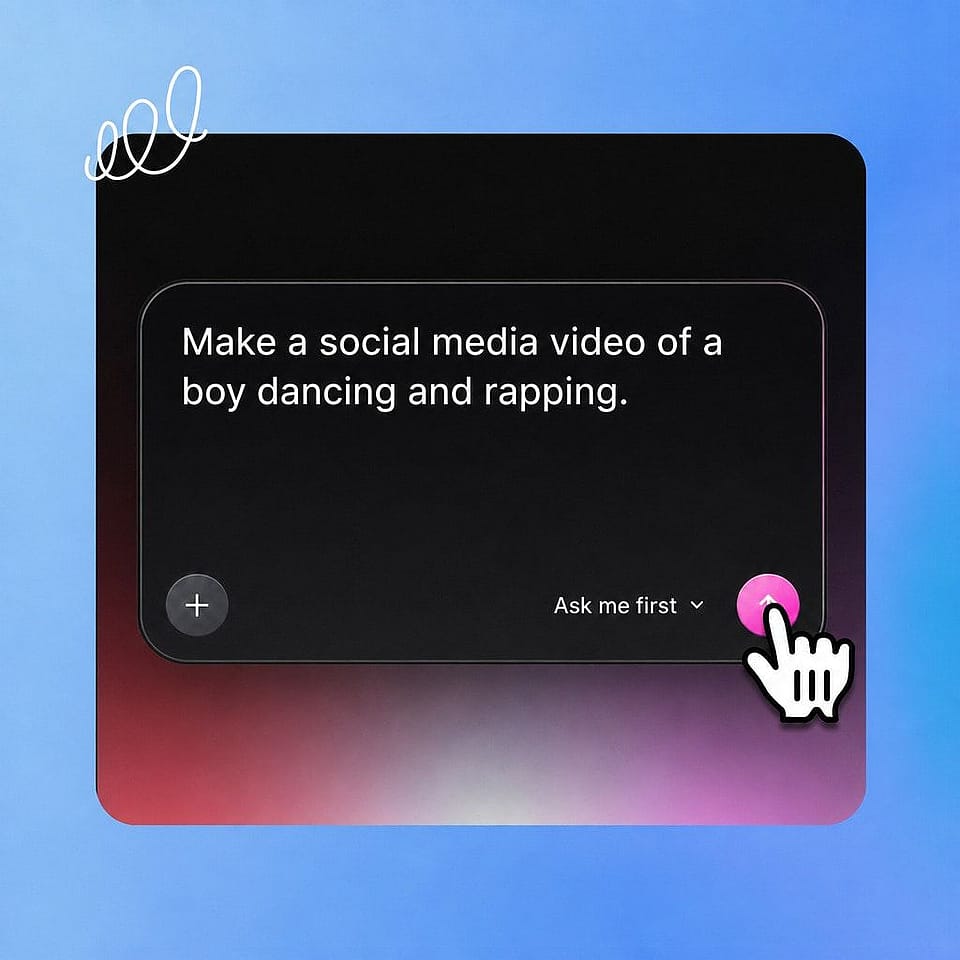
Describe tu idea.
Escribe un guion o prompt, o sube tus propios clips e imágenes. Añade tu logo, una banda sonora o un personaje guardado para definir el estilo.
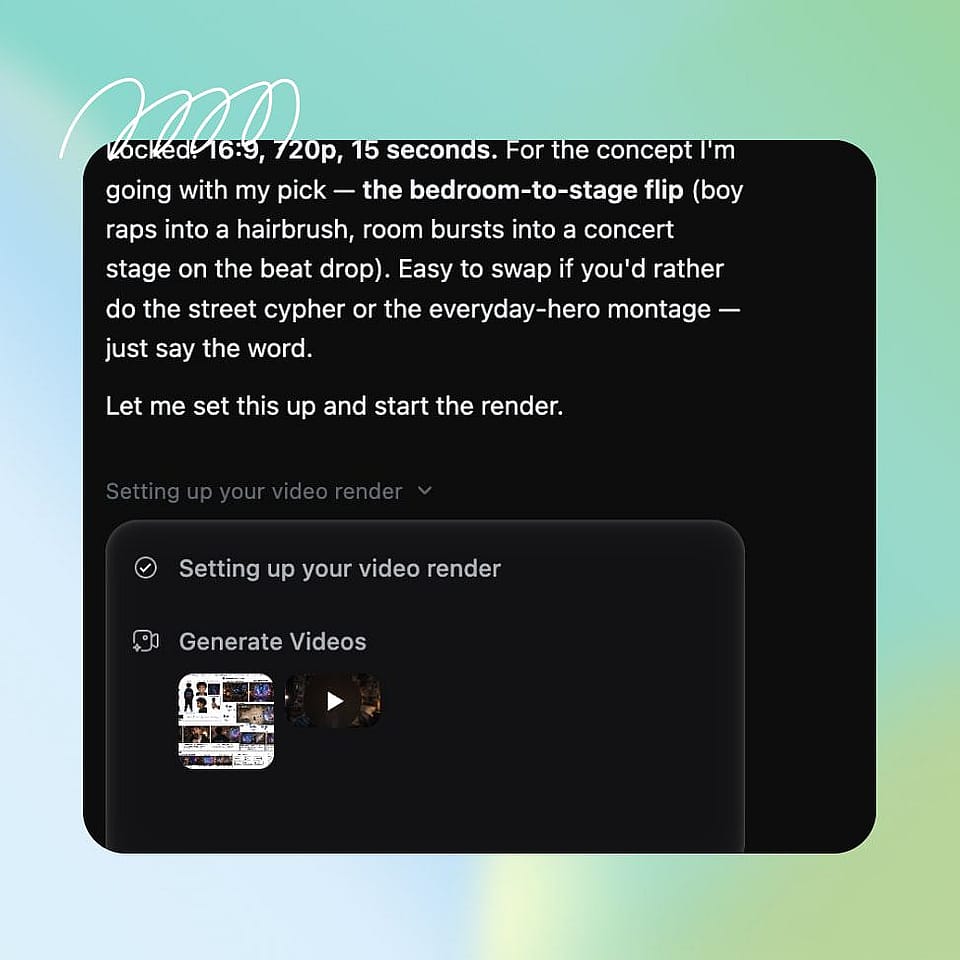
Marca la dirección.
Elige las plataformas y formatos que necesites y confirma el tono. Ori, el asistente integrado, puede preguntarte por cada opción o encargarse por su cuenta con los mejores ajustes.
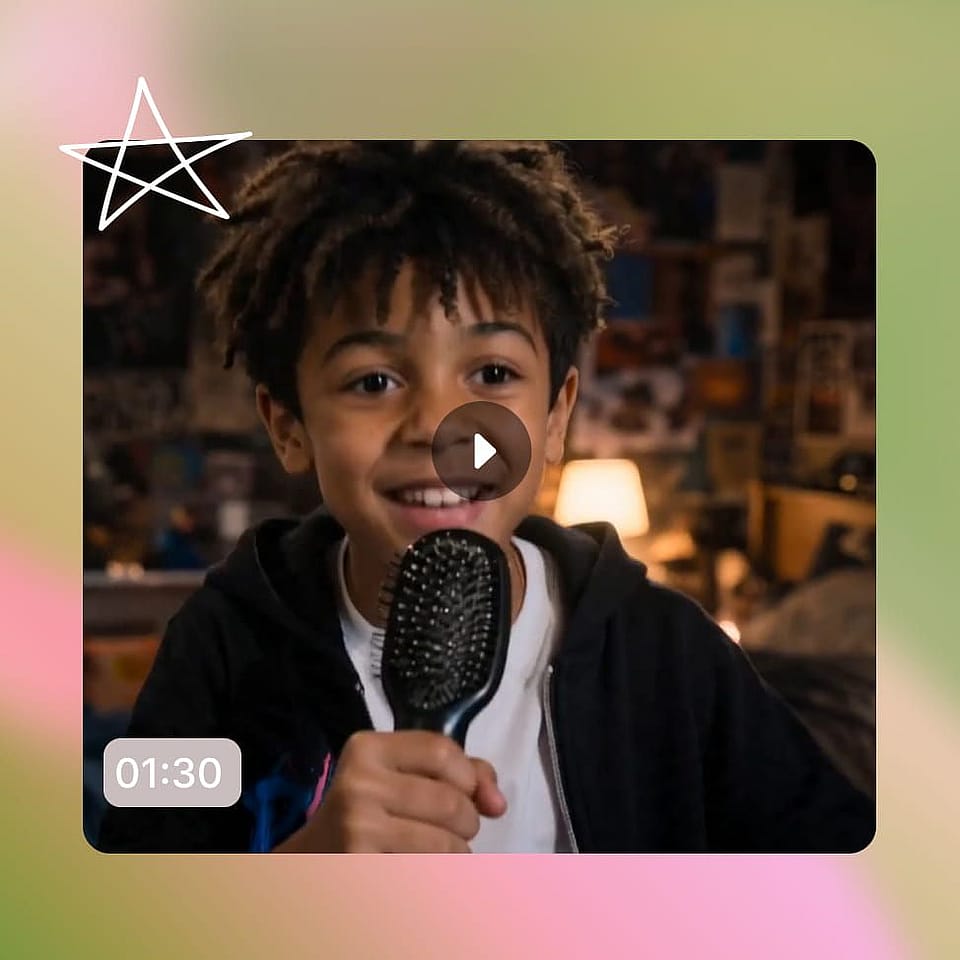
Itera y descarga.
Revisa el vídeo, haz cambios chateando y luego expórtalo con el tamaño adecuado para cada feed, o genera más publicaciones para llenar la semana.
Quién crea vídeos para redes sociales con OpenArt
Desde un calendario de marca hasta un canal personal, esto es quién lo usa y para qué:
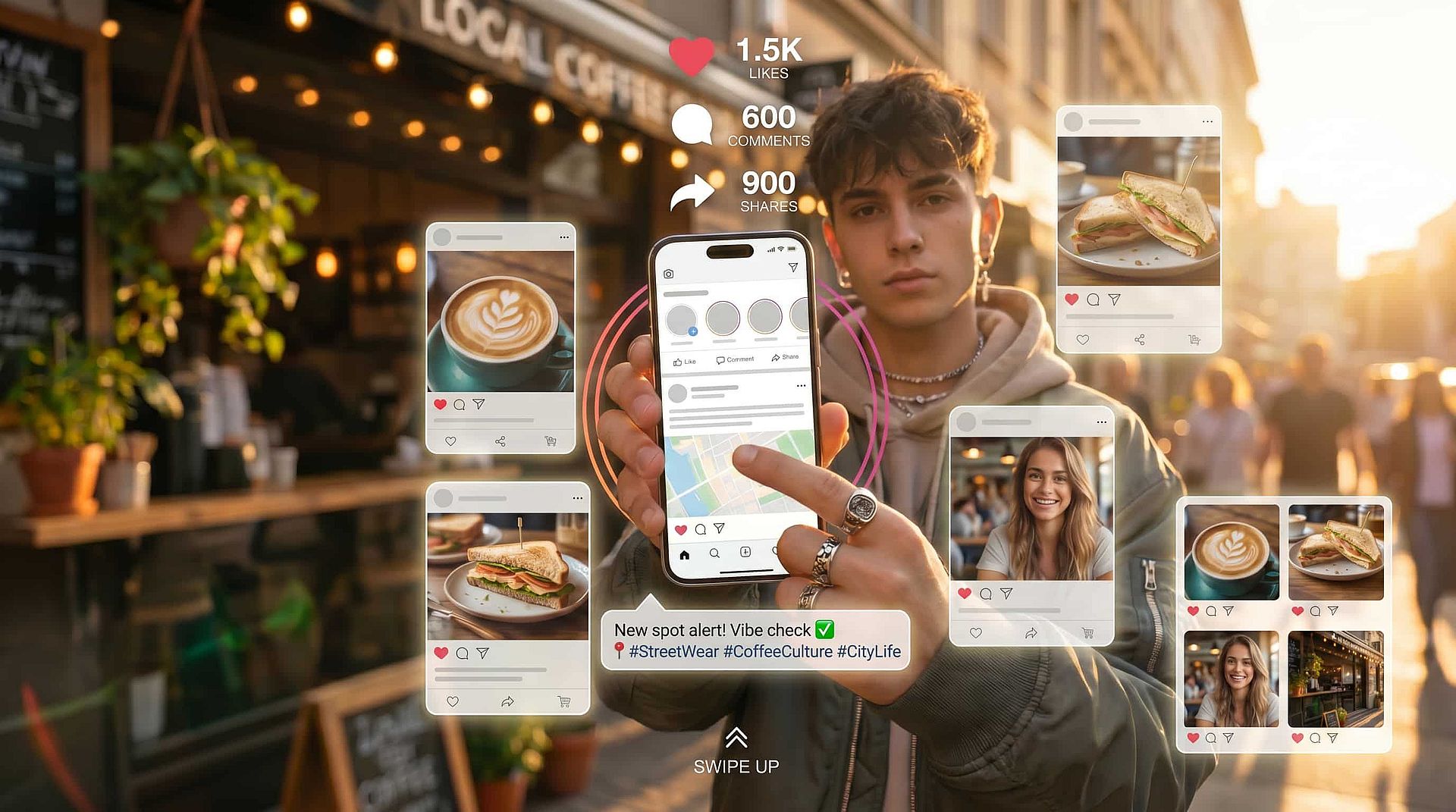
Community managers y agencias
Trabajas con vídeo para varias marcas y plataformas y nunca tienes suficiente. Genera publicaciones alineadas con la marca para cada cuenta y cada feed, y mantén activo a cada cliente sin necesidad de una sesión por cada idea.
Pruébalo ahora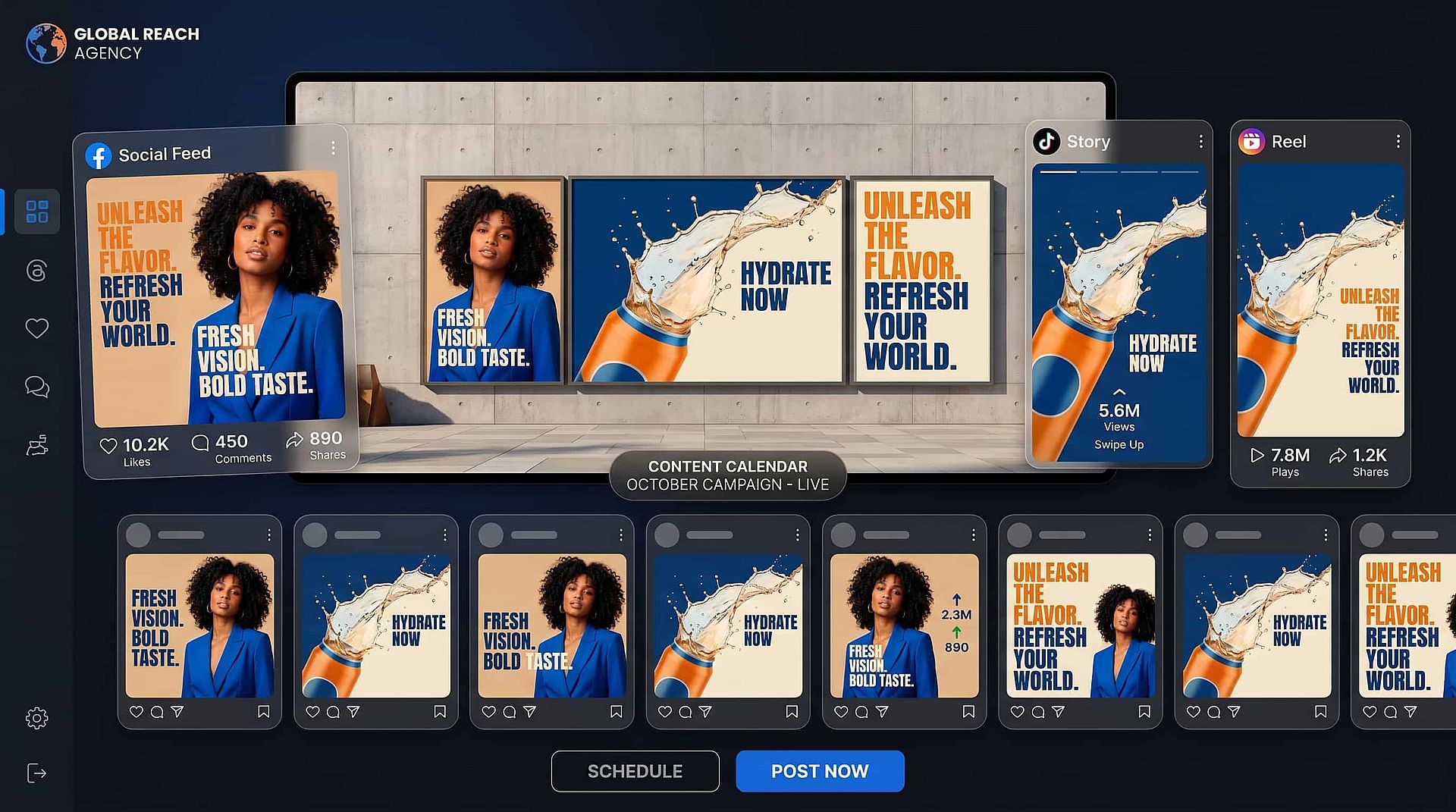
Pequeños negocios y comercios locales
Necesitas una presencia constante en redes sin un equipo de marketing. Crea vídeos para redes sociales que promocionen tu producto o tienda, con el tamaño adecuado para cada plataforma, y publica con regularidad sin contratar a nadie.
Pruébalo ahora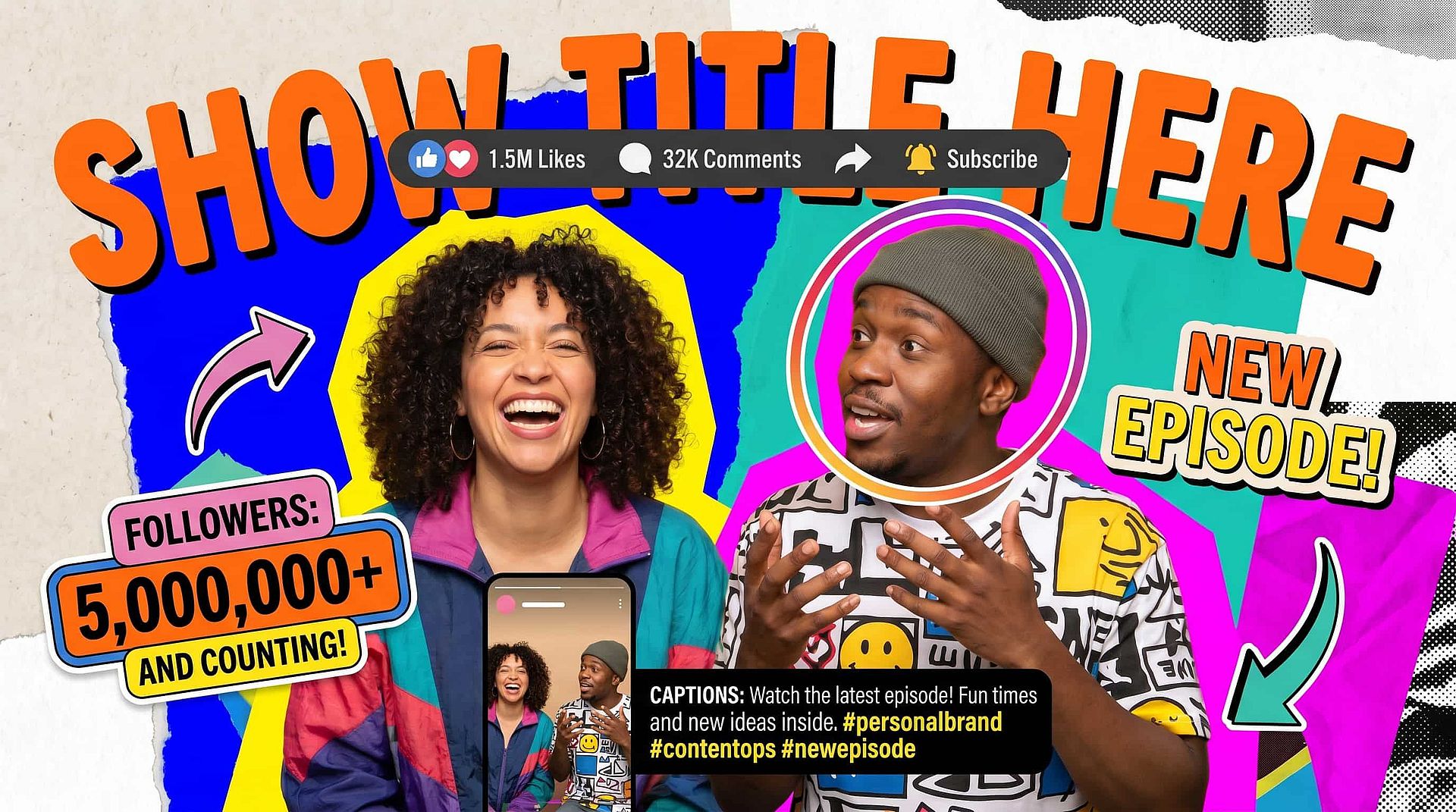
Creadores e influencers
Publicas en varios feeds y necesitas un flujo constante. Convierte cada idea en un vídeo listo para cada plataforma y mantén tu presencia en todos los canales sin agotarte grabando y editando.
Pruébalo ahora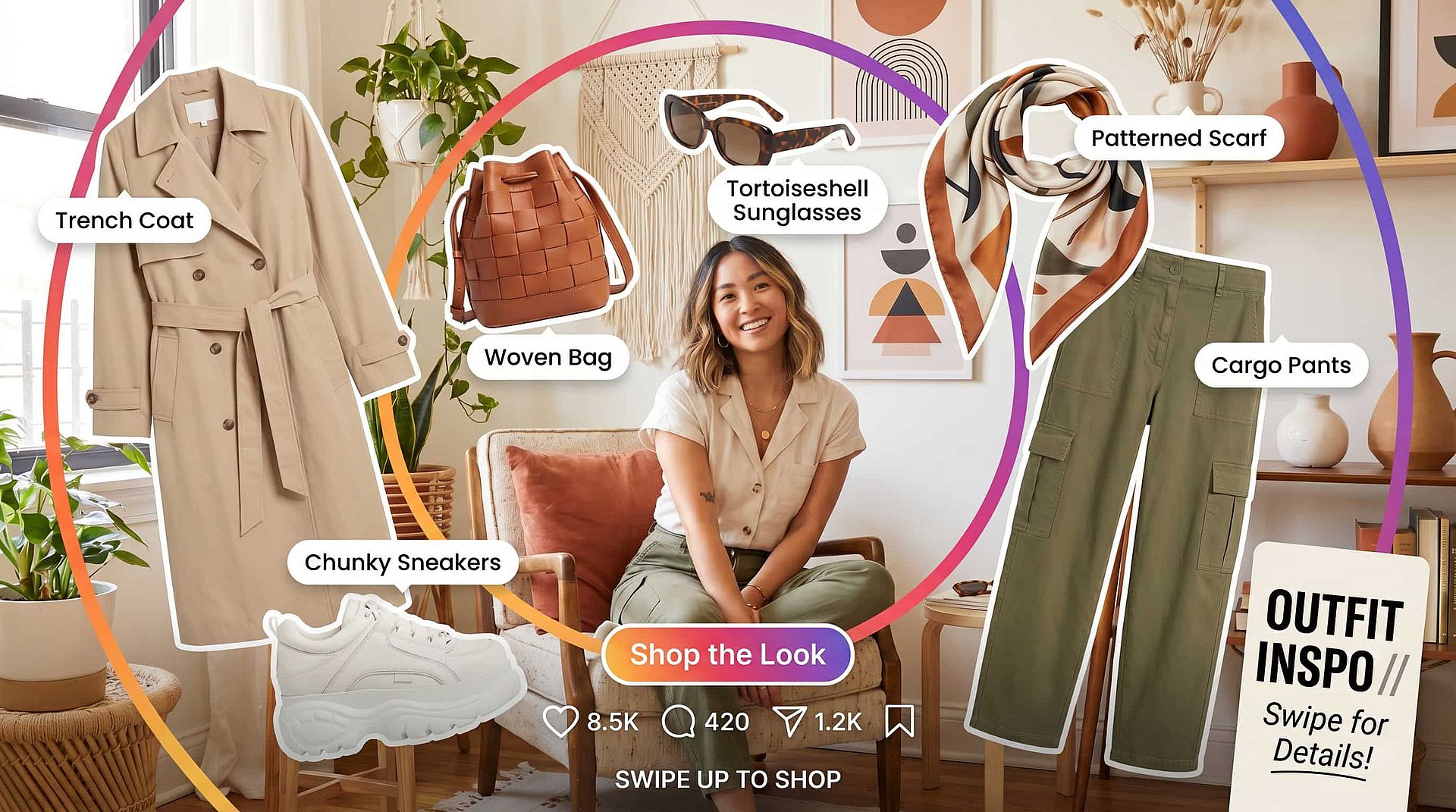
Marcas personales y coaches
Se crea audiencia apareciendo con constancia. Haz vídeos cuidados que transmitan tu mensaje y luzcan igual en todas las plataformas, para que tu marca personal se reconozca allá donde te encuentren.
Pruébalo ahoraPreguntas frecuentes Preguntas
Es una herramienta que convierte una idea, un guion o tu propio material en vídeos terminados para redes sociales. El creador de vídeos con IA para redes sociales de OpenArt genera el vídeo y lo redimensiona para cada feed, así que creas vídeos para redes sin editor ni rodaje.
Sí. Al ser editor y generador de vídeos para redes sociales en uno, construye a partir del metraje y las imágenes que subas, o genera nuevas escenas cuando partes de un guion o un prompt.
Sí, tus vídeos terminados son tuyos y puedes usarlos con fines comerciales. Haz cualquier comprobación de propiedad intelectual en OpenArt si has usado imágenes o contenido de referencia de otra fuente.
Sí. Puedes empezar con el creador de vídeos para redes sociales gratuito online y luego pasarte a los planes de OpenArt cuando necesites más exportaciones, vídeos más largos y mayor resolución. La opción gratuita del creador de vídeos para redes sociales te permite probar una idea primero.
Exporta en las relaciones de aspecto que necesita cada plataforma: vertical para Reels, TikTok y Shorts, cuadrado para el feed y panorámico para YouTube y LinkedIn, todo desde una sola generación.
Genera vídeo original en lugar de rellenar una plantilla, crea un montaje para cada plataforma y funciona a partir de un guion, un prompt o tus propios clips, así que el resultado es una publicación acabada y fiel a tu marca, no un diseño que tengas que montar.