

Por qué usar el mejorador de imágenes con IA de OpenArt



Piel que parece real
Elimina ese aspecto artificial de piel de plástico y recupera la textura natural, para que las personas de tus imágenes parezcan creíbles.




Detalle de hasta 8K
Mejora tu imagen a 2K, 4K u 8K para que las caras y los detalles finos se mantengan nítidos a tamaño completo.
Tú controlas la textura
Un sencillo control deslizante te permite ajustar exactamente cuánto detalle de piel añadir, desde un toque ligero hasta un acabado de primer plano.
Devuelve textura y detalle reales a tus imágenes
El AI Image Enhancer de OpenArt está diseñado para corregir ese aspecto plástico y difuminado que aplana la piel y el detalle. Reconstruye la textura natural mientras enfoca tu imagen, y tú decides hasta dónde llega.
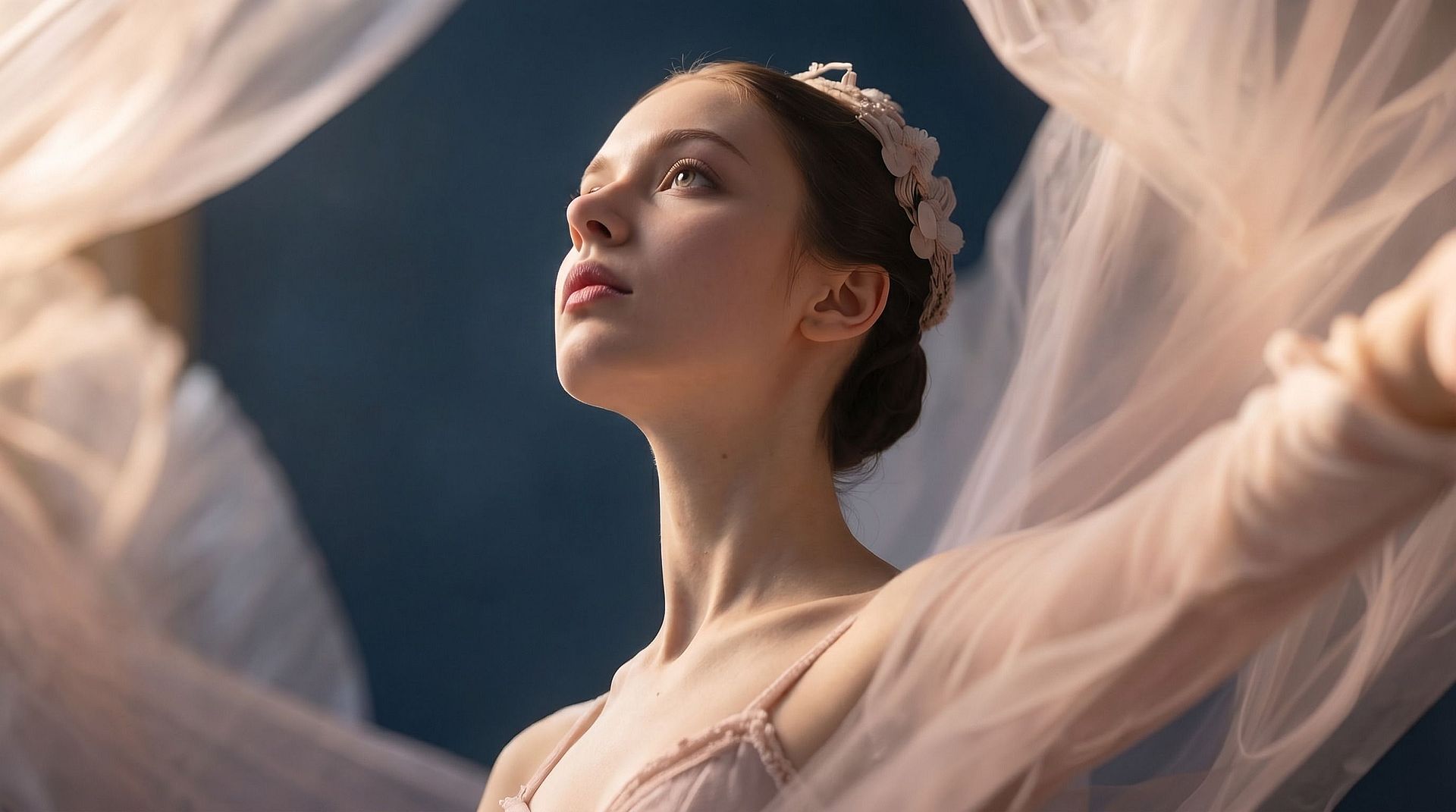
Eliminar el aspecto de plástico
Las imágenes sobreprocesadas y generadas por IA suelen tener una piel que parece cerosa y falsa. El potenciador reconstruye la textura real de la piel para que los rostros vuelvan a verse naturales, con poros, detalle y profundidad en lugar de un desenfoque uniforme.
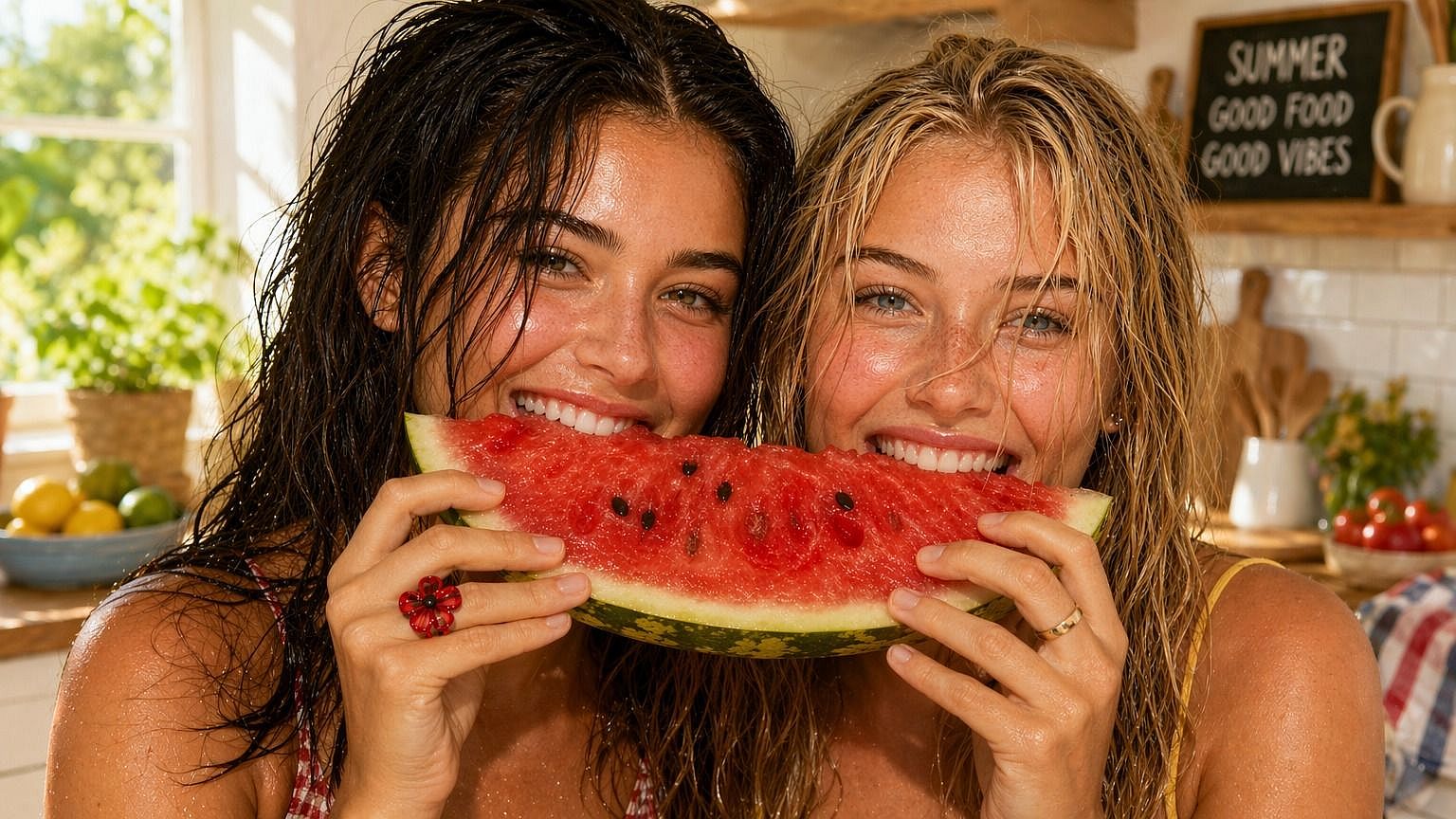
Define la textura de la piel
Un control deslizante de 0 a 3.0 regula cuánta textura añade la IA. Mantenlo bajo para una limpieza ligera, o súbelo para un acabado detallado en primer plano. Ves exactamente la intensidad del efecto.
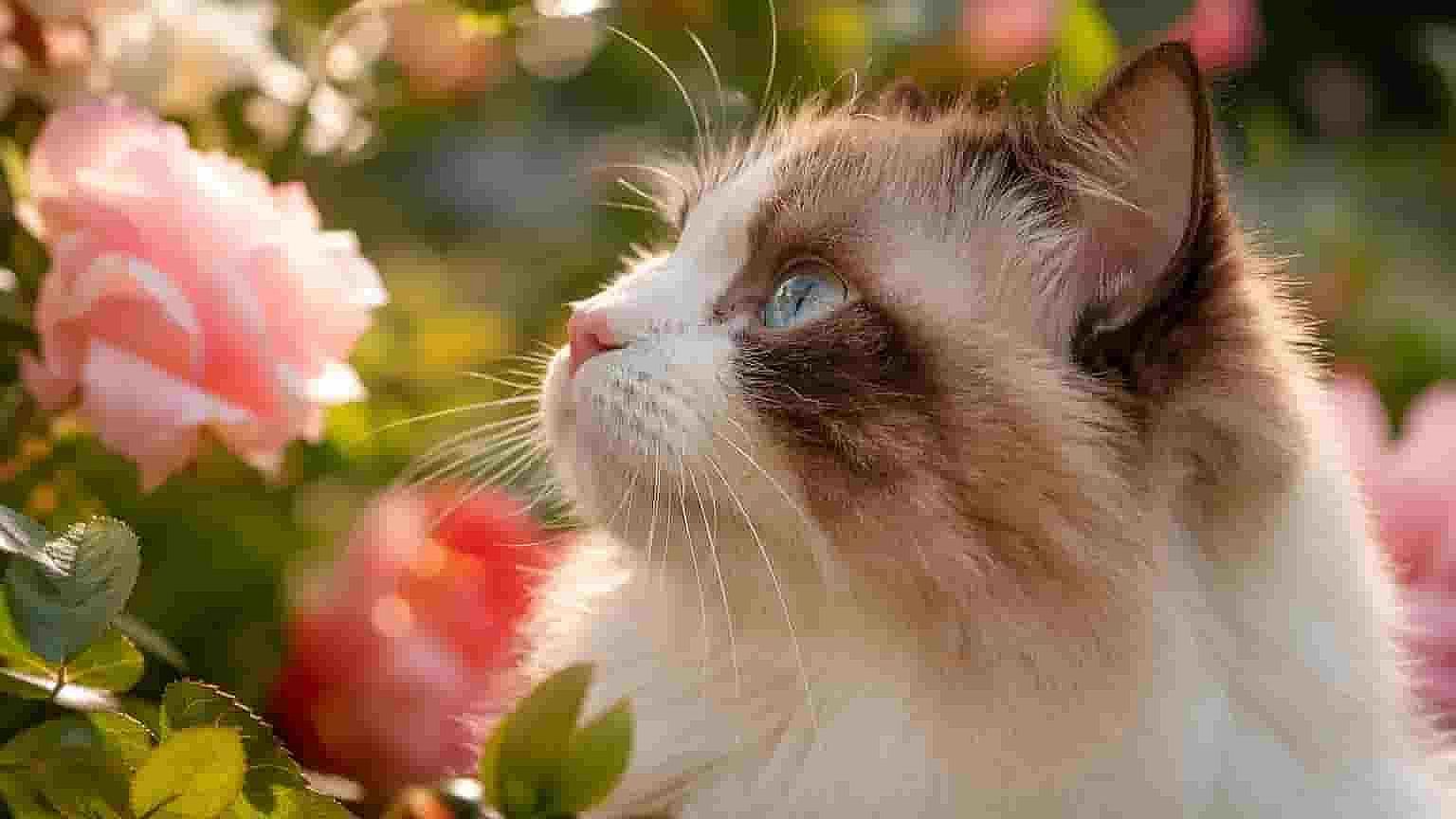
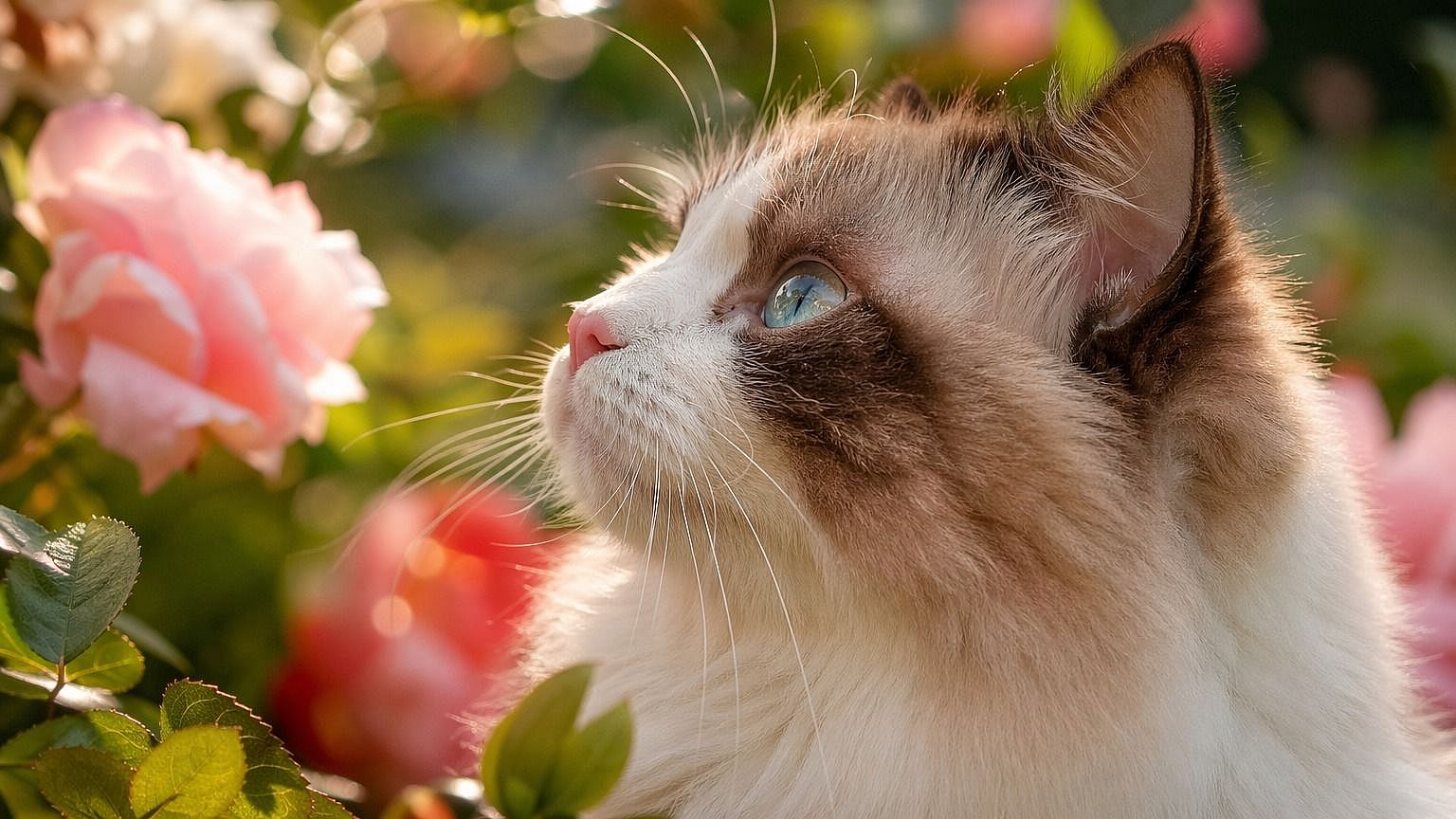
Ajústalo a la toma
Cada tipo de plano necesita una cantidad distinta de detalle. Los ajustes bajos van bien para planos de cuerpo entero, los medios para retratos y los altos para primeros planos, así la textura siempre encaja con el encuadre.
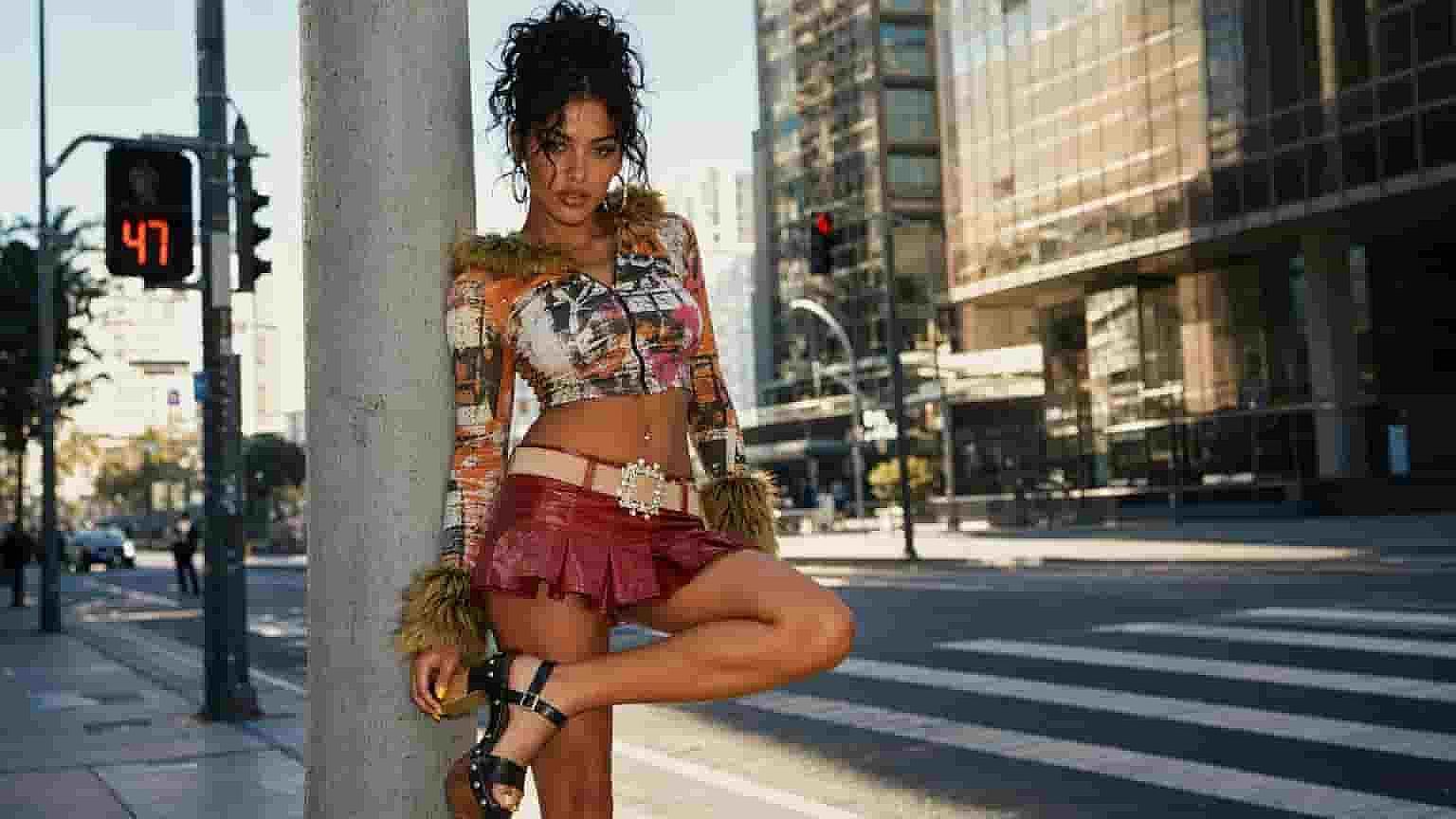
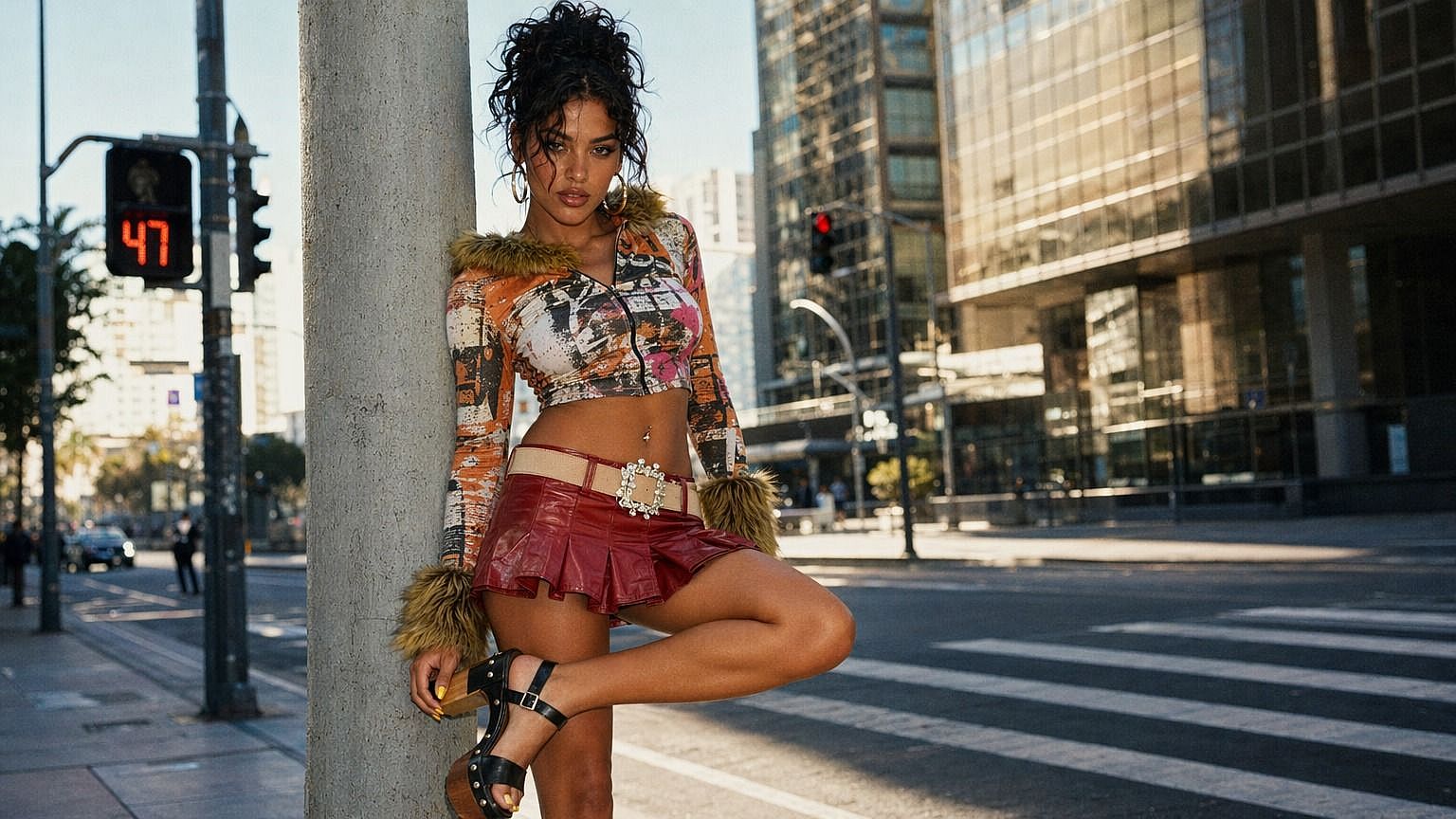
Mejora hasta 8K
Elige salida en 2K, 4K u 8K para que tu imagen mejorada aguante a plena resolución. El resultado se mantiene nítido y detallado, ya sea para una pantalla, una impresión o una gran pantalla.
Cómo usar el mejorador de imágenes con IA
Escalar una imagen consta de tres pasos.
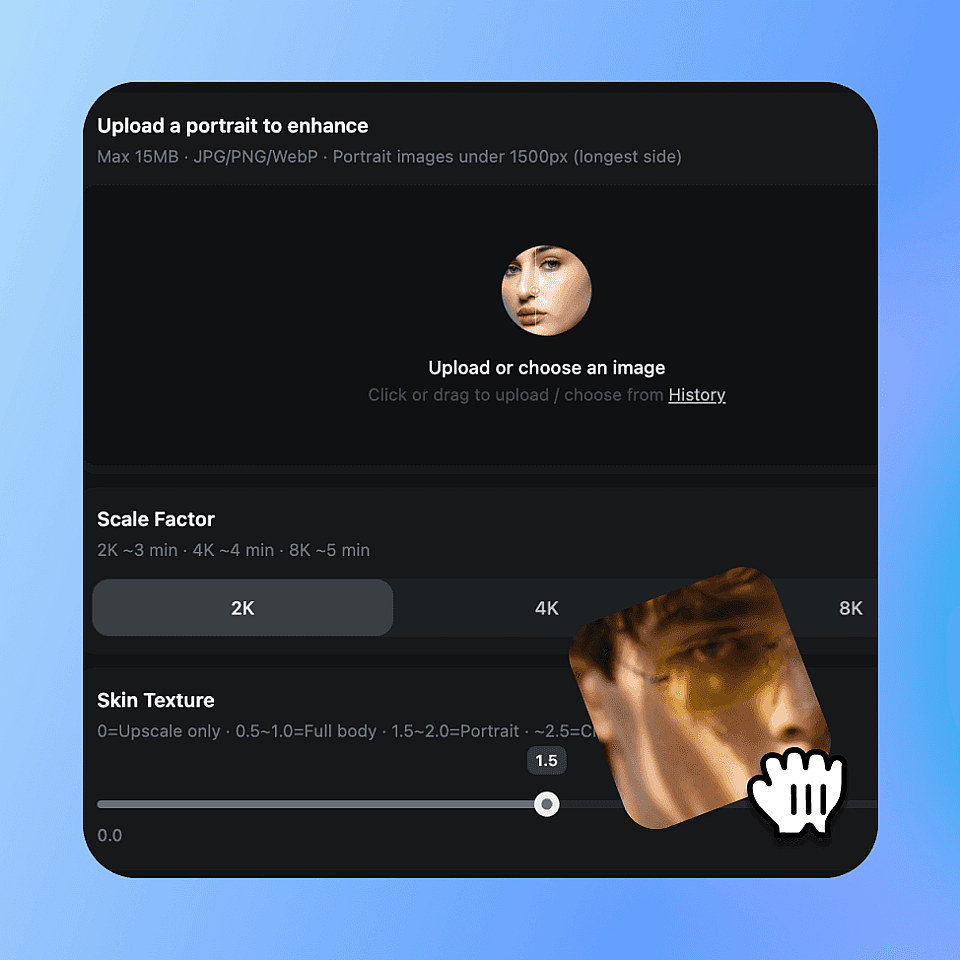
Sube tu imagen
Elige la foto o el render que quieras mejorar y suéltalo aquí.
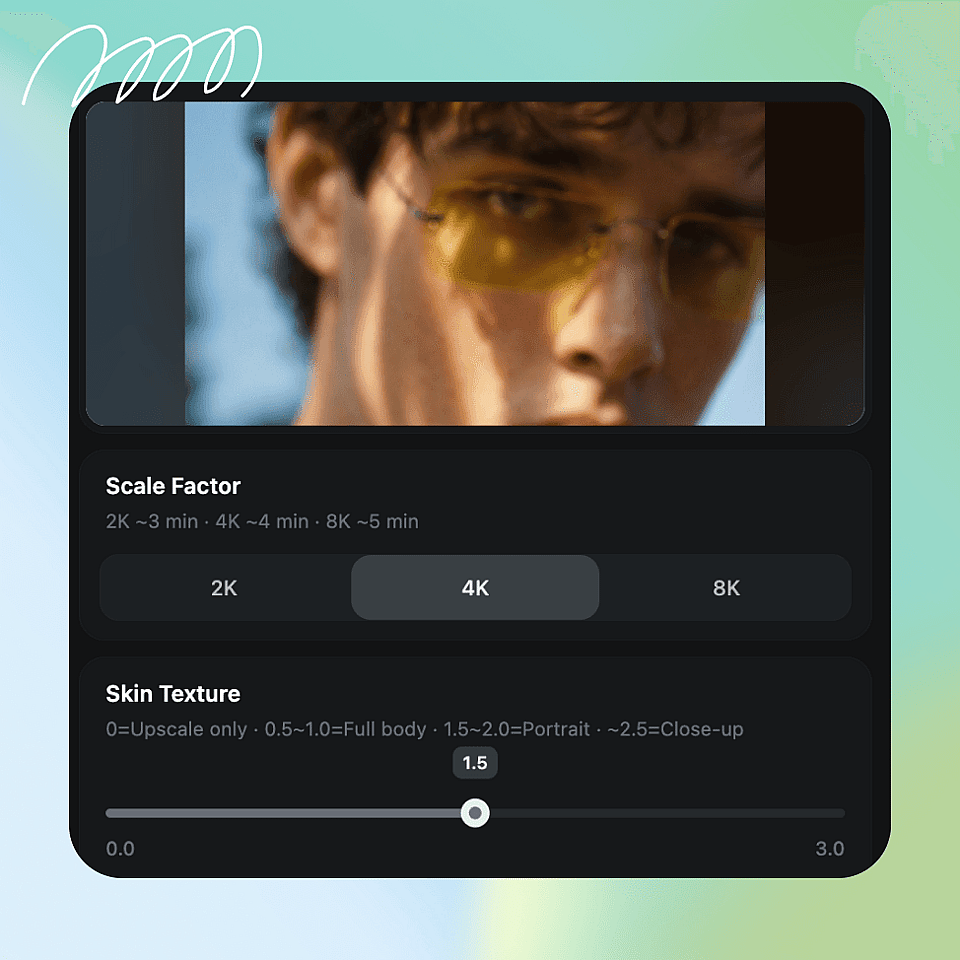
Elige tus ajustes
Elige 2K, 4K u 8K y ajusta el control de textura de piel para que encaje con tu toma.
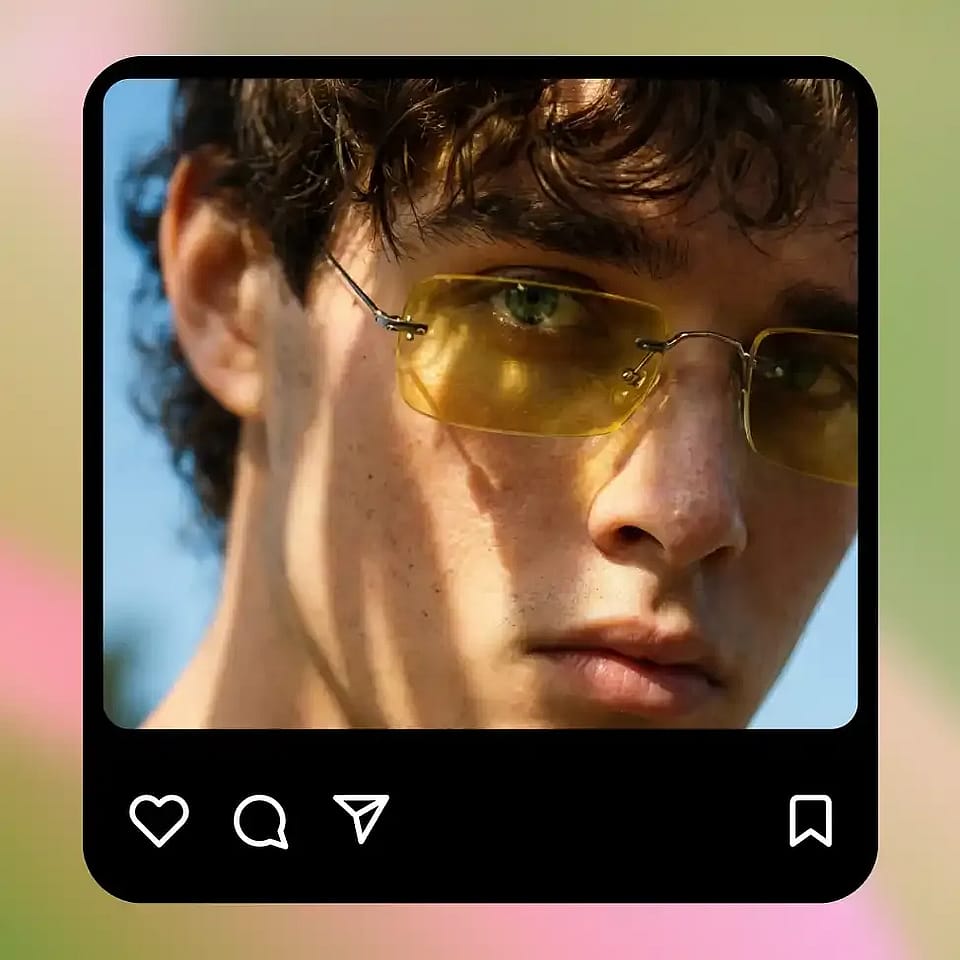
Escalar y descargar
Ejecútalo, comprueba el resultado y descarga tu imagen mejorada.
Para cualquiera que necesite imágenes naturales y detalladas
Allí donde la piel se ve plana, cerosa o demasiado suavizada, el mejorador le devuelve la vida.
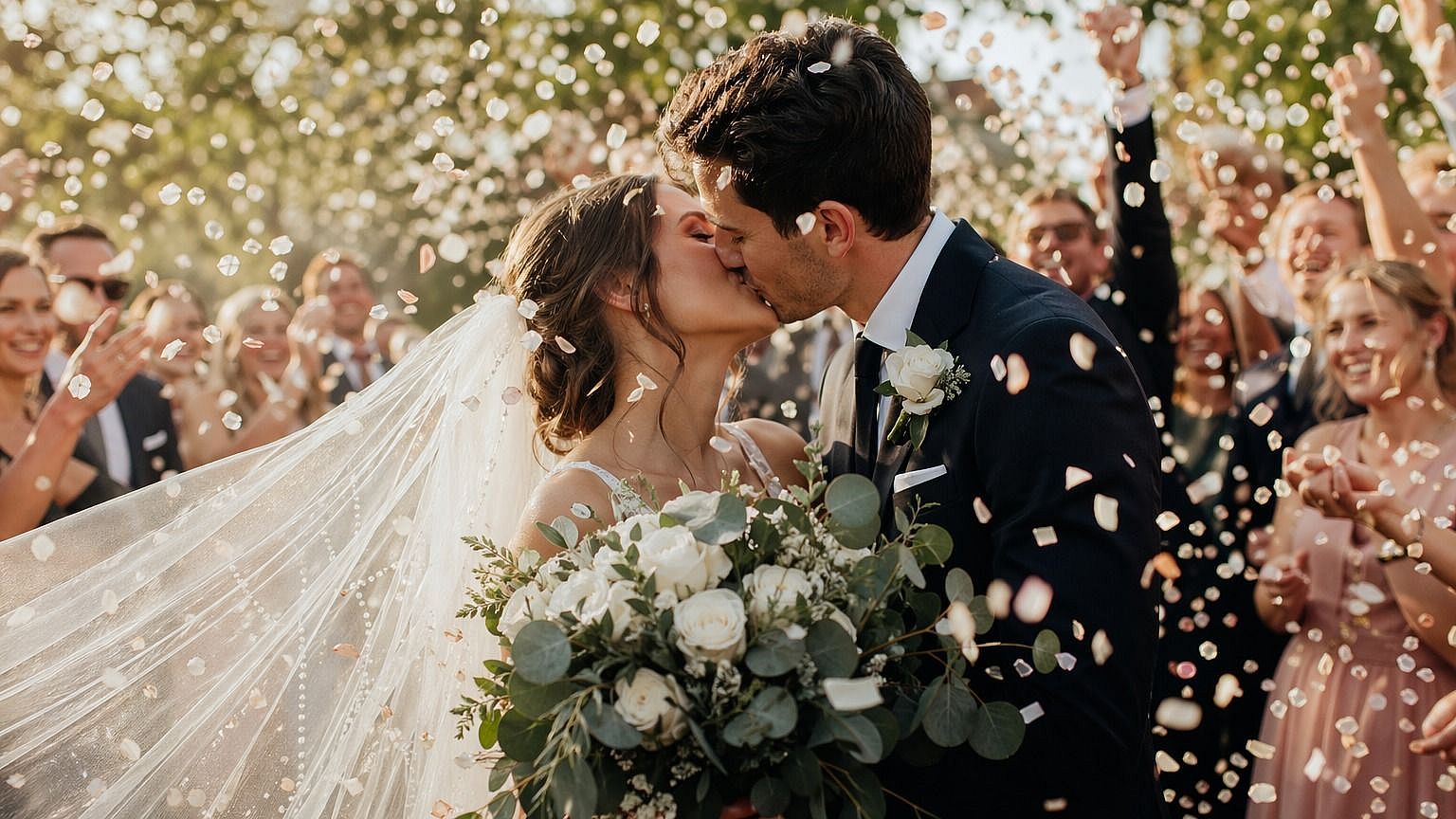
Fotógrafos de retratos
El retoque puede dejar la piel demasiado suave y artificial. El mejorador restaura la textura natural y afina el detalle, para que tus retratos luzcan pulidos y reales sin horas de edición manual.
Pruébalo ahora
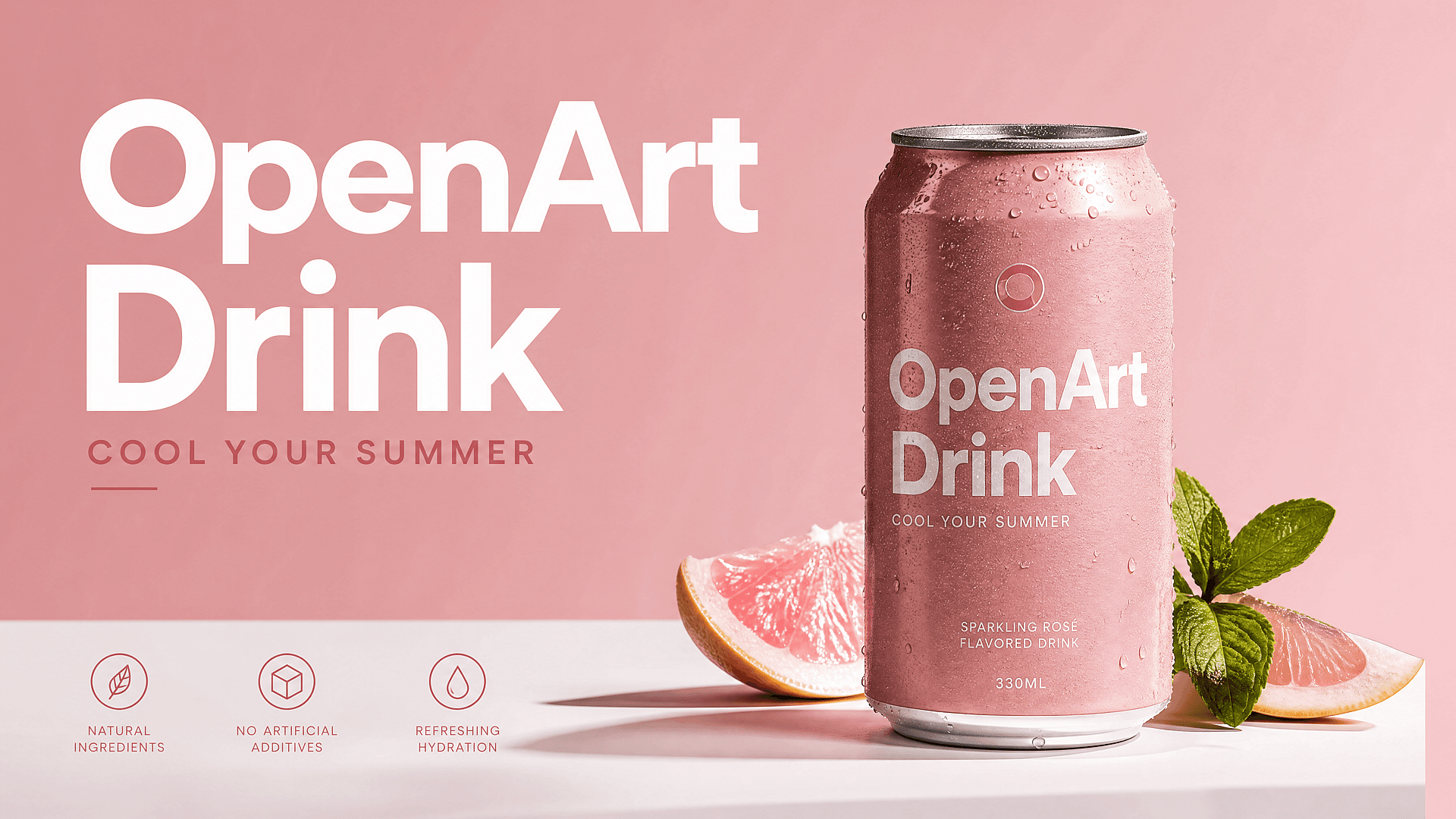
Marketers y marcas
Las personas en los anuncios y las fotos de producto deben verse naturales y de alta calidad. Mejora las imágenes de campaña para que la piel se vea real y el resultado final aguante en web, redes sociales e impresión.
Pruébalo ahora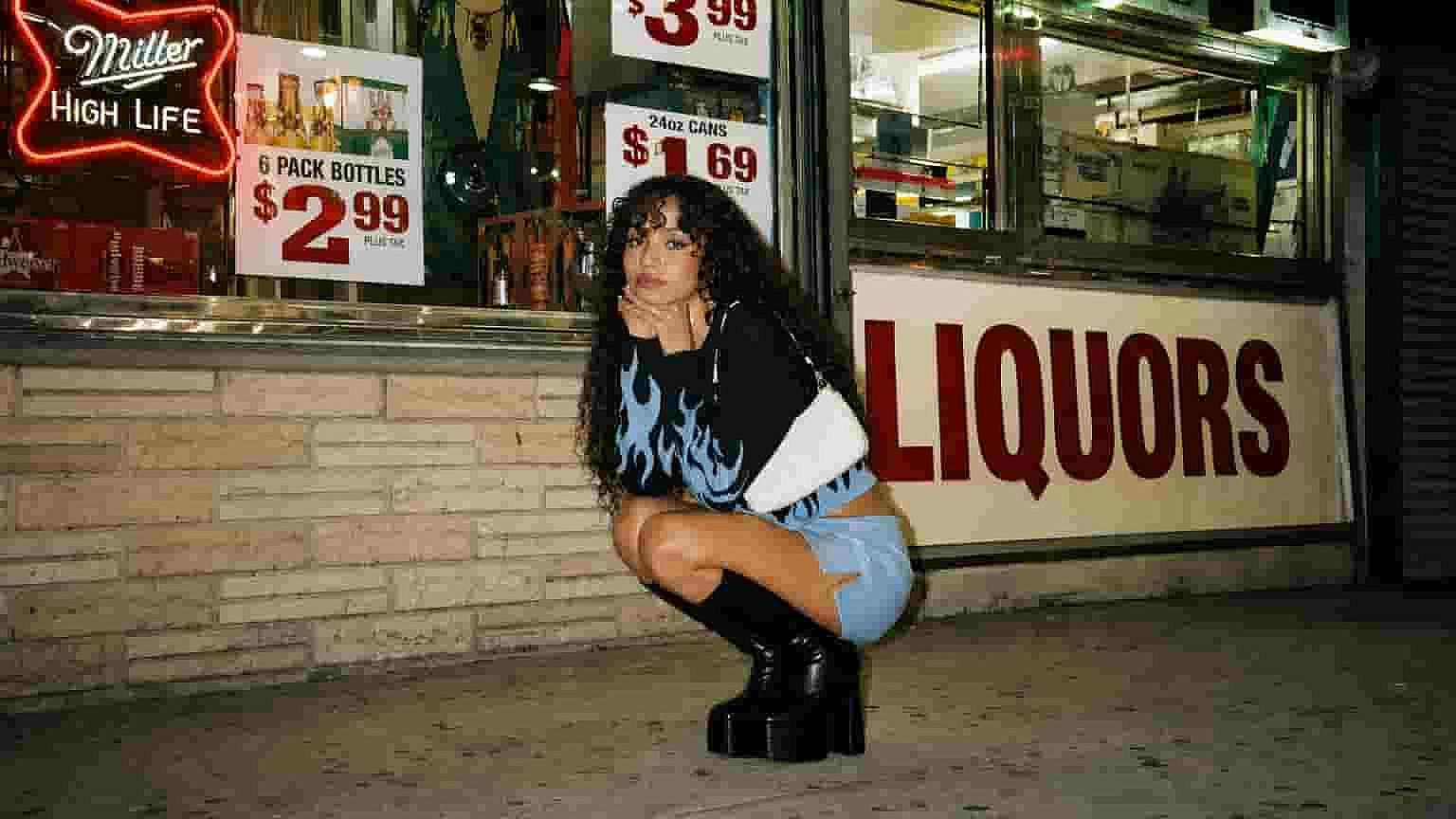
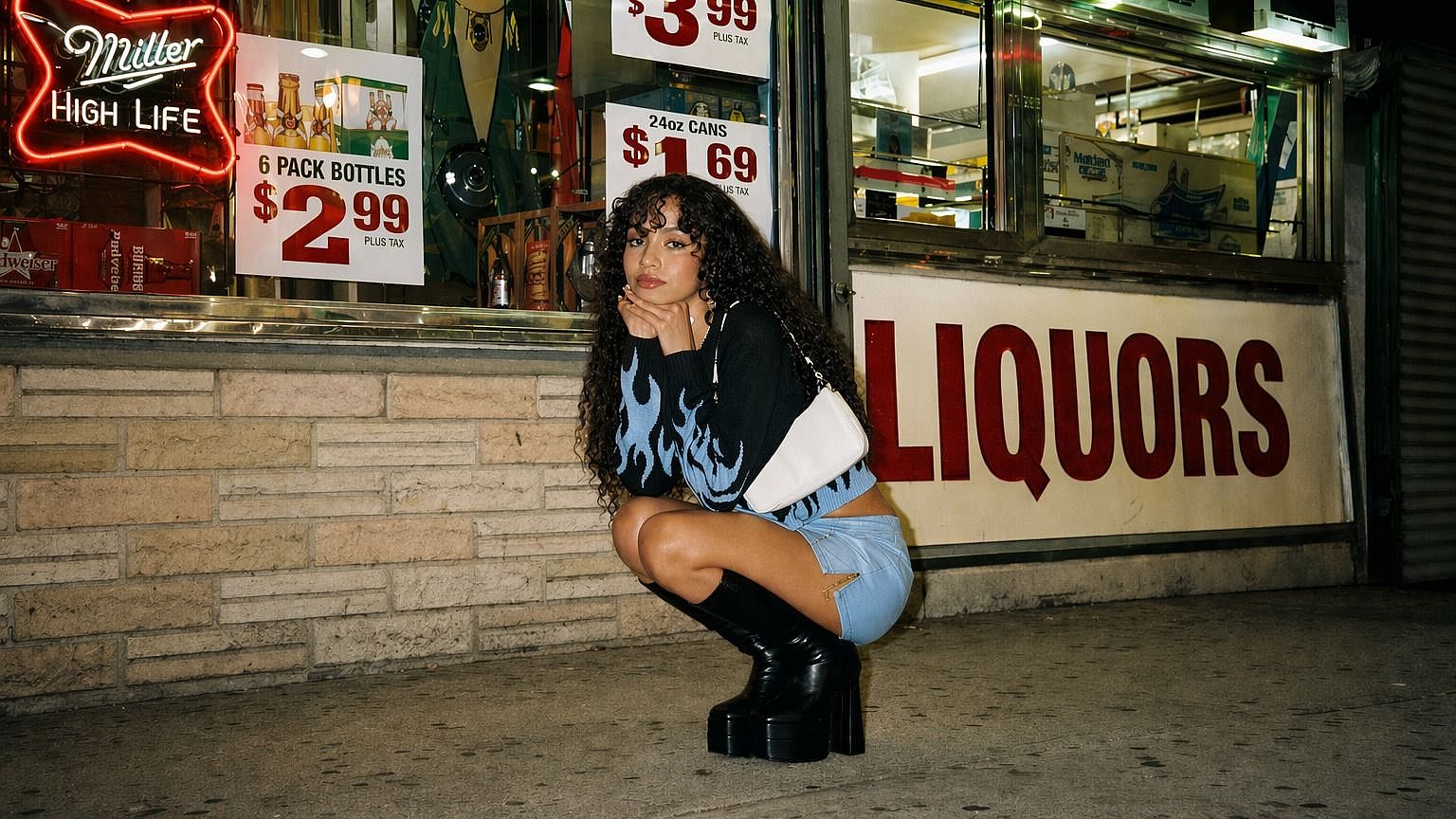
Creadores de imágenes con IA
Las caras generadas con IA suelen salir con esa piel plastificada tan reveladora. Pásalas por el mejorador para añadir textura y detalle creíbles, de modo que tus retratos generados parezcan fotos reales.
Pruébalo ahora
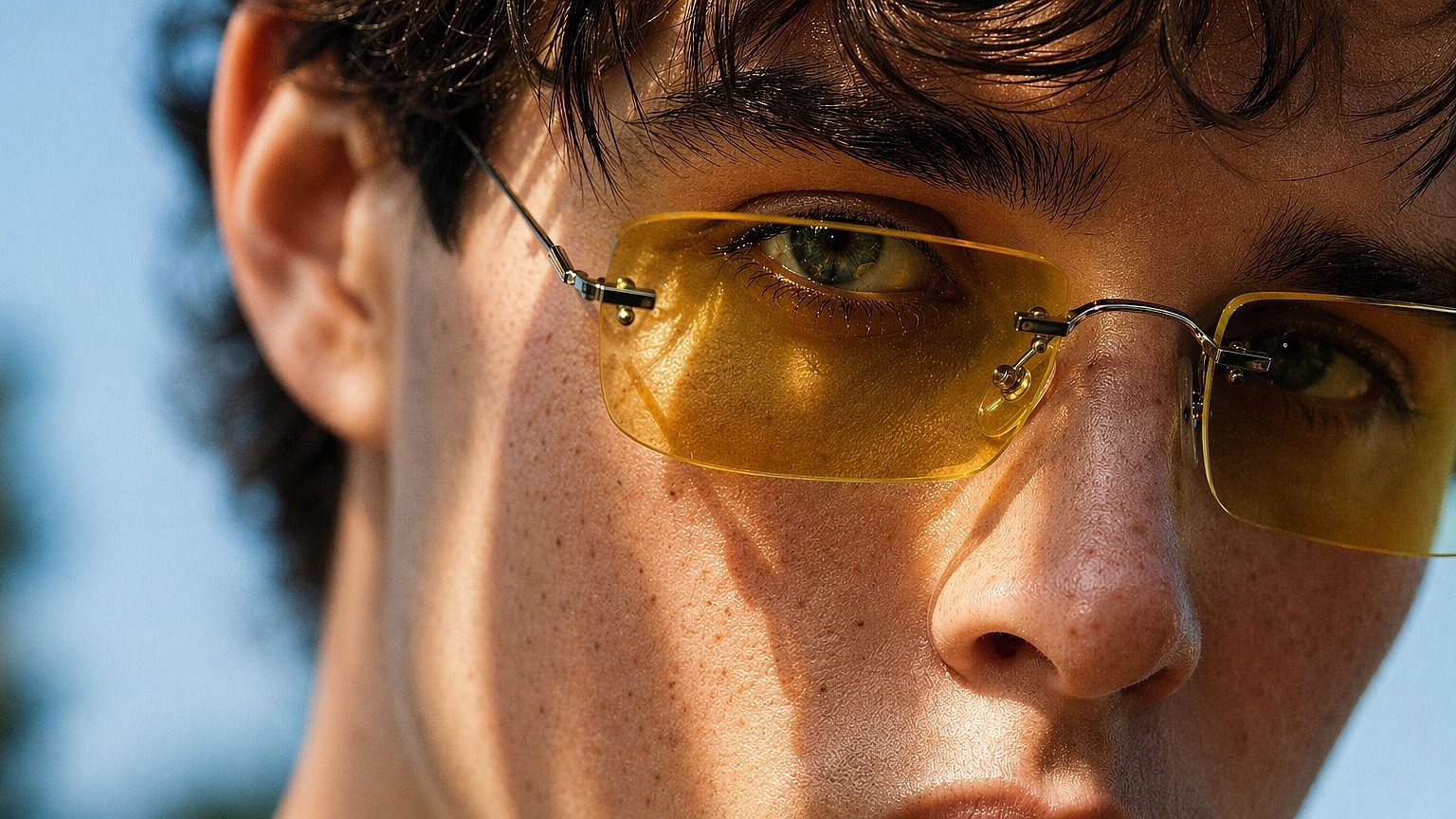
Creadores de contenido e influencers
Las fotos de perfil y el contenido tienen que verse nítidos y auténticos. Mejora tus imágenes para que conserven textura y detalle reales, incluso cuando los filtros o las ediciones con IA los aplanan.
Pruébalo ahoraPreguntas frecuentes Preguntas
Es una herramienta de OpenArt que restaura la textura y el detalle natural de las imágenes, sobre todo la piel. Elimina ese aspecto plástico y demasiado suavizado, y define tu imagen hasta 8K.
Mucho. Un control deslizante de 0 a 3.0 te permite ajustar exactamente cuánta textura de piel añadir, desde una limpieza ligera hasta un acabado detallado de primer plano.
Puedes exportar en 2K, 4K u 8K, para que tu imagen mejorada se mantenga nítida a tamaño completo, ya sea para pantalla, impresión o grandes pantallas.
El foco está en mejorar la textura y el detalle de la piel al escalar la imagen. El resto de tu imagen se mantiene intacta, solo que más nítida y con mayor resolución.
Corrige la piel que parece cerosa, plana o falsa, algo habitual en fotos muy retocadas e imágenes generadas por IA. Reconstruye una textura real para que las personas parezcan creíbles.
Los ajustes bajos funcionan mejor para imágenes de cuerpo entero, los medios para retratos y los altos para primeros planos. Ajusta la cantidad de detalle según el encuadre de la toma.
Sí. Es especialmente útil para retratos con IA que quedan con la piel de aspecto plástico. Añade la textura y el detalle que hacen que parezcan fotos reales.
No. Subes una imagen, ajustas la resolución y el control deslizante, y descargas el resultado. No hay nada técnico que aprender.
Consigue consejos de expertos en el blog
Consigue la información que necesitas. Nuestros expertos comparten trucos prácticos, analizan los temas más candentes y ofrecen guías esenciales para ayudarte a crear, optimizar y escalar.
Leer más
OpenArt Director es el n.º 1 en el benchmark de agentes de anuncios de vídeo con IA de Physion Labs

¿Qué es OpenArt? – La plataforma de creación con IA todo en uno, explicada
OpenArt presenta OpenArt Arena, un nuevo referente de modelos de IA hecho a medida para y por creativos
Crea sin límites
Únete a miles de creadores que usan OpenArt para generar imágenes, vídeos y mucho más impresionantes, todo en una sola plataforma.
Empieza gratis →