

Restauración de imágenes con IA: restaura cualquier foto antigua en segundos
La herramienta de restauración de fotos con IA de OpenArt recupera el detalle perdido, corrige el desvanecimiento del color, elimina arañazos, reduce el grano y mejora la claridad en segundos. Tanto si quieres restaurar fotos familiares antiguas, reparar retratos dañados o recuperar imágenes históricas para publicarlas, OpenArt te ofrece una forma rápida y gratuita de devolverles la vida sin edición manual.
 Añade una imagen O arrástralo y suéltalo aquí · JPEG, PNG, WEBP, HEICJPEG, PNG, WEBP, HEIC
 Funciones de restauración de imágenes con IA
Elimina arañazos, decoloración, grano y daños automáticamente
OpenArt detecta los signos comunes de envejecimiento y daño en las fotos antiguas, y luego aplica una restauración específica para limpiarlas rápido. Desde eliminar arañazos hasta corregir la decoloración y reducir el grano, el proceso es automático de principio a fin.
Restaura rostros, texturas y detalles finos con precisión
Los retratos familiares, las fotos de boda y las imágenes de archivo a menudo pierden los pequeños detalles que las hacen parecer reales. OpenArt restaura los rasgos faciales, las texturas, los bordes y los detalles sutiles de la imagen manteniendo la foto natural.
Pruébalo gratis: restaura tu primera foto en segundos
Puedes restaurar fotos antiguas online gratis y ver el resultado antes de comprometerte a nada. Así es fácil probar imágenes preciadas con total seguridad, sin un flujo de edición complicado ni muros de pago.
Fotos restauradas por nuestra comunidad
Desde retratos de boda descoloridos hasta fotos de infancia arañadas e imágenes históricas dañadas, la gente usa OpenArt para recuperar fotos que un día parecían perdidas. Explora restauraciones de antes y después que muestran cómo la reparación de fotos con IA puede eliminar los daños visibles, restaurar la nitidez y devolver la utilidad a imágenes con valor sentimental.
Restaura cualquier foto, en cualquier estado
Repara arañazos, roturas y daños físicos automáticamente
Las fotos impresas antiguas suelen tener arañazos, dobleces, manchas de polvo y un desgaste visible por el paso del tiempo. La reparación de fotos con IA de OpenArt identifica las zonas dañadas y las reconstruye con detalles limpios y de aspecto natural, ayudando a restaurar fotos deterioradas sin retoques manuales fotograma a fotograma.
Restaura el color desvaído y corrige la decoloración
Muchas fotos antiguas pierden contraste con el tiempo o viran hacia tonos amarillos, rojizos o deslavados. OpenArt restaura el color desvaído, equilibra la decoloración y mejora la precisión tonal para que las imágenes antiguas se acerquen a su aspecto original.
Recupera detalles finos en fotos con grano y de baja resolución
Las copias escaneadas, los archivos comprimidos y las imágenes antiguas suelen perder nitidez en las caras, la ropa y los detalles del fondo. OpenArt usa IA de restauración de imágenes para reducir el grano, recuperar la textura y realzar los rasgos importantes, manteniendo un resultado creíble en lugar de sobreprocesado.
Restaura álbumes enteros con procesamiento por lotes incluido
Si trabajas con archivos familiares, encargos de clientes, escaneos de museos o fotografía antigua de productos, restaurar las imágenes una a una lo ralentiza todo. OpenArt te ayuda a restaurar álbumes enteros más rápido con el procesamiento por lotes, lo que facilita manejar grandes conjuntos de fotos con una calidad uniforme.
Cómo restaurar una foto antigua con IA

Sube tu foto antigua o dañada
Empieza con un escaneo, una foto de una copia impresa hecha con el móvil o un archivo de imagen digital. OpenArt funciona con fotos familiares antiguas, retratos dañados, imágenes en blanco y negro y mucho más.
La IA analiza y restaura cada detalle
OpenArt detecta arañazos, decoloración, grano, desenfoque y detalles perdidos, y luego aplica las correcciones adecuadas automáticamente. Obtienes una versión más limpia, nítida y completa en segundos.
Descarga tu foto restaurada
Previsualiza el resultado, compara el antes y el después y descarga tu foto restaurada cuando tenga buen aspecto. Tu imagen final está lista para imprimir, compartir, publicar o usar en un proyecto creativo.
Restauración de fotos con IA pensada para cada foto y cada recuerdo
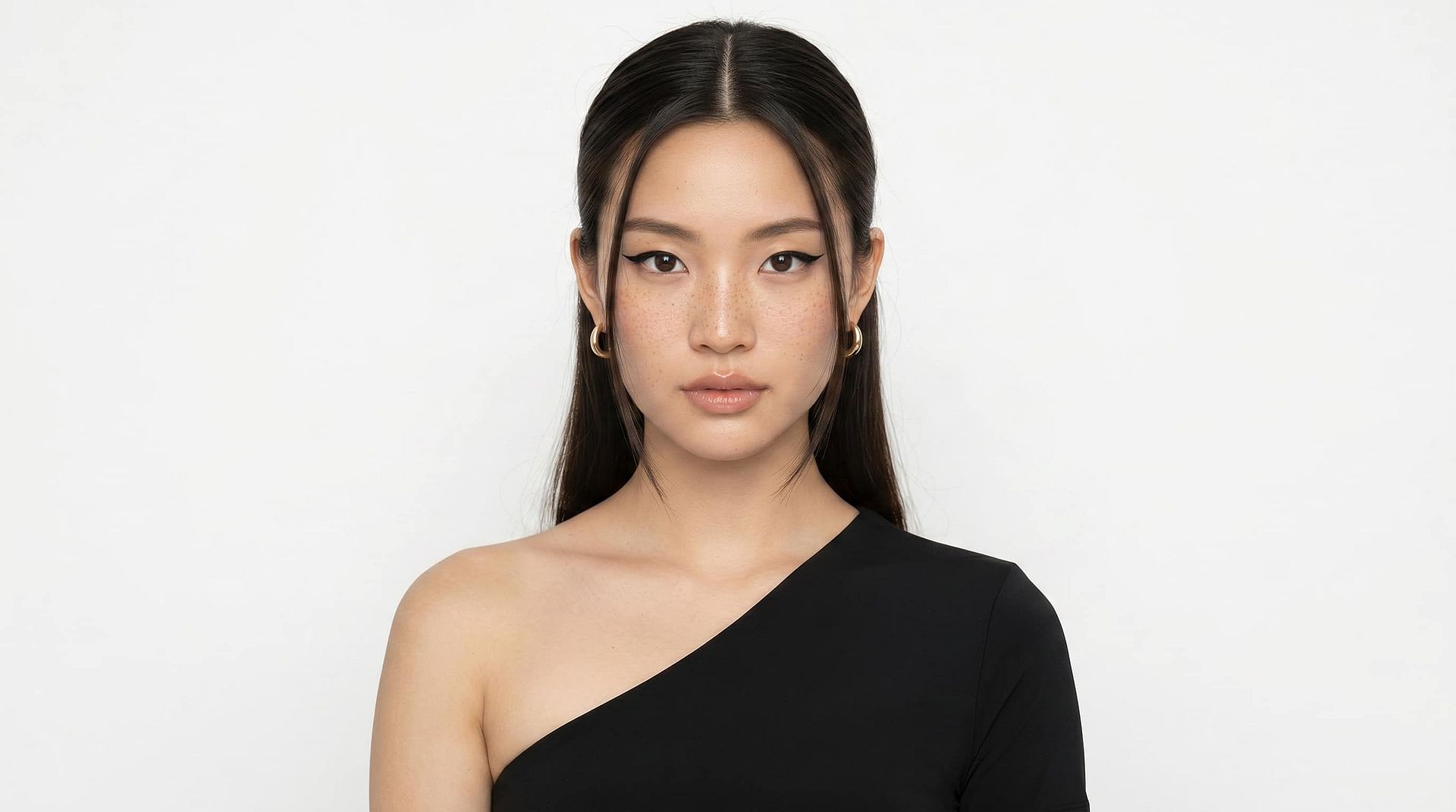
Para familias y guardianes de recuerdos
Some photos aren’t just images, they’re the only record of moments you can’t recreate. Whether it’s your grandmother’s wedding portrait, your parents’ early years, or childhood birthday memories, damage like fading, scratches, and blur can make them feel lost over time. OpenArt helps you restore old family photos by repairing visible damage, recovering facial detail, and bringing clarity back to moments that matter most. You can safely restore photos without risking the original, preview results instantly, and create versions ready to print, share, and preserve for future generations.
Pruébalo ahora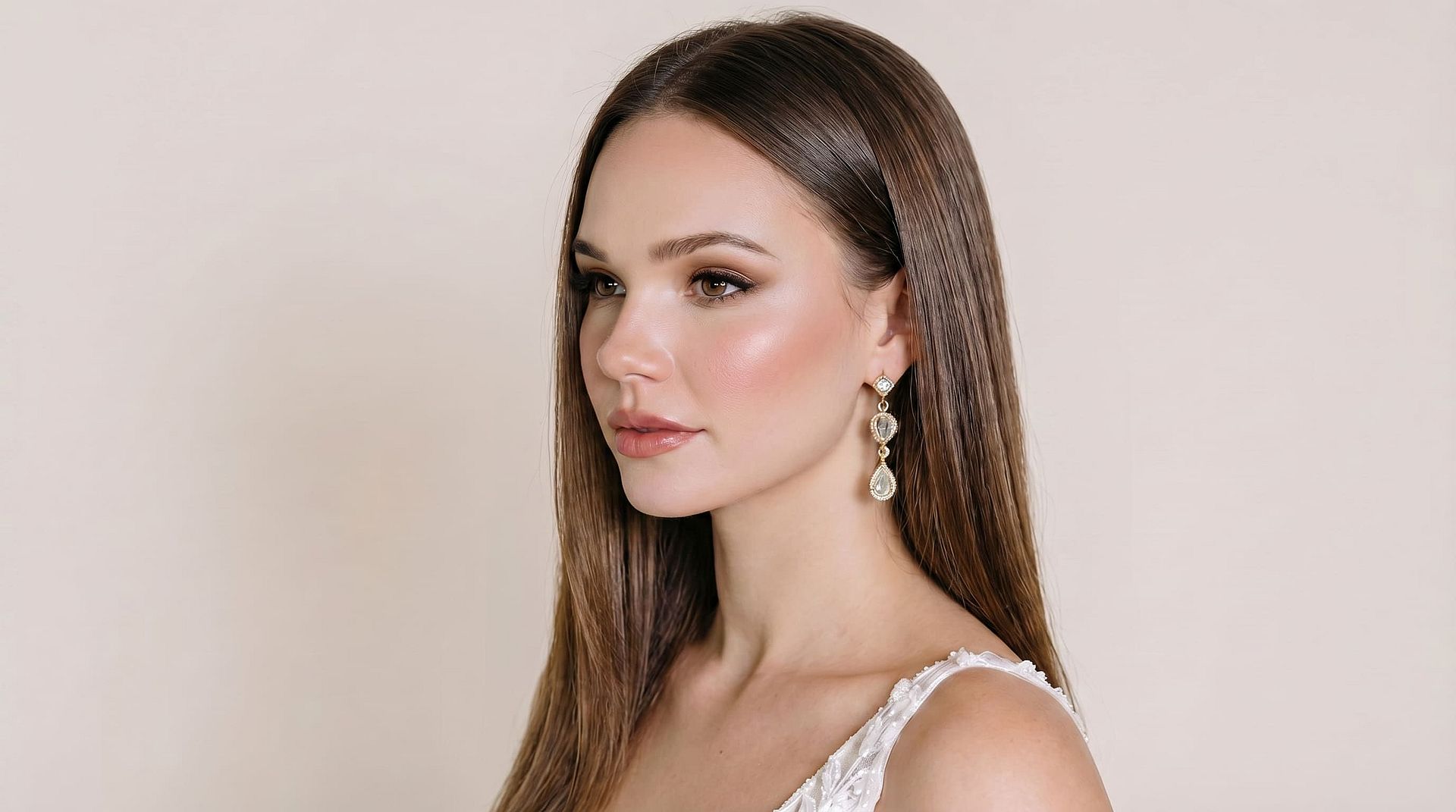
Para fotógrafos y archivistas
Restoring large photo collections manually is slow and inconsistent. OpenArt is built for photographers, scanning studios, and archivists who need reliable restoration at scale. Whether you’re working with damaged prints, low-resolution scans, or ageing negatives, the AI handles scratch removal, grain reduction, colour correction, and detail recovery automatically. With batch processing, you can restore entire albums while maintaining consistent output quality — ideal for client work, digitization, and archival workflows.
Pruébalo ahora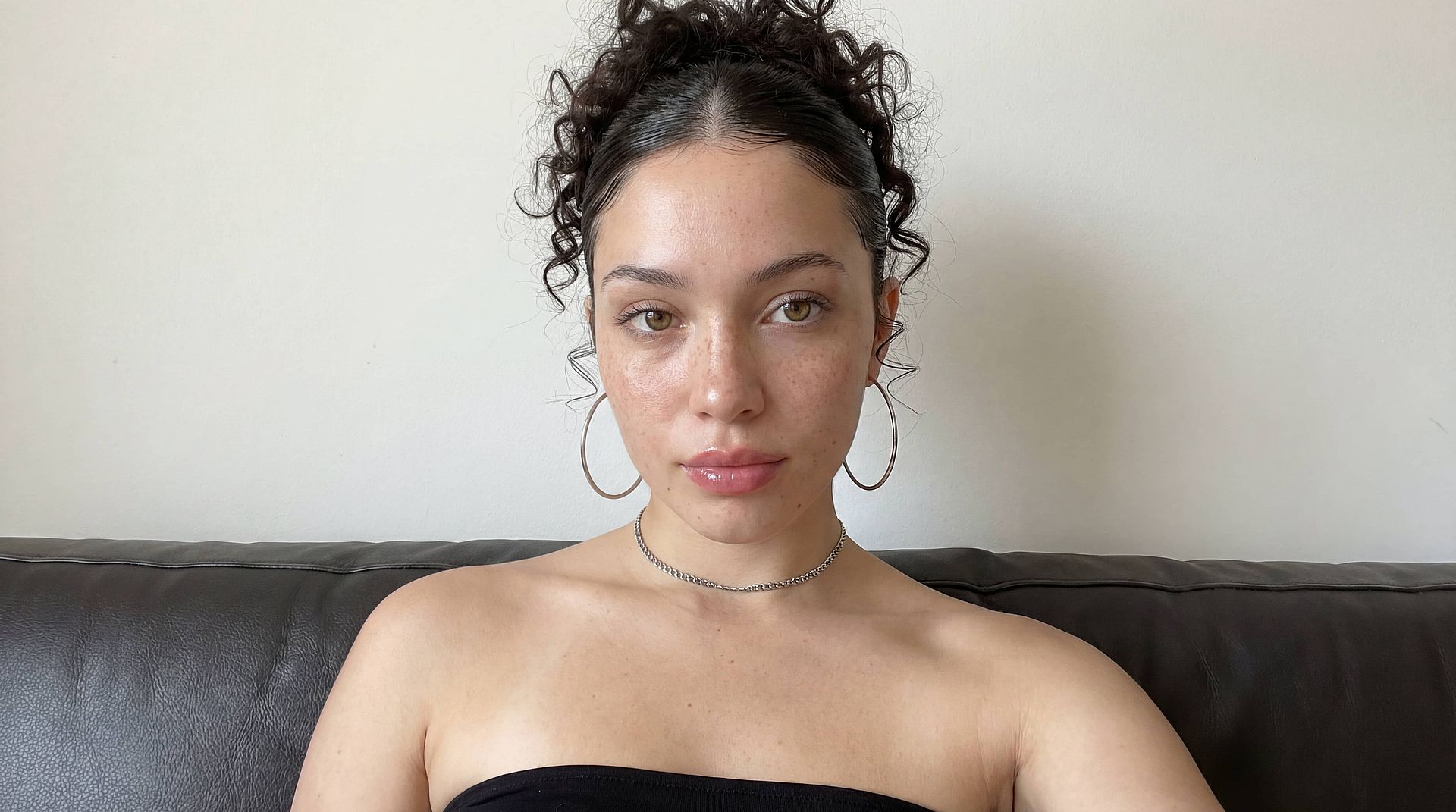
Para creadores de contenido e historiadores
Las imágenes históricas a menudo necesitan algo más que una mejora básica para poder usarse. OpenArt ayuda a creadores, investigadores e historiadores a restaurar fotos de archivo mejorando la nitidez, reparando daños y facilitando la publicación de los detalles. Ya trabajes en un documental, un blog, un archivo de museo o un proyecto de investigación, la restauración de imágenes con IA convierte los recursos deteriorados en materiales listos para publicar, conservando la autenticidad y la integridad histórica.
Pruébalo ahora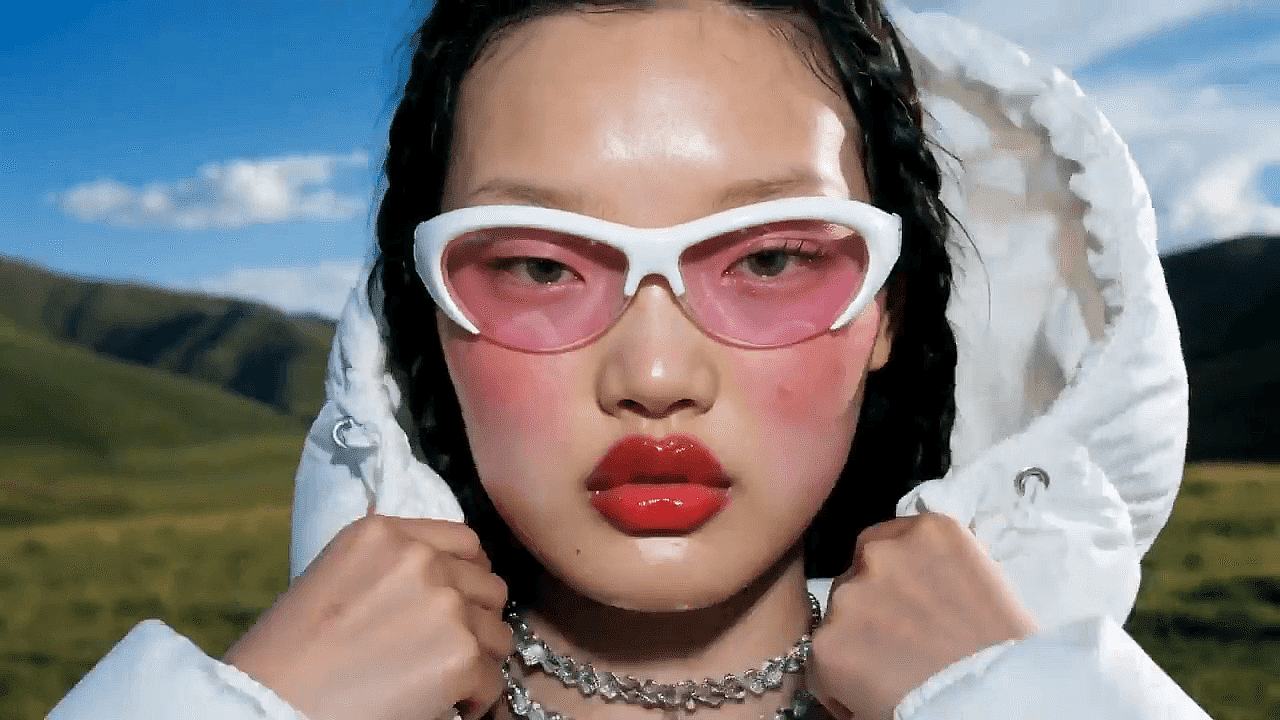
Para equipos de comercio electrónico y de producto
Las fotos antiguas de productos suelen quedar inservibles por el grano, la decoloración, la baja resolución o los daños visibles, pero repetir la sesión no siempre es posible. OpenArt ayuda a restaurar imágenes de productos antiguas mejorando la nitidez, corrigiendo el color y eliminando imperfecciones para que cumplan los estándares actuales de los anuncios. Así las marcas pueden reutilizar recursos existentes en anuncios, campañas y catálogos sin costes de producción adicionales.
Pruébalo ahoraPreguntas frecuentes preguntas sobre la restauración de imágenes con IA
OpenArt es una de las mejores herramientas de restauración de fotos con IA para restaurar rápidamente fotos antiguas, descoloridas, rayadas y dañadas. Combina eliminación de arañazos, restauración de color, reducción de grano, recuperación de rostros y mejora de detalles finos en un único flujo de trabajo que prioriza lo gratuito, lo que la hace útil tanto para usuarios cotidianos como para profesionales.
La restauración de imágenes con IA funciona analizando las zonas dañadas de una foto y prediciendo cómo debería reconstruirse el detalle que falta o está degradado. OpenArt identifica problemas como arañazos, decoloración, grano, desenfoque y pérdida de color por separado, y luego aplica correcciones específicas para producir una imagen restaurada más natural.
Sí, la IA puede restaurar fotos muy antiguas si el escaneo o la imagen original aún conservan suficiente información visible como para trabajar a partir de ella. OpenArt puede reparar arañazos, reducir la decoloración, recuperar detalles faciales y mejorar la nitidez, aunque las fotos muy dañadas pueden beneficiarse de un escaneo de mayor calidad antes de la restauración.
Sí, la IA puede restaurar fotos descoloridas mejorando el contraste, corrigiendo tonos apagados y recuperando el equilibrio de color. Esto ayuda a que las fotos familiares antiguas y las imágenes de archivo se vean más nítidas, más legibles y más cercanas a su aspecto original.
Sí, la IA puede restaurar fotos antiguas y dañadas gratis con herramientas como OpenArt. Puedes subir una imagen descolorida, rayada o de baja calidad y dejar que la IA repare los daños, mejore la nitidez y restaure los detalles automáticamente en segundos.
Sí, puedes restaurar una foto en blanco y negro con IA. OpenArt repara arañazos, grano, decoloración y pérdida de detalle en imágenes en blanco y negro conservando el equilibrio tonal, y después también puedes usar herramientas de coloración si quieres añadir color realista.
Sí, la IA puede reparar fotos rayadas detectando líneas dañadas, zonas perdidas y áreas de superficie desgastadas, y luego reconstruyendo esas regiones automáticamente. La eliminación de rayaduras de OpenArt ayuda a restaurar fotos impresas dañadas por el paso del tiempo, el almacenamiento o el manejo.