

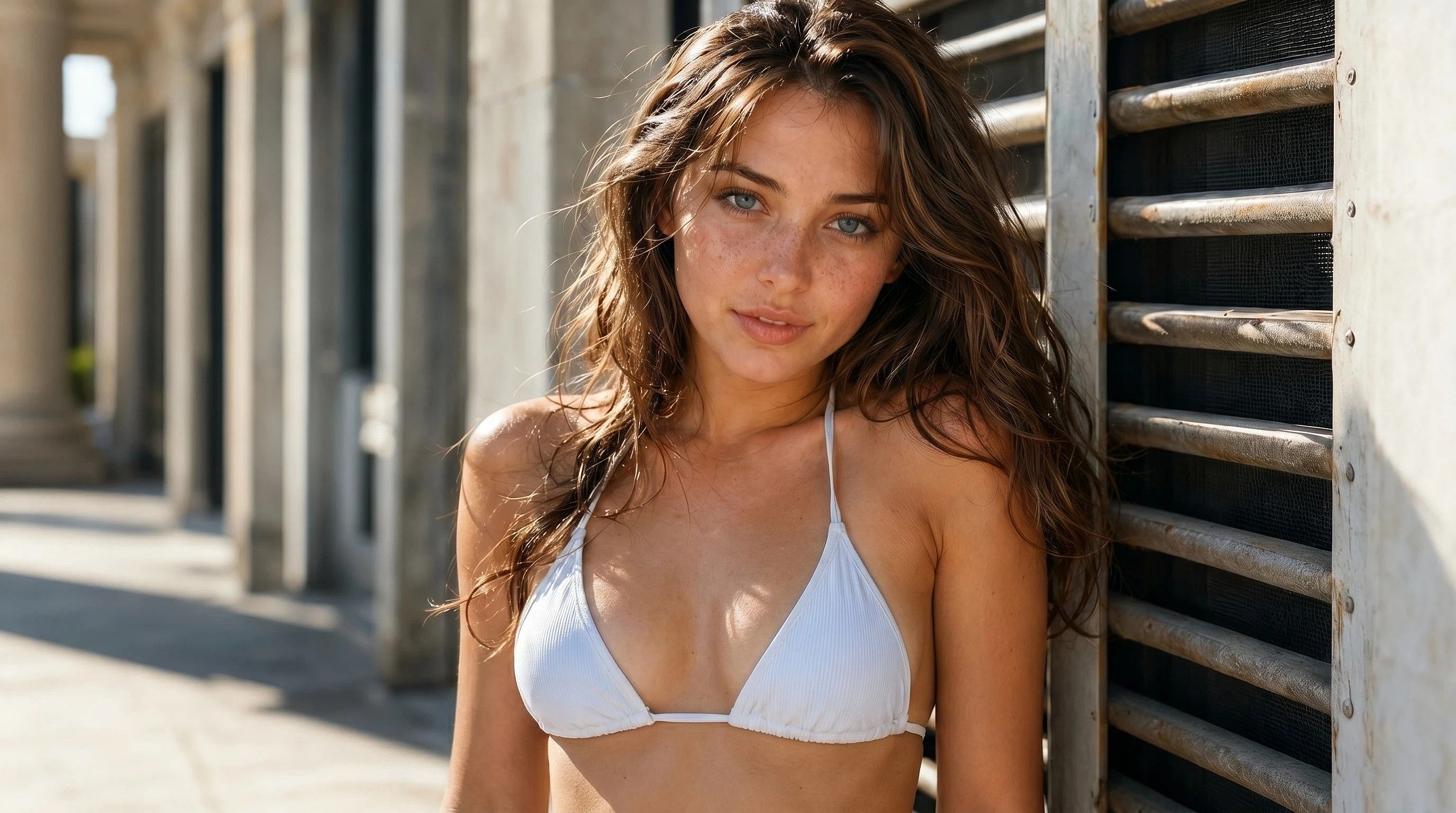
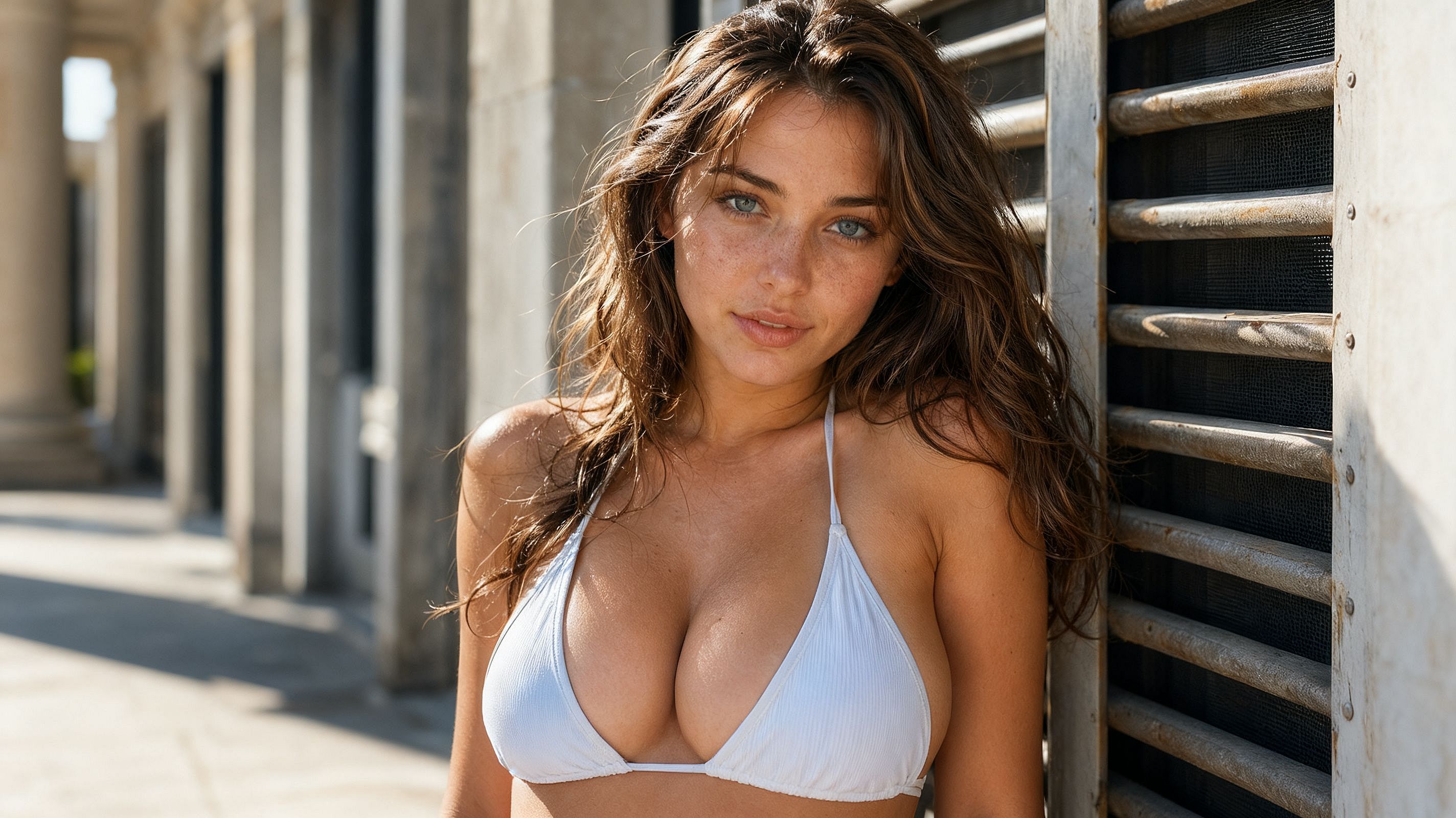
Aumento y mejora de pecho con IA
Redimensiona, remodela y perfecciona con un cambiador de talla de pecho con IA diseñado para lograr resultados de aspecto natural. Sube una foto, describe el aumento de pecho que quieras y exporta una edición nítida en alta resolución, lista para retratos, sesiones de moda, arte de personajes y contenido para redes sociales.
 Añade una imagen O arrástralo y suéltalo aquí · JPEG, PNG, WEBP, HEICJPEG, PNG, WEBP, HEIC


Mejora con aspecto natural
El potenciador de pecho con IA de OpenArt integra los cambios de tamaño y forma en la foto original para que el tono de piel, la iluminación y la caída de la tela se mantengan consistentes. Sin costuras evidentes ni cuerpos deformados.




Tu look, tu control
Elige entre un retoque sutil y proporciones de pecho más generosas, ajusta la forma y vuelve a generar hasta que el resultado encaje con el estilo que buscas.

Privado y confidencial
OpenArt prioriza siempre la privacidad y la seguridad de los datos. Tus archivos subidos y cualquier edición o generación de imágenes se quedan dentro de tu espacio de trabajo de OpenArt, totalmente privados.
Creaciones de la comunidad
Descubre cómo fotógrafos, ilustradores, cosplayers y creadores de contenido usan OpenArt para cambiar el tamaño del pecho: desde retoques sutiles en retratos hasta diseños de personajes de fantasía con proporciones dramáticas y estilizadas.
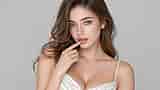
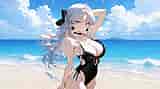
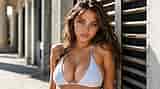
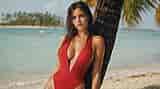
Un aumento de pecho que parece real
El aumento de pecho con IA de OpenArt funciona con nuestros modelos de generación y edición de imágenes líderes en el sector, así que cada edición respeta la pose, la iluminación, la ropa y la piel de la foto original.
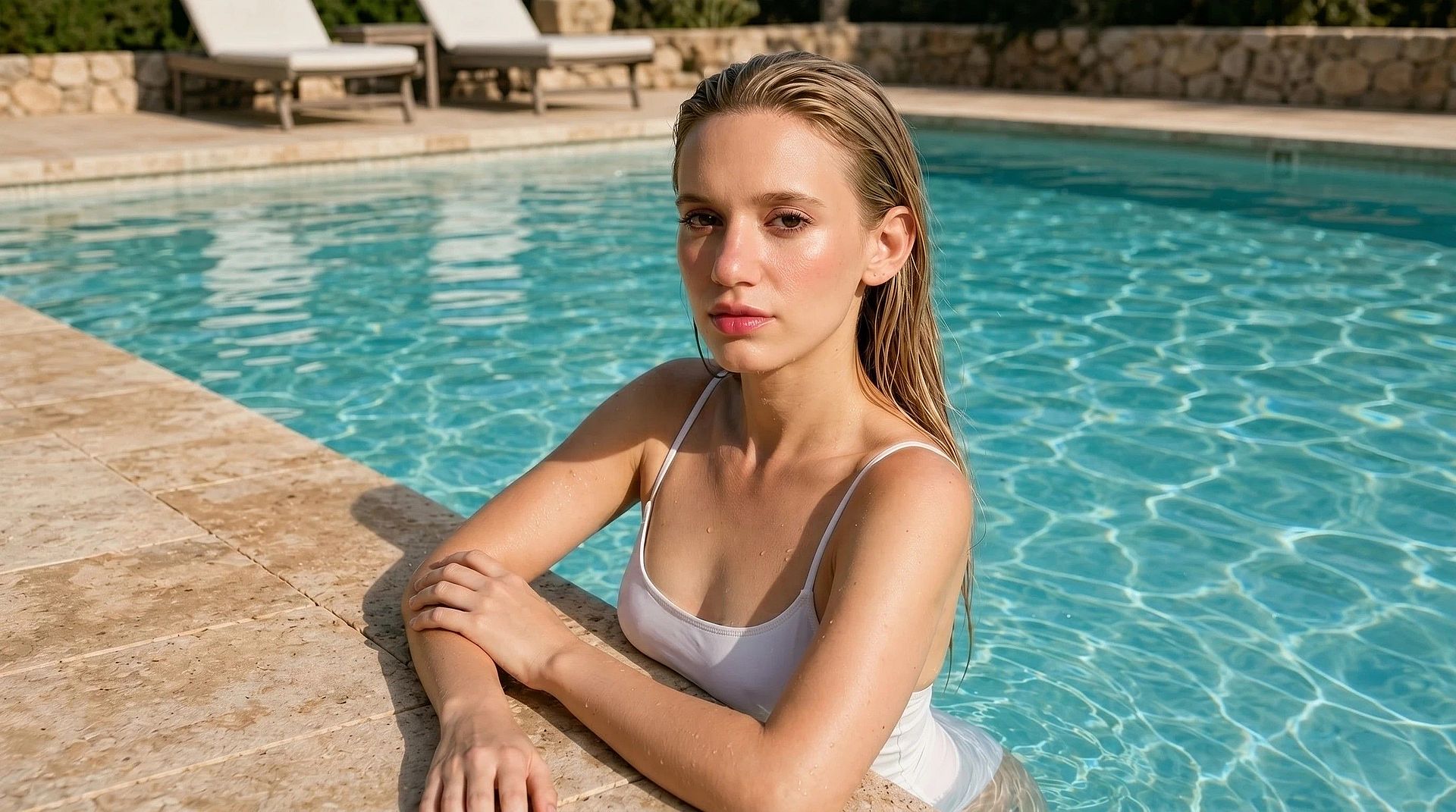
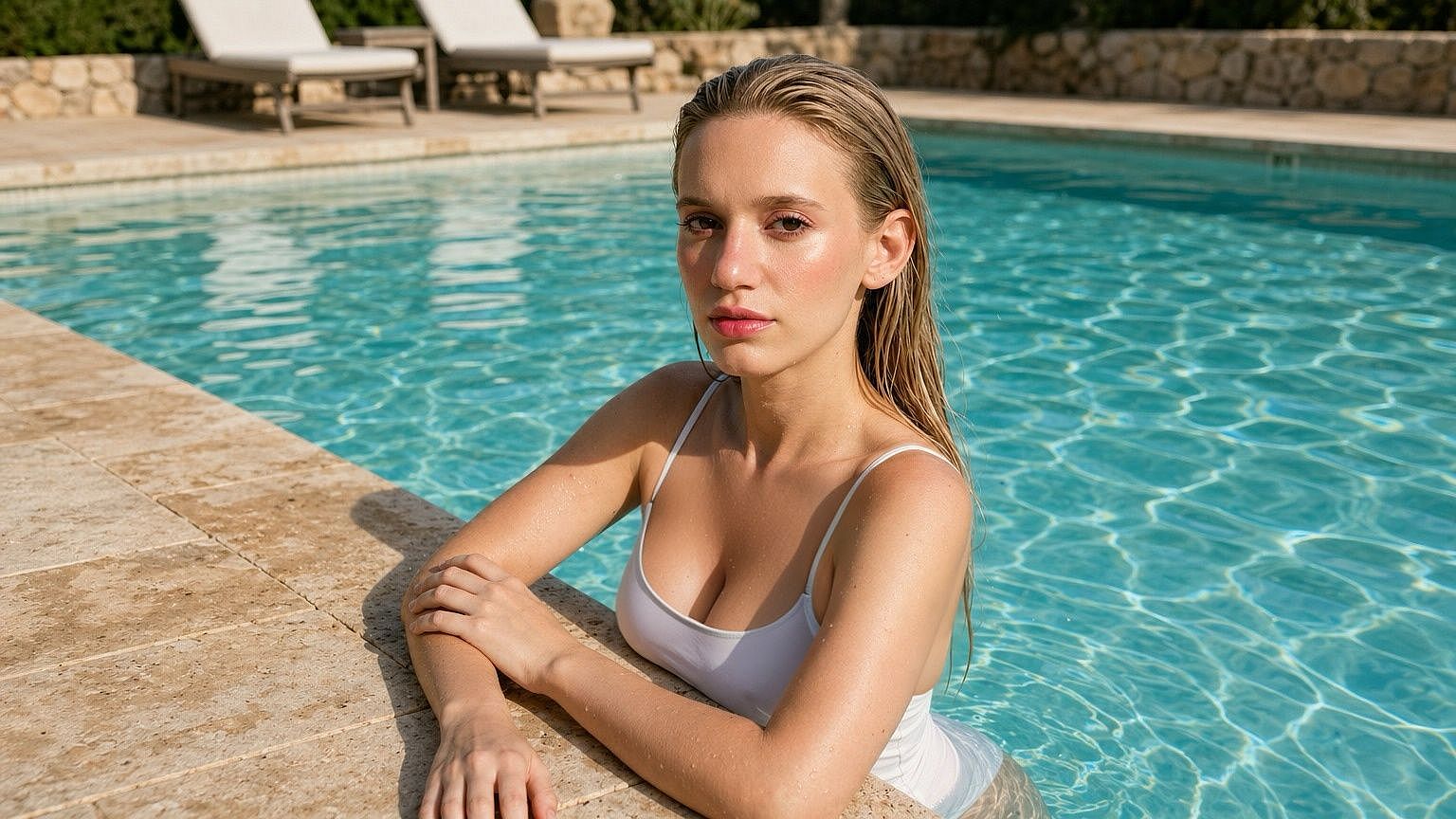
Resultados realistas y con aspecto natural
The model reads the whole image before it edits, including the posture, fabric folds, shadows, skin tone, and then regenerates just the chest area so the change looks like part of the original shoot rather than a pasted-on filter. For further refinement of your images, try OpenArt’s Mejora de piel con IA que corrige cualquier aspecto de "piel de plástico" en tus fotos.
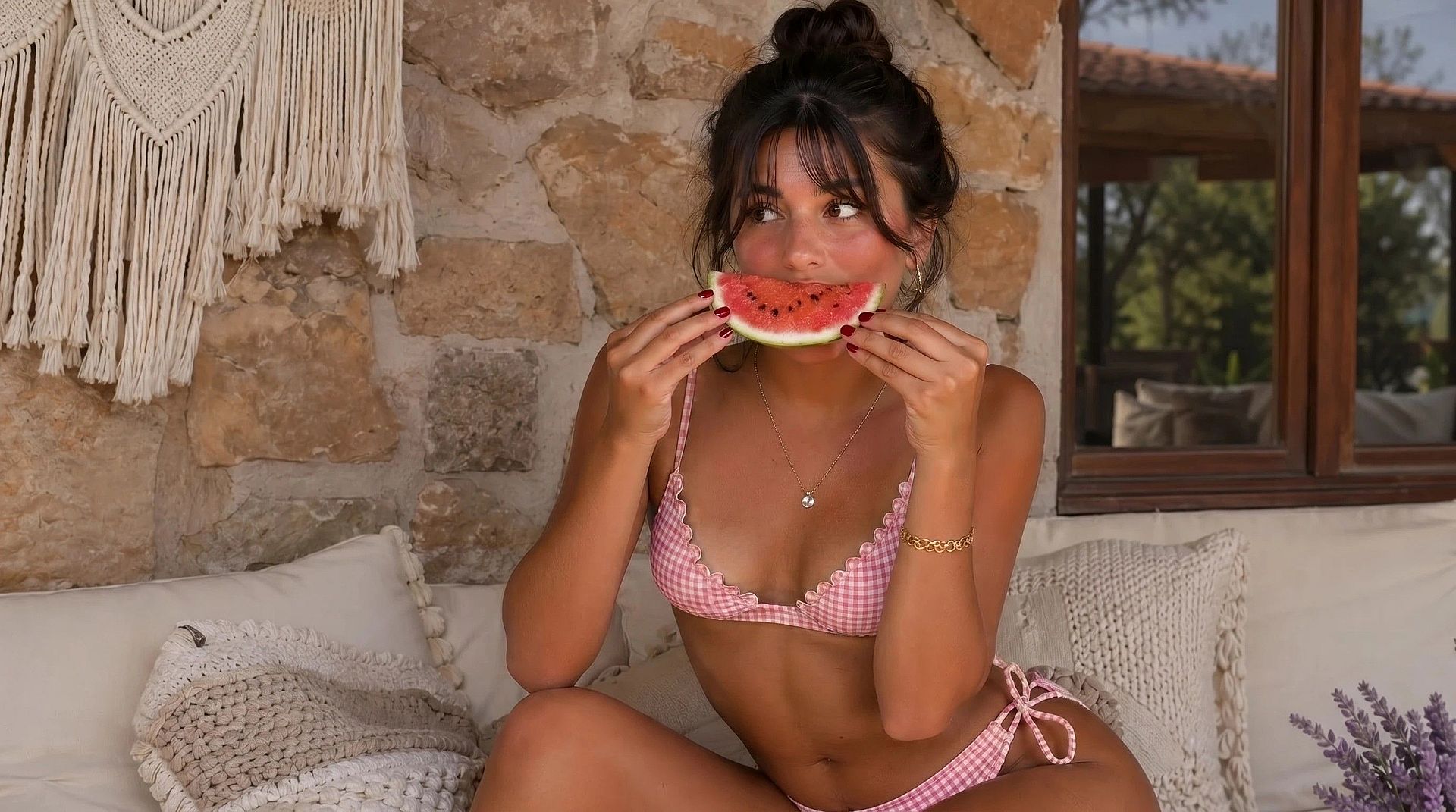
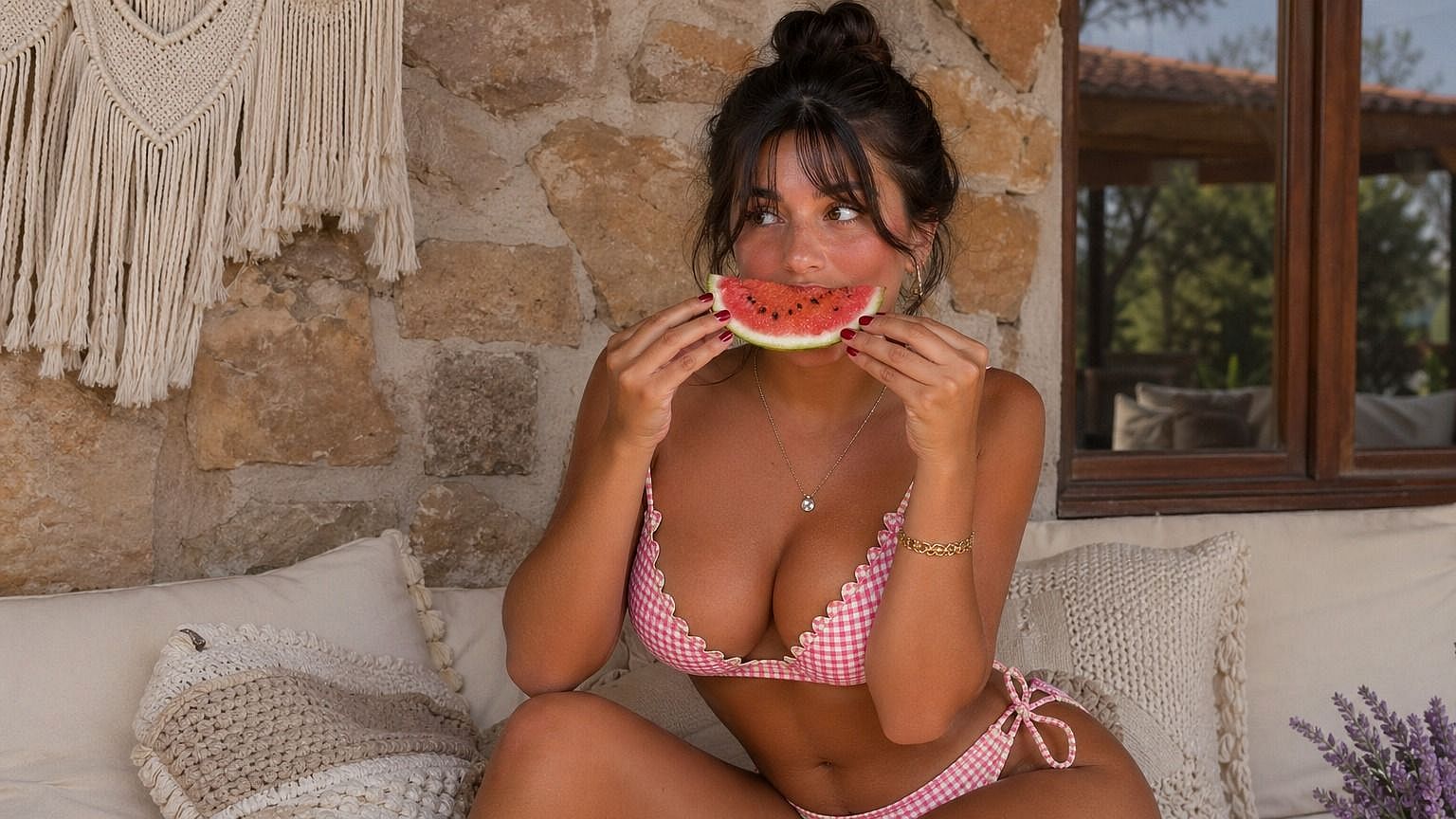
Ajusta los cambios de tamaño
Desde un retoque casi imperceptible hasta pechos grandes exagerados para fantasía, cosplay e ilustración estilizada. Con esto Generador de imágenes con IA, puedes ajustar el tamaño, retocar la forma y volver a generar variaciones con simples prompts hasta lograr el aspecto perfecto, sin tener que empezar la generación de imagen de cero.
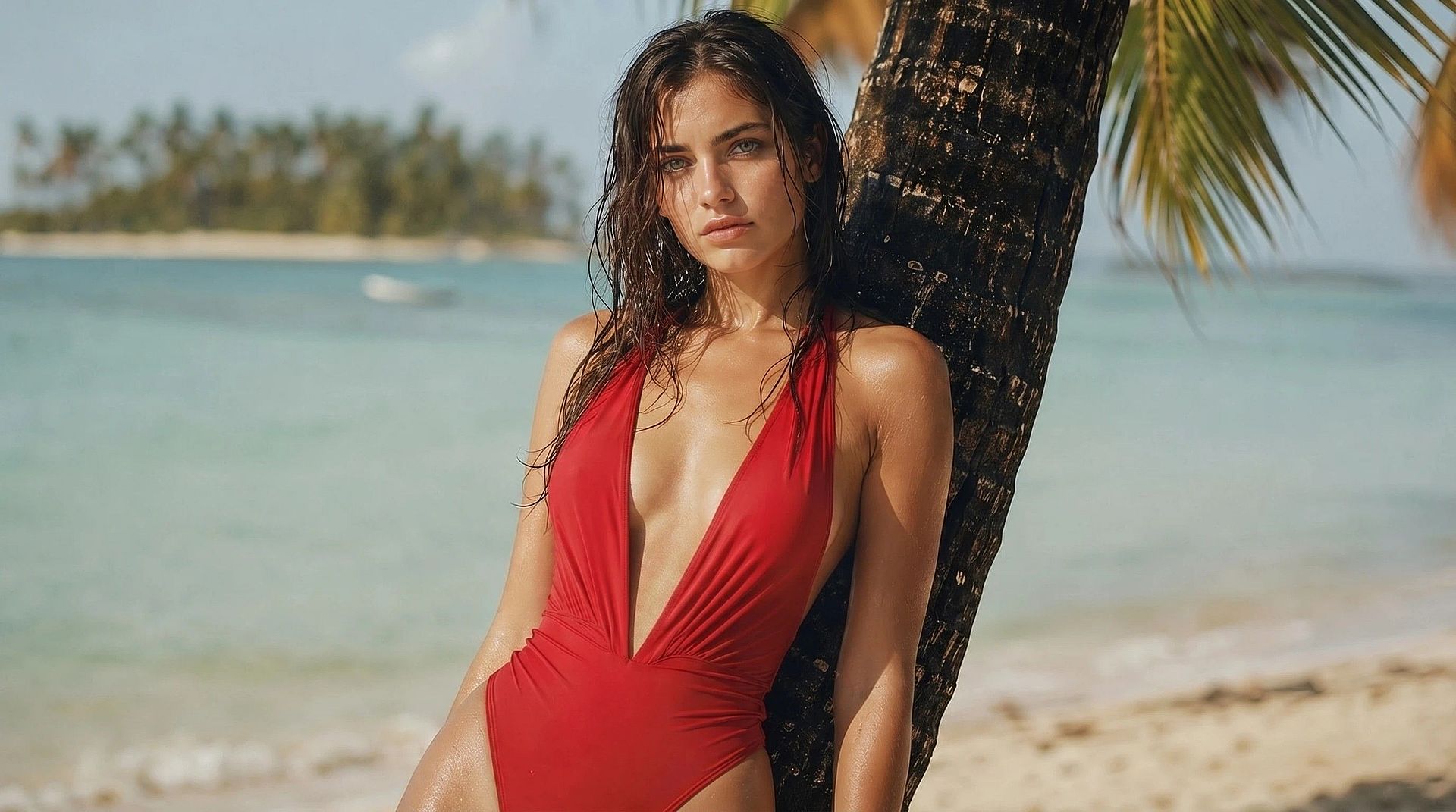
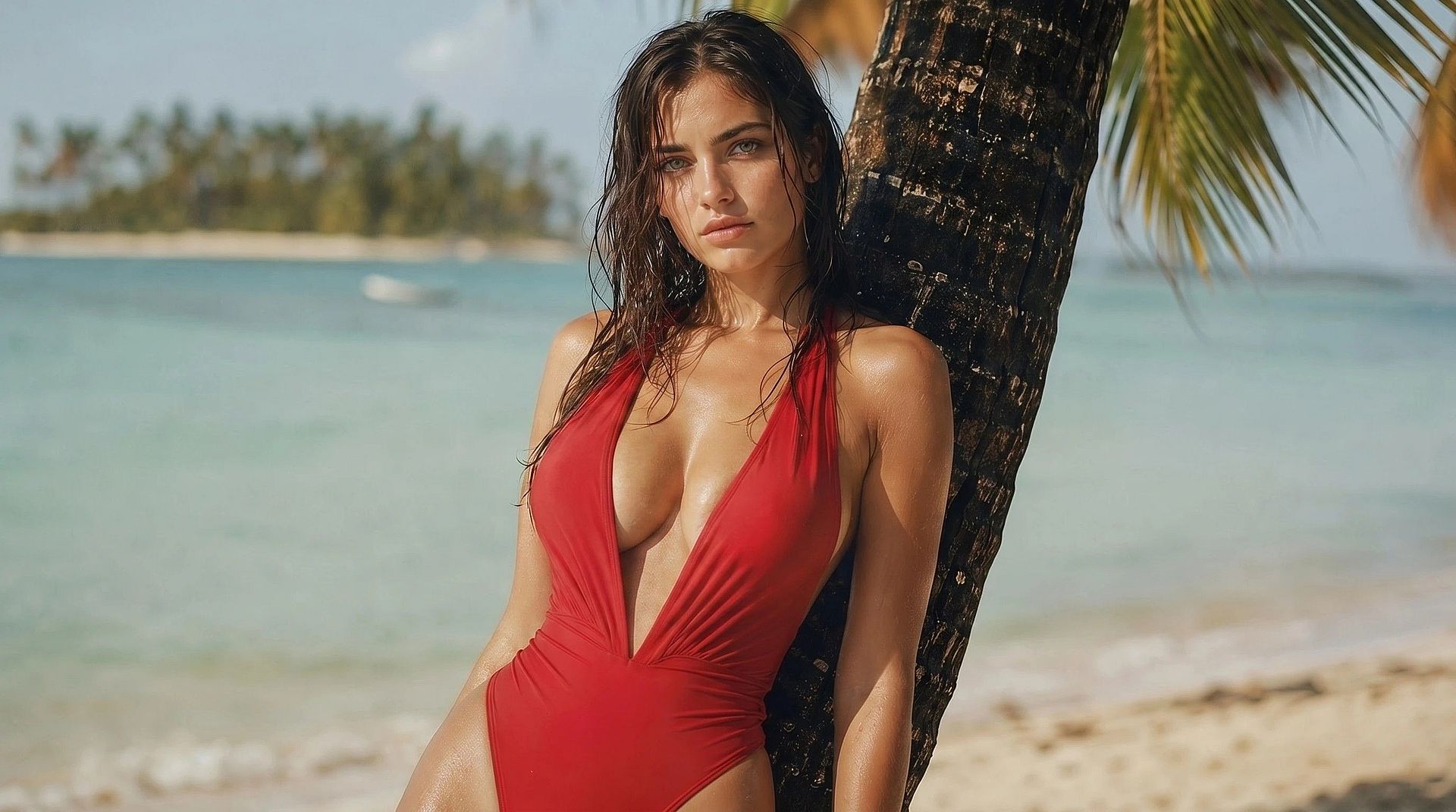
Salida en ultra alta resolución
Many models in OpenArt's Generador de imágenes con IA admiten hasta resolución 4K y edición en una gran variedad de relaciones de aspecto. Las imágenes que obtienes siempre son de alta resolución y están listas para usarse en cualquier lugar, desde redes sociales hasta revistas impresas. Los detalles de la textura de la piel, el tejido de la tela y el color del pelo se mantienen nítidos, así que el resultado final siempre aguanta incluso con zoom.
Cómo usar la herramienta de expansión de pecho con IA
Empieza en tres sencillos pasos.
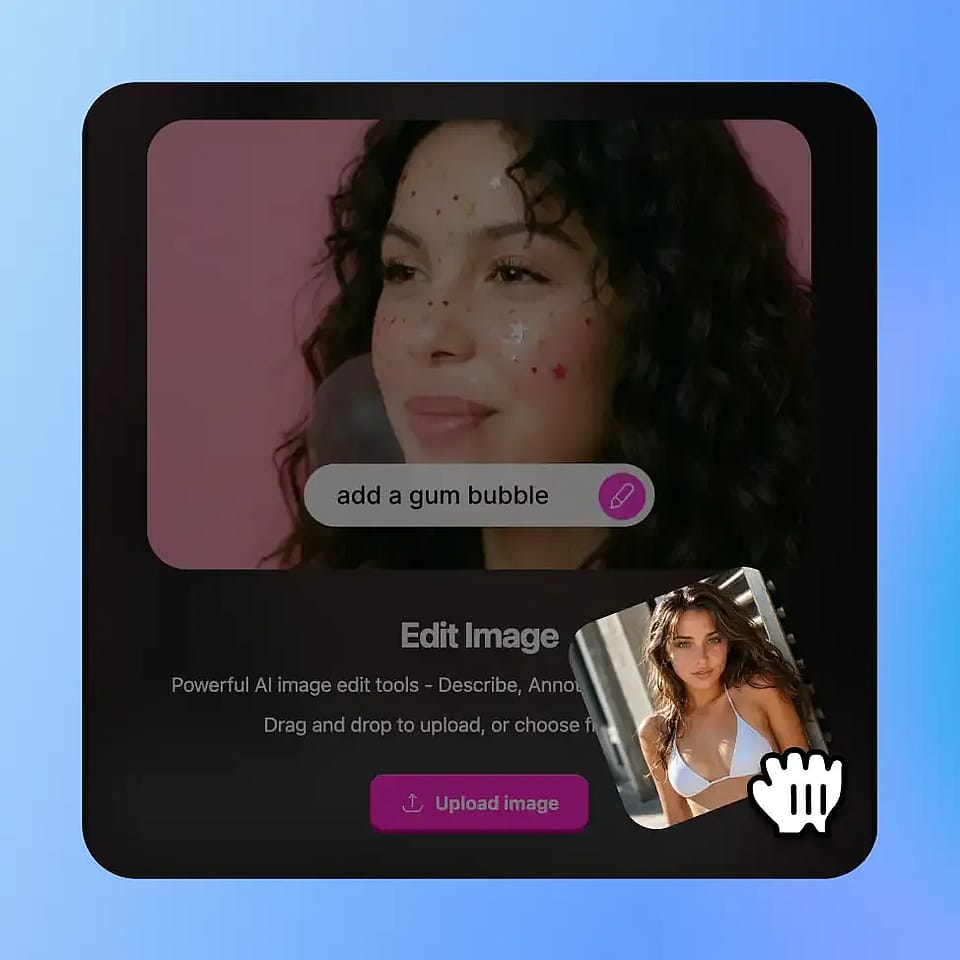
Sube tu foto
Sube cualquier retrato, foto de moda, ilustración o render de personaje. PNG o JPG, con cualquier relación de aspecto. Para obtener los resultados más limpios, usa una foto donde la zona del pecho se vea con claridad y no esté muy tapada.
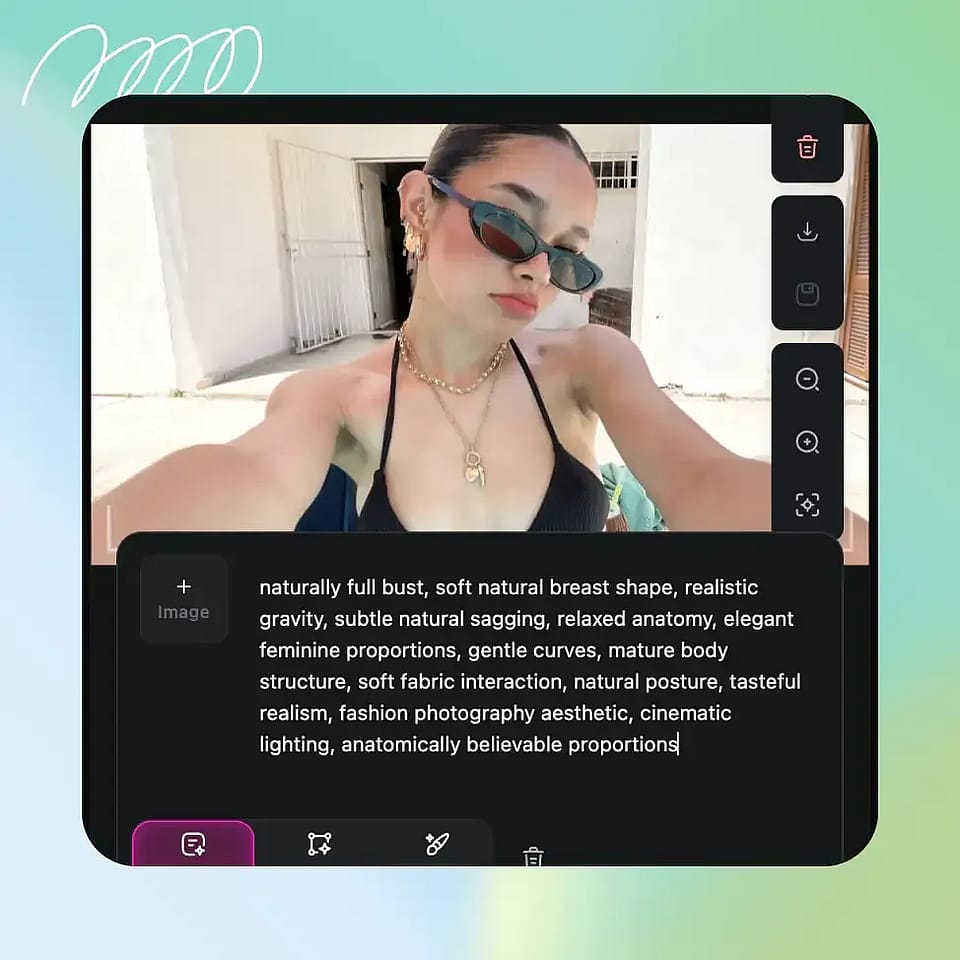
Define los cambios y el estilo
Solo describe los cambios que quieres. Escribe un prompt e indica el cambio de tamaño, desde un retoque sutil hasta un aumento de pecho mayor. Pide el estilo que prefieras: natural, editorial o estilizado. También puedes marcar la zona del pecho que quieras para ediciones muy concretas usando «Editar zona».
Generar y descargar
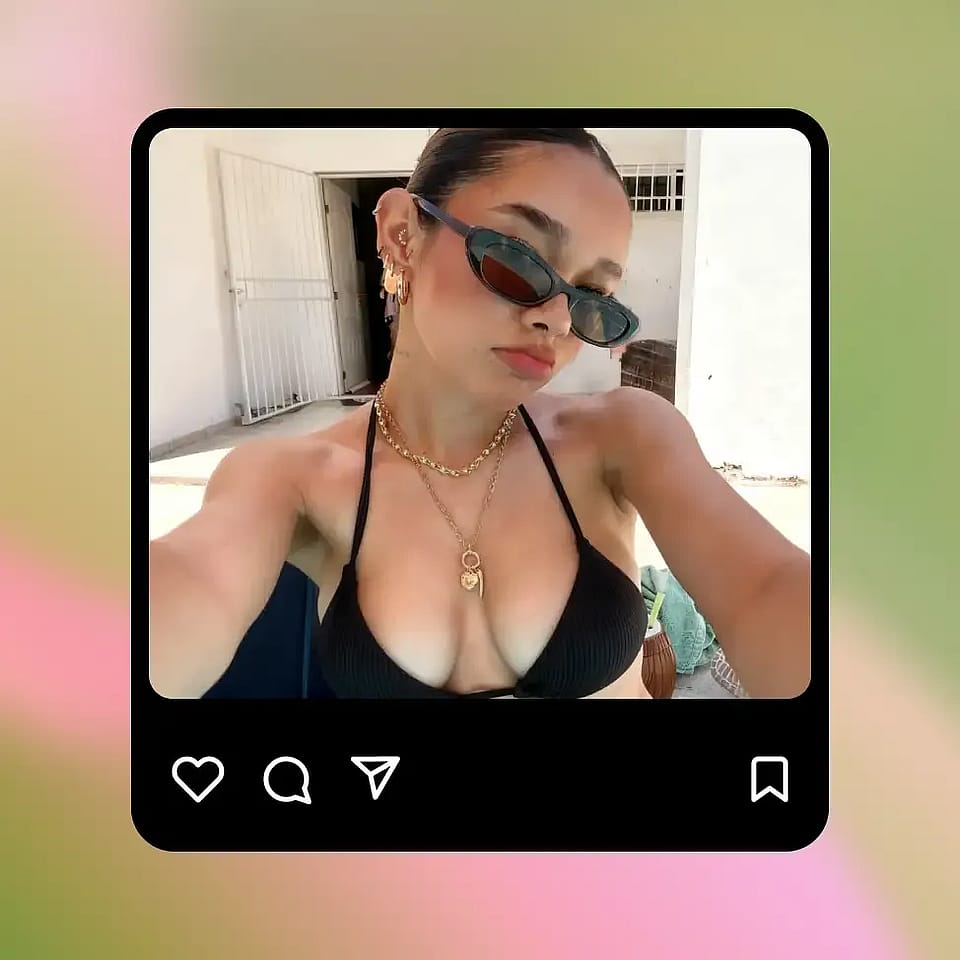
Dale a generar. En segundos tendrás varias variaciones para revisar, según la cantidad de resultados que hayas elegido. Elige la que más te guste, sigue editándola o crea variaciones si quieres, y descarga el archivo a resolución completa.
Mejores usos de la herramienta de aumento de pecho con IA
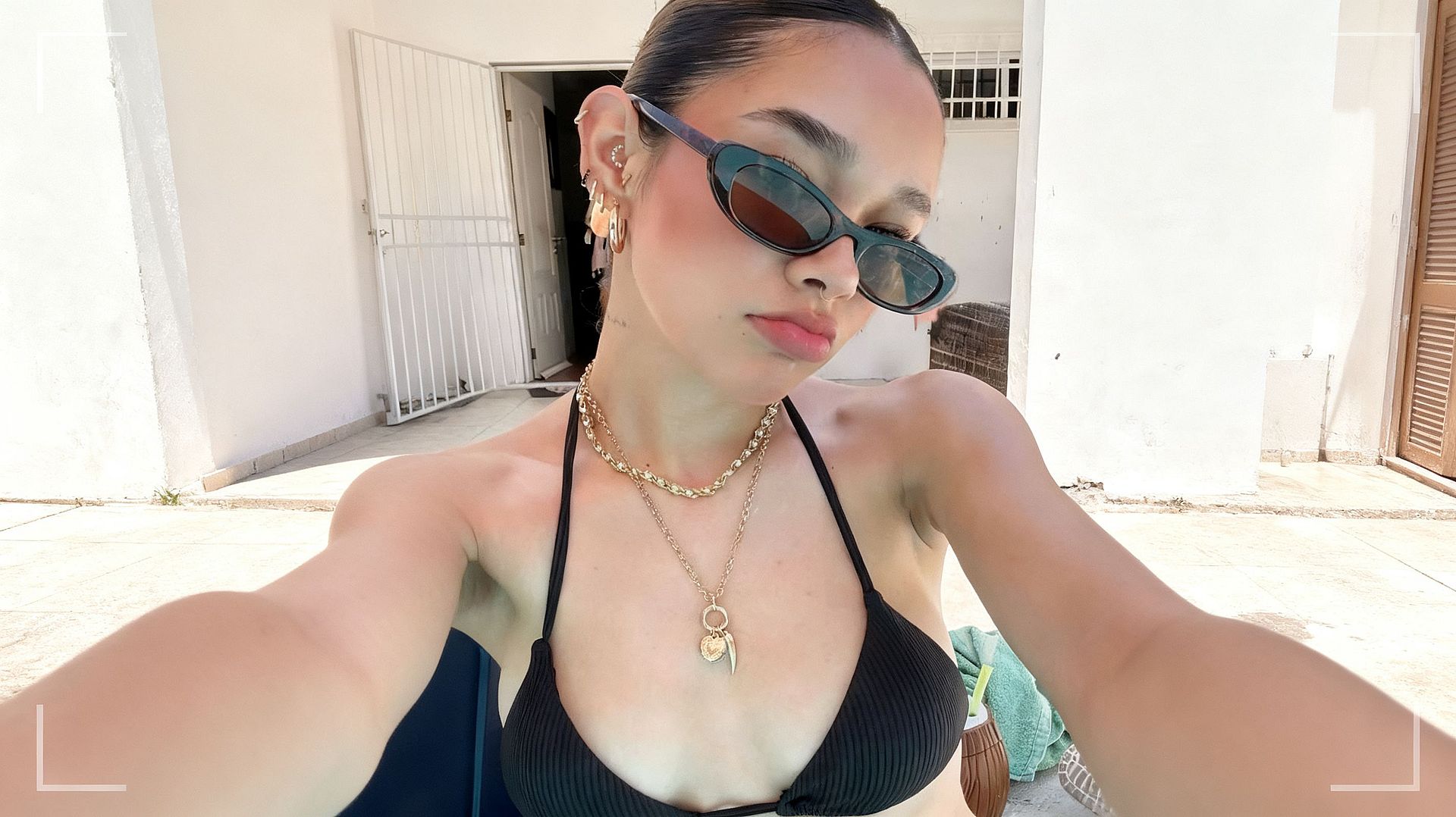
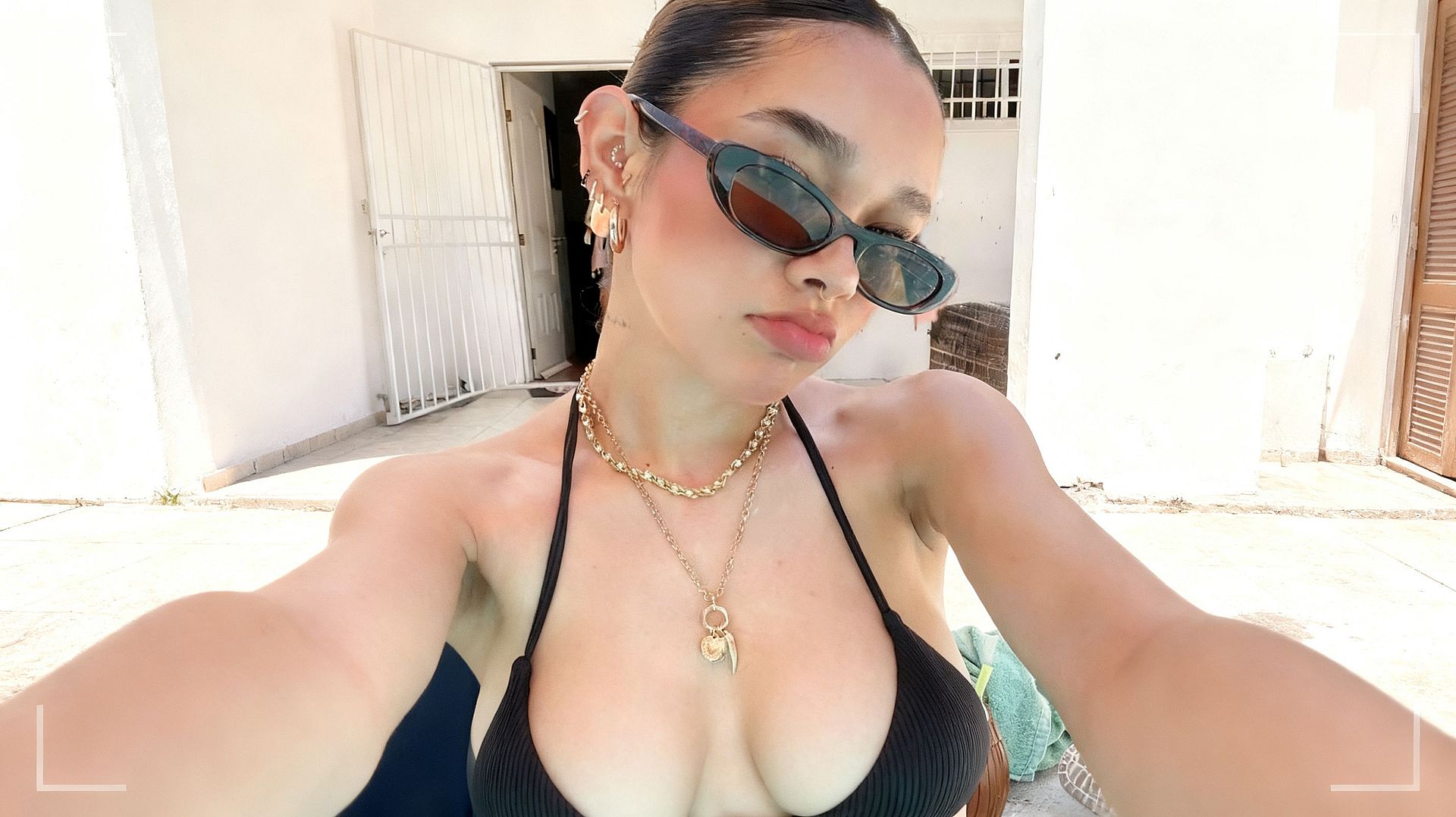
Retoque rápido de retratos
Ideal para retratos informales, publicaciones en redes, fotos de apps de citas, selfis y fotos de pareja. La herramienta para cambiar el tamaño del pecho está ajustada para hacer ese tipo de retoque pequeño y favorecedor que haría un fotógrafo en Photoshop, pero mucho más rápido. Mantienes la pose y la iluminación originales, y el retoque es lo bastante sutil como para que se vea como una buena foto, no como una muy modificada.
Pruébalo ahora
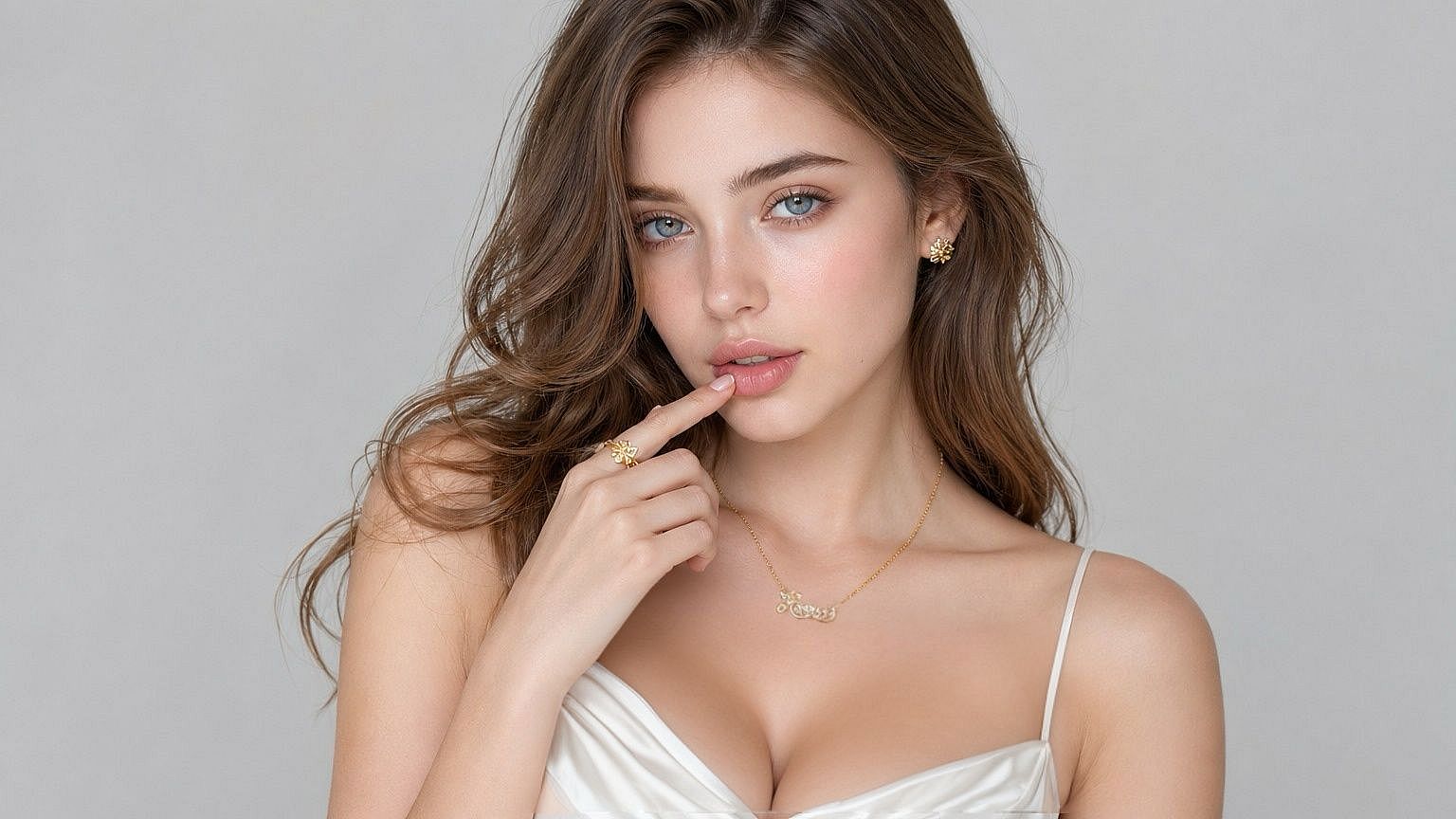
Mejora de moda y editorial
Estilistas, fotógrafos y equipos de e-commerce lo usan para ajustar el ajuste de la ropa en una modelo que ya ha protagonizado una campaña. Si una prenda queda distinta de lo esperado, el potenciador de busto con IA te permite ajustar las proporciones en la imagen final en lugar de repetir la sesión. Útil para lookbooks, líneas de lencería y bañadores, editoriales de revista y páginas de producto.
Pruébalo ahora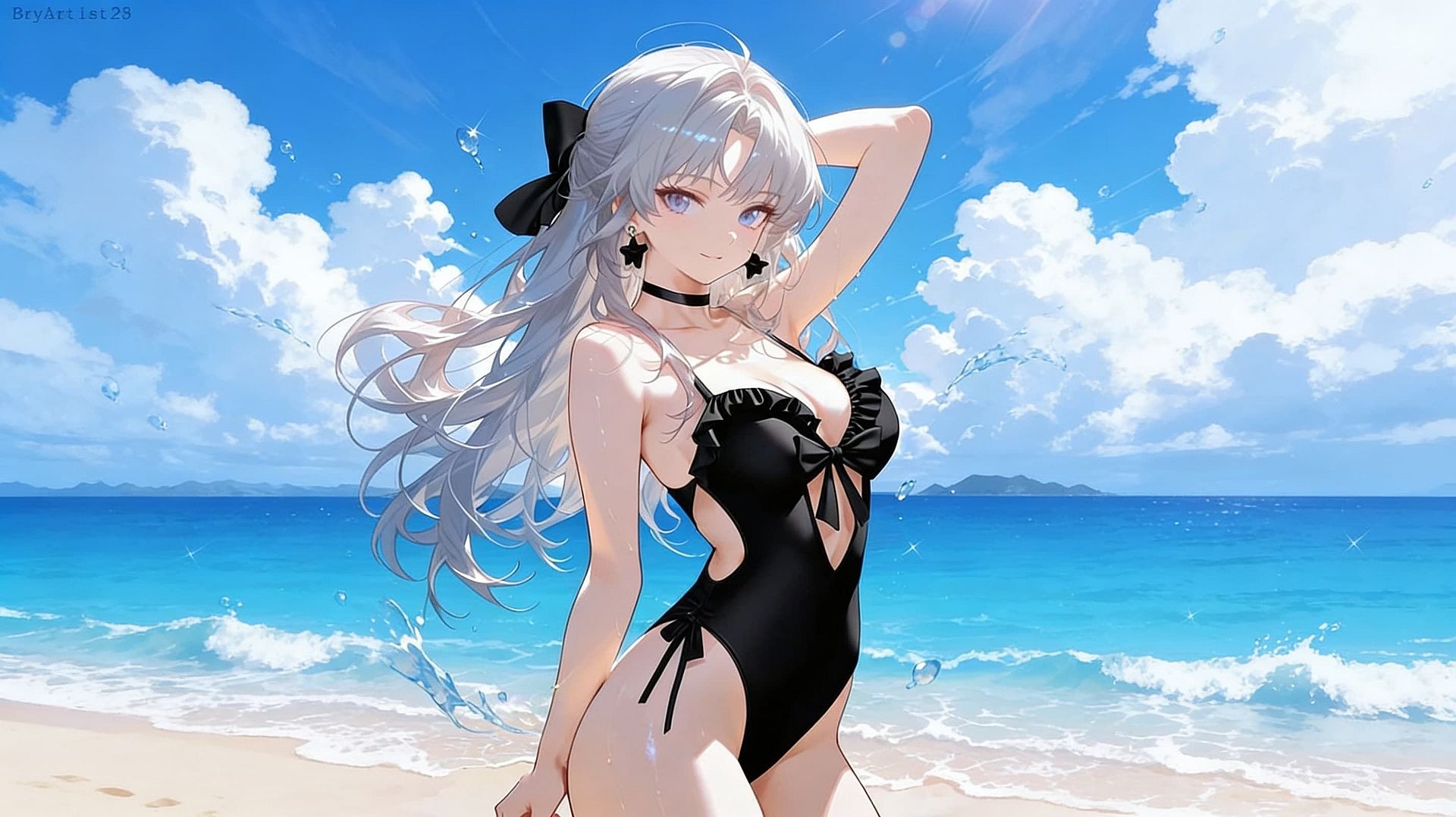
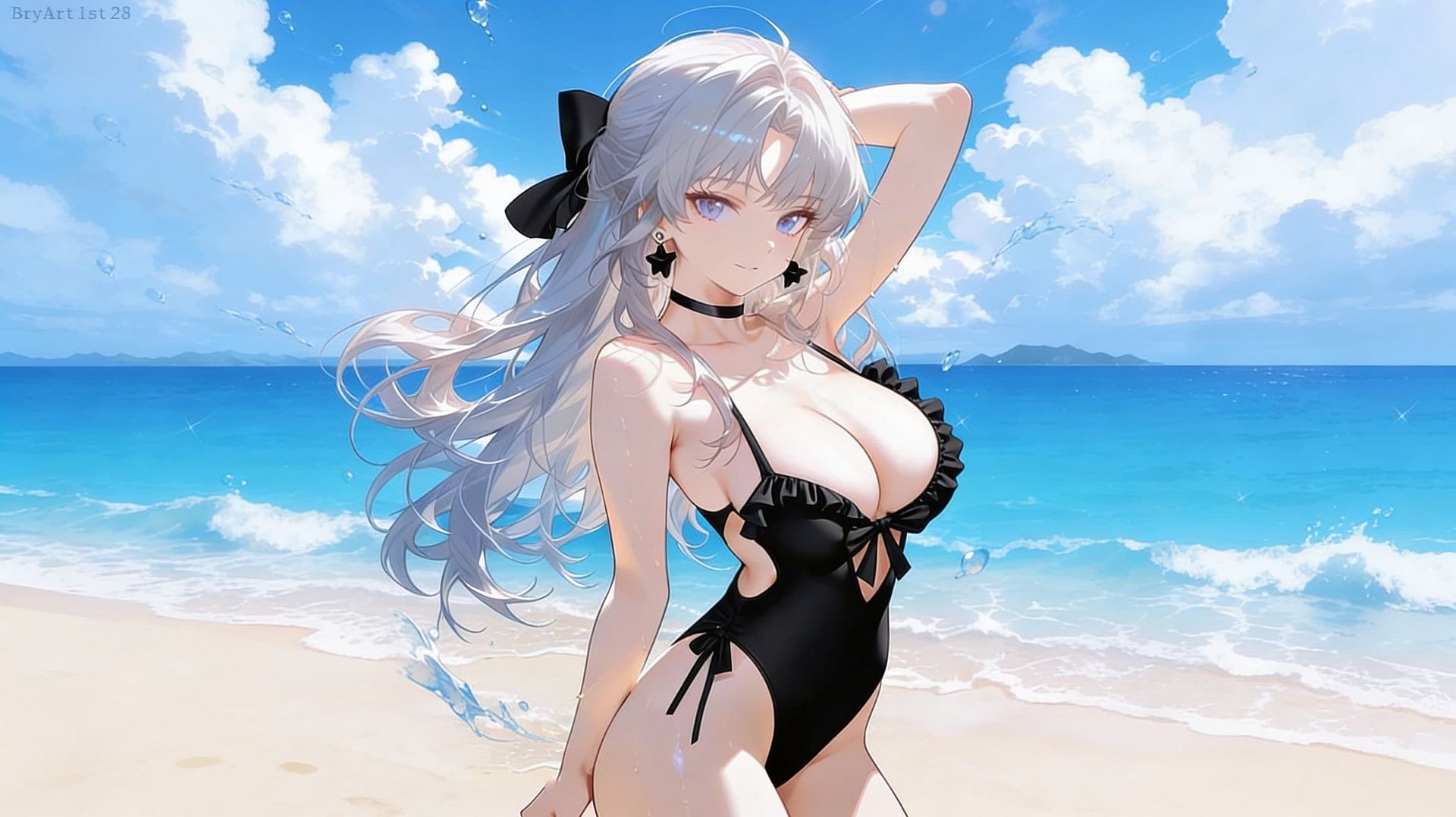
Personajes e ilustraciones de fantasía
A ilustradores y artistas de concept art les gusta apostar por el lado exagerado: pinups, portadas de cómic, retratos de personajes de D&D, heroínas estilo anime con siluetas dramáticas y estilizadas. Sube la intensidad al máximo para los pechos grandes que encajan con el género y luego redecora toda la imagen con filtros cyberpunk, góticos, anime o retro para que combine con el look de tu proyecto.
Pruébalo ahora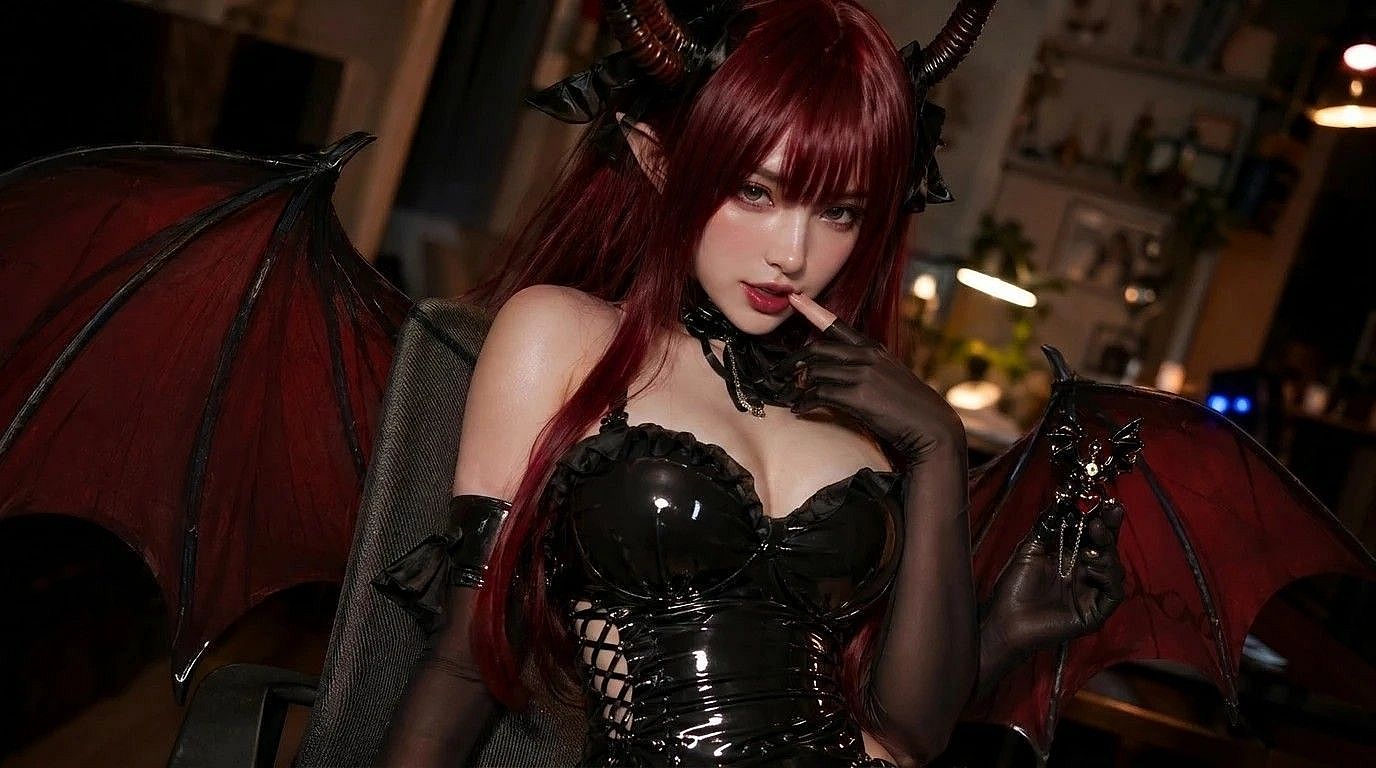
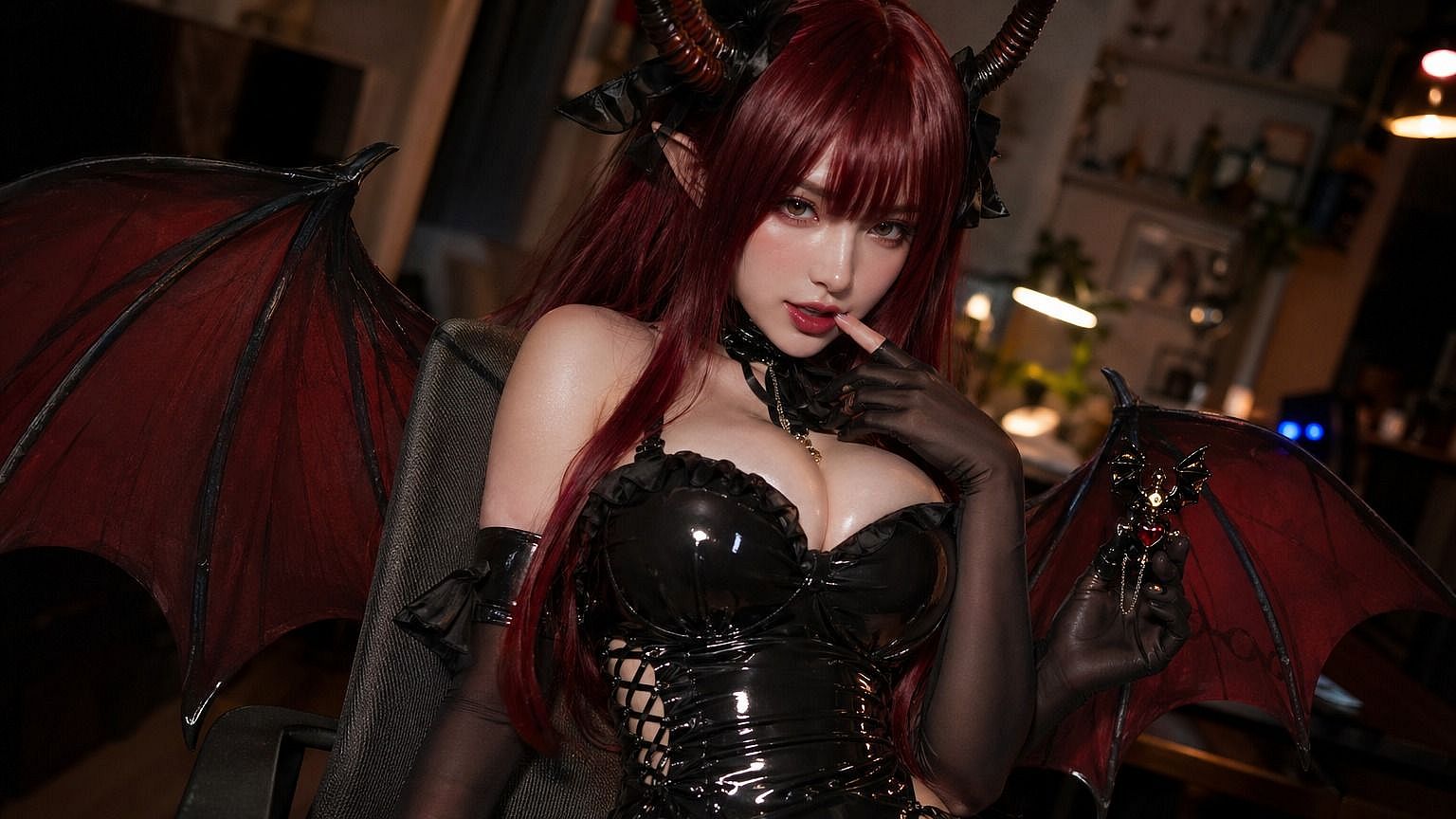
Cosplay creativo y contenido social
Los cosplayers lo usan para ajustar el tamaño de pecho real de un personaje en las fotos de referencia, y los creadores de contenido social lo usan para publicaciones cómicas, estilizadas o de fantasía donde las proporciones corporales exageradas son la gracia. Luego puedes animar tus fotos para redes con el Generador de vídeo con IA.
Pruébalo ahoraPreguntas frecuentes Preguntas
Es un modificador y potenciador del tamaño de pecho con IA que edita fotos existentes —retratos, fotos de moda, ilustraciones, renders de personajes— para ajustar el tamaño y la forma del pecho. Tú controlas la intensidad mediante prompts, y la IA integra el cambio de nuevo en la imagen original para que la iluminación, la pose y la ropa se mantengan coherentes.
Retoque de retratos, edición de moda y comercio electrónico, ilustración de personajes de fantasía, contenido de cosplay, visualizaciones de antes/después, arte digital y publicaciones estilizadas para redes. La herramienta de aumento o realce de busto está pensada para hacer el trabajo más rápido que el retoque manual en Photoshop.
Sí, para fotos de ti mismo, para ilustraciones y personajes ficticios, y para fotos en las que tengas permiso explícito del sujeto. No está permitido editar la imagen de otra persona sin su consentimiento (especialmente para crear imágenes sexuales), y las políticas de uso de OpenArt lo prohíben. Aquí se aplican los mismos principios que en cualquier editor de fotos.
Suficientemente realista para trabajos editoriales y de e-commerce con los ajustes por defecto, y estilizado y exagerado cuando quieras grandes proporciones de pecho para arte fantástico, cómics y cosplay. La IA iguala el tono de piel, la iluminación y la caída de la tela de la foto original, de modo que la edición parece parte de la imagen original y no un filtro superpuesto.
Si utilizas ediciones de aumento de pecho con IA en publicidad, contenido editorial o de influencers, sigue las normas de divulgación de tu plataforma y región. Muchas jurisdicciones y plataformas (Instagram, TikTok, el Reino Unido, Noruega, Francia) ahora exigen etiquetas cuando las proporciones corporales se han alterado digitalmente en contenido pagado.
Empieza con una foto bien iluminada y con un encuadre claro, donde la zona del pecho no esté muy tapada por el pelo, las manos o accesorios. No pidas ediciones drásticas ni cambios de talla extremos. Las ediciones sutiles siempre quedan más naturales.