

Generador de anuncios con IA
Genera imágenes publicitarias para campañas en redes sociales, display y vídeo sin diseñador ni banco de imágenes.
Generador de anuncios con IA
Genera imágenes publicitarias para campañas en redes sociales, display y vídeo sin diseñador ni banco de imágenes.
Ventajas clave de AI Ads Maker




Cada anuncio, un solo flujo de trabajo
Anuncios UGC, anuncios de producto, vídeos de marca y clips para redes sociales salen todos del mismo chat. Un solo flujo de trabajo cubre todo el plan de medios, así dejas de hacer malabares con una herramienta distinta para cada formato.



Itera por chat
Dile qué cambiar y solo eso cambia. Conservas el gancho que te encanta mientras arreglas el final, en lugar de jugártela con una generación totalmente nueva.

Tu marca, siempre presente
Sube tu logo, tus tipografías y tus colores una sola vez, y todos los anuncios a partir de ahí los mantienen. Los anuncios de un trimestre entero parecen hechos por un solo equipo, porque los guió una sola dirección.
Características clave del Generador de anuncios con IA
Tú defines el mensaje y tu IA se encarga de las imágenes, la edición y todas las tomas.
Generación de anuncios por conversación
Describe el producto, el público y la sensación que buscas, y recibirás un anuncio completo con escenas, diálogos y ritmo ya listos. No hay ningún clip en bruto que rescatar en el editor, porque el resultado está pensado para usarse tal cual.
Un anuncio, todos los canales
Dirige el concepto una vez y luego móntalo para cada formato: vertical para TikTok y Reels, cuadrado para los feeds, panorámico para YouTube y CTV. La historia, el producto y la marca se mantienen idénticos mientras cambia la forma.
Personajes realistas y coherentes
Elige a un presentador, un cliente o una mascota, y mantendrán la misma cara y voz en cada anuncio que crees. Lanza toda una temporada de spots en torno a un personaje que tu público empiece a reconocer.
Voz, música y efectos de sonido incluidos
Cada anuncio llega con voz en off, banda sonora y efectos ya integrados. Pide una lectura más pausada, una pista más contundente o silencio bajo el logo, y la mezcla se remodela para encajar.
Cómo funciona el generador de anuncios con IA
Dirigir un anuncio con OpenArt son tres pasos.
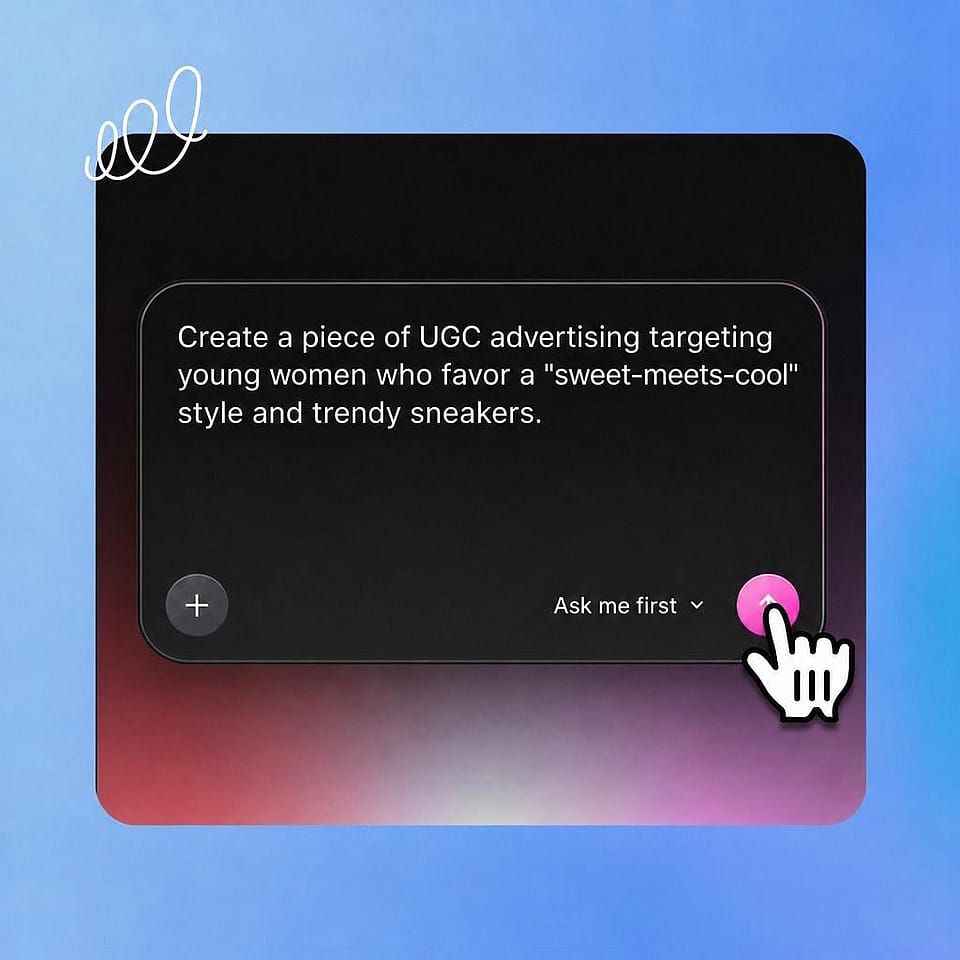
Define el anuncio
Describe qué vendes, para quién es y qué sensación debe transmitir. Añade una foto del producto, tu logo, una banda sonora o un personaje guardado para orientarlo.
Dar las notas
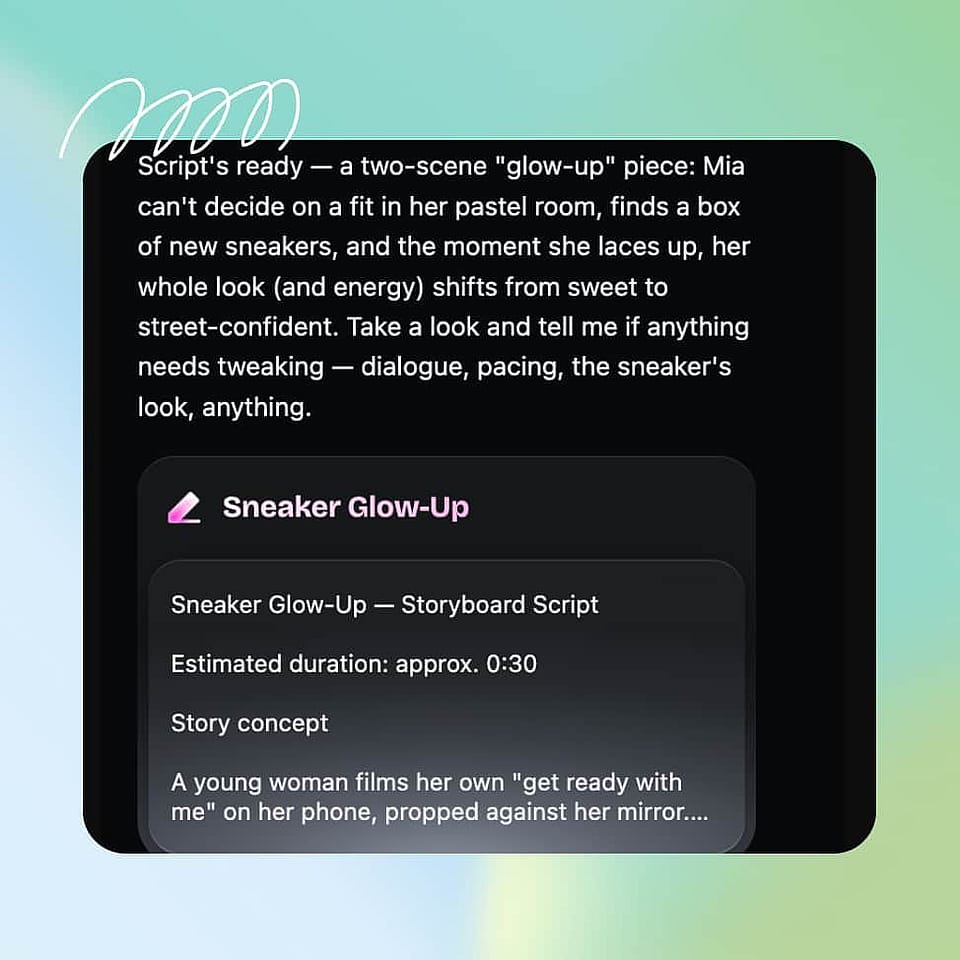
Da forma al gancho, las escenas y los diálogos mediante el chat, igual que harías al dar instrucciones a un equipo creativo. Ori, el asistente integrado, te consulta las decisiones que te importan o funciona por su cuenta con los mejores ajustes.
Recorta tus versiones
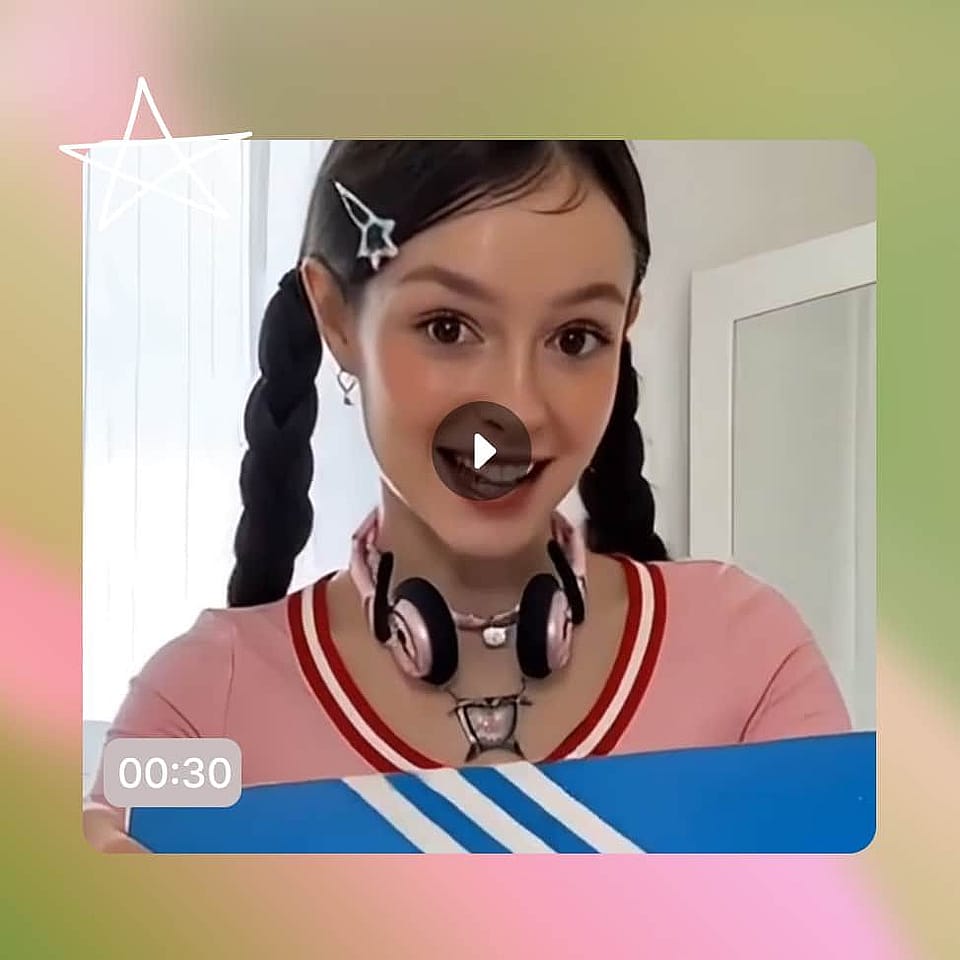
Revisa el anuncio, cambia exactamente lo que indiques y expórtalo. Luego crea variantes por canal, gancho o audiencia y deja que el rendimiento elija al ganador.
Mejores usos de Vibe Directing para anuncios
Tu primer anuncio de la historia
Tienes algo que vender y ningún departamento de marketing detrás. Describe el negocio con palabras sencillas y dirige tu camino hacia un anuncio que parece hecho por profesionales.
Pruébalo ahoraEl empujón del lanzamiento del producto
Tienes una única fecha de lanzamiento y una docena de emplazamientos que llenar. Dirige el spot principal y luego monta teasers, verticales y variantes de retargeting que compartan su estilo, para que tu lanzamiento cubra todas las plataformas a la vez.
Pruébalo ahoraVariaciones creativas frescas
La publicidad de pago consume creatividades más rápido de lo que cualquier equipo puede rodar. Mantén un flujo constante de nuevos ganchos, formatos y enfoques llegando a tus campañas sin esperar nunca a la producción.
Pruébalo ahoraTrabajo de agencia con varias marcas
Cada cliente necesita anuncios acordes a su marca, y ningún presupuesto cubre un rodaje por concepto. Mantén la identidad de cada marca por separado y dirige spots para todas ellas desde un solo puesto, a velocidad de pitch.
Pruébalo ahoraPreguntas frecuentes Preguntas
Es una herramienta que convierte tu producto, oferta o idea en anuncios de vídeo terminados. El generador de anuncios con IA de OpenArt funciona por dirección: describes el anuncio, das indicaciones por chat y lo refinas hasta que esté listo para lanzarse.
Anuncios UGC, anuncios de producto, anuncios de marca, spots y cortes pensados para redes, todo en un mismo sitio. El mismo flujo de trabajo del creador de anuncios con IA cubre cada formato, así que toda una campaña puede salir de un solo brief.
Sí. Monta el mismo anuncio en vertical, cuadrado y panorámico, con las duraciones que pide cada plataforma, y exporta archivos listos para subir a todos los canales.
Describe lo que anuncias, añade una foto del producto o un logotipo si tienes uno y dirige el resultado con notas en lenguaje sencillo. OpenArt crea las escenas, las voces y el sonido, y tú exportas cuando encaja con lo que imaginabas.
Sí. Sube una foto del producto y mantendrá su forma, etiqueta y color con precisión en cada escena, para que el anuncio venda el artículo real que envías.
Las herramientas de plantillas colocan tu producto en el diseño de otra persona, y la mayoría de los generadores de anuncios con IA te dan un solo clip por prompt. OpenArt construye el anuncio en torno a tu dirección y modifica cualquier detalle a partir de tus notas, así que el resultado encaja con tu marca en vez de con una plantilla.