

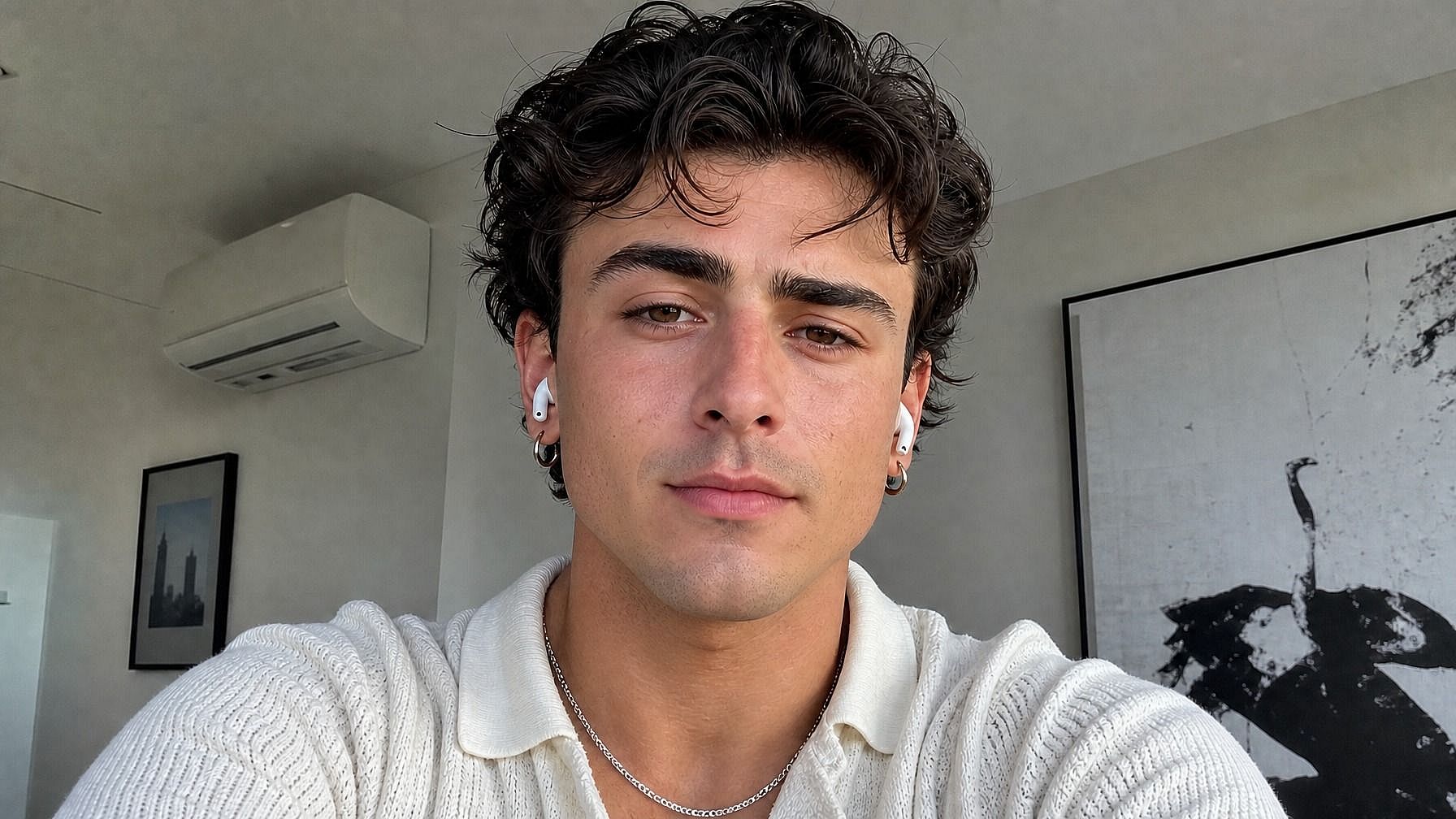
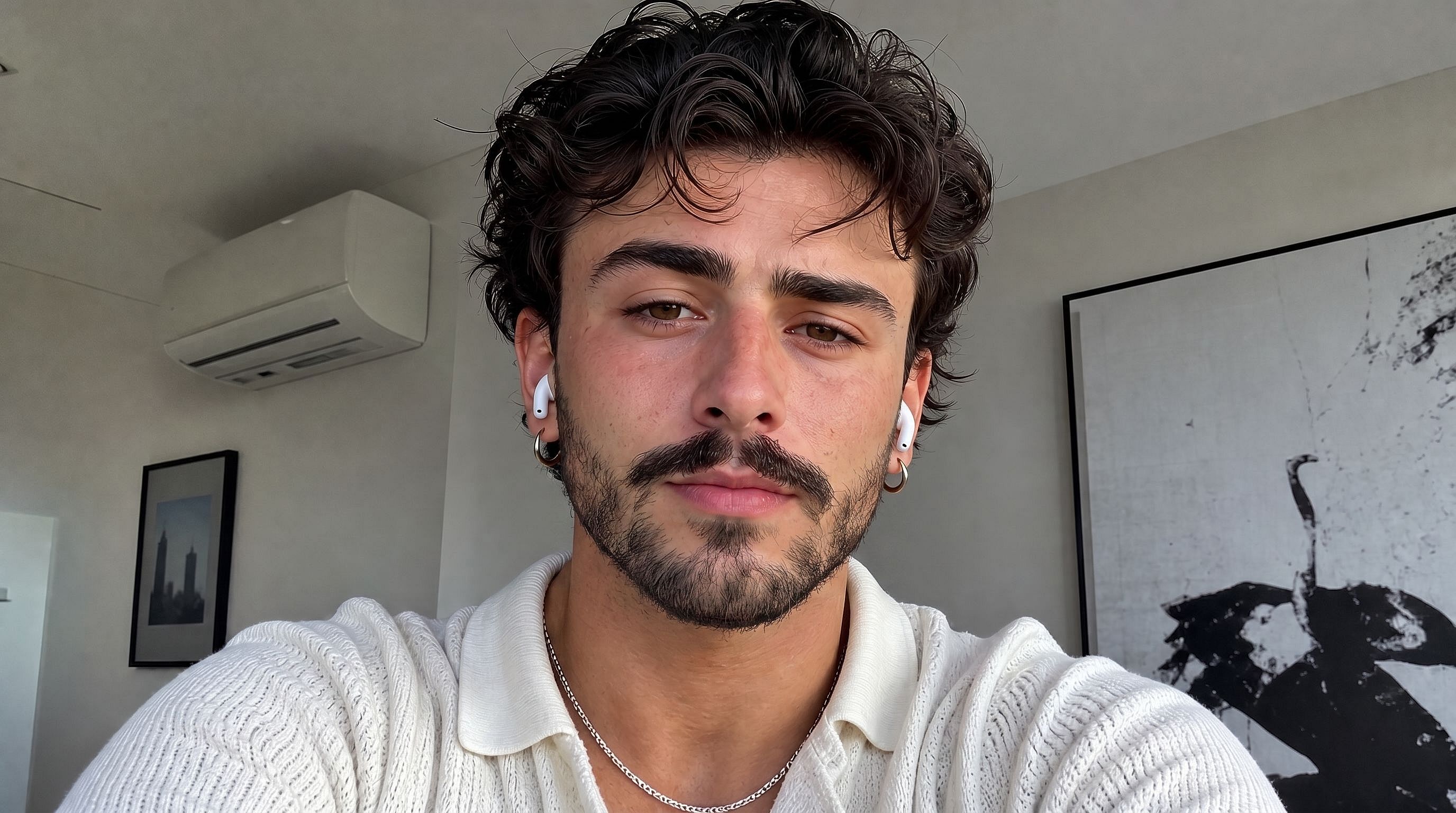
Añadir barba a una foto
¿Con curiosidad por saber cómo te quedaría la barba? Sube tu foto a la herramienta de barba con IA de OpenArt y ve al instante una transformación realista. Elige el estilo: barba completa, perilla, barba de tres días, bigote o las clásicas patillas, y la IA la hace crecer en tu cara de forma natural, adaptándose a tu tono de piel, la iluminación y la forma de tu rostro para que el resultado se parezca de verdad a ti.
 Añade una imagen O arrástralo y suéltalo aquí · JPEG, PNG, WEBP, HEICJPEG, PNG, WEBP, HEIC
 Ventajas de añadir barba a una foto



Mírate con barba
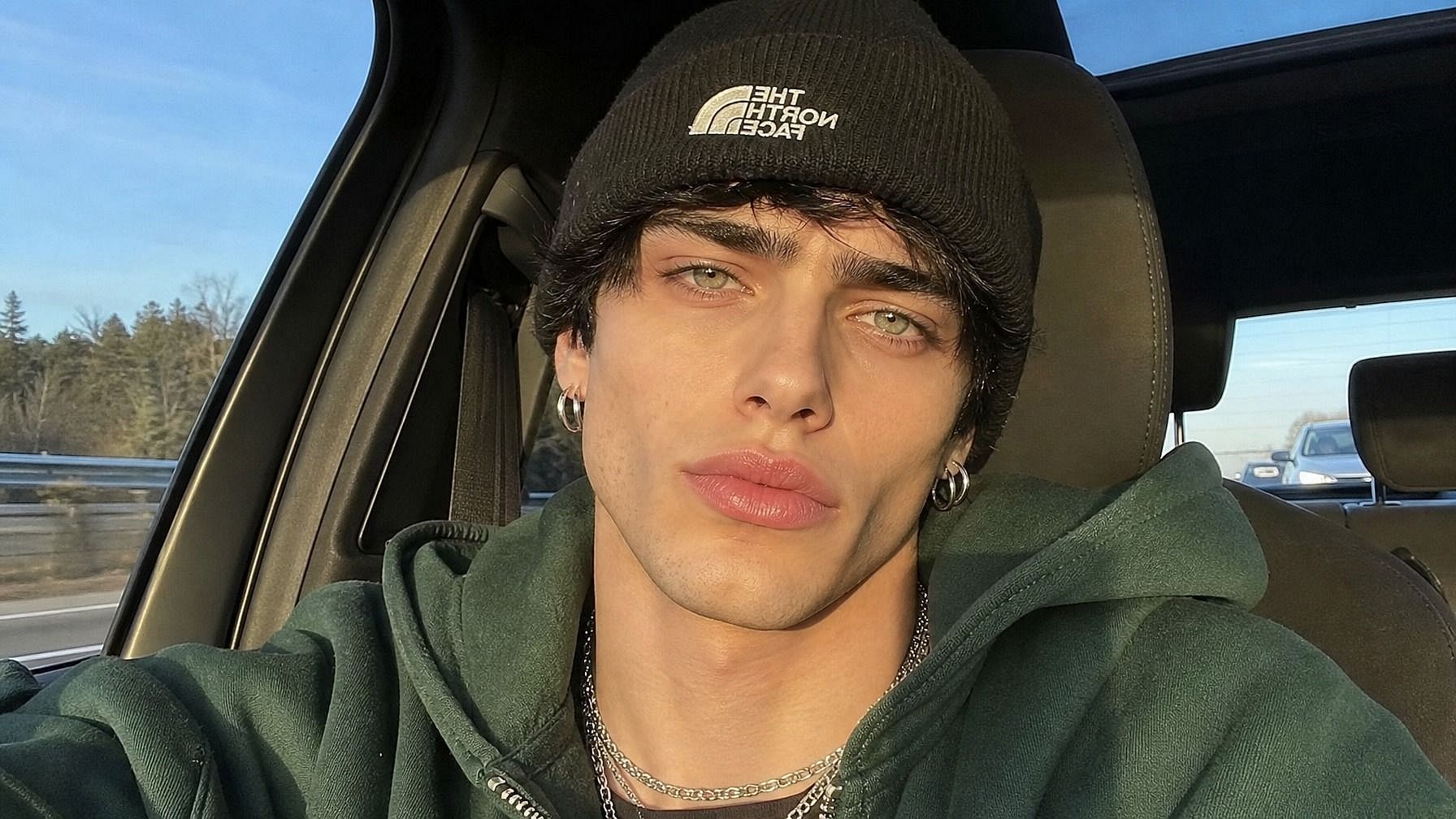
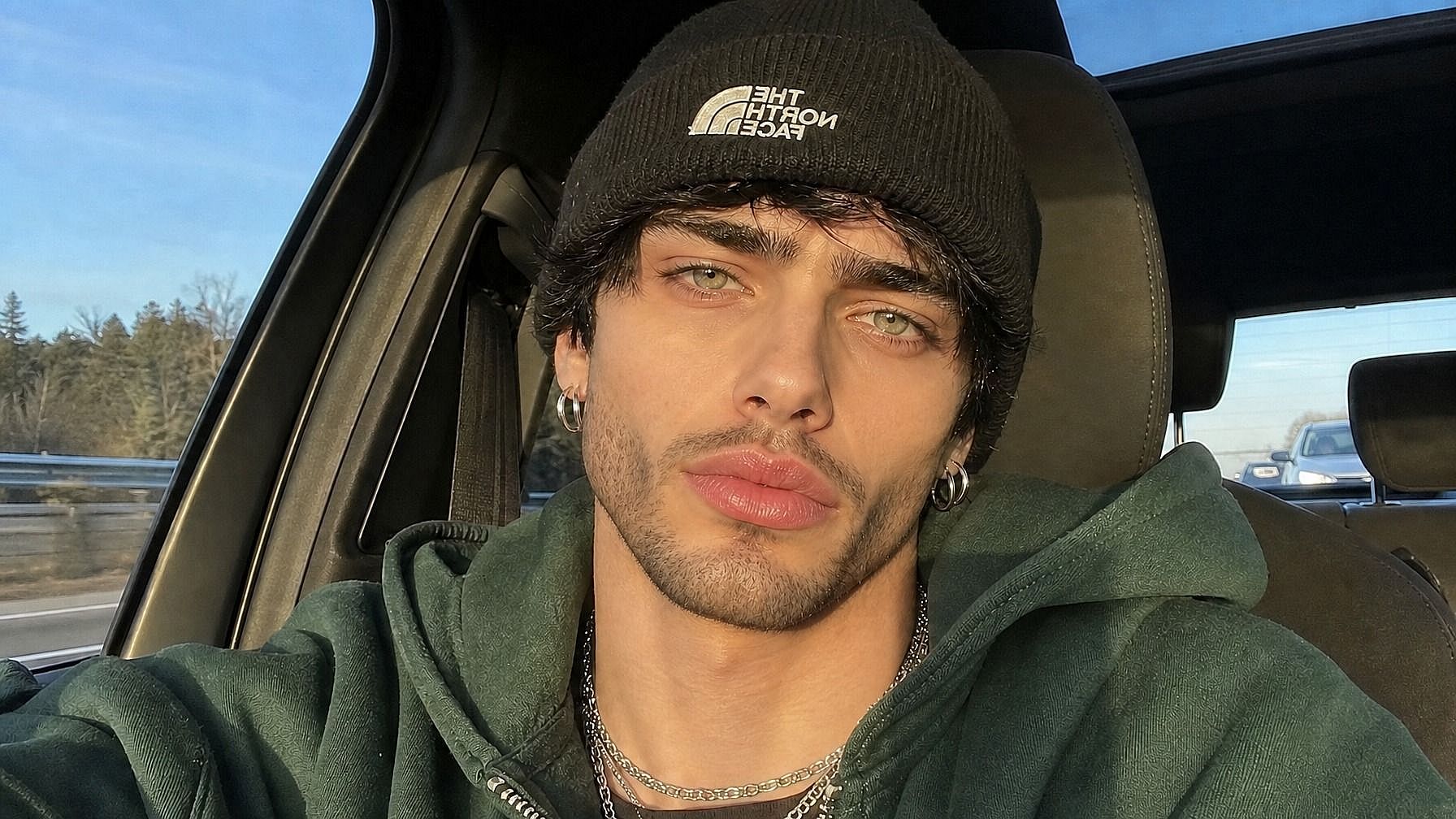
Sube una foto recién afeitada (o cualquier otra) y observa cómo la IA añade una barba realista. Útil para ver cómo te quedaría antes de decidirte a dejártela crecer de verdad.



Prueba cualquier estilo de barba
Barba completa, perilla, barba de tres días, bigote clásico, patillas pobladas, mosca, estilo leñador... solo describe lo que quieres y la IA lo replica.

Se ve natural, no pegado
La IA ajusta la barba a tu tono de piel, la iluminación y la forma de tu cara para que se integre como vello facial real. Sin capas planas ni líneas de edición evidentes.
Creaciones de la comunidad
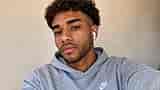
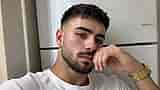
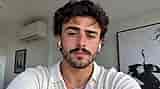
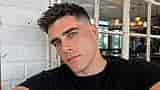
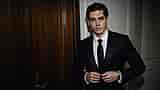
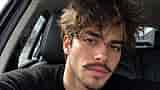
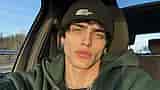
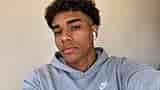
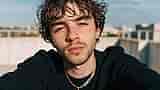
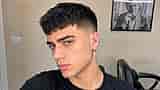
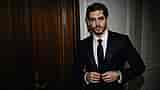
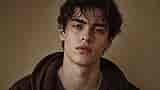
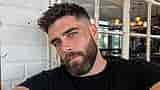
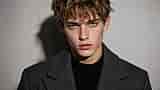
Descubre cómo la gente prueba distintos estilos de barba antes de decidirse. Desde perillas pulcras hasta barbas de leñador, explora cómo un solo cambio puede transformar por completo el aire de una cara.
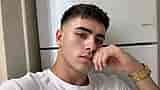
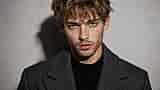
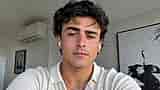
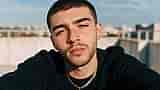
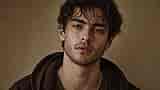
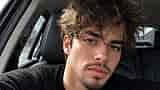
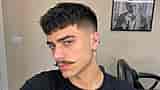
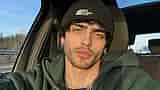
Funciones clave de la herramienta de barba con IA
El editor de imágenes con IA de OpenArt usa modelos avanzados como GPT Image 2.0, Nano Banana Pro y Recraft V4 para generar ediciones realistas con detalles precisos y coherencia. Así, la barba que añades parece que creció ahí de verdad, no pegada por encima.
Generación de barbas realistas
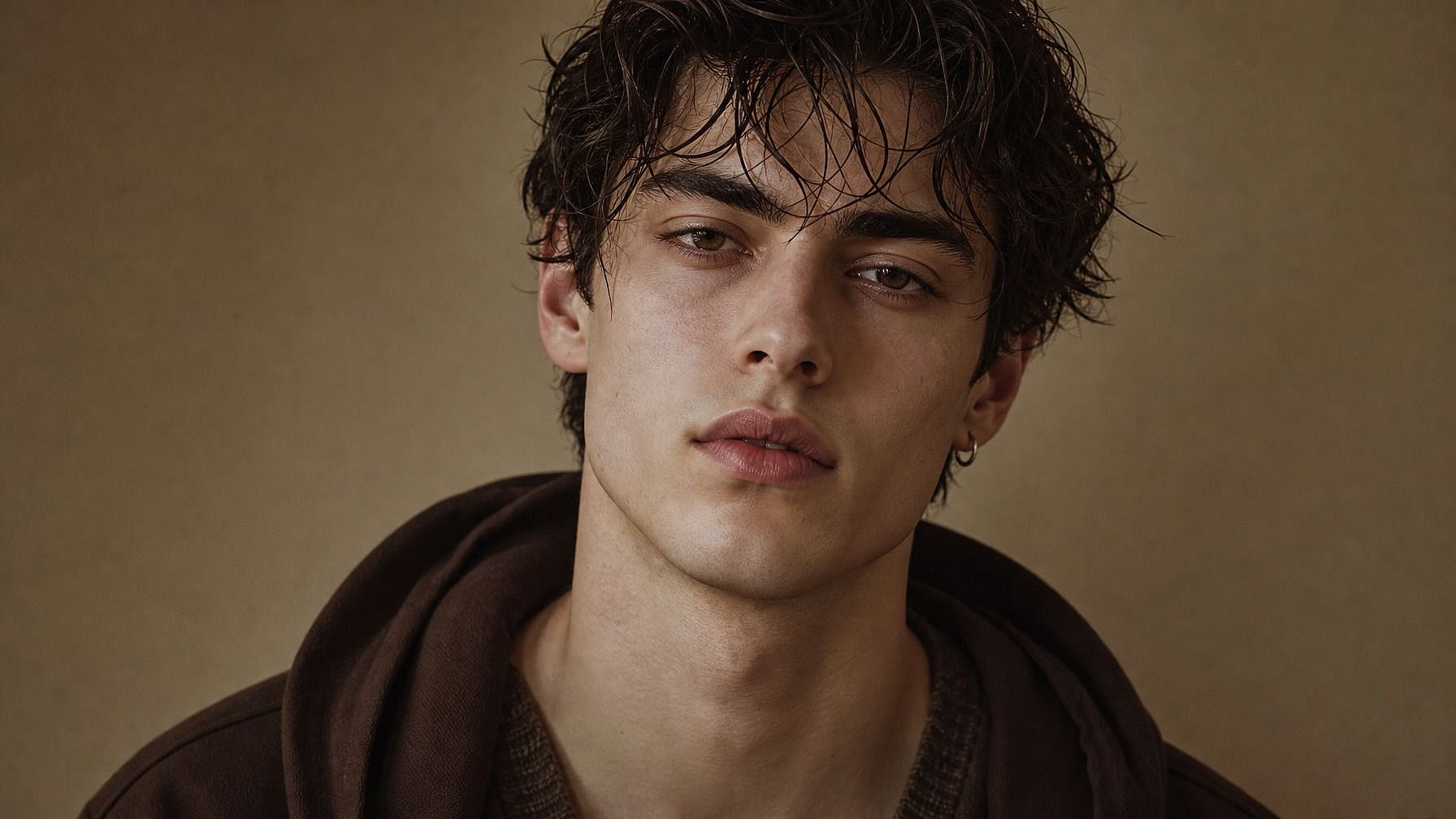
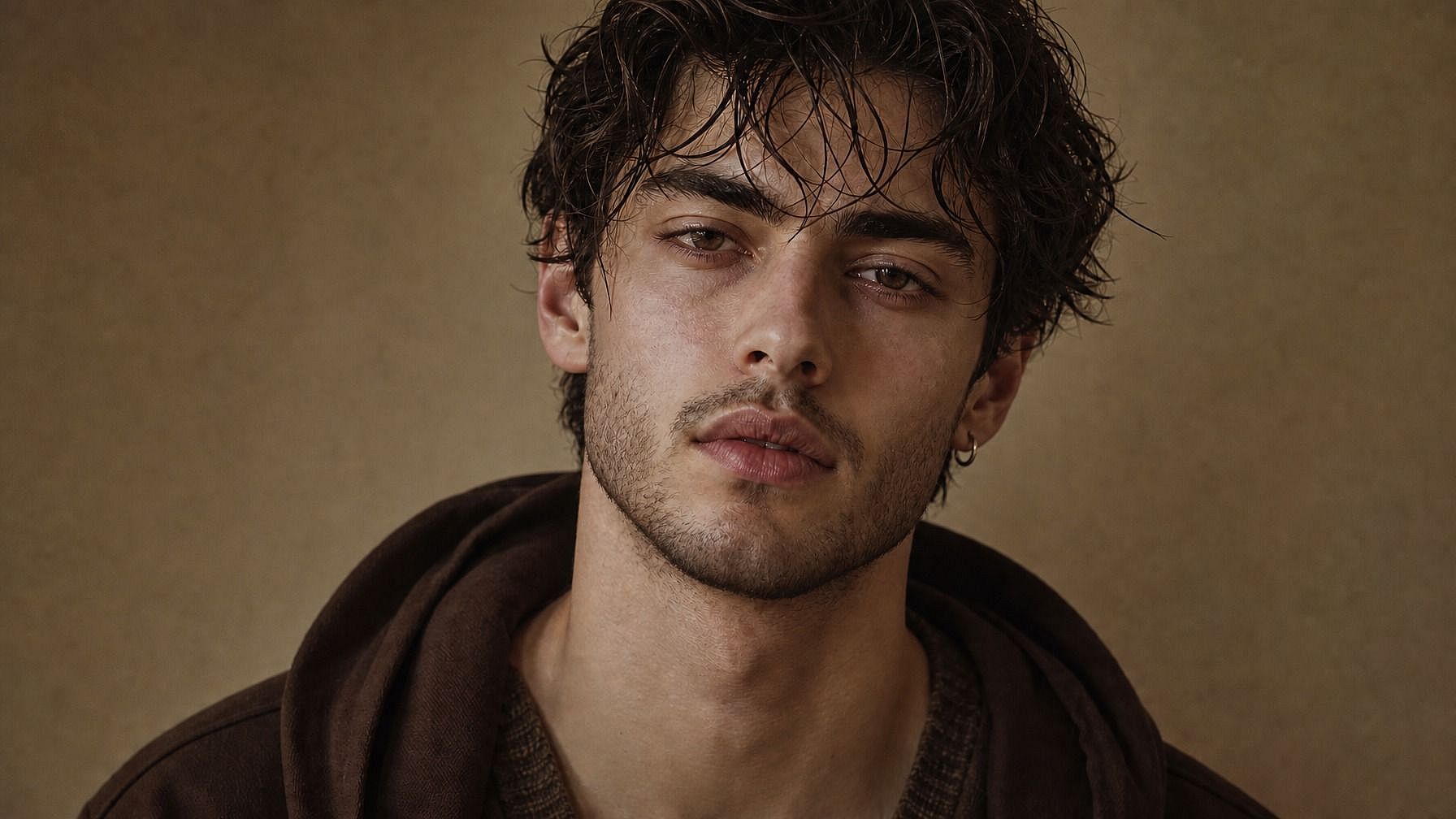
La IA hace crecer una barba en tu rostro que respeta tu tono de piel, las condiciones de iluminación y tu color de pelo natural. Los pelos quedan donde deben, siguen los contornos de tu mandíbula y barbilla, y captan sombras y luces para que la barba parezca integrada y no superpuesta. Incluso la barba incipiente más sutil se renderiza con la textura correcta, en lugar de simplemente oscurecer la parte inferior de la cara.
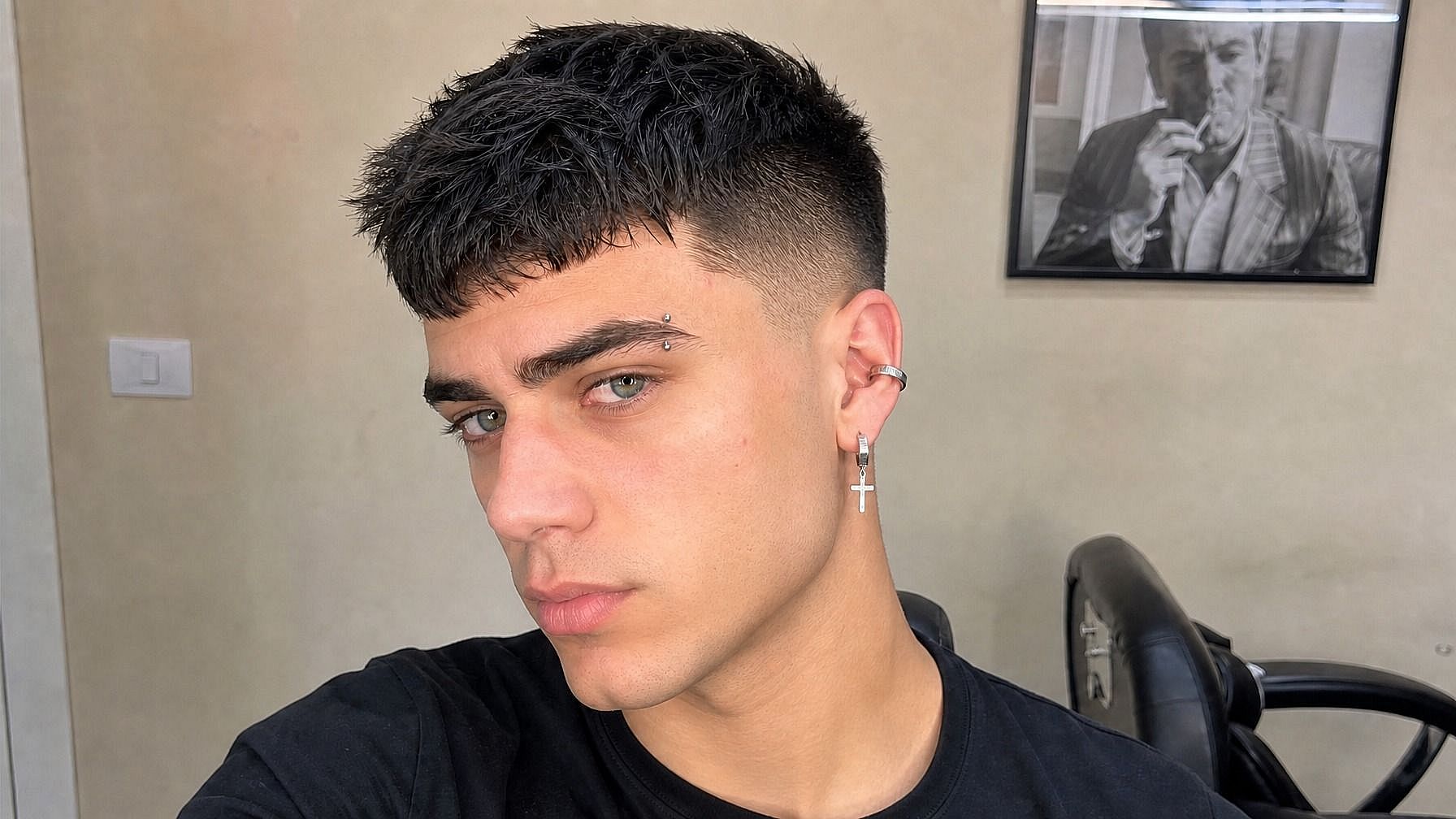
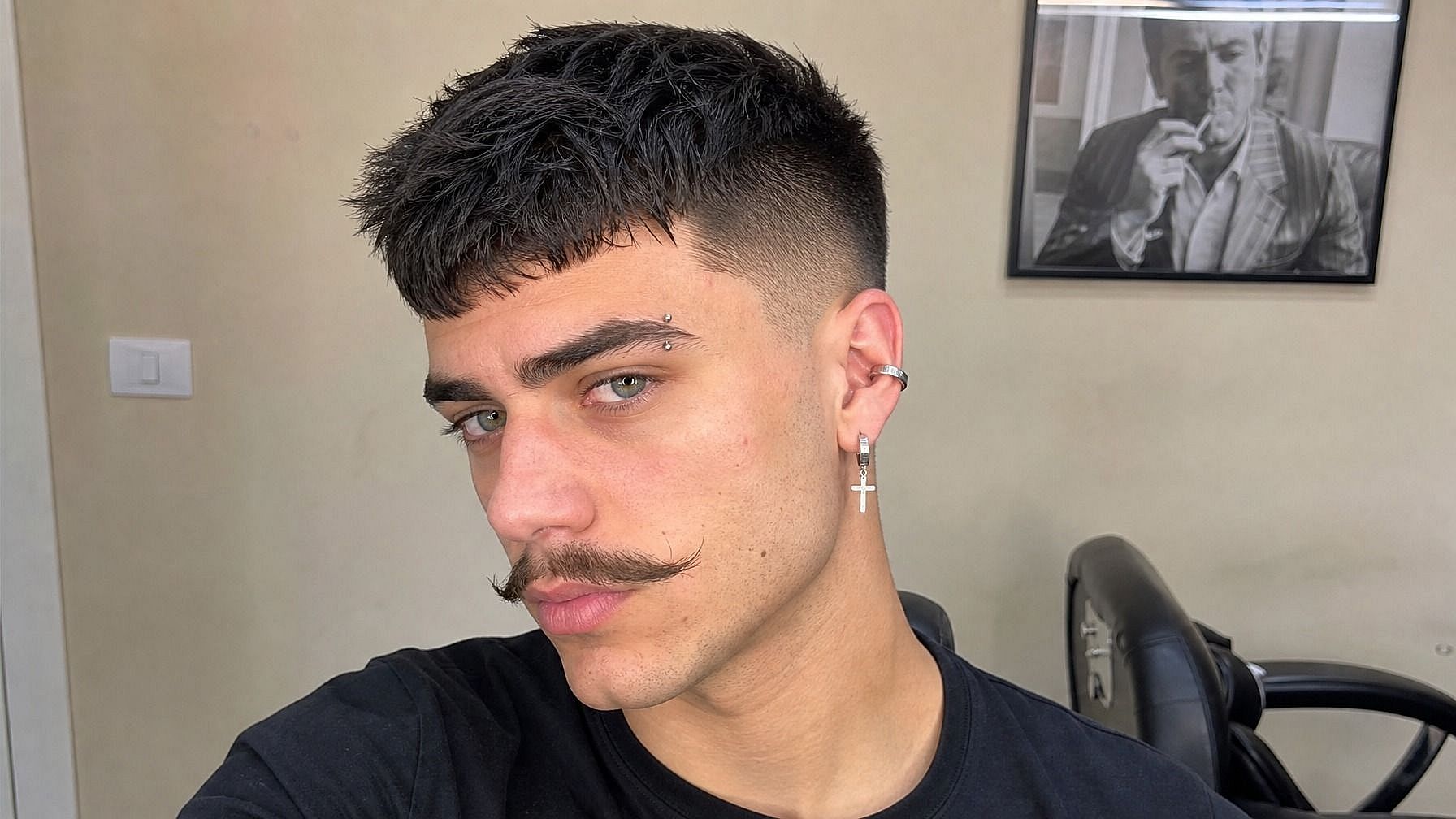
Varios estilos de barba
Prueba el estilo que quieras: barba completa bien recortada, barba de tres días desaliñada, perilla clásica, bigote de manillar, barba leñadora, patillas de chuleta, tira de mentón, mosca, incluso opciones de fantasía como barbas de mago. Describe la forma, la longitud y el nivel de arreglo en tu prompt y la IA ajustará tu foto a ello.
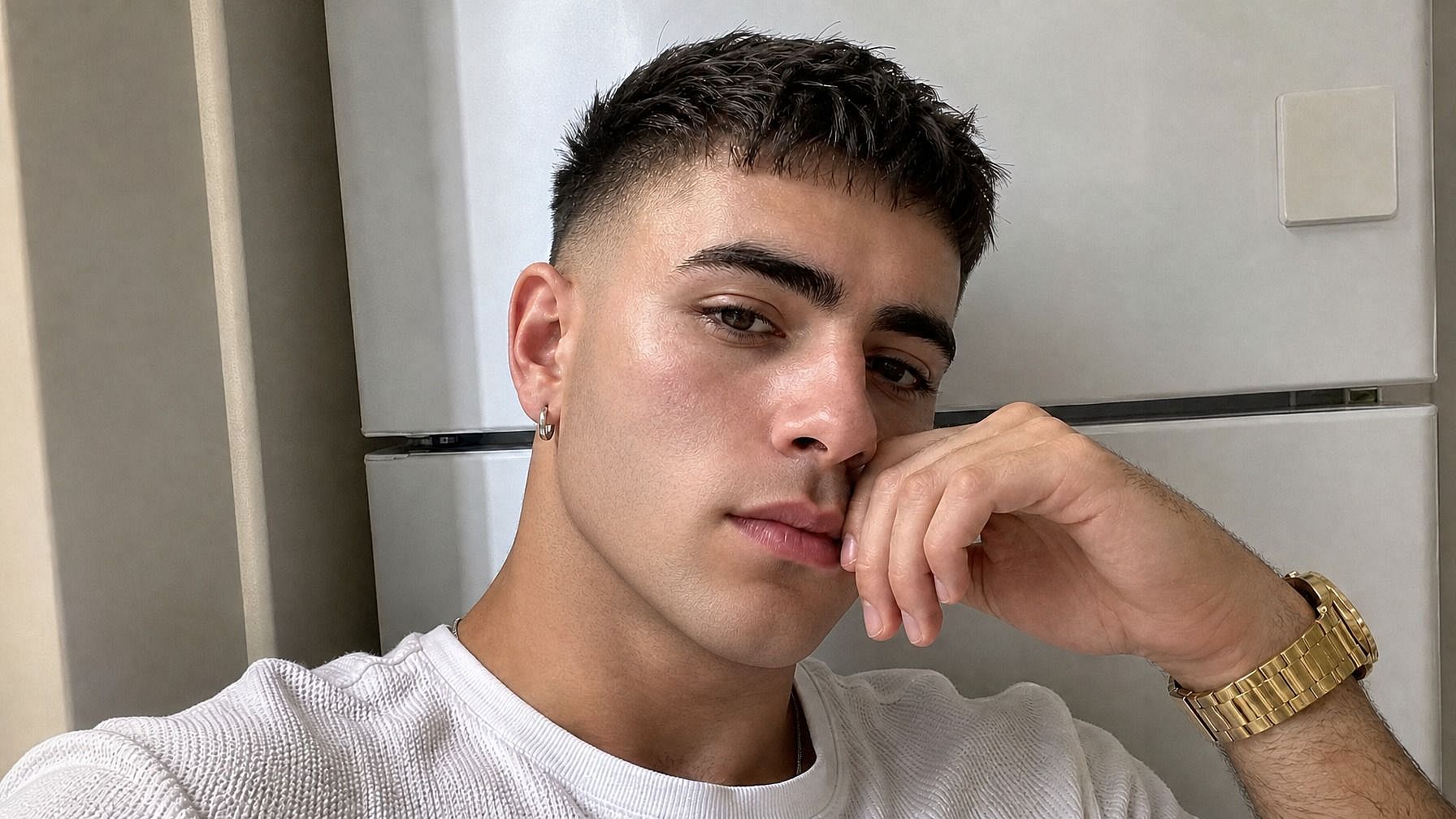
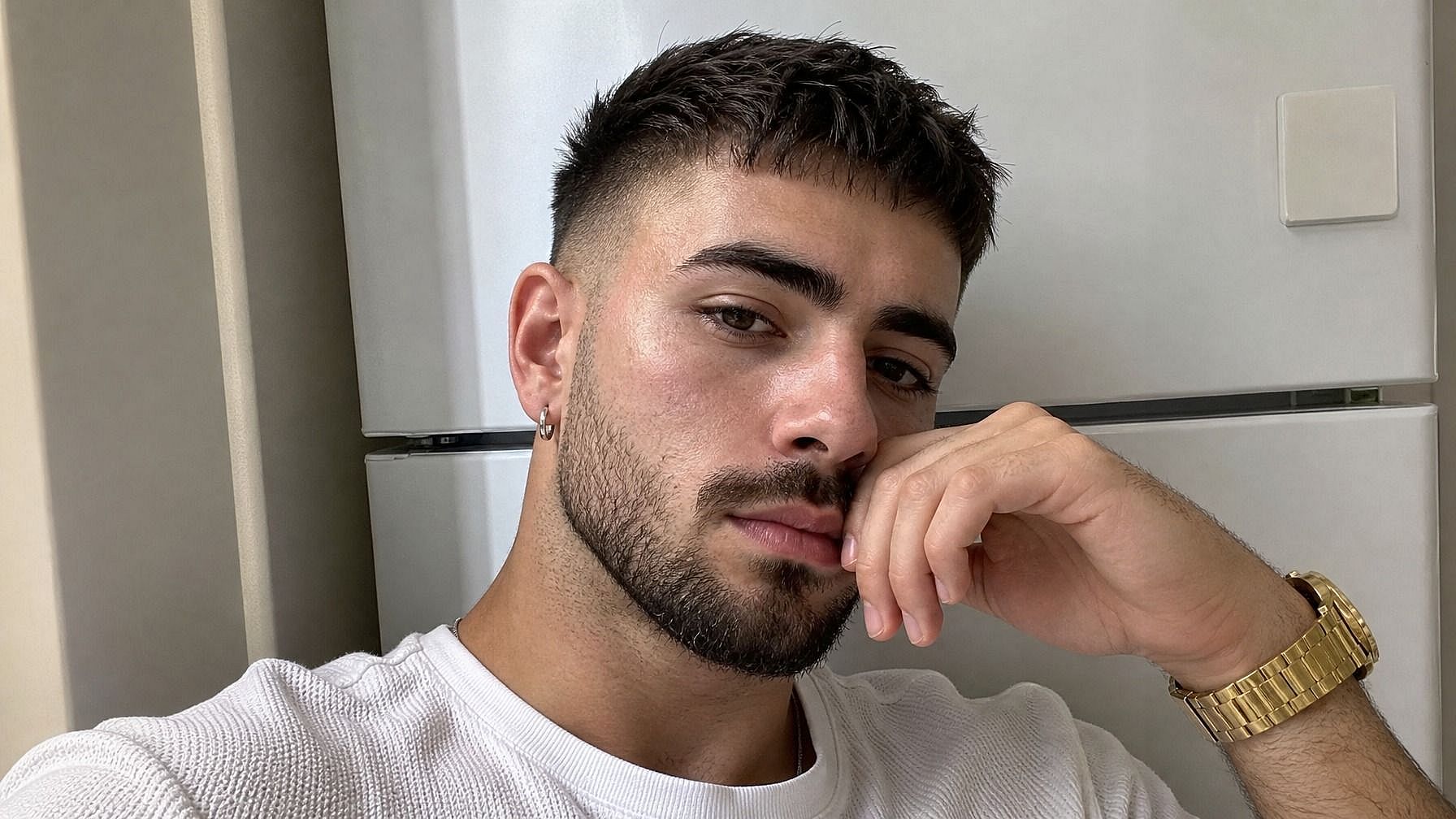
Adaptado a la forma del rostro
La barba se adapta a la estructura de tu cara, así que las proporciones quedan bien. Una barba poblada en una cara redonda se renderiza de forma distinta que en una mandíbula angulosa; la IA tiene esto en cuenta y le da forma a la barba para que encaje con tus rasgos, en lugar de estampar el mismo contorno en todas las caras.
Integrado en un flujo de edición de imágenes completo
Una vez añadida tu barba, puedes seguir en la misma ventana. Cambia tu peinado con el Cambiador de Peinado con IA, cambia el fondo, mejora la foto a HD o prueba otros looks. ¿Quieres ir en la dirección opuesta y quitarte todo el pelo? El Filtro Calvo también está justo ahí.
Cómo usar la herramienta Añadir barba a una foto
Prueba una barba en tu foto en tres pasos.
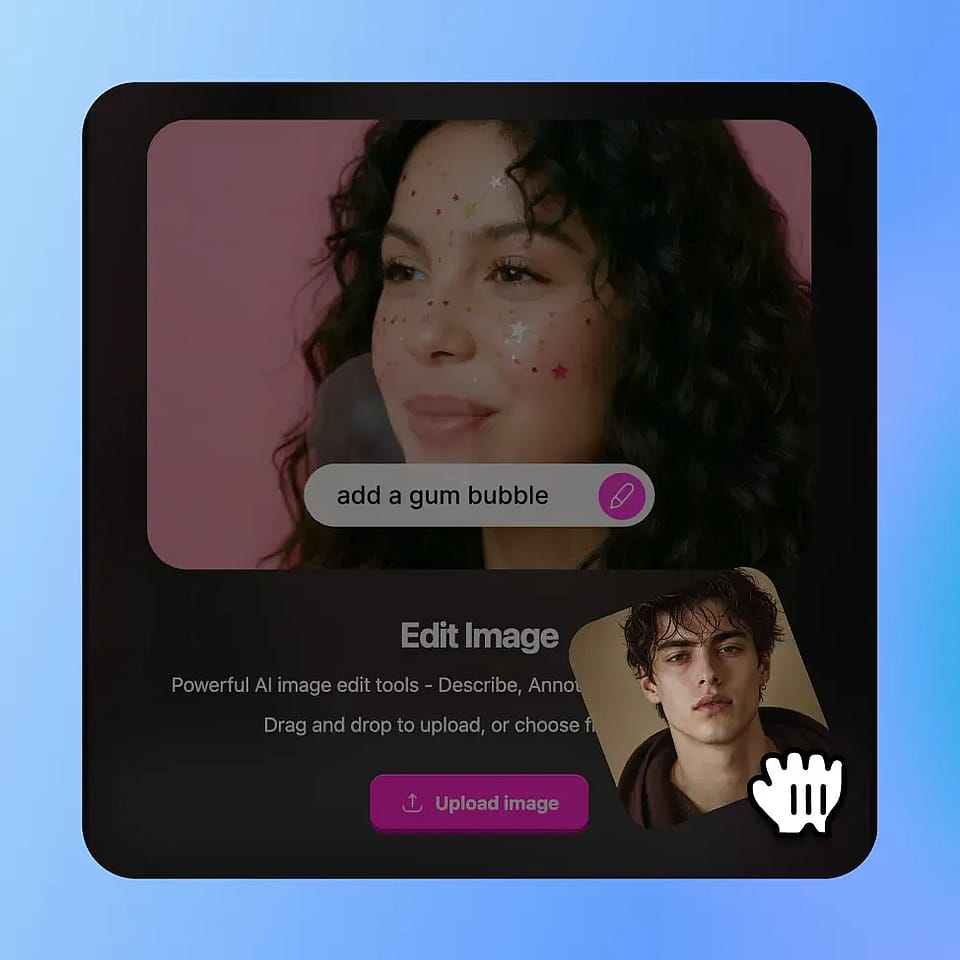
Sube tu foto
Abre las herramientas de imagen de OpenArt y sube una foto nítida de ti mismo. Lo ideal es una toma frontal o de tres cuartos bien iluminada, pero la IA también funciona con otros ángulos.
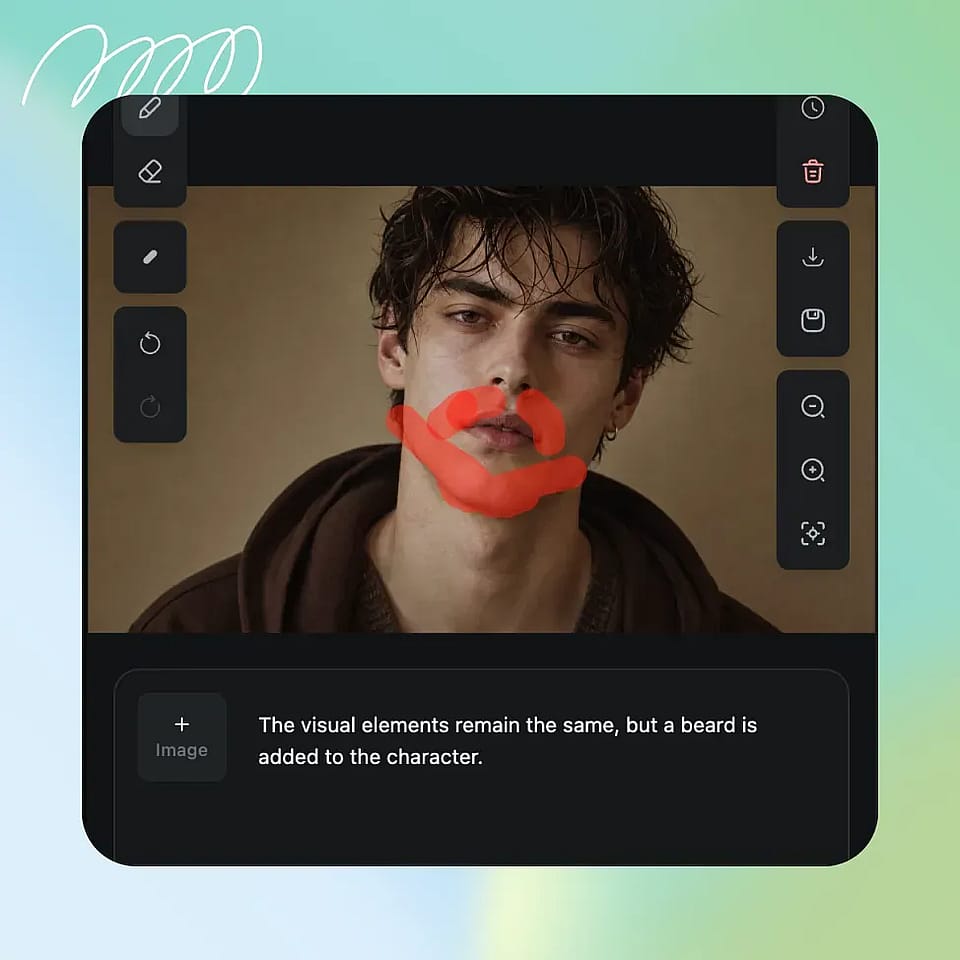
Describe la barba que quieres
Selecciona la zona de la barbilla y la parte inferior de la cara y describe la barba: «barba tupida y poblada», «barba de tres días», «perilla bien recortada», «barba de leñador con un toque de canas». Sé todo lo específico que quieras.
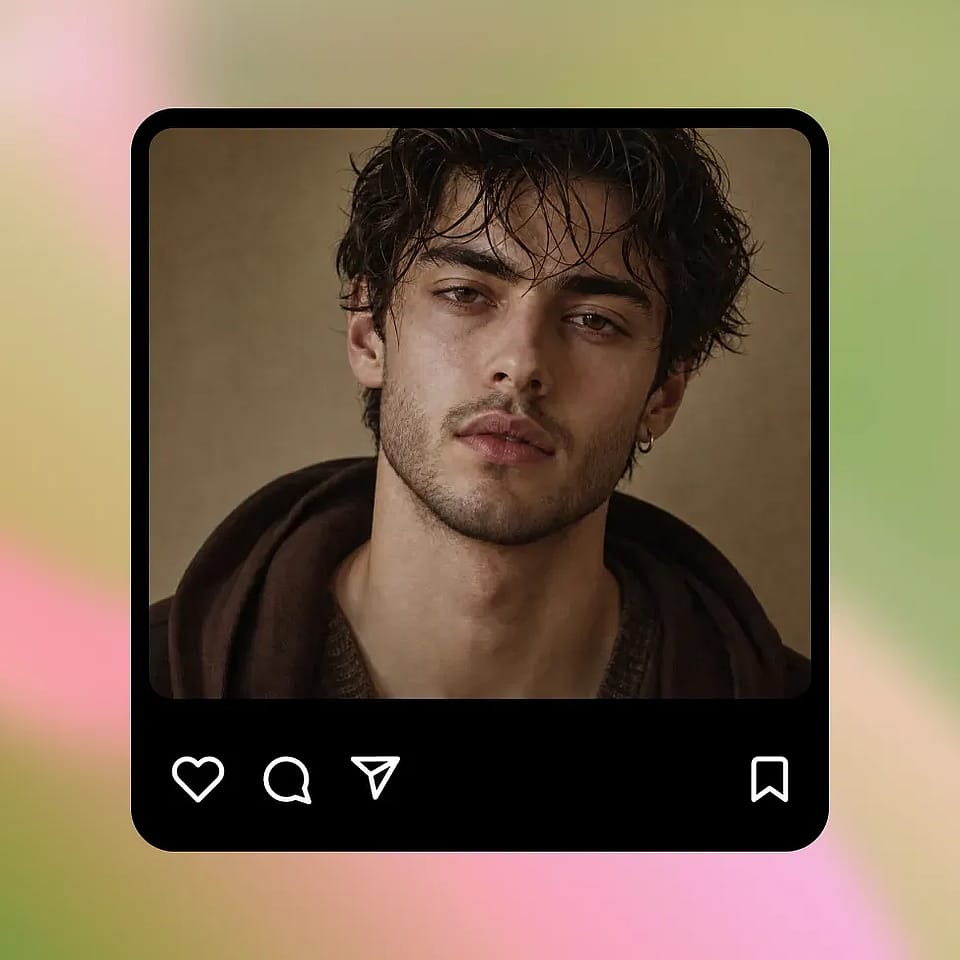
Genera y perfecciona
Ejecútalo, previsualiza el resultado y refínalo si hace falta. Prueba un estilo diferente, ajusta el largo o el volumen en tu prompt, o genera varias variaciones hasta que una te convenza.
Diseñado para previsualizar looks de barba sin comprometerte
Descubre cómo te quedaría una barba, en tu cara y en tu look en general, antes de pasar meses esperando a que crezca de verdad.
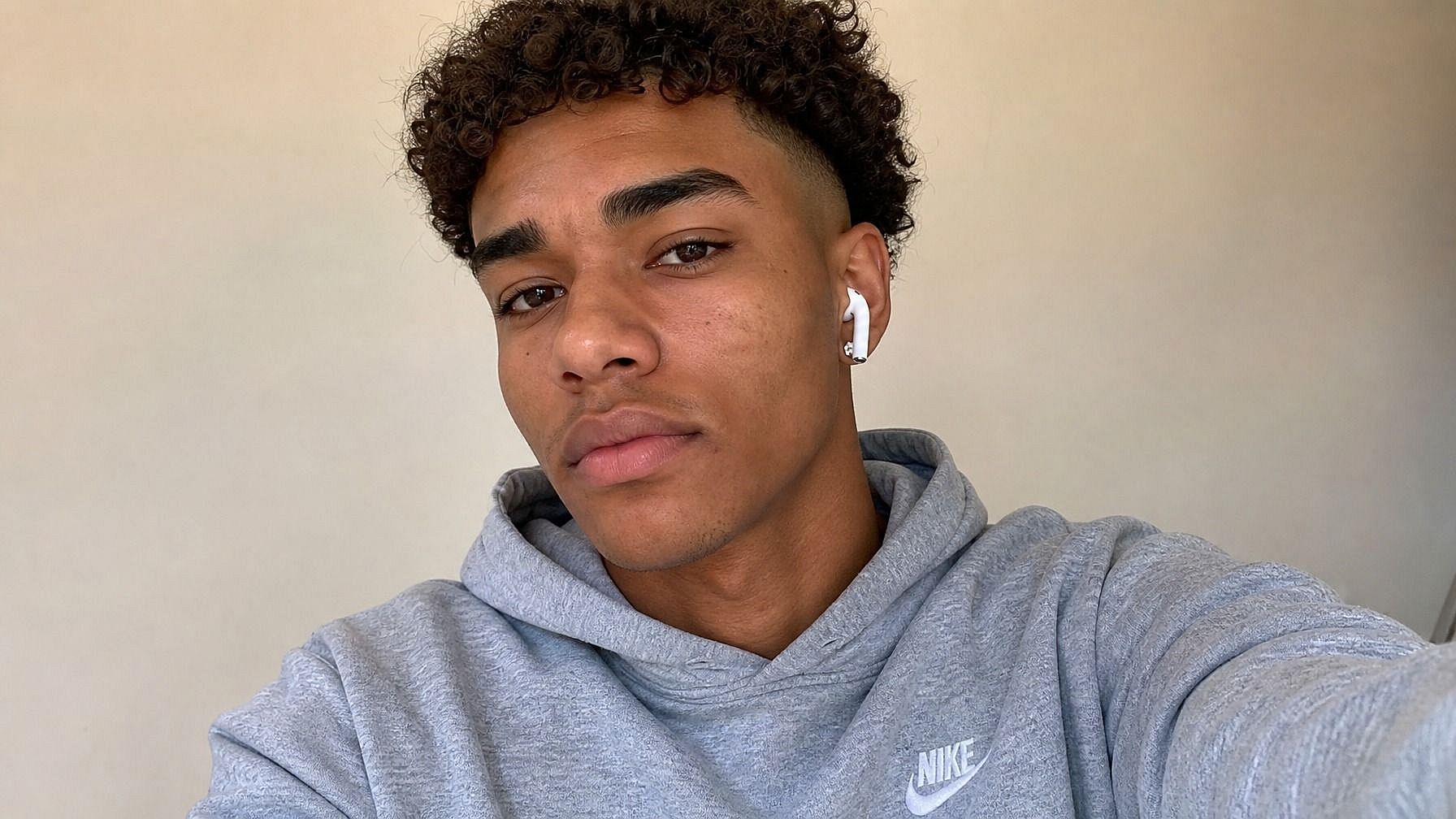
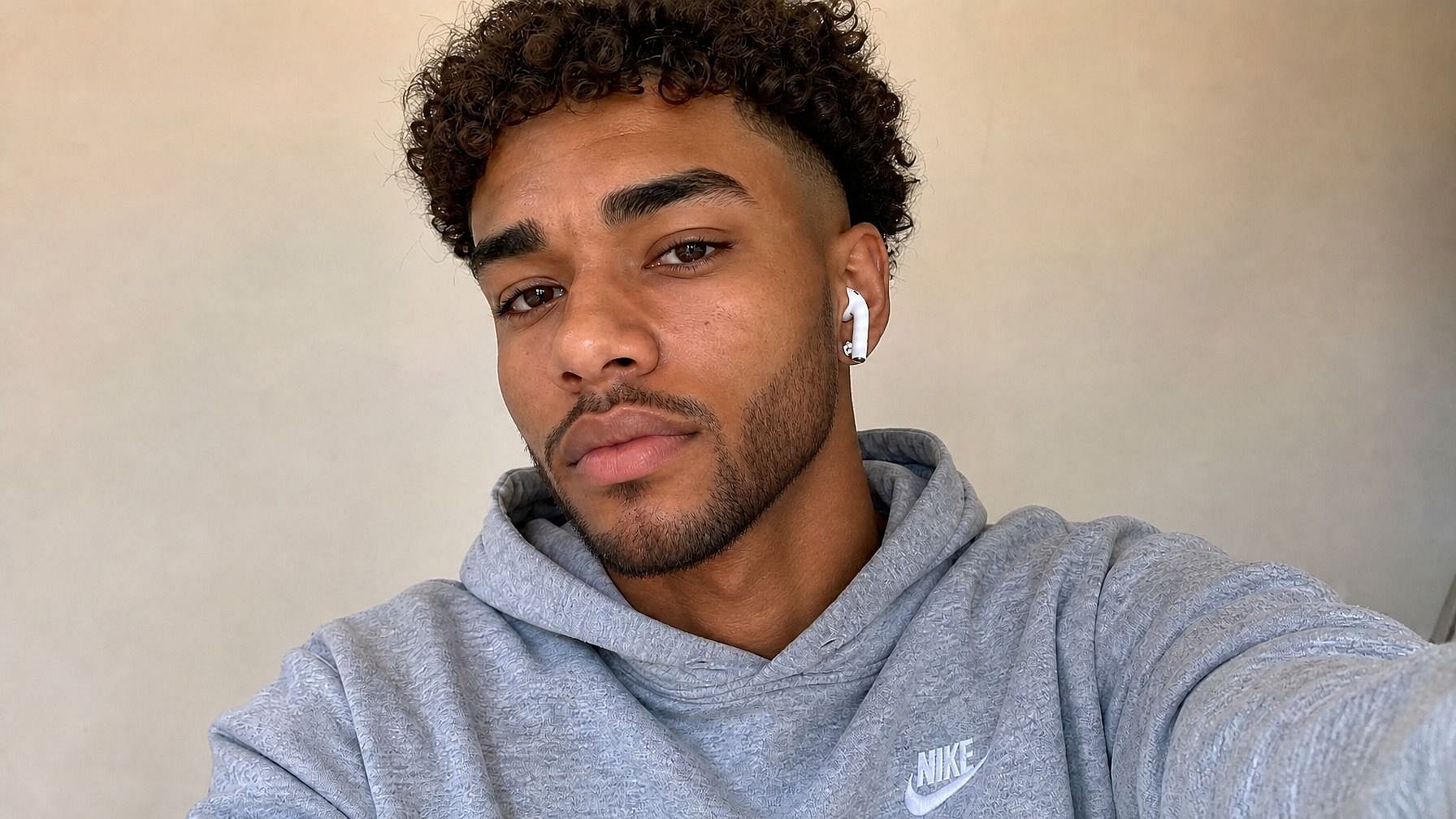
Hombres que se plantean dejarse barba
Si estás pensando en dejártela crecer pero no sabes si te quedará bien, esta es la forma más fácil de averiguarlo. Prueba varios estilos, como barba de tres días, barba completa o perilla bien recortada, y mira cómo cambia cada uno tu look general. Mucho menos compromiso que esperar seis semanas solo para descubrir que no te gusta.
Pruébalo ahora
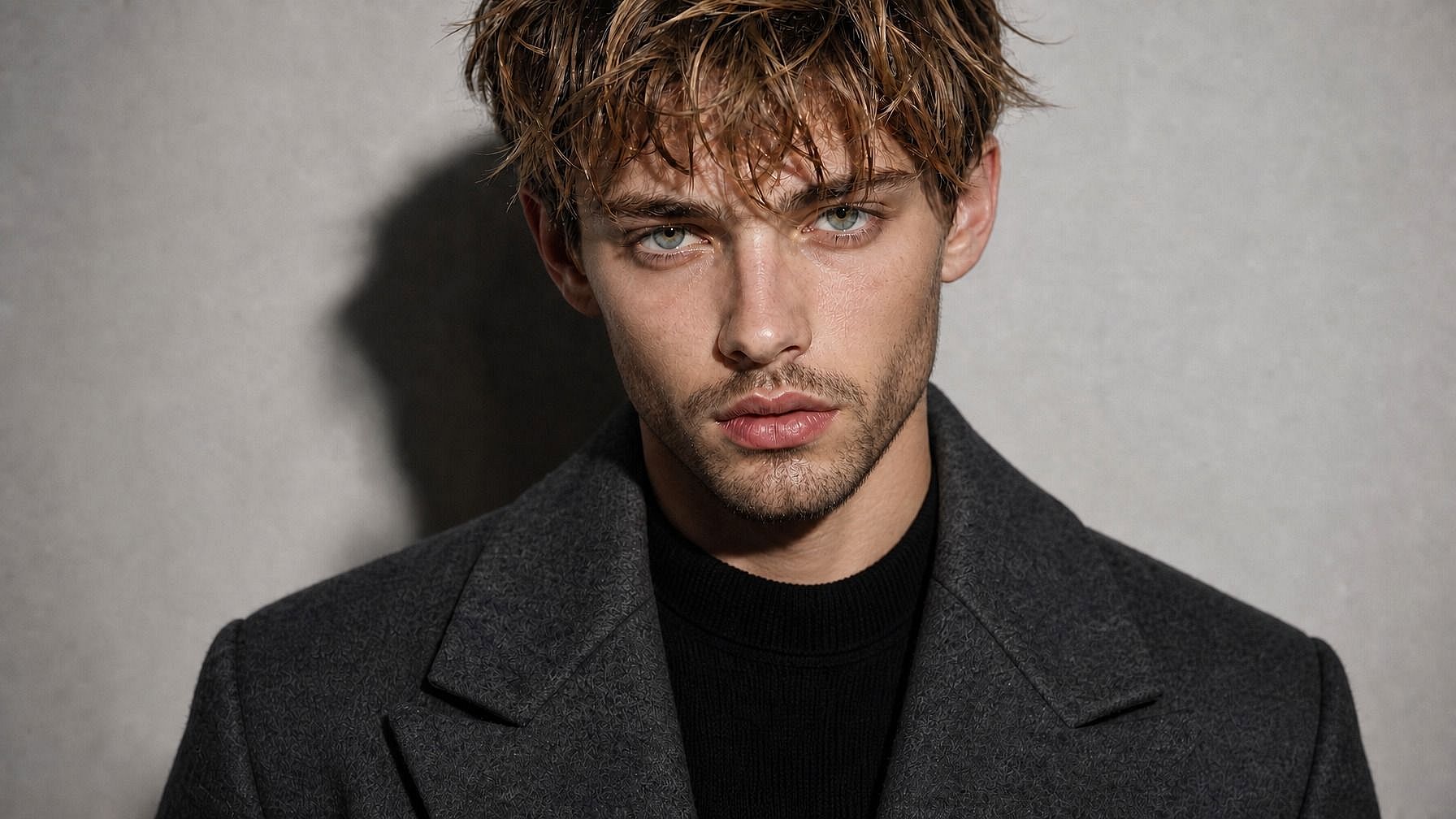
Probar distintos estilos de barba
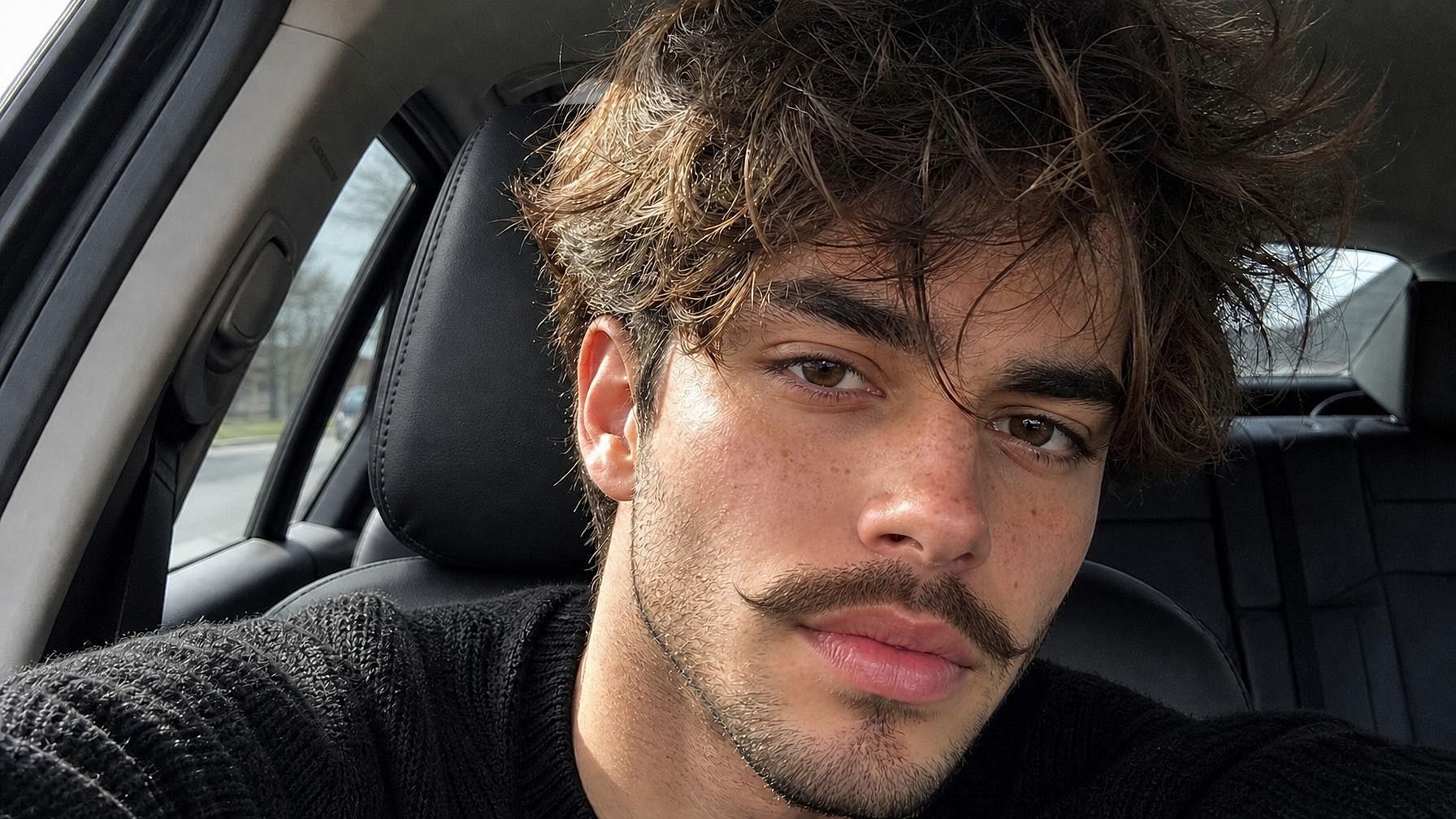
¿Ya tienes barba pero te pica la curiosidad por otra forma? Prueba una perilla, un bigote de manillar, patillas de chuleta o una línea más marcada, sin afeitarte nada. Muy útil para decidir si un nuevo estilo merece una visita al barbero.
Pruébalo ahora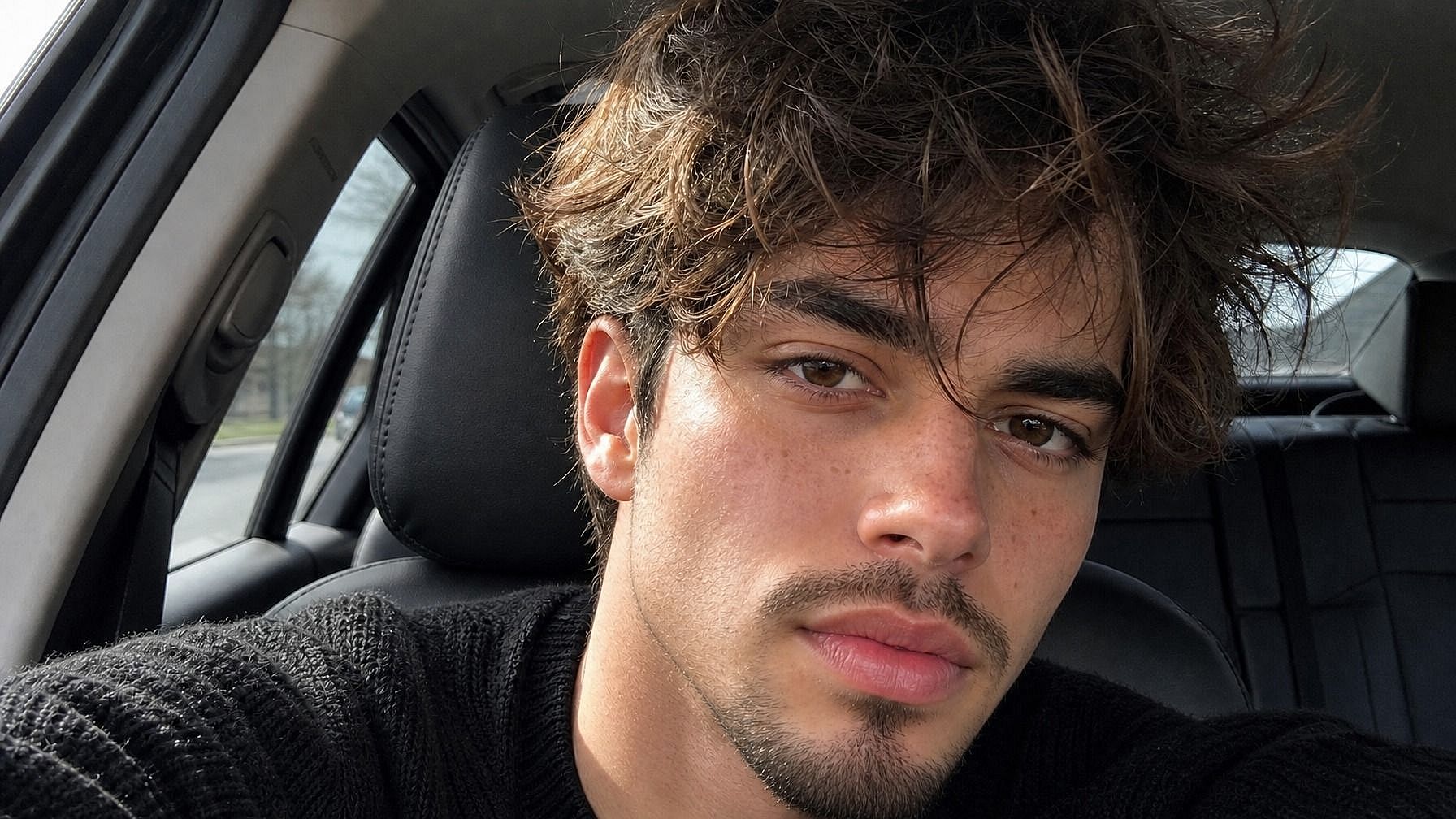
Planificación previa a eventos y sesiones de fotos
¿Tienes una boda, una sesión de fotos o un gran evento a la vista? Previsualiza cómo se vería tu cara con barba en diferentes largos y estilos, para saber si dejártela crecer, recortarla o afeitártela por completo. Mucho más fácil que adivinar y acabar arrepintiéndote en tus fotos.
Pruébalo ahora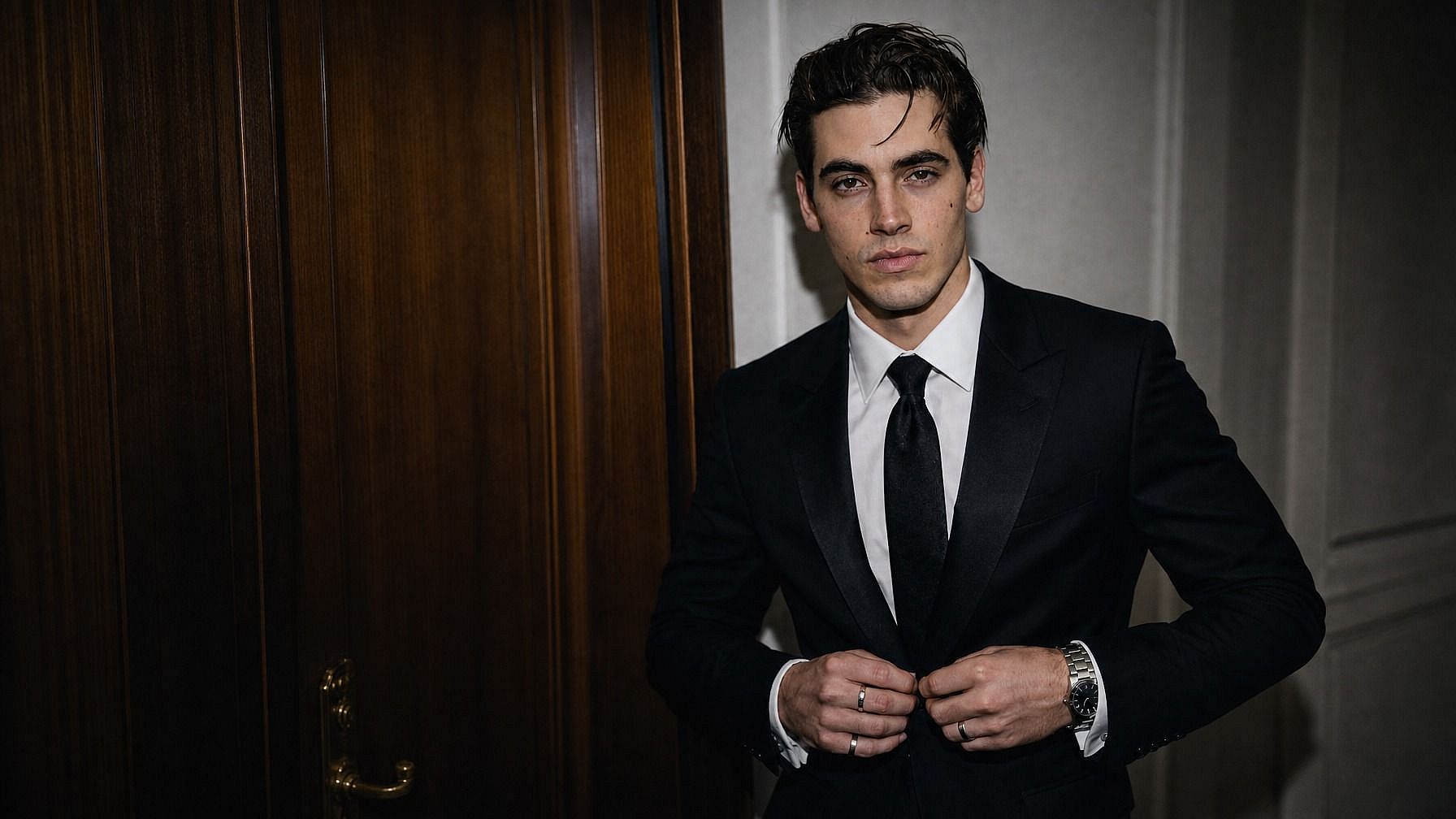
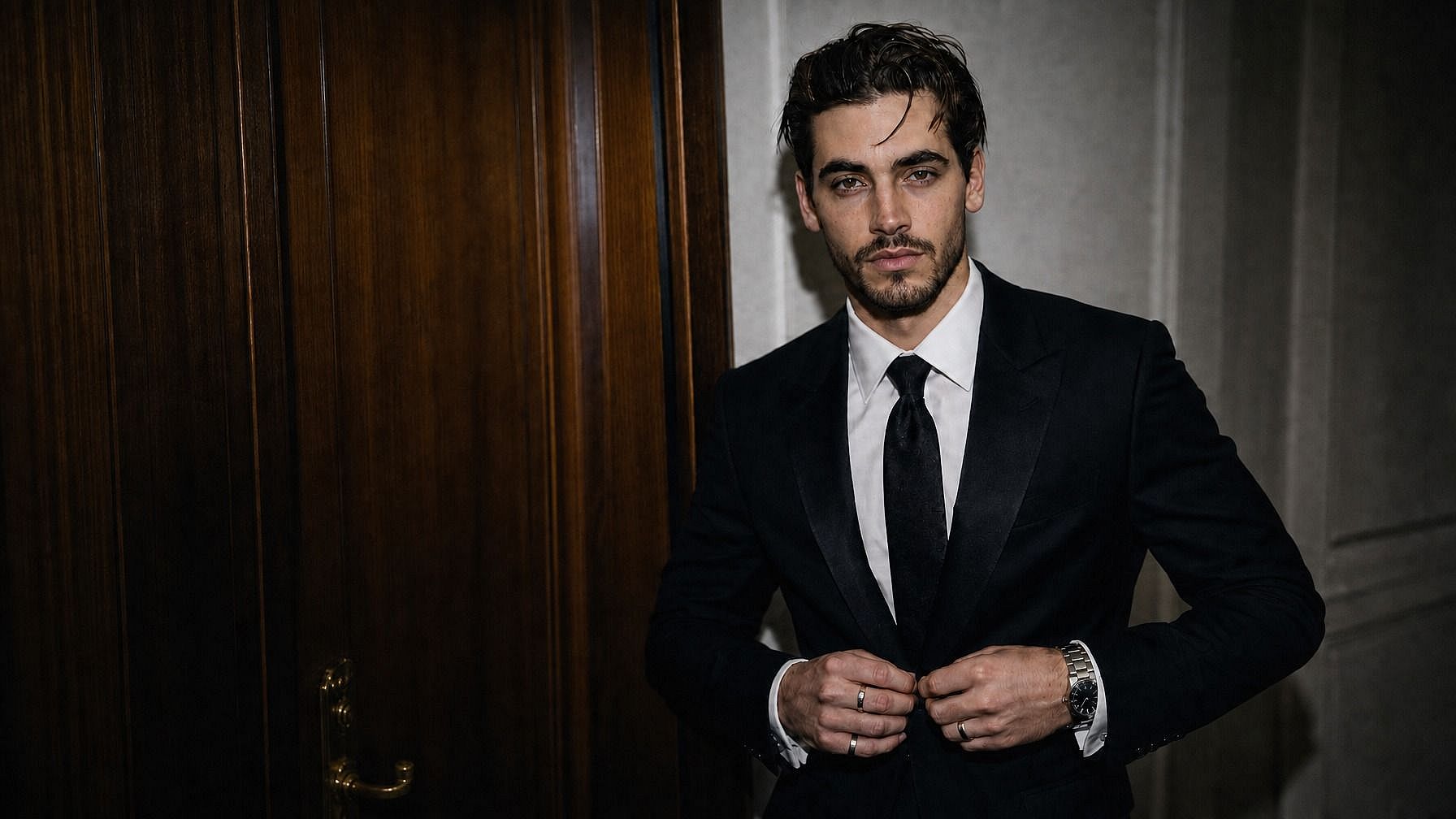
Creadores de contenido y ediciones de fotos divertidas
Añade barbas a tus fotos para contenido, ponle a tu padre una barba vikinga en su tarjeta de cumpleaños o experimenta con ideas de diseño de personajes. Las ediciones de barba son una forma fácil de darles variedad divertida a los retratos. Perfecto para miniaturas, publicaciones, memes o simplemente para reírte.
Pruébalo ahoraPreguntas frecuentes Preguntas
Es una herramienta de IA de OpenArt que te permite previsualizar cómo se vería una foto con barba. Subes una imagen, describes el estilo de barba y la IA genera una versión realista de la foto con esa barba.
Sí. Describe el estilo que quieras: barba completa, perilla, barba de tres días, bigote de manillar, patillas pobladas, estilo leñador, chin strap, mosca... lo que sea. La IA renderiza la barba según tu descripción.
Sí. La herramienta funciona con cualquier rostro: tus amigos, familia, personajes, quien sea que aparezca en la foto. Súbela y describe la barba que quieres.
Funcionan JPEG, PNG y WEBP. Puedes subir archivos desde el móvil, el ordenador o cualquier unidad en la nube.
Usa una foto clara y bien iluminada donde se vea tu cara. Lo mejor es un ángulo frontal o de tres cuartos. Sé específico con el estilo y el largo que quieres: «barba completa bien recortada con leves canas grises» te dará un resultado más ajustado que solo «barba». Si el primer intento no acaba de funcionar, ajusta el prompt y vuelve a ejecutarlo.
Sí. La IA adapta la barba al tono de tu piel, la forma de tu cara y la iluminación de tu foto, así que el resultado se integra como si fuera vello facial real. Los mechones siguen los contornos de tu mandíbula, captan las sombras y se colocan en ángulos realistas en vez de parecer una capa plana superpuesta.
¡Sí! De hecho, ese es uno de los usos principales. La IA genera una barba desde cero según la estructura de tu cara, el color de tu pelo y el estilo que describas.
Sí. La herramienta de barba forma parte del amplio conjunto de edición de OpenArt, así que también puedes cambiar peinados, sustituir fondos, mejorar la foto a HD o incluso probar un look sin pelo, todo en la misma ventana.
OpenArt ofrece una prueba gratuita con créditos limitados, así que puedes probar la herramienta de barba en unas cuantas fotos antes de pasar a más herramientas de edición de imagen y vídeo.
Consigue consejos de expertos en el blog
Consigue la información que necesitas. Nuestros expertos comparten trucos prácticos, analizan los temas más candentes y ofrecen guías esenciales para ayudarte a crear, optimizar y escalar.
Leer más
OpenArt Director es el n.º 1 en el benchmark de agentes de anuncios de vídeo con IA de Physion Labs
