

Escalador de imágenes a 4K
Dale a tus imágenes un aspecto más nítido y limpio con el escalado con IA. Desde fotos y arte con IA hasta imágenes de productos y gráficos, OpenArt te ayuda a crear visuales en alta resolución listos para cualquier pantalla o proyecto.
 Añade una imagen O arrástralo y suéltalo aquí · JPEG, PNG, WEBP, HEICJPEG, PNG, WEBP, HEIC
 Cómo escalar una imagen a 4K online
Escalar una imagen consta de tres pasos.
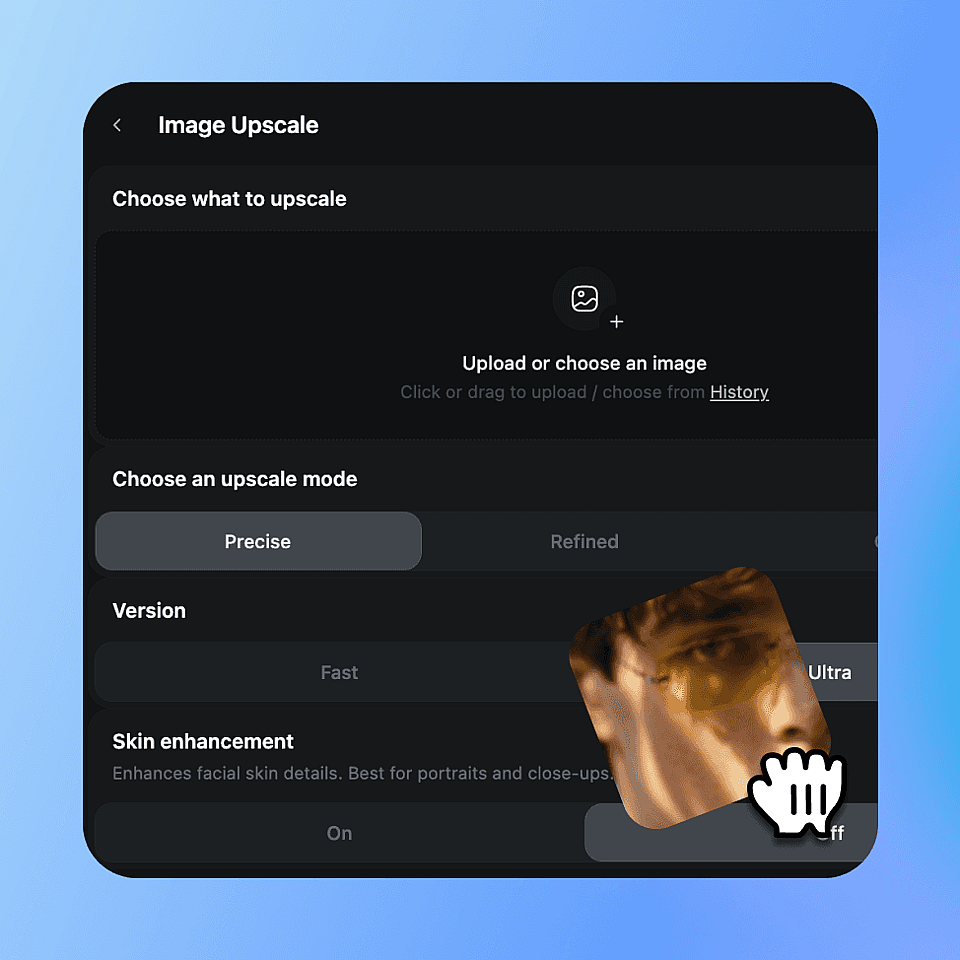
Sube tu imagen
Sube cualquier foto, obra de IA, imagen de producto, retrato o gráfico. Funcionan JPG, PNG y WEBP. Empieza con la versión más limpia que tengas para obtener el mejor resultado.
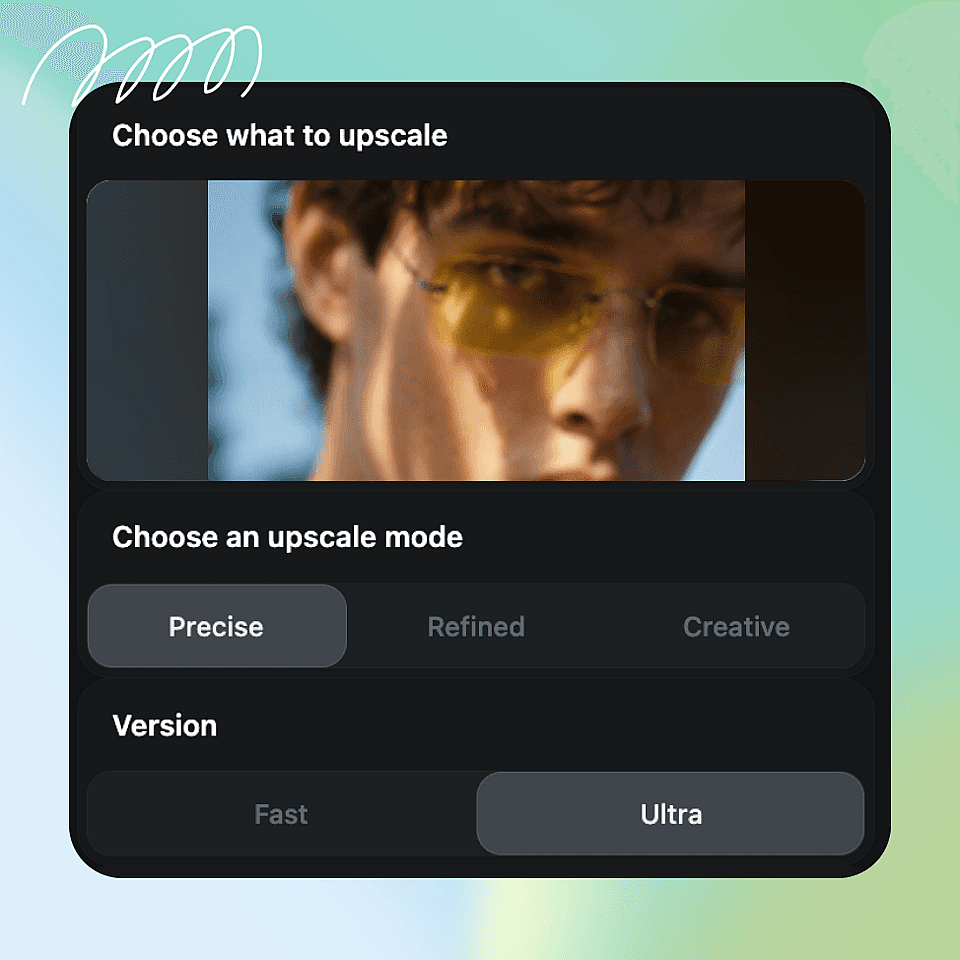
Elige tus ajustes
Elige tu modo de escalado: Preciso para mantenerte fiel al original, Refinado para un resultado más limpio y equilibrado, o Creativo para añadir más textura y detalle. Si tu imagen incluye un rostro, activa la mejora de piel. Luego ajusta la calidad de salida, Rápido para un resultado ágil o Ultra para el acabado de máxima calidad.
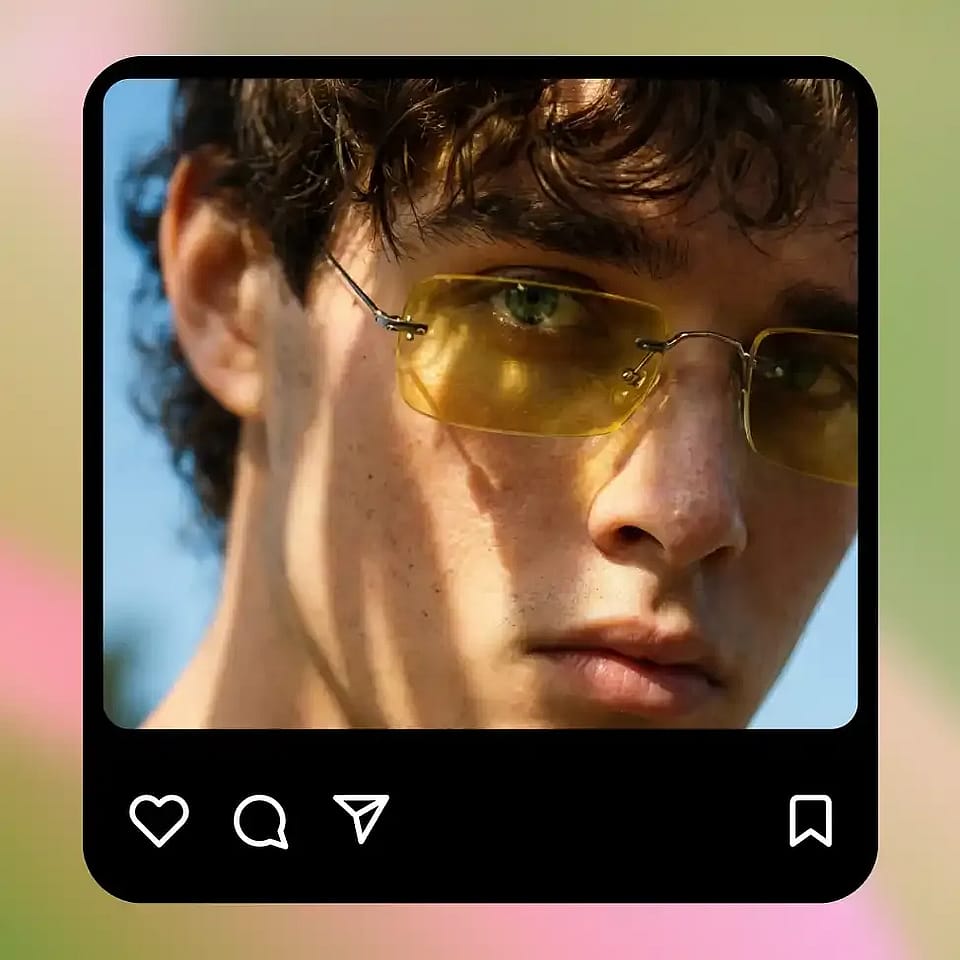
Ampliar y descargar
Ejecuta el escalador y revisa el resultado. Cambia de modo si necesita ajustes. Cuando quede bien, descarga el archivo en alta resolución y úsalo donde lo necesites.
Diseñado para cada tipo de imagen
Siempre que tu imagen sea demasiado pequeña o esté borrosa, la herramienta de escalado a 4K la lleva a una calidad superior.
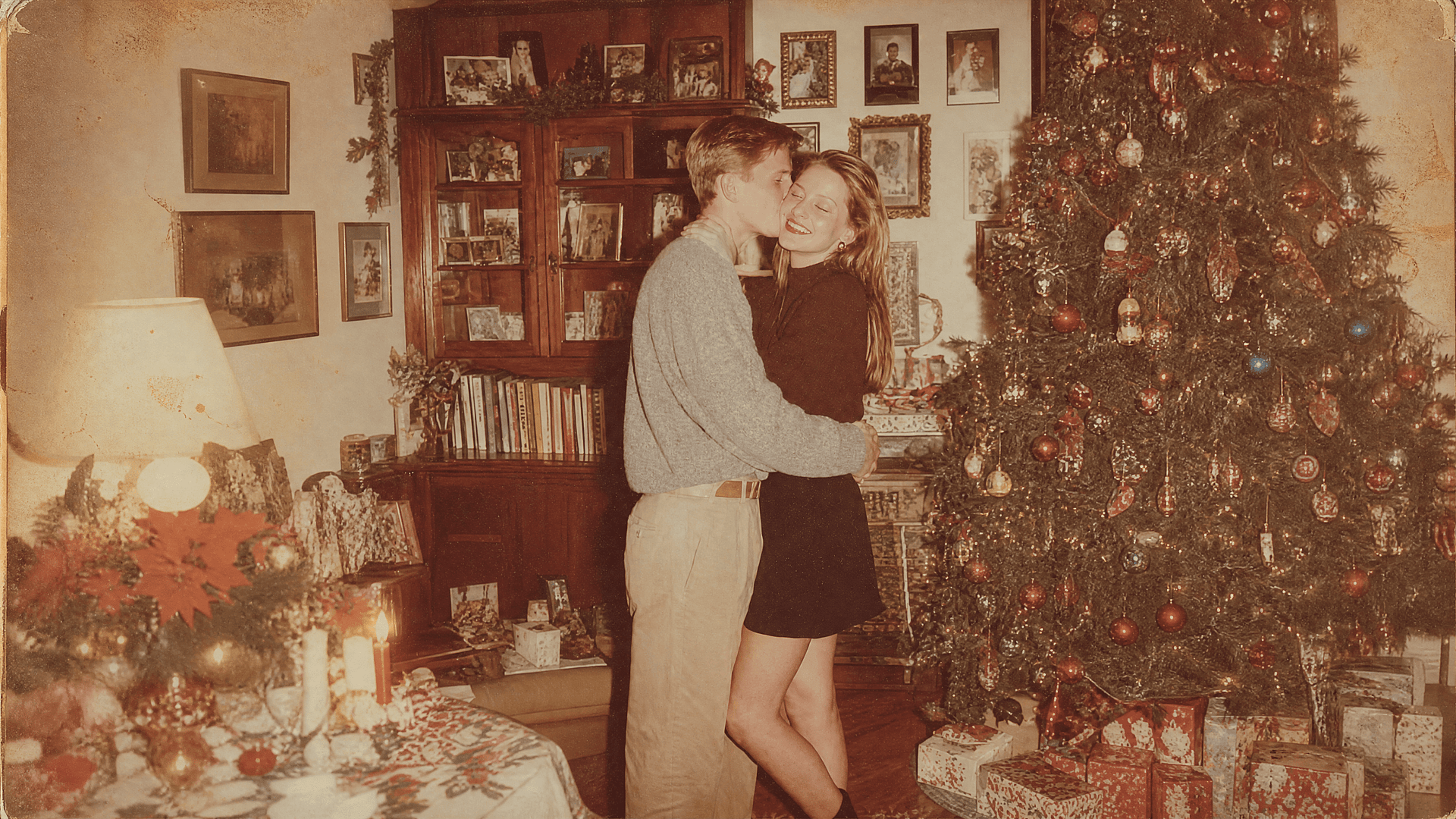
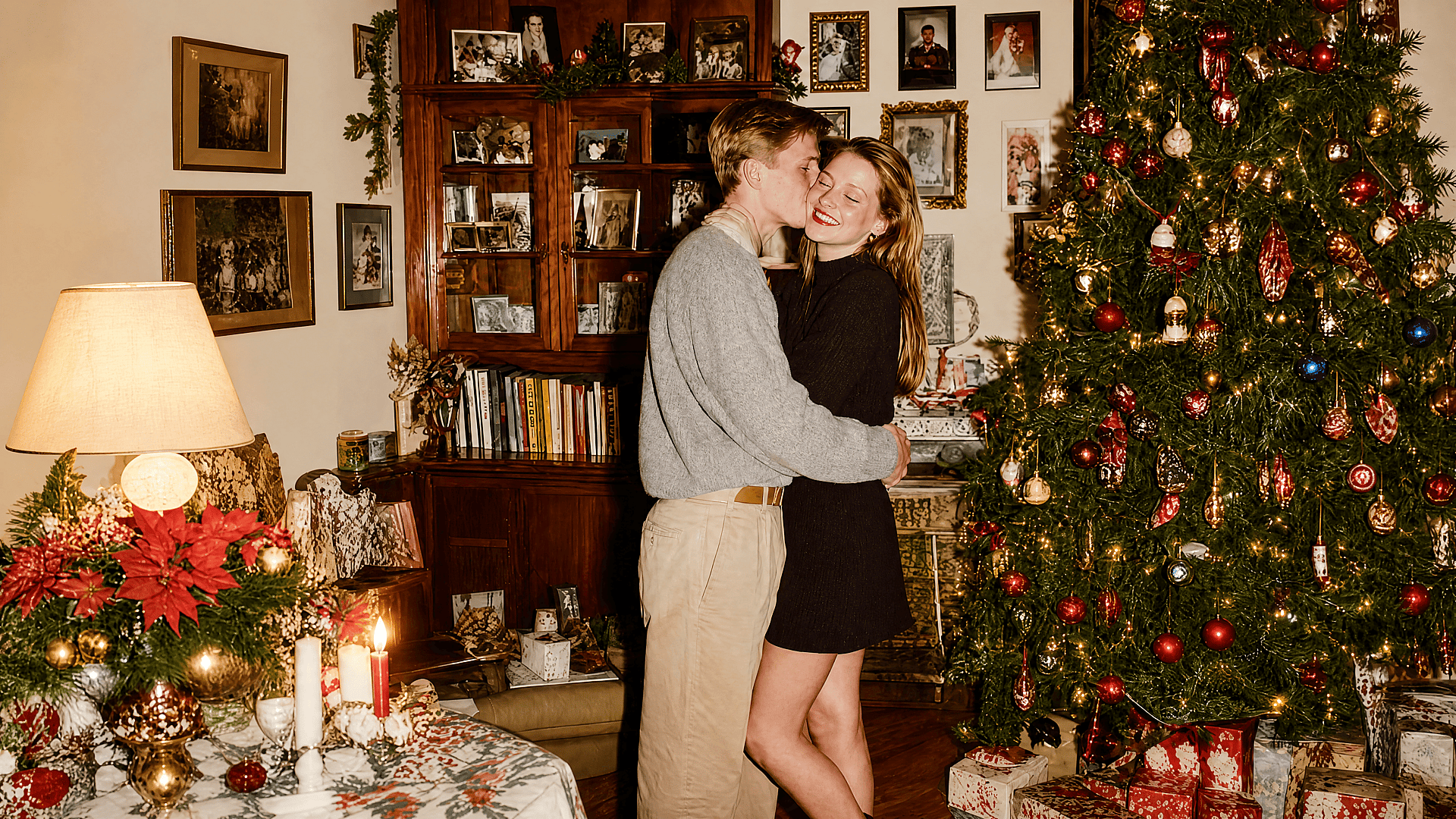
Fotos antiguas y recuerdos personales
Las imágenes antiguas suelen ser pequeñas, escaneadas, comprimidas o borrosas. OpenArt puede ampliarlas y reconstruir los detalles para que se vean más nítidas en pantallas modernas. Para fotos familiares, copias vintage y archivos digitales antiguos, empieza con un modo más fiel para que el resultado siga transmitiendo el recuerdo original.
Pruébalo ahora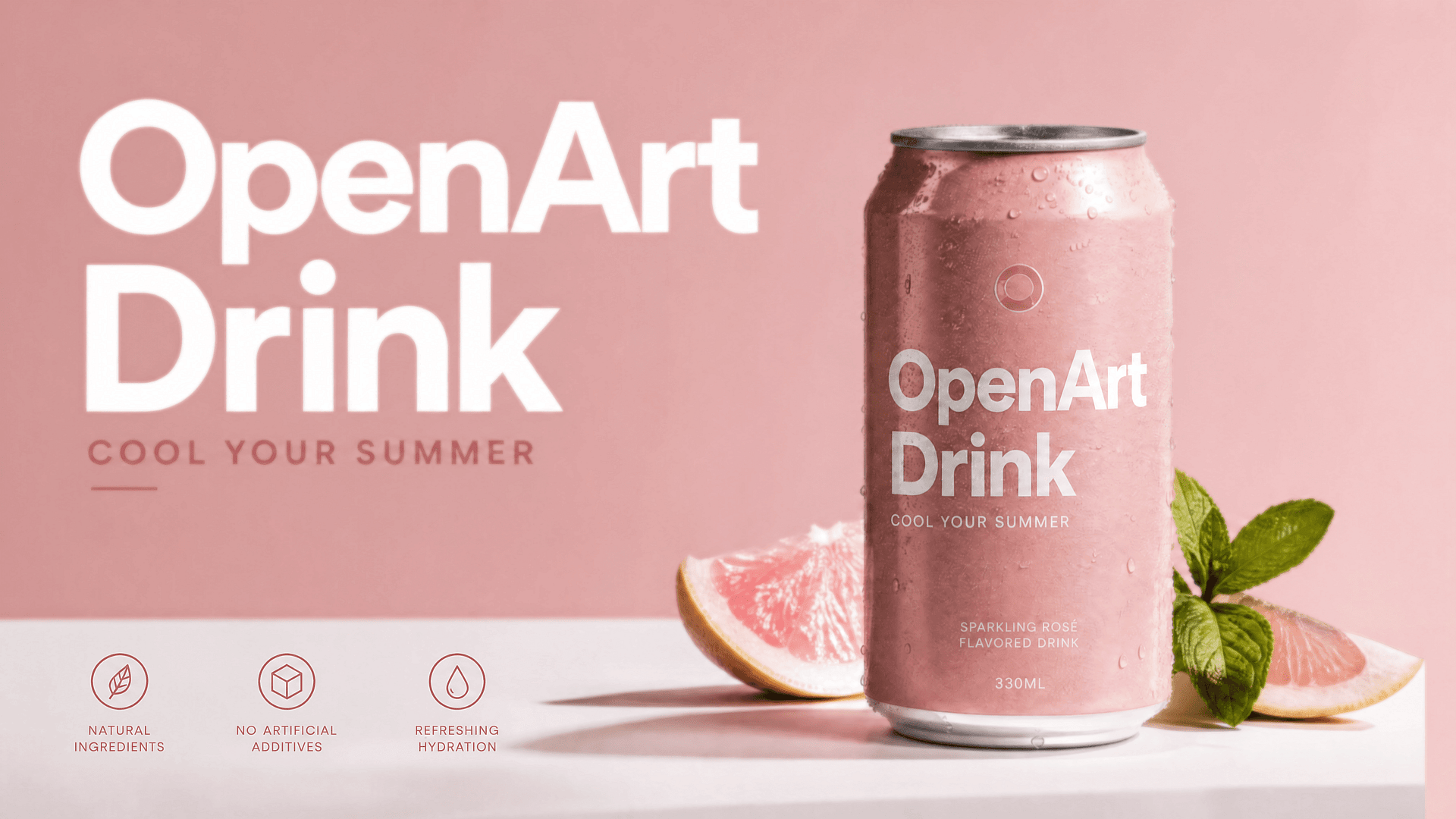
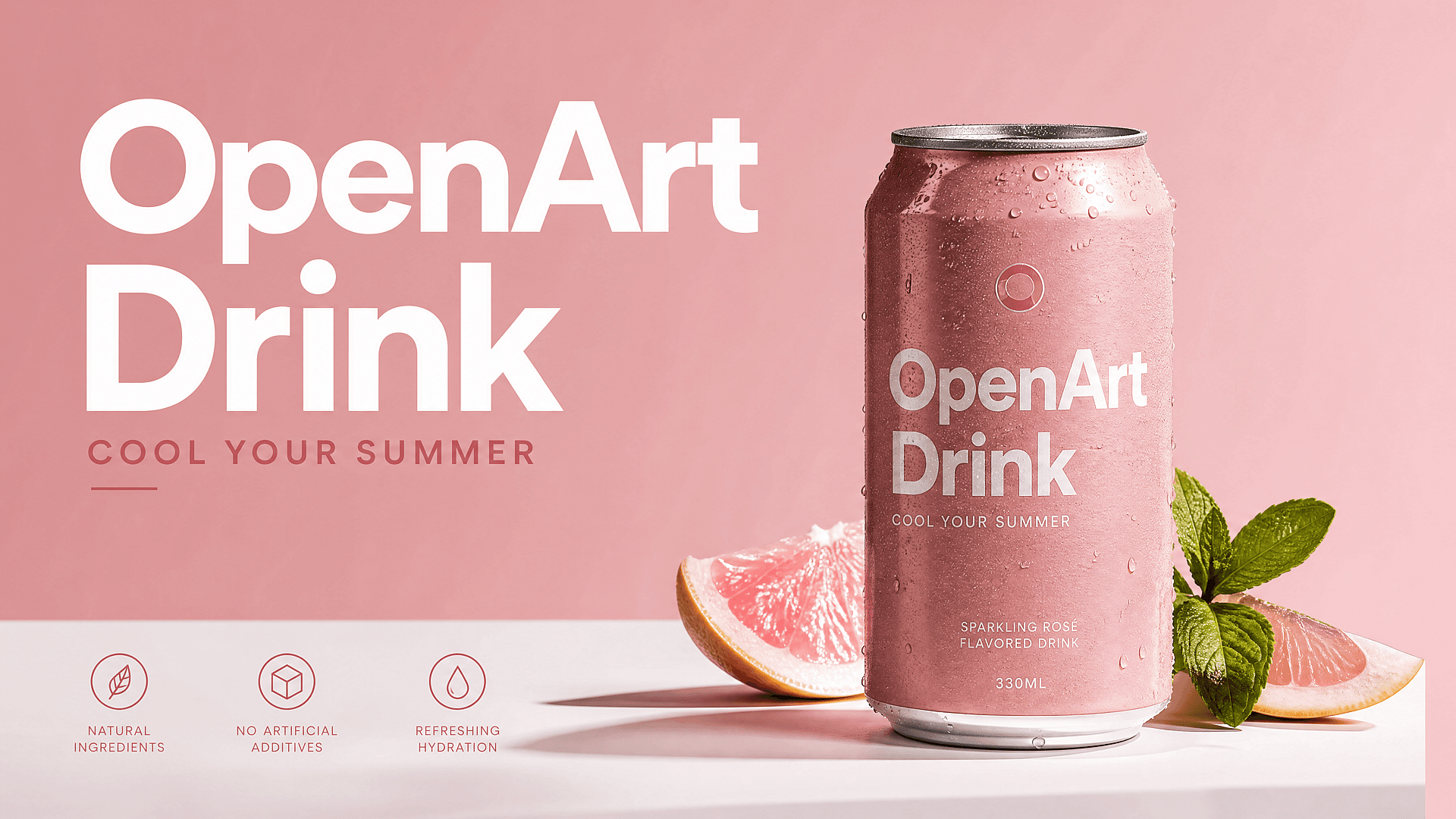
Fotos de producto e imágenes de comercio electrónico
Las fotos de producto pequeñas hacen que una tienda parezca menos fiable. Usa el escalador de imágenes a 4K para afinar bordes, textura de tejidos, detalles del envase y tomas de estilo de vida antes de colocarlas en fichas de producto, listados de marketplace, anuncios o banners. Una imagen más nítida puede hacer que el producto parezca más premium sin repetir la sesión de fotos.
Pruébalo ahora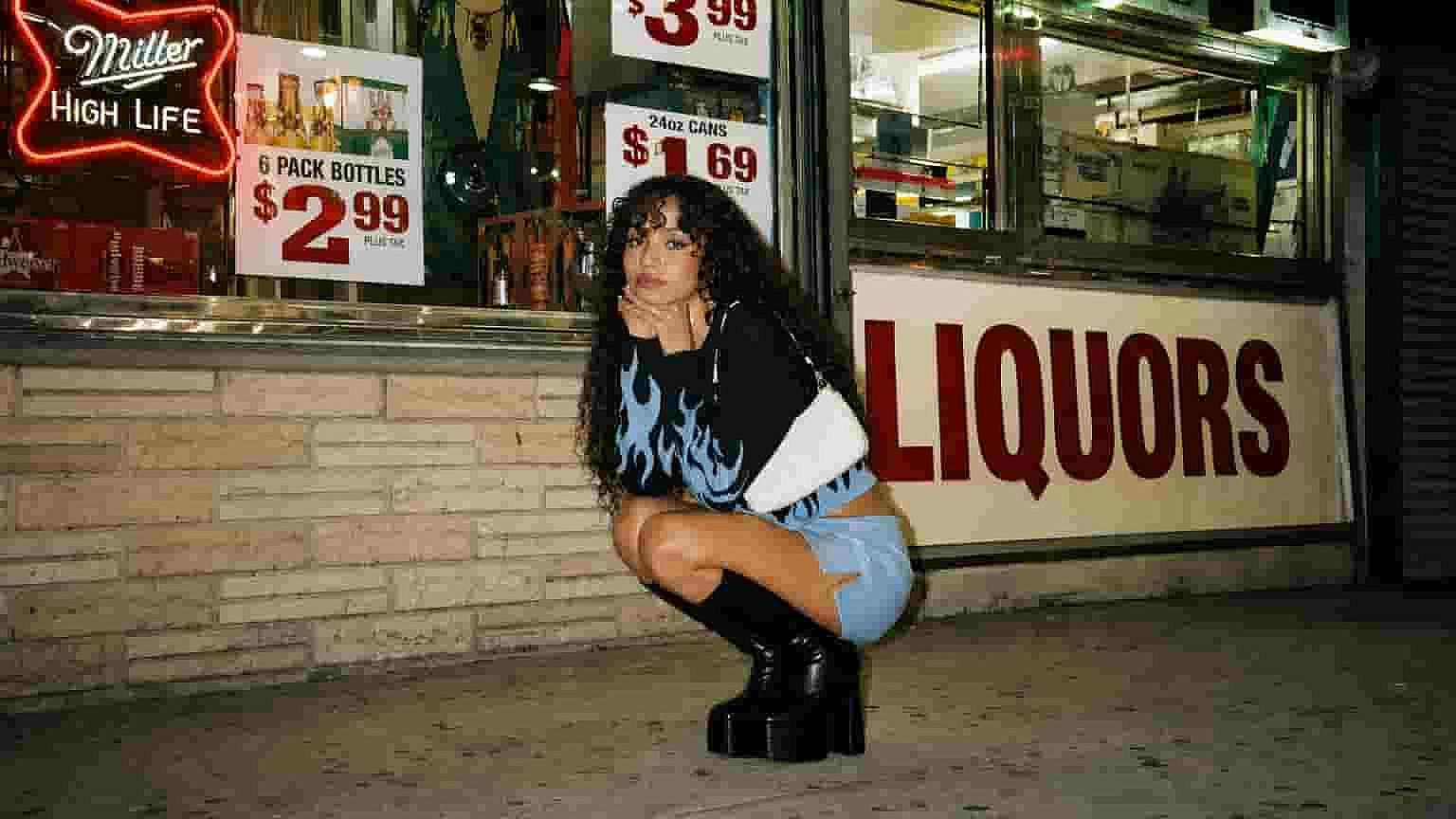
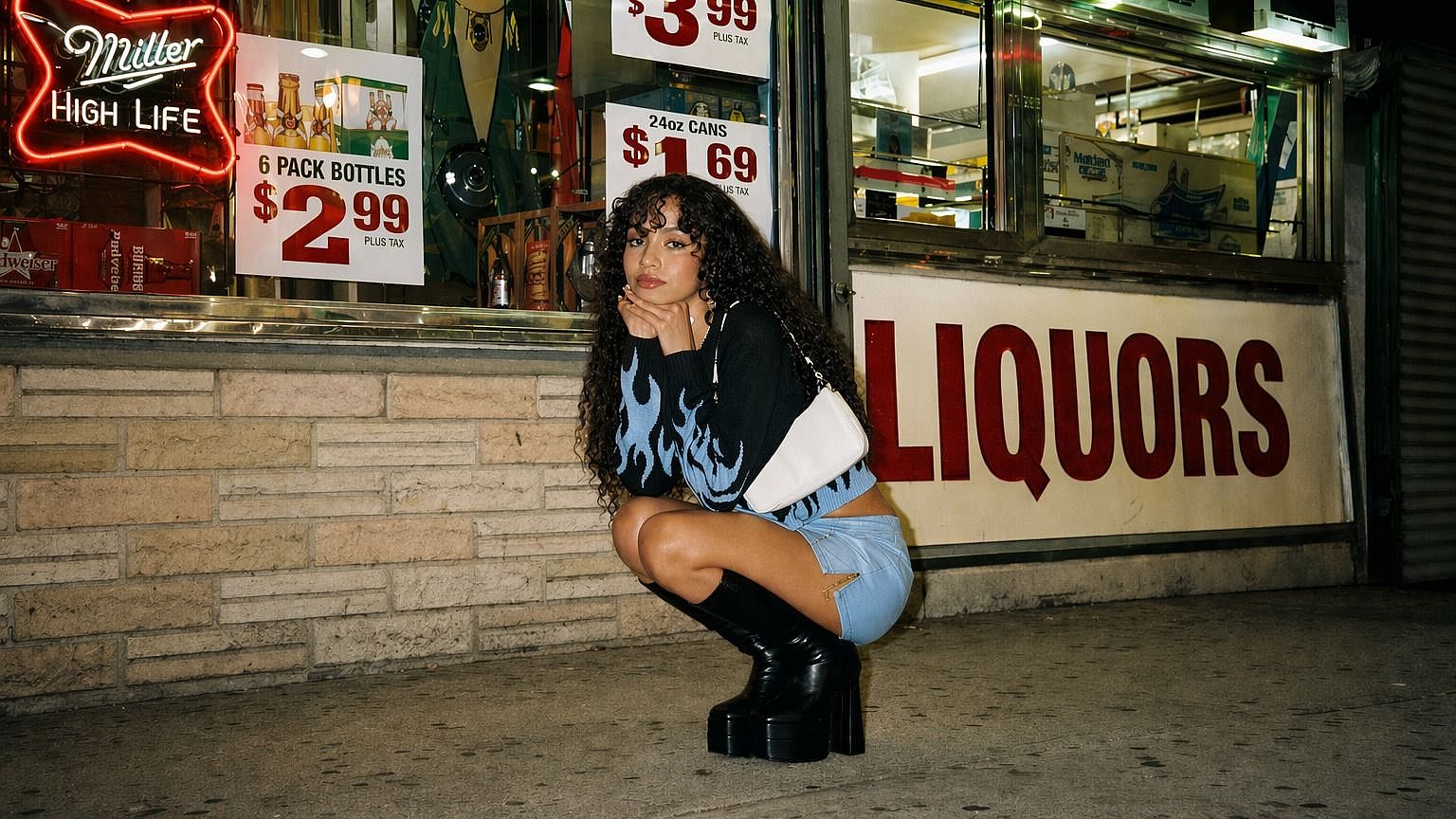
Arte e ilustraciones generados con IA
El arte con IA suele verse genial en la vista previa, pero demasiado pequeño para publicar. Amplía las imágenes generadas con IA para que aguanten como fondos de pantalla, pósteres, miniaturas, portadas de libros, gráficos para redes o materiales de impresión. El modo creativo es especialmente útil cuando quieres una textura más rica, líneas más nítidas y un acabado más pulido.
Pruébalo ahora
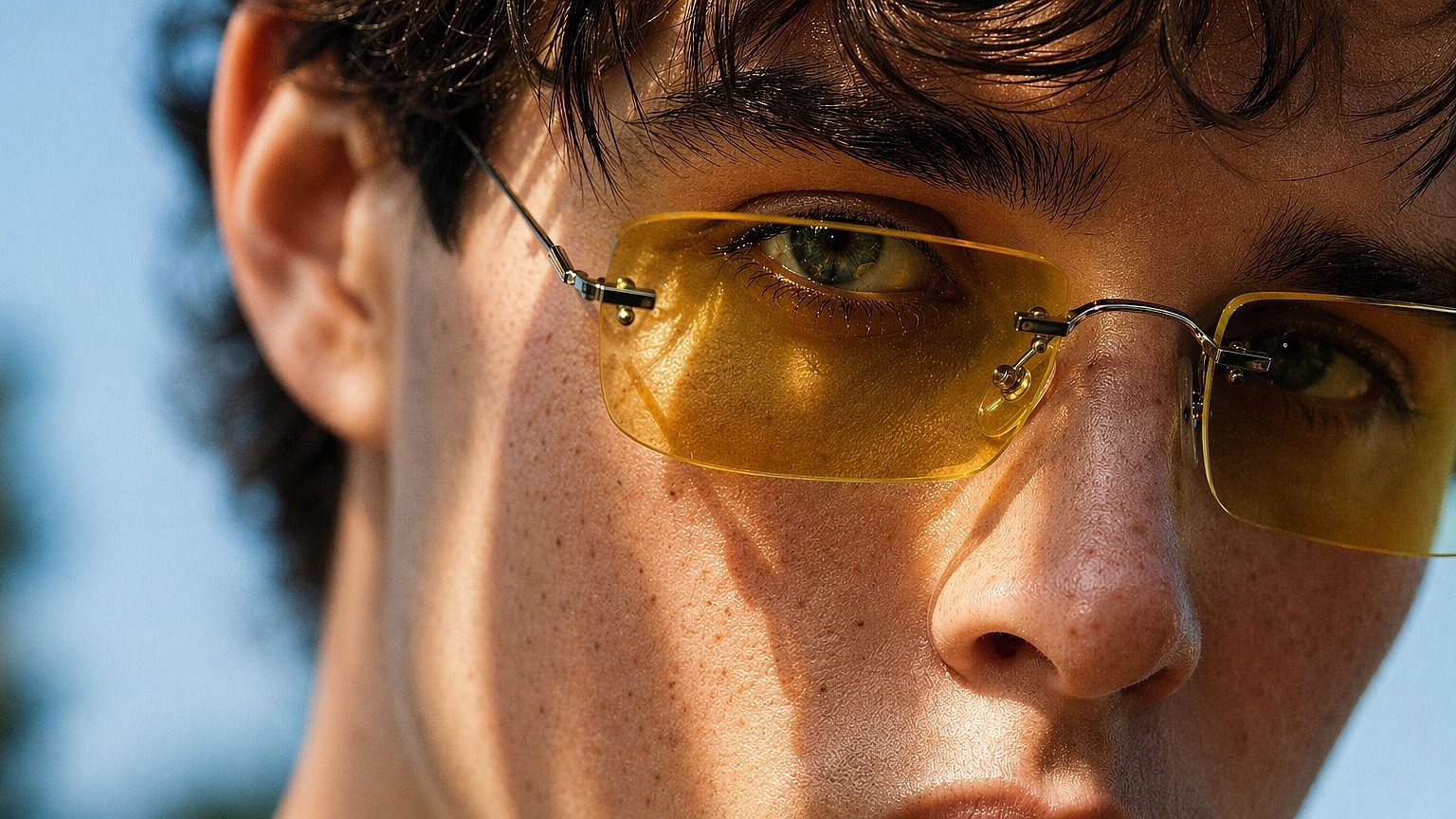
Retratos y fotos de perfil
Usa el escalado con IA para rescatar retratos poco nítidos, fotos de perfil, headshots de creadores e imágenes de personajes. La mejora de piel ayuda a que los rostros se mantengan naturales mientras ganan claridad. Es útil para imágenes de LinkedIn, perfiles de creadores, kits de prensa, biografías de webs y retratos de campaña.
Pruébalo ahora
Publicaciones para redes, miniaturas y banners
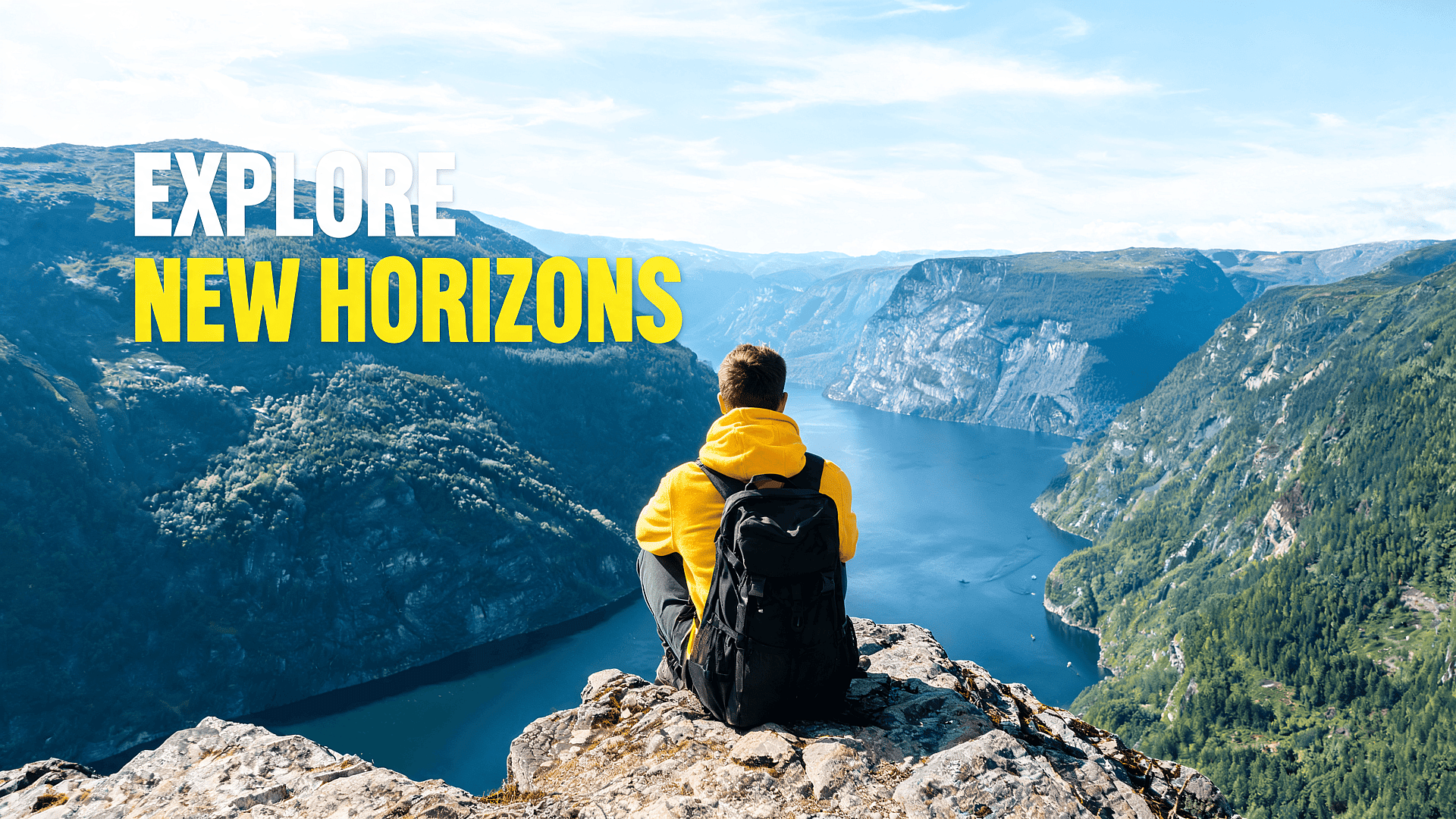
Las imágenes borrosas se ignoran enseguida. Escala imágenes para miniaturas de YouTube, portadas de TikTok, publicaciones de Instagram, pines de Pinterest, banners de X e imágenes hero de blogs. Una imagen más nítida ayuda a que el sujeto principal destaque en el móvil, sobre todo cuando el archivo original estaba recortado o se descargó de otra fuente.
Pruébalo ahoraLos mejores ajustes para distintos tipos de imagen
Para retratos
Usa primero Precise o Refined. Activa la mejora de piel. El objetivo es mejorar la nitidez sin cambiar la identidad de la persona ni hacer que la piel parezca artificial. Si la cara sigue viéndose difusa tras la primera pasada, prueba Refined antes de pasar a Creative.
Para fotos de producto
Usa Precise para bordes de producto limpios y detalles del embalaje. Si la imagen original tiene ruido o está comprimida, prueba Refined para limpiarla. Evita demasiada mejora creativa si el producto debe mantenerse fiel. Comprueba siempre el resultado final a tamaño completo antes de publicar.
Para arte con IA
Usa Creative cuando la imagen pueda beneficiarse de más detalle, texturas más ricas y un trazo más marcado. El arte generado con IA suele funcionar bien con el escalado creativo, ya que el resultado no tiene que coincidir exactamente con una referencia del mundo real. Si el resultado parece exagerado, vuelve a Refined.
Para fotos antiguas
Empieza con Preciso o Refinado. Las fotos antiguas necesitan nitidez, pero también respeto. Demasiado detalle creativo puede hacer que las caras o los fondos parezcan inventados. Si el resultado parece demasiado cambiado, reduce el ajuste creativo y vuelve a ejecutarlo.
Para logotipos y texto
Usa Preciso. Los escaladores con IA pueden mejorar los bordes, pero el texto pequeño y los logotipos necesitan una revisión cuidadosa. El modo Creativo puede reinterpretar líneas finas o formas de letras de maneras que quedan mal. Revisa siempre el archivo final a tamaño completo antes de usarlo en trabajos de marca o de cliente.
Para capturas de pantalla y capturas de interfaz
Usa Preciso. Las capturas de pantalla dependen de bordes nítidos, texto legible y diseños con precisión de píxel. El modo Creativo puede difuminar elementos de la interfaz o reinterpretar iconos pequeños de formas que se ven mal. Si la captura incluye texto fino o componentes de la interfaz, revisa el resultado a tamaño completo antes de usarlo.
Preguntas frecuentes Preguntas
El mejor escalador de imágenes a 4K debe hacer más que ampliar una imagen. Debe reconstruir el detalle, mantener las caras naturales, admitir los formatos habituales y darte control sobre cuánto cambia el resultado la IA. OpenArt está pensado para ese flujo: sube una imagen, elige el modo de escalado y la calidad, y exporta una versión de alta resolución más nítida.
Un simple cambio de tamaño suele dejar las imágenes borrosas. El escalador con IA de OpenArt está diseñado para reducir ese problema reconstruyendo el detalle a medida que la imagen se agranda. La calidad final sigue dependiendo de la imagen de origen. Un original limpio suele dar un mejor resultado que un archivo diminuto o muy comprimido.
Sí. OpenArt funciona muy bien con imágenes generadas por IA, arte digital, arte de personajes, imágenes de concepto e ilustraciones. Escalar suele ser el último paso tras la generación, porque la imagen puede verse bien en la vista previa pero necesitar más resolución antes de publicarla.
Sí. Úsalo para afinar fotos de producto, imágenes de comercio electrónico, fotos de embalaje y recursos para marketplaces. Para máxima fidelidad del producto, usa un modo que se mantenga cerca del original y revisa el resultado final a tamaño completo.
Puedes empezar a escalar imágenes gratis en OpenArt. El uso gratuito puede estar limitado por los créditos o los ajustes de tu cuenta, así que es mejor considerarlo gratis para empezar más que ilimitado para siempre.
2K resulta útil cuando necesitas una imagen más nítida para web o redes sociales. 4K es mejor cuando la imagen debe verse bien en pantallas grandes, diseños de alta resolución o exportaciones más grandes. Si el tamaño del archivo importa, prueba ambas y usa la versión más pequeña que siga viéndose nítida.
Sí. Usa la mejora de piel y empieza con un modo de escalado fiel o equilibrado. OpenArt está diseñado para hacer las caras más nítidas manteniendo la textura de la piel natural, sin suavizarla en exceso.
No. El escalador de imágenes a 4K de OpenArt funciona online en tu navegador. Sube la imagen, elige los ajustes, escálala y descarga el resultado.
Adorado por creadores de todo el mundo
Mira lo que dice nuestra comunidad
He probado muchas plataformas de IA… pero OpenArt sigue siendo la mejor para crear personajes, la calidad de imagen a vídeo y la variedad de modelos disponibles.
OpenArt ofrece una excelente variedad de herramientas de IA… una vez que aprendes las funciones, las posibilidades creativas son increíbles, y su equipo de soporte es excepcional.
OpenArt es una plataforma de IA muy versátil con muchos modelos de imagen y vídeo, creación de personajes consistentes y potentes herramientas de edición.
Herramientas de IA útiles todas en un solo lugar: generación de imágenes y vídeos, edición y mucho más… sin necesidad de varias suscripciones.
El servicio de atención al cliente siempre es rápido y útil… y la plataforma mejora constantemente con nuevas funciones y herramientas.
He probado muchas plataformas de IA… pero OpenArt sigue siendo la mejor para crear personajes, la calidad de imagen a vídeo y la variedad de modelos disponibles.
OpenArt ofrece una excelente variedad de herramientas de IA… una vez que aprendes las funciones, las posibilidades creativas son increíbles, y su equipo de soporte es excepcional.
OpenArt es una plataforma de IA muy versátil con muchos modelos de imagen y vídeo, creación de personajes consistentes y potentes herramientas de edición.
Herramientas de IA útiles todas en un solo lugar: generación de imágenes y vídeos, edición y mucho más… sin necesidad de varias suscripciones.
El servicio de atención al cliente siempre es rápido y útil… y la plataforma mejora constantemente con nuevas funciones y herramientas.
He probado muchas plataformas de IA… pero OpenArt sigue siendo la mejor para crear personajes, la calidad de imagen a vídeo y la variedad de modelos disponibles.
OpenArt ofrece una excelente variedad de herramientas de IA… una vez que aprendes las funciones, las posibilidades creativas son increíbles, y su equipo de soporte es excepcional.
OpenArt es una plataforma de IA muy versátil con muchos modelos de imagen y vídeo, creación de personajes consistentes y potentes herramientas de edición.
Herramientas de IA útiles todas en un solo lugar: generación de imágenes y vídeos, edición y mucho más… sin necesidad de varias suscripciones.
El servicio de atención al cliente siempre es rápido y útil… y la plataforma mejora constantemente con nuevas funciones y herramientas.
Con tantas plataformas de IA por ahí, OpenArt destacó como una opción excelente; se la recomendaría a cualquier creador.
Esta plataforma incluye todo lo que necesitas para crear contenido con IA: imágenes, vídeo, personajes, audio y múltiples modelos de IA en un solo lugar.
OpenArt está ampliando los límites de la creación de vídeo con IA… y está claro que el equipo está comprometido con mejorar la experiencia de los creadores.
Hice mi primer videoclip musical con IA con OpenArt… y su equipo de soporte fue la mejor ayuda que he tenido nunca.
Estoy muy contento con el soporte: mi problema se resolvió rápido y el equipo hizo que todo fuera fácil.
Con tantas plataformas de IA por ahí, OpenArt destacó como una opción excelente; se la recomendaría a cualquier creador.
Esta plataforma incluye todo lo que necesitas para crear contenido con IA: imágenes, vídeo, personajes, audio y múltiples modelos de IA en un solo lugar.
OpenArt está ampliando los límites de la creación de vídeo con IA… y está claro que el equipo está comprometido con mejorar la experiencia de los creadores.
Hice mi primer videoclip musical con IA con OpenArt… y su equipo de soporte fue la mejor ayuda que he tenido nunca.
Estoy muy contento con el soporte: mi problema se resolvió rápido y el equipo hizo que todo fuera fácil.
Con tantas plataformas de IA por ahí, OpenArt destacó como una opción excelente; se la recomendaría a cualquier creador.
Esta plataforma incluye todo lo que necesitas para crear contenido con IA: imágenes, vídeo, personajes, audio y múltiples modelos de IA en un solo lugar.
OpenArt está ampliando los límites de la creación de vídeo con IA… y está claro que el equipo está comprometido con mejorar la experiencia de los creadores.
Hice mi primer videoclip musical con IA con OpenArt… y su equipo de soporte fue la mejor ayuda que he tenido nunca.
Estoy muy contento con el soporte: mi problema se resolvió rápido y el equipo hizo que todo fuera fácil.
Consigue consejos de expertos en el blog
Consigue la información que necesitas. Nuestros expertos comparten trucos prácticos, analizan los temas más candentes y ofrecen guías esenciales para ayudarte a crear, optimizar y escalar.
Leer más
OpenArt Director es el n.º 1 en el benchmark de agentes de anuncios de vídeo con IA de Physion Labs

¿Qué es OpenArt? – La plataforma de creación con IA todo en uno, explicada
OpenArt presenta OpenArt Arena, un nuevo referente de modelos de IA hecho a medida para y por creativos
Crea sin límites
Únete a miles de creadores que usan OpenArt para generar imágenes, vídeos y mucho más impresionantes, todo en una sola plataforma.
Empieza gratis →