

 ChatGPT
 Perplexity
 Claude
 Gemini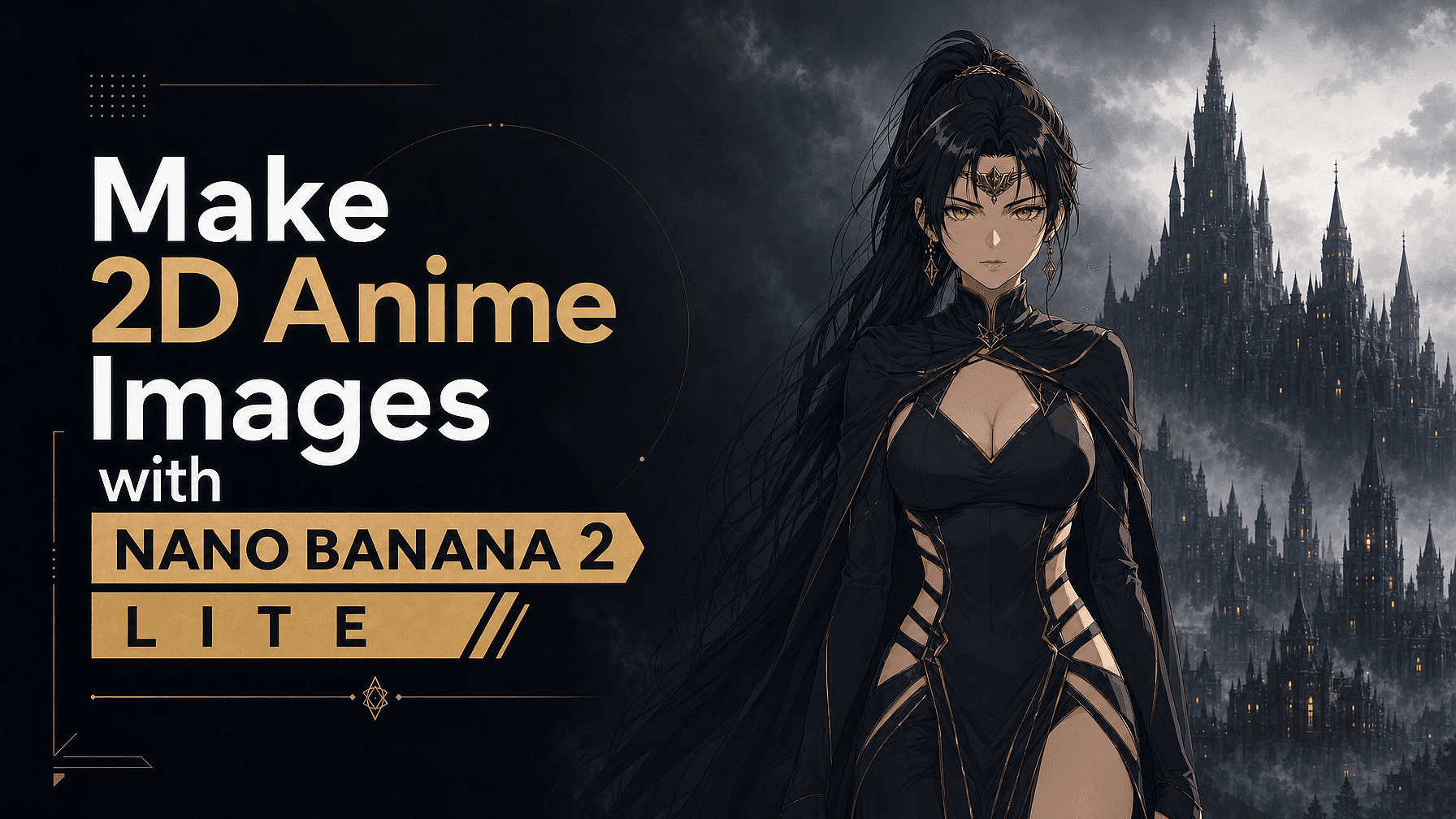
El anime 2D es un estilo plano y estilizado, con líneas marcadas, sombreado cel limpio y ojos expresivos. Eso lo convierte en la combinación perfecta para Nano Banana 2 Lite, el modelo de imagen más rápido y asequible de Google. No buscas un único render fotorrealista y caro; estás afinando un estilo, y la forma más rápida de hacerlo es iterar.
Como Lite genera en unos cuatro segundos por unos céntimos la imagen, puedes explorar decenas de variaciones hasta que el look sea exactamente el que buscas. Así se hace.
Por qué Nano Banana 2 Lite encaja tan bien con el anime
The whole appeal is speed plus low cost, which turns iteration into your superpower. Anime style lives in the details, hair color, eye shape, palette, line weight, and Lite lets you test them all quickly instead of committing to one slow generation. It also handles the things anime art needs: legible in-image text for signs and manga-style captions, real-world knowledge for authentic settings (a Tokyo backstreet, a school rooftop, cherry blossoms), and edit-by-description so you can refine without starting over.
Una nota sincera de entrada: Lite está optimizado para la velocidad, así que se siente más cómodo con trabajos 2D planos y escenas sencillas. Para anime en 3D o estilo CGI, o proyectos que necesitan mantener el mismo personaje perfectamente coherente en muchas imágenes, querrás un modelo más potente como Nano Banana Pro (más sobre esto abajo). Para arte de anime 2D del día a día, es un punto dulce rápido y divertido.
Lo que necesitarás para usar Nano Banana 2 Lite
Una cuenta de OpenArt: todo funciona en tu navegador, sin instalar nada. Solo selecciona Nano Banana 2 Lite como modelo y ten claro el subestilo de anime que buscas.
Paso 1: elige un subestilo de anime concreto
El "anime" es enorme, así que indica el estilo que buscas. Algunas direcciones:
Shonen moderno: contornos marcados, colores saturados, energía dinámica
Shoujo suave: líneas delicadas, paletas pastel, brillos
Anime cel de los 90: grano de película retro, fondos pintados a mano
Chibi: pequeño, redondeado y perfecto para pegatinas
Tinta manga: blanco y negro, tramas, alto contraste
Cuanto más específico seas, menos tiene que adivinar el modelo y más precisos serán los resultados.
Paso 2: Usa una fórmula de prompt para anime
Una estructura fiable:
[sujeto + características clave] + [pose o acción] + [subestilo anime] + [línea y sombreado] + [paleta de colores] + [escenario] + [iluminación/ambiente] + [tipo de plano] + [etiquetas de calidad 2D]
Incluye siempre indicaciones de estilo plano como "ilustración 2D plana, sombreado cel, líneas limpias" y añade "no un render 3D, sin fotorrealismo" para evitar que el resultado derive hacia el 3D, que no es el fuerte de Lite.
Paso 3: Prueba estos prompts de ejemplo
Retrato de personaje: "Una adolescente con pelo corto azul verdoso y ojos verde brillante, sonrisa suave, estilo anime shonen moderno, line art limpio y marcado, cel shading, colores planos vibrantes, patio de cerezos en flor detrás de ella, luz suave de tarde, plano de medio cuerpo, ilustración 2D plana, no un render 3D."
Escena atmosférica: "Una tranquila callejuela de Tokio al anochecer, máquinas expendedoras iluminadas y carteles de neón, estilo anime cel de los años 90, fondo de acuarela pintado a mano, paleta cálida y nostálgica, sin personajes, plano general de establecimiento, ilustración 2D plana."
Pegatina chibi: "Un gato atigrado naranja chibi vestido de mago lanzando una chispa de magia, contornos gruesos y limpios, colores pastel planos, fondo blanco sencillo, estilo pegatina, 2D plano, sin fotorrealismo."
Paso 4: Itera rápido sin quemar créditos
Aquí es donde Nano Banana 2 Lite se gana su lugar:
- Genera un lote y elige la versión que más se acerque a tu visión.
- Refina describiendo los cambios: "el mismo personaje, pero con pelo plateado", "iluminación más cálida", "añade una bufanda roja", "gíralo a vista de 3/4". Cada pasada cuesta unos céntimos y tarda segundos.
- Fija tu look y luego genera nuevas poses y expresiones.
Como Lite prioriza la velocidad, es normal que haya pequeñas variaciones al reutilizar un personaje en muchas imágenes: si una cara o un atuendo cambia, simplemente regenéralo o dale una referencia. Para un solo personaje o un conjunto corto, es rápido e indoloro.
Paso 5: Añade texto o viñetas de manga (opcional)
Nano Banana 2 Lite renderiza texto legible dentro de la imagen, lo cual viene genial para bocadillos, efectos de sonido y señales de calle. Mantén el texto corto e indícalo entre comillas para obtener los resultados más limpios.
Consejos para mejores resultados de anime
- Detalla los ojos y el pelo en el prompt. Son lo que define a un personaje anime.
- Da nombre a tu paleta e iluminación («pastel», «neón de alto contraste», «hora dorada»).
- Limita las escenas a uno o dos personajes para lograr resultados nítidos y coherentes.
- Reutiliza «ilustración plana 2D / cel shading / sin fotorrealismo» como etiquetas de anclaje cada vez.
- Toma como referencia lugares reales para crear fondos creíbles.
Cuándo pasar a otro modelo
Lite es tu caballo de batalla en 2D, rápido y asequible, pero no es la mejor herramienta para todo. Si necesitas mantener un personaje recurrente perfectamente consistente a lo largo de una serie larga, escenas de grupo densas con varios personajes, un look de anime 3D/CGI o detalle a resolución de impresión, recurre a un modelo más potente.
En OpenArt Generador de imágenes con IA puedes cambiar a Nano Banana Pro para tener más control y coherencia, o probar GPT Image 2 y Recraft V4, todo en el mismo lugar. Un flujo de trabajo inteligente es prototipar barato con Lite y luego rematar con un modelo más potente cuando el proyecto lo requiera.
Preguntas frecuentes: crear imágenes de anime con Nano Banana 2 Lite
¿Puede Nano Banana 2 Lite crear imágenes de anime? Sí, es ideal para crear y editar anime 2D de forma rápida y económica.
¿Es bueno para personajes consistentes? Para un solo personaje o un conjunto breve, sí. Para muchos personajes recurrentes que deben mantenerse idénticos a lo largo de un proyecto extenso, Nano Banana Pro es la mejor opción.
¿Con qué resolución exporta? 1K: ideal para web, redes sociales y viñetas de manga; escala o usa un modelo de mayor resolución para impresiones grandes.
¿Dónde puedo crear anime con esto? Ya sea en la propia app Gemini de Google o en OpenArt, junto con Nano Banana Pro, GPT Image 2 y Recraft V4.