

 ChatGPT
 Perplexity
 Claude
 Gemini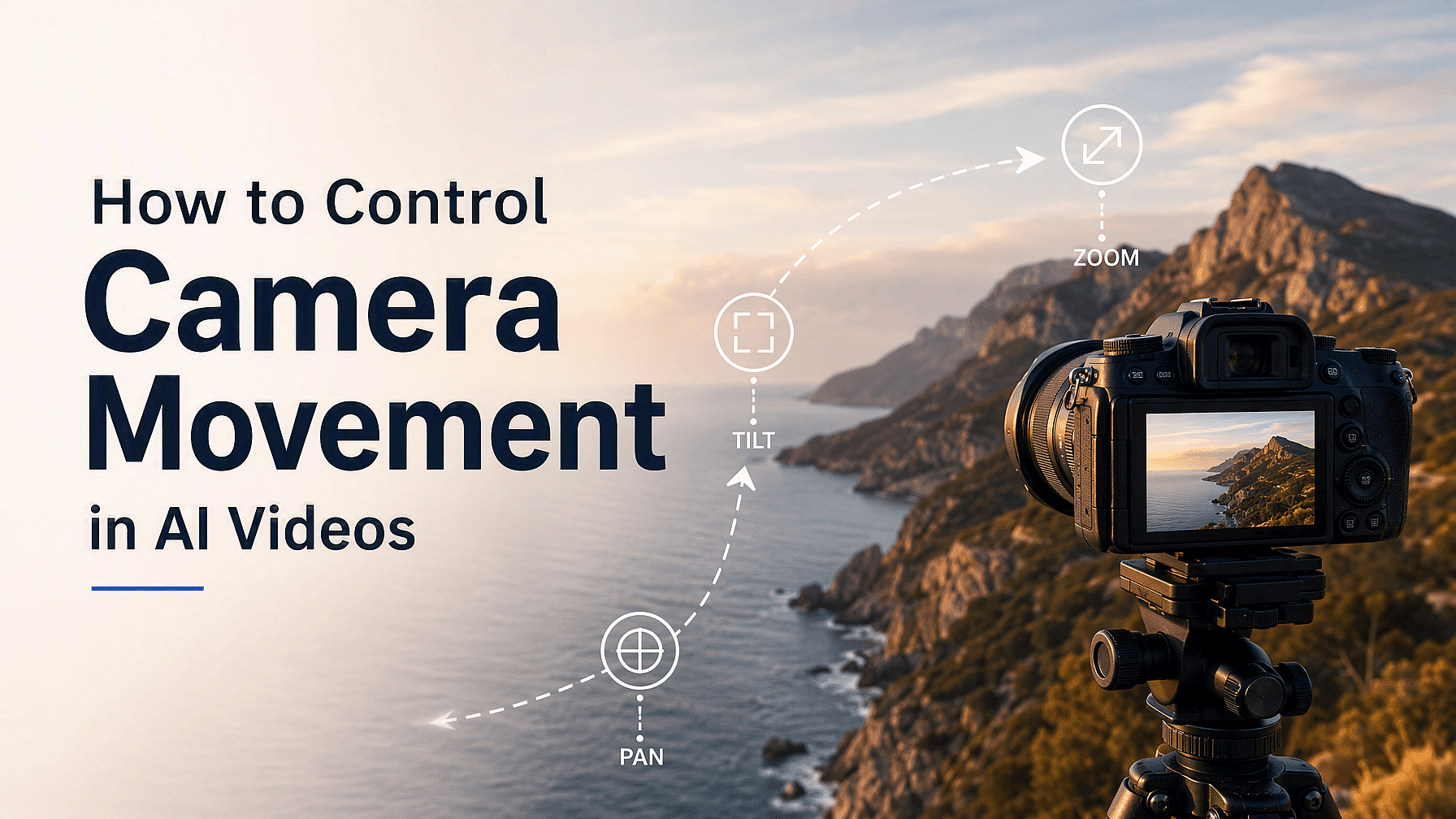
La mayoría de la gente escribe prompts geniales sobre lo que hay en la escena y se olvida de indicar cómo se mueve la cámara. Ese detalle que falta es la razón de que un vídeo se vea plano en lugar de parecer una toma de película real.
La buena noticia es que el movimiento de cámara es fácil de controlar en cuanto conoces unas cuantas palabras y algunos ajustes. Así consigues la toma que realmente quieres.
Conclusiones clave
- Nombra un movimiento de cámara por clip, no tres a la vez.
- Usa palabras de cine sencillas como pan, tilt, zoom in y orbit.
- Añade una palabra de velocidad como «lento» o «estable» para mantener el vídeo estable.
- Empieza con una imagen fija para que la cámara sea lo único que cambie.
- Usa Smart Shot en OpenArt cuando necesites varios movimientos de cámara en un mismo vídeo.
Qué significa realmente el movimiento de cámara
El movimiento de cámara es cómo se desplaza la propia cámara mientras transcurre tu escena. Puede girar a la izquierda, acercarse, rodear un producto o elevarse por el aire. Los modelos de vídeo con IA entienden las mismas palabras que usa un equipo de cámara, así que «panorámica lenta a la izquierda por la playa» te da exactamente eso.
Los movimientos de cámara que merece la pena aprender primero
Solo necesitas un puñado de movimientos para cubrir casi todo lo que vayas a crear. Empieza con estos cinco.
Panorámica gira la cámara a izquierda o derecha mientras permanece en un mismo punto. Inclinación hace lo mismo de arriba abajo. Acercar agranda el sujeto sin que la cámara se mueva.
Acercar acerca la cámara a tu sujeto, lo que resulta más real que un zoom. Órbita rodea con la cámara a tu sujeto y es el mejor movimiento para lucir un producto.
Cómo escribir un prompt de cámara que funcione
Coloca el movimiento de cámara cerca del inicio de tu prompt. Los modelos prestan más atención a las primeras palabras, así que empezar por el movimiento hace mucho más probable que ocurra.
Luego añade una palabra de velocidad. "Lento", "constante", "suave" y "delicado" le indican al modelo que se calme, y reducen los vídeos temblorosos y deformados.
Un buen prompt es así: «Acercamiento lento a una taza de café sobre una mesa de madera, con la luz de la mañana entrando por la ventana». Un movimiento, una palabra de velocidad y una escena clara.
Además, di lo que quieres en lugar de lo que no quieres. "Cámara fija, la cámara se mantiene inmóvil" funciona. "Sin movimiento de cámara" normalmente no, porque los modelos leen mal las negaciones.
Empieza desde una imagen fija
La forma más fácil de controlar la cámara es bloquear todo lo demás primero. Crea tu imagen y luego usa Imagen a Vídeo para que la foto se convierta en el primer fotograma de tu clip. Así tu prompt solo tiene que encargarse del movimiento de cámara, una tarea mucho más sencilla para el modelo.
Puedes probar tu encuadre antes de gastar créditos en vídeo. Multi-View en OpenArt te da 9 ángulos distintos de una imagen de una sola vez, y el Control de Ángulo de Cámara te permite rotar una imagen en ambos ejes y elegir un tipo de lente, como gran angular o primer plano.
Usa Smart Shot para más de un movimiento
La regla para un solo clip es un movimiento de cámara. Si pides un paneo, un zoom y una inclinación a la vez, el modelo los promedia y el vídeo sale tembloroso.
Cuando tu historia necesita varios movimientos, usa mejor Smart Shot. Primero crea un storyboard y luego genera un vídeo más largo con cortes reales entre planos, de modo que cada plano tenga su propio movimiento de cámara limpio.
Si quieres que la misma persona aparezca en todas esas tomas, guárdala en OpenArt Characters primero. Así la cara y la ropa se mantienen iguales de un corte a otro.
Cómo resolver los tres problemas más habituales
El vídeo se deforma durante un movimiento rápido. Ralentiza el movimiento y mantén el clip entre 5 y 8 segundos. Los barridos rápidos le dan al modelo demasiada información nueva de golpe.
El fondo se derrite. El modelo no tiene un mapa real de tu escena, así que dale menos cosas que inventar. Con clips más cortos y movimientos más lentos se soluciona casi todo.
La cámara se desvía cuando la querías fija. Pide una cámara fija con palabras en positivo y vuelve a intentarlo con Auto-Polish Prompt activado.
Pruébalo tú mismo
Puedes ejecutar el mismo movimiento de cámara con Seedance 2.5, Google Veo 3.1, Kling Omni, Wan 2.7 y LTX 2.3 dentro de OpenArt, y quedarte con el que mejor quede. Para vídeos más largos con muchas tomas, OpenArt Director gestiona toda la secuencia, y el guía de vibe directing cubre ese flujo de trabajo.
Preguntas frecuentes
¿Cómo hago que la cámara se mueva lentamente en un vídeo con IA?
Añade una palabra de velocidad justo al lado del movimiento, como «panorámica lenta a la izquierda» o «acercamiento suave». Las palabras de velocidad son la forma más fiable de calmar el movimiento de cámara.
¿Puedo usar dos movimientos de cámara en un mismo vídeo?
No en un solo clip. Usa Smart Shot para crear un vídeo con varios cortes donde cada plano tenga su propio movimiento, o crea dos clips y únelos.
¿Cuál es la diferencia entre un zoom y un push in?
Un zoom solo amplía la imagen, así que todo se queda en el mismo sitio. Un push in mueve de verdad la cámara hacia delante, de modo que el fondo cambia y la toma resulta más real.