

Vertical Video Maker
OpenArt's vertical video maker turns a text prompt, a photo, or a saved character into a 9:16 video for TikTok, Instagram Reels, and YouTube Shorts. Each video is planned for a tall phone screen from the very first second.
竖屏视频生成器的核心功能
从一开始就生成 9:16 竖屏视频
OpenArt creates your vertical video in the tall 9:16 shape from the first second. The AI plans the whole scene for a phone screen, so nothing important sits off the edge. Ask for a perfume bottle turning on a table, with empty space at the top for your headline. The bottle stays in the middle of the screen the whole time.
把产品照片变成竖屏视频
OpenArt 的 AI 竖屏视频生成器能以 9:16 让一张静态照片活起来。把照片上传到 Image to Video,并输入要发生的动作,比如一只球鞋在雨夜湿漉漉的街道上旋转。你也可以跳过照片,直接在 Text to Video 中描述整个场景。
Keep the Same Face Across a Vertical Series
OpenArt Characters 让你一次构建角色,并在制作的每条竖屏视频中反复使用。你可以从照片、文本 prompt 或 Character Builder 预设来创建角色。之后在下一条视频中标记该角色,面容和风格便能保持一致、易于辨识。美食频道主持人便能以同样的形象出现在每一期节目中。
Build a Longer Vertical Story in OpenArt Director
OpenArt Director makes a vertical video with several scenes, up to 5 minutes long. Describe the whole idea in one message, like a three-part story about a lost dog finding its way home. Ask for 9:16 in the same message. OpenArt Director then plans the scenes on a storyboard and builds them into one video.
如何使用竖屏视频制作工具
在 OpenArt AI 视频生成器中,三步即可制作一条竖屏视频。
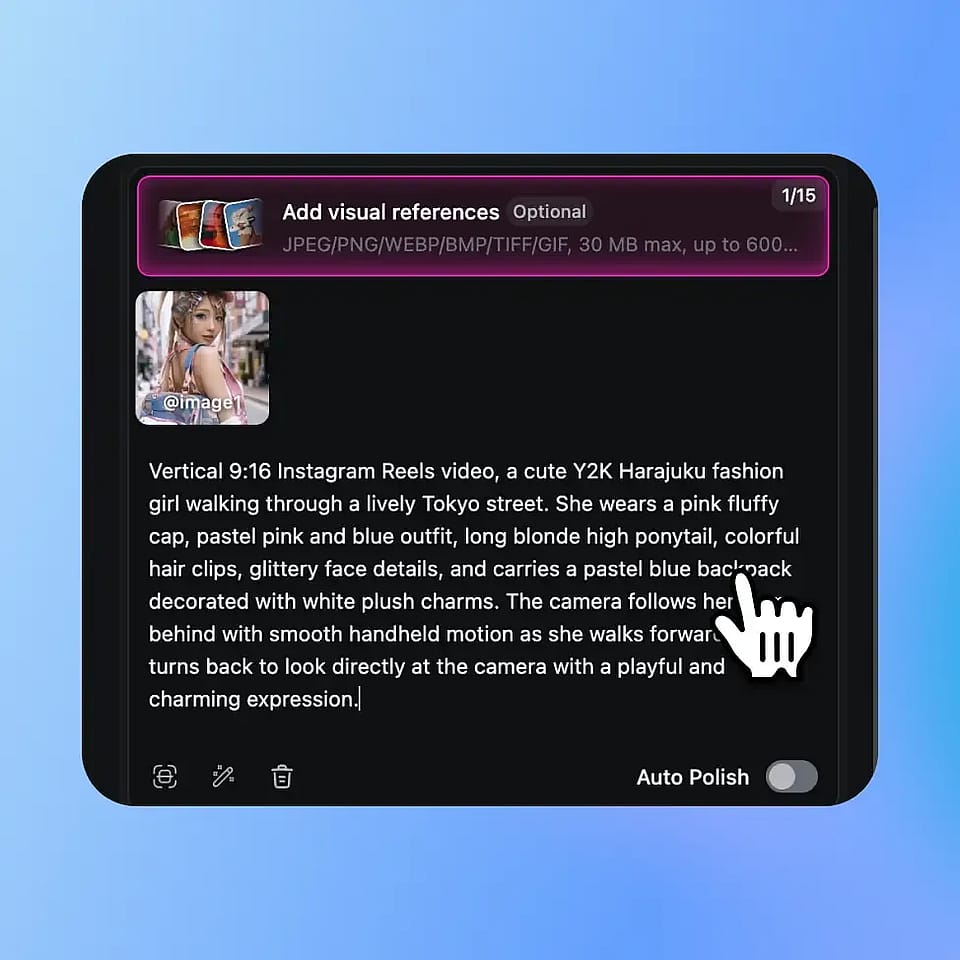
描述你的视频或上传照片
打开 AI 视频生成器,输入你想呈现的画面。如果想让产品或图片动起来,可添加一张照片。
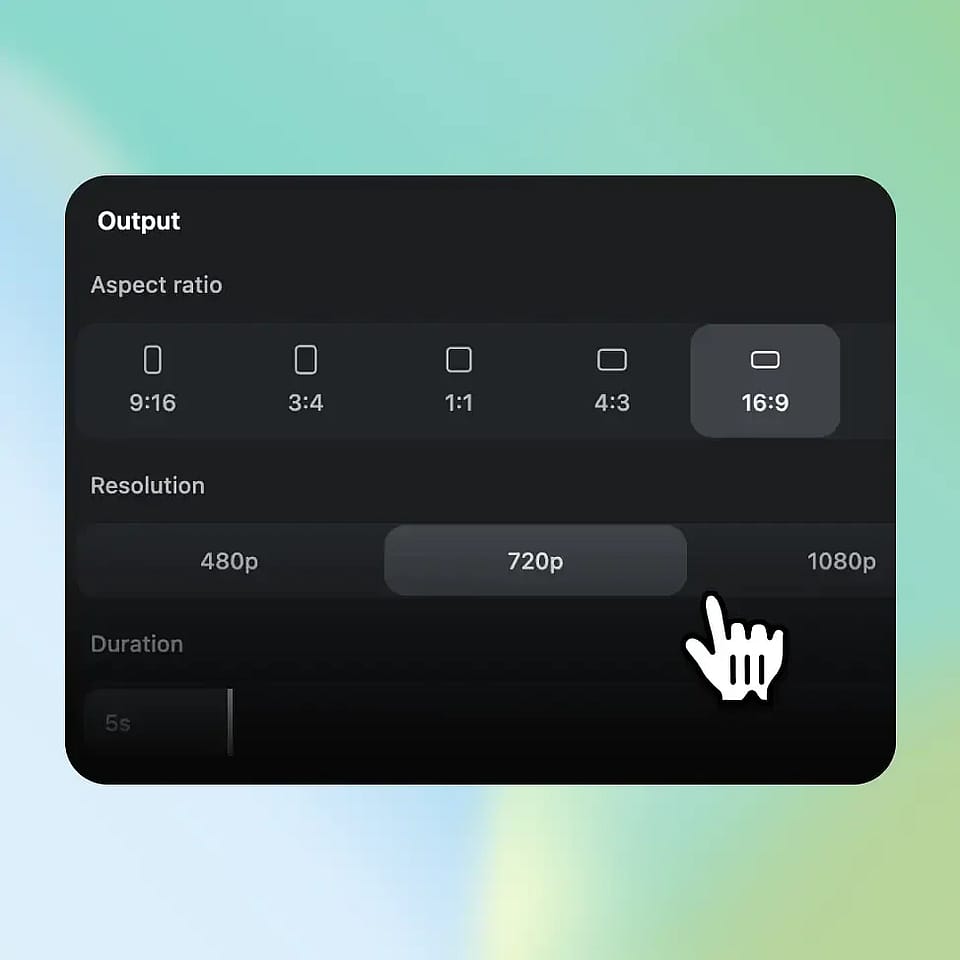
Set the aspect ratio to 9:16
在宽高比设置中选择 9:16,然后选定模型、时长和分辨率,即可生成。
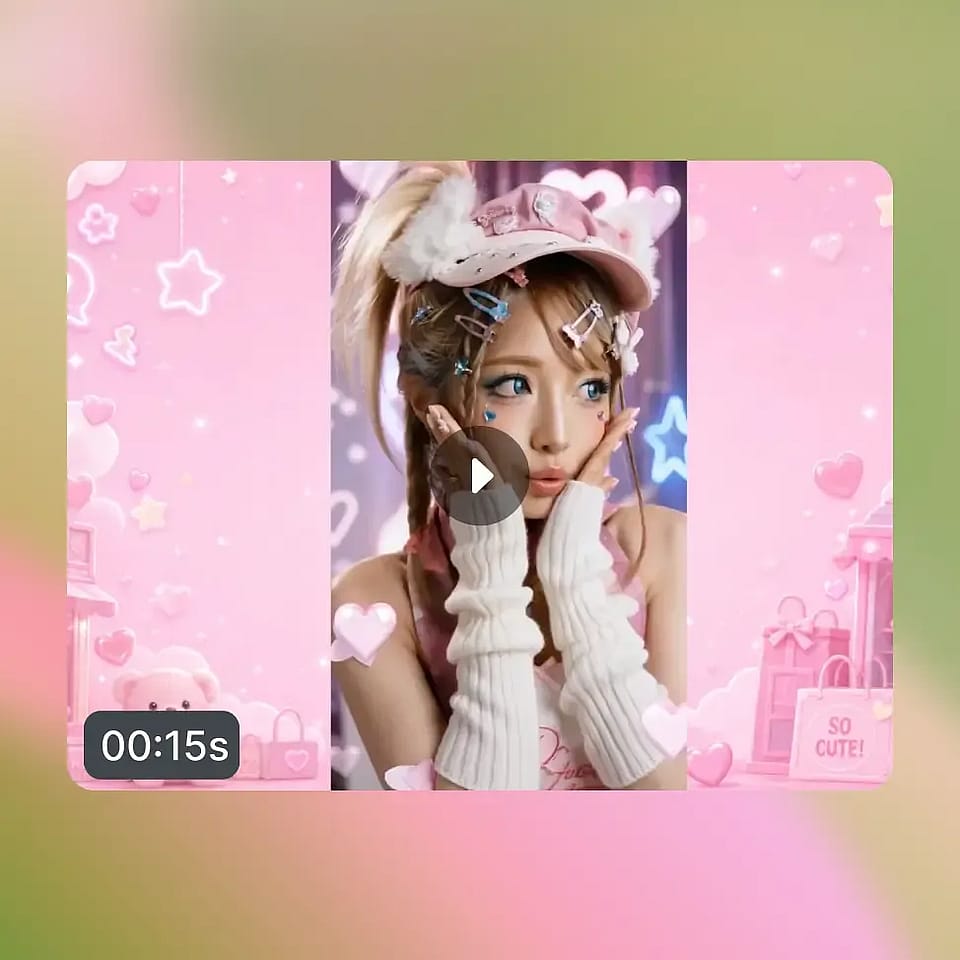
预览并下载
Watch the video, adjust your prompt, and generate again if something looks off. Download the version you like and post it.
竖屏视频创作工具的最佳应用场景
从独立创作者到代理团队,只要你会发布适配手机屏幕的短视频,OpenArt 竖屏视频制作工具都能派上用场。
Creators Who Post Every Day
社媒创作者用 OpenArt 发布 TikTok、Reels 和 Shorts,无需逐条拍摄。早上输入一个热点创意,当天就能有一条 9:16 视频可供发布。无露脸频道同样适用:构建一次 AI 网红形象,就能让同一张脸出现在每条帖子中。
立即试用线上销售的小微企业主
Small business owners use OpenArt to turn product photos into 9:16 ads for TikTok and Instagram. Upload a photo of a candle and ask for soft, flickering light on a wooden table. Make three versions that open in different ways and see which one gets more clicks. You make every version without hiring a video crew.
立即试用制作短剧系列的故事创作者
故事创作者用 OpenArt 制作短剧系列(常被称为微短剧),供人们在手机上观看。OpenArt Characters 让每一集都沿用同样的角色。在 OpenArt Director 中把每集写成一个创意,就能得到包含多个场景的竖屏视频。一部关于两位对手烘焙师的周更剧集,整季都能保持同样的两张脸。
立即试用营销机构与品牌团队
Marketing agencies and brand teams use OpenArt to make many 9:16 ads from one brief. Image to Video turns the client's product photos into a set of versions to test. For videos made in Text to Video, Brand Kit applies the brand's colors, fonts, and rules to every generation in the project.
立即试用