

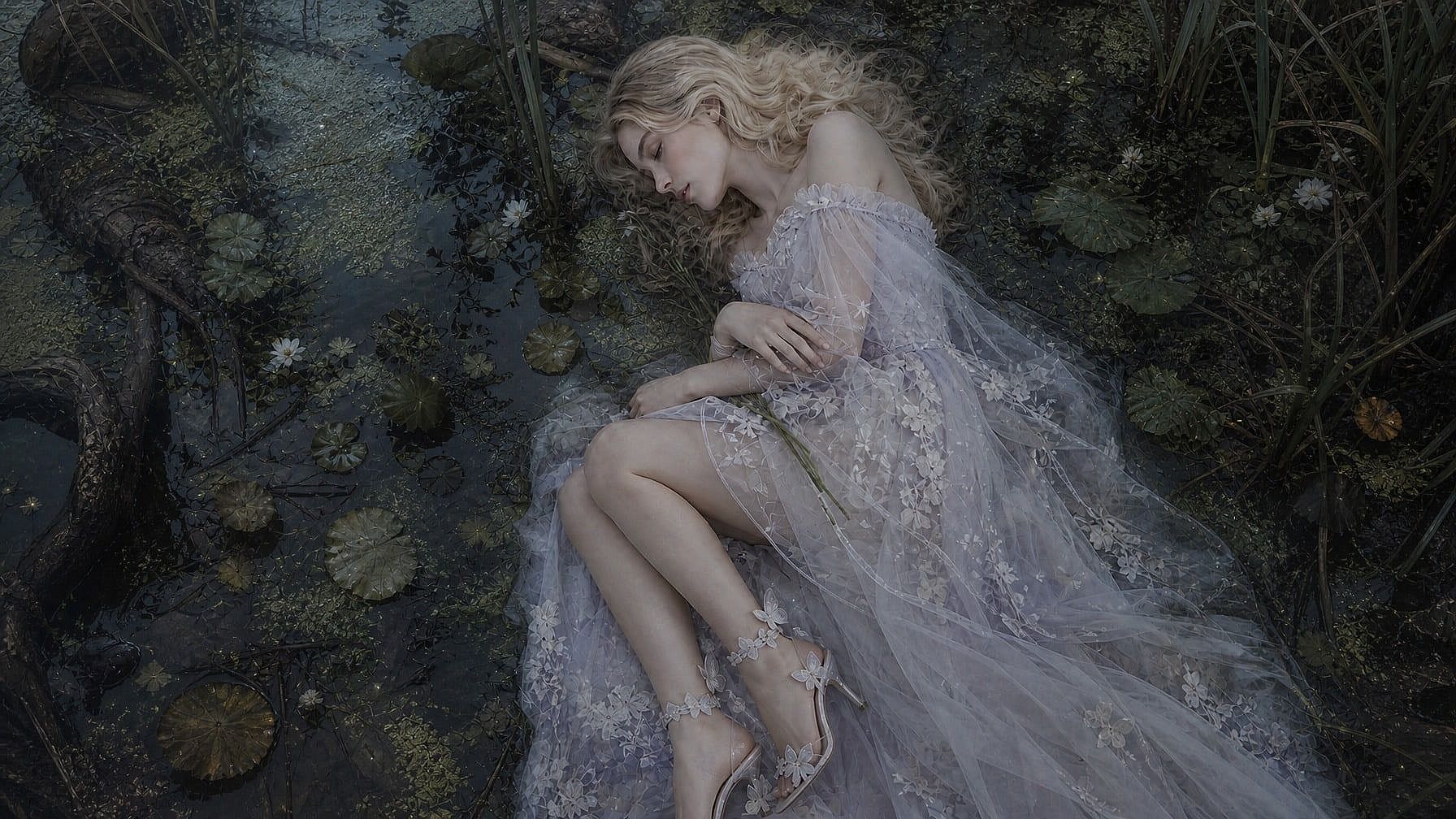
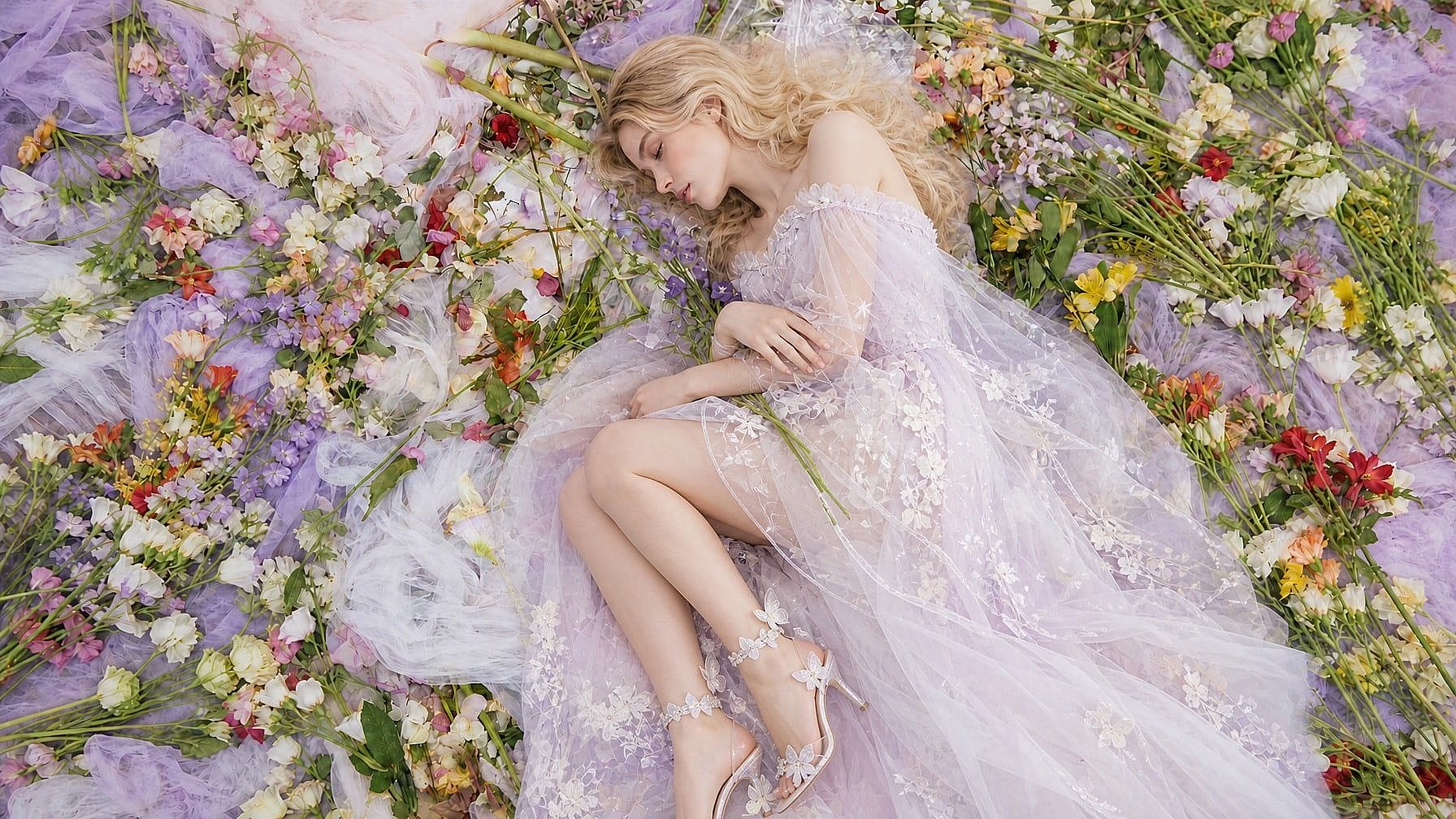
Changeur d'arrière-plan IA
Remplace n'importe quel arrière-plan de photo en quelques secondes. Choisis parmi les préréglages, importe ta propre scène ou décris ce que tu veux et laisse l'IA le générer.
 Ajouter une image Ou glisse-dépose ici · JPEG, PNG, WEBP, HEICJPEG, PNG, WEBP, HEIC
 Pourquoi choisir le changeur d'arrière-plan IA d'OpenArt



Génération de fond à partir de texte
Décris la scène que tu veux et laisse l'IA générer un nouvel arrière-plan réaliste qui s'accorde à ton sujet.



Préservation intelligente du sujet
Garde les personnes, produits et détails clés intacts tout en remplaçant proprement l'arrière-plan autour des contours et des ombres.
Résolution jusqu'à 4K
Crée des remplacements d'arrière-plan de haute qualité prêts pour tes fiches produit, photos de profil, publications sur les réseaux et campagnes.
Que peux-tu faire avec un changeur d'arrière-plan par IA ?
Remplace, échange, étend et génère des arrière-plans photo pour de vrais workflows créatifs et commerciaux.
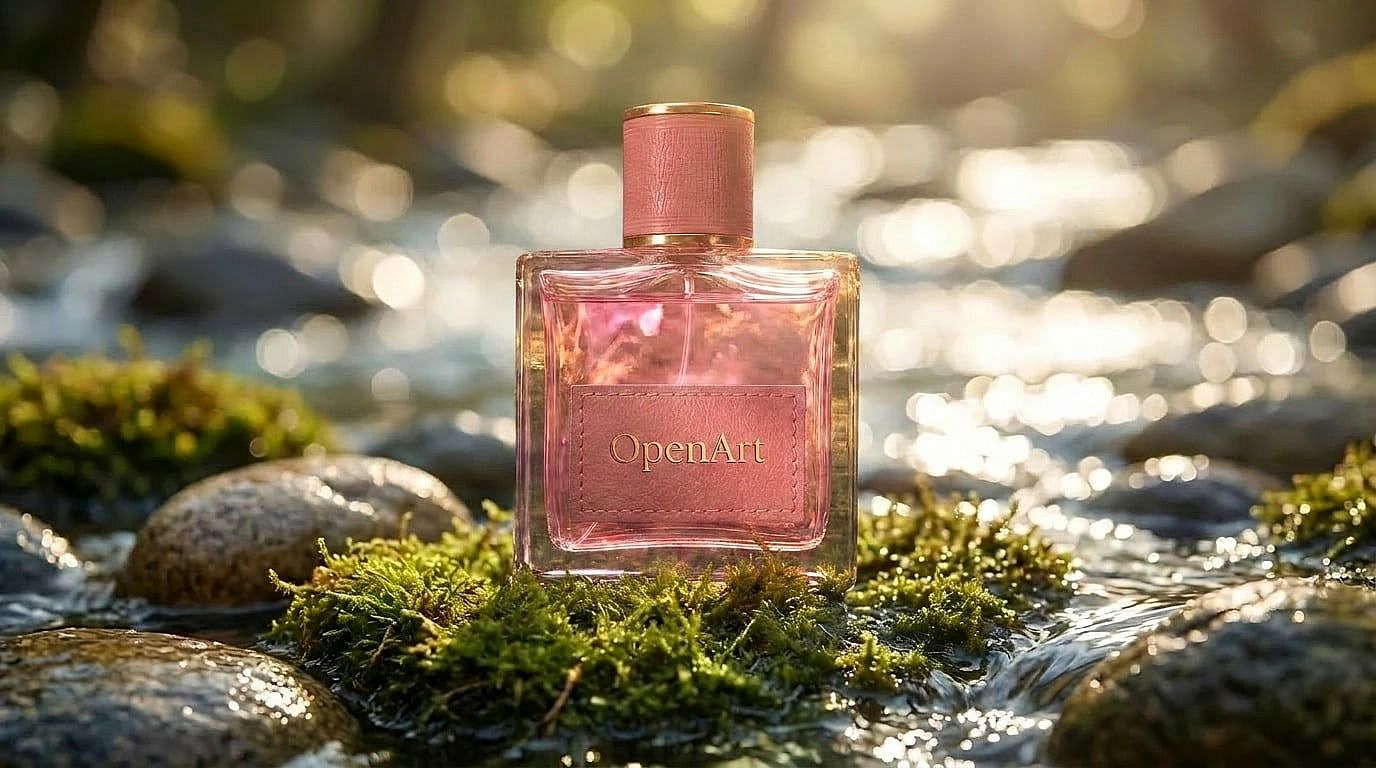
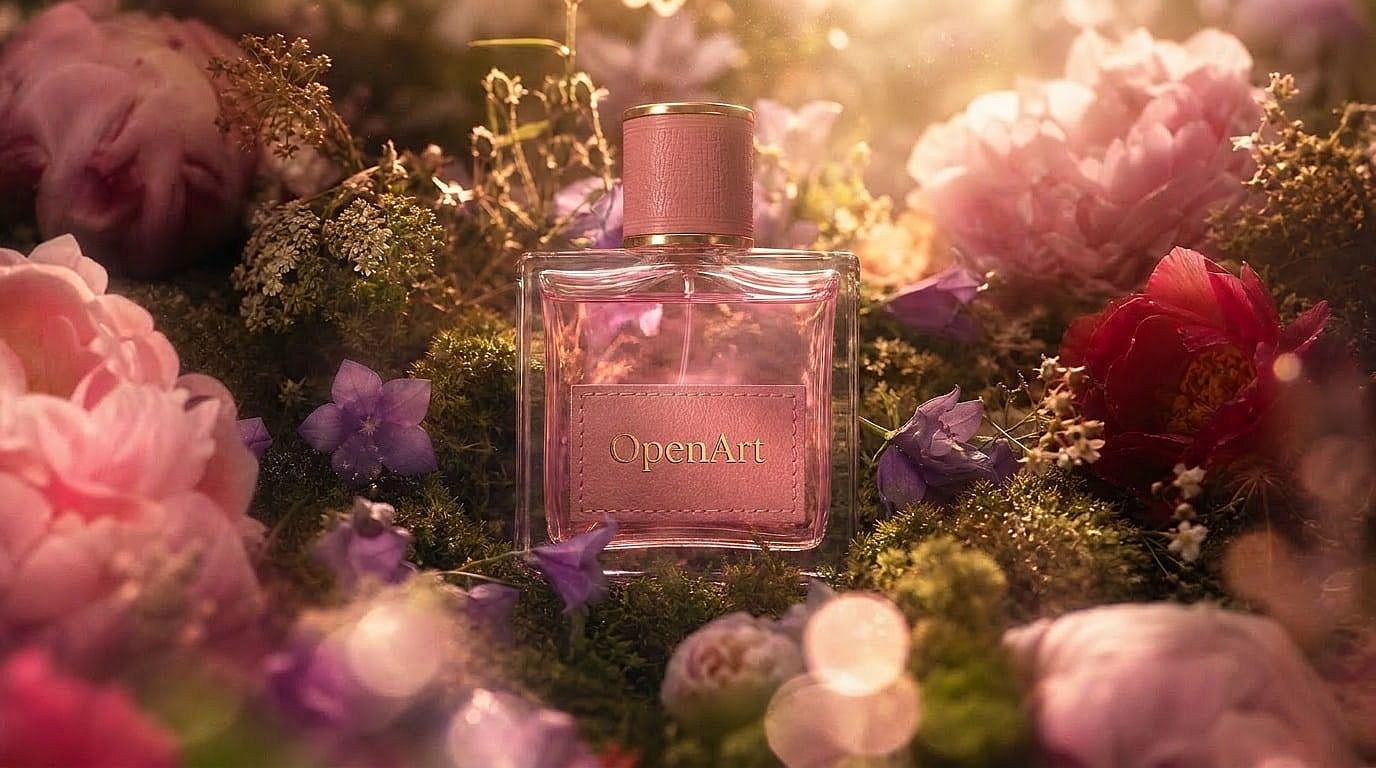
Changer l'arrière-plan des photos produit
Transforme des photos produit ordinaires en images catalogue nettes ou en scènes lifestyle. Remplace les arrière-plans fournisseurs négligés par des visuels soignés, prêts pour les marketplaces, les pubs et les vitrines.
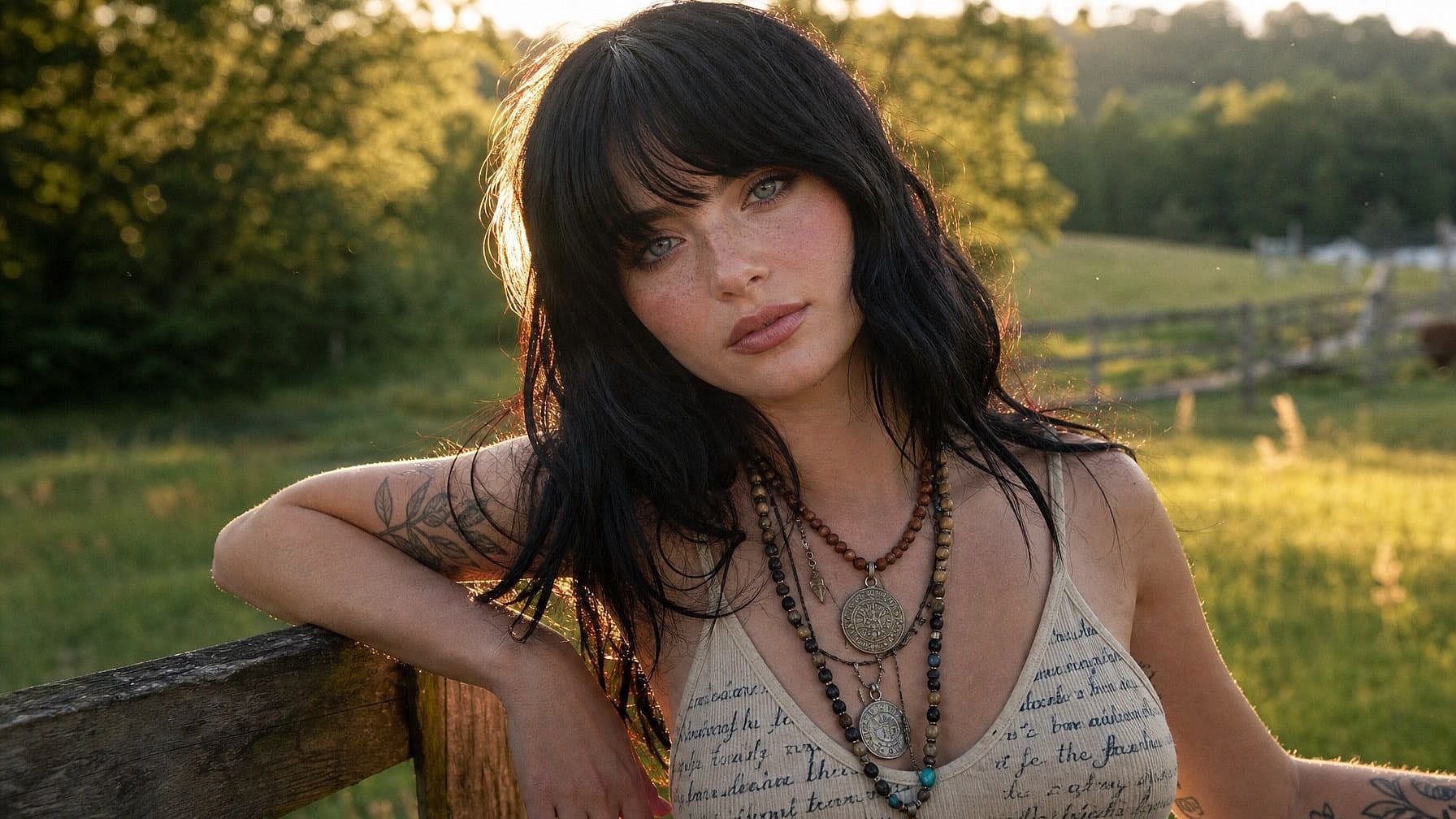
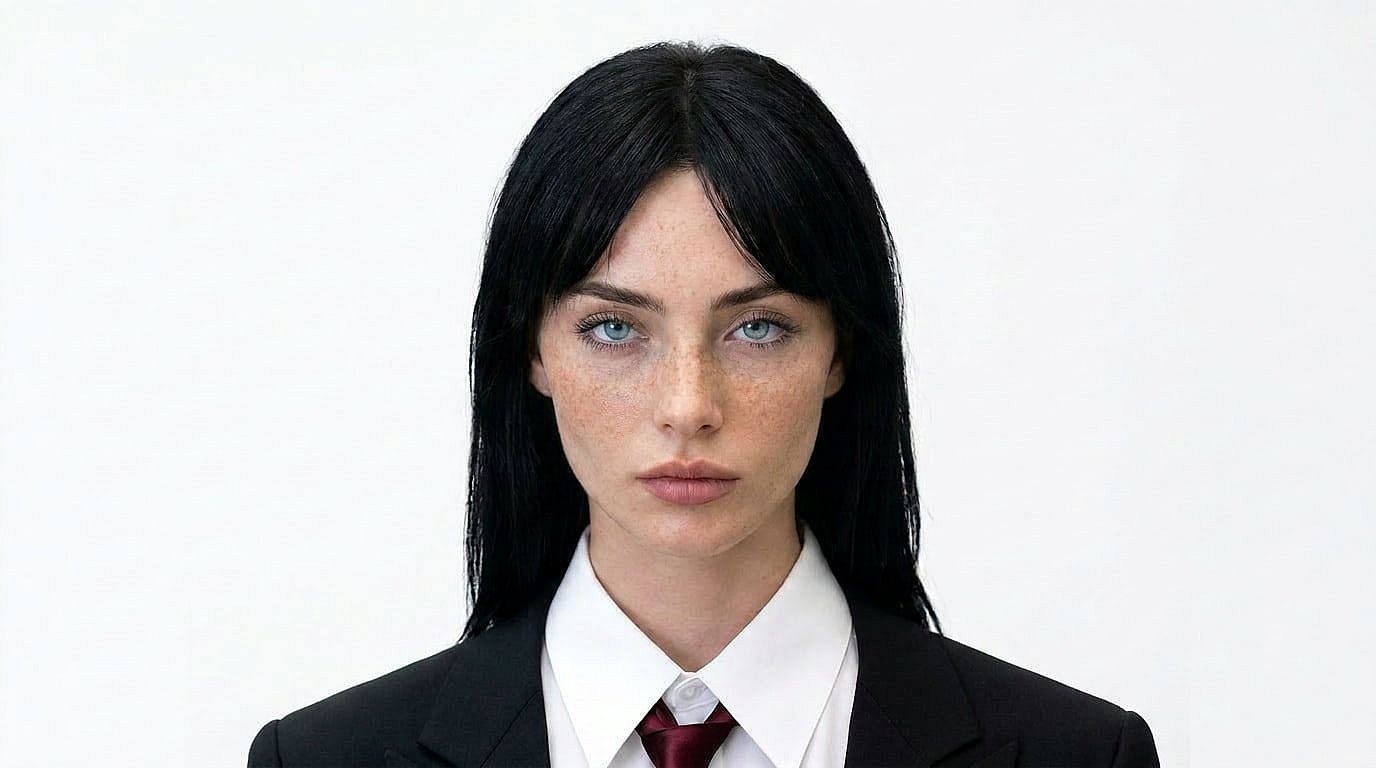
Créer des portraits professionnels
Transforme des portraits pris sur le vif en photos de profil professionnelles en remplaçant les arrière-plans encombrés par un décor de bureau, de studio ou uni, tout en gardant la personne naturelle.
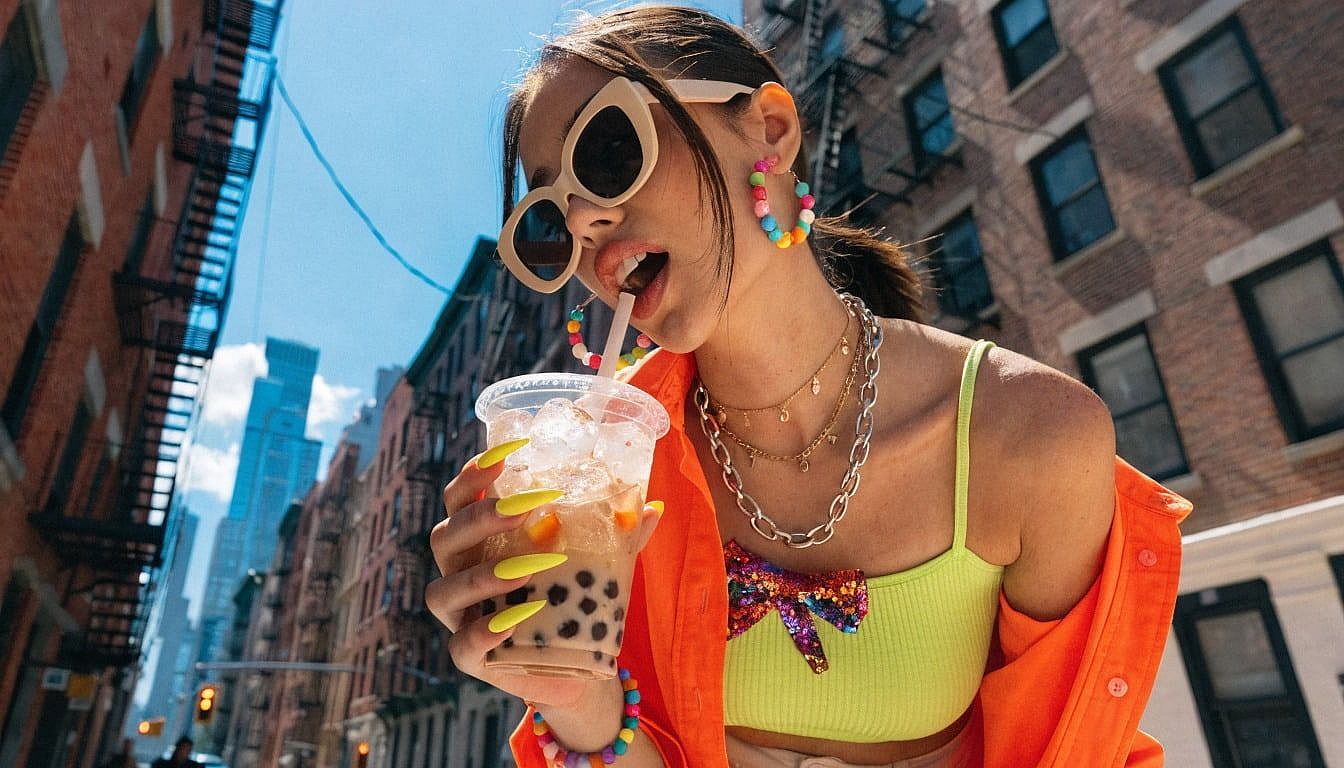

Génère des scènes à partir de prompts texte
Décris l'environnement que tu veux, des vacances à la plage aux rues urbaines, et génère un nouvel arrière-plan qui s'adapte à ton sujet sans retouche manuelle.
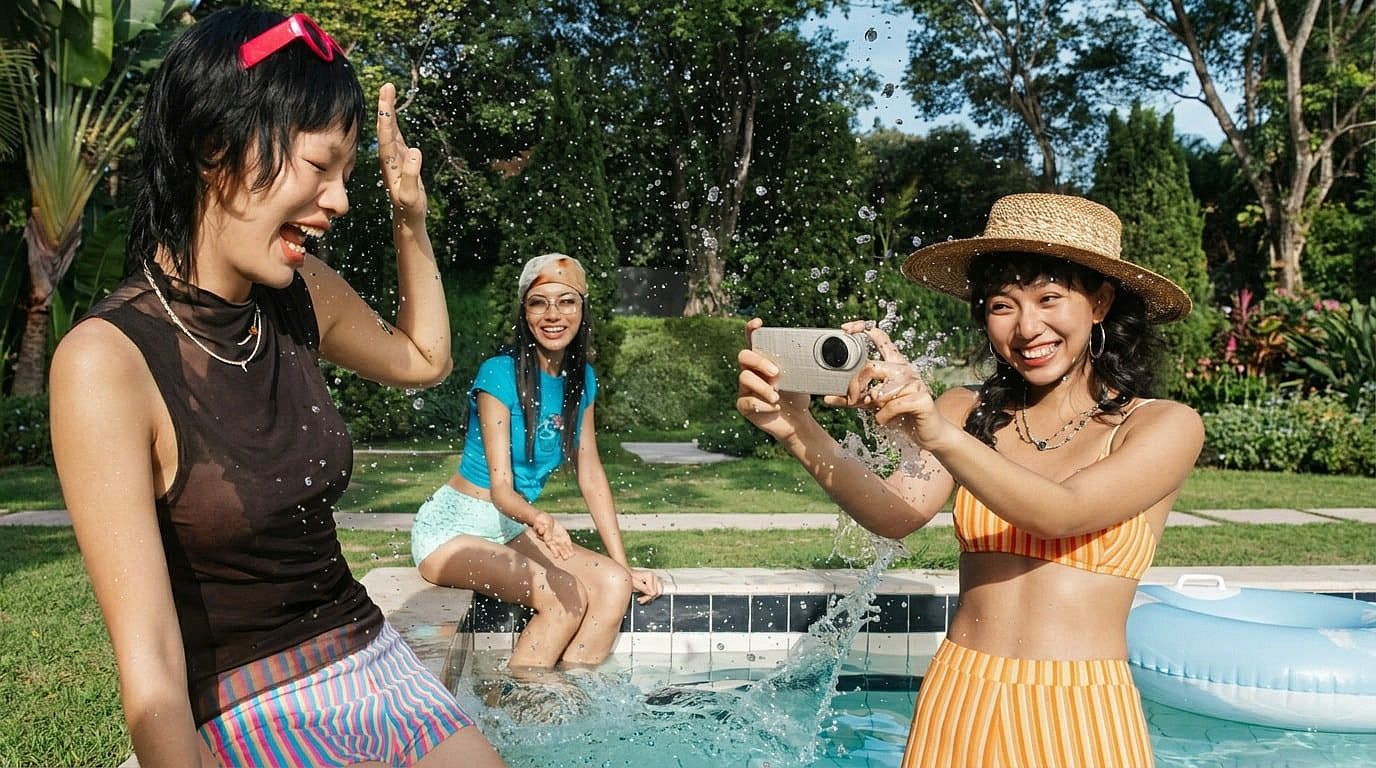
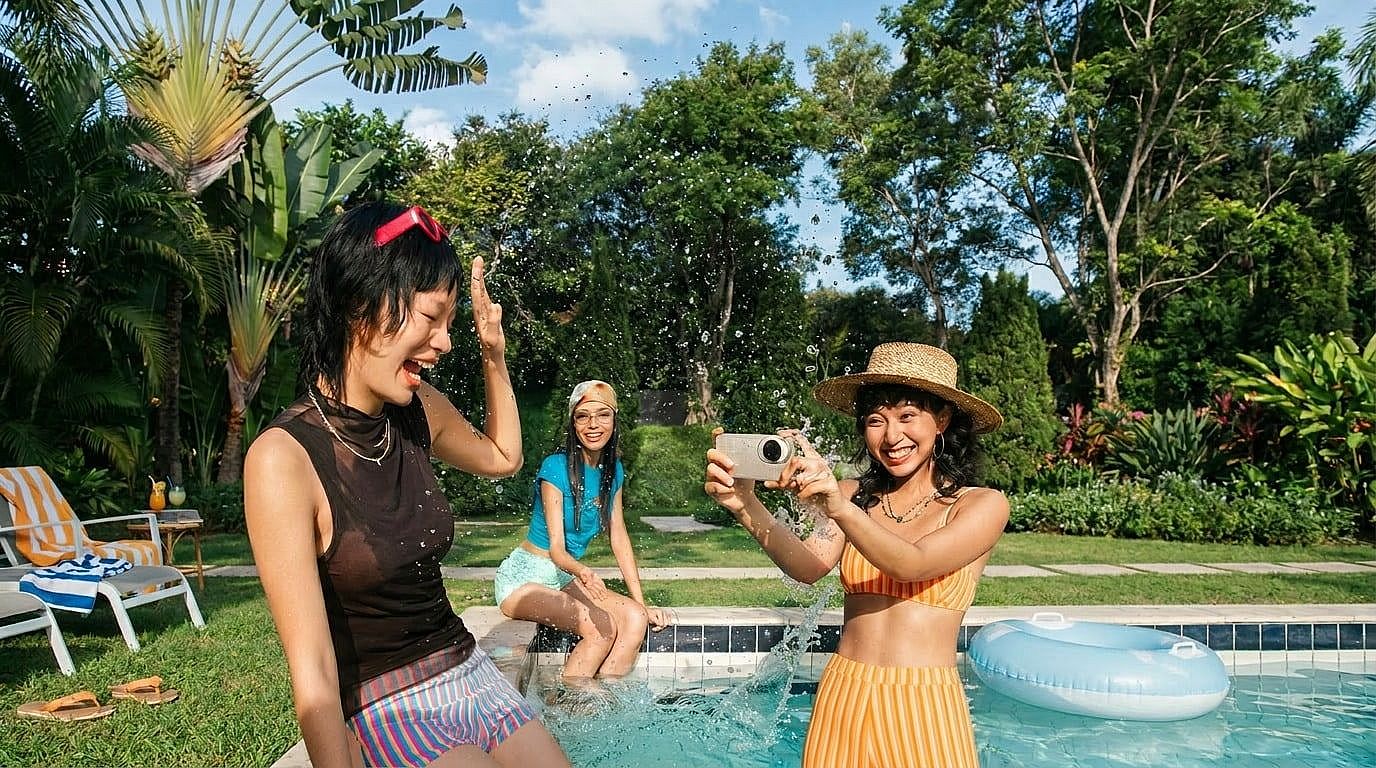
Étends les arrière-plans avec le remplissage génératif IA
Agrandis le canevas autour de ton image et laisse l'IA prolonger l'arrière-plan naturellement, idéal pour les recadrages sociaux, bannières, miniatures et mises en page produit.
Comment changer l'arrière-plan d'une photo avec l'IA
Change l'arrière-plan de ta photo en trois étapes simples.
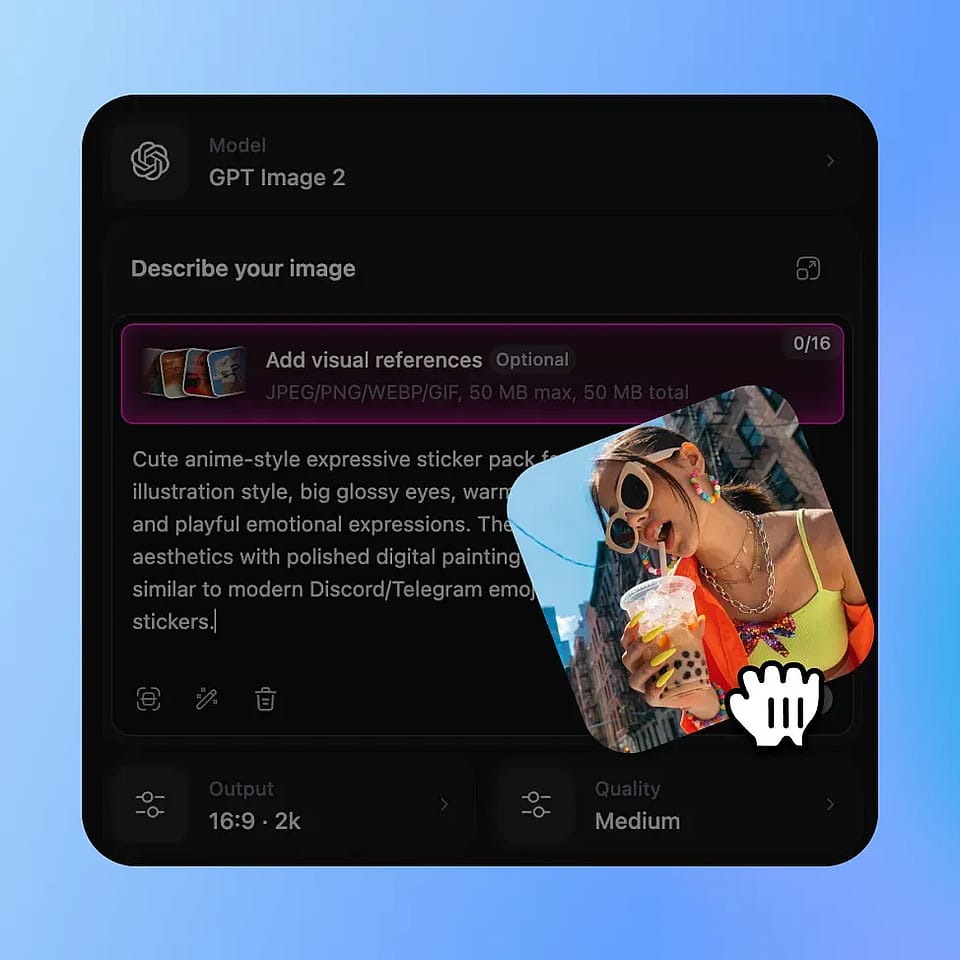
Importe ta photo
Importe l'image que tu veux modifier. OpenArt détecte le sujet pour que tu puisses remplacer l'arrière-plan tout en conservant les parties importantes de la photo.
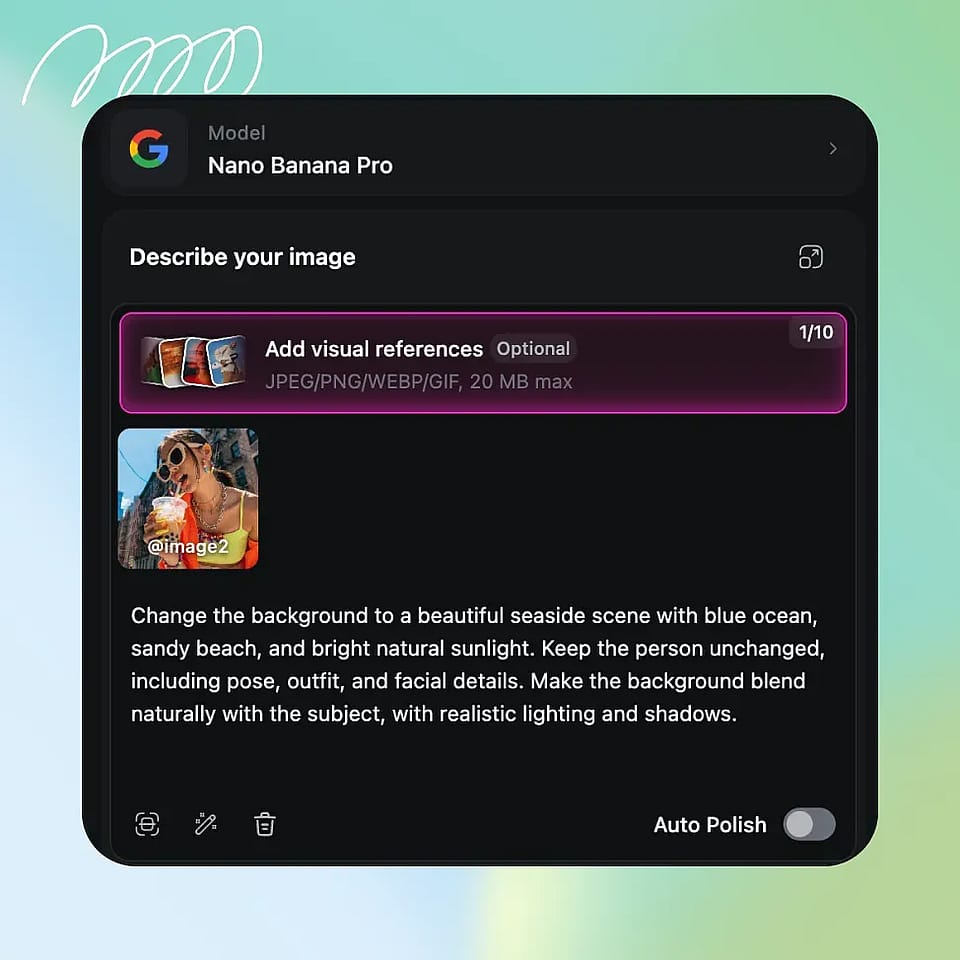
Choisis ou génère un nouvel arrière-plan
Choisis un préréglage, importe ta propre scène ou tape un prompt décrivant l'arrière-plan que tu veux, comme un fond de portrait studio ou une plage tropicale.
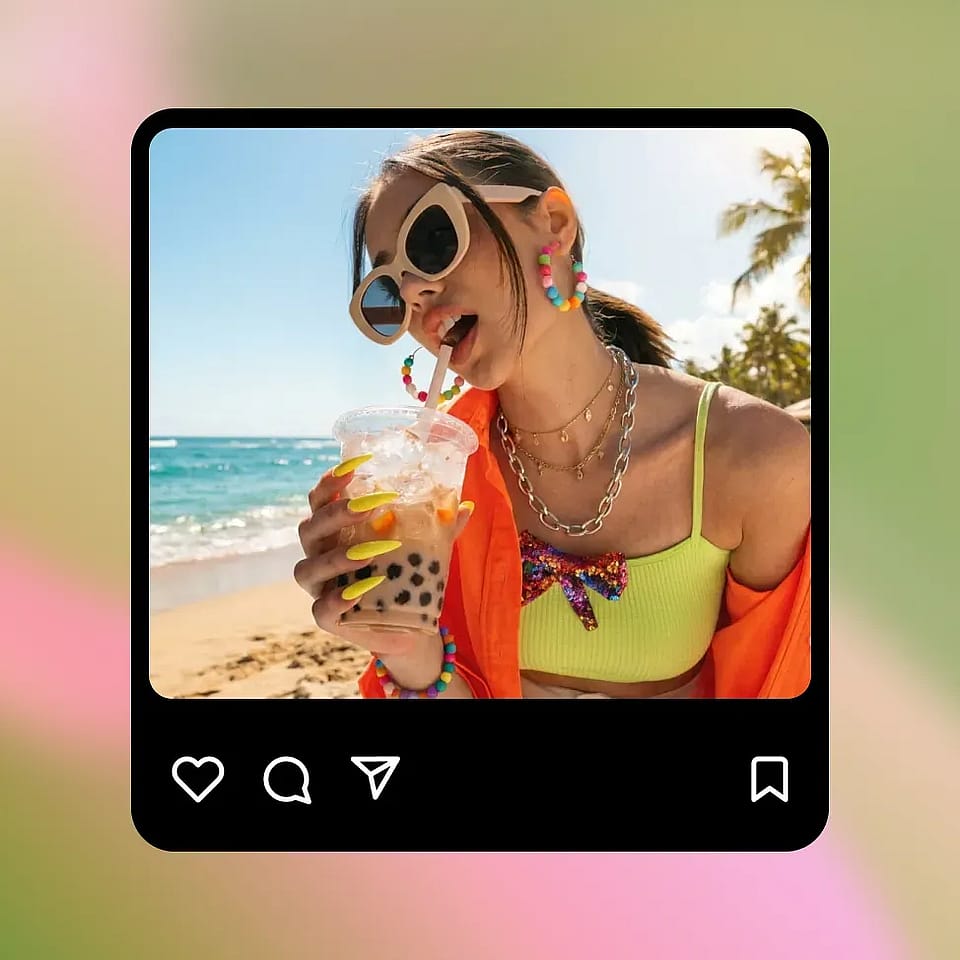
Ajuster et télécharger
Prévisualise le résultat, ajuste le prompt ou l'arrière-plan si besoin, puis télécharge ton image retouchée pour les réseaux sociaux, l'e-commerce, les profils ou les campagnes.
Qui a besoin d'un changeur d'arrière-plan par IA ?
Utilise le remplacement d'arrière-plan par IA pour le e-commerce, le contenu, les portraits, les événements et les visuels marketing.
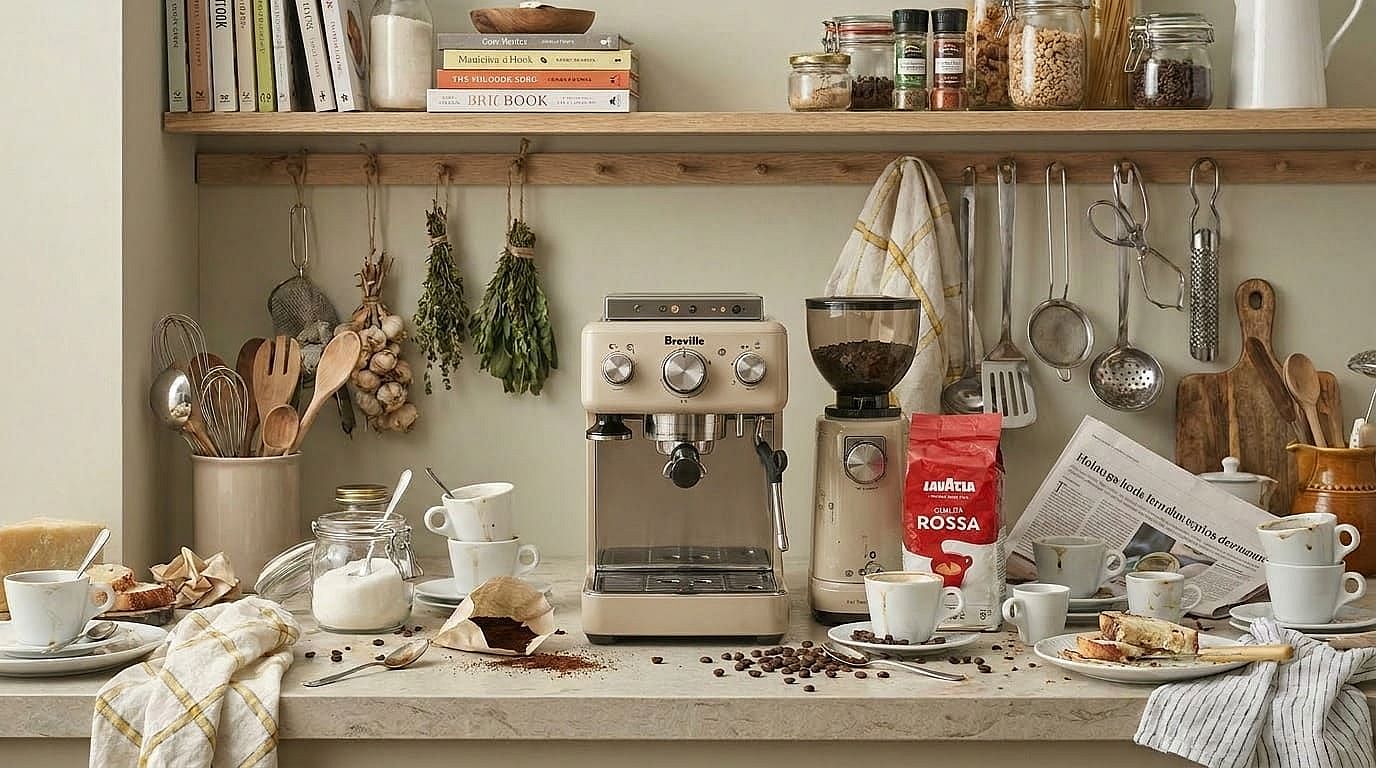
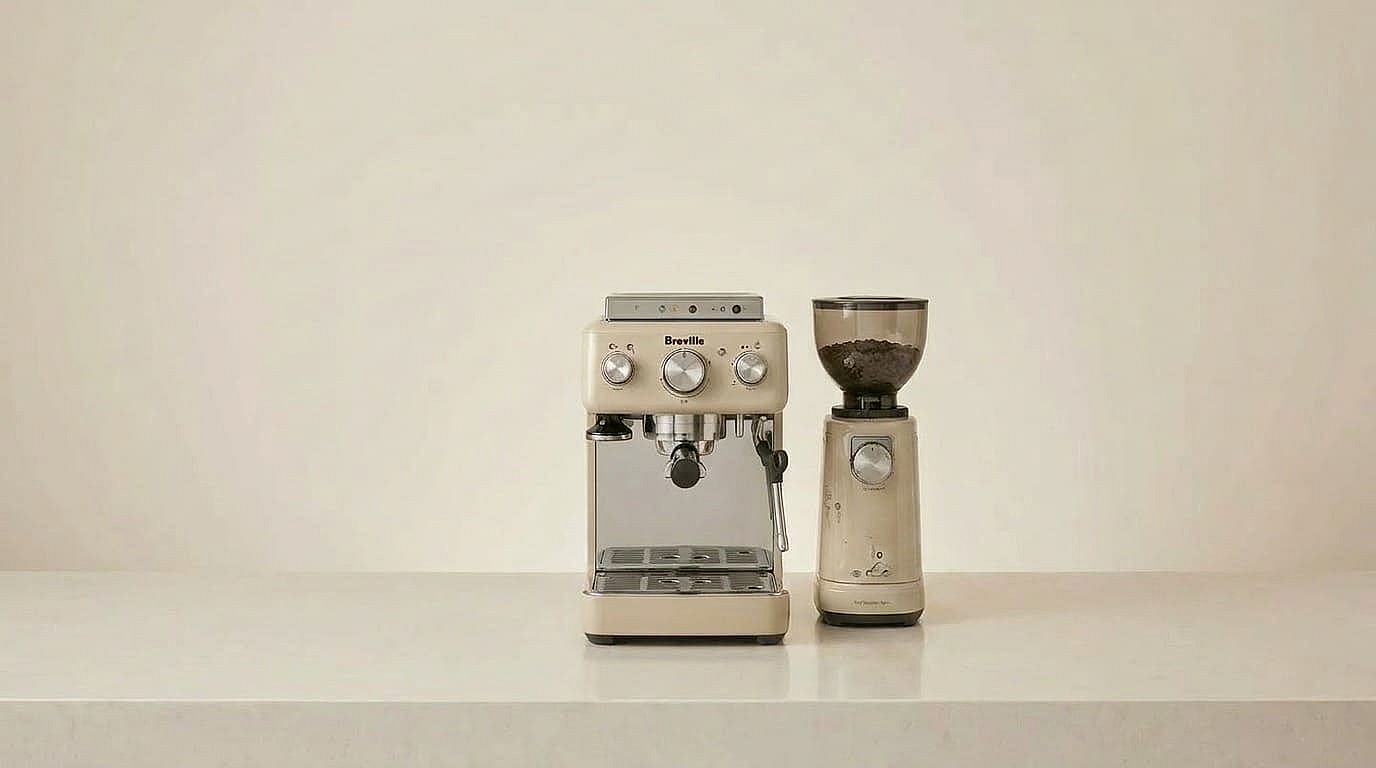
E-commerce et vendeurs de marque
Remplace les arrière-plans brouillons des fournisseurs par des scènes blanches ou lifestyle propres et conformes aux marketplaces, sans reprendre tes photos produits.
Essaie maintenant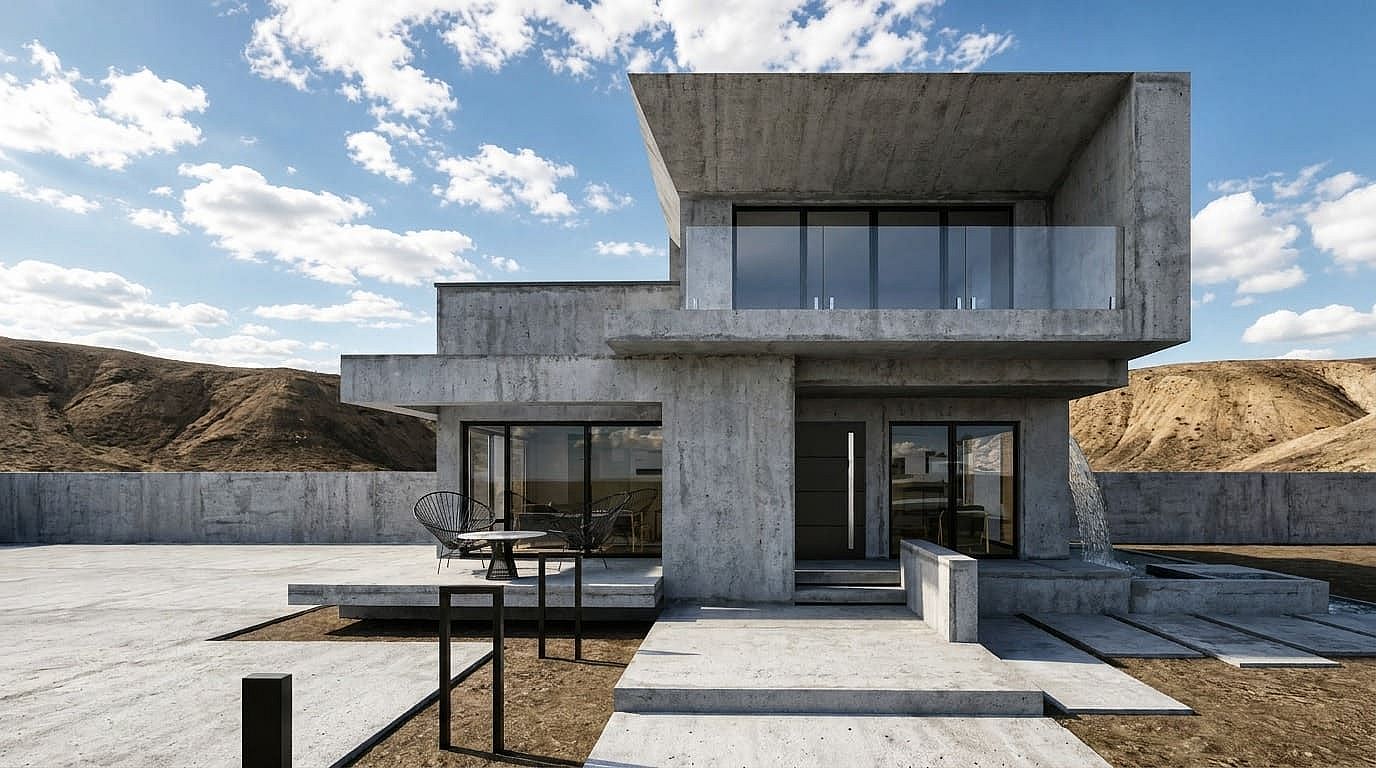
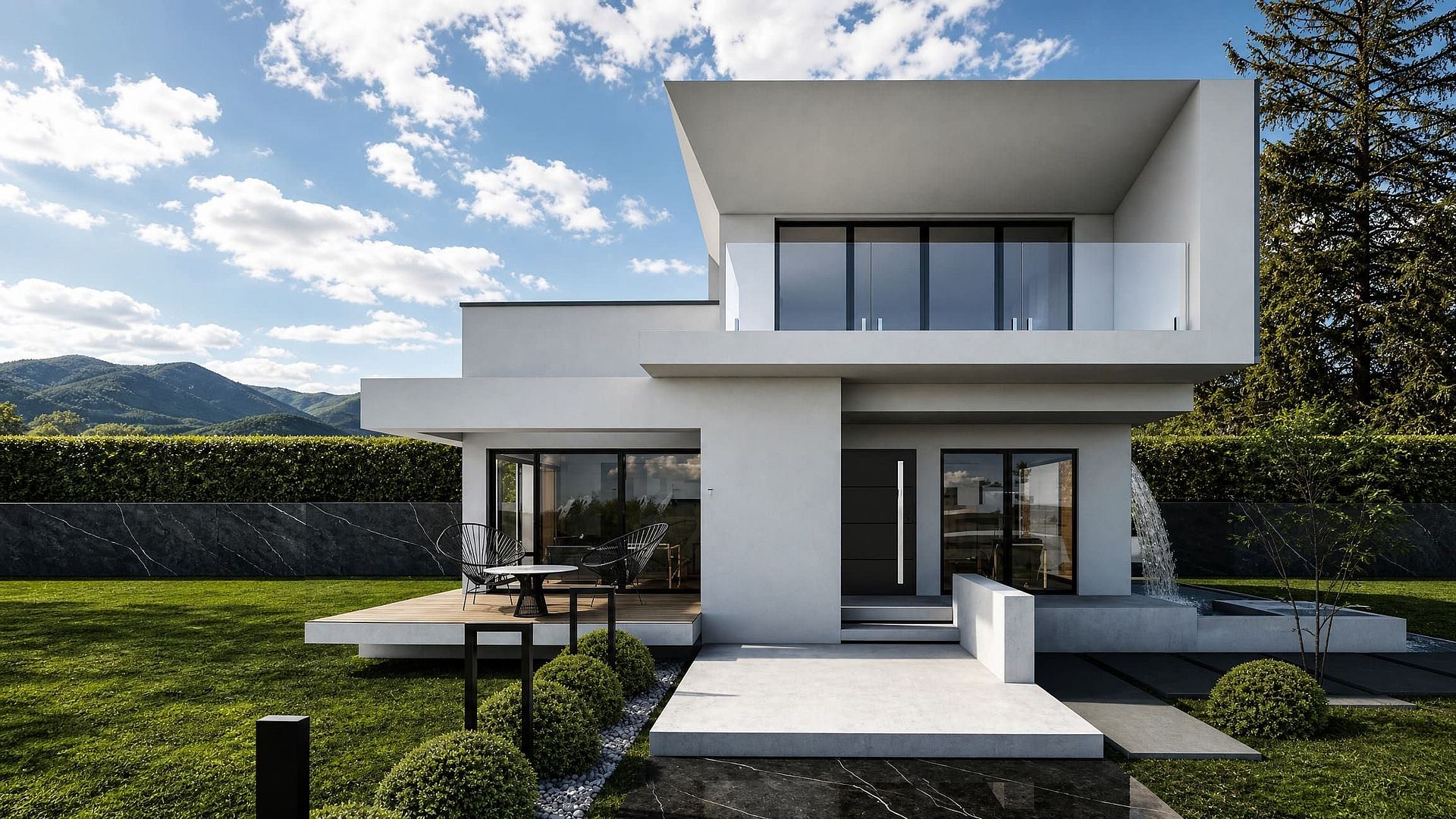
Spécialistes marketing immobilier
Remplace les ciels ternes ou les arrière-plans de terrains vides par des visuels saisonniers ou plus flatteurs pour tes annonces et promotions immobilières.
Essaie maintenant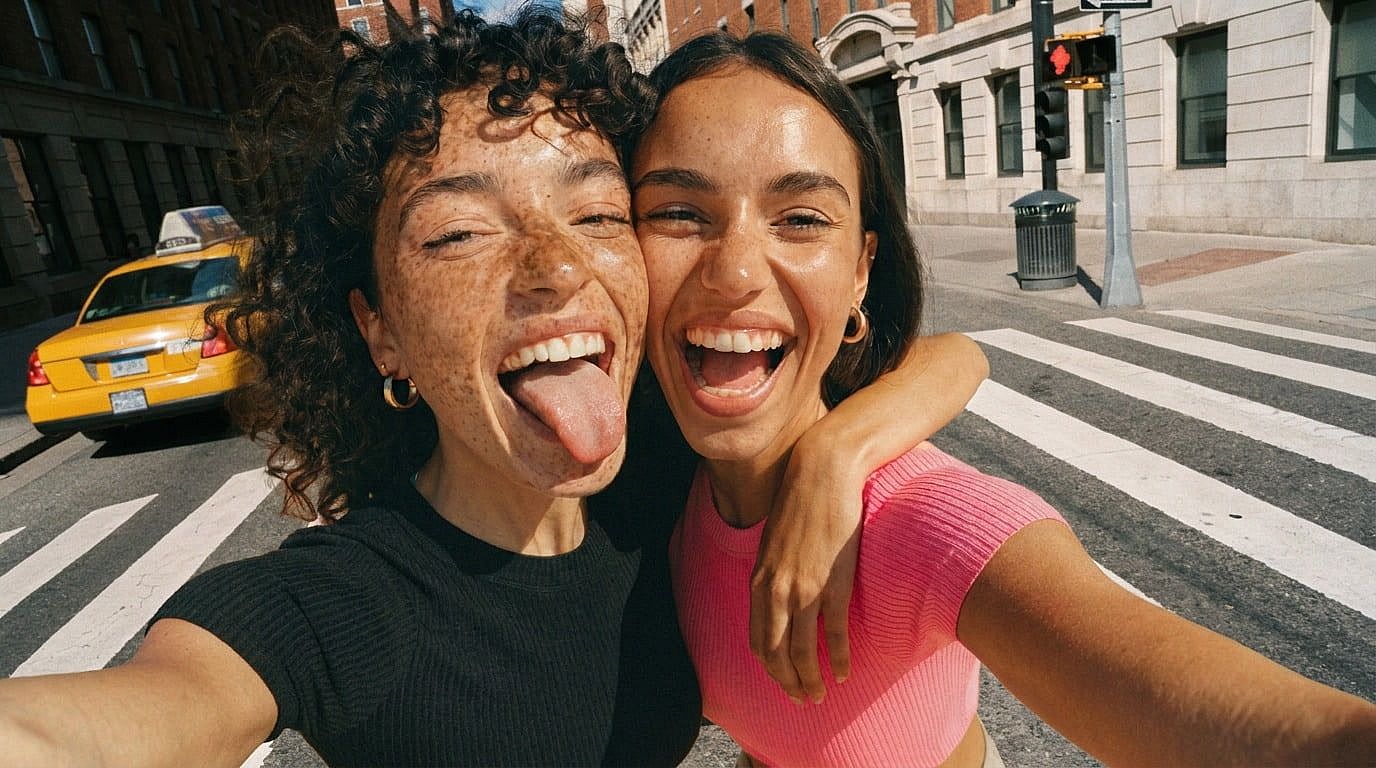
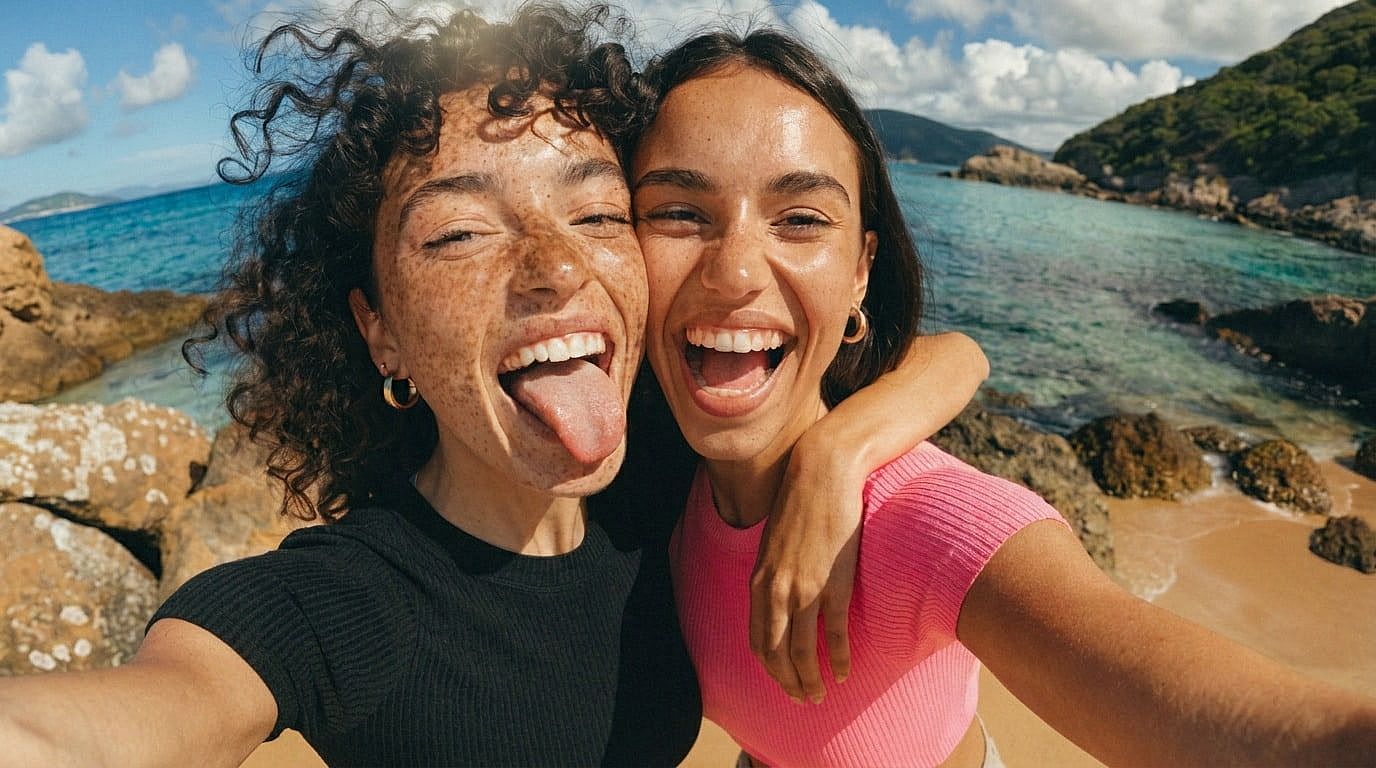
Créateurs de contenu et influenceurs
Crée du contenu visuel varié à partir d'une seule séance photo en changeant les arrière-plans pour différents posts, reels, miniatures et campagnes.
Essaie maintenant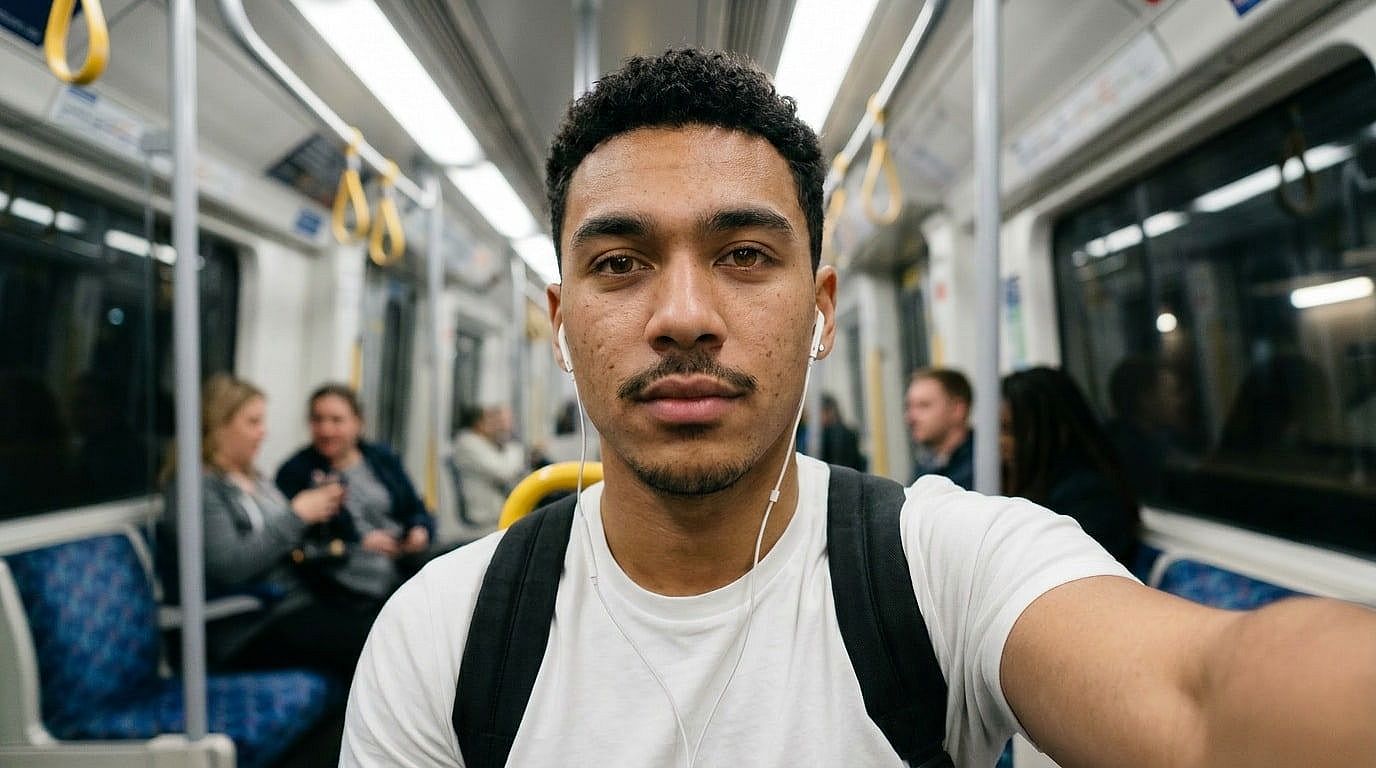
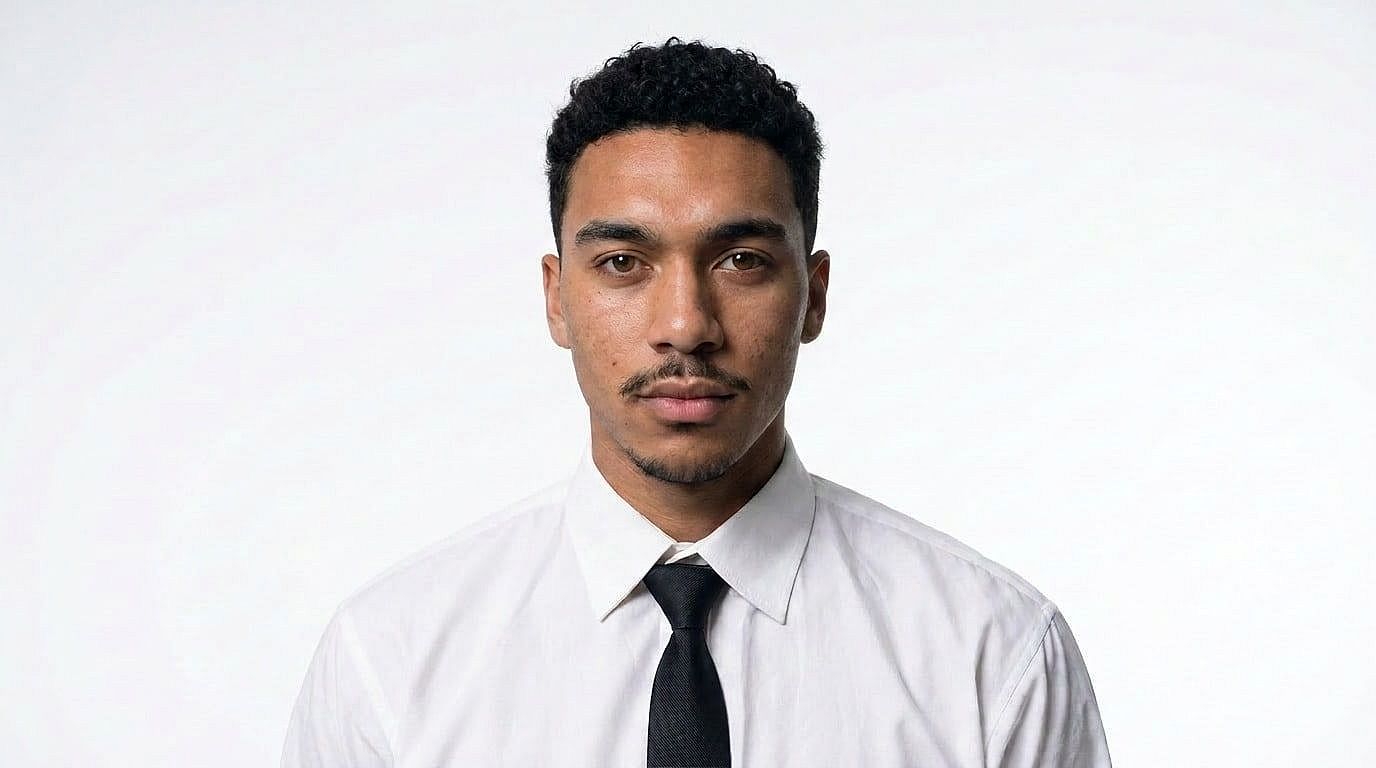
Chercheurs d'emploi et professionnels
Transforme un selfie improvisé en portrait professionnel en remplaçant l'arrière-plan par un fond uni, studio ou bureau.
Essaie maintenant

Organisateurs d'événements et planificateurs de fêtes
Crée des images de type photobooth thématiques en plaçant les participants dans des arrière-plans brandés ou saisonniers après l'événement.
Essaie maintenantQuestions fréquentes Questions
OpenArt propose un changeur d'arrière-plan IA en ligne gratuit qui te permet d'importer une photo, de préserver le sujet et de remplacer l'arrière-plan par des préréglages, des images importées ou des prompts textuels.
Tu peux commencer à changer les arrière-plans de tes photos gratuitement sur OpenArt avec des crédits limités. Certaines fonctionnalités avancées, un usage plus intensif ou des exports plus volumineux peuvent dépendre de ton forfait.
Un supprimeur d'arrière-plan découpe ou efface l'arrière-plan existant. Un modificateur d'arrière-plan le remplace par une nouvelle scène, couleur, image ou un environnement généré par IA.
Importe le portrait, garde la personne comme sujet, puis choisis un studio épuré, un bureau, une couleur unie ou un arrière-plan personnalisé pour un rendu photo pro soigné.
Importe ton image, choisis ou décris un nouvel arrière-plan, prévisualise le résultat de l'IA, puis ajuste et télécharge la photo finalisée.
Oui. Tu peux écrire un prompt comme « studio de bureau moderne » ou « scène de vacances ensoleillée à la plage », et OpenArt générera un nouvel arrière-plan à partir de ta description.
Oui. OpenArt fonctionne dans ton navigateur, tu peux donc changer les arrière-plans de tes photos en ligne sans installer d'application dédiée.