

Inpainting vidéo par IA
L'AI Video Inpainting transforme ta vidéo tout en protégeant ce que tu masques. Peins ce qui doit rester, décris ce qui doit changer, et l'IA gère chaque image. Fait partie d'OpenArt VFX, propulsé par le SwitchX de Beeble.
Les avantages de l'inpainting vidéo par IA



Contrôle image par image
Peins un masque pour verrouiller ce qui reste, écris un prompt, et l'IA transforme tout ce qui se trouve hors du masque sur chaque image.



Permanence des objets exceptionnelle
Tout ce que tu masques reste exactement tel que tu l'as filmé, image par image.
Pas de compositing, pas de pipeline
Obtiens des transformations dignes du compositing depuis un navigateur, en quelques minutes, sans utiliser Nuke ni After Effects.
Créations de la communauté
Découvre comment les créateurs échangent des accessoires, modifient des costumes et remplacent des éléments de scène avec l'AI Video Inpainting.
Contrôle à l'image près. Ce que tu masques reste intact.
Peins un masque sur ce qui doit rester, écris un prompt, et tout ce qui se trouve hors du masque se transforme sur chaque image.
Peins ce qui reste. Transforme le reste.
Le mode VFX te donne un contrôle image par image. Peins un masque sur la première image, sur ce qui doit rester : un visage, un accessoire ou un acteur. L'IA suit cette zone sur toutes les images et transforme le reste, en préservant la couleur, l'éclairage et le mouvement de la zone protégée.
Garde la performance. Change le monde.
Masque l'acteur et laisse l'environnement se transformer autour de lui. Protège un accessoire tenu en main pendant que l'arrière-plan devient tout autre. Verrouille un élément de costume et restyle le reste du plan. Ajoute une image de référence pour une direction plus précise.
Transforme tout, sauf la zone que tu protèges.
L'AI Video Inpainting gère les changements trop larges pour un simple remplacement d'objet. Redessine toute la scène autour d'un sujet protégé, place un acteur dans un nouvel environnement, ou change entièrement le décor pendant que la zone masquée reste exactement comme filmée.
La précision d'un compositeur. Sans compositeur.
Les VFX pros ont toujours exigé de la précision : un masque net, une intention claire et le contrôle des zones modifiées. L'AI Video Inpainting offre tout ça sans Nuke, After Effects ni rotoscopie. L'IA suit automatiquement ton masque de première image sur chaque image.
Comment utiliser l'inpainting vidéo par IA
Trois étapes, de l'import à une transformation masquée finalisée.
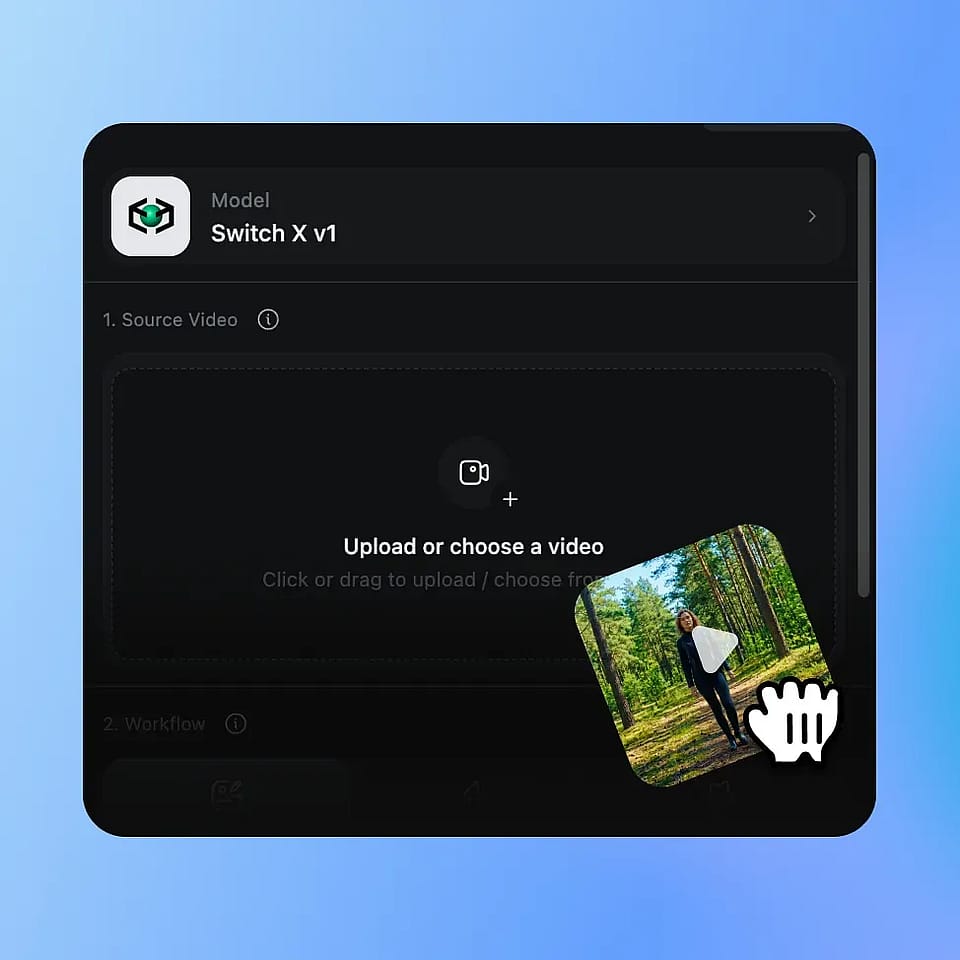
Importe ta vidéo
Importe n'importe quel clip MP4 ou MOV. L'inpainting vidéo par IA fonctionne sur toutes les séquences où tu veux transformer un plan tout en protégeant une zone précise.
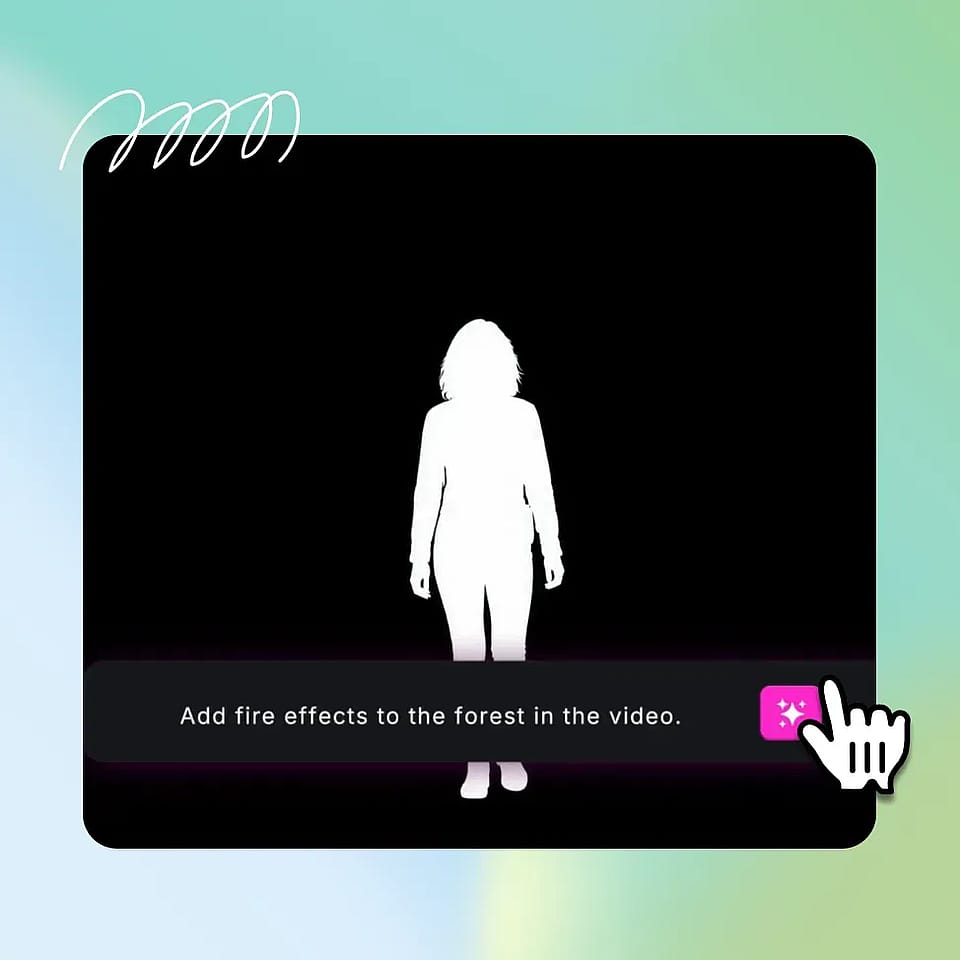
Peins le masque, écris le prompt
Utilise le pinceau pour peindre un masque sur la première image, en couvrant exactement la zone à conserver. Rédige un prompt décrivant ce qui doit apparaître dans le reste de l'image, et ajoute éventuellement une image de référence.
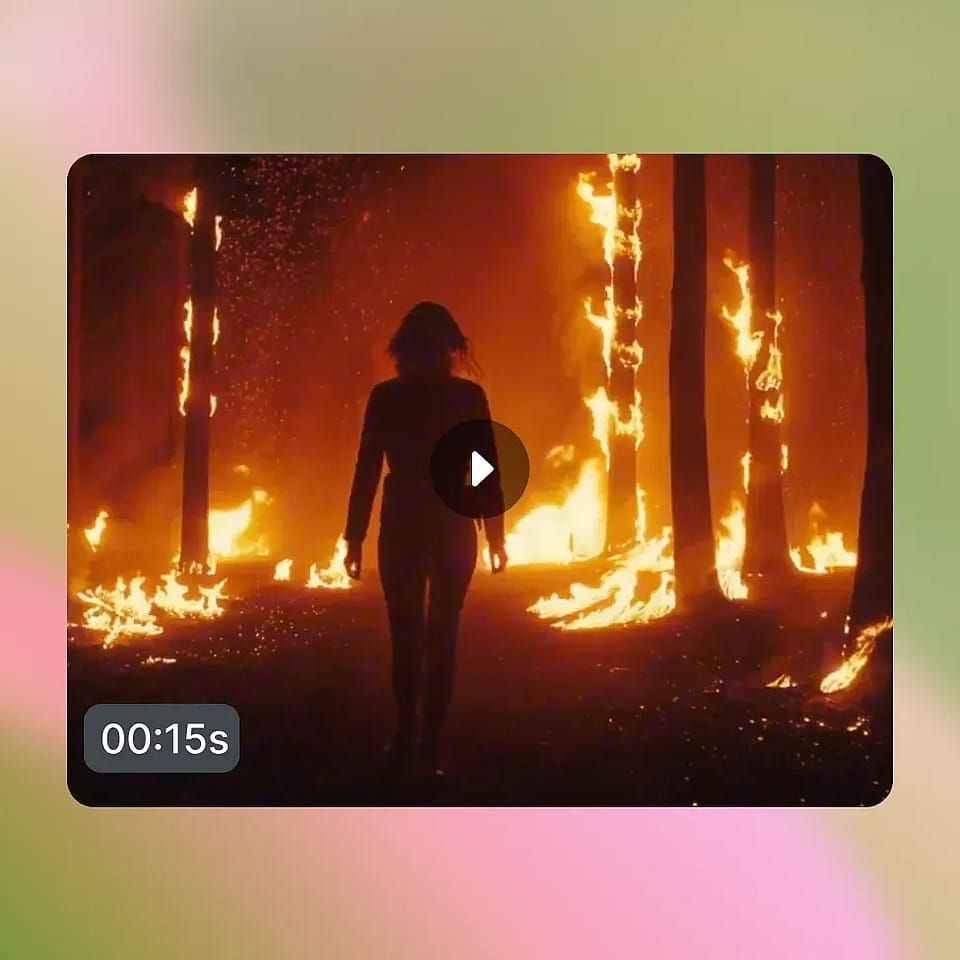
Générer et comparer
Le système d'IA génère le changement sur chaque image, en suivant automatiquement ta zone masquée. Prévisualise le résultat, affine le masque ou le prompt si besoin, et télécharge le clip final au format MP4.
Conçu pour un travail vidéo de précision
Des cinéastes indépendants aux équipes de marque, voici comment les créateurs utilisent l'inpainting vidéo par IA.
For indie filmmakers and directors
Le mode à dégainer quand la performance est bonne mais que le décor autour ne l'est pas. Protège l'acteur et transforme l'environnement. Verrouille l'accessoire vedette et restyle la scène. Les reshoots et les passes de compositing deviennent un pinceau et un prompt.
Essaie maintenantPour les créateurs de contenu avancés
Les YouTubeurs qui font des tutos, des tests et des formats longs peuvent utiliser l'AI Video Inpainting pour restyliser des scènes tout en gardant l'animateur à l'écran intact. Change le décor pour un nouveau segment sponsorisé. Restylise la pièce sans retourner. Reproductible et net.
Essaie maintenantPour les créateurs curieux du VFX
Les créateurs qui suivent le contenu VFX et souhaitent en produire eux-mêmes peuvent utiliser l'AI Video Inpainting comme véritable porte d'entrée vers un travail qui exigeait autrefois des années de compositing. Le pinceau est simple. Le résultat, ce sont de véritables effets vidéo prêts à partager.
Essaie maintenantPour les équipes vidéo de marque et produit
Les agences et les équipes produit peuvent protéger le produit ou le talent phare tout en transformant la scène autour. Réutilise un même asset filmé sur plusieurs marchés en restylisant le décor. Un seul tournage devient une multitude de montages de campagne, chacun conservant l'élément protégé intact.
Essaie maintenant