

Visualiseur musical IA
Le visualiseur de musique IA d'OpenArt transforme ta chanson terminée en une vidéo en boucle prête à publier. Importe le morceau, ajoute tes propres visuels et clips, et dis à OpenArt Director ce que tu veux voir bouger.
Visualiseur musical IA
Le visualiseur de musique IA d'OpenArt transforme ta chanson terminée en une vidéo en boucle prête à publier. Importe le morceau, ajoute tes propres visuels et clips, et dis à OpenArt Director ce que tu veux voir bouger.
Fonctionnalités clés du visualiseur de musique IA
Tout ce qu'il te faut pour créer une vidéo de visualiseur musical
Commence par téléverser ta chanson
Importe ton fichier de chanson et OpenArt Director construit le visuel autour d'elle. Pas besoin de script, de liste de plans ou de storyboard. Un nouveau single, un beat ou un long mix commencent tous de la même façon. Ta musique est la première chose que tu lui donnes, et tout le reste en découle.
Ajoute jusqu'à 10 références
Importe jusqu'à 10 images ou vidéos comme références. Utilise ta pochette, une photo de toi ou un clip que tu as déjà tourné. OpenArt Director construit le visualiseur pour correspondre à ce que tu importes. Ta vidéo finit par ressembler à la pochette et aux photos que tes fans connaissent déjà.
Décris simplement tes visuels
Écris ce qui doit bouger et le rendu souhaité. Demande une fumée qui dérive lentement derrière ta pochette d'album, ou une lumière qui se déplace en continu dans le cadre. Le visualiseur musical IA reprend ta description et construit la boucle à partir de là. Quelques mots suffisent.
Ta musique reste la vedette
Le visualiseur reste minimaliste, volontairement. Une seule idée visuelle claire tourne en boucle au lieu de couper entre les scènes ou d'afficher tes paroles à l'écran. Tes auditeurs ont quelque chose à regarder sans jamais détourner l'attention du morceau.
Comment créer un visualiseur musical dans OpenArt Director
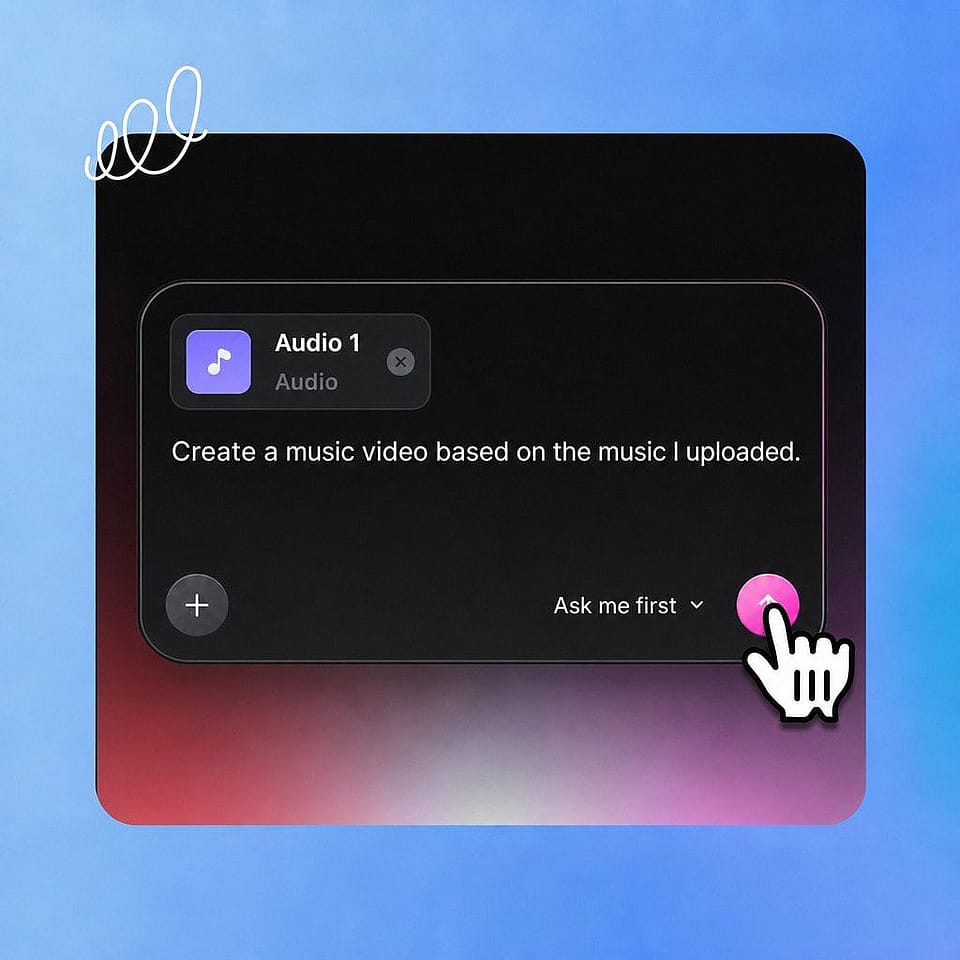
Importe ta piste
Ouvre OpenArt Director, démarre un projet Clip musical et importe ton fichier audio.
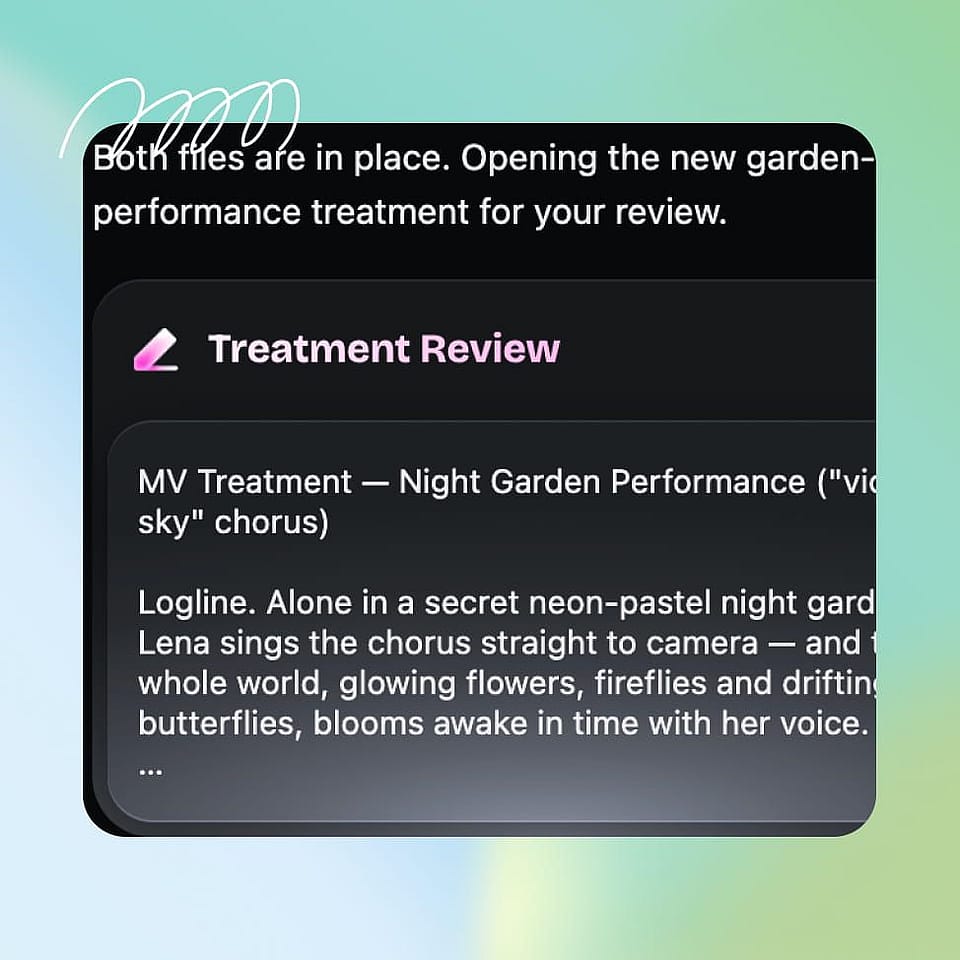
Rédige un prompt et ajoute des références
Importe jusqu'à 10 images ou vidéos, puis indique ce qui doit bouger et à quoi le visualiseur doit ressembler.
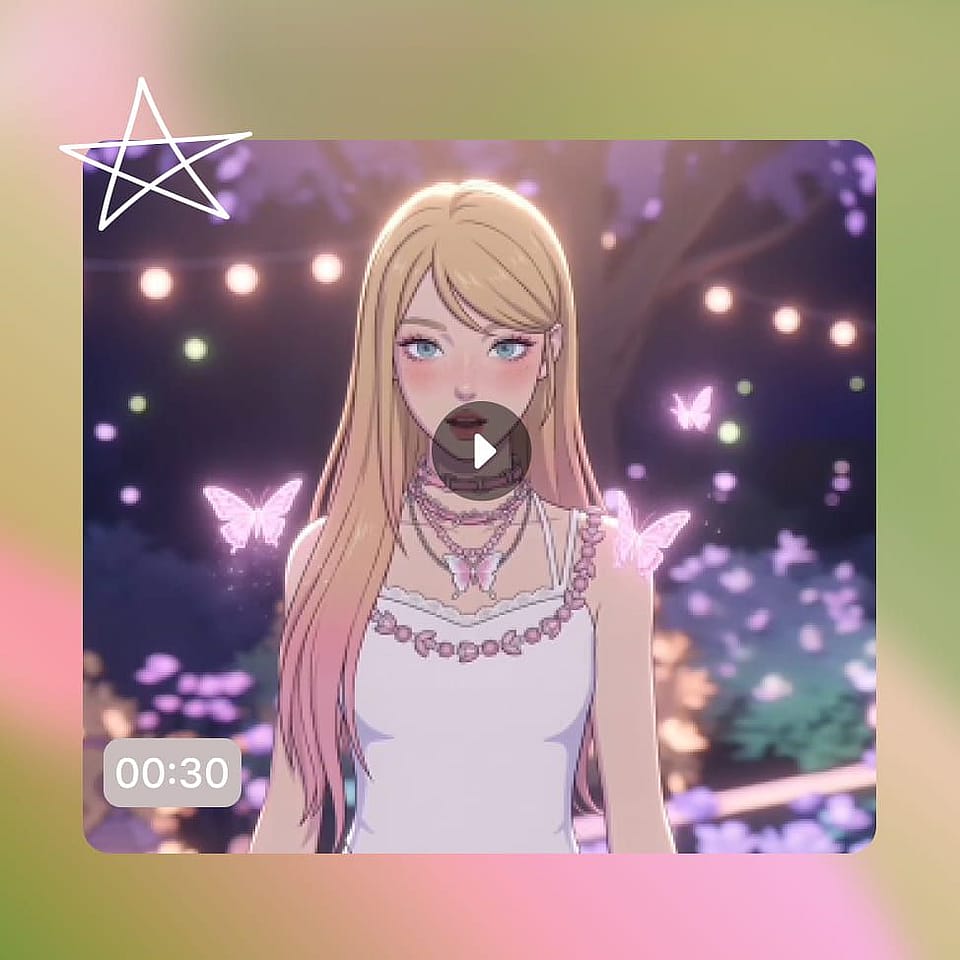
Générer et exporter
Vérifie la boucle, dis à OpenArt Director ce qu'il faut changer, puis télécharge ta vidéo visualizer.
Meilleurs usages du visualiseur de musique IA
Ce sont les créateurs qui réalisent des visualiseurs musicaux avec OpenArt chaque jour.
Créateurs de musique IA
Tu viens de finir un morceau avec un outil de musique IA et il te faut maintenant un visuel à poster avec. Importe la piste, ajoute une image de référence, et tu as un visualizer prêt pour ta chaîne. Si tu sors ta musique sous un pseudo, mets ce personnage dans la boucle en ajoutant ses images de référence.
Essaie maintenantMusiciens et auteurs-compositeurs indépendants
Ton single est prêt et ta pochette aussi, mais YouTube réclame une vidéo. Donne au morceau un visualizer construit à partir de cette même pochette pour que la sortie forme un tout cohérent. Les fans ont quelque chose à regarder le jour de la sortie au lieu d'une image fixe.
Essaie maintenantProducteurs, DJ et beatmakers
Les beats, instrus et mix se vendent sur leur son : la vidéo doit donc rester en retrait. Crée une seule boucle sobre qui tourne derrière la musique et garde le focus sur le morceau. Utilise les mêmes références sur tous tes uploads et ta page commencera à ressembler à un vrai catalogue.
Essaie maintenantChaînes et playlists musicales
Les chaînes qui publient souvent ont besoin d'un format reproductible sans y penser. Définis tes références une fois, puis applique les mêmes étapes à chaque morceau que tu mets en ligne. Les mixes lofi, les playlists et les uploads programmés sortent tous avec un look qui appartient à la même chaîne.
Essaie maintenant