

Générateur de vidéos d'avatar IA
Le générateur de vidéos d'avatars IA d'OpenArt transforme une seule photo ou un court texte en un avatar parlant qui récite ton script avec une synchro labiale parfaite. Crée des pubs de porte-parole, des démos produit et des vidéos de formation sans organiser de tournage.
Principaux avantages du générateur de vidéos d'avatar IA



Avatars vidéo synchronisés
Ton avatar IA parle, cligne des yeux et bouge en rythme avec ton script. OpenArt synchronise les mouvements de la bouche avec chaque mot, pour que l'avatar ressemble à une vraie personne qui parle. Tape le script et tu récupères une vidéo d'avatar parlant terminée, prête à présenter, narrer ou animer.



Pars de n'importe quoi
Crée ton avatar IA à partir d'une photo de toi, d'un prompt texte ou de ta propre image de référence. Importe un portrait net et le générateur d'avatar IA conserve ton vrai visage. Ou décris l'avatar que tu veux et il en crée un tout nouveau à la place. Les deux options fonctionnent pour tous les styles d'avatar.
Tous les cas d'usage, gratuit pour commencer
Ce générateur d'avatars IA gratuit couvre les présentations, les cours en ligne, les vidéos sans visage, les streams VTuber et le contenu de marque. Tu reçois des crédits gratuits pour l'essayer, donc tu peux créer ta première vidéo d'avatar IA avant de payer quoi que ce soit. Les abonnements payants débloquent plus de vidéos quand tu en as besoin.
Créations de la communauté
Découvre comment les créateurs, les enseignants et les marques utilisent les avatars IA pour animer des chaînes YouTube, donner des cours, présenter des pitch decks et diffuser en direct sous forme de personnages VTuber entièrement animés.
Fonctionnalités clés du générateur de vidéos d'avatars IA
Propulsé par les meilleurs modèles d'image et de vidéo, dont Seedream 5.0 Pro, GPT Image 2, Nano Banana Pro, Kling Omni, Veo 3.1, Seedance 2.5 et MiniMax H3.
Crée un avatar parlant à partir d'une photo ou d'un texte
Importe une photo de visage nette et bien éclairée, et le Générateur de vidéos IA transforme cette photo en avatar parlant. Le visage, les cheveux et la tenue de la photo restent identiques pendant que l'avatar parle. Un portrait de face sur fond uni donne le résultat le plus net. Tu peux aussi partir d'un simple prompt textuel. Décris le persona que tu veux, et OpenArt crée l'avatar à partir de tes mots.
Synchronisation labiale, mouvement et expression
Écris ce que ton avatar doit dire et mets ces mots entre guillemets dans ton prompt. Les modèles vidéo avec audio intégré, comme Seedance 2.5, créent la voix et font bouger la bouche pour qu'elle corresponde à chaque mot. L'avatar cligne aussi des yeux et bouge légèrement la tête, pour un rendu naturel. Si tu as déjà une vidéo de ton avatar, l'outil Lip Sync lui fait prononcer les nouvelles répliques que tu saisis.
Intègre ton avatar dans n'importe quelle vidéo
Ta vidéo d'avatar IA s'intègre à tout projet en cours. Place l'avatar dans une présentation, une leçon de cours, une intro YouTube, une démo de produit ou un court clip social. Change l'arrière-plan ou rééclaire la scène avec OpenArt VFX, restylise toute la scène ou allonge le clip avec l'outil Extend Video.
Crée et enregistre le persona de ton VTuber IA
Envie de publier en tant que personnage plutôt qu'en ton nom ? Décris la persona et le générateur d'avatar IA la crée pour toi. Choisis un style anime, 3D, illustré, photoréaliste, ou tout autre style que tu peux mettre en mots. Enregistre le personnage dans ton Personnages OpenArt et affiche le même visage dans chaque stream, short et publication, pour que ton audience apprenne à le reconnaître.
Comment utiliser le créateur de vidéos d'avatars IA
La création d'une vidéo d'avatar IA se fait en trois étapes, d'une photo ou d'un prompt à une vidéo d'avatar parlant finalisée.
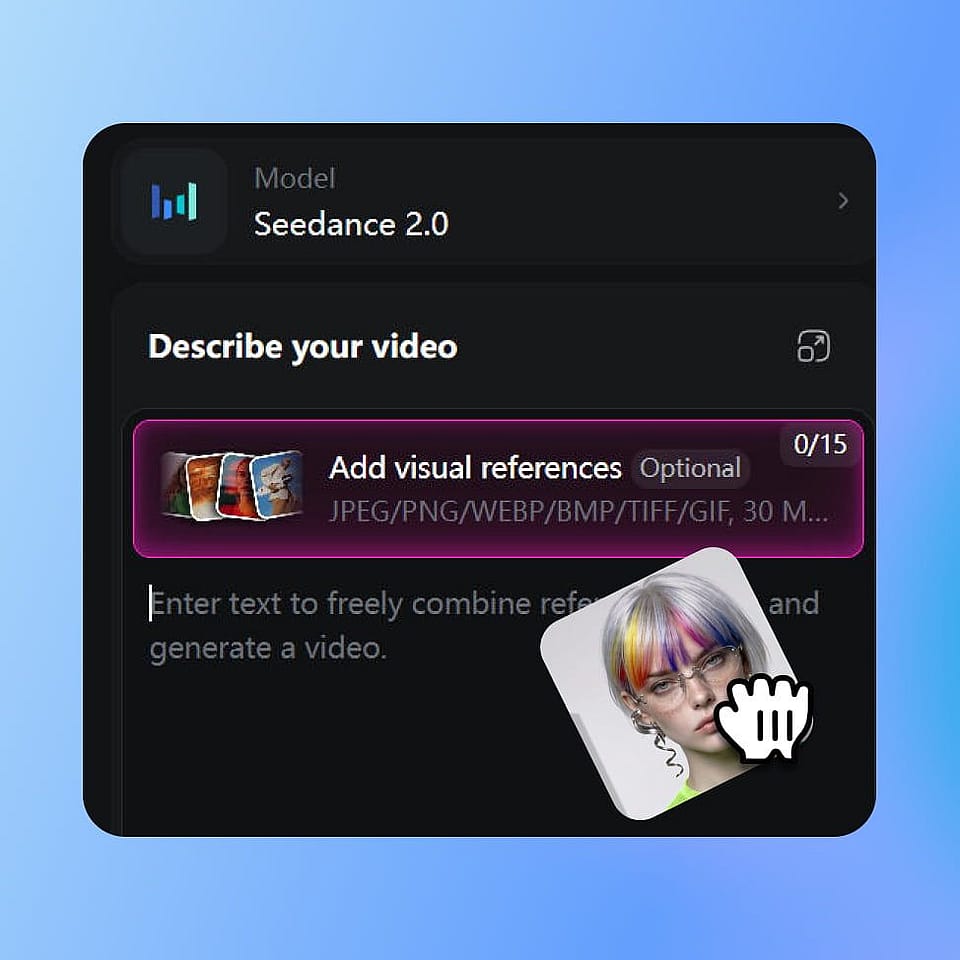
Crée ton avatar
Importe une photo, tape une description ou apporte une image de référence. L'IA génère un avatar qui capture la ressemblance ou le style que tu veux, prêt à animer.
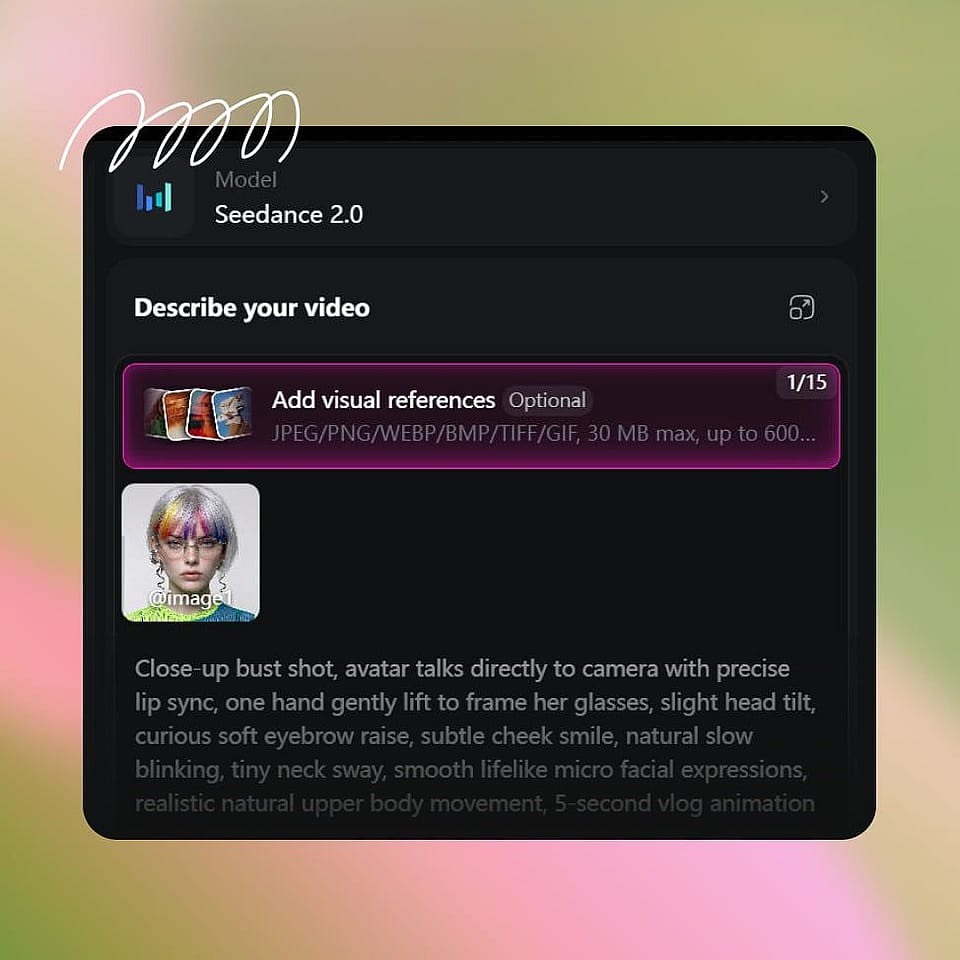
Ajouter une voix et un script
Saisis un script, colle une voix off ou importe un fichier audio. L'IA synchronise les lèvres de ton avatar avec l'audio, avec l'expression et les mouvements de tête assortis.

Génère et utilise partout
Génère la vidéo d'avatar parlant, prévisualise-la, régénère-la si tu veux une autre prise, et télécharge-la en MP4 pour toutes les plateformes où tu publies.
Meilleurs usages du générateur de vidéos d'avatar IA
De YouTube aux salles de classe en passant par les streams, voici comment les créateurs utilisent le créateur de vidéos avatar IA.
Créateurs UGC et YouTubers
Anime toute une chaîne YouTube avec un présentateur avatar IA. Écris un script, génère le clip et publie, sans caméra ni jour de tournage. Ton avatar a la même apparence dans chaque vidéo, donc les spectateurs voient un visage constant sur la chaîne. Les créateurs qui n'ont jamais voulu se filmer se dotent ainsi d'une identité à l'écran.
Essaie maintenantEnseignants et créateurs de cours
Crée des leçons de cours narrées par un avatar parlant IA au lieu de te filmer pour chacune. Quand un script change, mets à jour le texte et regénère la leçon avec le même look et la même voix. Les équipes de formation en entreprise et les enseignants en ligne l'utilisent le plus, car re-tourner une leçon coûte un après-midi entier.
Essaie maintenantÉquipes commerciales et marketing
Offre à ton équipe un seul avatar numérique IA pour présenter les démos produit, les updates internes, les clips de vente et les vidéos de campagne. Un même avatar vidéo IA peut animer l'update hebdo, narrer un explainer et lancer un produit. Ta production vidéo ne dépend plus de qui est libre pour tourner cette semaine-là.
Essaie maintenantVTubers et streamers
Crée un personnage de VTuber à partir d'un simple prompt ou d'une image de référence, puis streame, réagis et publie sous les traits de ce personnage. Lance des lives, enregistre des vidéos YouTube et sors des shorts avec toujours le même visage. Le créateur d'avatar IA garde le personnage identique d'un clip à l'autre, pour que ton public s'attache à ta persona.
Essaie maintenantCréateurs de vidéos sans visage
Anime une chaîne YouTube, un compte TikTok ou un fil Reels sans visage, avec un avatar IA à l'écran plutôt que des clips stock et une voix off. Un visage à l'écran renforce la confiance et le temps de visionnage, ce qui compte dans des niches comme la finance, la santé, la productivité et le développement personnel. Ton propre visage reste privé.
Essaie maintenant