AI 만화 생성기
텍스트 prompt, 대본 또는 사진을 만화 스타일 아트, 만화, 웹툰, 클래식 만화 컷으로 만들어 보세요. 모든 페이지에서 캐릭터가 일관되게 유지됩니다.
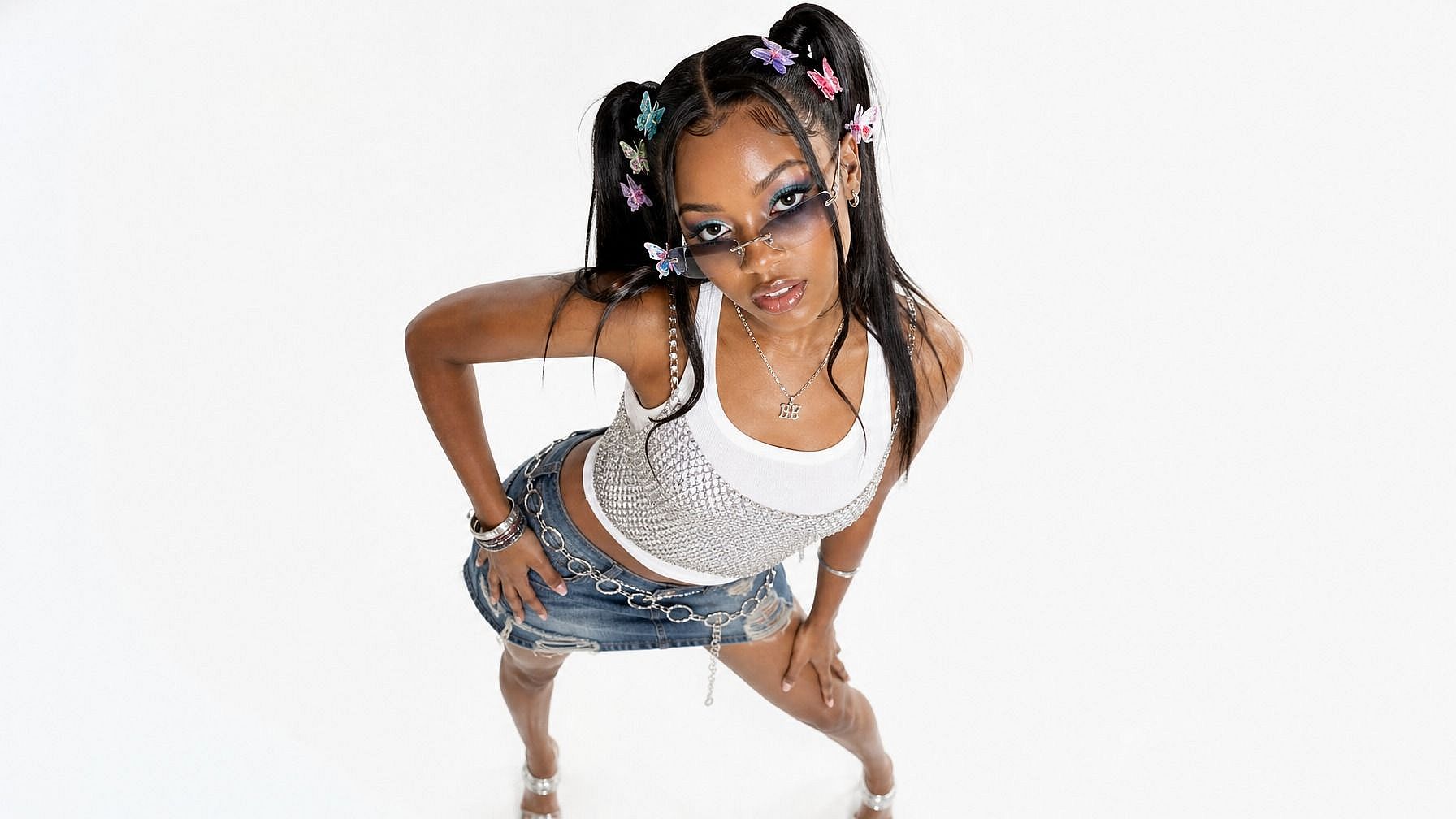
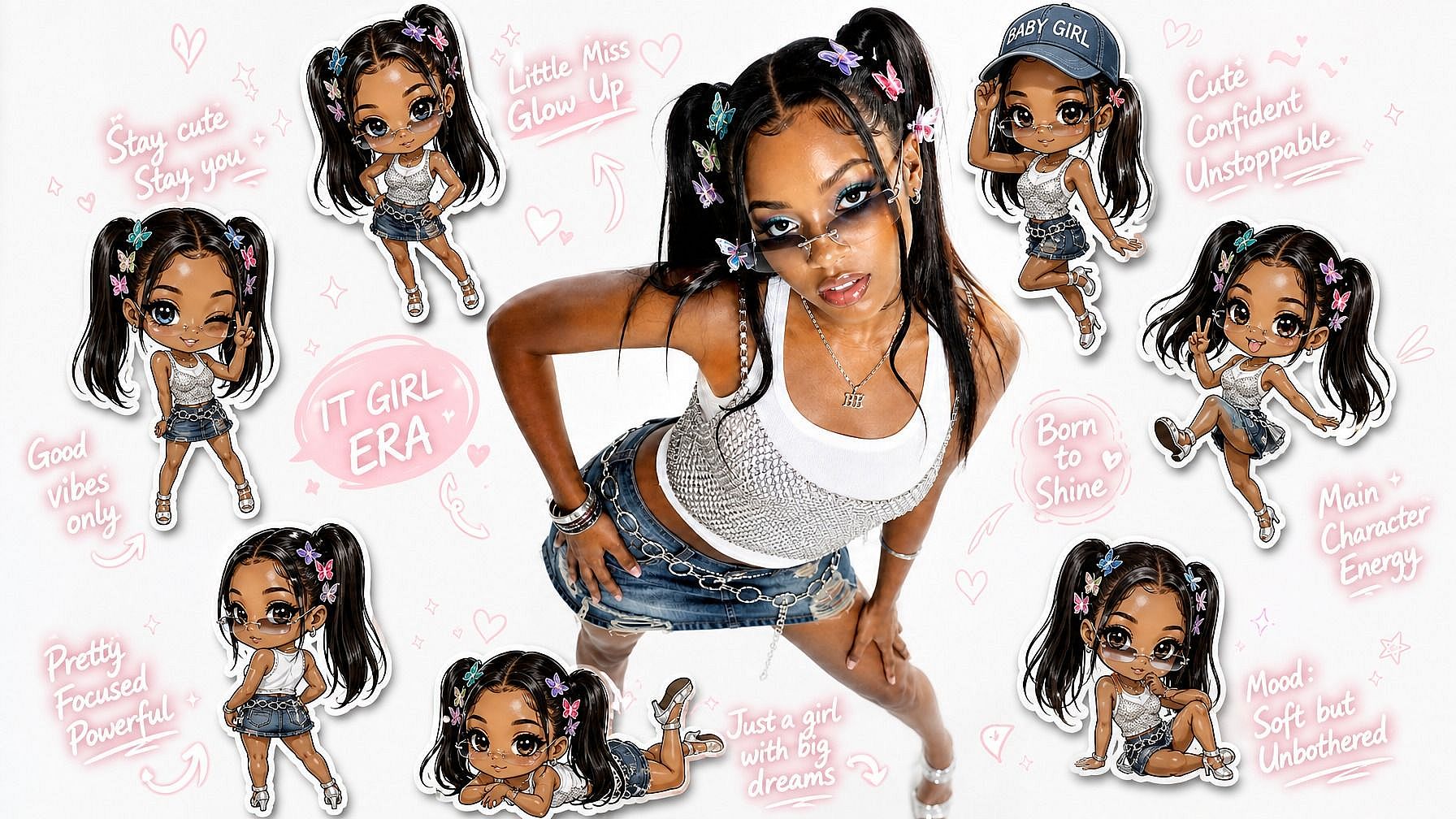
OpenArt로 만화 만드는 법
시작부터 완성까지 단 세 단계. 경험은 필요 없습니다.
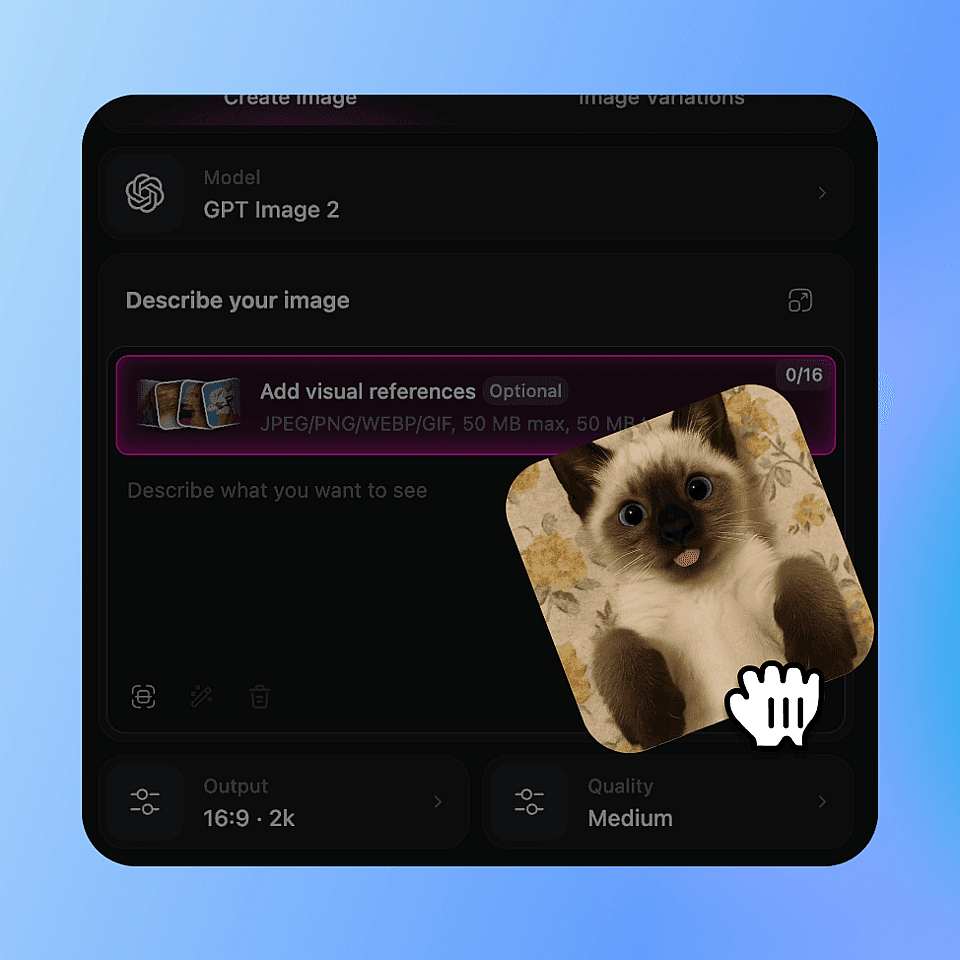
캐릭터 설정하기
AI Character로 일관된 캐릭터를 만들고 이름과 외모, 분위기를 부여하세요. 이 캐릭터가 모든 컷의 주인공이 됩니다.
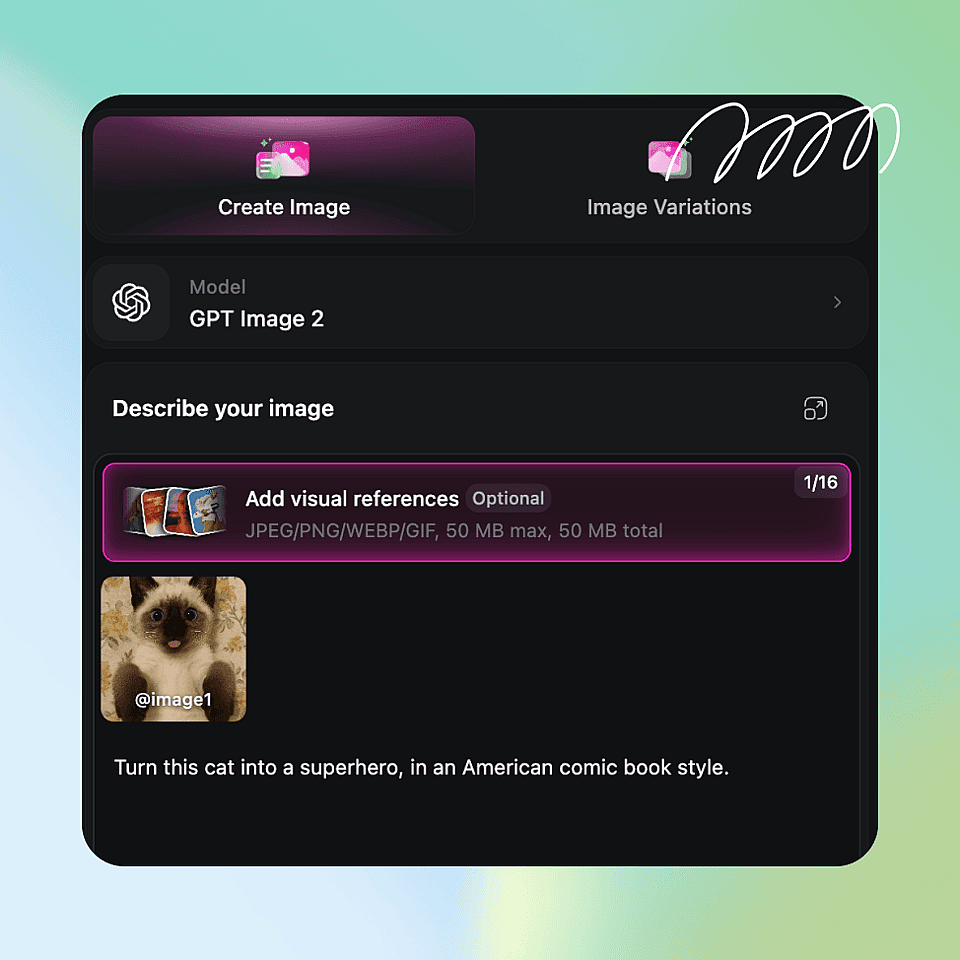
각 컷을 설명하고 생성하기
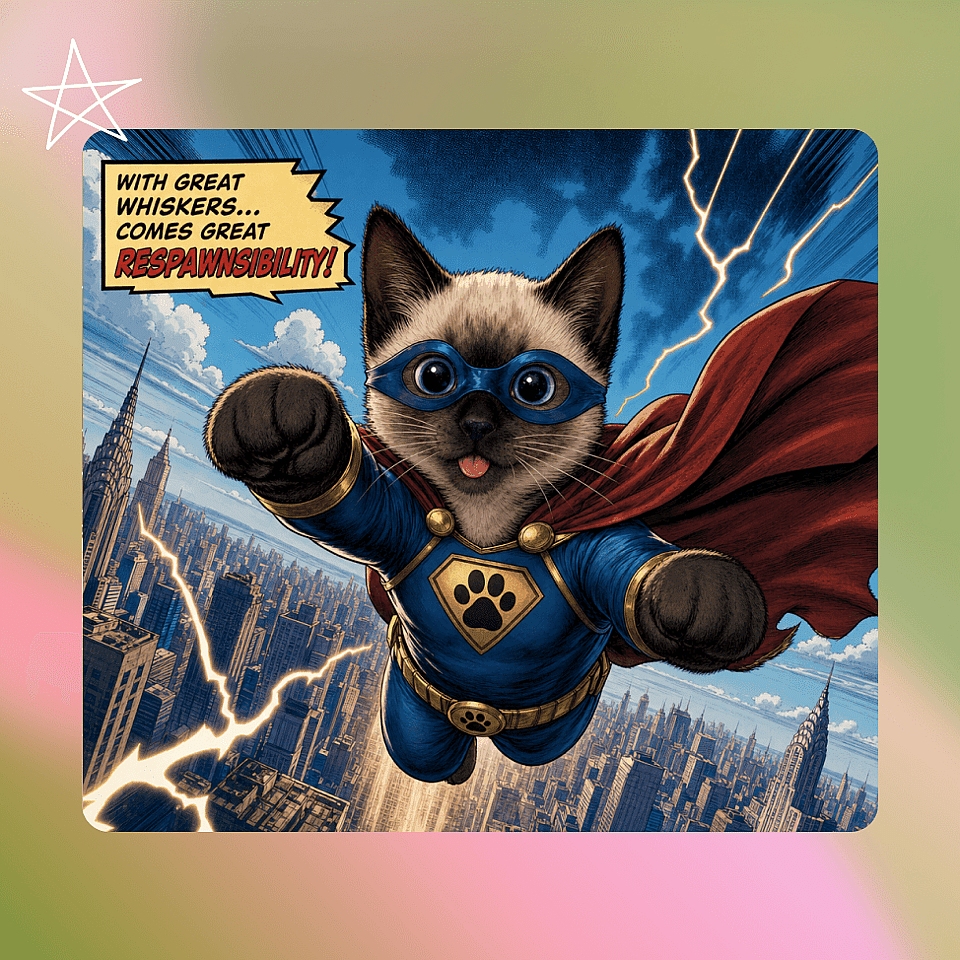
장면과 함께 "만화 컷"이나 "신문 연재만화" 같은 스타일 단어를 적은 뒤 AI 아트 생성기에 돌리세요. 저장한 캐릭터를 재사용하면 얼굴이 그대로 유지되고, 대사가 필요한 컷에는 텍스트나 말풍선을 추가하세요.
보정 및 업스케일
에디터에서 원하는 패널을 다듬은 뒤, 인쇄용이나 고해상도 게시용으로 업스케일하세요. 스트립이나 페이지가 완성될 때까지 각 패널에 반복하면 됩니다.
만화 제작을 위한 주요 기능
OpenArt는 만화에 실제로 필요한 것을 제공합니다. 이미지 한 장이 아니라, 일관된 컷을 만들어내는 반복 가능한 파이프라인입니다.
텍스트를 만화로
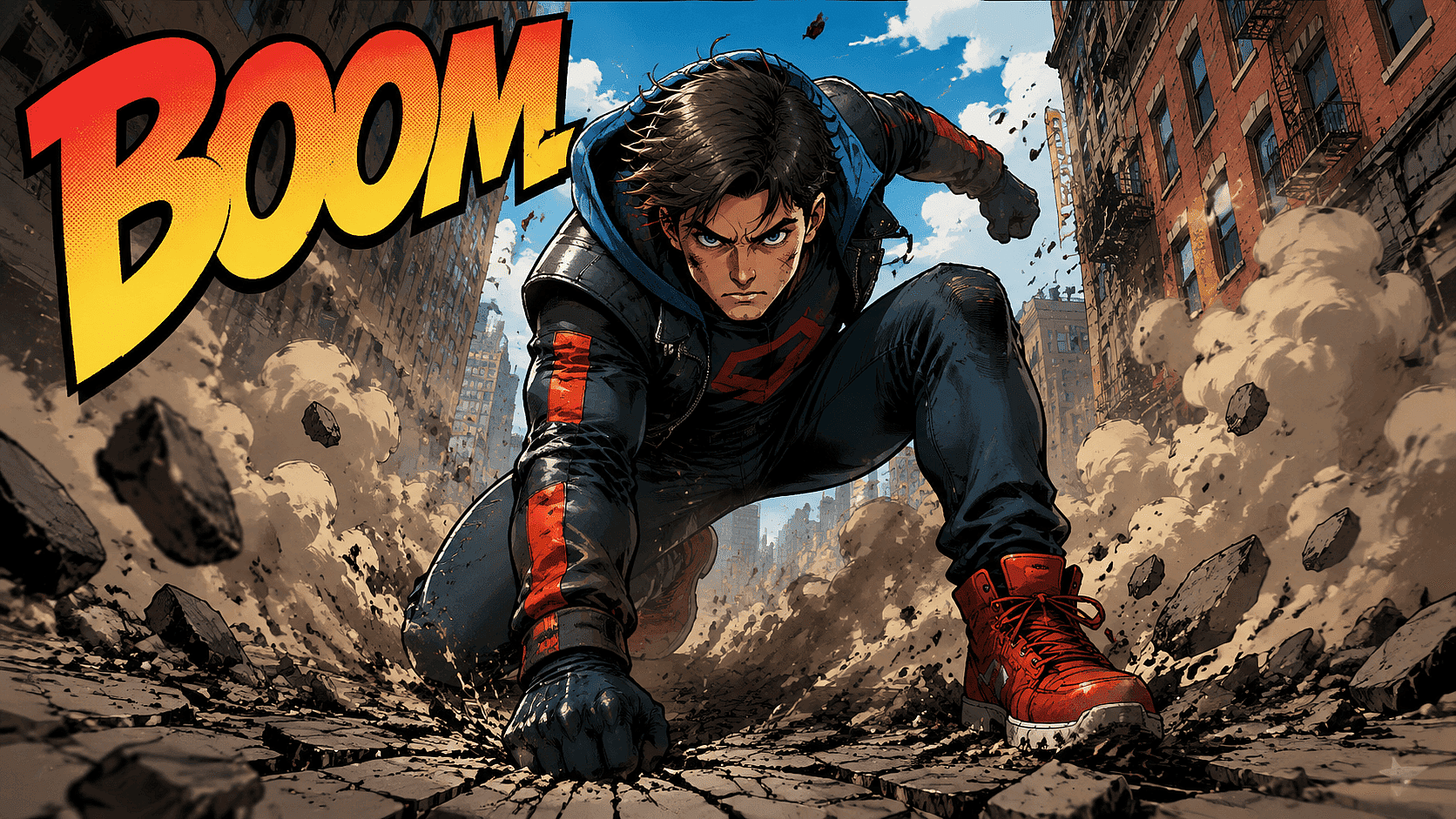
장면에서 벌어지는 일을 입력하세요. The AI 이미지 생성기 이를 한 컷으로 렌더링합니다. 배경, 동작, 분위기, 카메라 앵글을 설명해 보세요. 그림 실력 없이도 평범한 텍스트만으로 만화 아트를 얻을 수 있습니다.
지금 사용해 보기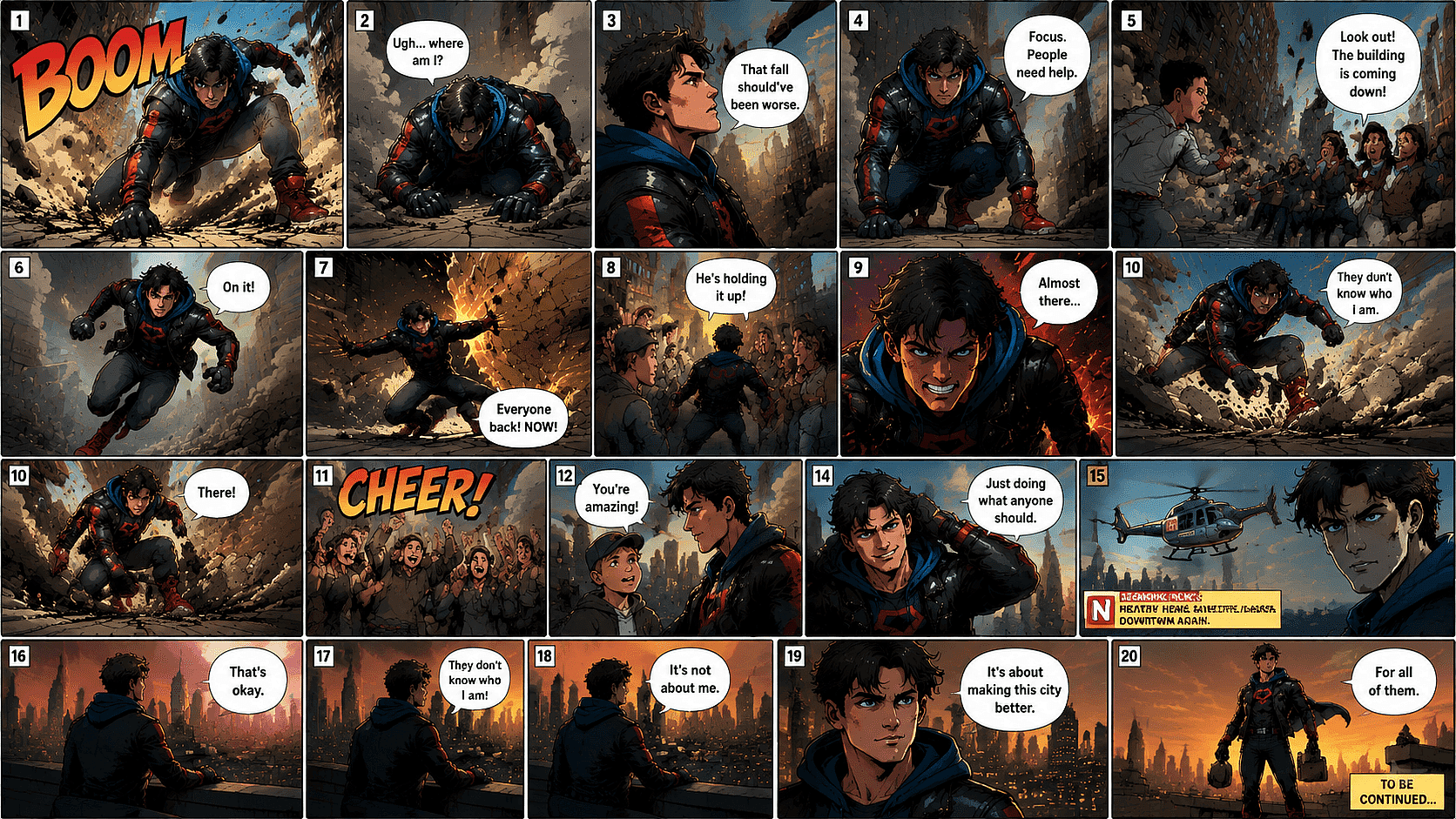
패널 전반의 캐릭터 일관성
바로 이게 핵심입니다. OpenArt의 AI 일관성 캐릭터 주인공을 고정하세요. 1페이지든 20페이지든 같은 얼굴, 같은 머리, 같은 재킷을 유지합니다. 바로 이것이 진짜 만화와 무작위 이미지 더미를 가르는 차이입니다. 캐릭터를 한 번 저장해 두고 이야기 전체에서 재사용하세요.
지금 사용해 보기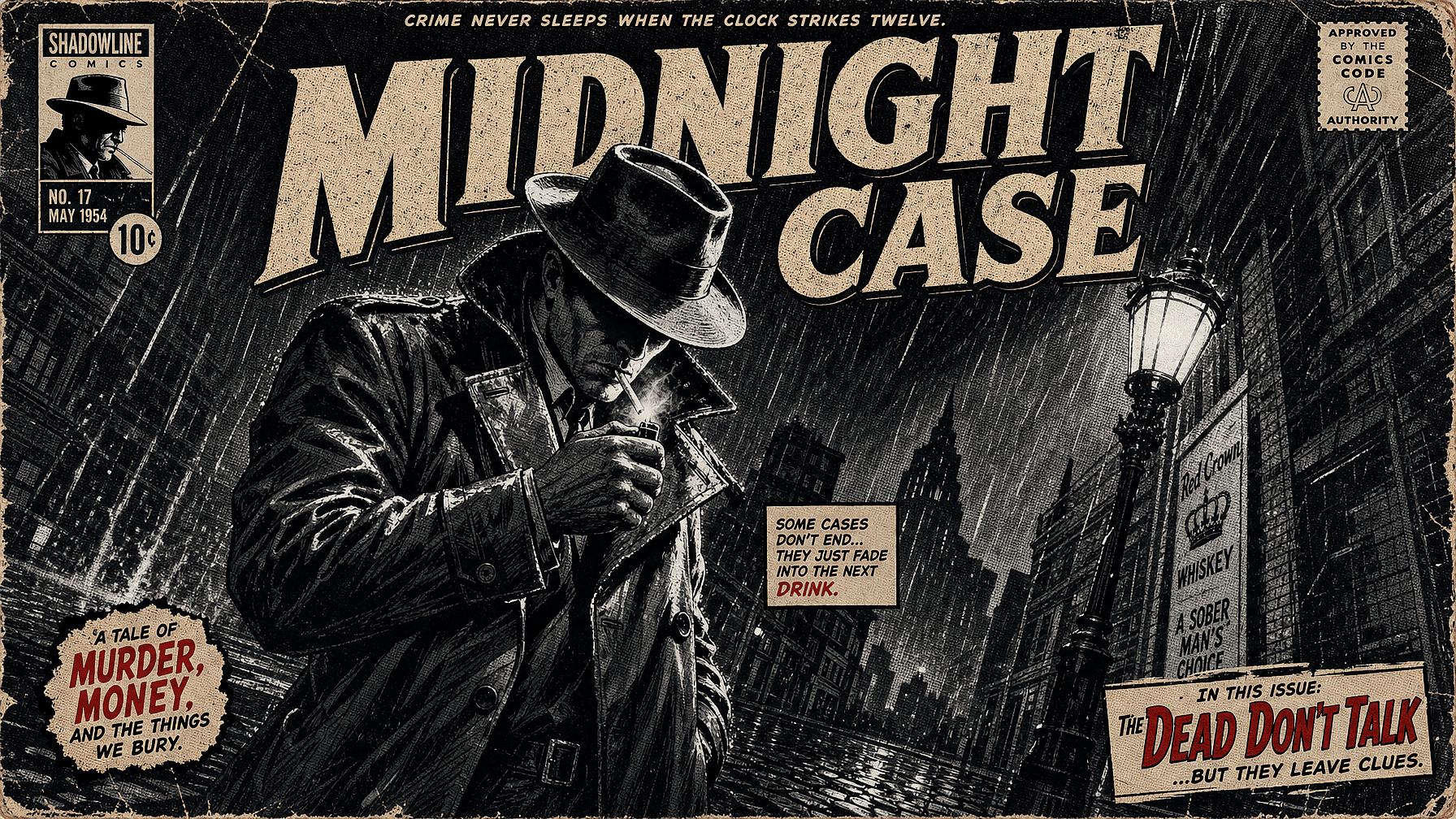
원하는 대로 만드는 만화 스타일
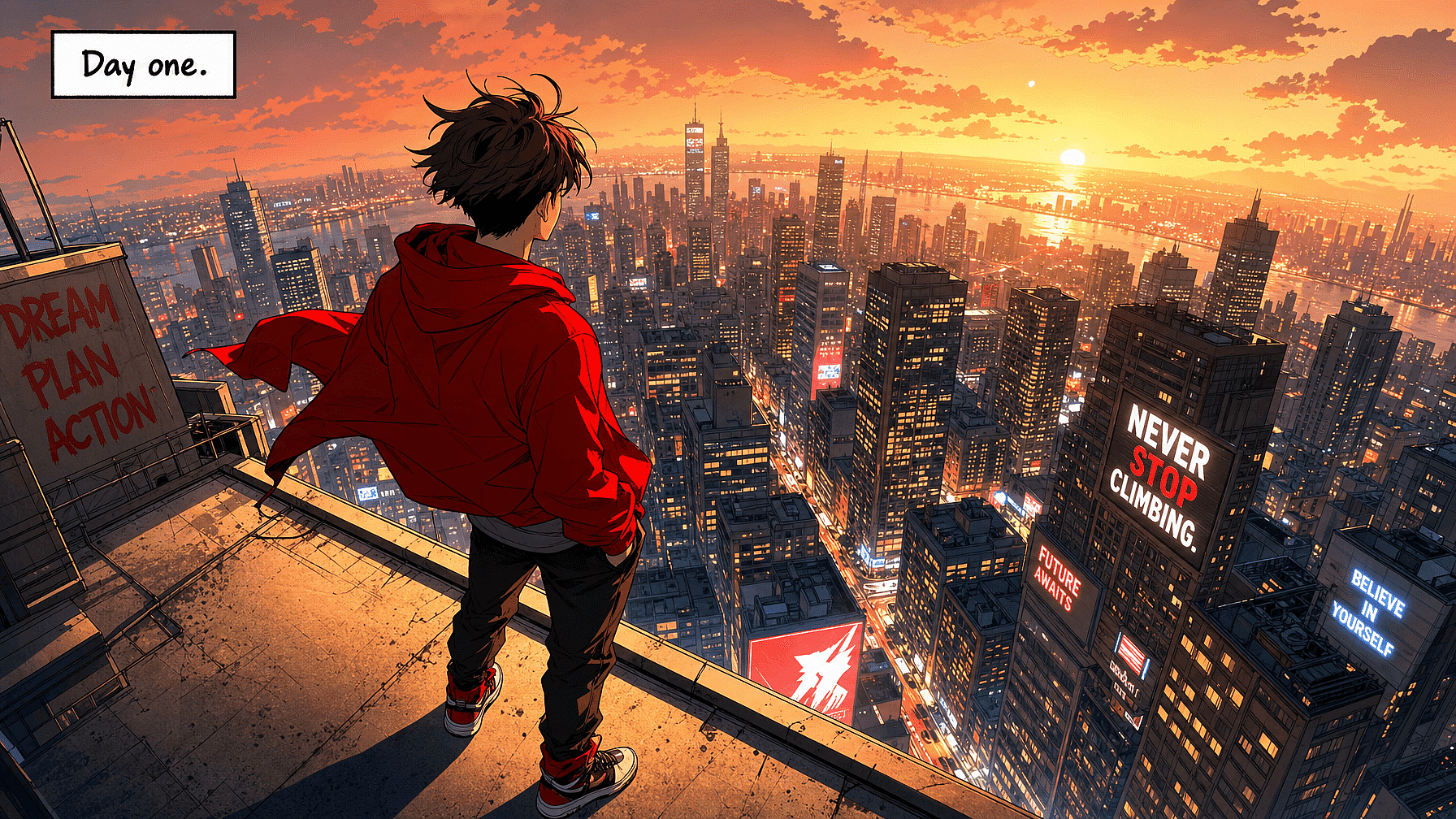
만화, 웹툰, 미국식 슈퍼히어로, 신문 연재만화, 아동용 카툰, 누아르, 수채화. 프롬프트에 한마디만 넣으면 스타일이 바뀝니다. 깔끔한 벡터 느낌이나 강렬한 표지를 원하나요? 스타일 전송으로 어떤 패널이든 원하는 미학으로 정확하게 밀어붙이세요.
지금 사용해 보기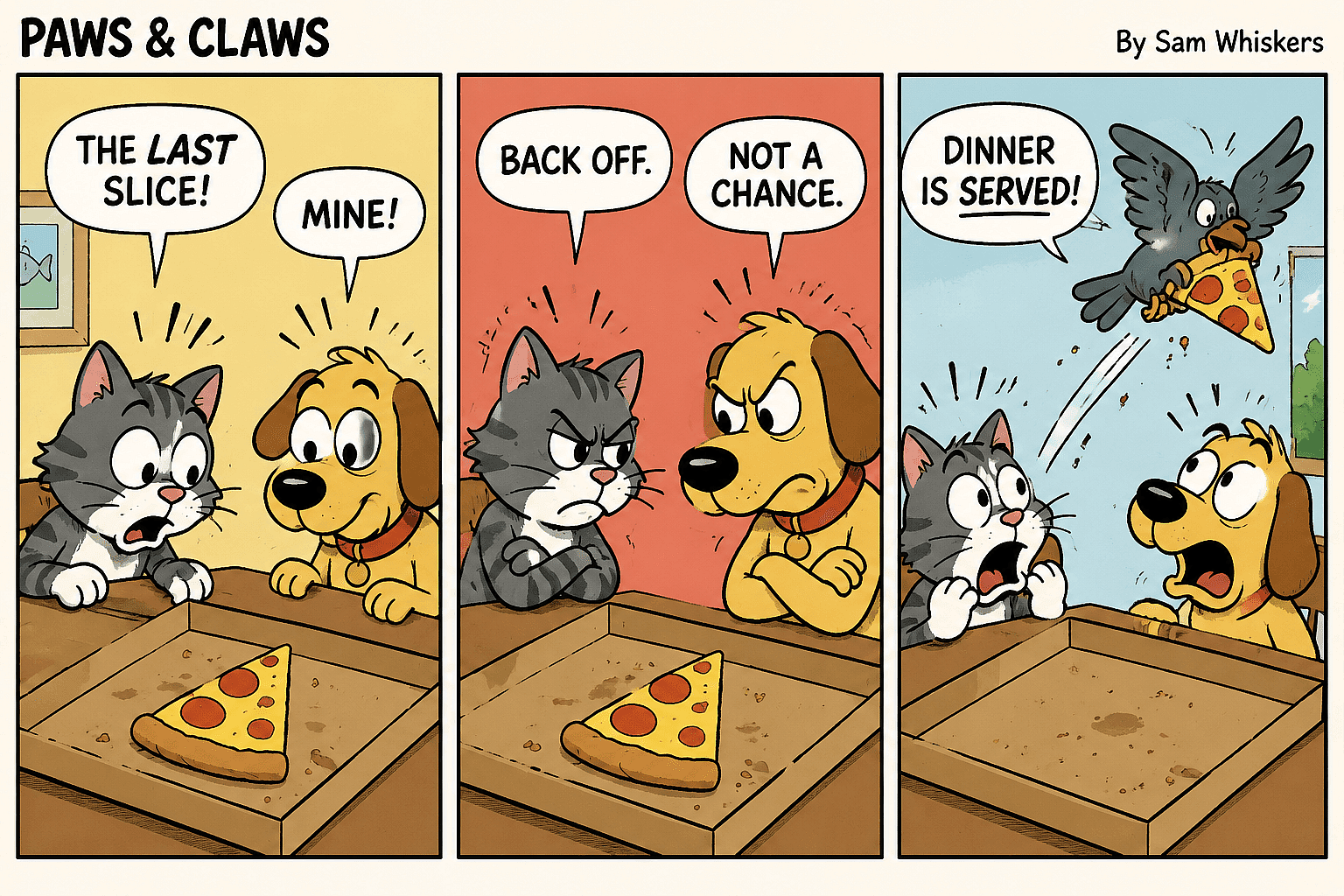
말풍선과 텍스트
대부분의 AI는 패널 안의 읽기 쉬운 텍스트를 다루기 어려워합니다. OpenArt의 최신 모델은 캡션, 표지판, 말풍선을 훨씬 잘 처리합니다. 패널에 읽을 수 있는 단어를 넣어야 한다면 GPT Image 2나 Nano Banana Pro를 사용하세요. 깔끔하게 읽히는 대사를 추가하세요.
지금 사용해 보기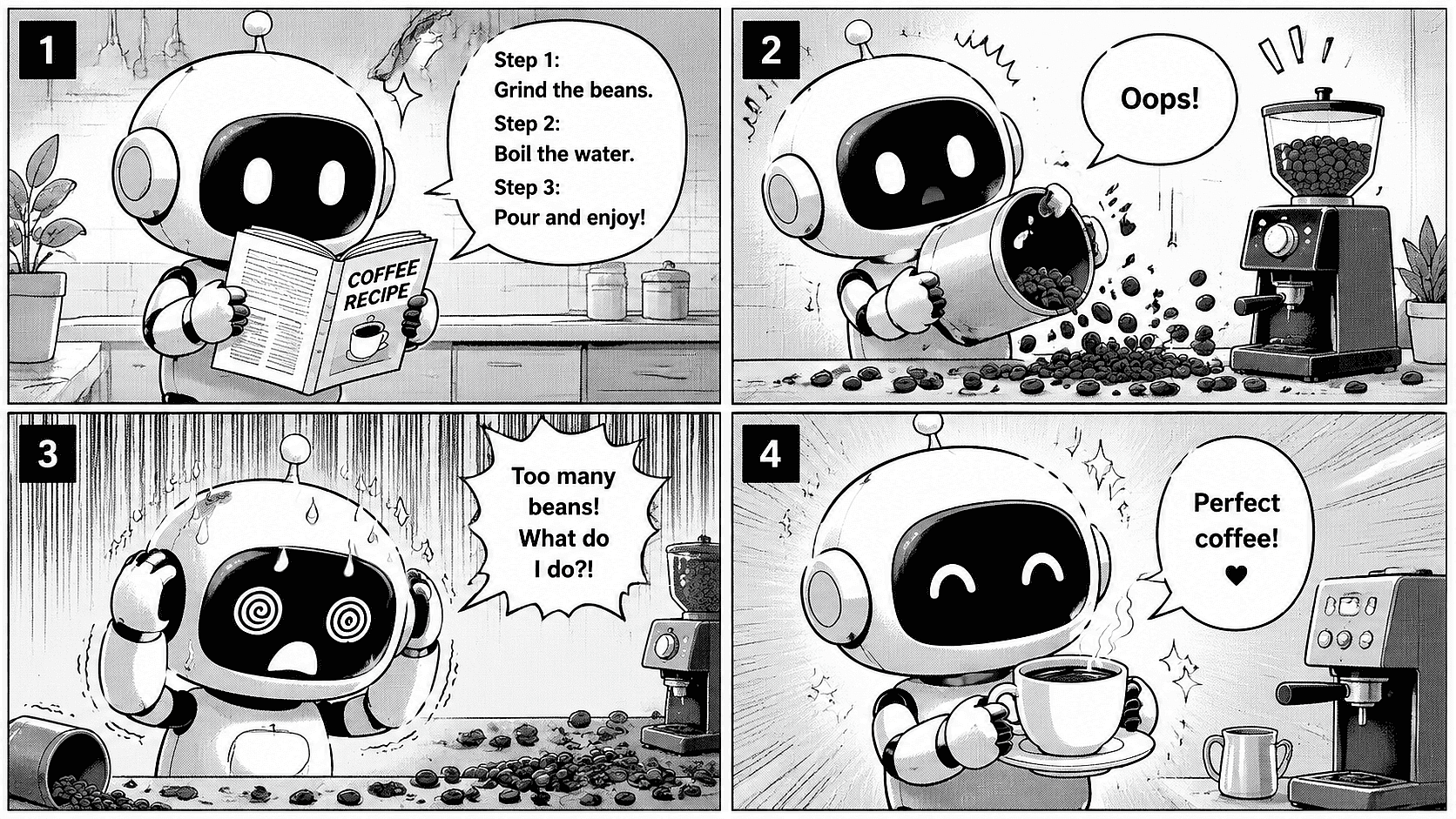
패널 및 페이지 레이아웃
2컷 개그, 4컷 만화, 또는 스플래시 페이지를 요청해 보세요. 프롬프트에 컷 수와 흐름을 설명하세요. 단일 컷 만화를 만들거나 여러 컷을 쌓아 완성된 만화책 한 페이지로 구성할 수 있어요.
지금 사용해 보기자주 묻는 질문 질문
전문가 블로그에서 인사이트 얻기
필요한 인사이트를 얻으세요. 전문가들이 실전 노하우를 공유하고, 가장 주목받는 주제를 파헤치며 창작·최적화·확장에 필요한 필수 가이드를 제공합니다.
더 보기