좋아하는 모델을 한곳에서, 무제한으로 생성하세요.

한정 기간 최대 27% 할인 혜택을 놓치지 마세요! ›

AI Book Illustration Generator

동화책 장면을 생성하고, 모든 페이지에서 일관된 캐릭터를 유지하며, OpenArt로 세부 사항을 편집하고, 아이디어를 출판 가능한 작품으로 만들어 보세요.
이미지 레퍼런스 추가
Create Book Illustrations Now

How to Create Book Illustrations with OpenArt

첫 아이디어부터 완성된 작품까지, OpenArt는 간단한 워크플로우로 모든 일러스트를 만들고 다듬고 정리하도록 도와줍니다.
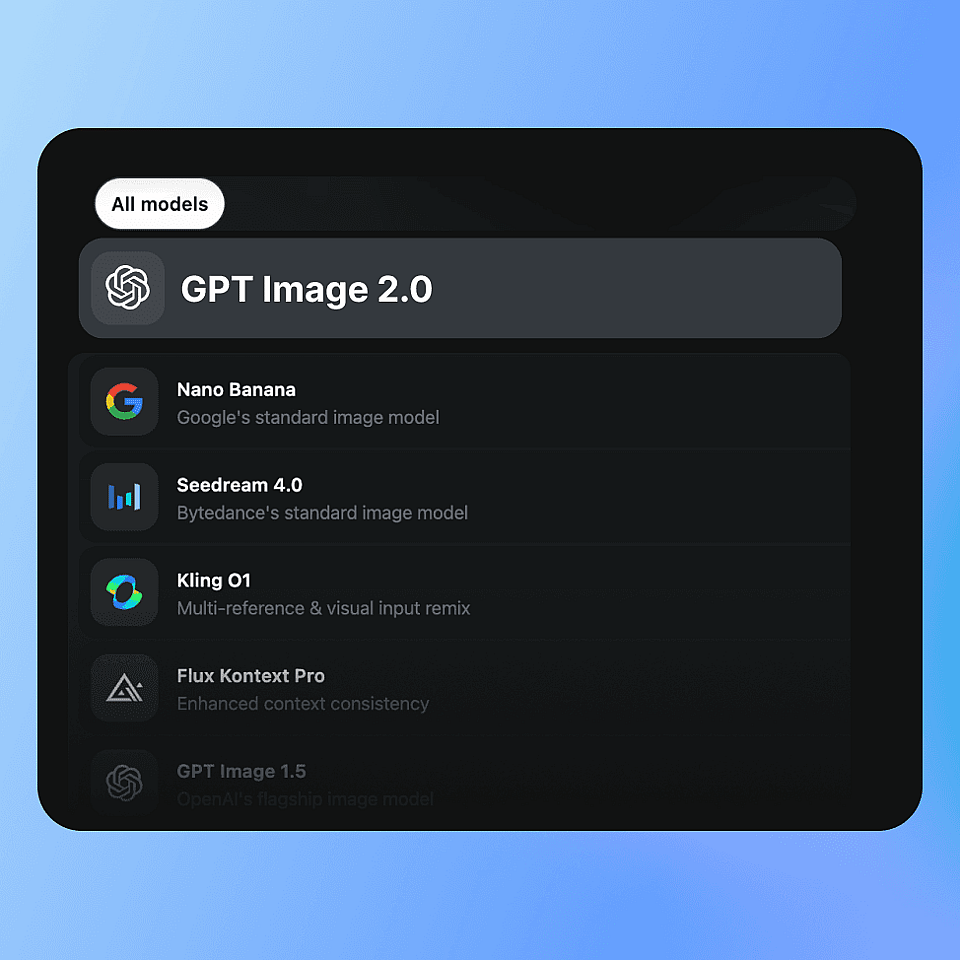
Choose the Best Model
1단계

Choose the Best Model

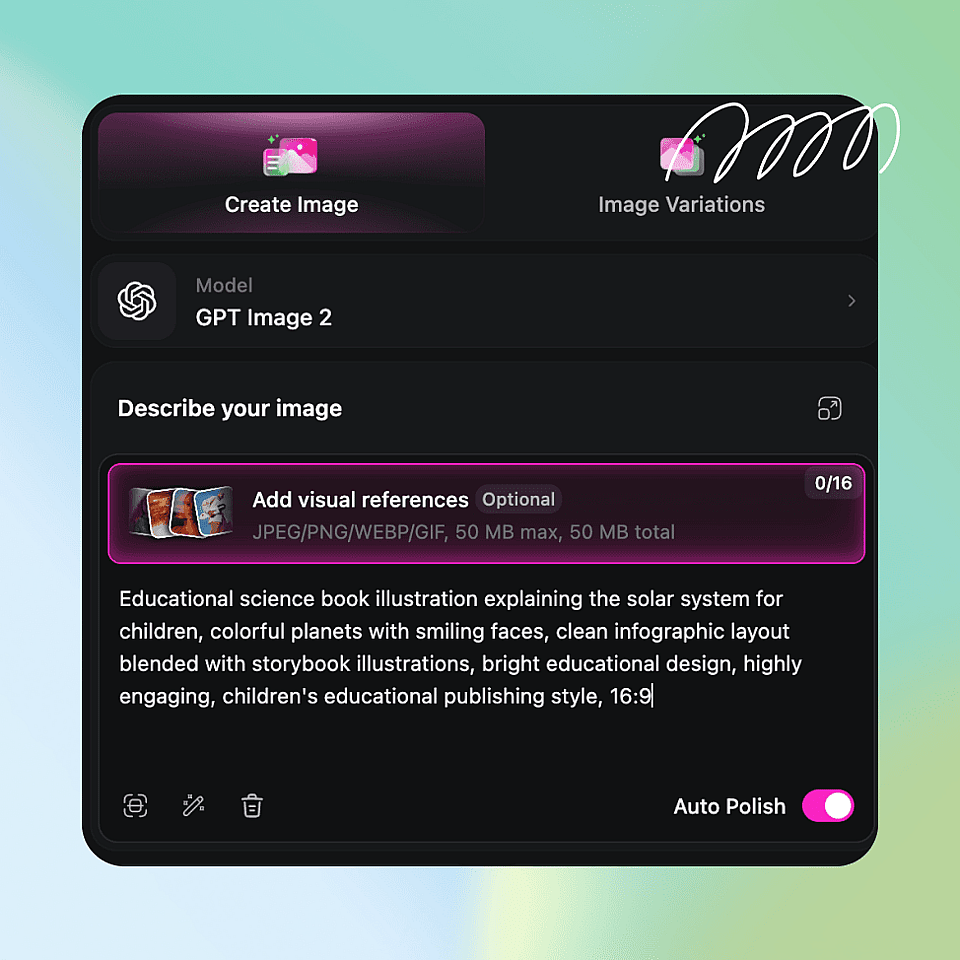
Select from OpenArt's latest image models, including GPT Image 2 and Nano Banana Pro, depending on the level of realism, artistic style, and text rendering you need.

Describe Your Scene
2단계

장면 설명하기

Write what you want to illustrate, including the character, setting, mood, and style.

Generate and Export
3단계

Generate and Export

OpenArt AI 이미지 편집기로 디테일을 다듬고, 프로젝트에 페이지를 저장하고, 책에 쓸 고해상도 아트워크로 내보내세요.

모든 종류의 책을 위한 일러스트 만들기

당신의 창작 비전에 맞춘 AI 생성 아트워크로 어떤 이야기, 아이디어, 콘셉트든 생생하게 구현하세요.
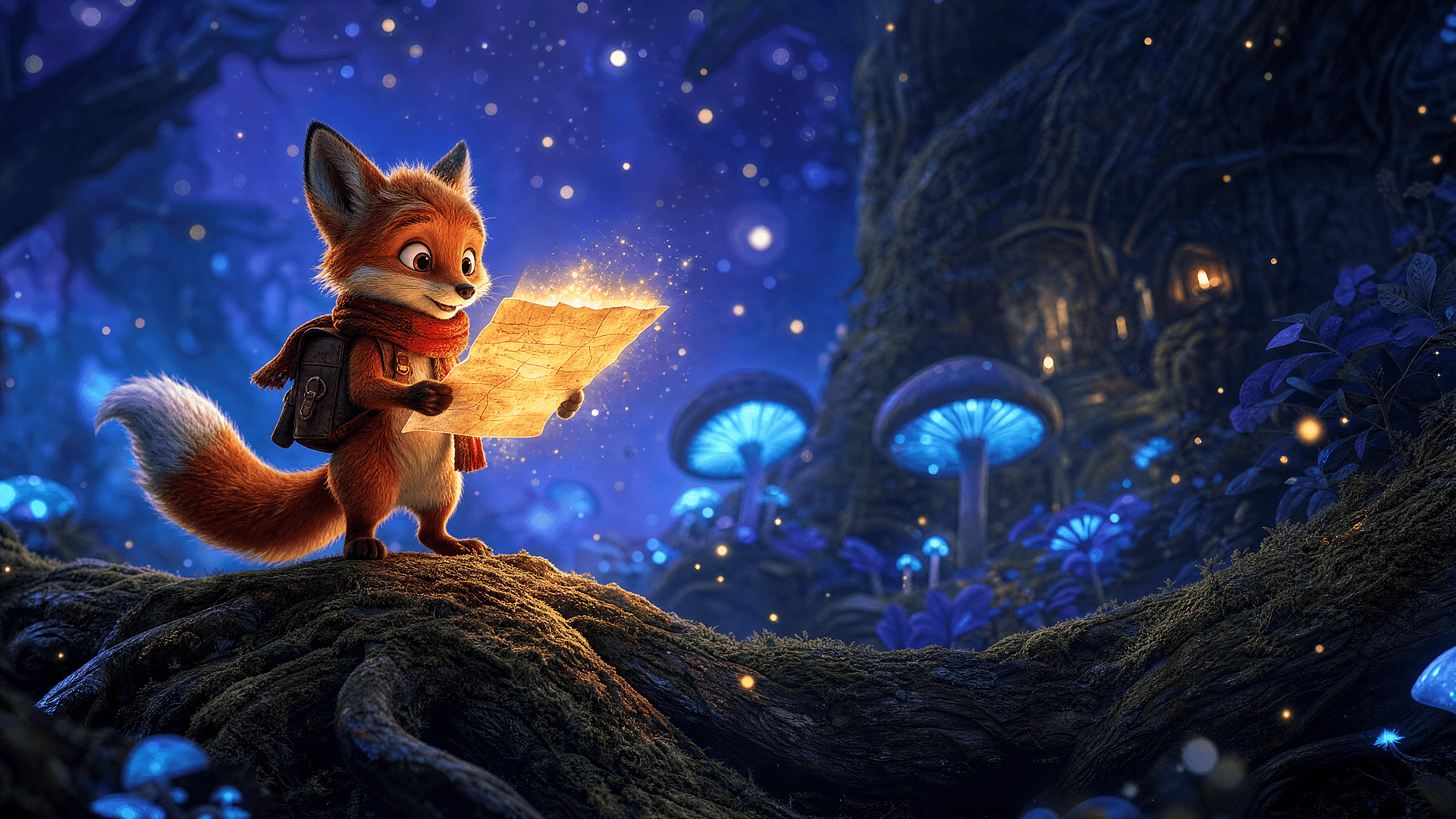
Children's Books

Children's Books

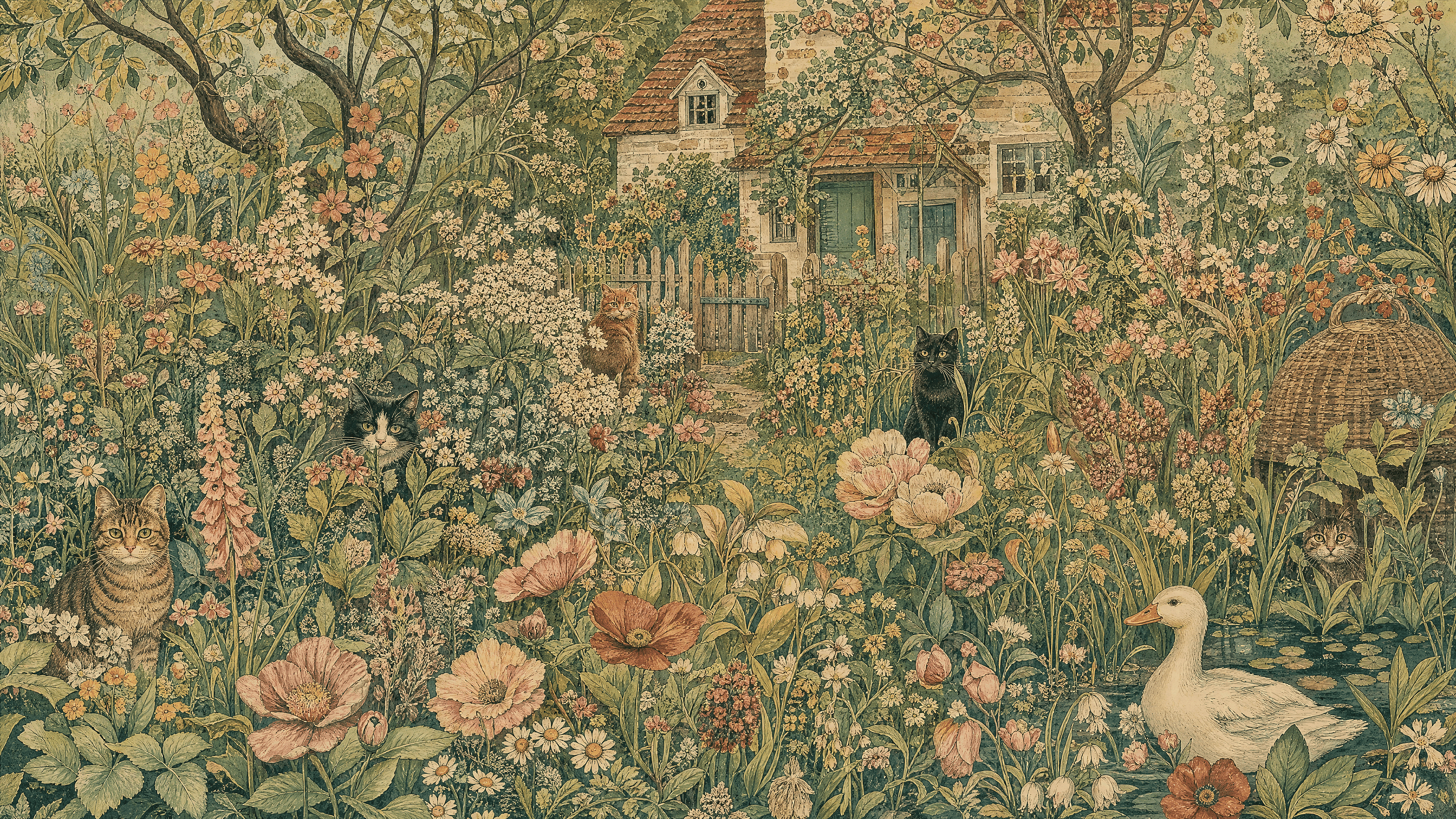
Generate warm, colorful illustrations with expressive characters, playful animals, and magical environments that engage young readers.

지금 사용해 보기
Fairy Tales

Fairy Tales

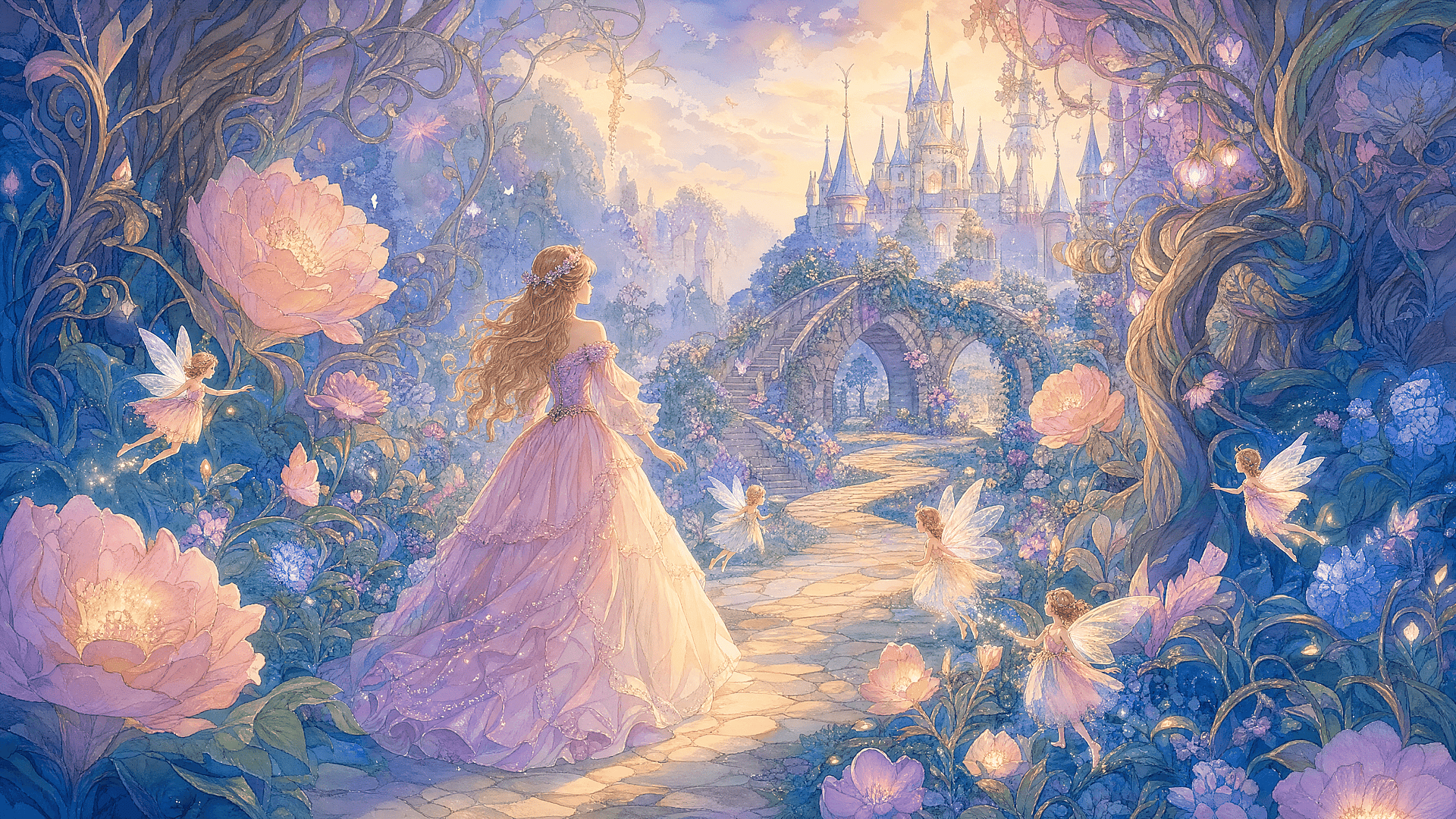
Bring enchanted forests, castles, dragons, princesses, and magical creatures to life with whimsical artwork.

지금 사용해 보기
Fantasy Novels

Fantasy Novels

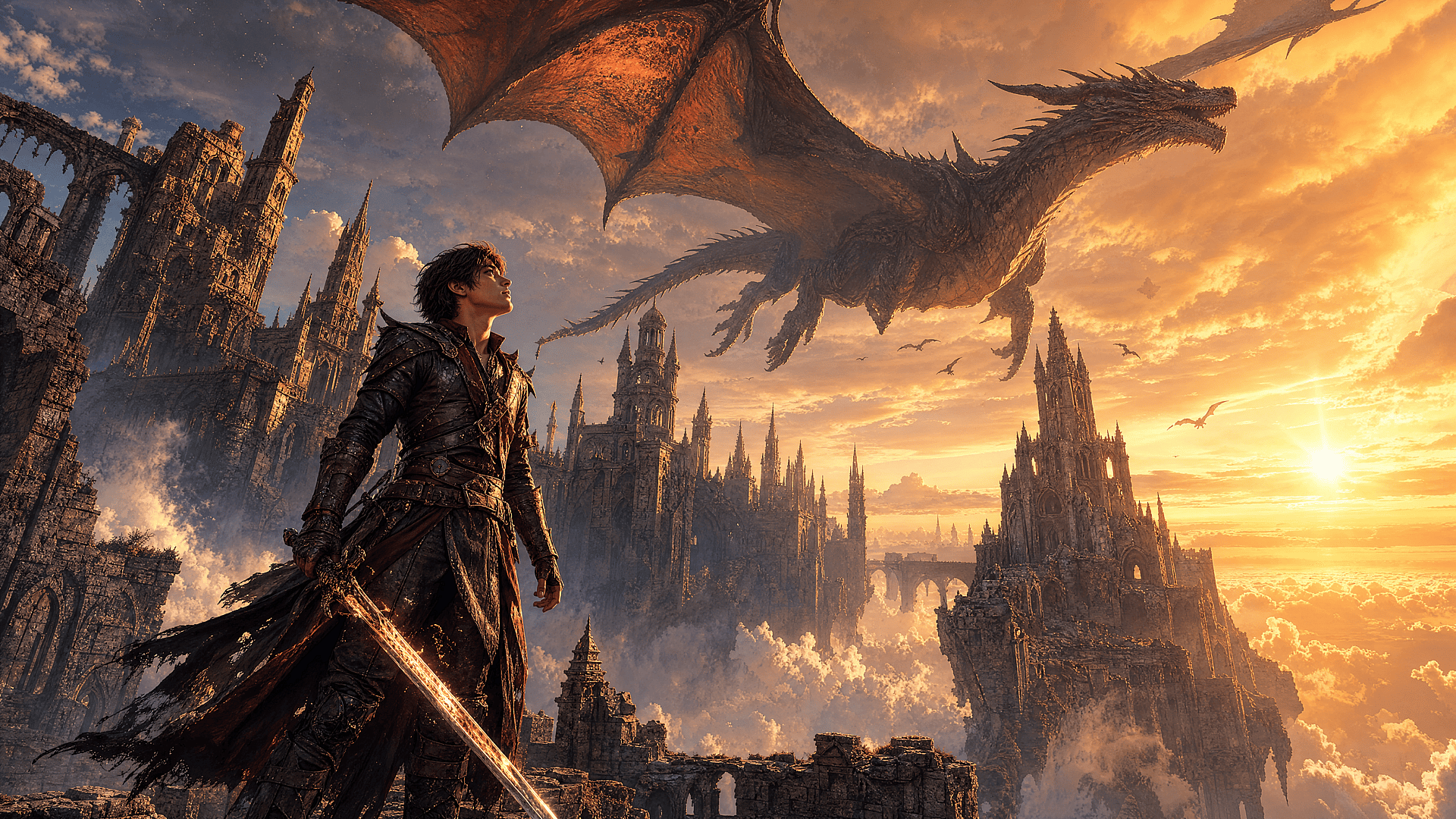
Design epic battle scenes, mythical kingdoms, magical landscapes, and unforgettable heroes for your next fantasy adventure.

지금 사용해 보기
Educational Books

교육용 도서

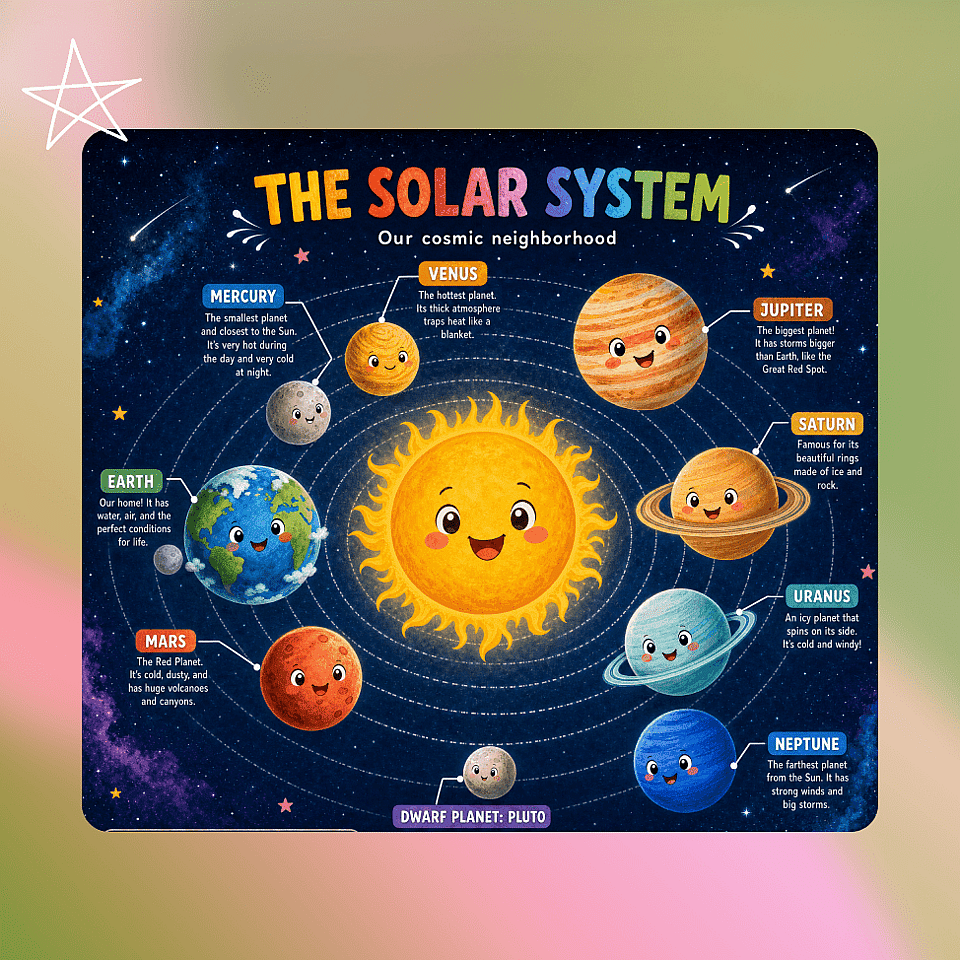
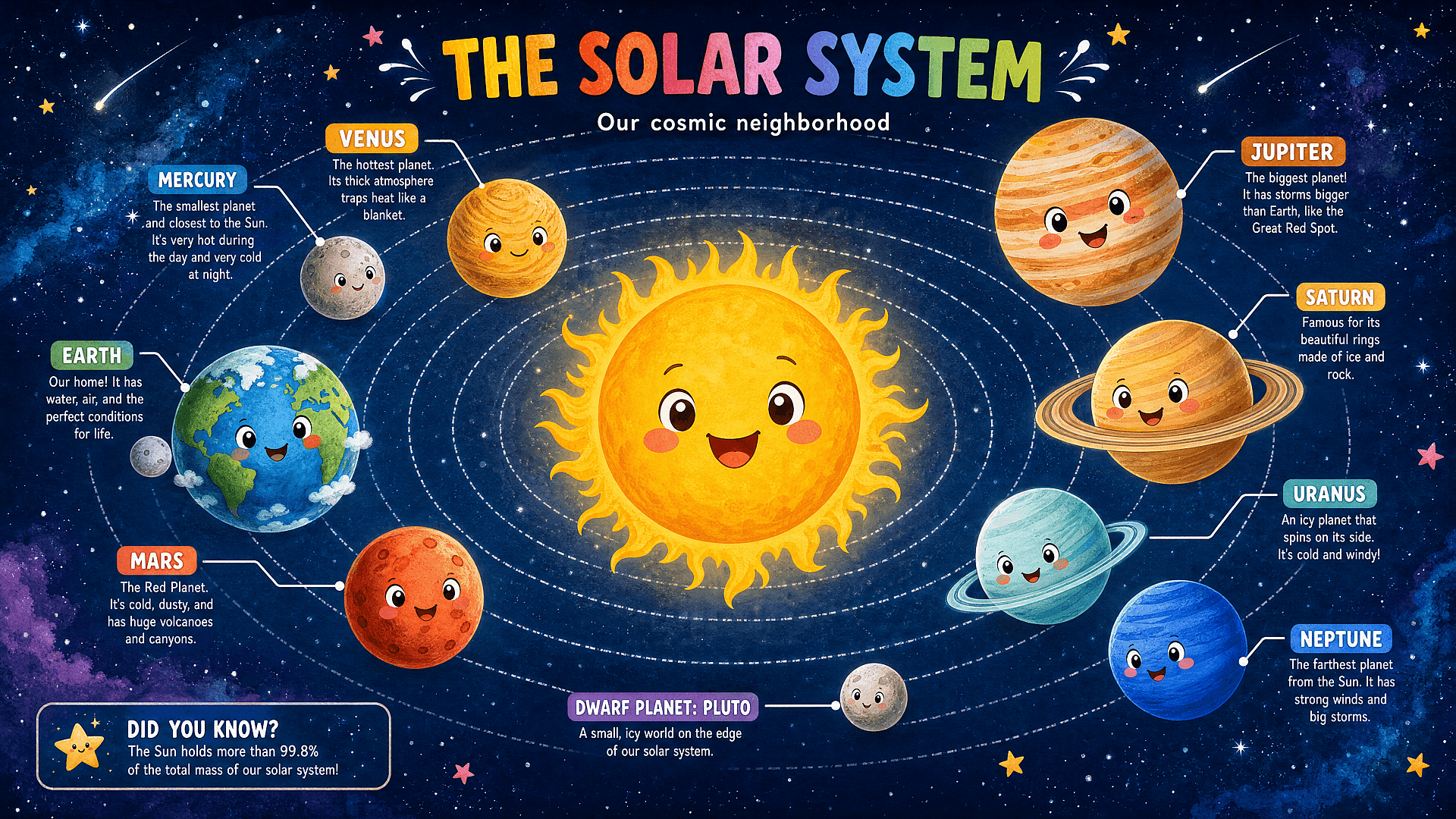
Create engaging visuals for science, history, geography, language learning, and classroom materials that make complex topics easier to understand.

지금 사용해 보기
Comic Book

Comic Book

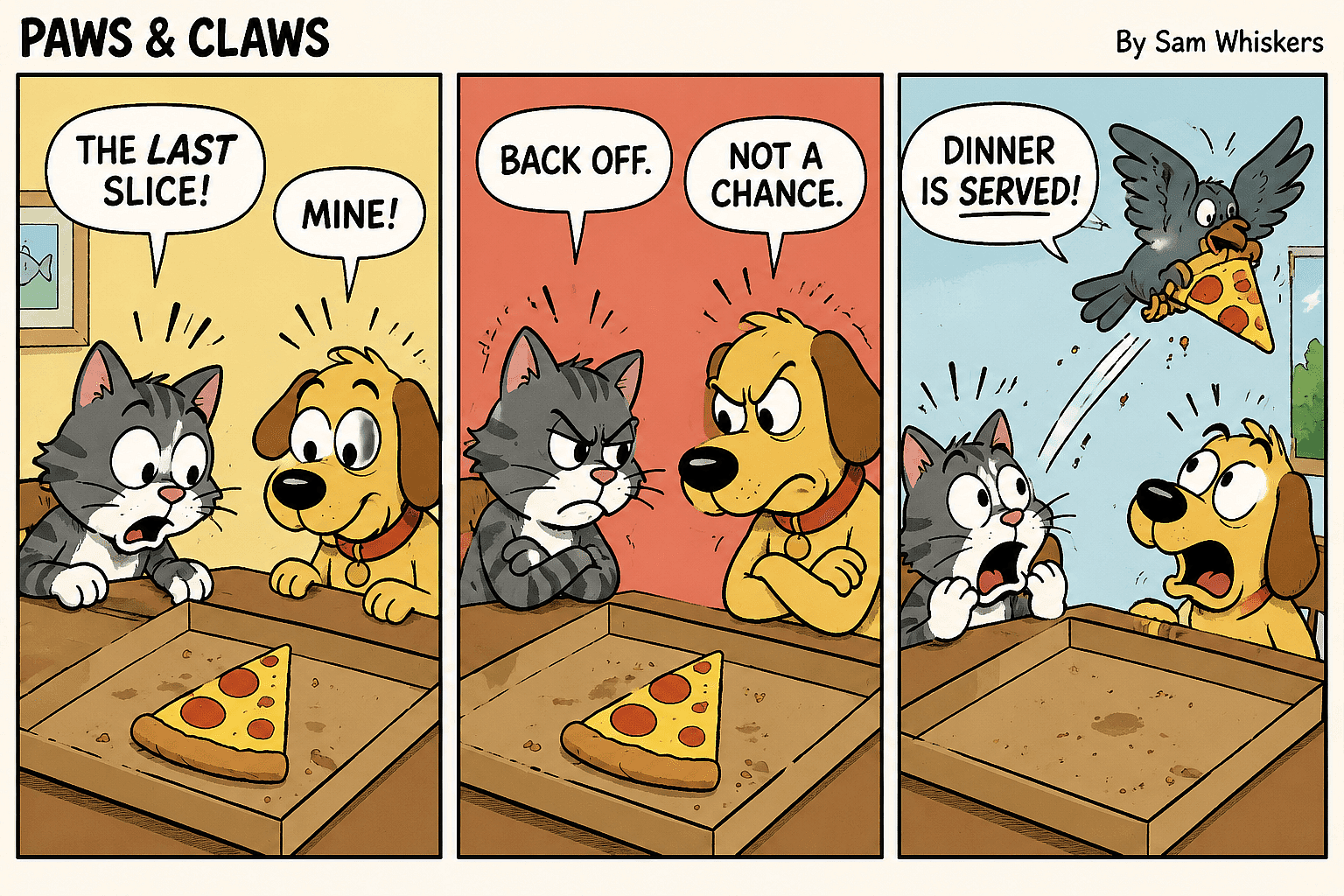
Generate cinematic scenes with dynamic compositions while maintaining character consistency across every panel.

지금 사용해 보기

자주 묻는 질문 자주 묻는 질문

Yes. You can generate illustrations for every chapter or page, organize them inside Projects, and maintain consistency with the Character feature.
Yes. OpenArt's Character feature is designed specifically for maintaining consistent appearances across multiple illustrations.
네. 상업적 사용은 OpenArt 구독과 라이선스 약관에 따라 달라집니다. 작업물을 게시하기 전에 최신 라이선스 정보를 확인하세요.
It depends on your style. GPT Image 2 is excellent for high-quality illustrations and readable in-image text, while Nano Banana Pro is ideal for fast iteration and creative experimentation. OpenArt also gives you access to many other image models, so you can choose the one that best fits your project.
네. OpenArt의 AI 이미지 편집기로 이미지를 처음부터 다시 만들지 않고도 배경, 의상, 사물, 색상, 조명 등 세부 요소를 바꿀 수 있습니다.
직접 만든 모든 이미지는 상업적 용도로 사용할 수 있습니다. OpenArt에 대한 출처 표기와 백링크가 필요합니다. 또한 플랫폼에서 Stable Diffusion으로 생성한 모든 이미지는 라이선스 없이 상업적 용도로 사용할 수 있습니다.

Get Insights from Experts Blog

필요한 인사이트를 얻으세요. 전문가들이 실전 노하우를 공유하고, 가장 뜨거운 주제를 파헤치며, 창작·최적화·확장에 필요한 필수 가이드를 제공합니다.

Read More

한계 없이 창작하세요

OpenArt로 멋진 이미지, 영상 등을 만드는 수천 명의 크리에이터와 함께하세요. 모두 하나의 플랫폼에서요.

무료로 시작하기 →