

 ChatGPT
 Perplexity
 Claude
 Gemini
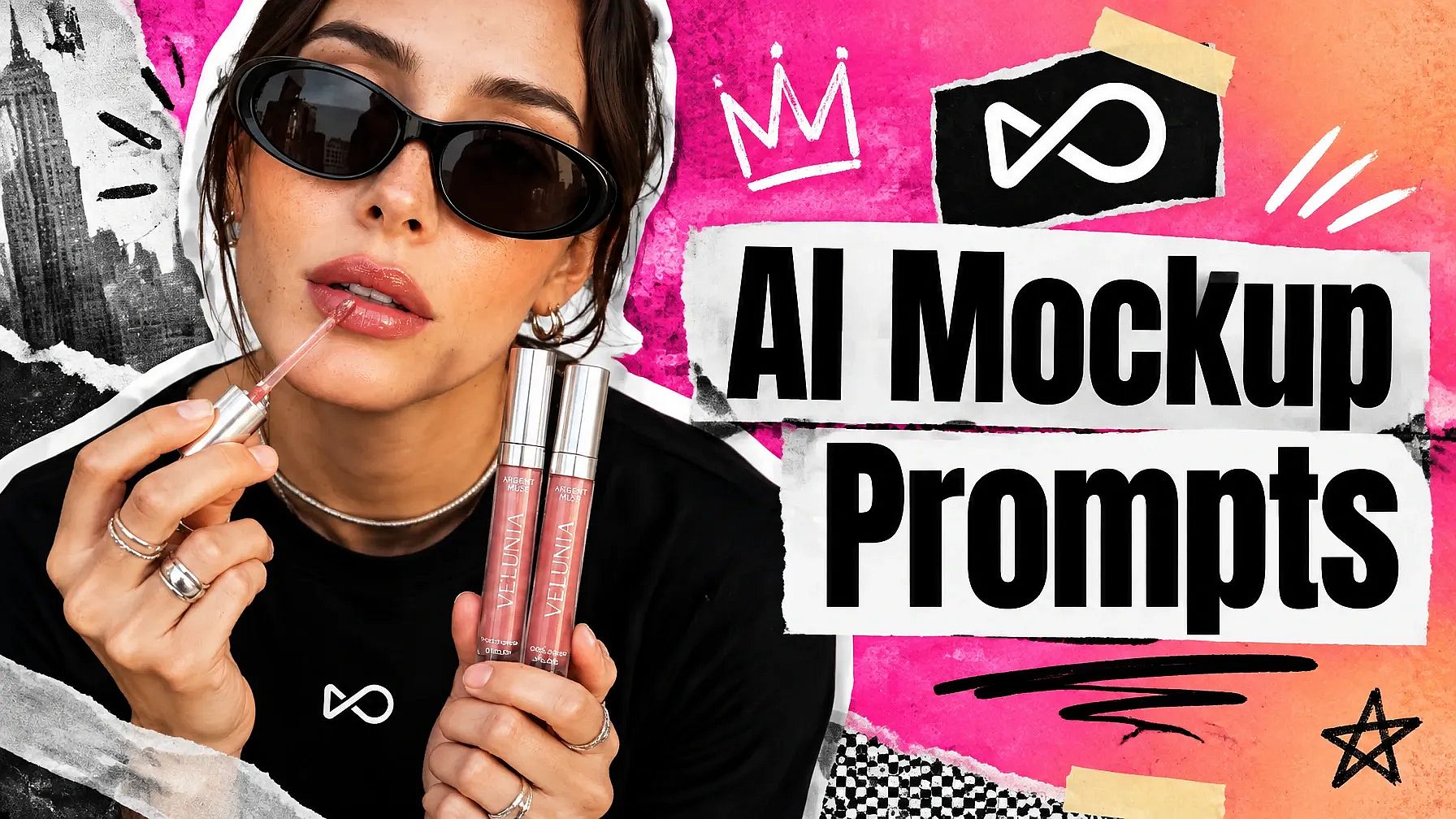
상자 500개를 인쇄하고 나서야 로고가 너무 작다는 걸 알게 되는 건 비싼 수업료입니다. 목업 프롬프트로 상자를 먼저 확인하세요.
제품과 로고 목업부터 패키지, 굿즈, 휴대폰 화면까지 40개를 작성했습니다. 대부분의 그룹에는 여러분의 디자인을 사용하는 프롬프트가 포함되어 있어, 목업에 실제 로고나 라벨이 사물에 적용되어 나타납니다.
프롬프트를 복사한 다음 OpenArt에서 목업을 만드세요 AI 목업 생성기. 다른 스타일의 프롬프트는 다음 가이드를 참고하세요: 최고의 AI 이미지 생성기 prompt.
핵심 요약
- 목업 프롬프트에는 오브젝트와 디자인이 그 위 어디에 들어갈지가 필요합니다.
- 직접 만든 로고나 라벨을 사용하려면 업로드한 뒤 "Keep my design exactly as it is."로 시작하세요.
- 장면에 어울리는 부드러운 그림자와 빛은 목업을 진짜처럼 보이게 합니다.
- 제품 위의 텍스트는 짧게 유지하고, 가까이에서 확인하세요.
- 아래 각 그룹에는 예시 이미지 하나와 저희가 사용한 OpenArt 모델이 포함되어 있습니다.
목업 프롬프트란?
목업 프롬프트는 상자나 티셔츠 같은 물건에 디자인을 배치한 모습을 설명합니다. 인쇄하기 전에 로고나 라벨이 실제로 어떻게 보일지 보여줍니다.
목업은 물체 위에 디자인을 보여줍니다. 제품 등록용 사진 자체가 필요하다면 다음 가이드를 Amazon 제품 사진 에서 다룹니다.
목업 프롬프트 공식
좋은 목업 프롬프트는 대부분 같은 순서를 따릅니다. 각 부분을 채우면 목업 디자인용 프롬프트가 완성됩니다:
[your design and where it sits] + [object, material and color] + [setting and props] + [lighting] + [camera angle and framing] + [style]
- 디자인과 그 위치. 로고나 라벨을 업로드한다면, 먼저 "내 디자인을 그대로 유지해줘"라고 입력한 뒤, "가방 앞면에"처럼 위치를 지정하세요.
- 사물, 재질, 색상. "무광 화이트 커피백"이나 "브러시드 메탈 간판"처럼 디자인이 들어갈 대상을 명시하세요.
- 배경과 소품 "커피 원두 옆 밝은 오크 카운터 위에"처럼 어디에 놓이는지 말해 주세요.
- 조명. "왼쪽에서 들어오는 부드러운 창문 빛"처럼 조명 하나를 고르세요.
- 카메라 각도와 구도. "45도 각도, 클로즈업"이나 "위에서 내려다보는 플랫 레이"를 시도해 보세요.
- 스타일. "깔끔하고 미니멀한 제품 사진"처럼 원하는 느낌으로 마무리하세요.
순서는 유지하고 세부 내용만 바꿔 넣으면, 간단한 목업 프롬프트 생성기처럼 작동합니다.
Keep my design exactly as it is. Place it on the front of a matte white coffee bag, standing on a light oak counter next to a few coffee beans. Soft window light from the left, gentle shadow, 45-degree angle, clean and minimal product photo.
유형별 목업 프롬프트
디자인을 적용할 대상별로 프롬프트를 묶었습니다. 각 그룹에는 예시 이미지 하나와 사용한 OpenArt 모델이 포함되어 있습니다. "디자인 포함"으로 표시된 프롬프트는 먼저 로고나 제품 사진을 업로드해야 합니다.
제품 목업 프롬프트
작동 원리: 제품 아래의 은은한 그림자가 실제 표면 위에 놓여 있다고 눈에 알려줍니다.
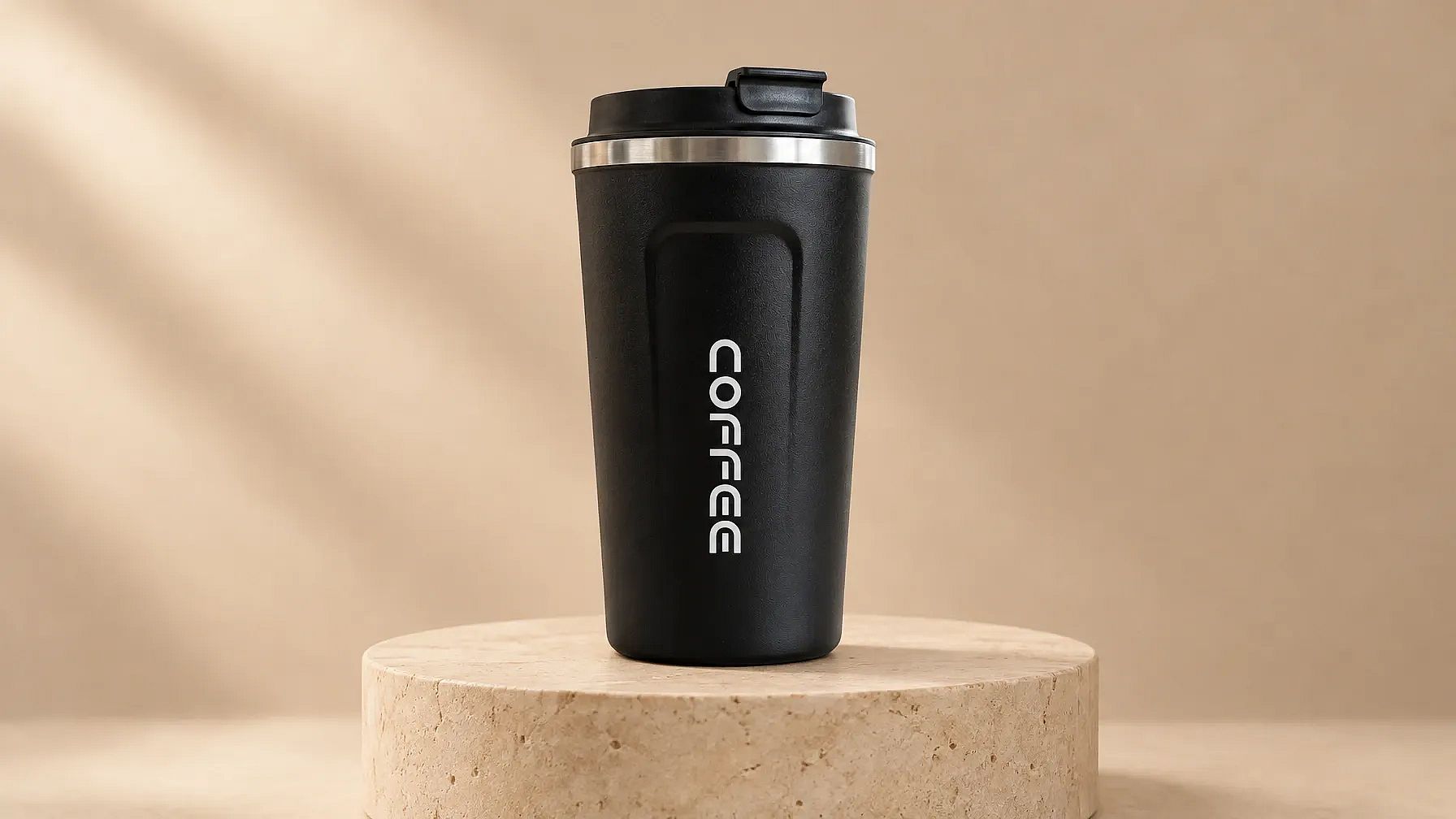
1. 돌 받침대 위의 제품 (당신의 디자인 적용)
Keep my product exactly as it is. Place it on a round beige stone plinth against a soft sand-colored backdrop. Soft studio light from the top left, gentle contact shadow, 45-degree angle.
2. 린넨 위 플랫레이
Top-down flat lay product mockup of a skincare bottle on white linen, with dried eucalyptus, a small towel and a ceramic dish around it. Bright, even daylight, 1:1.
3. 3D 플로팅 제품
3D product mockup of a sleek wireless speaker floating above a glossy surface with a clear reflection below it. Dark gradient background, soft rim light around the edges.
4. 주방 장면 속 제품
Product mockup of a glass olive oil bottle with a blank label on a marble kitchen counter, next to fresh tomatoes and a wooden board. Warm morning light, shallow depth of field.
5. 손에 든 제품 (여러분의 디자인으로)
Keep my product and its label exactly as they are. Show it held in one hand against a plain light background, label facing the camera. Natural skin tones, soft light, close-up.
로고 목업 프롬프트
왜 효과적일까: 브러시드 메탈이나 가죽처럼 소재를 지정하면 AI가 로고를 어떻게 표현해야 할지 알 수 있습니다. OpenArt에서 이 프롬프트들을 사용해보세요 AI 로고 생성기.
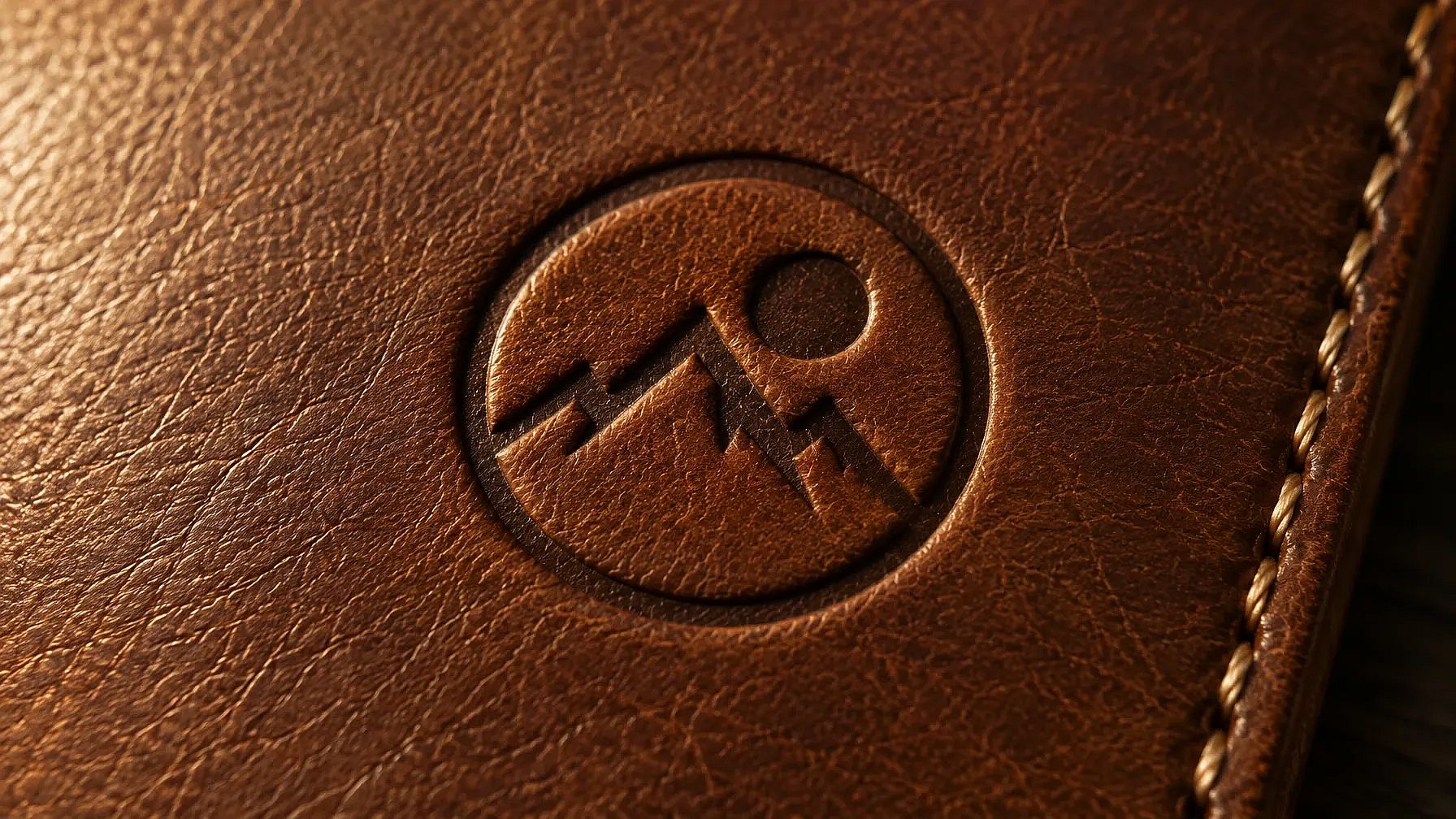
6. 벽에 걸린 3D 메탈 사인 (내 디자인 적용)
Keep my logo exactly as it is. Turn it into a 3D brushed metal sign mounted on a smooth concrete wall in a modern office lobby. Soft spotlight from above, small shadow behind the letters.
7. 가죽에 양각된 로고
Logo mockup of a simple round logo embossed into brown leather, close-up, with visible stitching along one edge. Warm side light that shows the depth of the emboss.
8. 반투명 유리문에 로고
Logo mockup of a logo etched on a frosted glass office door, with a soft blurred office behind it. Cool daylight, straight-on view.
9. 매장 차양에 새긴 로고
Logo mockup of a small café storefront with a dark green awning and a cream logo printed on it. Street-level view, morning sun, a few potted plants by the door.
10. 문구류에 로고 (내 디자인으로)
Keep my logo exactly as it is. Place it on a letterhead, an envelope and a business card laid out on a light gray desk. Top-down view, soft even light.
패키징 및 라벨 목업 프롬프트
효과적인 이유: 라벨이 형태를 따라갈 때 패키지가 진짜처럼 보이므로 둥근 병이나 긴 병처럼 형태를 지정하세요.
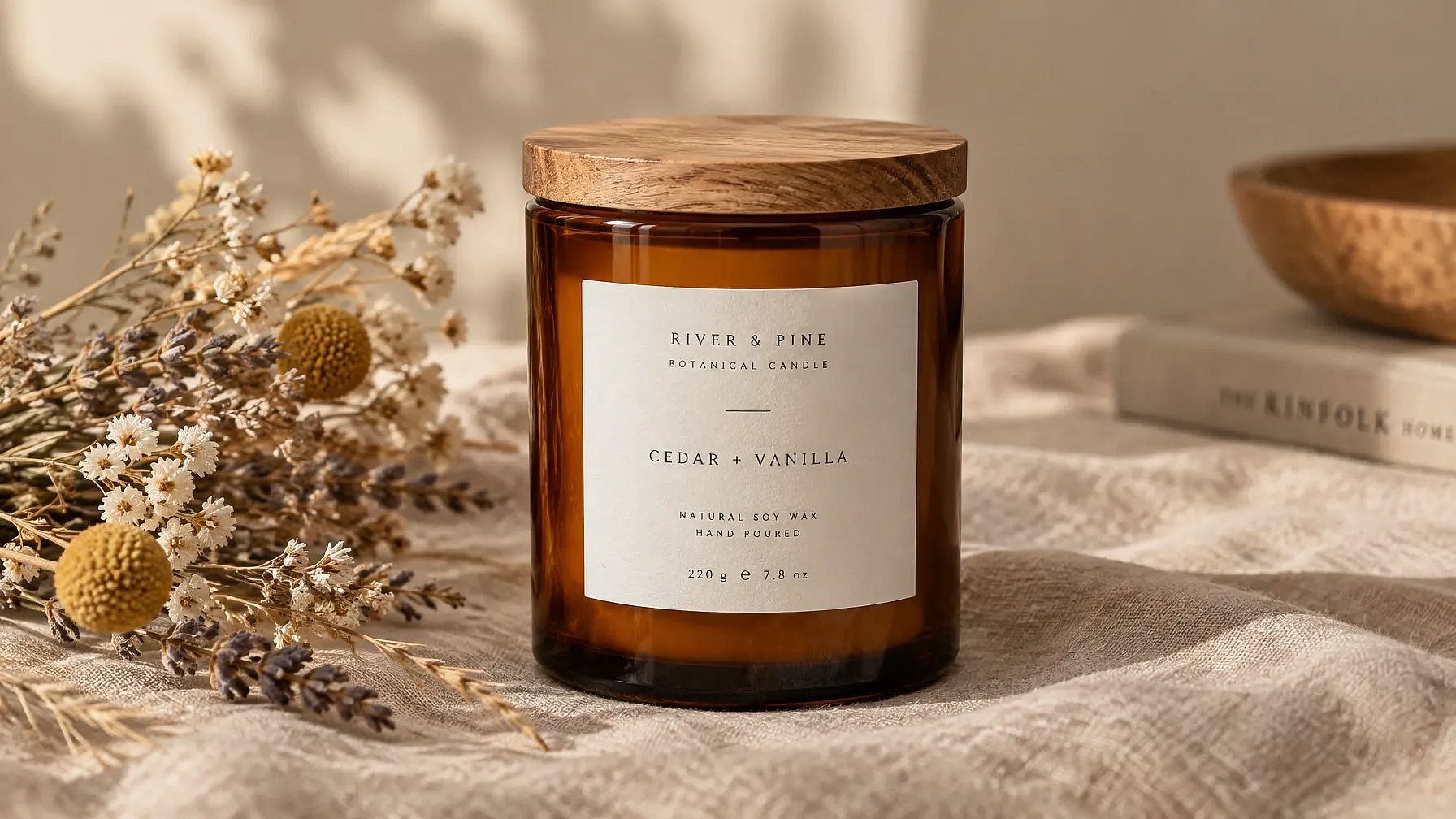
11. 럭셔리 제품 패키징
Photorealistic mockup of a product packaging, elegant and sophisticated style, ideal for luxury brands.
12. 라벨이 감긴 유리병 (당신의 디자인으로)
Keep my label design exactly as it is. Wrap it around a tall clear glass bottle with a cork stopper, standing on a dark wood shelf. Soft side light, small reflection on the glass.
13. 미니멀 라벨이 붙은 캔들 용기
Packaging mockup of an amber glass candle jar with a minimal white label and a wooden lid, on a linen cloth next to dried flowers. Warm, soft light.
14. 화장품 용기와 튜브 세트
Packaging mockup of a matching cosmetic jar and squeeze tube in soft pink with blank labels, on a white marble shelf. Bright, clean light, straight-on view.
15. 오픈형 크라프트 메일러 박스
Box mockup of an open kraft mailer box with white tissue paper inside and a small thank-you card on top, on a light wood table. Top-down view, soft daylight.
전체 패키지 디자인은 다음을 참고하세요: 패키징 디자인 프롬프트, 또는 다음을 시도해 보세요 AI 패키지 디자인 생성기.
의류 및 굿즈 목업 프롬프트
왜 효과적일까: 실제 천에는 주름이 있으니 주름을 요청하세요. 셔츠에 완벽하게 평평한 프린트는 억지로 붙인 것처럼 보입니다.
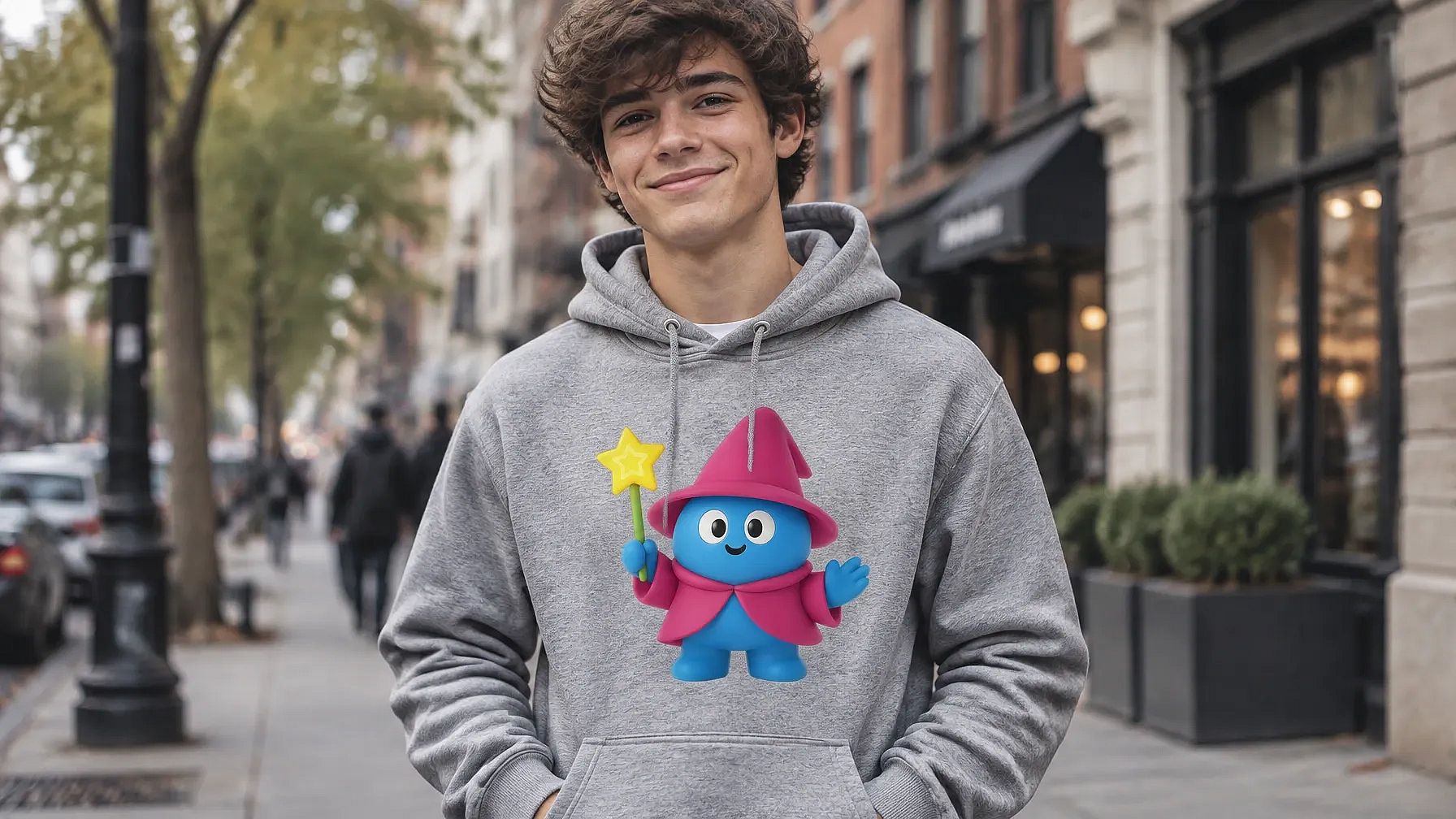
16. 스트리트웨어 티셔츠
Photorealistic mockup of a T-shirt, casual and contemporary style, ideal for streetwear brands.
17. 모델이 입은 후드티 (내 디자인 적용)
Keep my design exactly as it is. Print it on the front of a heather gray hoodie worn by a young man on a city street. Natural fabric folds, soft overcast light, waist-up shot.
18. 자수 모자
Cap mockup of a navy baseball cap with a small embroidered logo on the front, resting on a wooden table. Close-up, soft side light that shows the stitching.
19. 캔버스 토트백
Tote bag mockup of a natural canvas tote with a simple printed design, hanging on the back of a wooden chair. Soft daylight, straight-on view.
20. 카페 테이블 위의 머그컵
Mug mockup of a white ceramic mug with a printed logo, on a café table with a little steam rising from the coffee. Warm morning light, shallow depth of field.
더 많은 티셔츠 목업은 다음을 참고하세요: 티셔츠 디자인 프롬프트.
프린트 목업 프롬프트
효과적인 이유: 종이에는 질감이 있어서 무광이나 유광처럼 지정하면 인쇄물이 얼마나 진짜처럼 보이는지가 달라집니다.
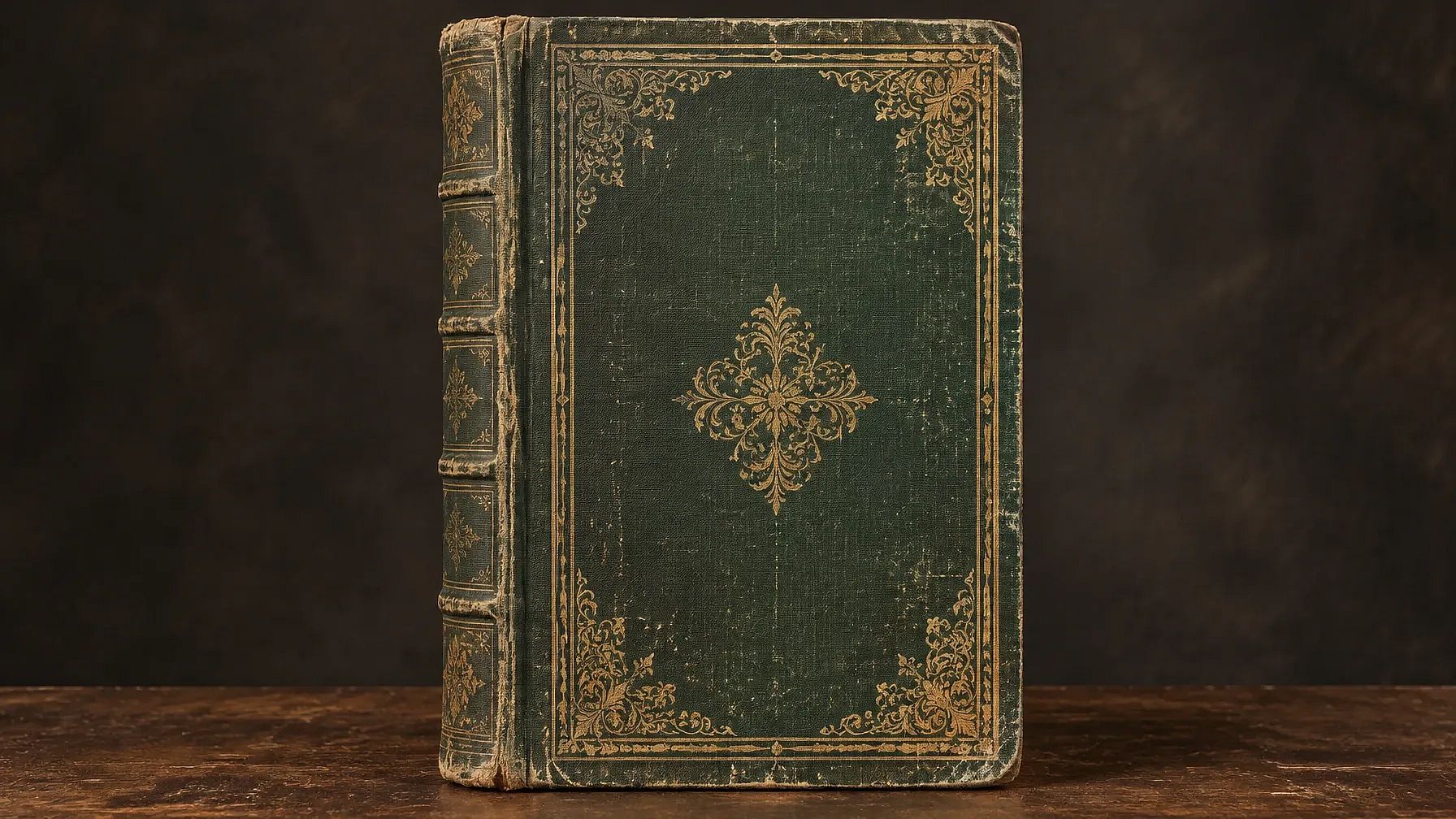
21. 클래식 책 표지
High-resolution mockup of a book cover, classic and timeless style, suitable for literary fiction.
22. 선반 위 양장본 책 (내 디자인 적용)
Keep my cover design exactly as it is. Put it on a hardcover book standing upright on a wooden bookshelf, next to a small plant. Soft warm light, slight angle so the spine shows.
23. 거실에 걸린 액자 포스터
Poster mockup of a large framed poster with a thin black frame, hanging above a beige sofa in a bright living room. Natural daylight, straight-on view.
24. 레터프레스 명함
Business card mockup of a small stack of thick cream letterpress business cards on dark slate, with the top card slightly turned. Close-up, soft side light that shows the pressed letters.
25. 카페 테이블 위 접힌 전단지
Flyer mockup of a folded A5 flyer lying on a café table next to a coffee cup. Top-down view, soft morning light, matte paper.
폰, 노트북, 웹사이트 목업 프롬프트
왜 효과적일까: 깔끔한 책상과 부드러운 조명이 화면에 시선을 집중시킵니다. 디자인이 잘 보이도록 화면이 카메라를 향하게 요청하세요.
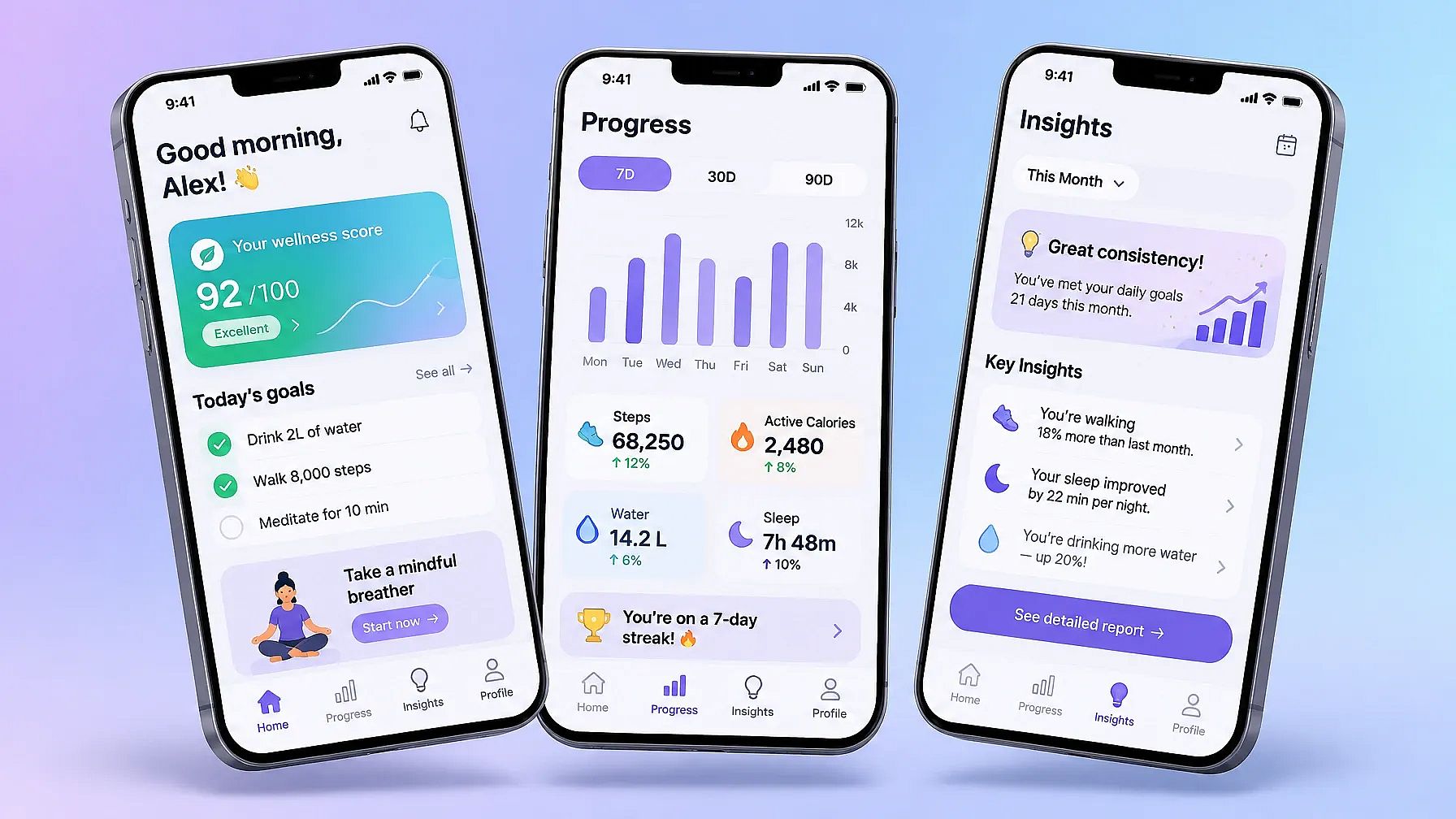
26. 세련된 스마트폰
High-resolution mockup of a smartphone, sleek and modern style, suitable for tech product showcases.
27. 당신의 웹사이트를 보여주는 노트북 (디자인 포함)
Keep my website screenshot exactly as it is. Show it on the screen of an open laptop on a clean white desk, with a notebook and a coffee cup beside it. Soft daylight, screen facing the camera.
28. 비스듬히 배치한 앱 화면
App mockup of three smartphone screens floating at a slight angle, side by side, on a soft gradient background. Clean, modern, soft shadows under each phone.
29. 브라우저 창 속 웹사이트
Website mockup of a homepage shown in a clean browser window on a large desktop monitor, in a bright home office. Straight-on view, sharp screen.
30. 태블릿과 폰 함께
Responsive design mockup of a tablet and a smartphone lying side by side on a light wood desk, showing the same app. Top-down view, even light.
빌보드 및 간판 목업 프롬프트
작동 원리: 간판은 멀리서 보이기 때문에 카메라 각도가 중요합니다. 거리 눈높이 시점을 요청하면 크기감이 자연스러워집니다.
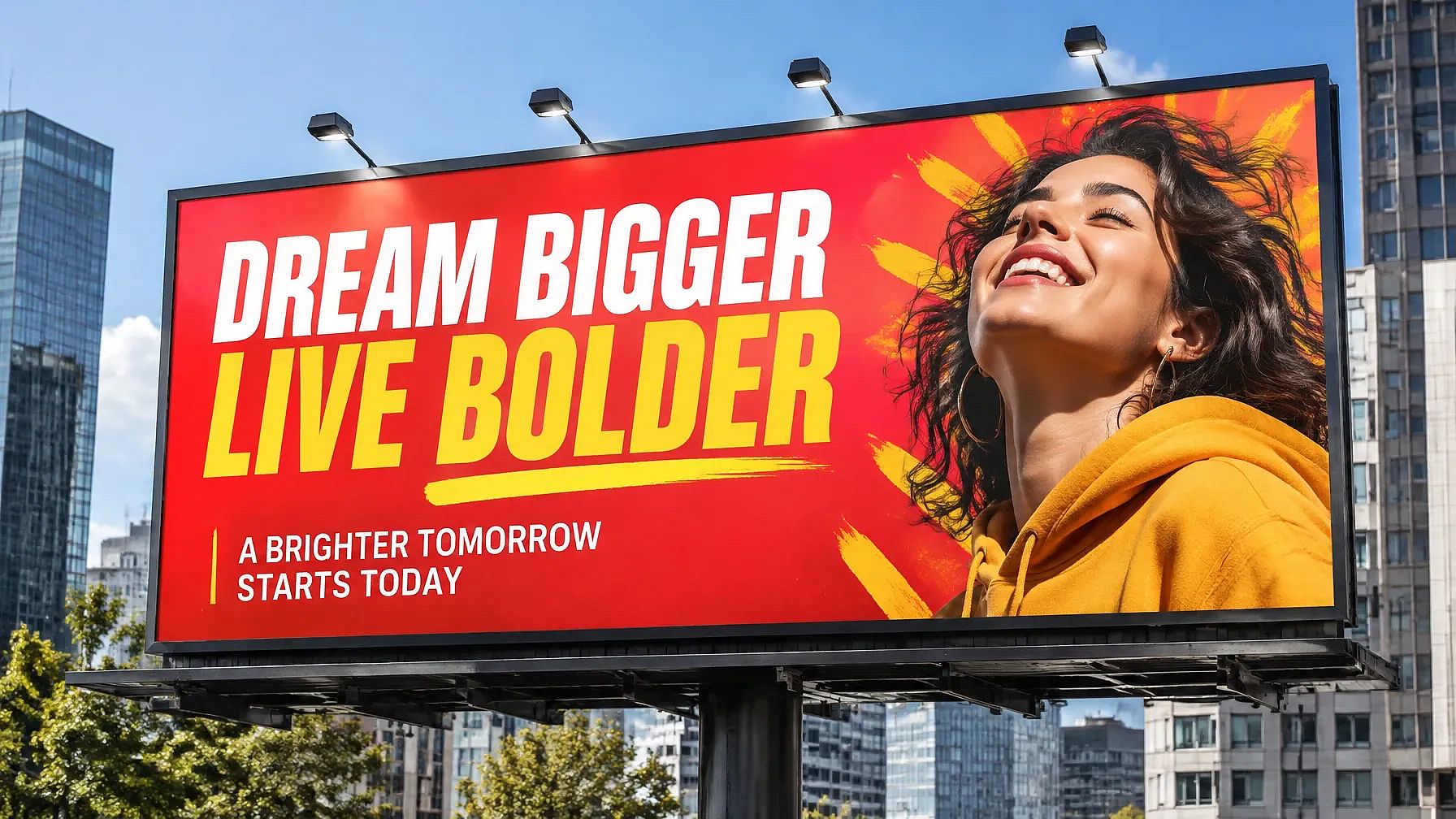
31. 도시 빌보드
Realistic mockup of a billboard advertisement, eye-catching and bold style, perfect for urban settings.
32. 밤의 버스 정류장 포스터 (당신의 디자인으로)
Keep my poster design exactly as it is. Place it in a lit bus stop ad panel on a city street at night, with a few blurred car lights passing by. Street-level view.
33. 쇼윈도 데칼
Signage mockup of a white vinyl logo decal on a clean shop window, with the store interior softly blurred behind the glass. Daylight, straight-on view.
34. 매달린 카페 간판
Signage mockup of a round hanging wooden sign with a painted logo, on a metal bracket outside a brick café. Morning light, slight upward angle.
35. 전시회 부스 배너
Mockup of a trade show booth with a tall roll-up banner and a branded back wall, in a bright exhibition hall. Wide view, even lighting.
소셜 미디어 및 광고 목업 프롬프트
작동 원리: 게시물을 폰 화면에 보여주면 사람들이 어디에 노출될지 정확히 알 수 있어, 목업 승인이 훨씬 수월해집니다.
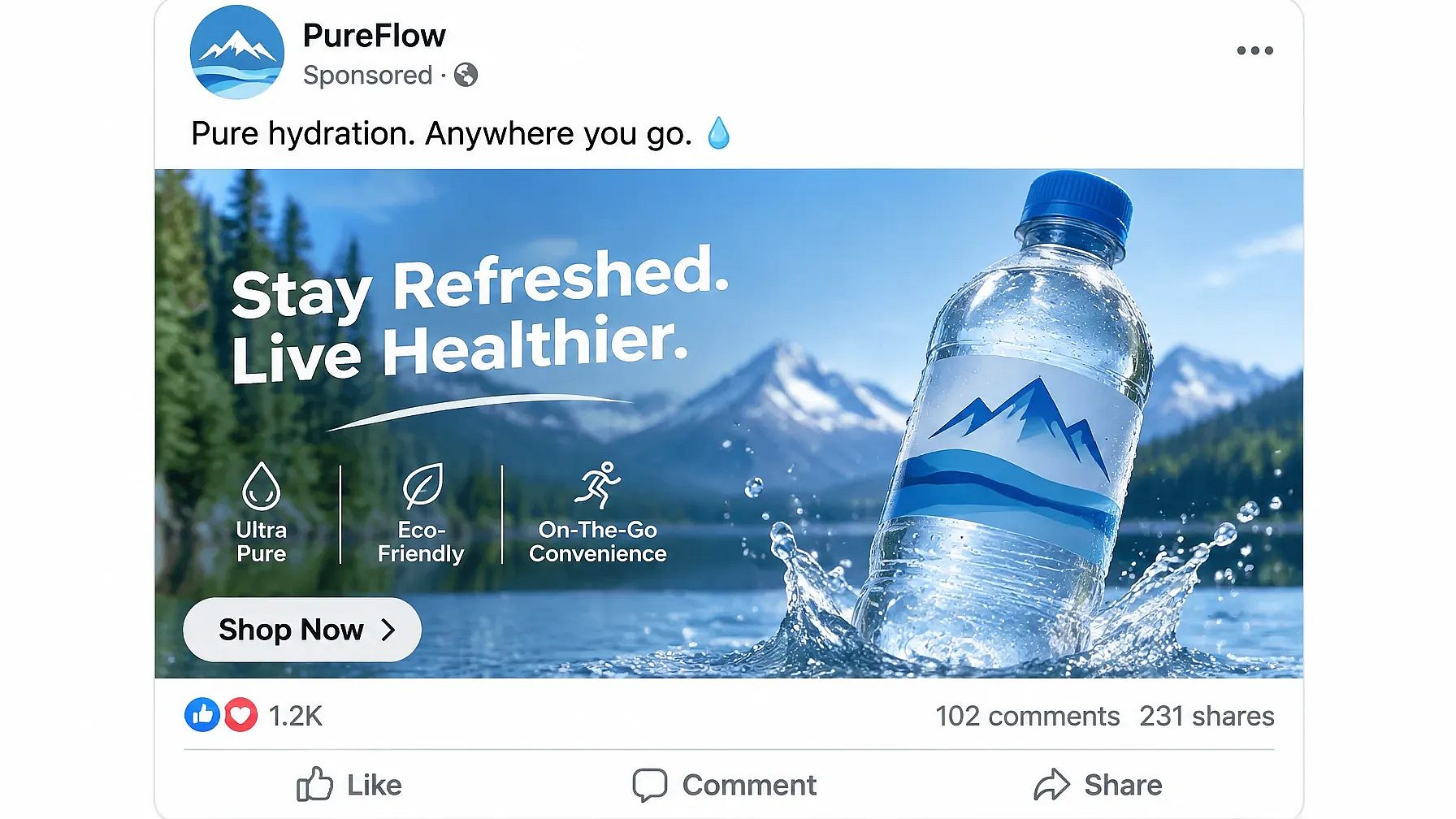
36. 손에 든 휴대폰에 게시물 (당신의 디자인으로)
Keep my post design exactly as it is. Show it as a square post on a social media feed, on a smartphone held in one hand. Soft natural light, background slightly blurred.
37. 휴대폰 화면의 스토리 광고
Mockup of a vertical 9:16 story ad on a smartphone screen, the phone propped on a desk next to a coffee cup. Clean, bright, screen facing the camera.
제품 목업을 움직이게 하고 싶으신가요? 다음에 업로드하세요 AI 영상 생성기 받침대 위에서 천천히 도는 제품처럼 움직임을 설명하세요. 짧은 클립은 릴스와 스토리 광고에 잘 어울립니다.
38. 하나의 제품, 완성된 광고 세트
Ad mockup showing the same product ad in three sizes side by side: a square post, a tall story and a wide banner, on a light gray background. Clean and evenly lit.
39. 노트북의 이메일 헤더
Mockup of a marketing email open on a laptop screen, with a colorful header image at the top. Clean desk, soft daylight, screen facing the camera.
40. 뉴스 사이트 디스플레이 광고
Mockup of a display ad inside a news website shown on a desktop monitor, with the ad clearly visible in the sidebar. Straight-on view, sharp screen.
홀리데이 캠페인을 준비 중이신가요? 저희 크리스마스 마케팅 아이디어 가이드에는 더 많은 광고 프롬프트와 게시 일정이 담겨 있습니다.
내 디자인을 목업에 어떻게 적용하나요?
로고나 제품 사진을 참조 이미지로 업로드한 다음, "내 디자인을 그대로 유지해줘"로 프롬프트를 시작하세요. AI가 그 주변으로 목업을 만들고 디자인은 건드리지 않습니다.
- 디자인을 업로드하세요. 다음에서 AI 목업 생성기 또는 이미지 만들기를 여세요 AI 이미지 생성기, 그리고 로고나 제품 사진을 참조 이미지로 추가하세요.
- 프롬프트를 붙여넣으세요. 위의 "당신의 디자인으로" 표시된 프롬프트를 사용하세요.
- 정확하게 배치하세요. 디자인이 엉뚱한 위치에 놓이면 OpenArt를 여세요 AI 이미지 편집기, 영역 편집을 선택하고 들어갈 위치를 표시하세요.
- 생성하고 다운로드하세요. 여러 버전을 만들어 디자인이 가장 자연스러워 보이는 것을 선택하세요.
같은 프롬프트가 ChatGPT와 Gemini에서도 작동합니다. 채팅에 디자인을 업로드하고 프롬프트를 붙여넣으세요. 새 계정에는 40개의 무료 체험 크레딧이 제공되므로, 결제 전에 목업 몇 개를 만들어 볼 수 있습니다.
채팅이나 Claude에서 목업 만들기
프롬프트 작성을 건너뛸 수도 있습니다.
- 채팅 모드. 원하는 목업을 평범한 말로 설명하세요. OpenArt가 모델을 골라 이미지를 만들어 드립니다.
- Claude. OpenArt's MCP 커넥터 채팅하는 동안 Claude가 제품 목업을 만들어 줍니다.
- 모든 목업에 일관된 하나의 룩. 로고와 브랜드 색상을 담은 브랜드 키트를 추가하세요. 이미지 만들기에서 GPT Image 2.5와 GPT Image 2로 작동하여, 마스코트나 로고가 모든 머그잔과 토트백에서 동일하게 보입니다.
목업 프롬프트 팁
디자인이 물체 위에 떠 있는 것처럼 보이면 목업이 가짜처럼 느껴집니다. 아래 단어들이 디자인을 표면에 자연스럽게 안착시켜 줍니다.
| 목업을 진짜처럼 보이게 하는 단어들 | 문제를 일으키는 단어 |
|---|---|
| 자연스럽게 주름진 패브릭, 병을 감싸는 라벨 | 평평하고 완벽한 인쇄 |
| 부드러운 접지 그림자 | 그림자 없이 떠 있는 |
| 장면과 어울리는 조명 | 강렬한 네온 광채 |
| 제 로고는 그대로 유지하세요 | 제품 위의 긴 문장 |
| 올바른 원근감, 45도 각도 | 혼합 또는 극단적인 각도 |
흔히 하는 목업 프롬프트 실수
- 디자인이 어디에 들어가는지 말하지 않으면, 엉뚱한 위치에 배치됩니다.
- 제품에 긴 텍스트를 넣으려는 것. 이름이나 짧은 문구 정도로 유지하세요.
- 흐릿하거나 너무 작은 로고를 업로드하는 경우. 가지고 있는 가장 선명한 파일을 사용하세요.
- 한 샷에 너무 많은 물체를 넣어 제품이 묻히는 것.
- 목업을 공유하기 전에 글자와 가장자리를 확대해 확인하지 않는 것.
목업 프롬프트 자주 묻는 질문
목업 프롬프트란 무엇인가요?
목업 프롬프트는 머그잔의 로고나 병의 라벨처럼 여러분의 디자인이 적용된 사물을 글로 설명한 것입니다. AI 이미지 생성기와 함께 사용해 디자인이 실제로 어떻게 보일지 확인할 수 있습니다.
제품 목업에 가장 좋은 프롬프트는 무엇인가요?
제품과 소재를 명시한 다음, 놓일 표면과 조명을 적으세요. 예: "제 제품은 그대로 유지하세요. 베이지색 돌 받침대 위에 놓고, 부드러운 스튜디오 조명, 은은한 그림자, 45도 각도." 프롬프트 1~5는 바로 복사해 쓸 수 있습니다.
목업에 내 로고를 어떻게 넣나요?
OpenArt 열기 AI 이미지-투-이미지 생성기, 로고를 참조 이미지로 업로드하고 프롬프트를 "내 로고를 있는 그대로 유지해줘"로 시작하세요. 그런 다음 오브젝트와 로고가 들어갈 위치를 묘사하세요. 엉뚱한 곳에 들어가면 이미지 편집의 영역 편집으로 위치를 조정하세요.
AI로 책 목업을 만들 수 있나요?
네. 표지 디자인을 업로드하고 프롬프트 22처럼 선반에 세워진 하드커버 책에 적용해 달라고 요청하세요. 책등이 보이도록 약간 각도를 주면 좋습니다.
목업과 제품 사진의 차이는 무엇인가요?
목업은 라벨이나 로고 같은 디자인을 물체 위에 보여줍니다. 제품 사진은 매장이나 광고용으로 완성된 제품 자체를 보여주죠. 다음 가이드를 참고하세요: AI 제품 사진 만드는 방법을 보여줍니다.
이 목업 프롬프트가 ChatGPT나 Gemini에서도 작동하나요?
네. 채팅에 디자인을 업로드하고 프롬프트를 붙여넣으세요. OpenArt에서는 Nano Banana 2.1과 GPT Image 2 같은 모델 중에서 선택할 수도 있습니다.
무료 AI 목업 생성기가 있나요?
네. OpenArt의 AI 목업 생성기는 신규 계정에 40 무료 체험 크레딧을 제공하므로 몇 가지 목업을 무료로 만들 수 있습니다. 이 페이지의 모든 프롬프트도 무료로 복사할 수 있습니다.
목업 전반에 걸쳐 브랜드를 어떻게 일관되게 유지하나요?
추가하기 브랜드 키트 로고와 브랜드 색상을 OpenArt 프로젝트에 적용하세요. GPT Image 2.5와 GPT Image 2의 이미지 생성에서 작동하므로, 세트 안의 모든 목업이 일관되게 맞춰집니다.