

 ChatGPT
 Perplexity
 Claude
 Gemini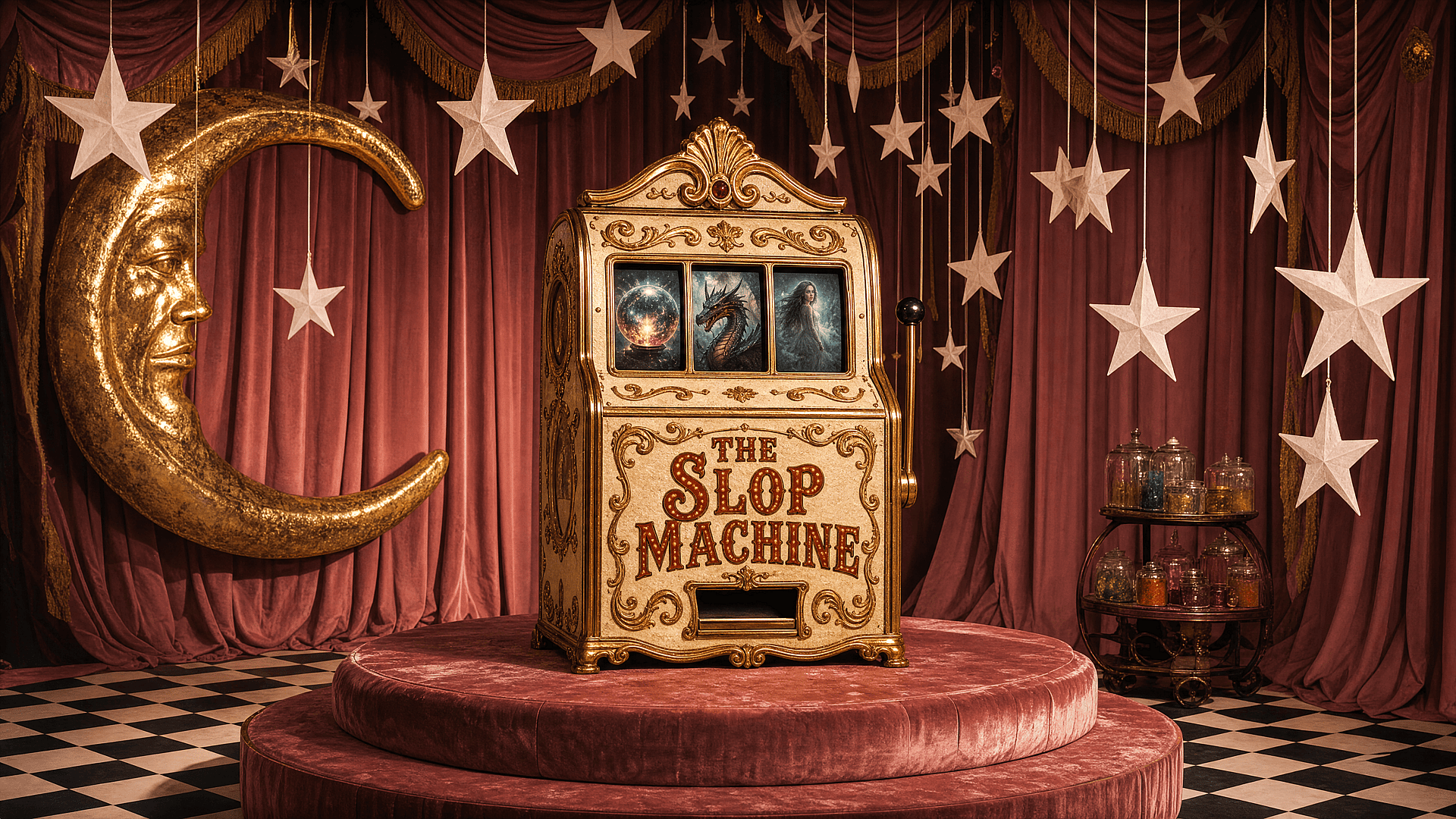
Last year, Merriam-Webster named "slop" its 2025 word of the year, defining it as "digital content of low quality that is produced usually in quantity by means of artificial intelligence." The codification honestly felt overdue, because anyone spending time on social feeds had already felt it that uncanny sameness.
The models aren't the culprit. The inputs are. Vague prompts produce vague images, and most people are working from vague prompts, borrowed, recycled, entered in a rush with no particular vision behind them. When everyone is prompting the same way, everyone gets the same results.
One writer who generated roughly 20,000 images across various AI models last year, publishing about 1,500 of them at a 7.5% success rate, arrived at a useful conclusion: image rendering is no longer the hard part. Editorial selection is. When dozens of plausible variations exist within a minute of each other, the scarce resource is taste. These ten habits are about developing yours.
01 — Treat your prompt like a creative brief, not a wish
A wish is "portrait of a woman in soft light." A brief is "close-up portrait, late afternoon window light, muted palette, slight grain, editorial, Rineke Dijkstra." The more you specify the context, the light source, the mood, the reference point, the less the model has to guess. Its guesses are what make your output look like everyone else's.
02 — Use reference images obsessively
Stop starting from text alone. Upload an image: a photograph, a painting, a film still, a sketch on your phone. Image-to-image gives the model something concrete to react to instead of an open invitation to generate whatever it defaults to. Your visual input plus the model's capabilities beats either one working alone.
03 — Never use the same prompt twice
Prompts are not reusable assets. A prompt that worked for one project, saved and reused on the next, produces results that feel slightly off in ways you can't quite name. That's because you're solving a different creative problem with a tool calibrated for a different one. Start each project from the brief, not the archive.
04 — Generate 50, keep 1
Not literally, but close. Research published in Science Advances found that AI-assisted creators produced more novel work overall, but their rate of novelty per image actually dropped, a dilution effect from generating too much and curating too little. Volume is how you find the outliers. Taste lives in the selecting, not the generating. If you're publishing the third thing you generated, you stopped too soon.
05 — Edit after you generate. Always.
A generated image is a starting point, not a final file. Bring it into Photoshop, Lightroom, Procreate, whatever you work in. Adjust the color grade. Mask out elements that are off. Add texture. Composite with a photograph. The post-generation layer is where your actual taste gets applied, and it's what separates an output from a piece of work.
06 — Develop a personal rejection criteria
Most people iterate randomly: they keep things that feel good and discard things that feel bad, but they can't say why. Write down what you reject and why. Too centered. Too saturated. Skin is wrong. Too many elements competing for attention. When you can name the failure modes, you can fix them in the prompt instead of just generating more and hoping.
07 — Learn what your favorite model is bad at
Every model has blind spots, things it consistently renders poorly, styles it can't quite nail, compositions it defaults to when it loses the thread of your prompt. Learning the failure modes of the tools you use most is one of the highest-leverage investments you can make. When you know where the model breaks down, you stop fighting it and start routing around it.
08 — Use negative prompts like guardrails, not afterthoughts
Most people add negative prompts as a cleanup step: they generate, see something they don't like, then try to exclude it. Flip that. Before you generate anything, ask yourself what this image should absolutely not be. Lens flare. Symmetrical composition. That particular shade of desaturated teal that shows up in every "cinematic" image. Adding exclusions upfront shapes the output before it exists.
09 — Build a personal style library
Not a folder of prompts that worked: a curated collection of reference images, aesthetic directions, lighting setups, color palettes, and artist names that you return to consistently. Your style library is what makes your body of work look like it came from the same person, regardless of which model you used or what project you were working on. Without it, your output is just whatever the model felt like making that day.
10 — Know when to switch models mid-project
No single model is best at everything. You might generate a base image in one model, upscale in another, and use a third for a specific element you need to composite in. The workflow doesn't have to be one model start to finish, any more than a film production uses one piece of equipment. Using the right tool for the right stage of the project is craft. Staying loyal to one model out of habit is inertia.
None of these are all that complicated, they just require slowing down. Which is exactly the opposite of what slop is: Slop is fast, while quality is deliberate.
OpenArt is built for this kind of deliberate work: multiple models in one workspace, reference image tools, a canvas that lets you move between generation and editing without breaking the flow. The tools aren't the bottleneck. The habits are.