
Unblur Image
Got a blurry photo you want to fix? Upload it to OpenArt and unblur your image in seconds. The AI sharpens details, restores clarity, and improves overall quality so your photo looks clear and usable again.
 Add an image Or drag and drop here · JPEG, PNG, WEBP
Restore Sharp Details
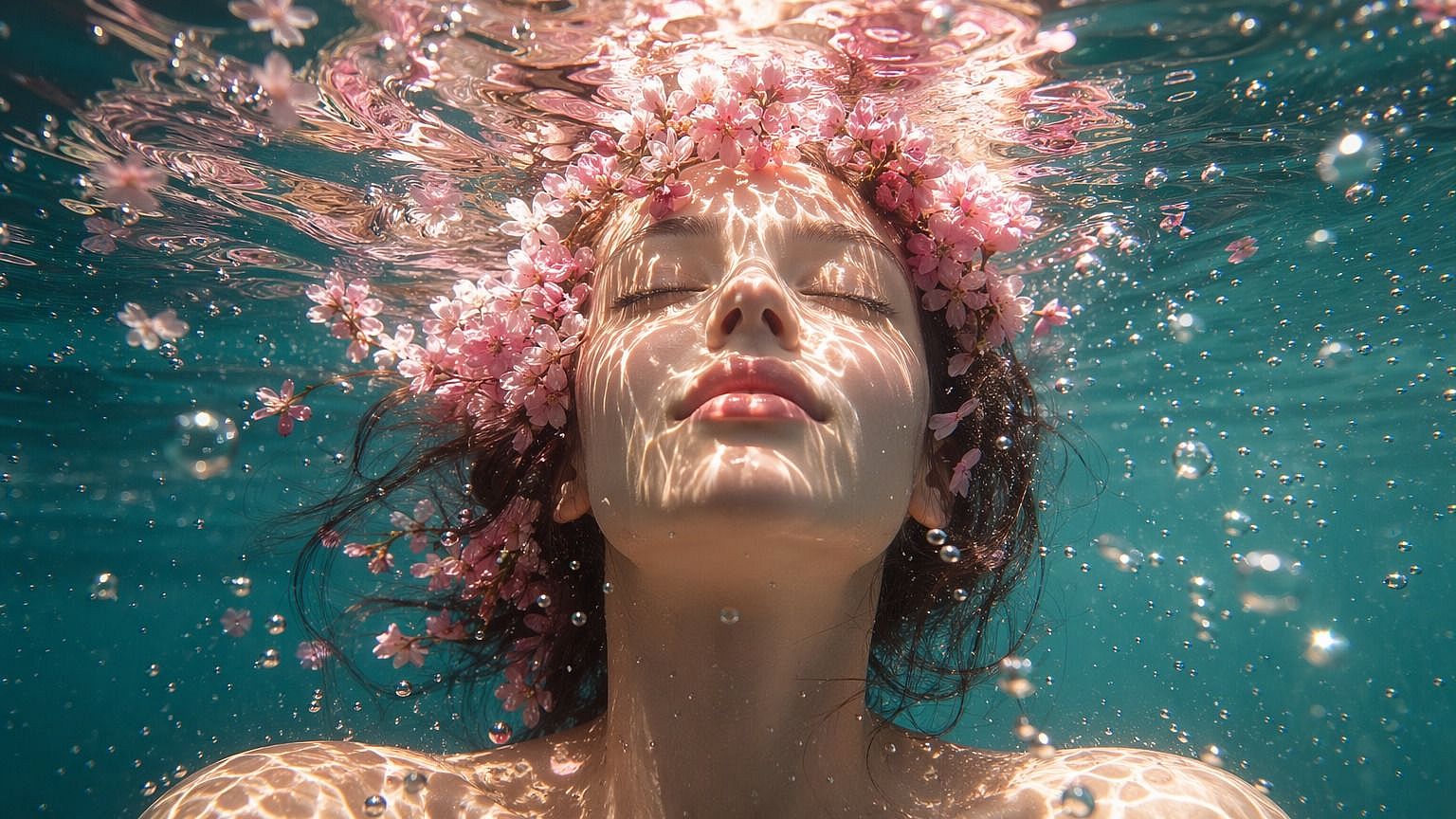
Bring back clarity in blurry photos by sharpening edges and enhancing fine details. The AI improves visibility in faces, objects, and backgrounds so the image looks more defined.
Fix Motion and Focus Blur
Whether your photo is blurred due to movement or camera focus, the tool helps correct it. It reduces blur and rebuilds lost detail so the result looks closer to the original scene.
Clean Upscaling Results
The enhancement blends smoothly with the original image. Instead of over-sharpening or adding noise, the result keeps natural lighting, texture, and color.
Community Creations
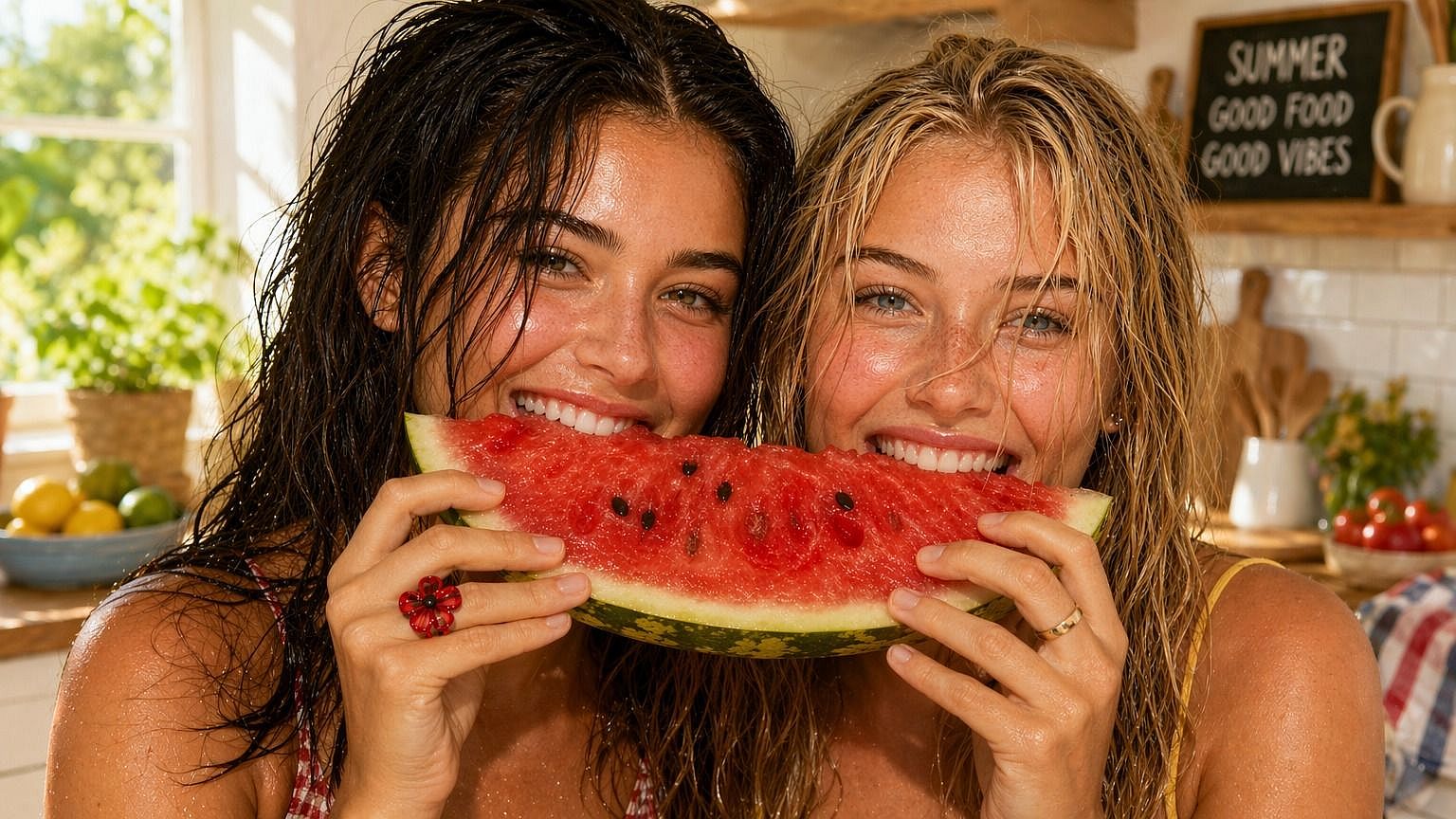
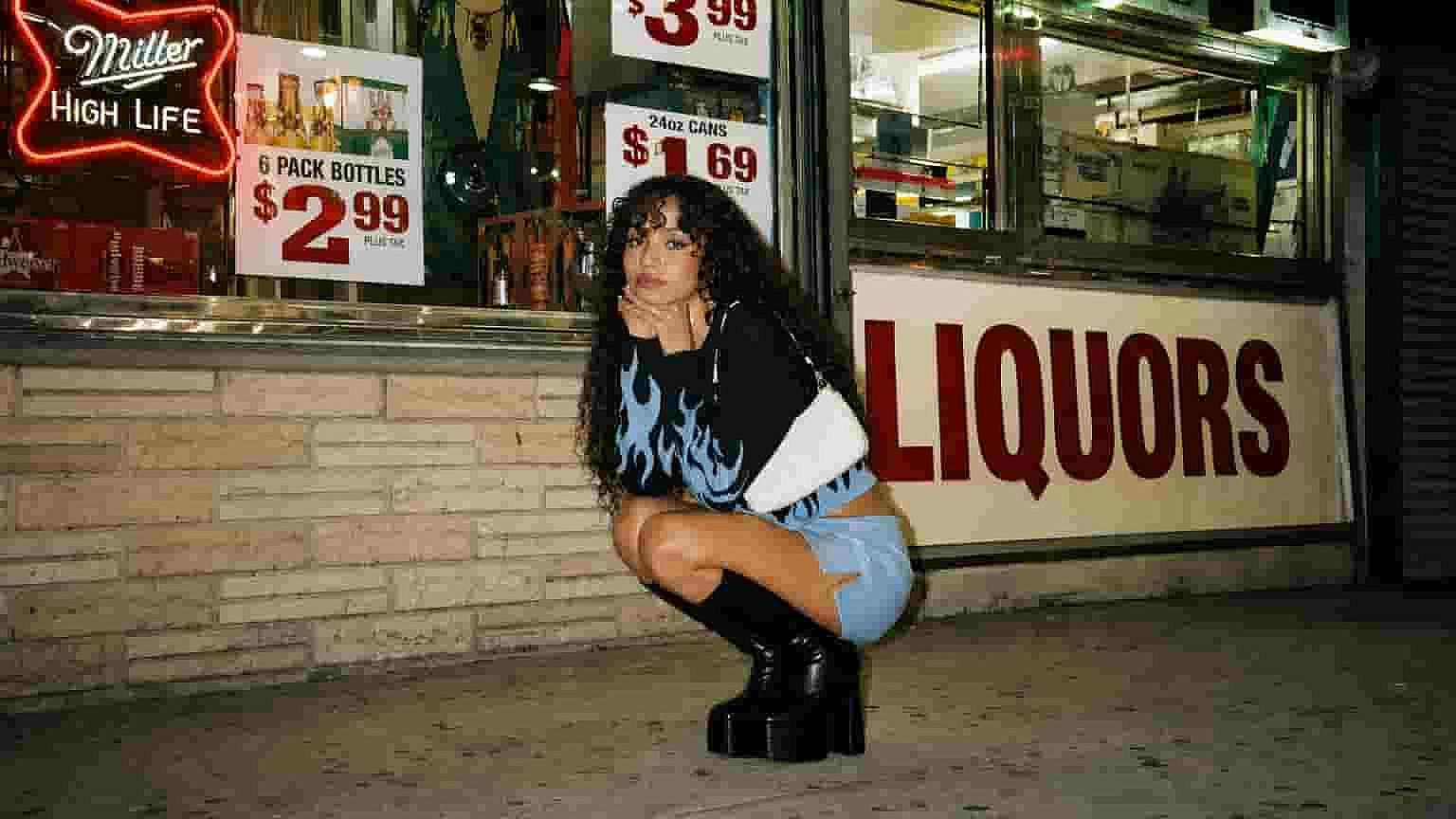
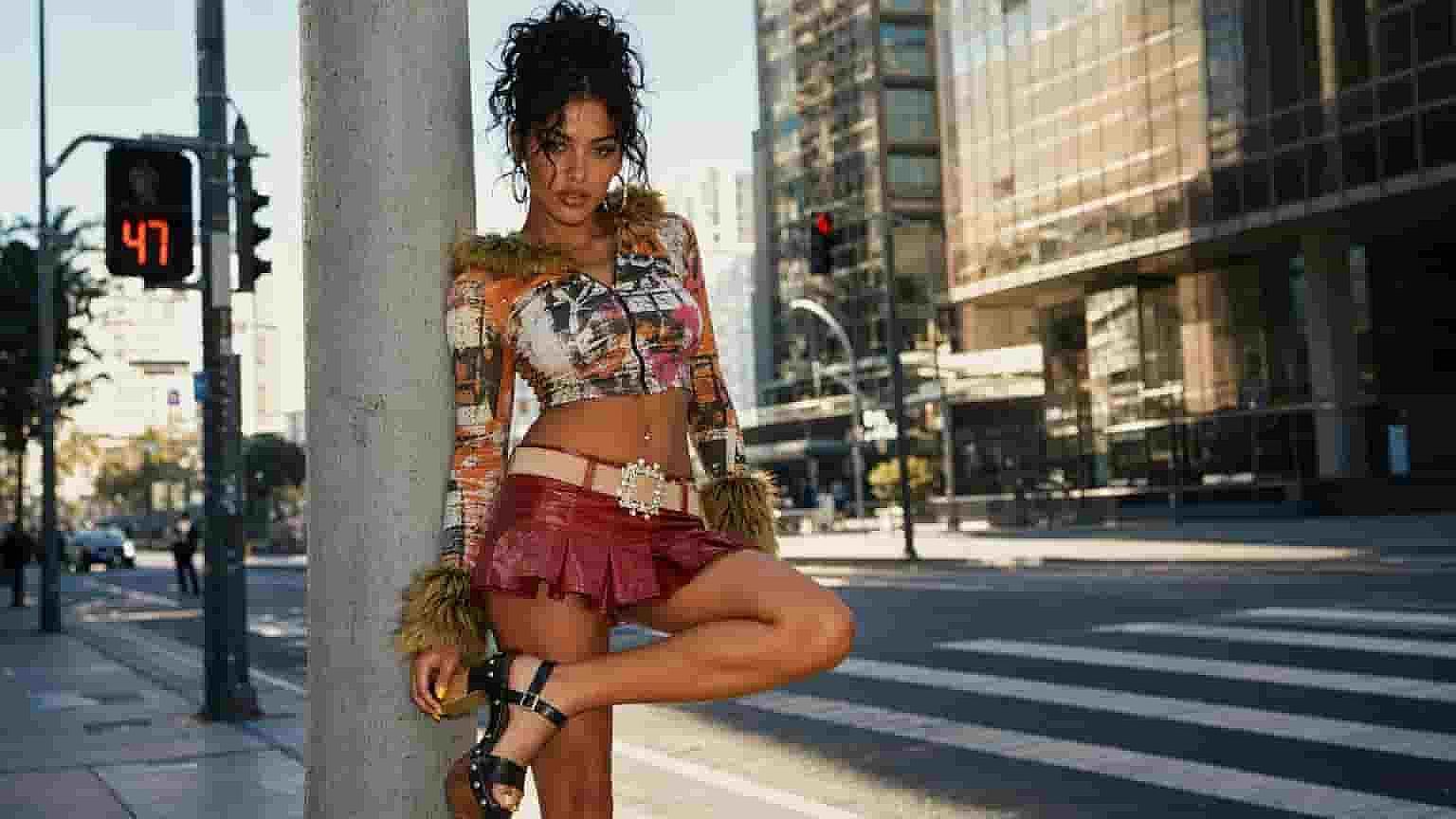
See how people are restoring blurry photos and improving image quality. From fixing old pictures to enhancing everyday shots, explore how unblurring can bring images back to life.
Key Features of AI Unblur Image Tool
OpenArt’s AI image editor uses advanced models like GPT Image 2.0, Nano Banana Pro, and Recraft V4 to enhance images with accurate detail and consistency. This allows blurry areas to be reconstructed instead of just sharpened.
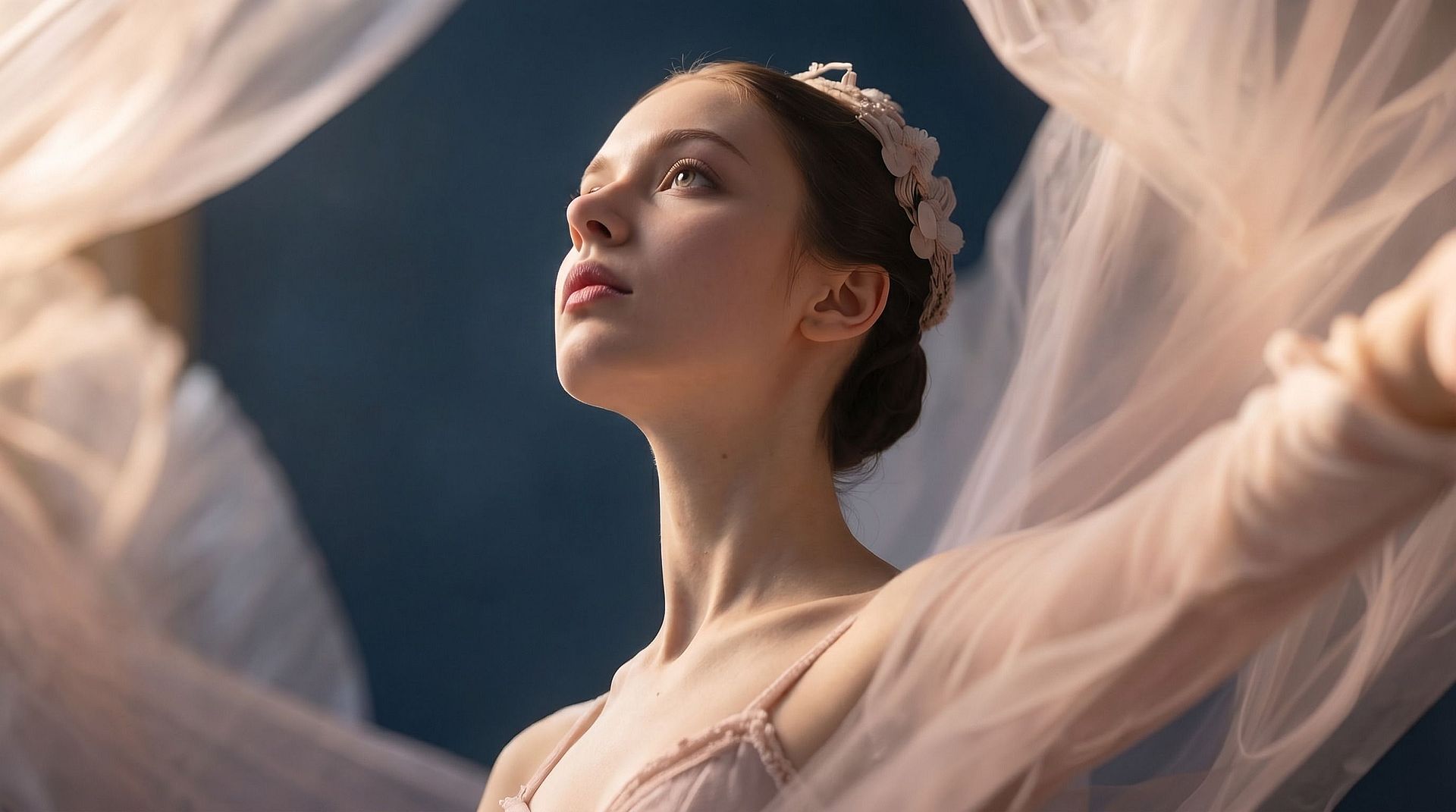
Smart Blur Removal
The AI detects blurry regions and improves them automatically. It restores edges and shapes so the image looks clearer without needing manual adjustments.
Try it Now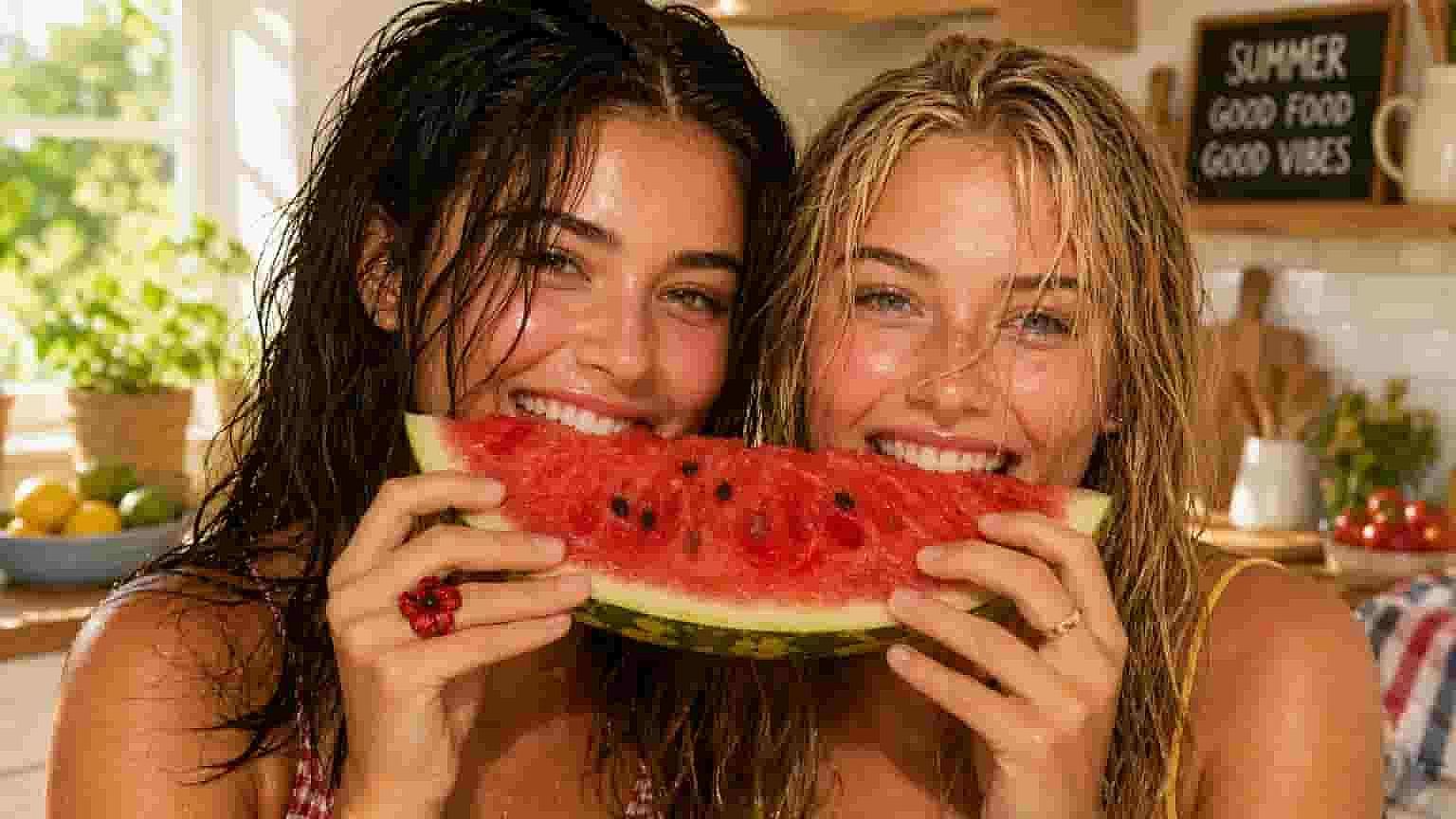
Face Detail Enhancement
For portraits, the tool enhances facial features like eyes, skin texture, and expressions. This helps recover important details that are often lost in blurry images.
Try it Now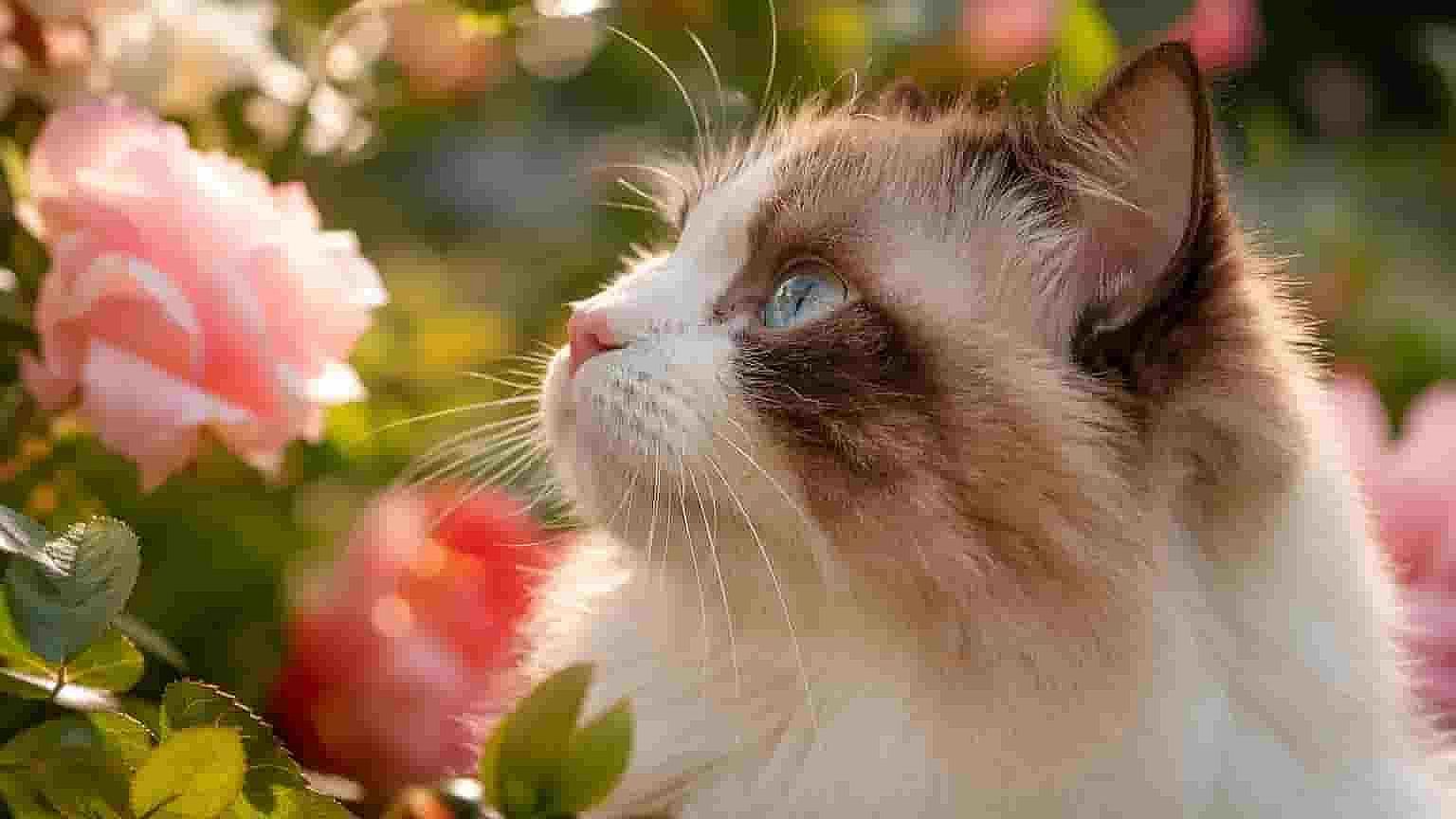
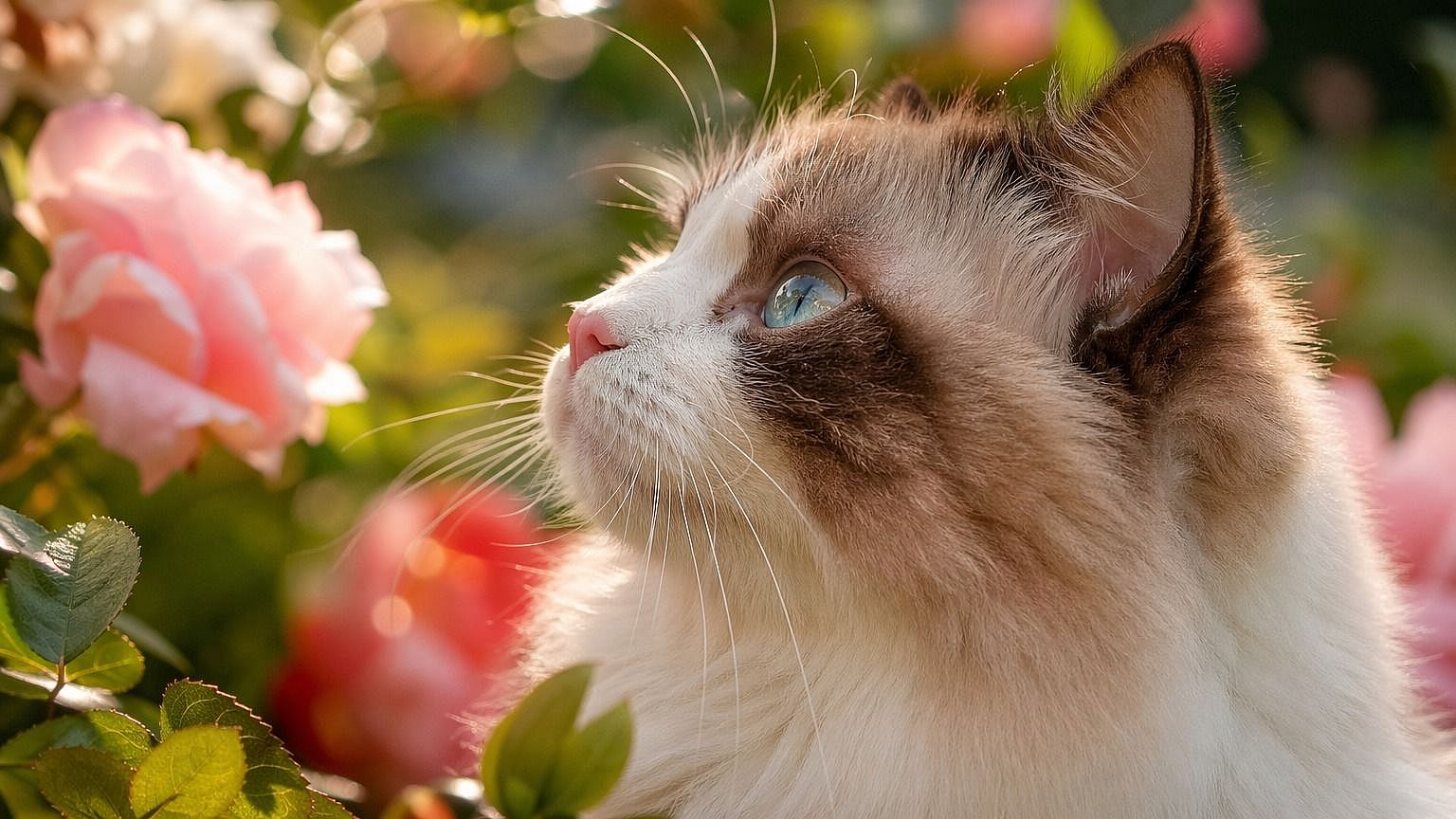
Improves Low-Quality Images
Even low-resolution or compressed images can be improved. The AI enhances clarity and reduces noise to make the image more usable.
Try it Now 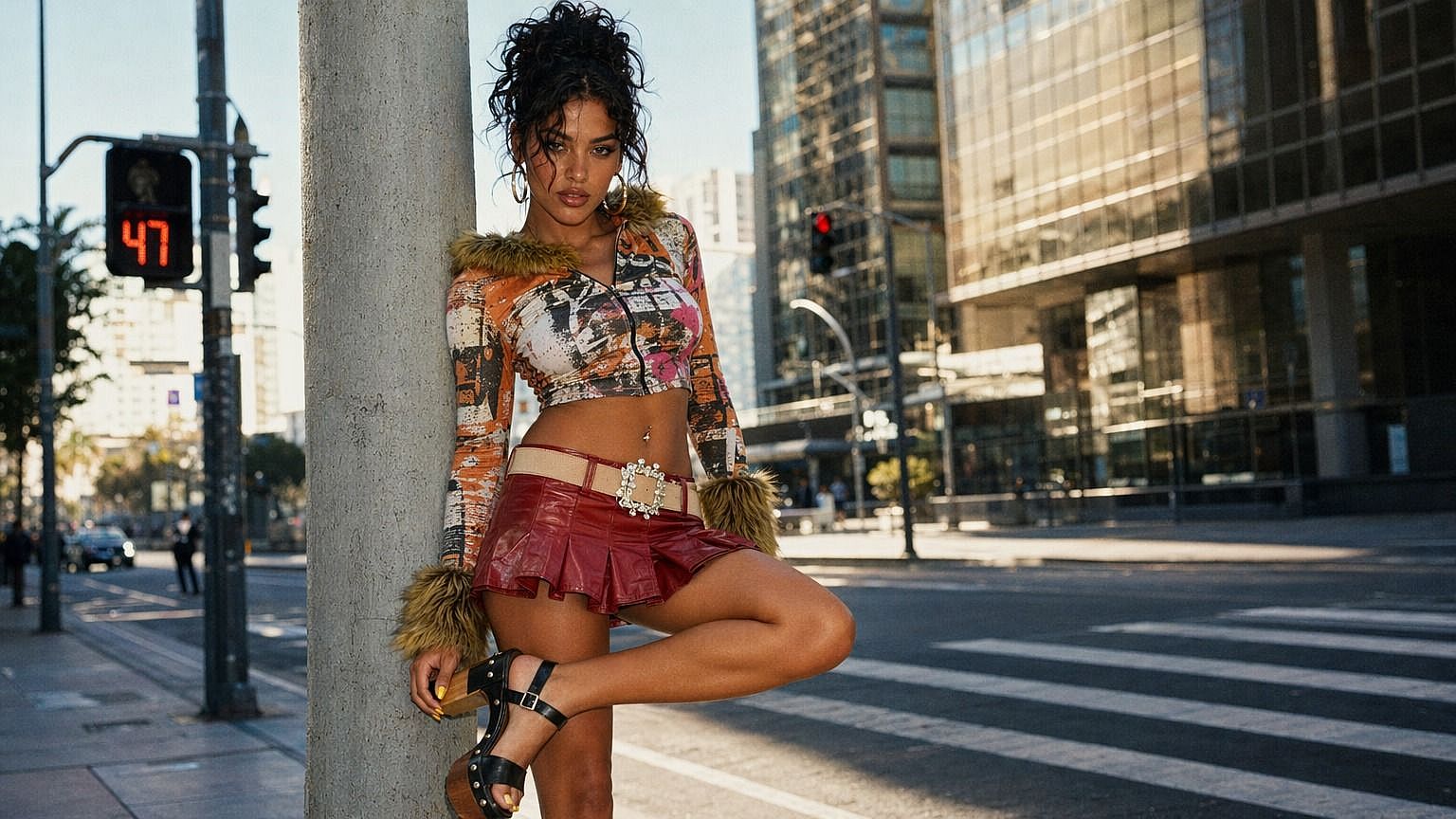
Refine and Adjust Results
You can reprocess or refine the image to get better results. This allows you to control how sharp or detailed the final output looks.
Try it NowHow to Use the Unblur Image Tool
Fix blurry photos in just a few simple steps.
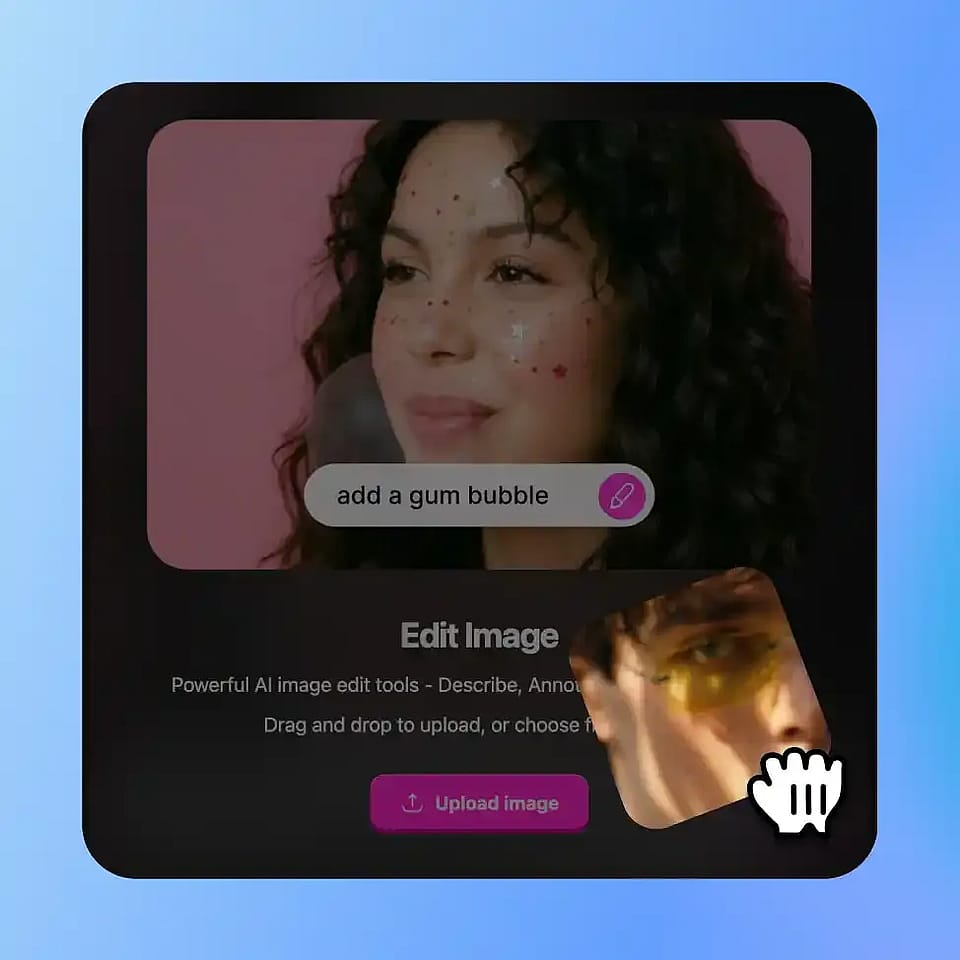
Upload Your Photo
Go to OpenArt’s Image tools and select the “edit image” mode. Upload your image.
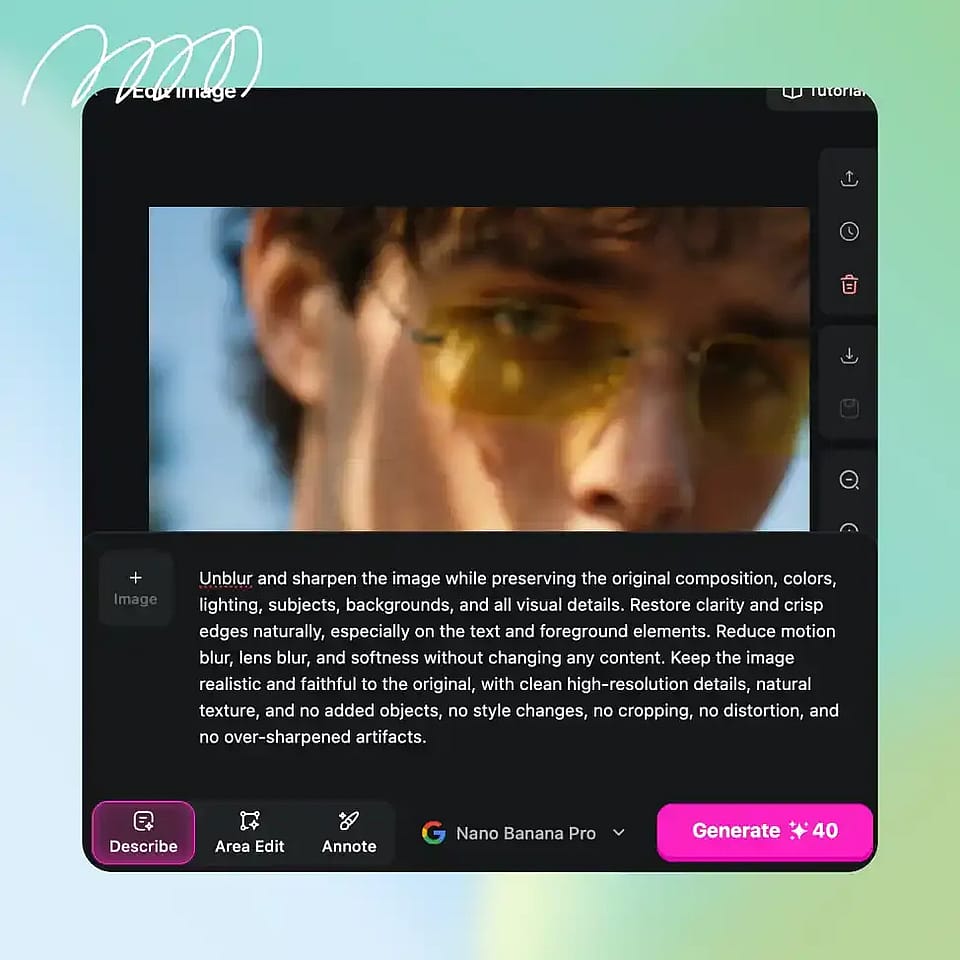
Apply Unblur Enhancement
Select the area or apply enhancement to the full image to reduce blur.
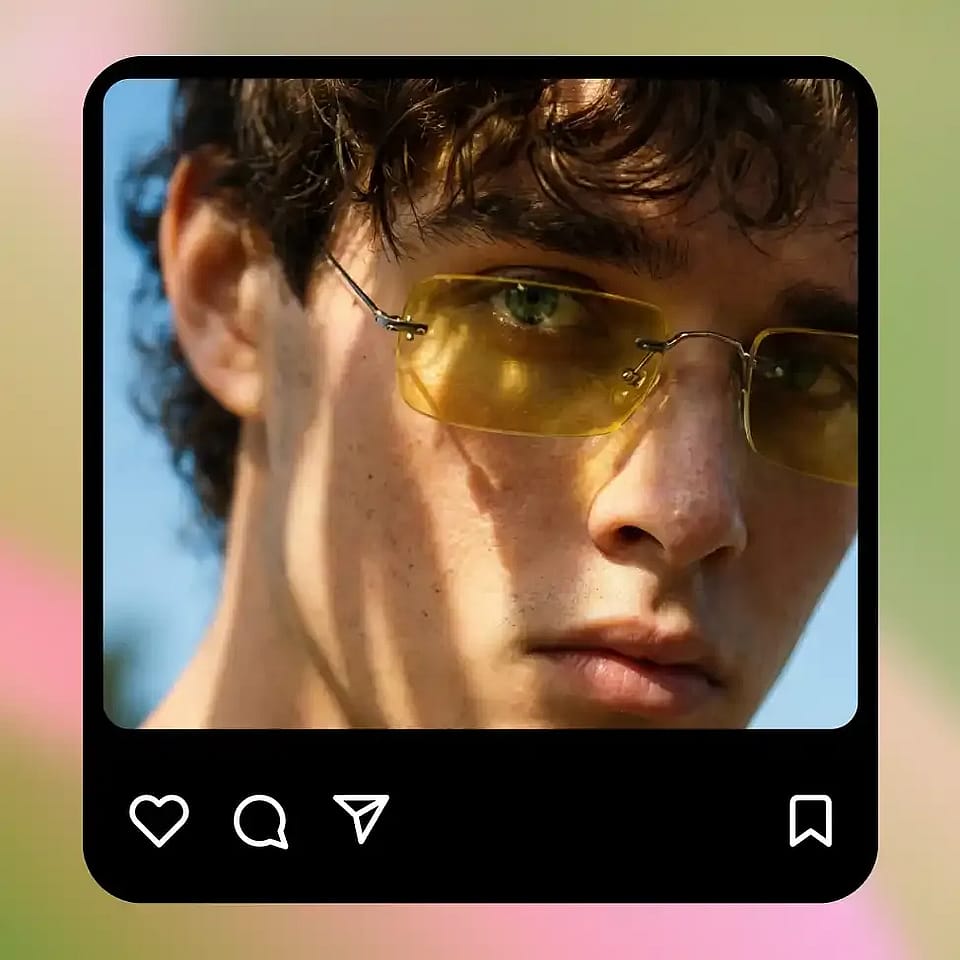
Generate and Refine
Review the result and refine if needed to improve clarity further.
Built for Fixing, Upscaling, and Enhancing Blurry Photos
Restore clarity, improve quality, and make your images usable again without manual editing.
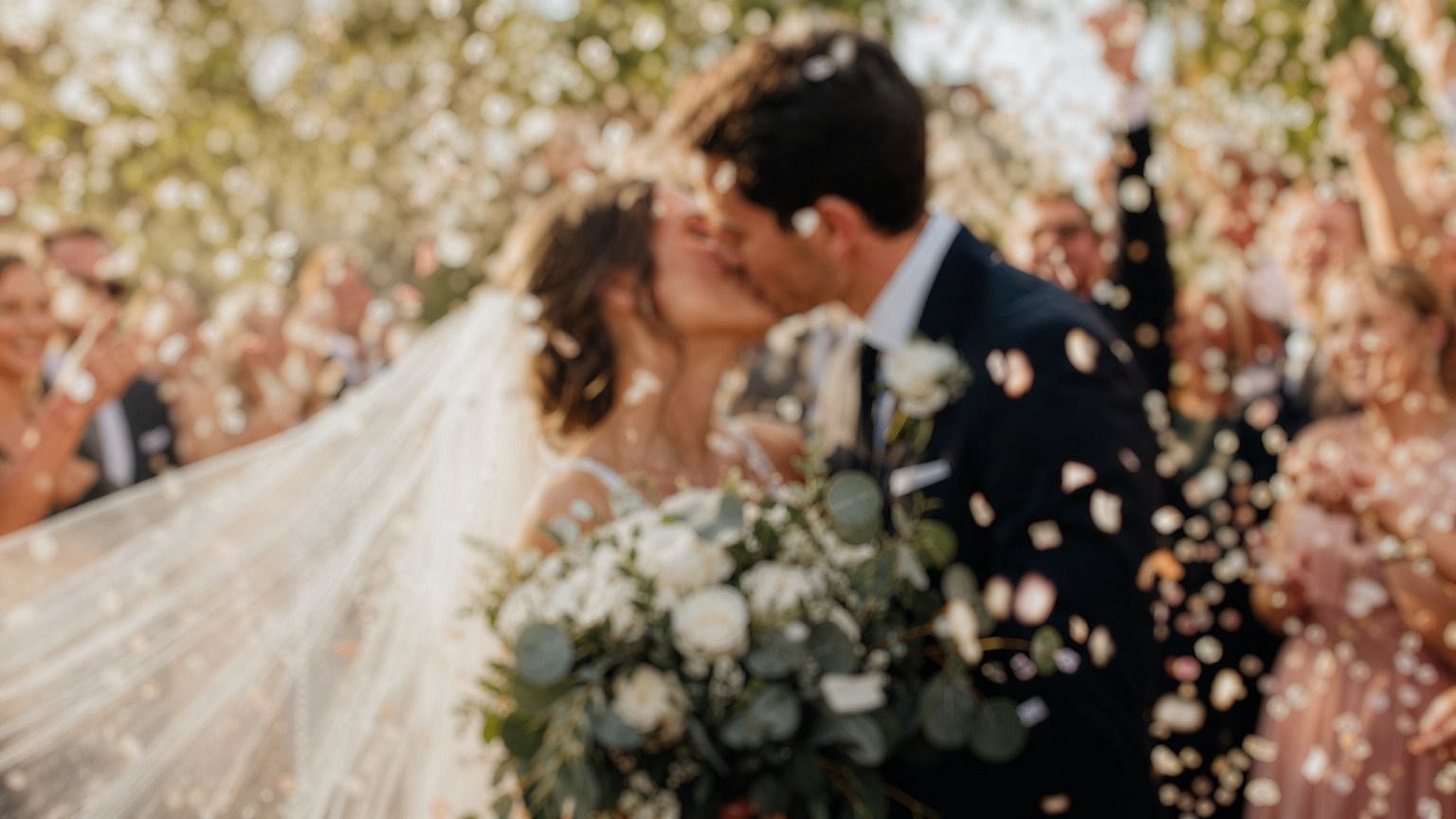
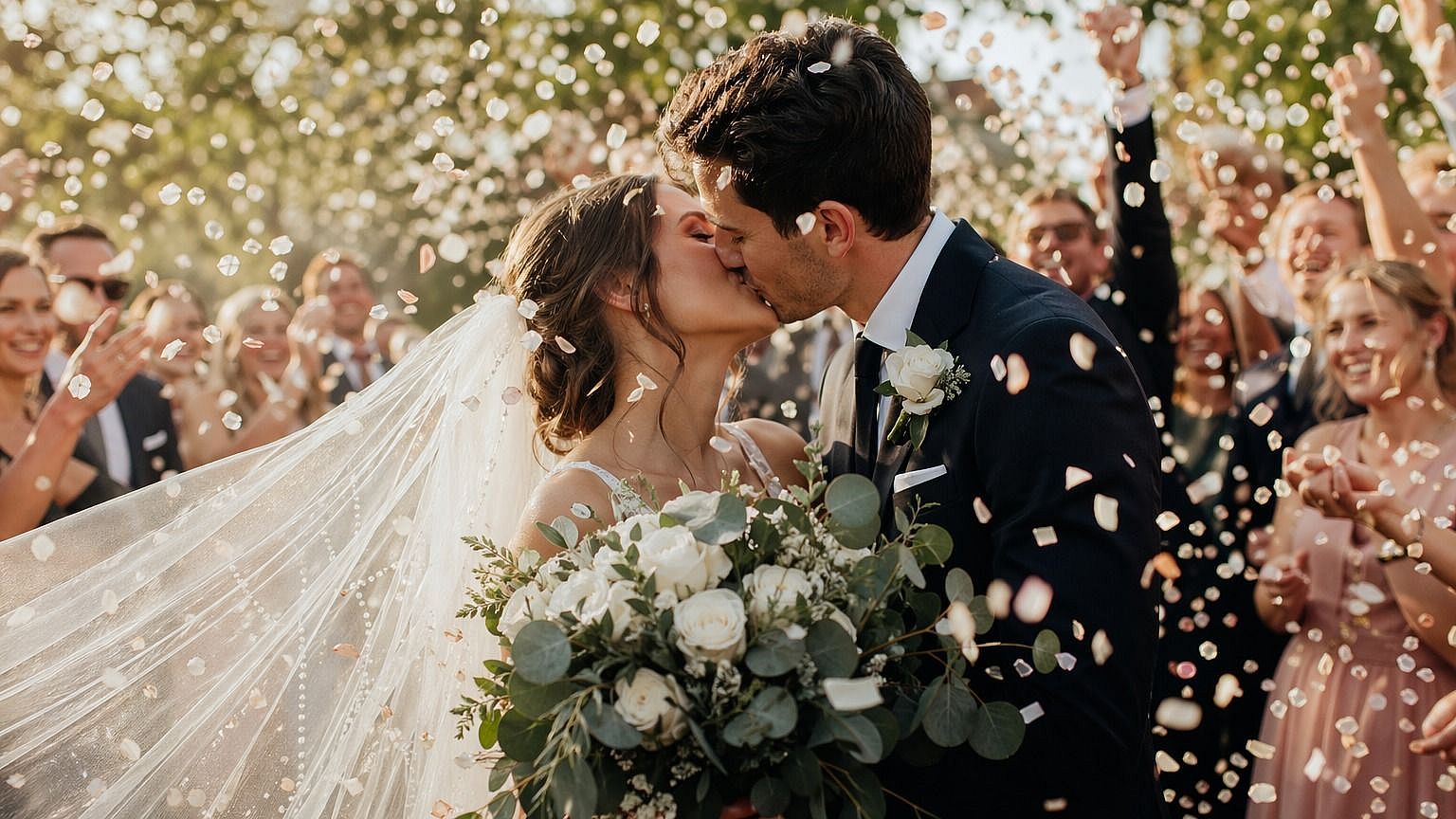
Fixing Blurry Personal Photos
Recover photos that came out blurry due to camera shake or focus issues. This is useful for important moments where retaking the photo isn’t possible.
Try it Now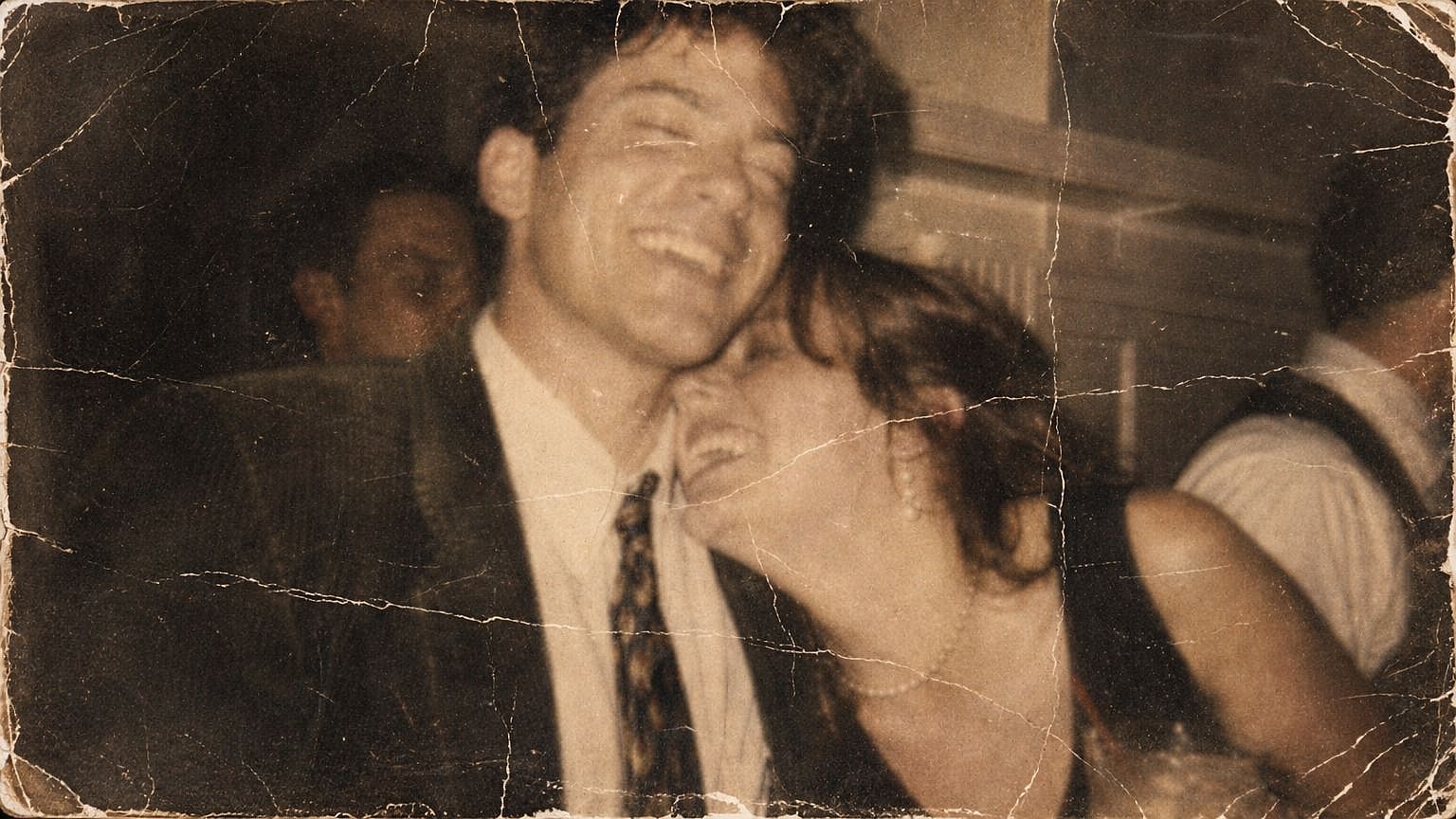
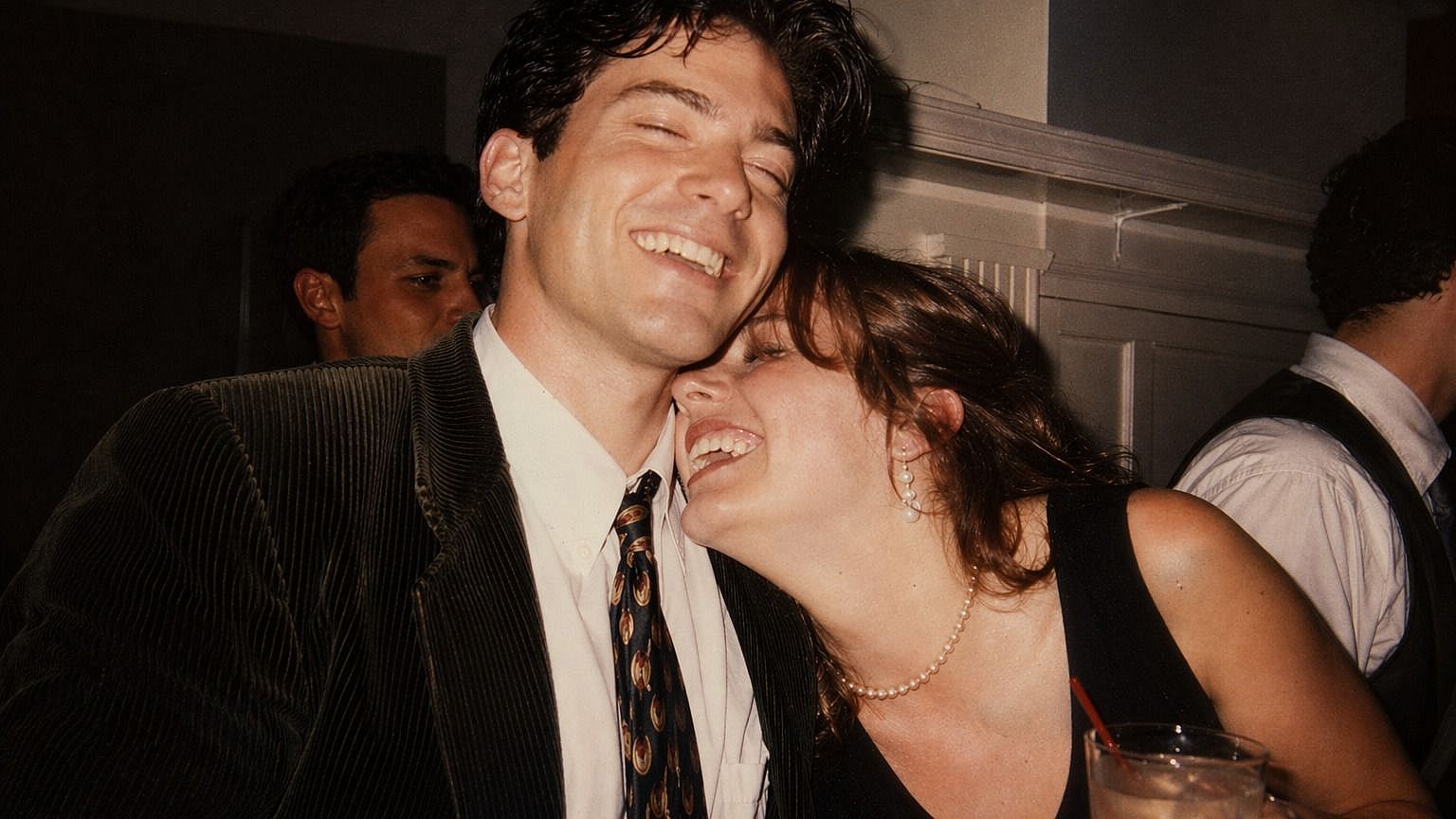
Improving Old or Low-Quality Images
Enhance older photos or compressed images to make them clearer and more detailed. This helps bring back visibility in images that have lost quality over time.
Try it Now 
Content Creators and Image Quality
Improve image clarity for posts, thumbnails, or visual content. Sharper images help content look more professional and engaging.
Try it Now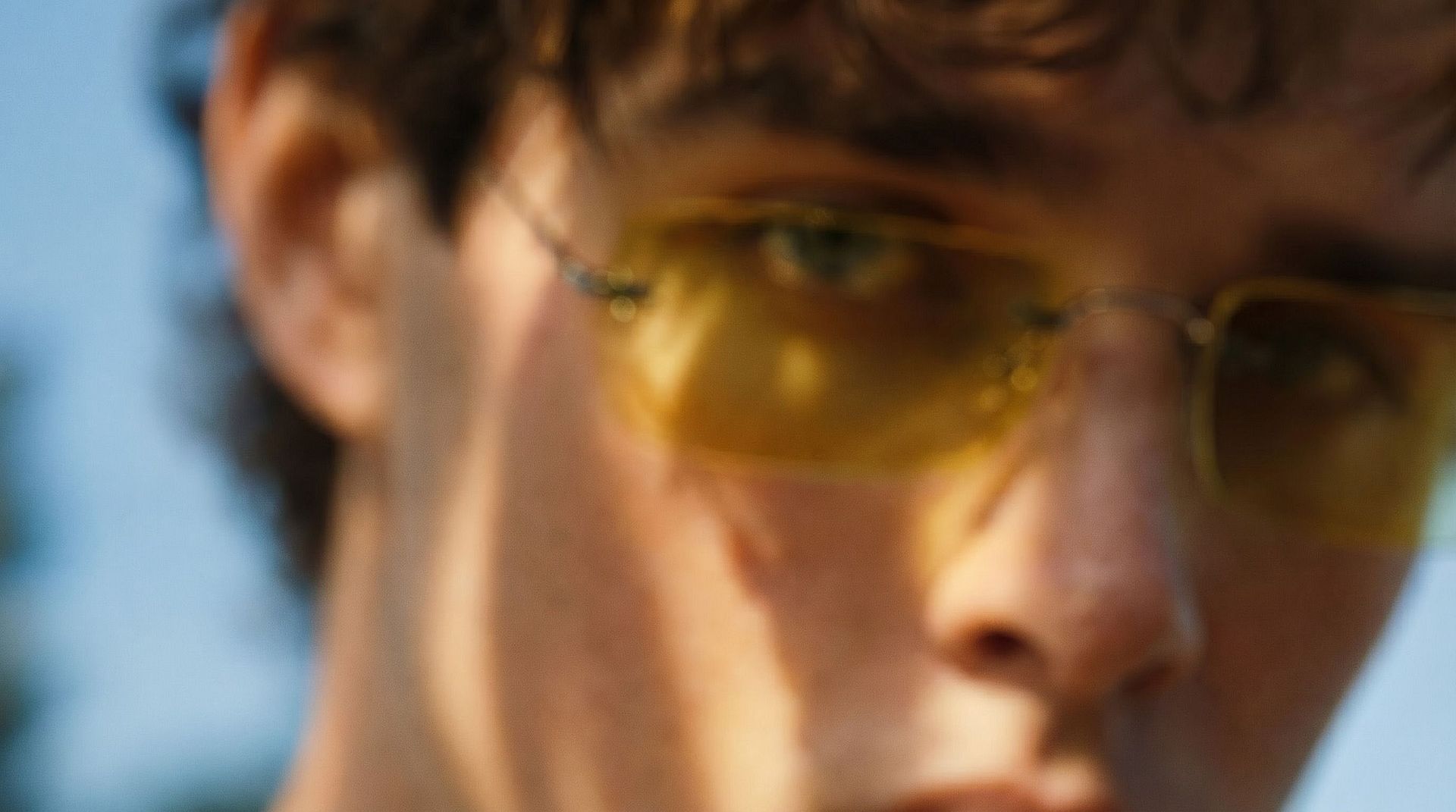
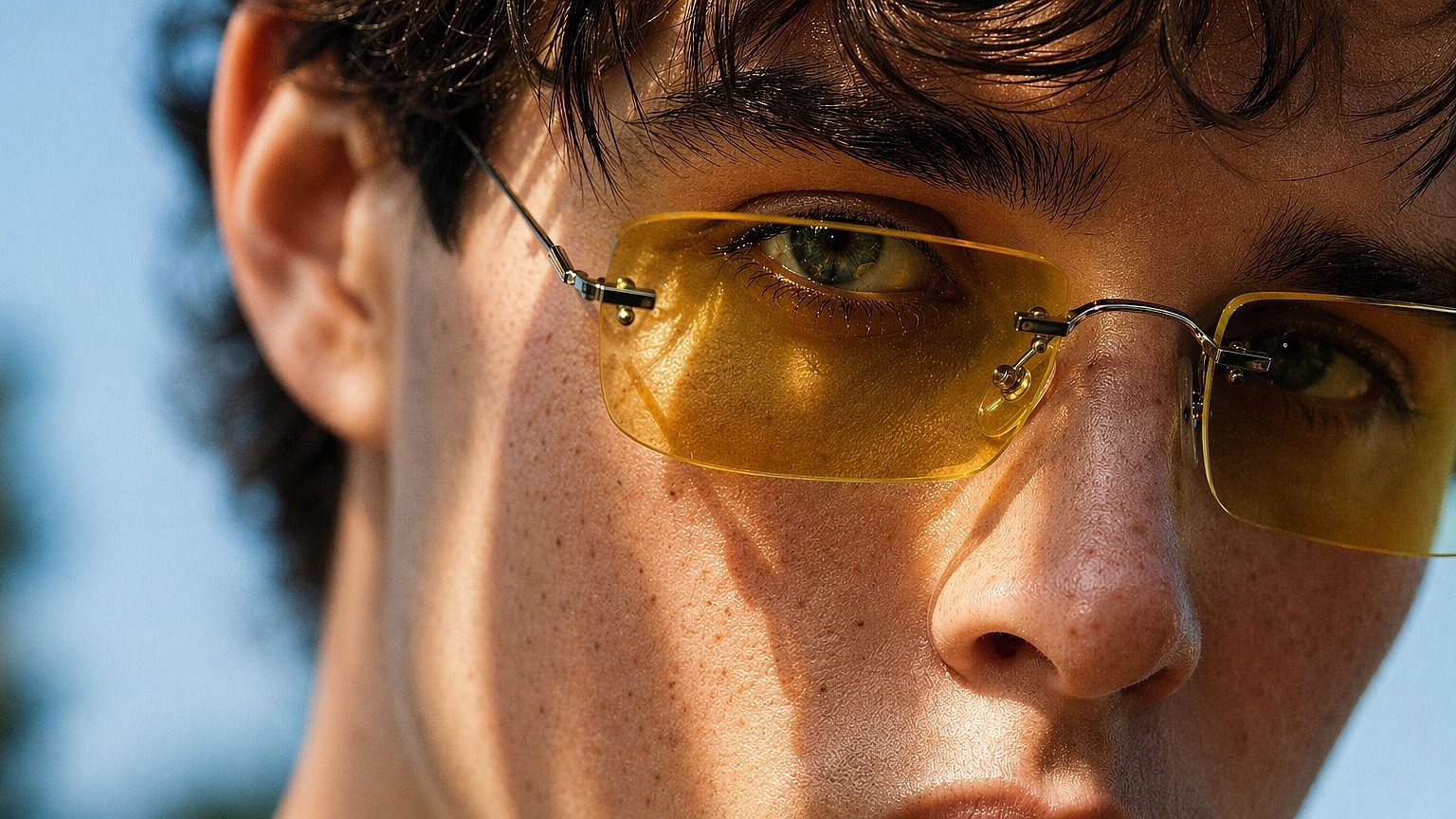
Restoring Faces and Key Details
Unblur faces and important parts of an image so they become more recognizable and clear, especially in portraits or close-up shots.
Try it Now