
AI Clothes Remover
Remove, replace, or change clothing in any photo online instantly. Perfect for designers, ecommerce, marketing, and creative photo editing.
 Add an image Or drag and drop here · JPEG, PNG, WEBP
Precise Region Selection
OpenArt gives you fine control over exactly what you want to edit. Select specific clothing areas in an image and modify only those regions without affecting the rest of the composition.
Multiple Style Outputs
Swap outfits into any style you need: formal, casual, streetwear, high fashion, or even stylized artistic looks. You can experiment freely without reshooting or redesigning from scratch.

Non-Destructive Editing
Edits blend naturally into the original image. Lighting, shadows, and textures are preserved, ensuring the final result looks realistic and cohesive rather than artificially altered.
Community Creations
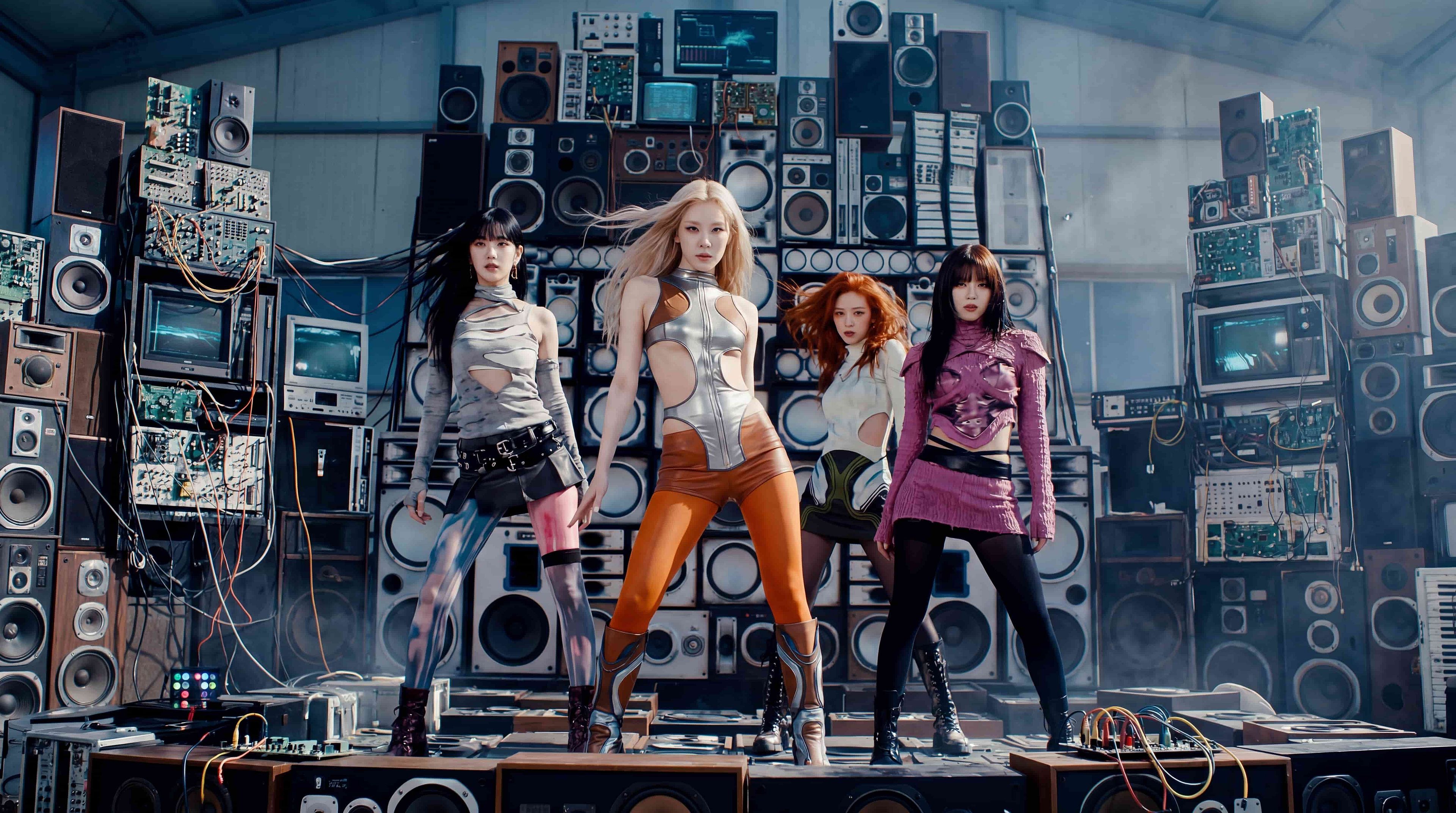
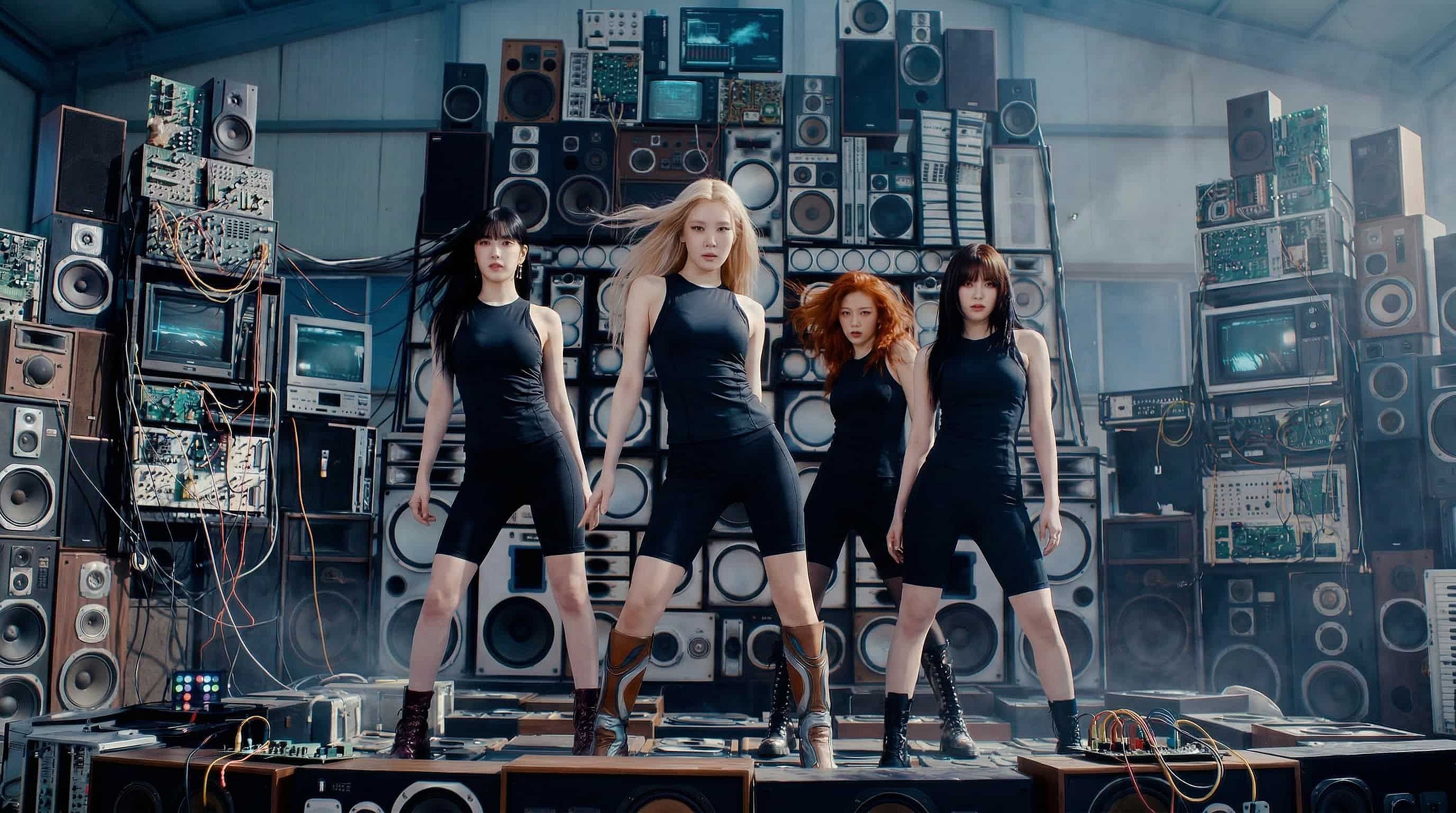
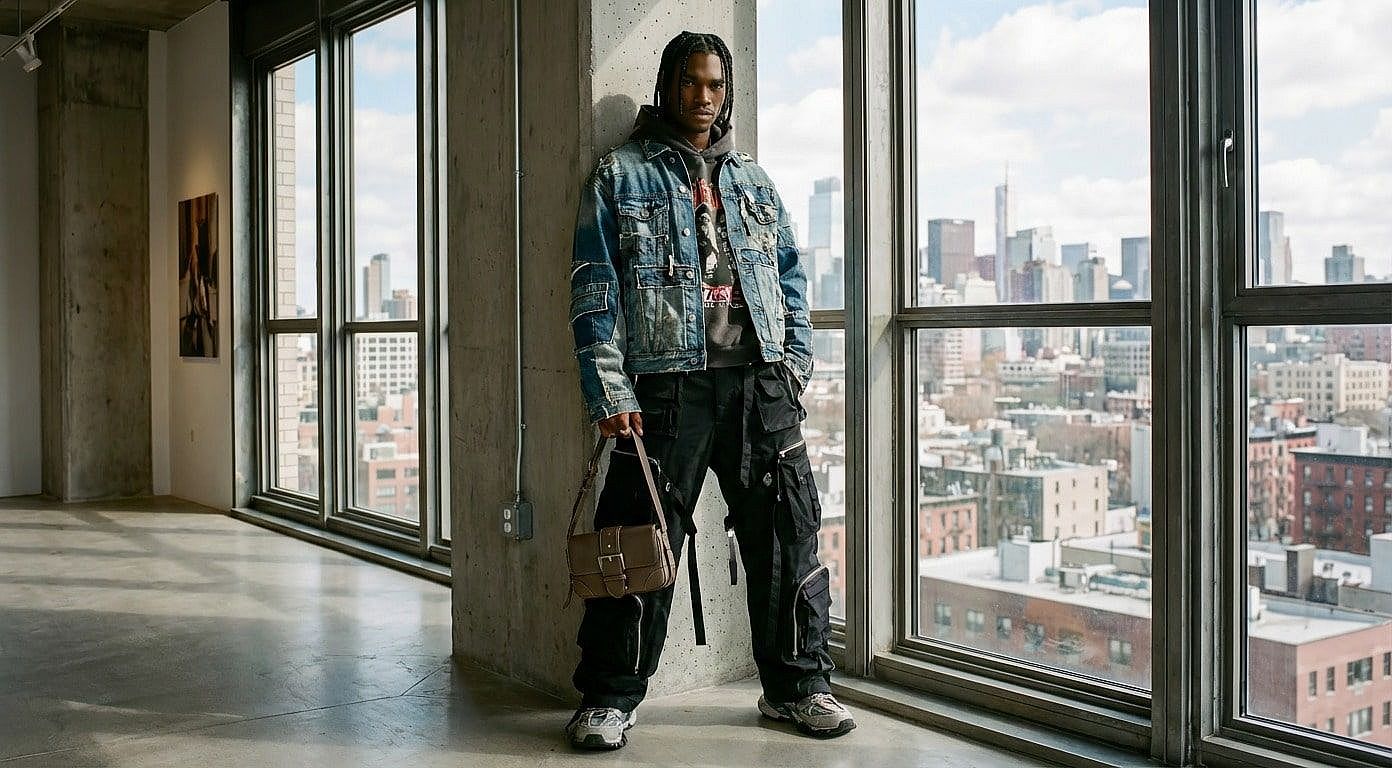
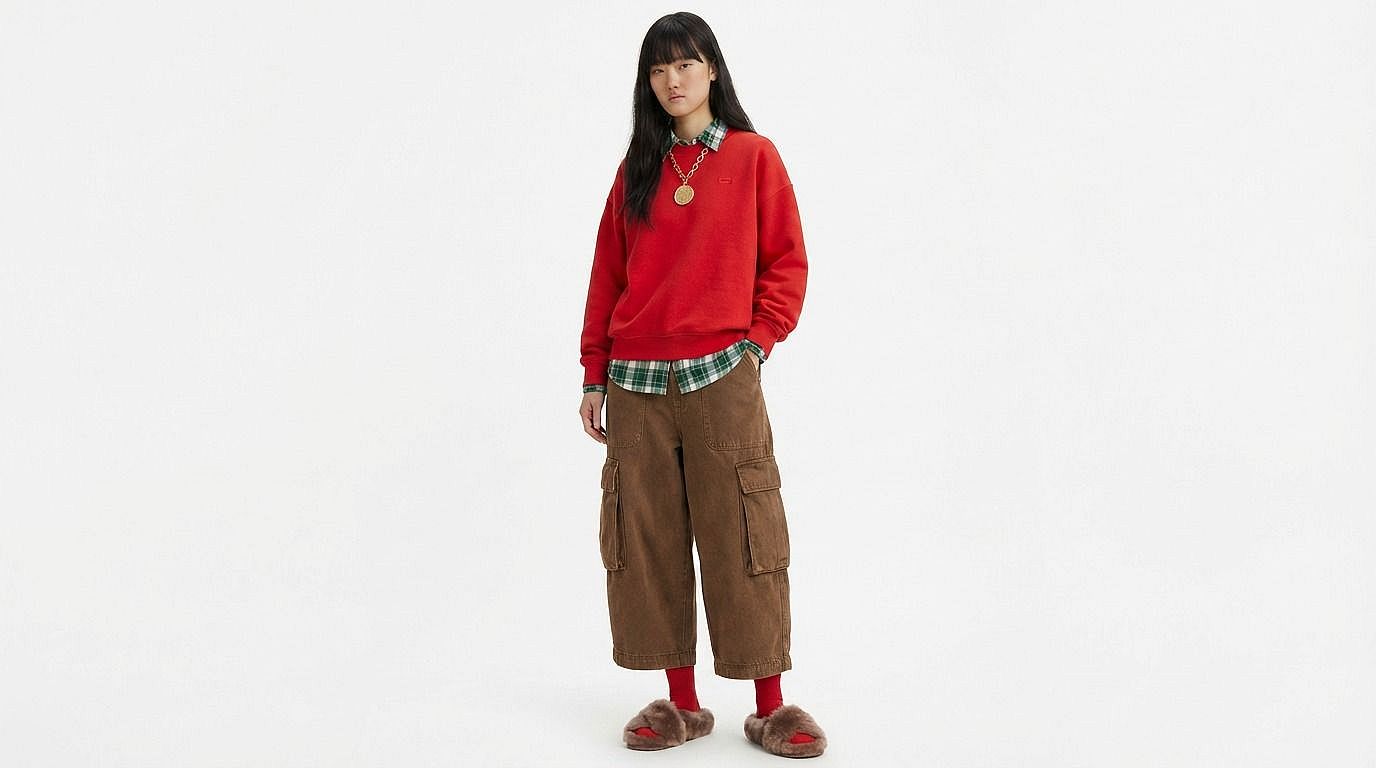
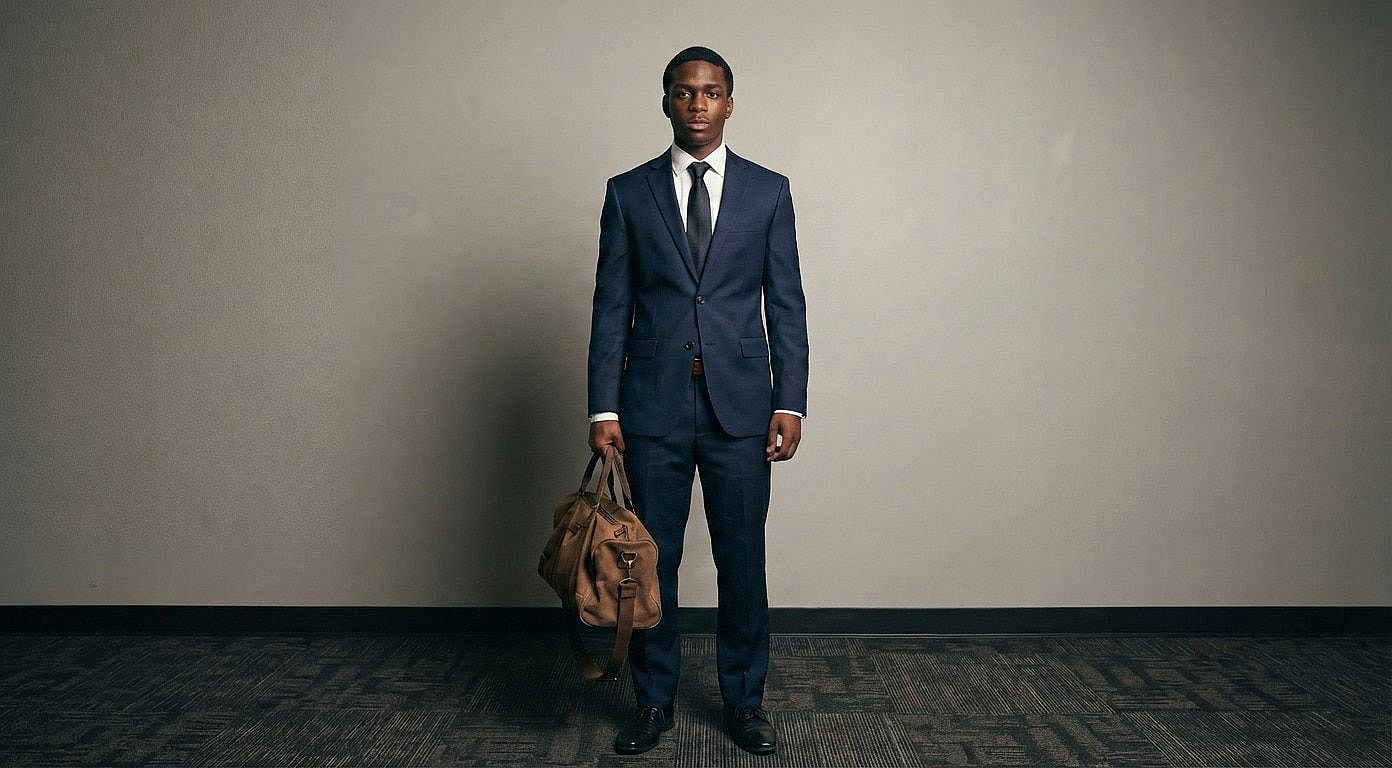
Look at what creators, designers, and marketers are making with OpenArt's AI-powered clothing editing. From fashion transformations to creative styling experiments, see how clothing edits can completely change the feel of an image.
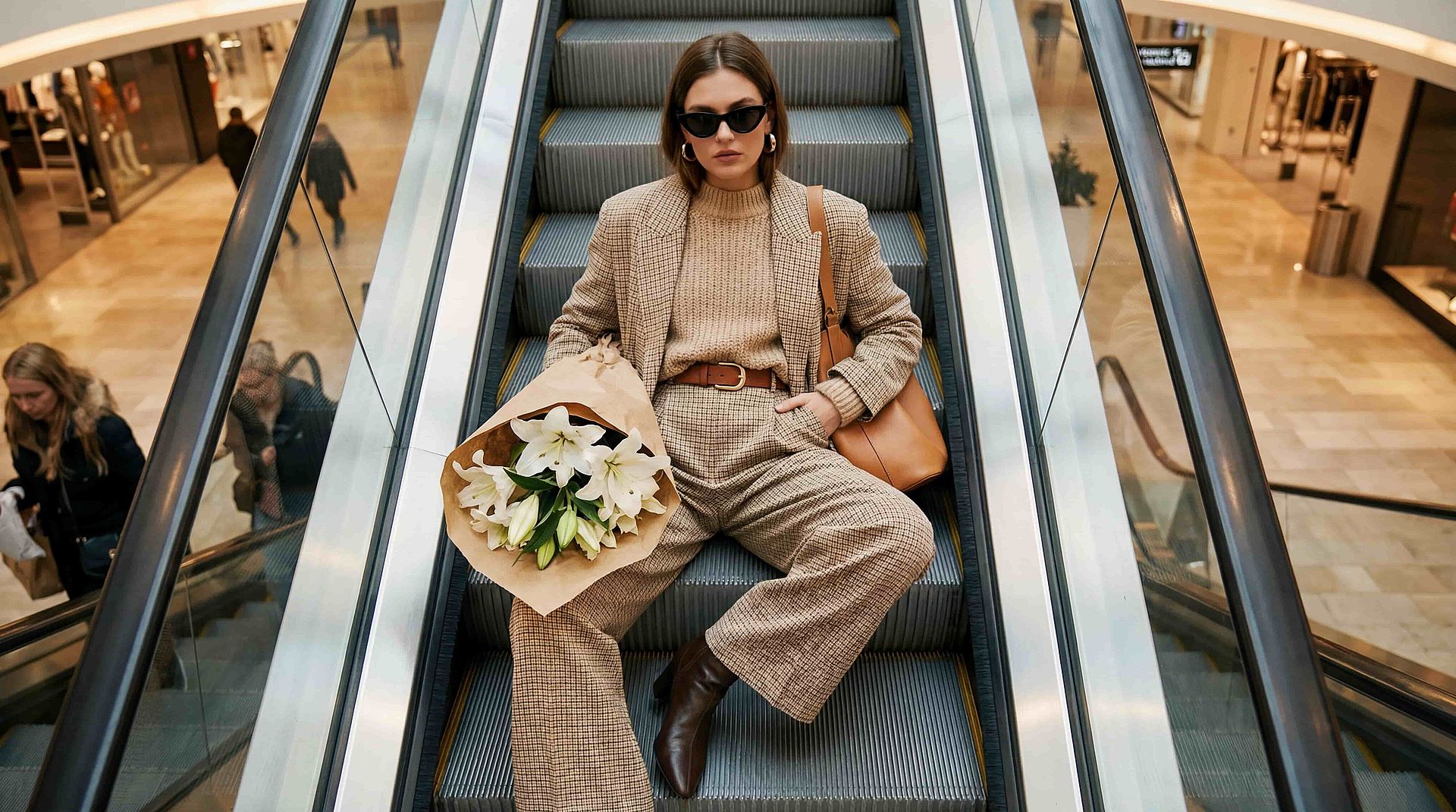
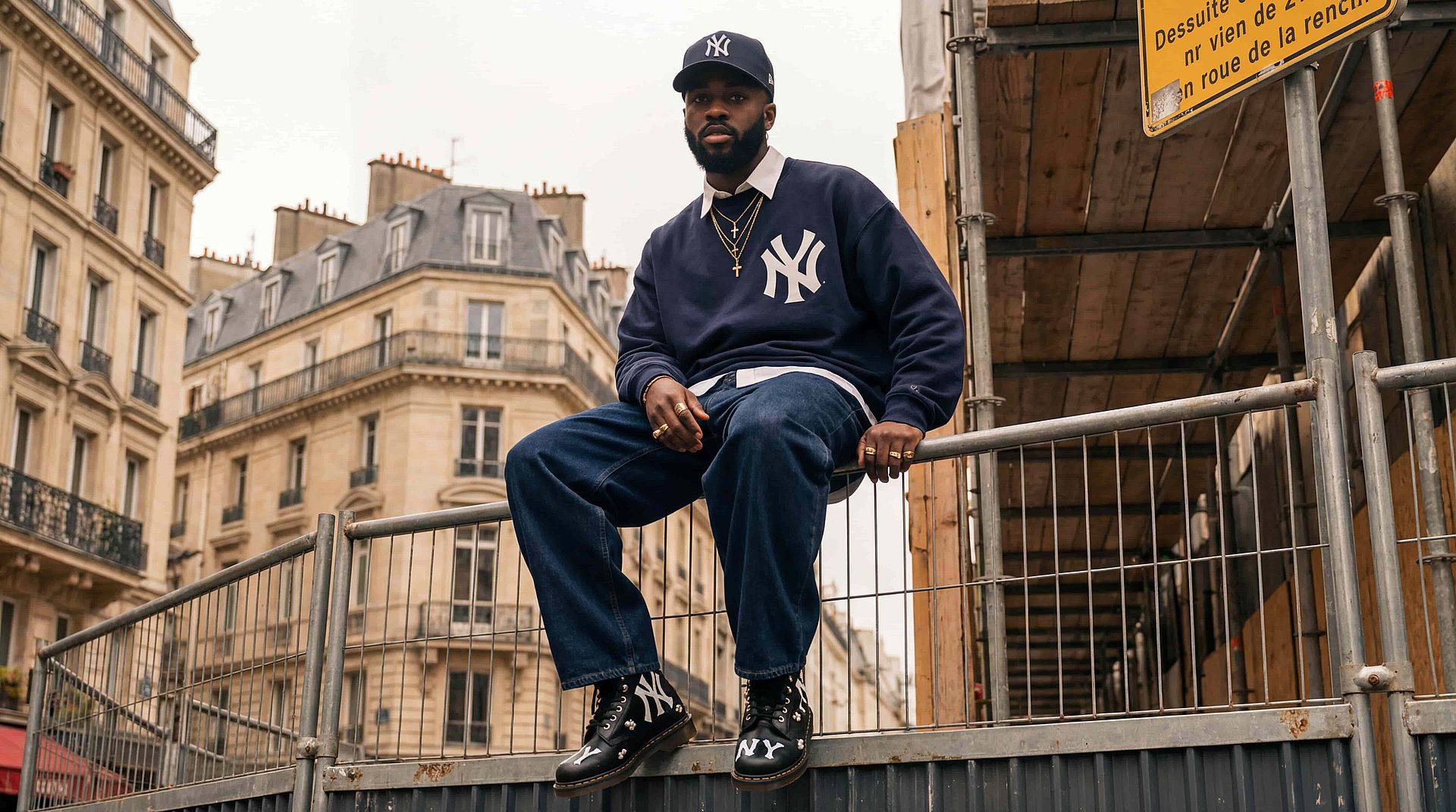
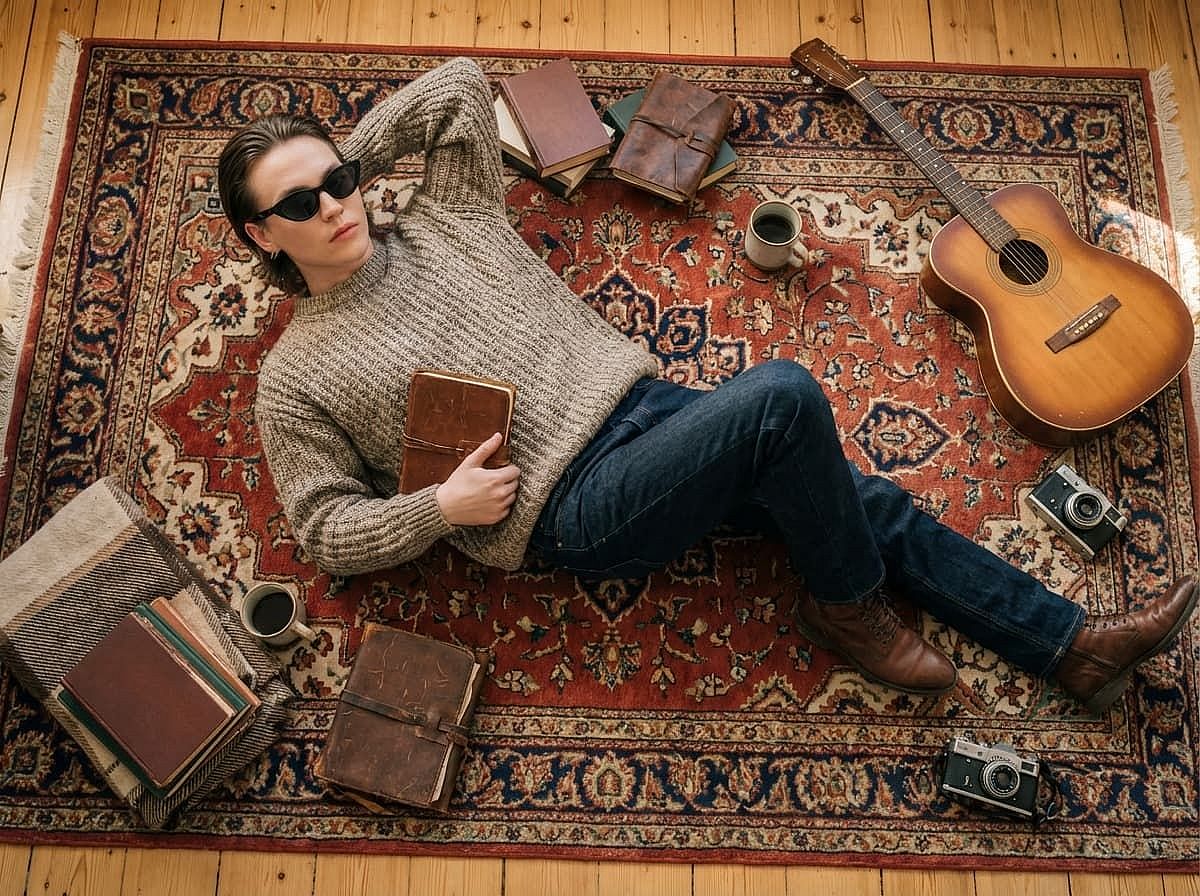
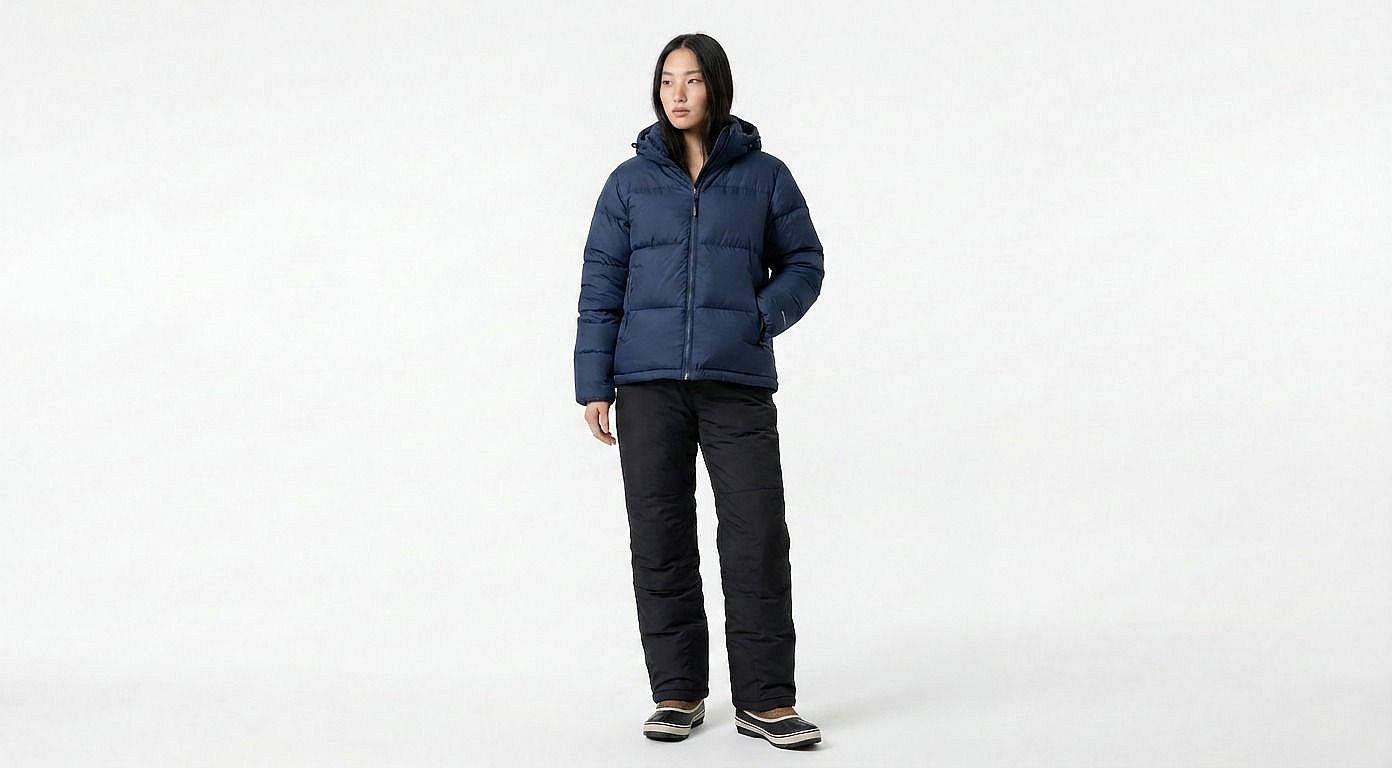
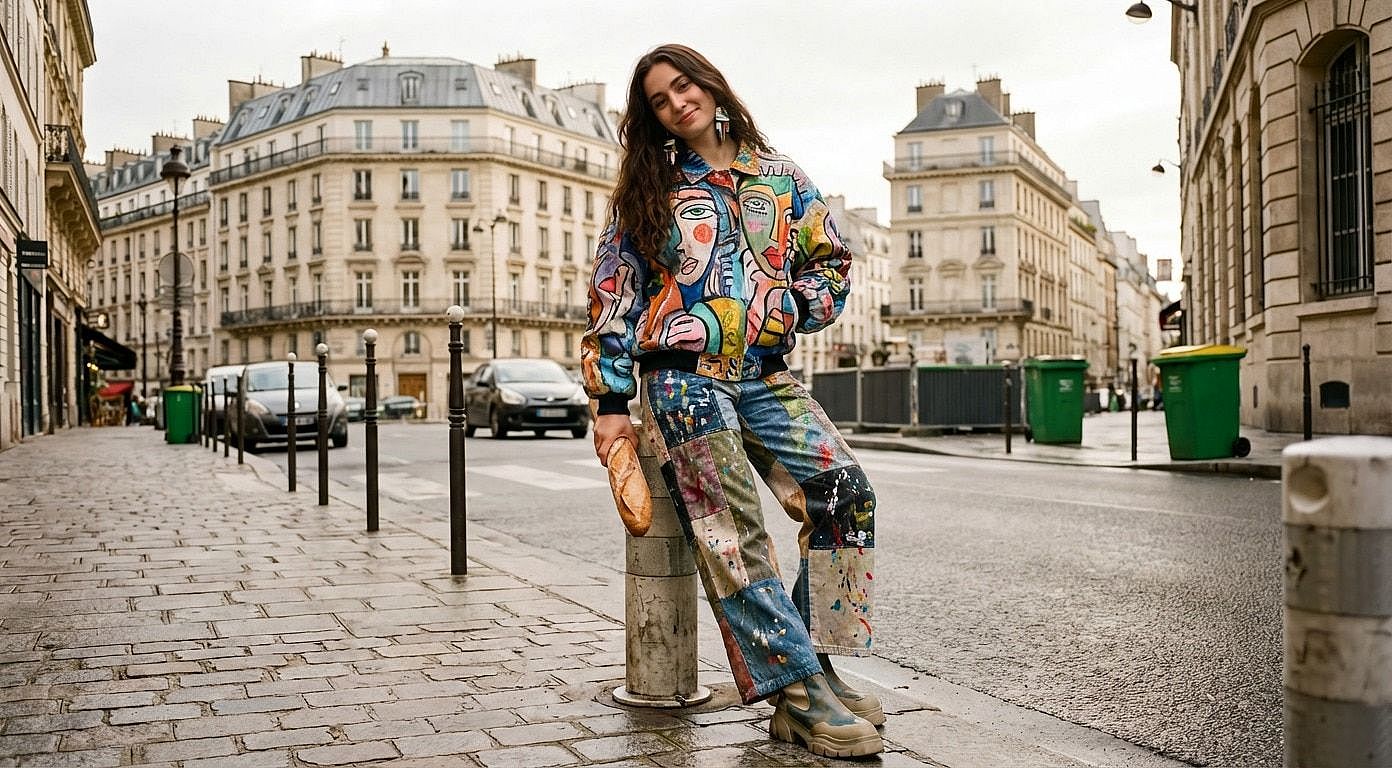
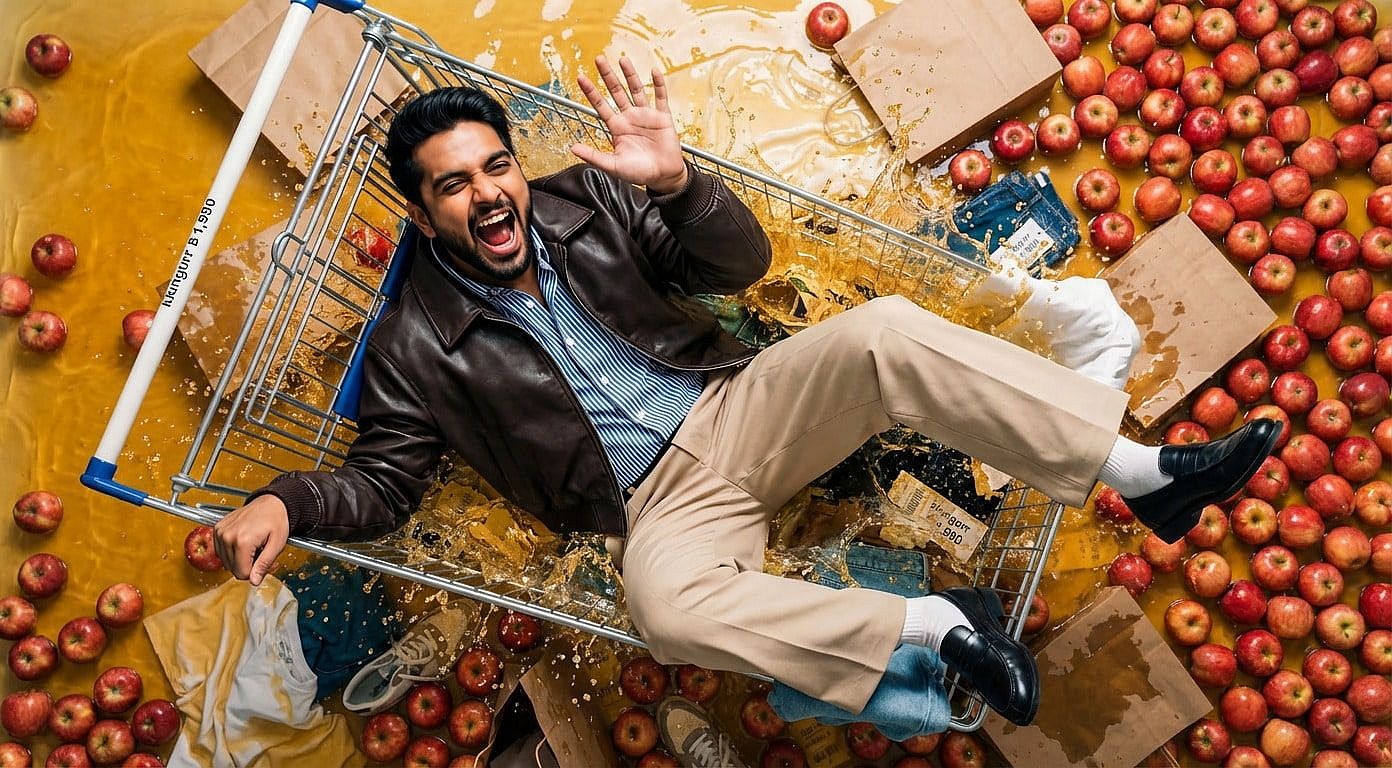
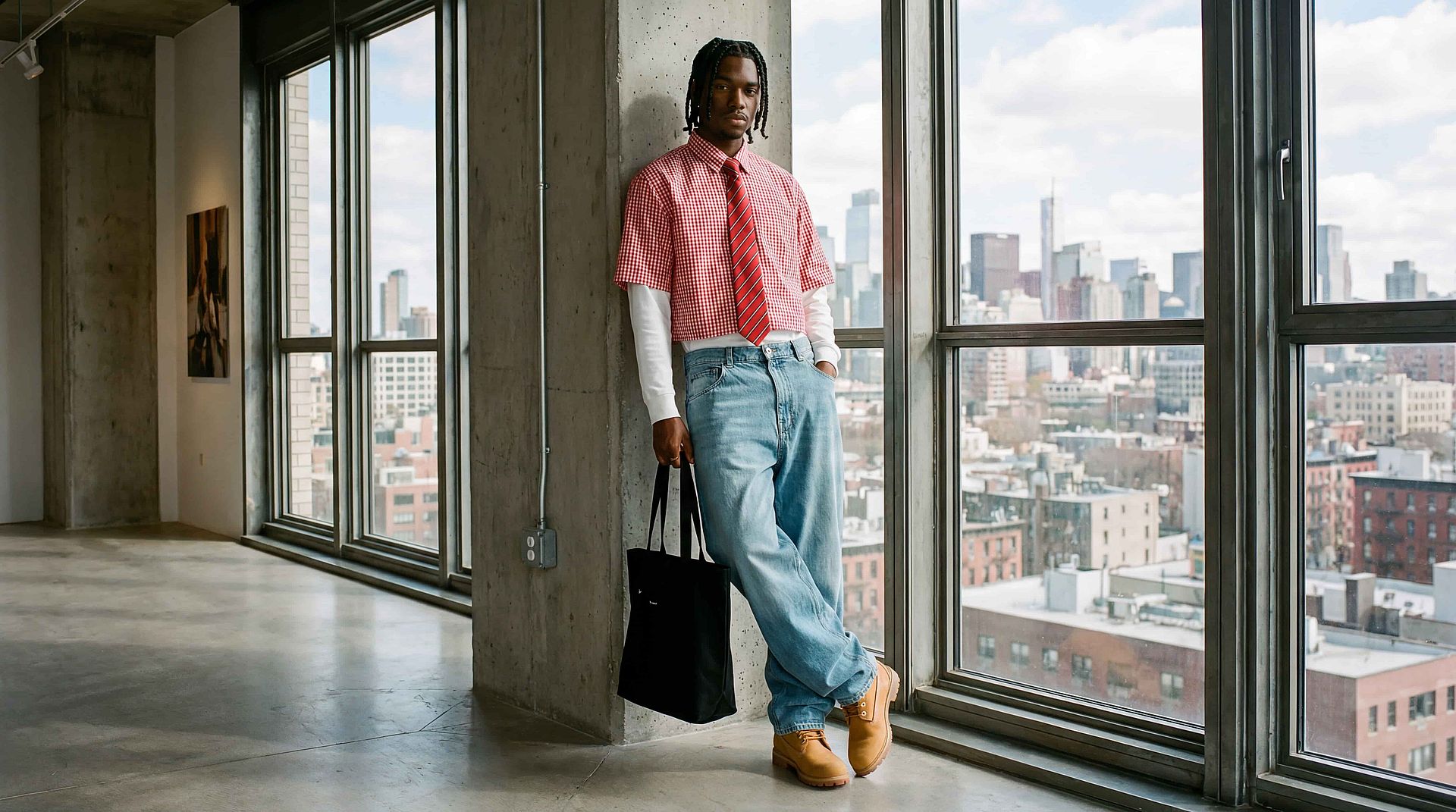
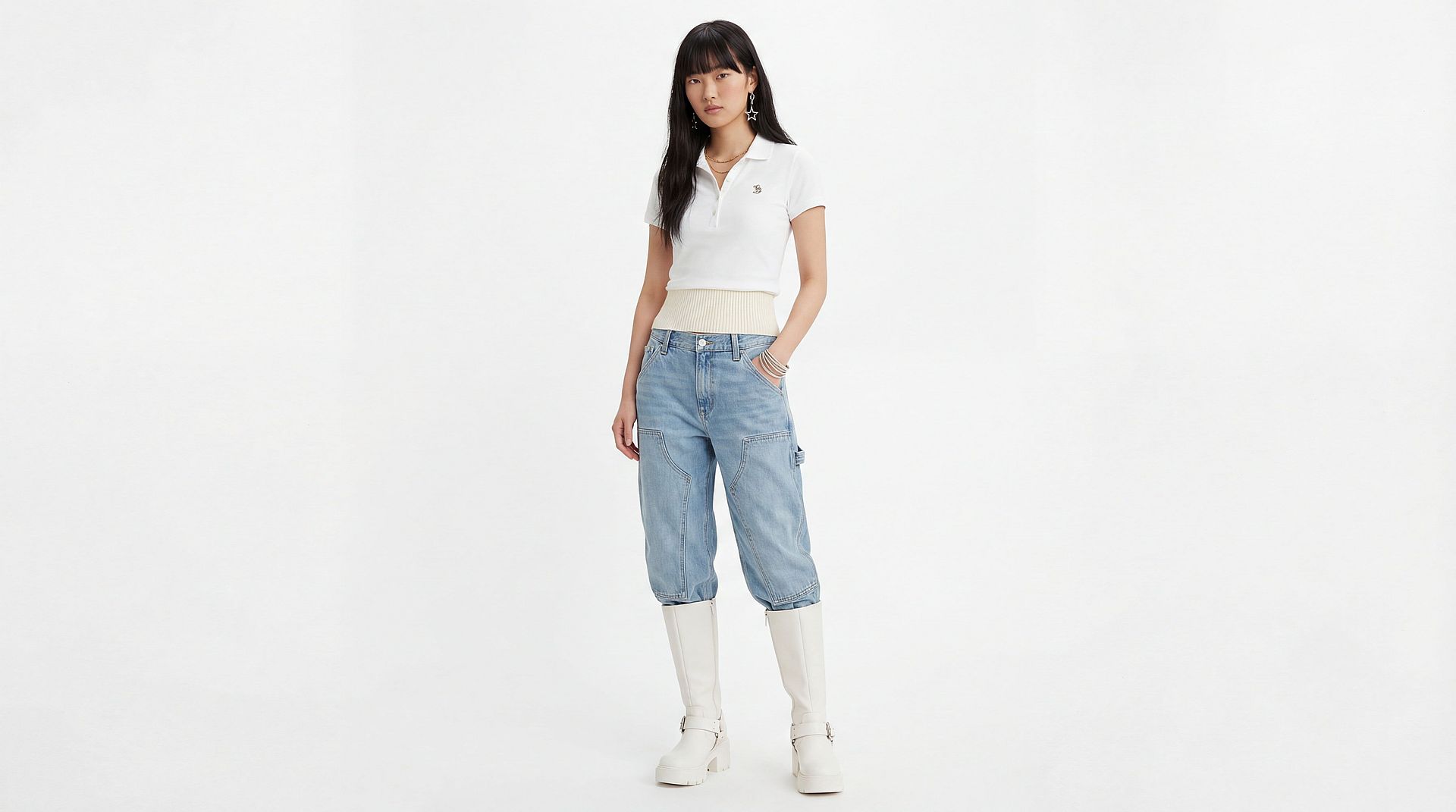
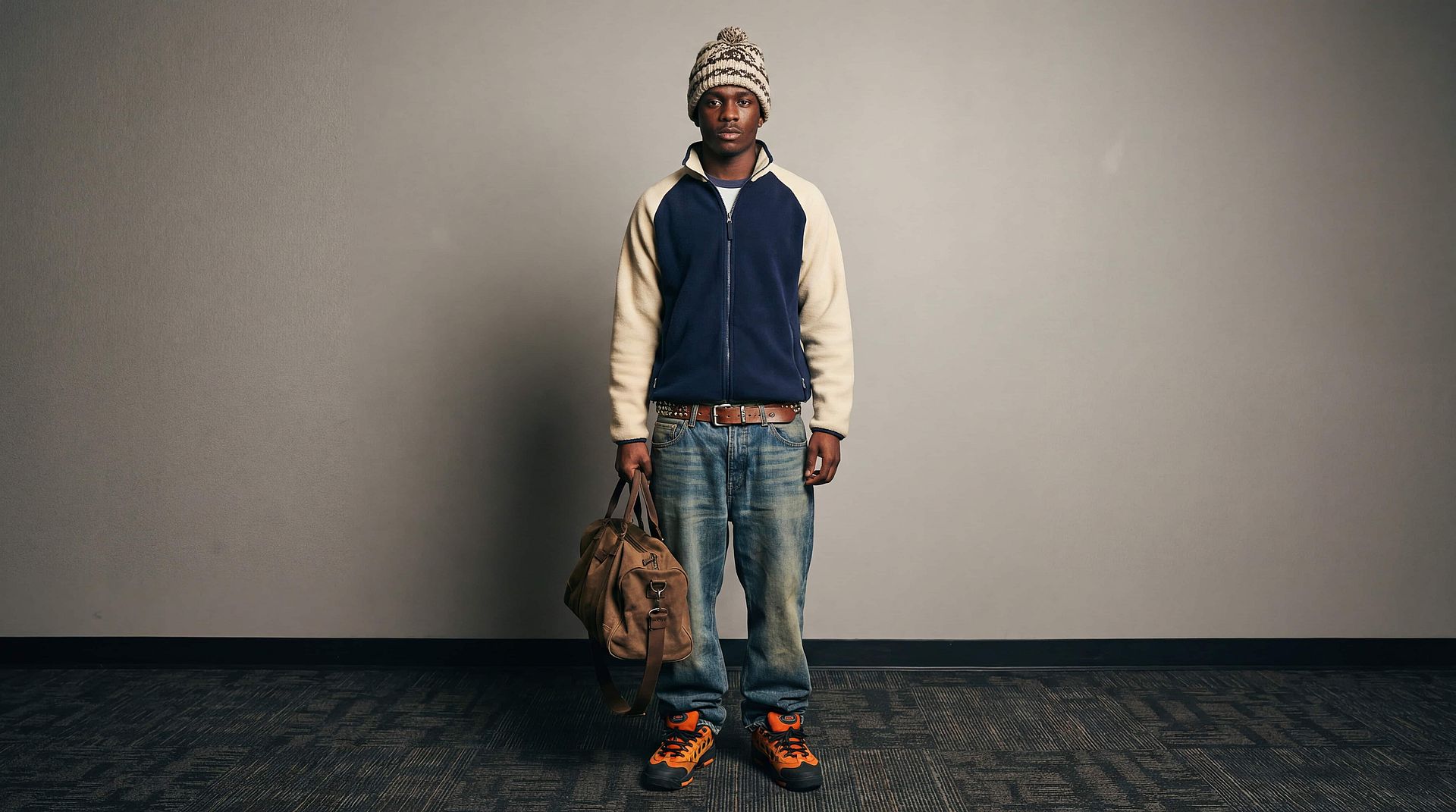
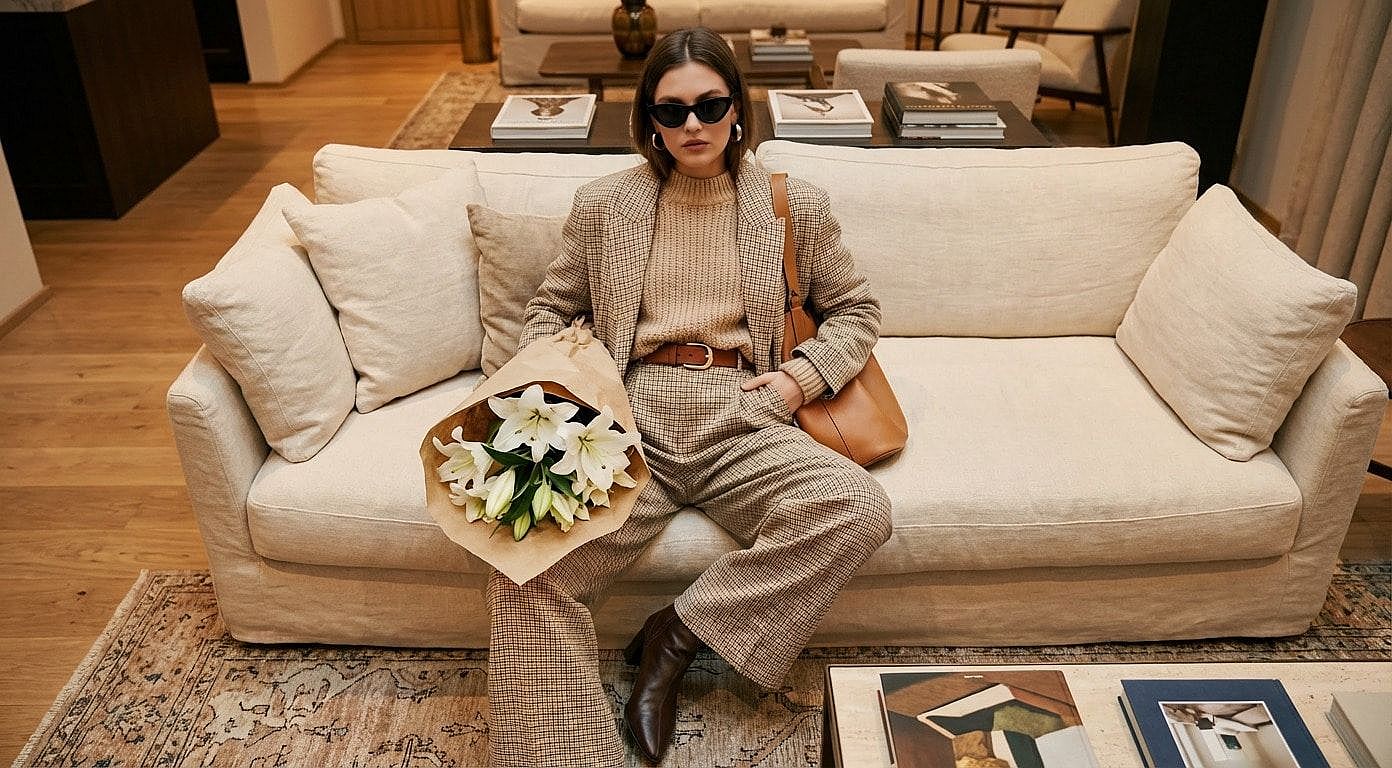
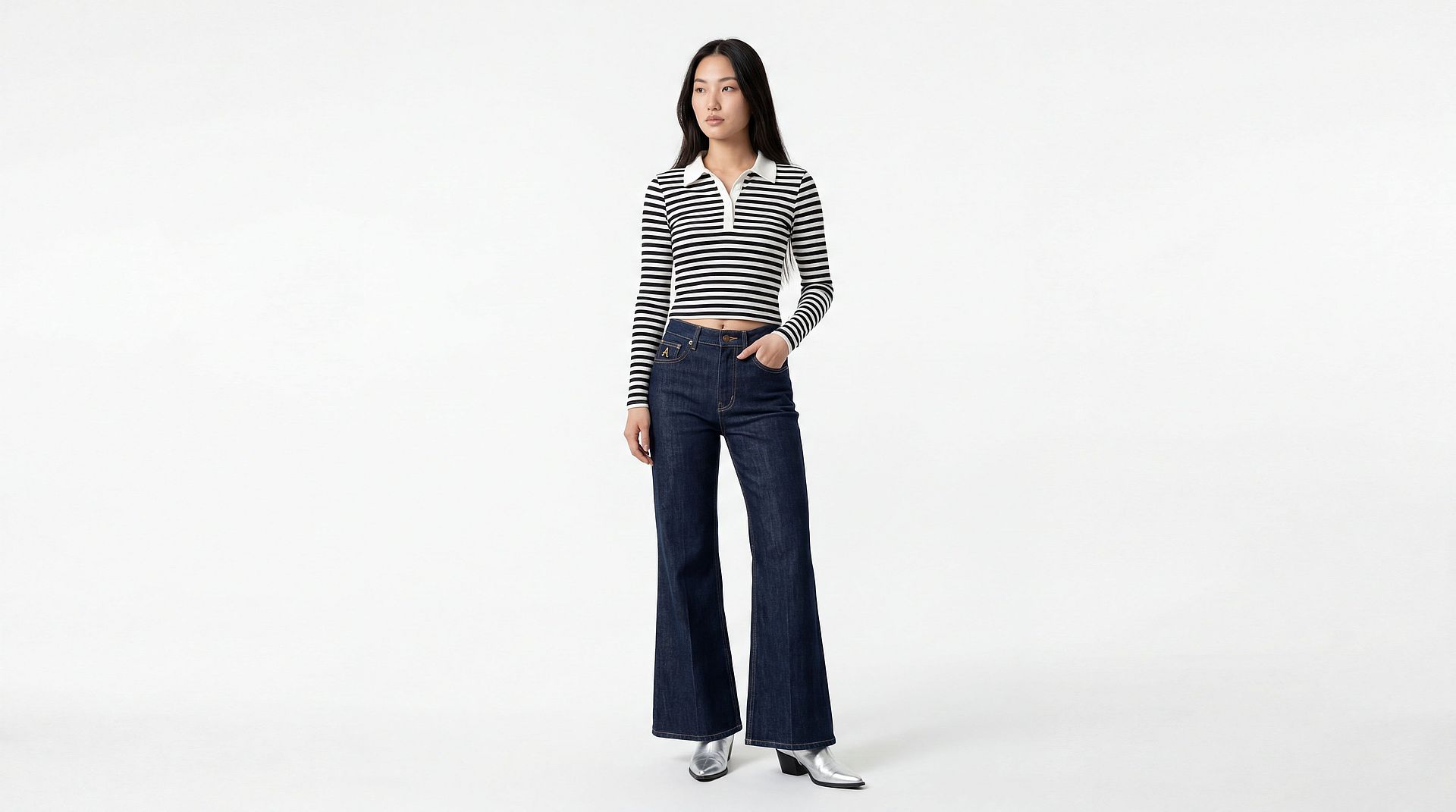
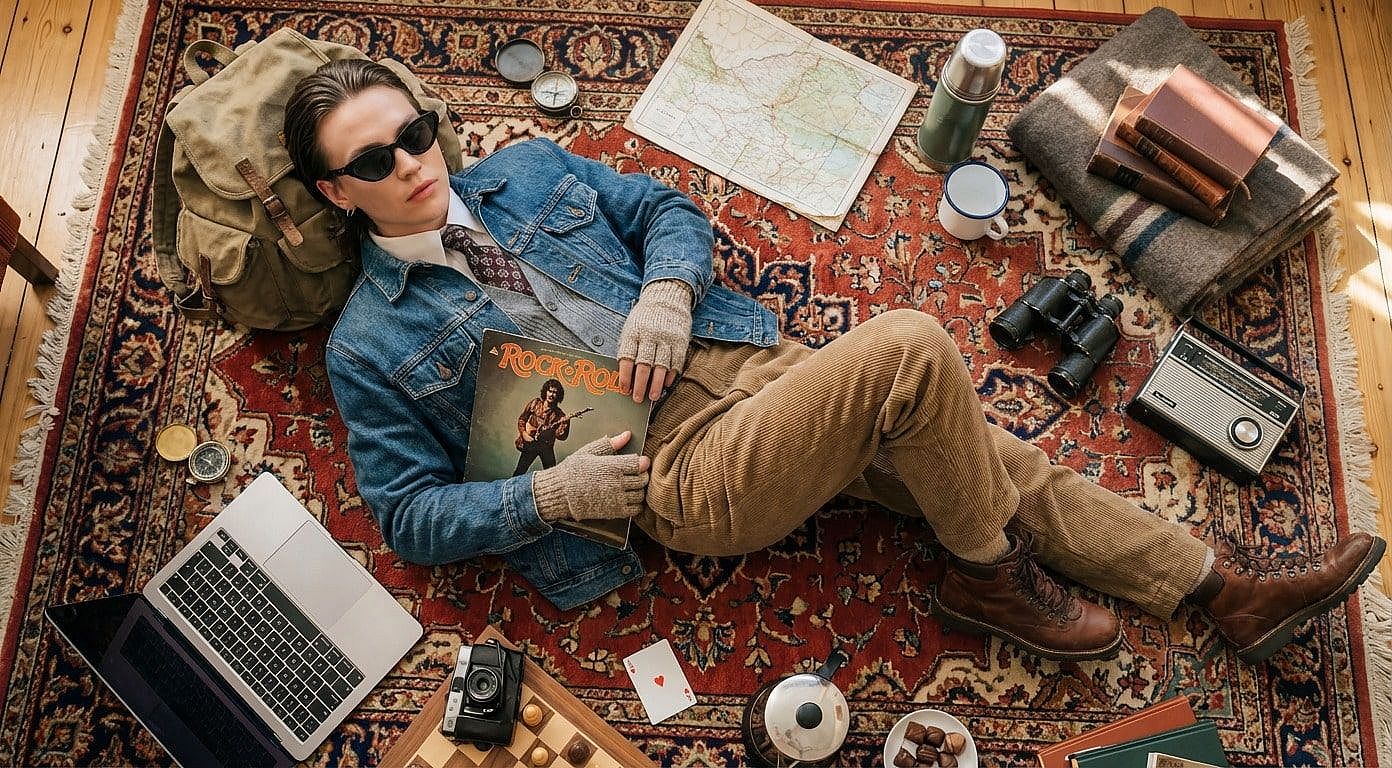
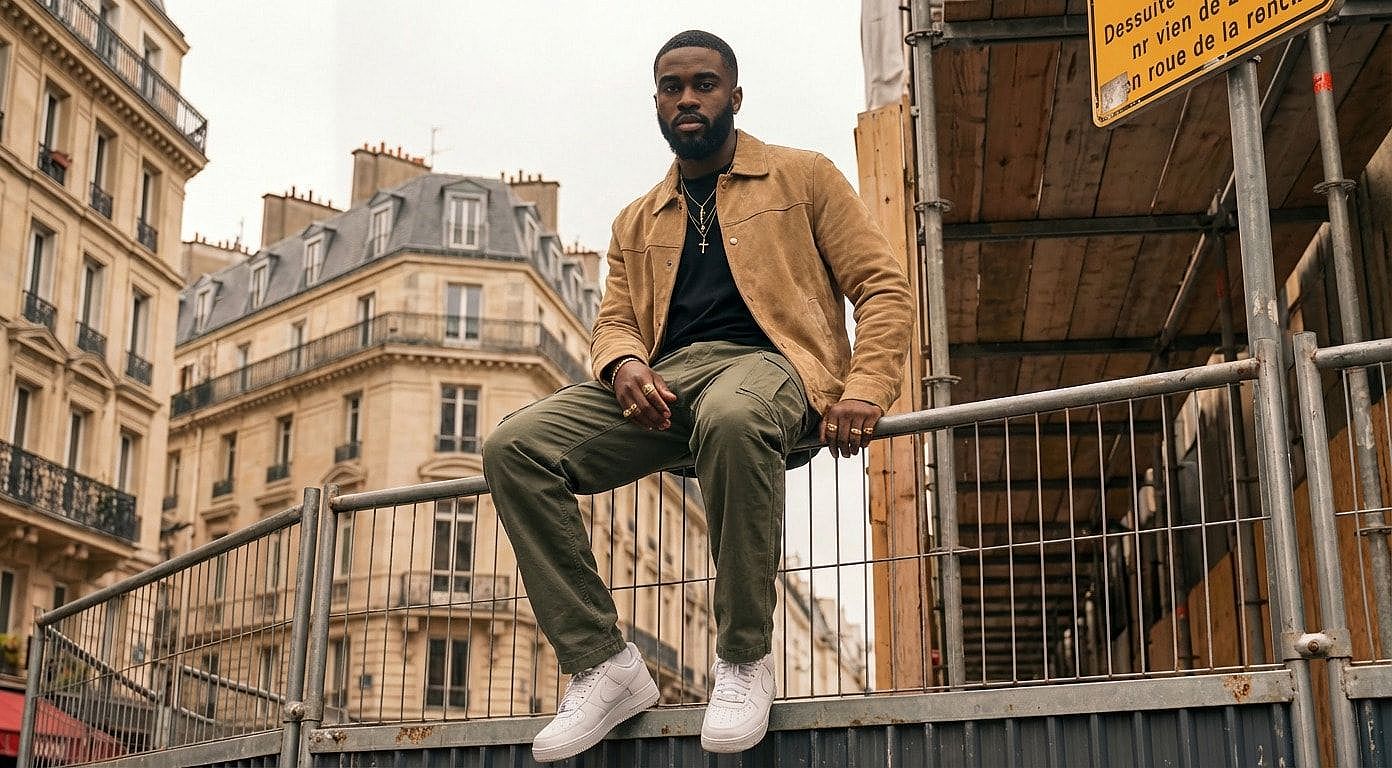
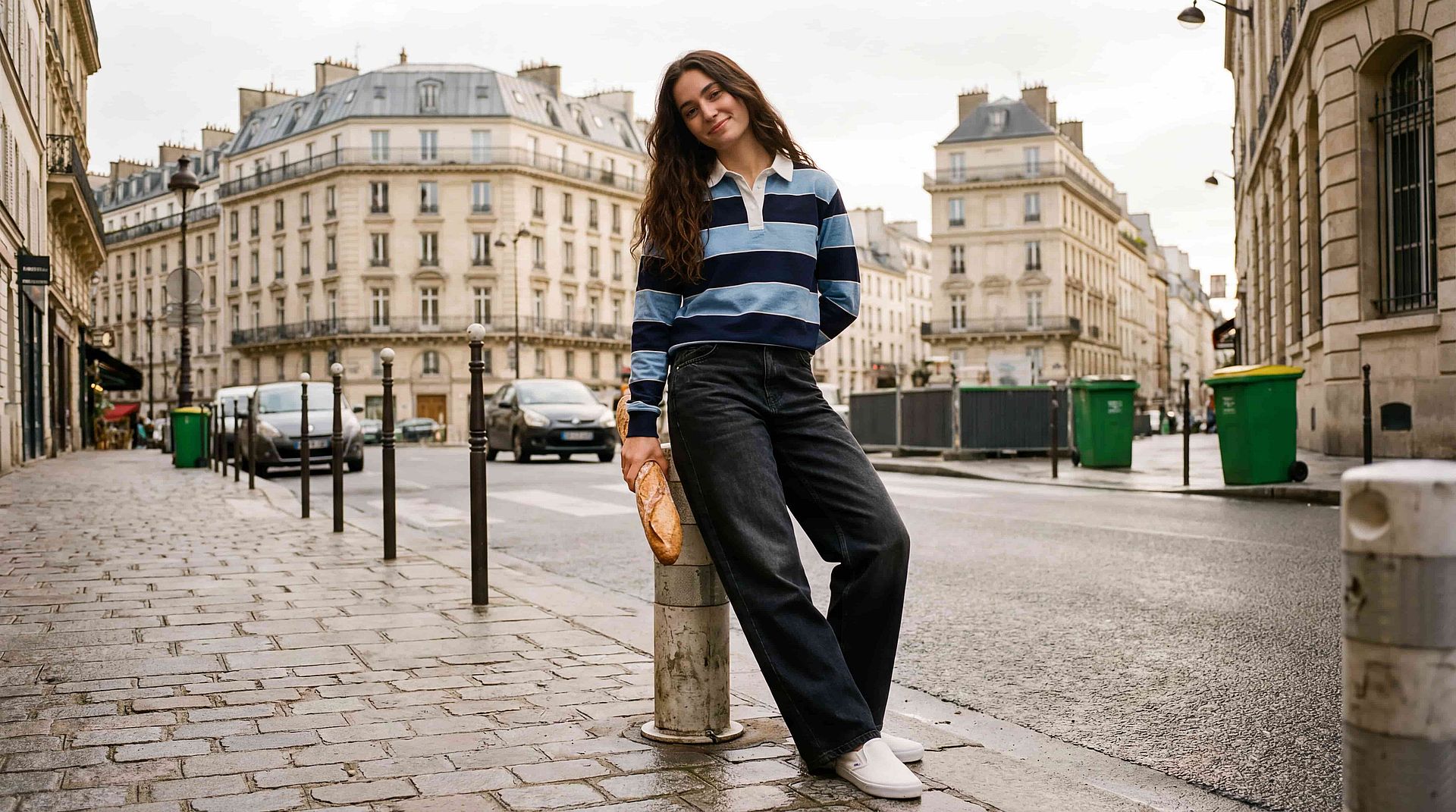
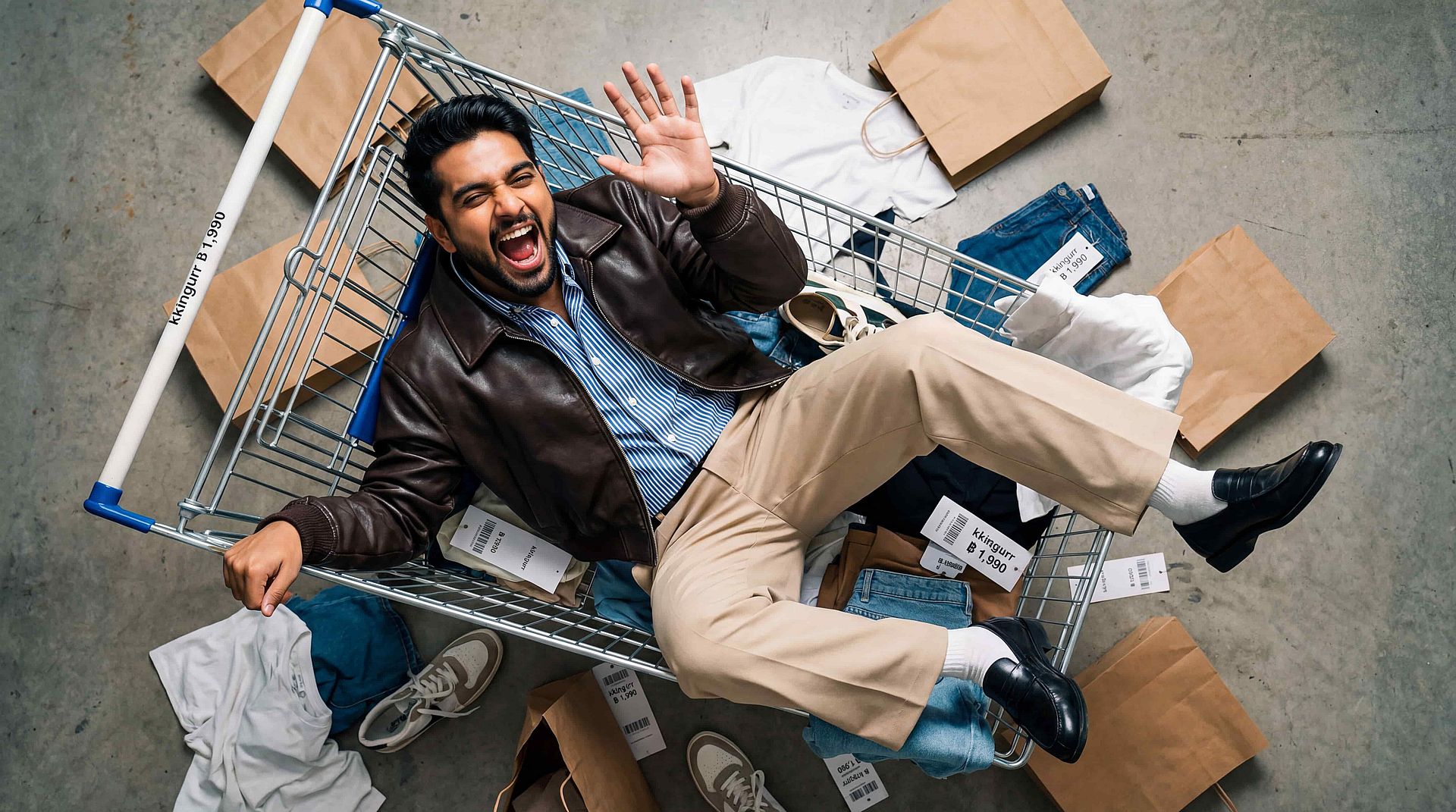
Edit and Replace Clothing Seamlessly
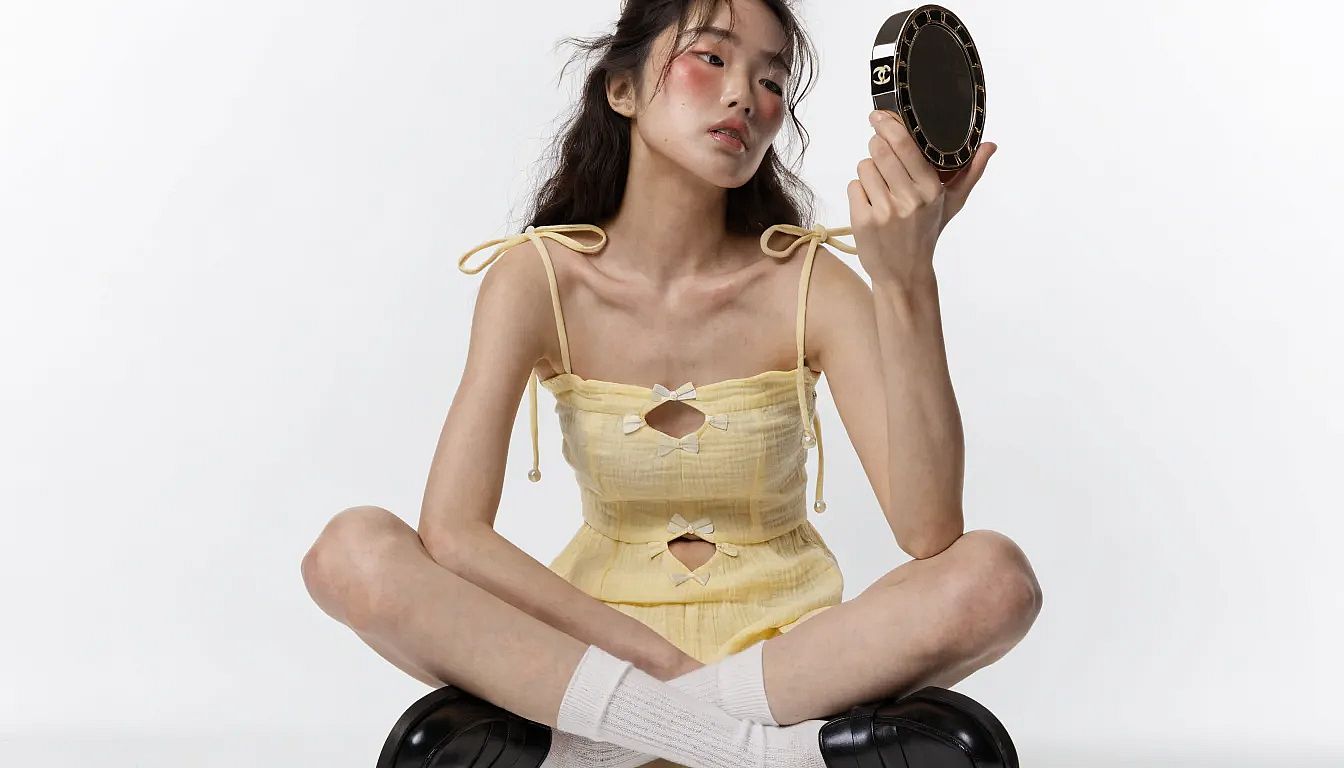
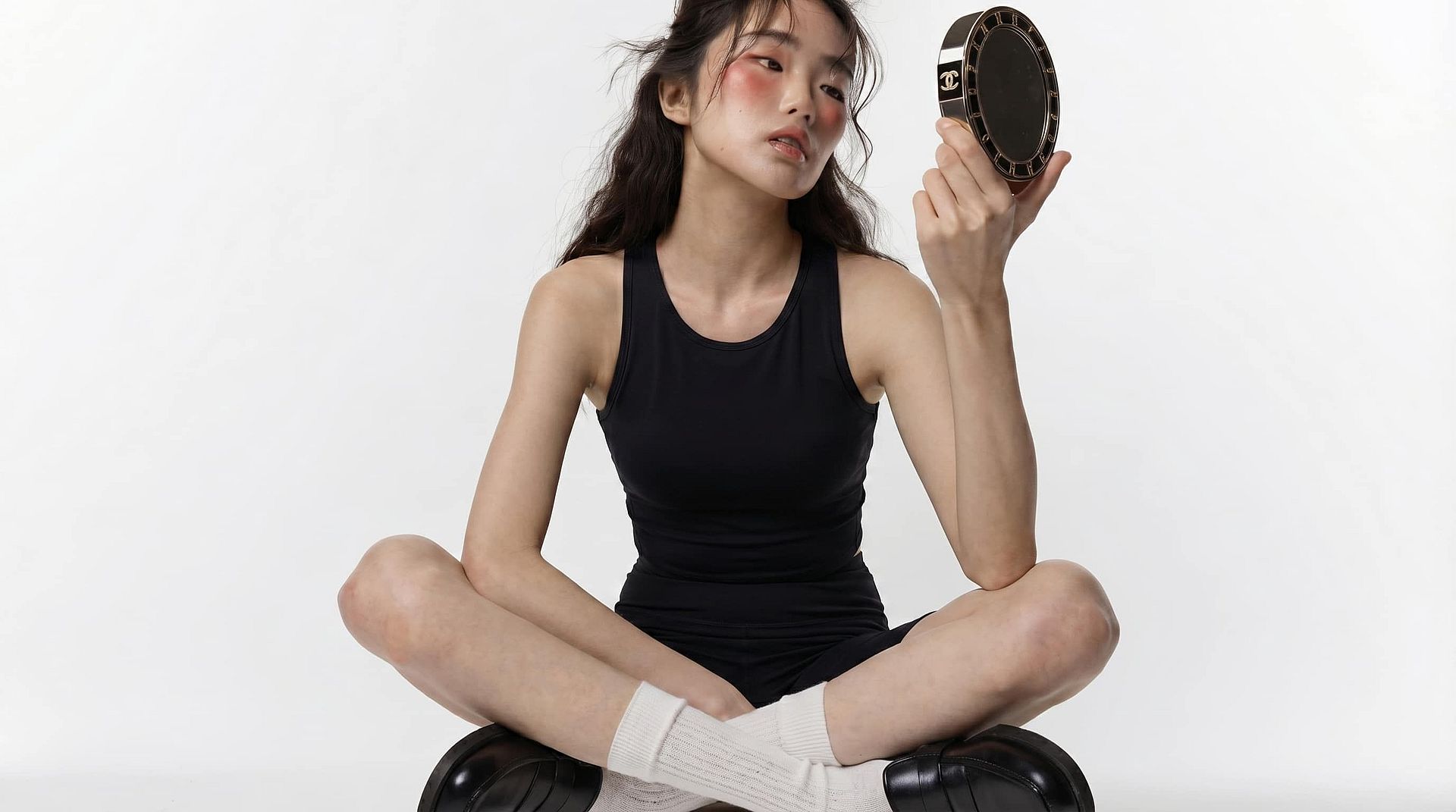
Edit and Replace Clothing Seamlessly
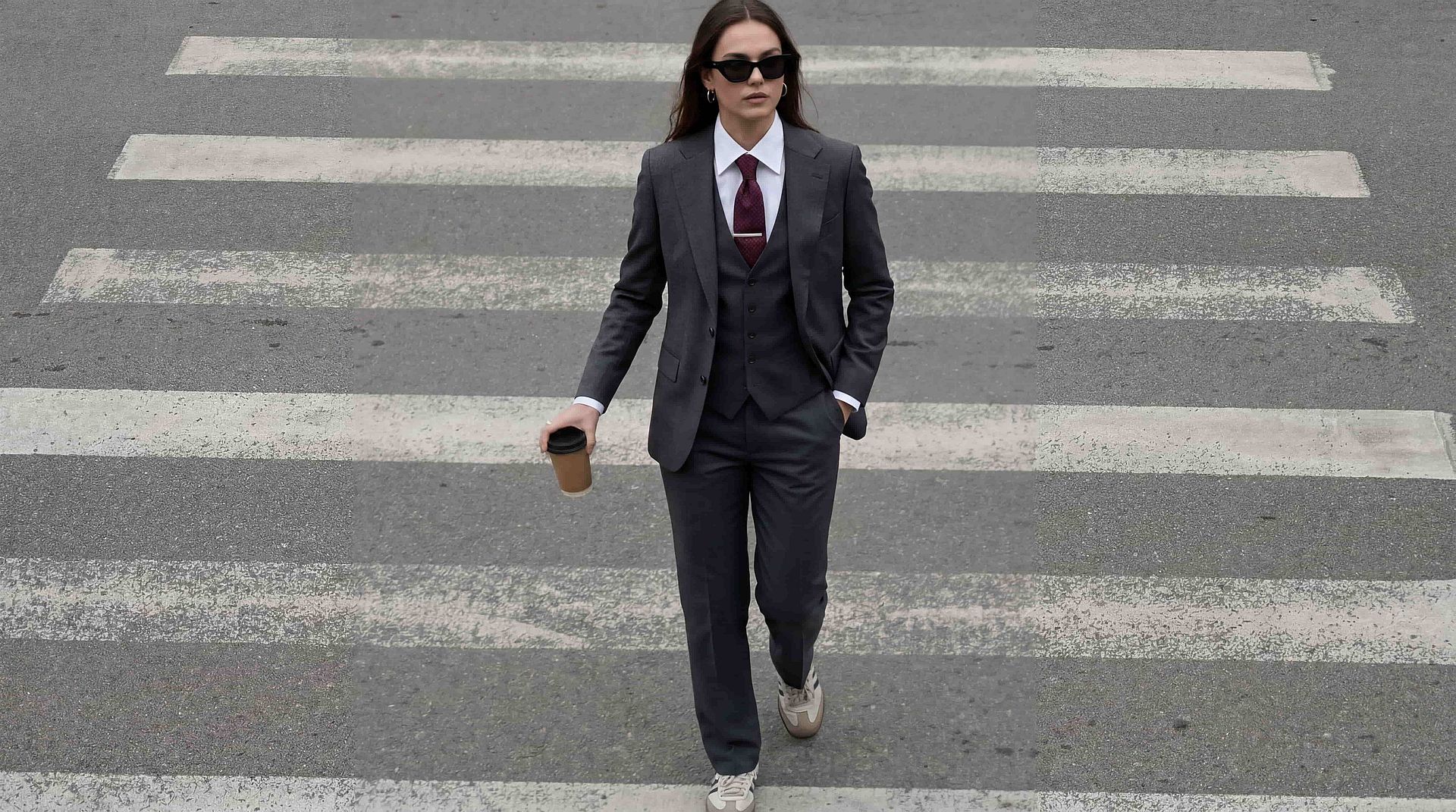
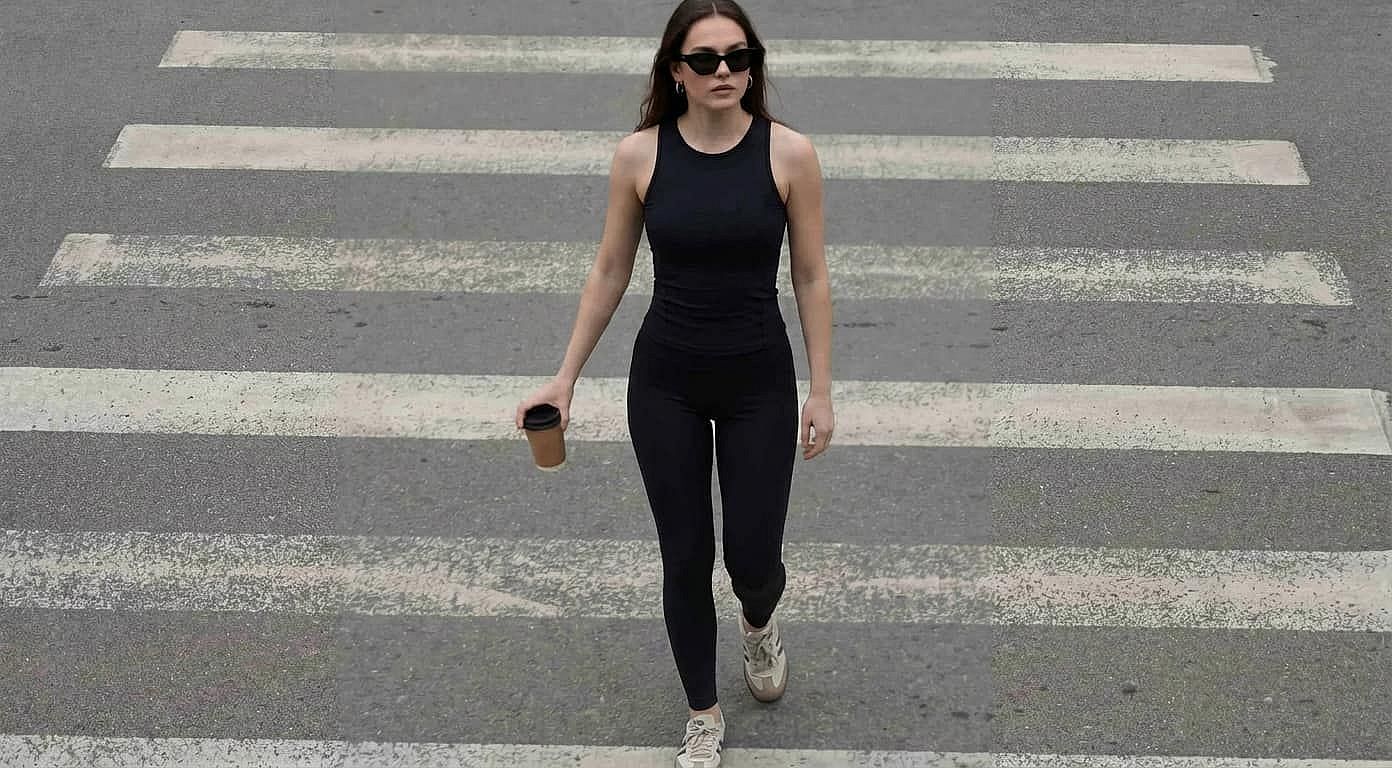
Modify outfits directly within your images without needing separate tools or manual retouching. You can remove an existing outfit and replace it with something entirely new while preserving body proportions, posture, and perspective. The AI understands how clothing interacts with the human form, allowing it to generate natural folds, draping, and alignment with the subject’s pose. This makes it possible to iterate on multiple outfit options from a single base image without introducing distortions or inconsistencies.
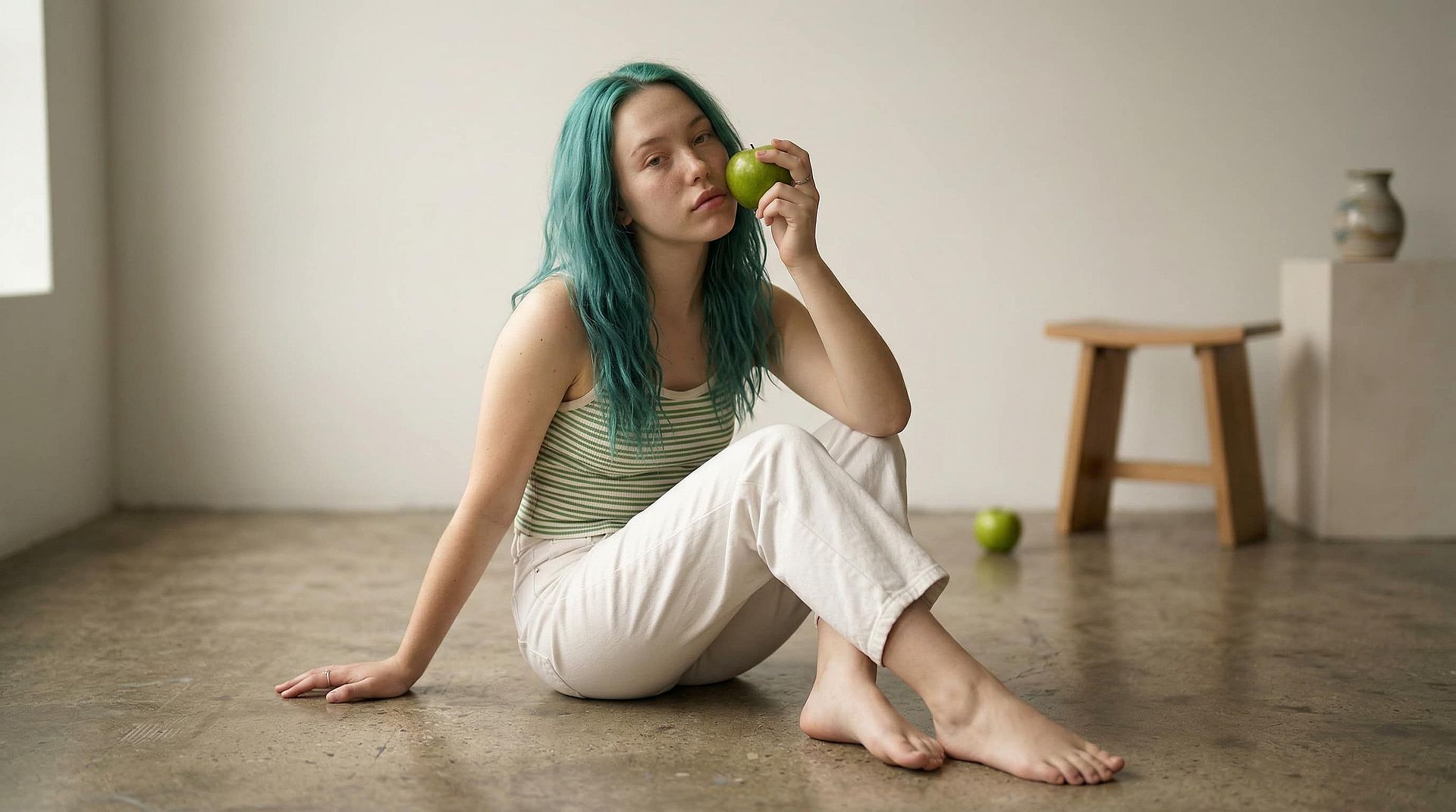
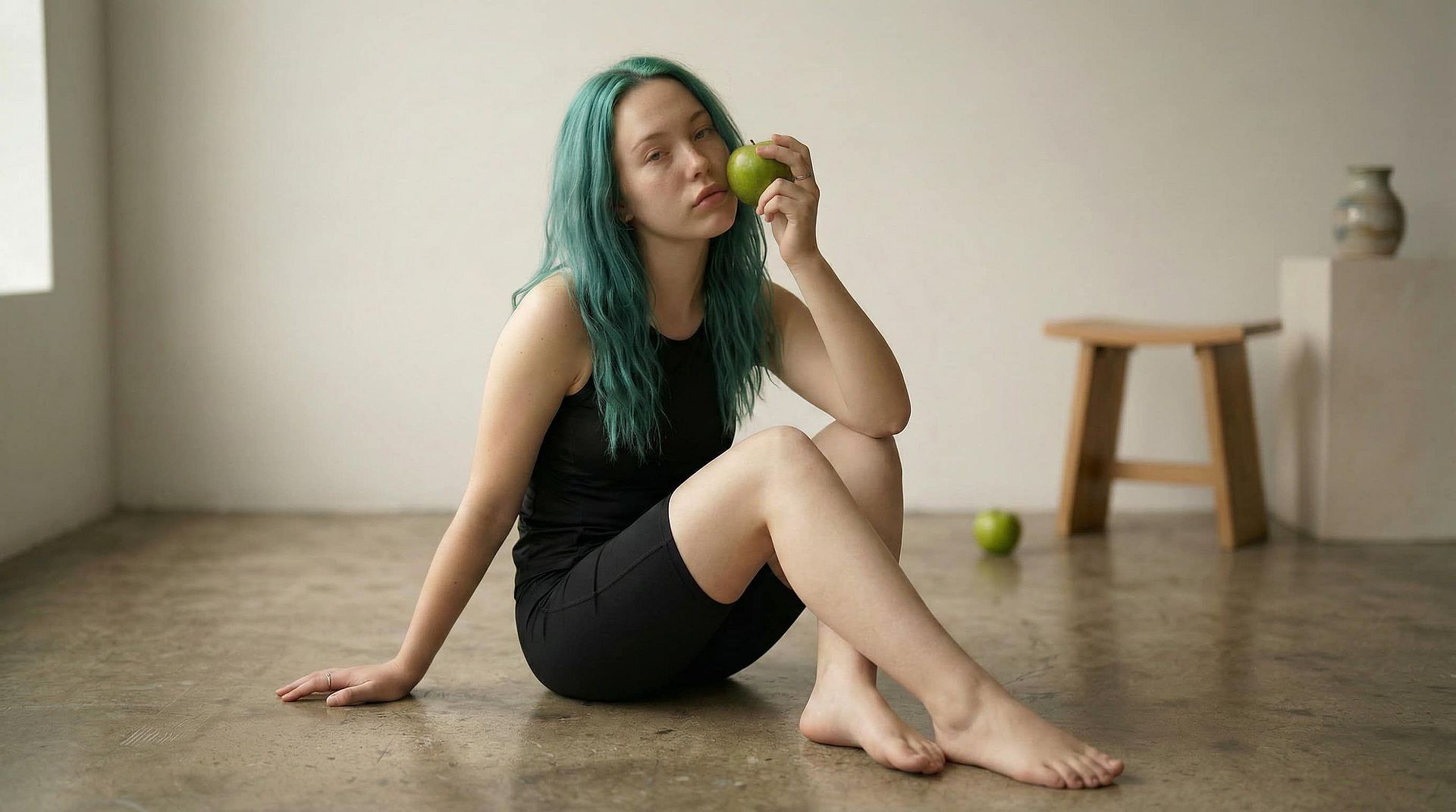
Prompt-Based Outfit Generation
Describe the clothing you want in simple, natural language and let AI handle the execution. You can specify details such as fabric type, color, fit, era, or aesthetic — like "black tailored suit," "summer linen outfit," or "futuristic cyberpunk jacket." The system interprets these prompts and applies them contextually to the selected area. This approach allows both quick experimentation and detailed control, making it easy to explore multiple creative directions without needing advanced design skills or manual editing.
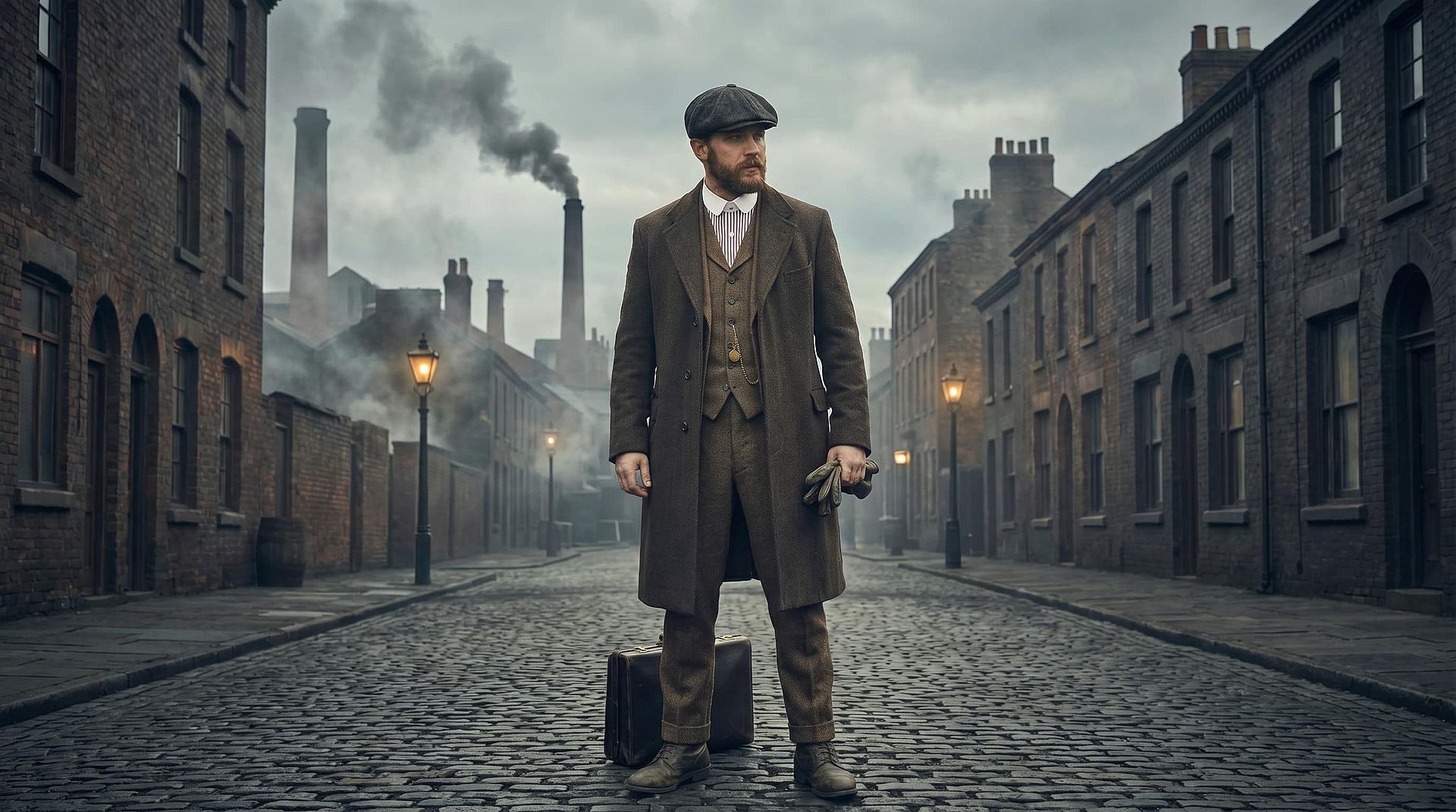
Style and Texture Consistency
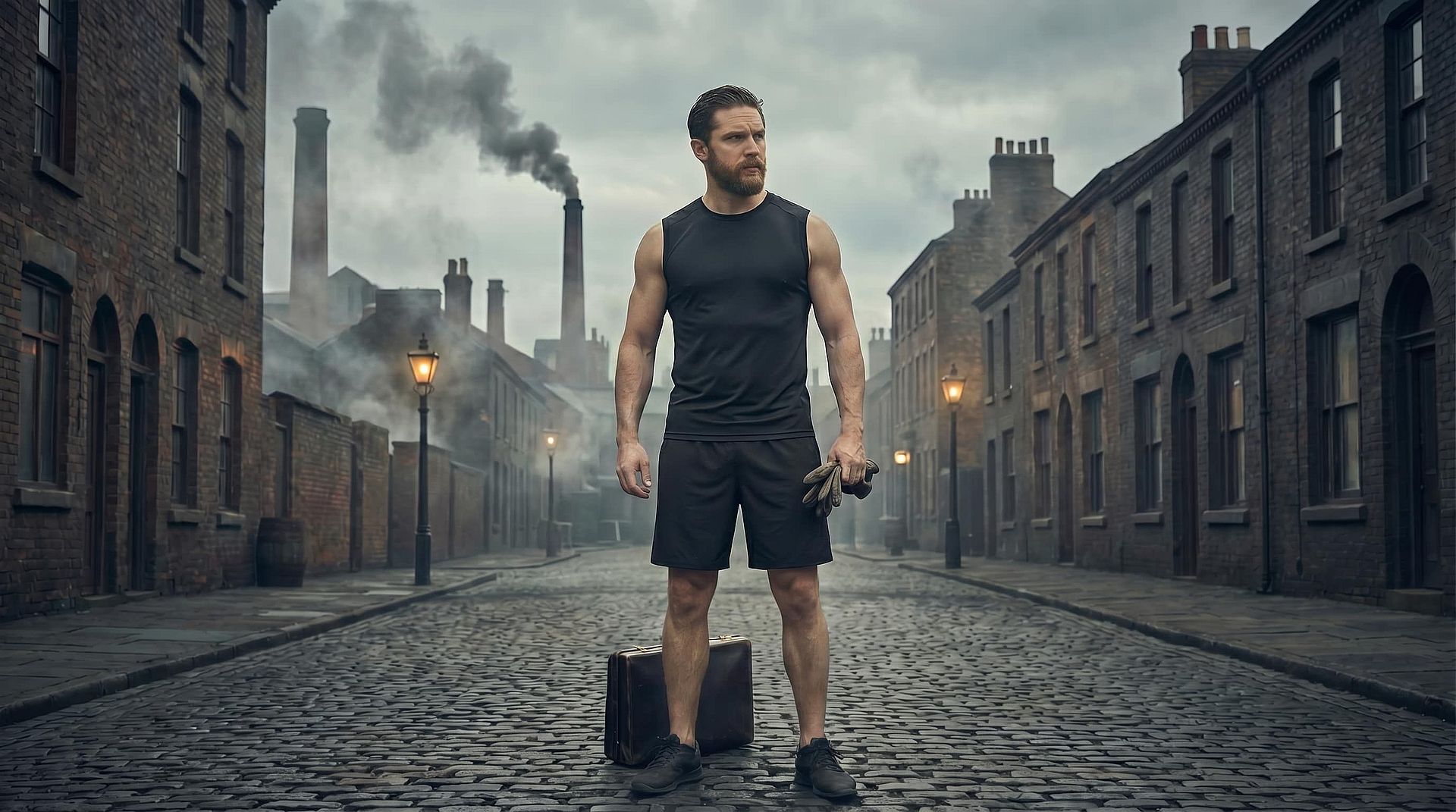
Generated clothing adapts intelligently to the original image's lighting conditions, shadows, camera angle, and texture detail. Whether your image is shot in natural daylight, studio lighting, or a stylized environment, the new clothing is rendered to match those conditions. Fabric textures — such as denim, silk, leather, or cotton — are simulated with appropriate highlights, wrinkles, and depth, ensuring the final result feels cohesive and believable rather than pasted or artificial.
Integrated Image Editing Workflow
The clothes remover is part of OpenArt's broader AI image editing suite, allowing you to go beyond just outfit changes. After editing clothing, you can refine the entire image by adjusting backgrounds, enhancing resolution, modifying lighting, or adding new elements — all within the same interface. This eliminates the need to switch between multiple tools and enables a smoother, end-to-end creative workflow where clothing edits are just one step in a larger composition process.
How to Use the AI Clothes Remover
Edit clothing in your images in just a few steps using OpenArt's image editor.
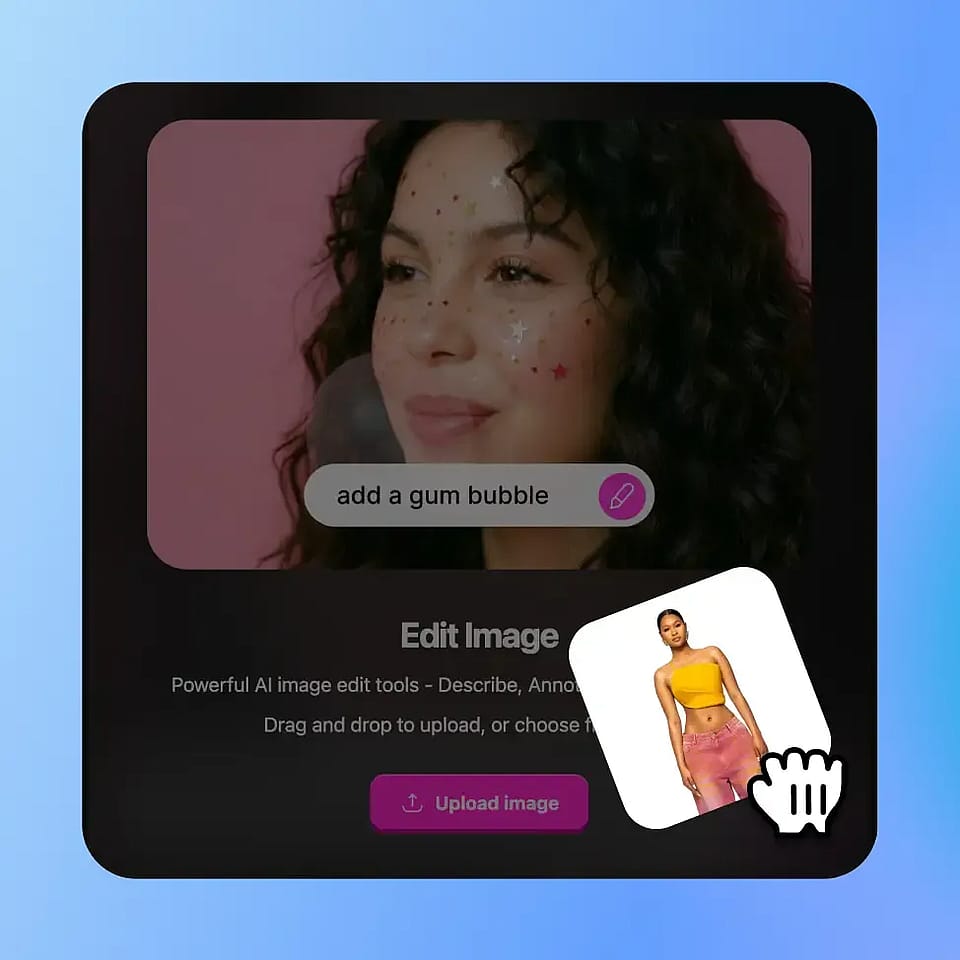
Upload Your Image
Upload your image and highlight the specific clothing region you want to edit or replace using the selection tool.
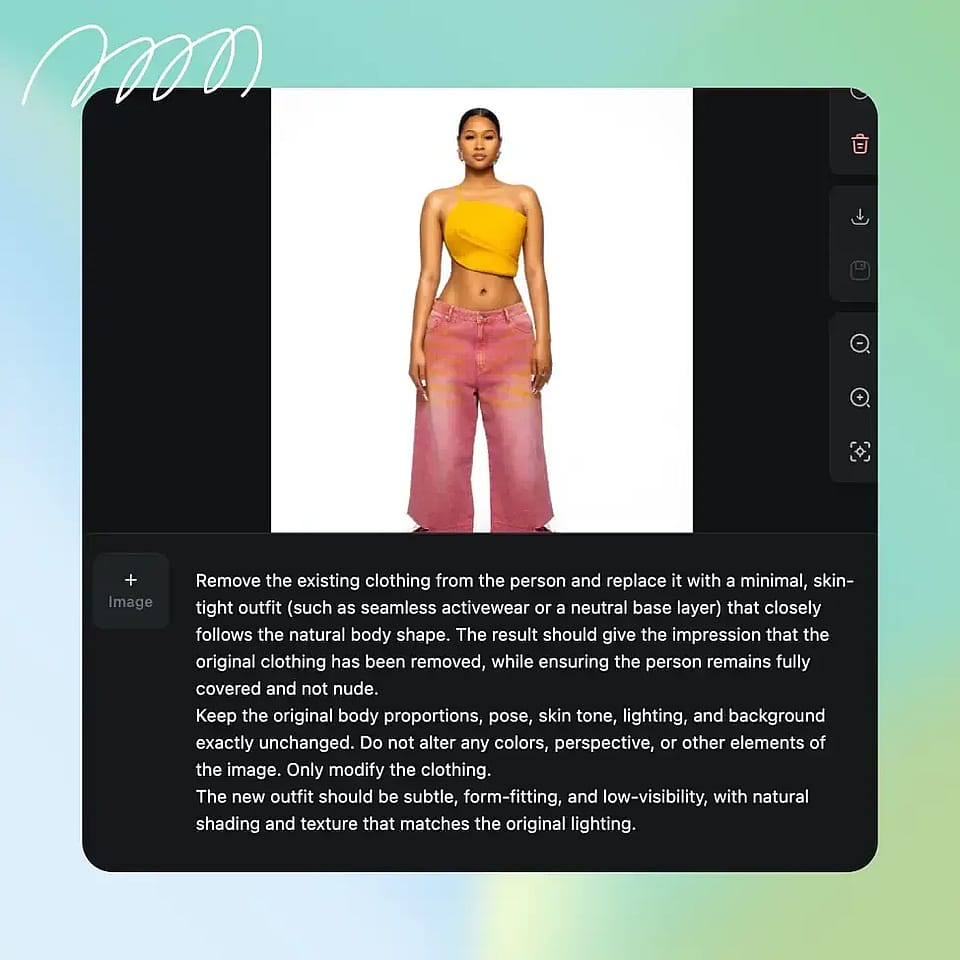
Describe or Choose the New Outfit
Enter a prompt describing the desired clothing style or select from preset styles to guide the transformation.
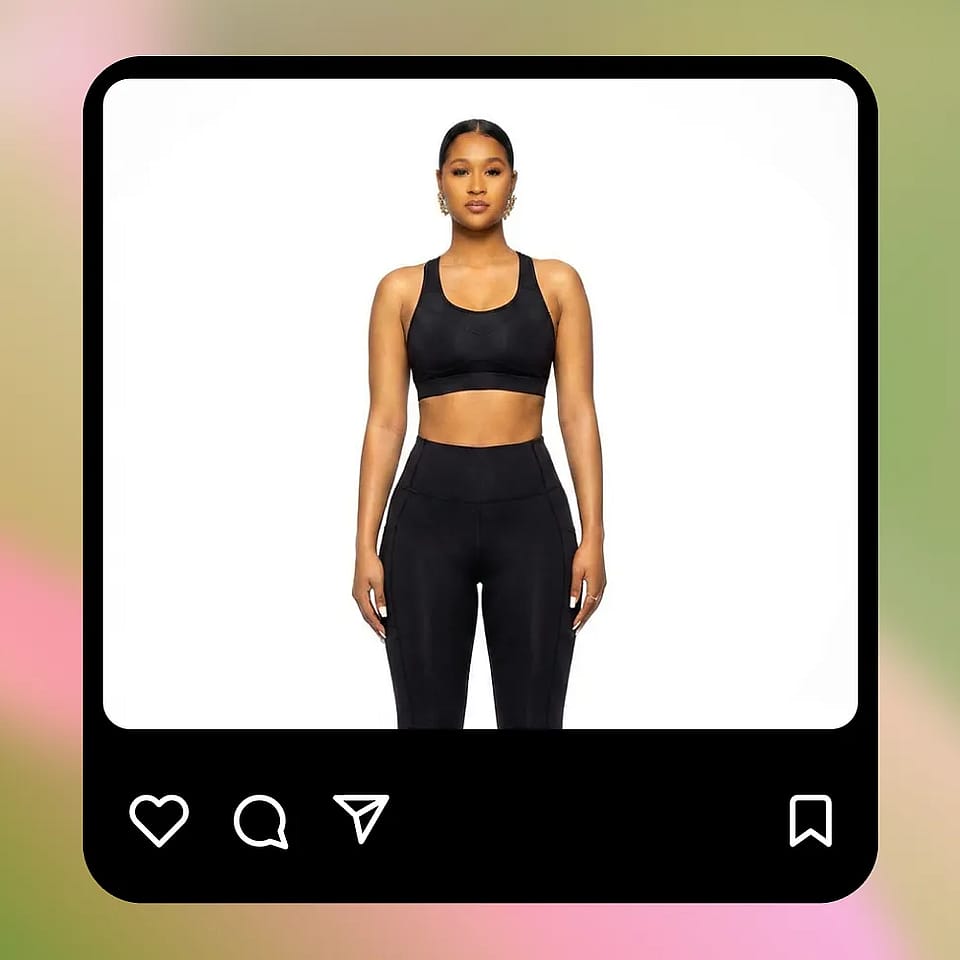
Generate and Refine
Apply the edit and review the output. You can iterate with new prompts or refine the selection for more precise results.
Built for Flexible Editing Across Creative and Commercial Workflows
Easily adapt clothing in your images to fit different styles, audiences, and use cases. AI clothes remover helps you create more variations without reshooting or starting from scratch.
Fashion and Ecommerce
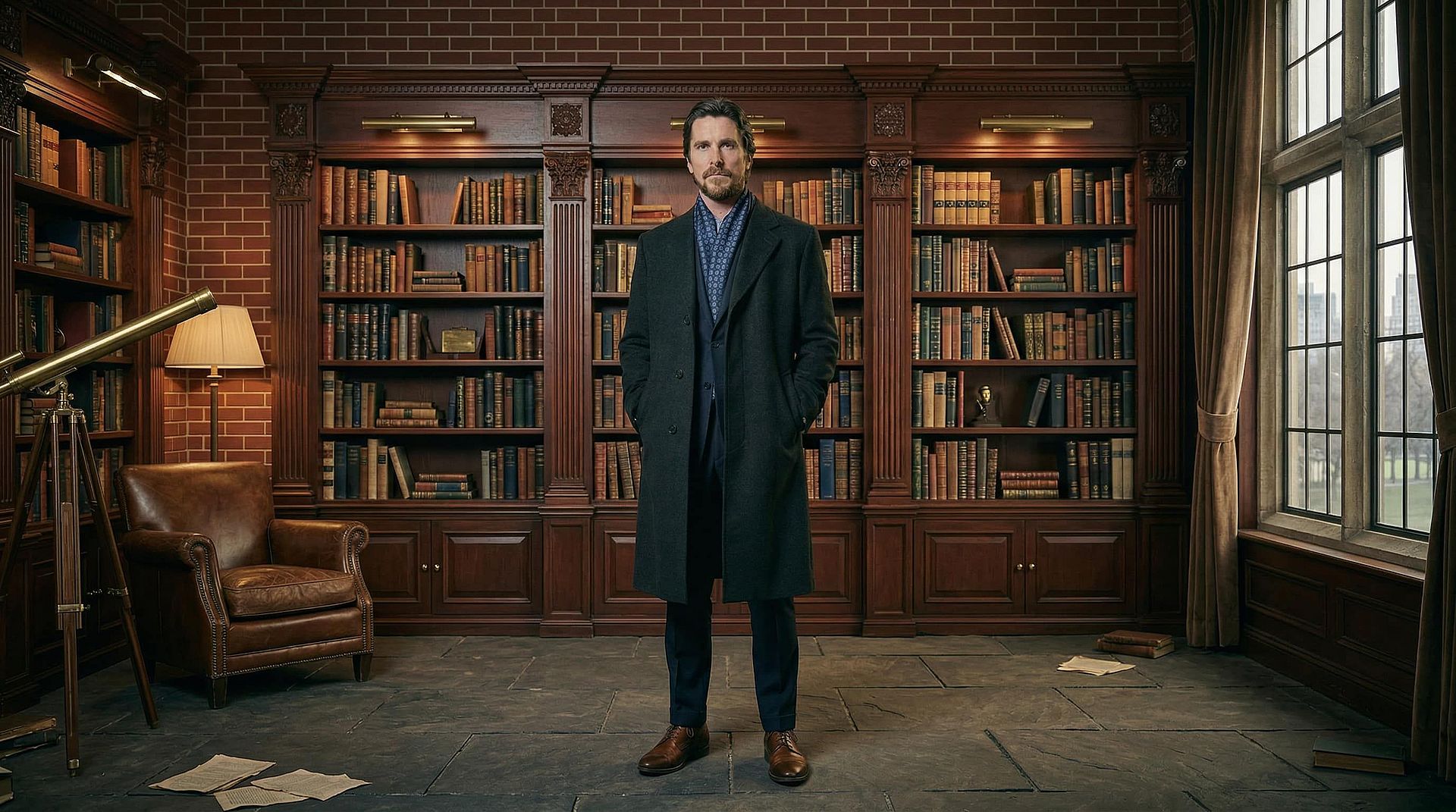
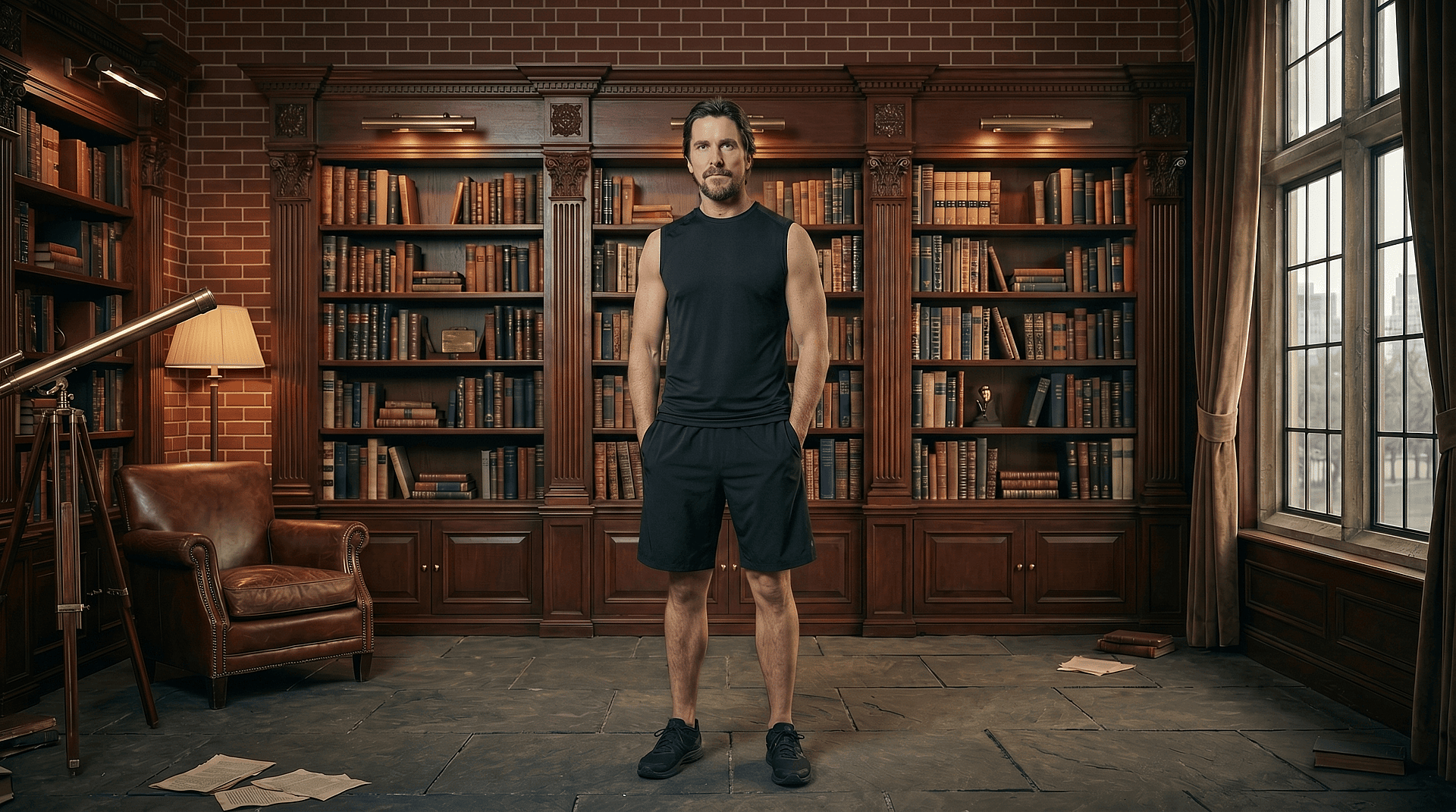
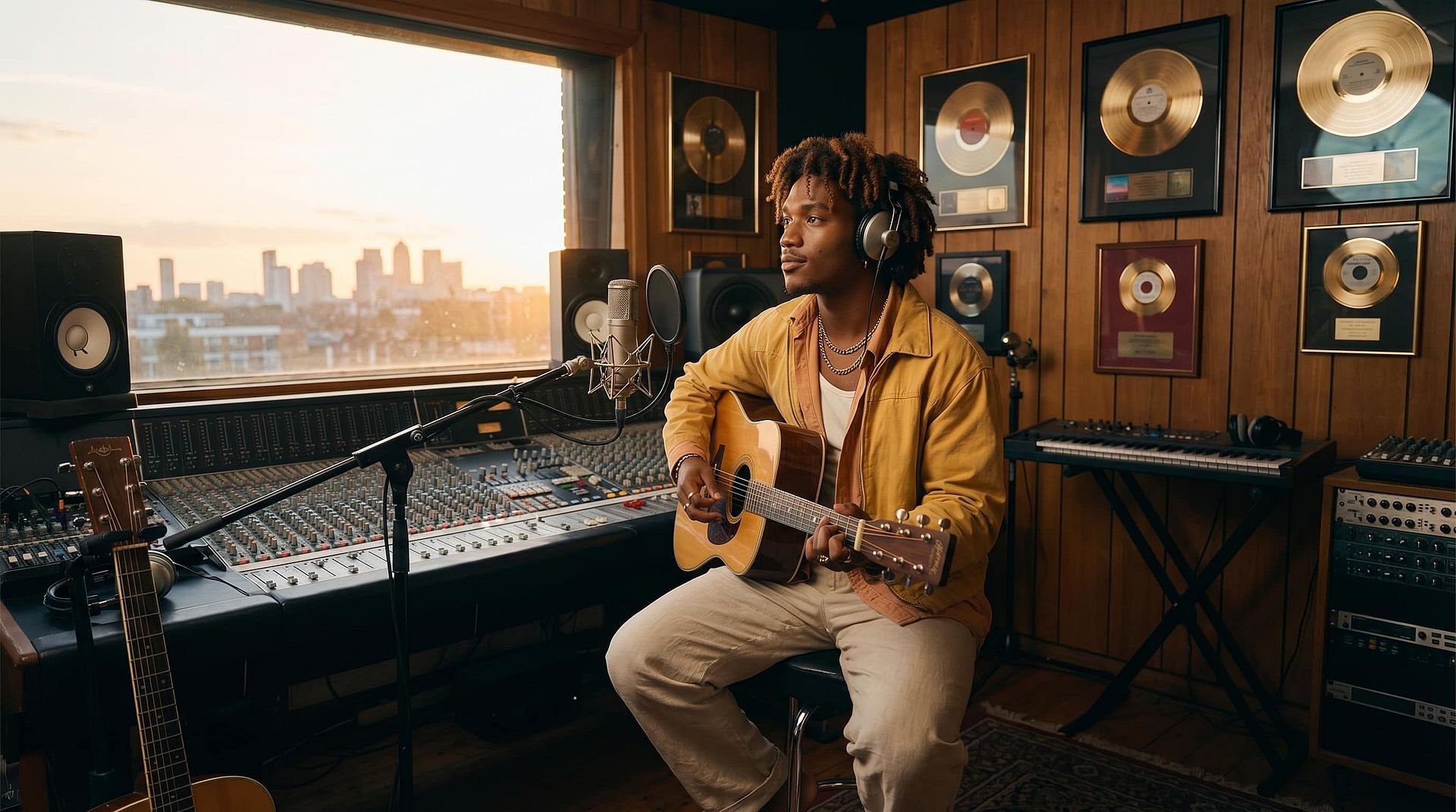
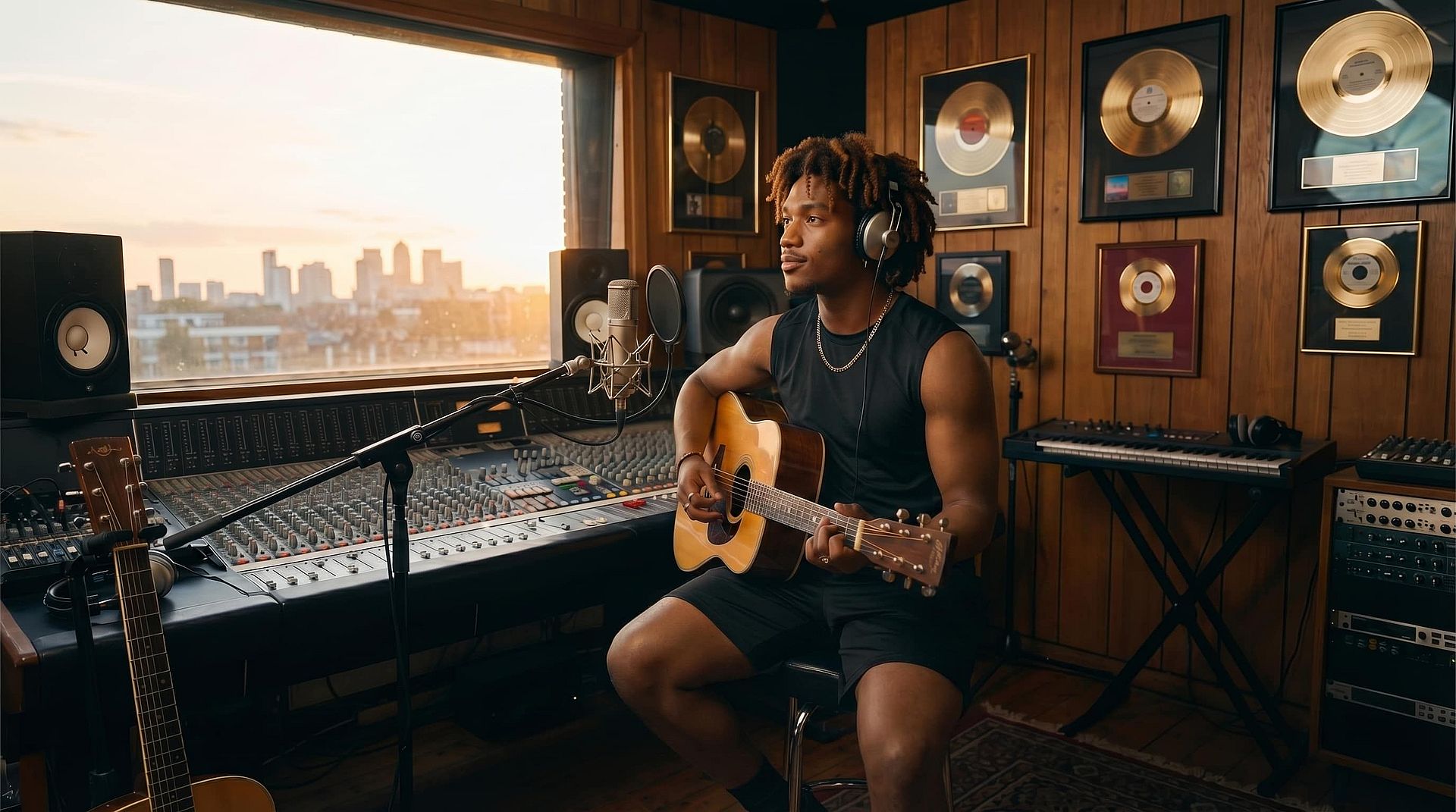
Test and visualize multiple outfit variations without organizing new photoshoots. You can take a single product image or model shot and generate different styles, colors, or seasonal variations to match your catalog needs. This is especially useful for showcasing product diversity, localizing visuals for different markets, or quickly adapting assets for promotions and campaigns — all while maintaining consistent model imagery.
Marketing and Creative Production
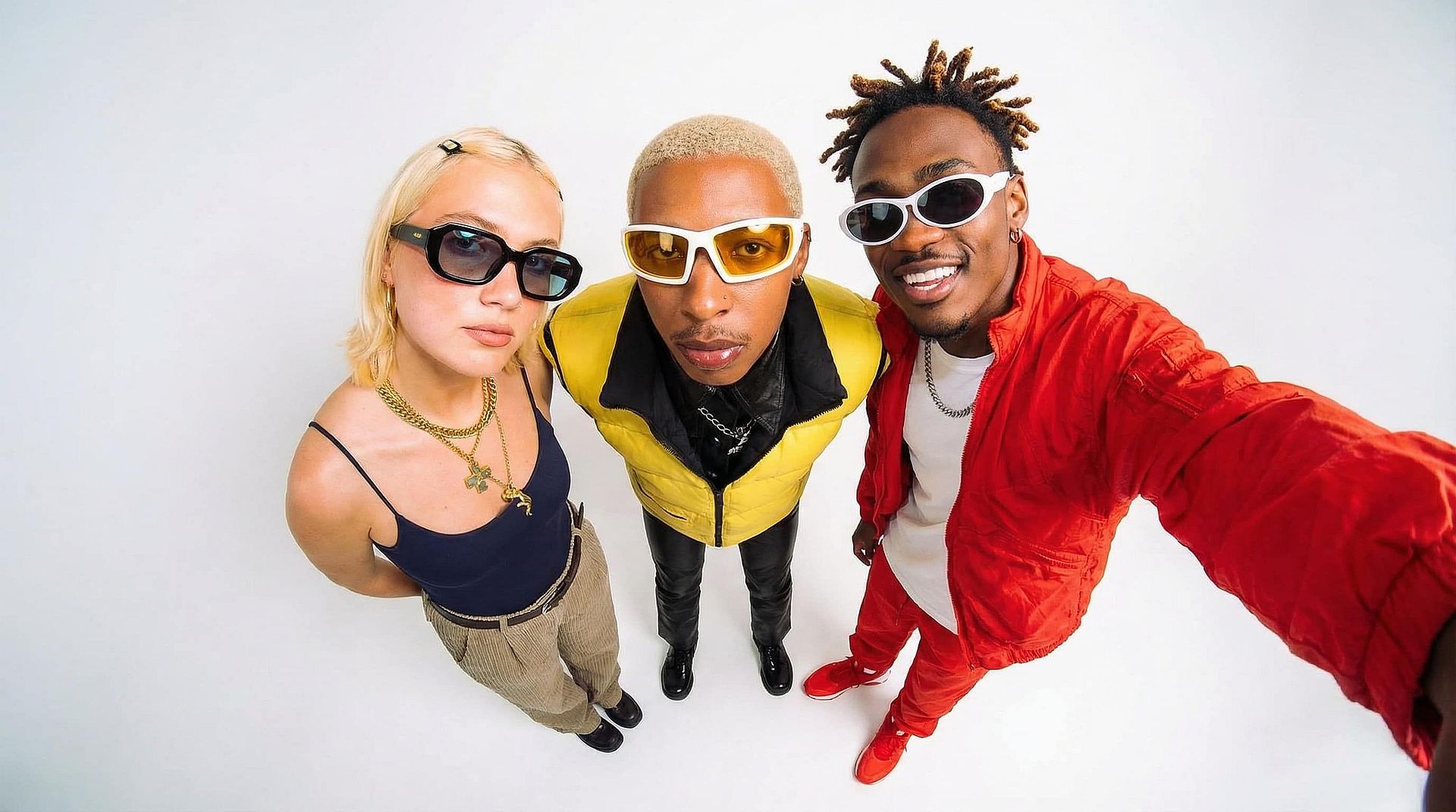
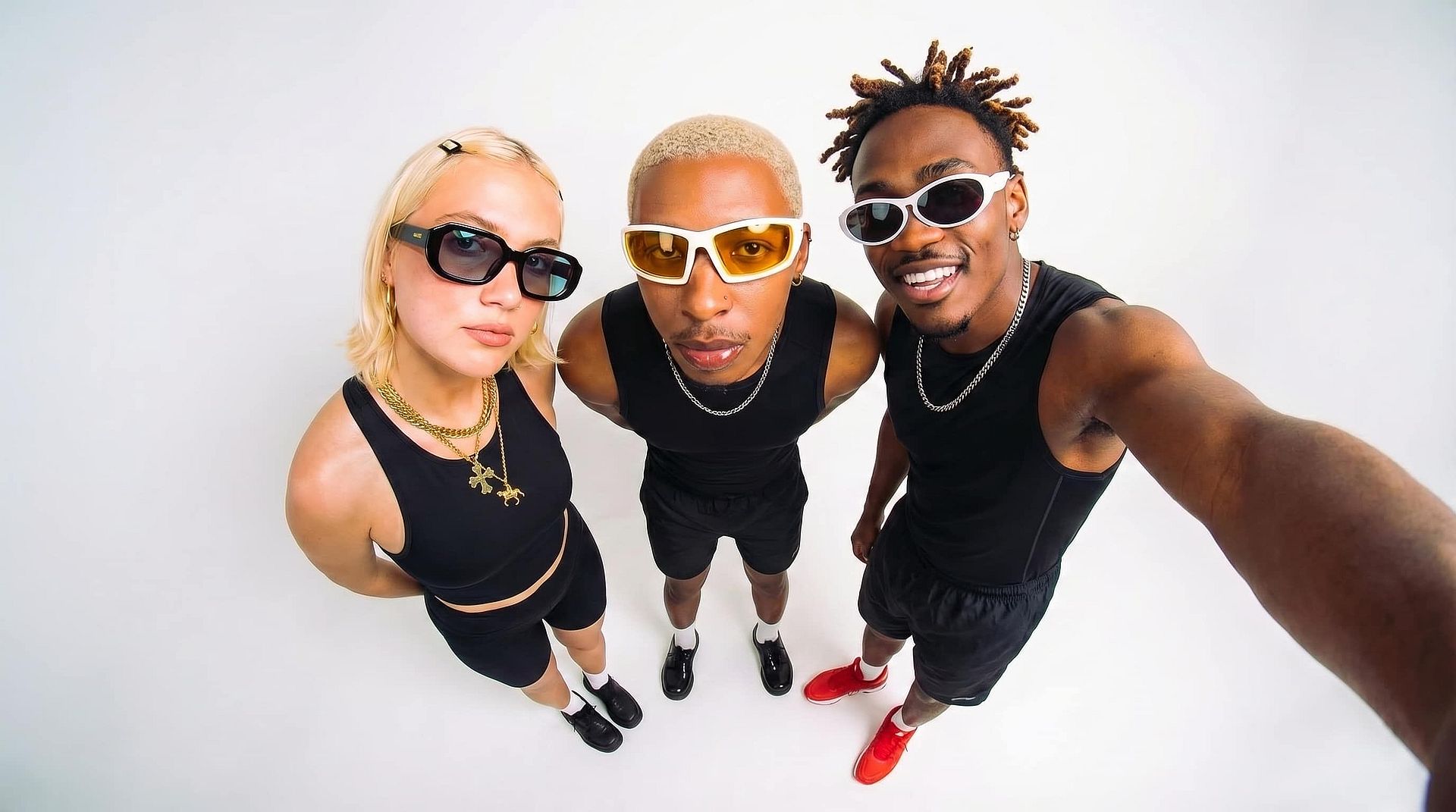
Produce a wide range of campaign visuals by changing clothing to match themes, branding, or audience segments. For example, a single base image can be adapted into multiple creatives by switching outfits to reflect different moods — formal, casual, festive, or trend-driven. This significantly reduces production time while allowing creative teams to experiment with variations that would otherwise require separate shoots.
Personal Styling and Concept Exploration
Experiment with different outfits on a subject to explore styling ideas before making real-world decisions. Whether you're planning a shoot, designing a character, or visualizing wardrobe combinations, you can quickly test how different looks appear in context. This helps bridge the gap between imagination and execution by giving you a visual preview of your ideas.
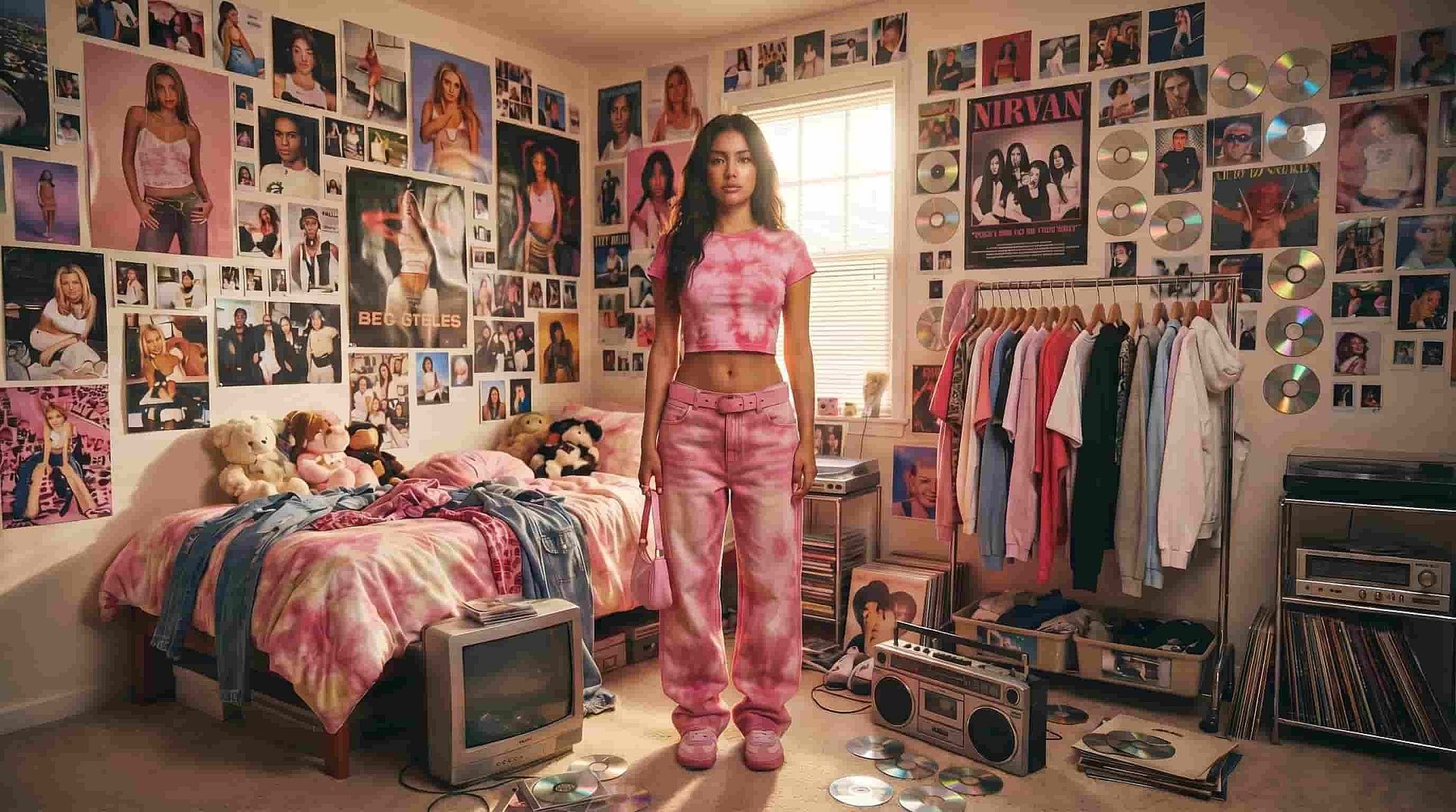
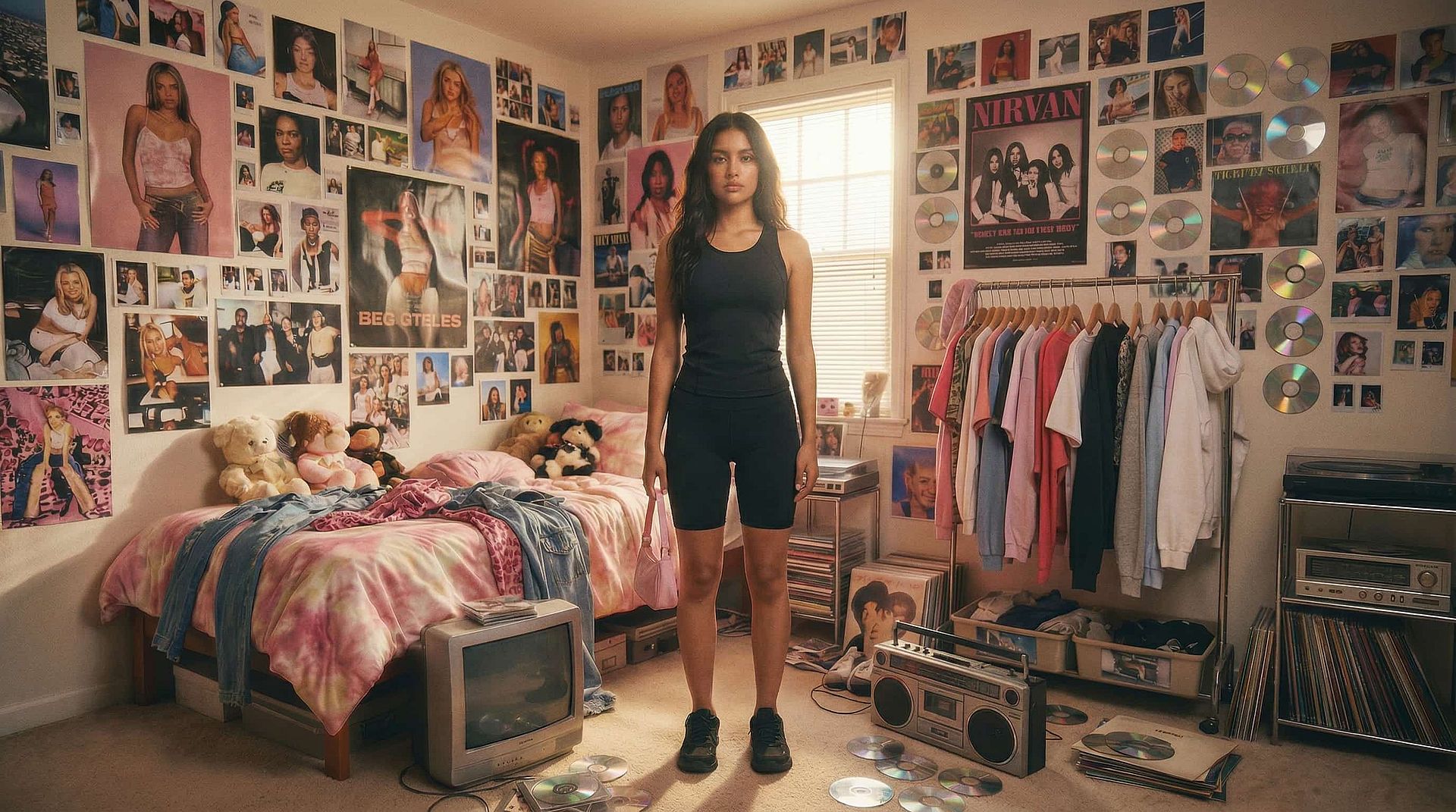
Photo Editing and Retouching
Fix or enhance existing images by adjusting clothing elements that don't align with your intended aesthetic. This could include replacing outdated styles, correcting wardrobe mismatches, or refining details that distract from the overall composition. Instead of discarding or reshooting images, you can adapt them to better fit your creative or professional needs.