
AI Clothes Changer
Change outfits in any photo instantly with AI. Swap styles, test looks, and create realistic clothing edits without reshooting. Perfect for ecommerce, social media, and creative projects.
 Add an image Or drag and drop here · JPEG, PNG, WEBP
4K Output Quality
Generate high-resolution images that are ready for professional use. Whether you're creating content for ecommerce or socials, outputs are sharp, detailed, and production-ready without requiring additional enhancement.
Hyper-Realistic Results
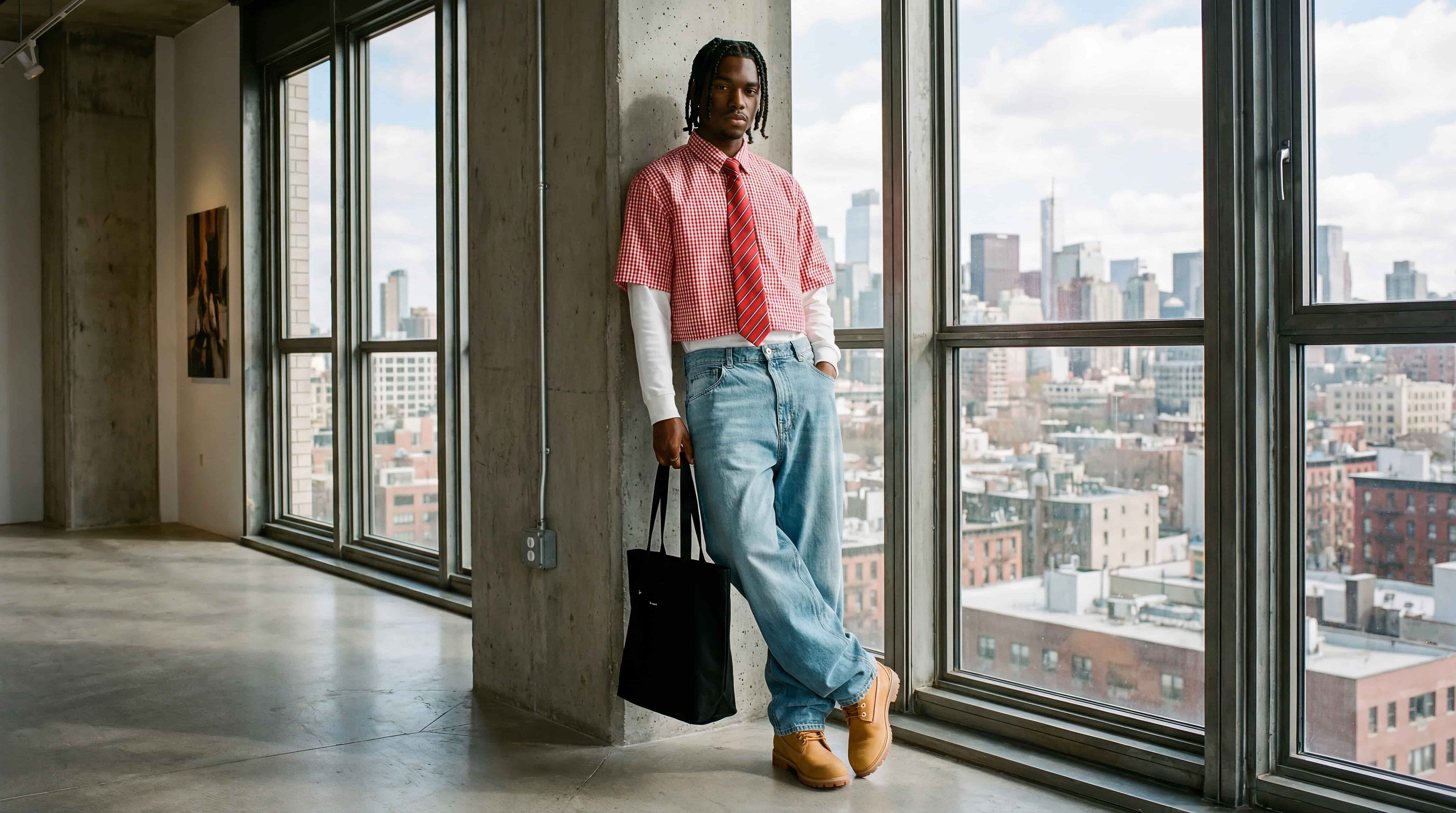
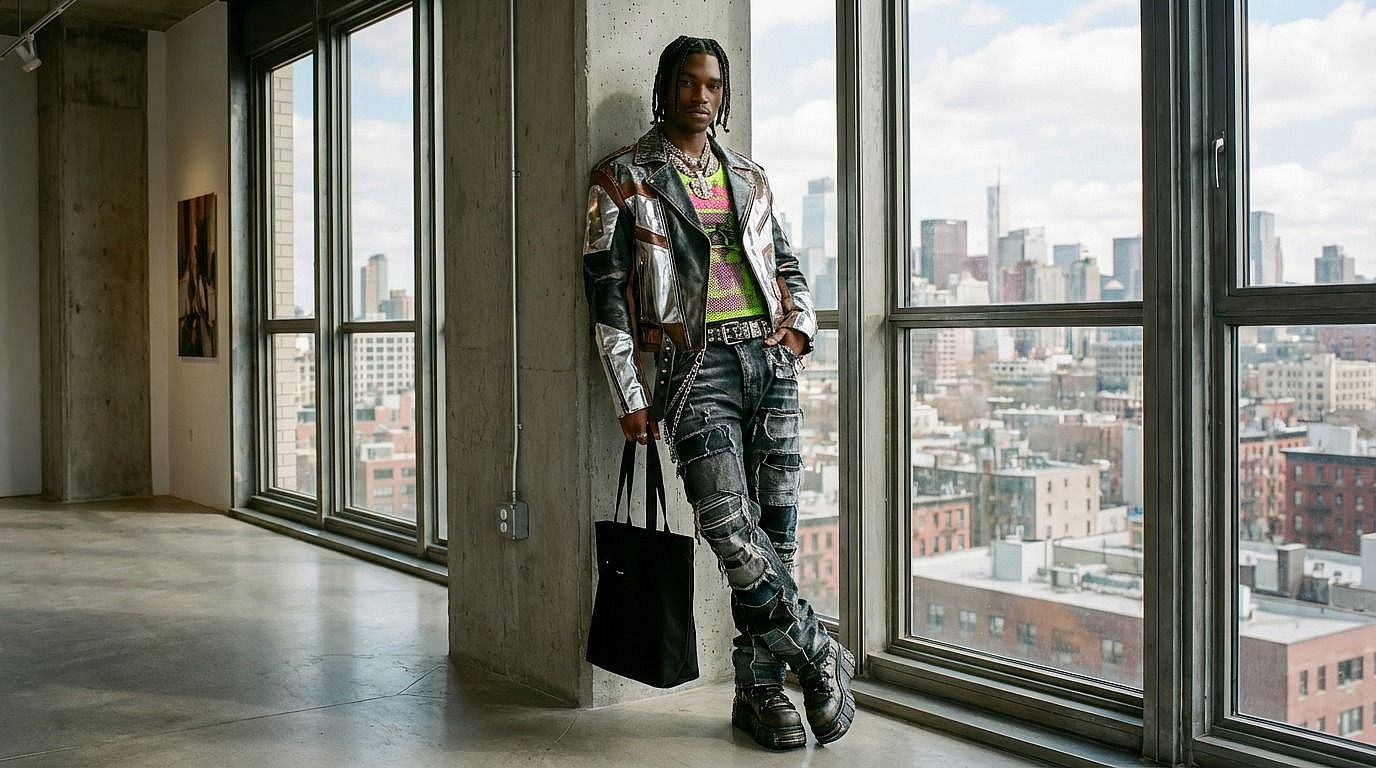
Clothing changes blend naturally into the original image. Lighting, shadows, textures, and fabric behavior are preserved, ensuring the new outfit looks like it was part of the original shot—not artificially added.

Instant Outfit Swap
Replace clothing in seconds instead of organizing photoshoots or manual edits. Quickly test multiple outfit variations from a single image and iterate across styles without slowing down your workflow.
Community Creations
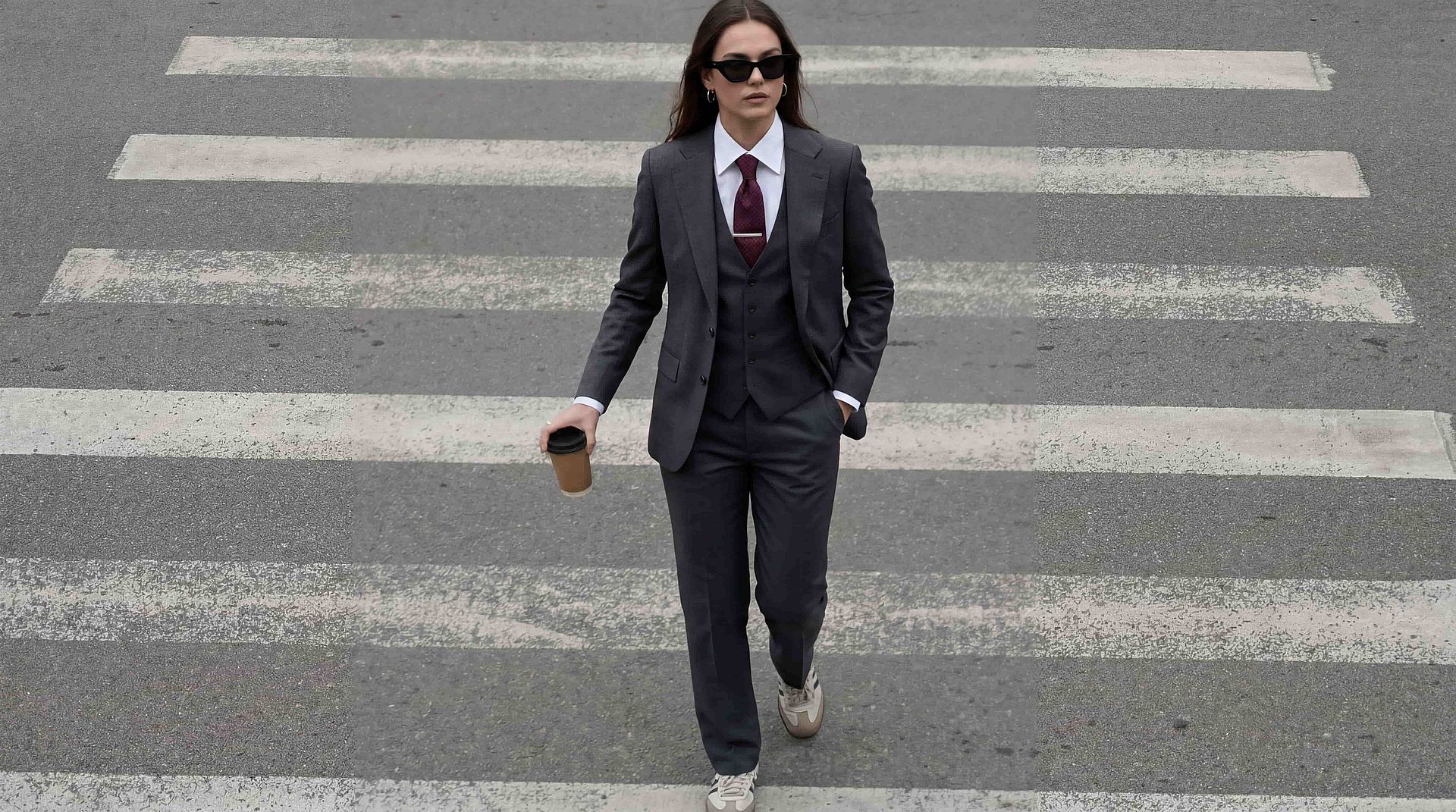
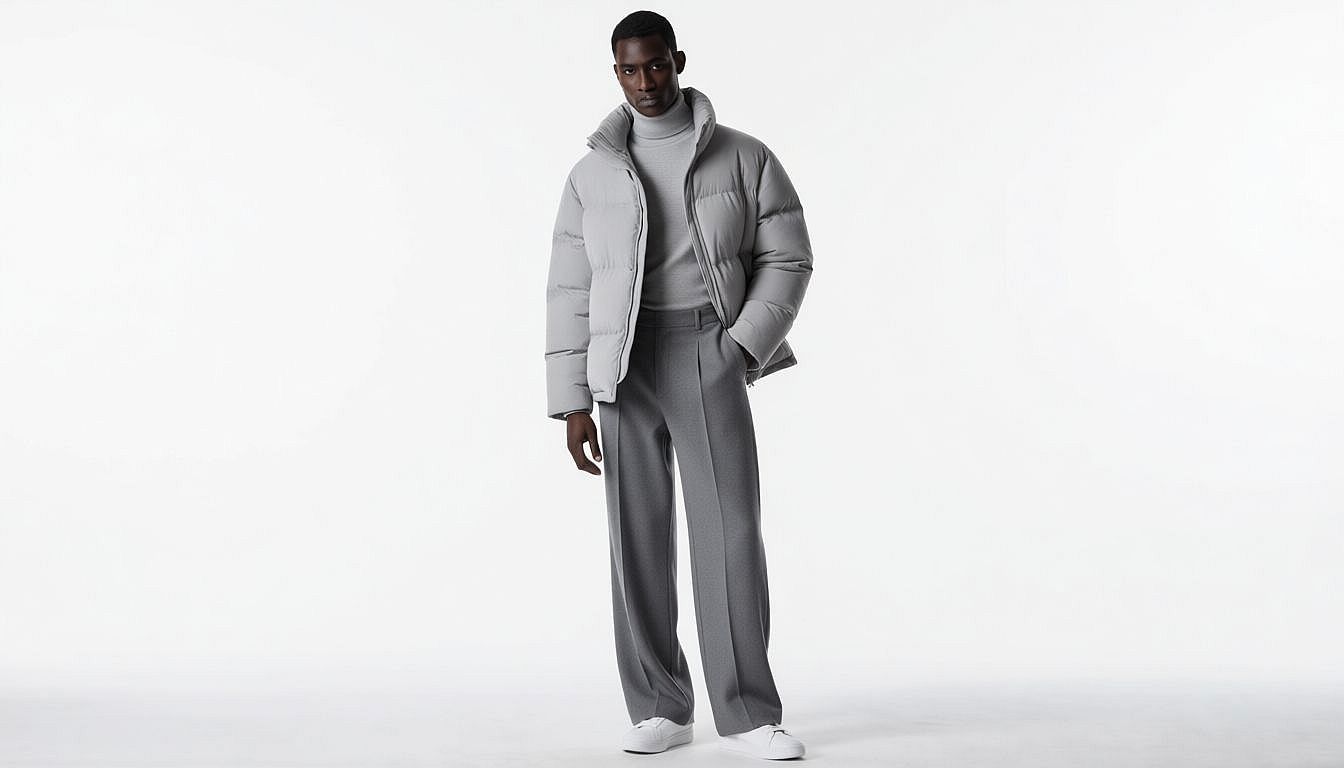
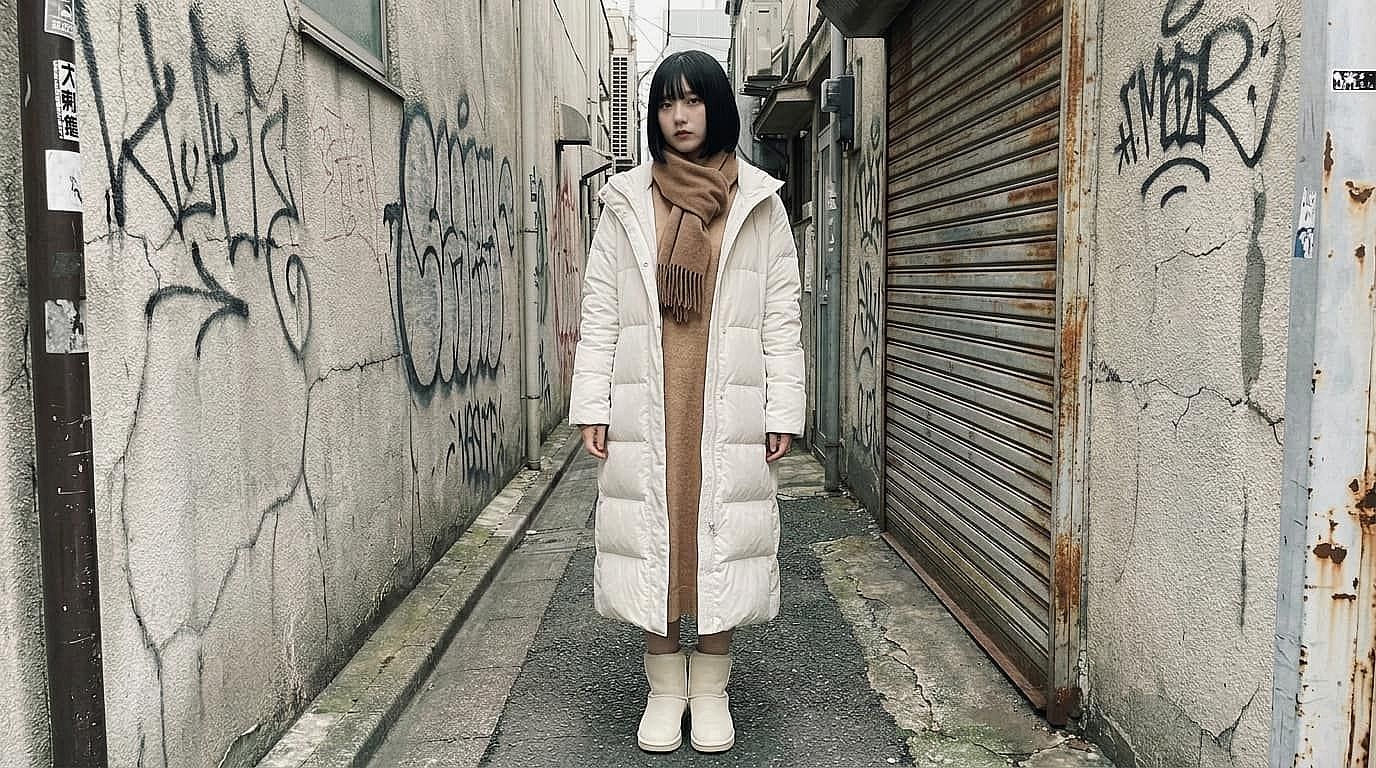
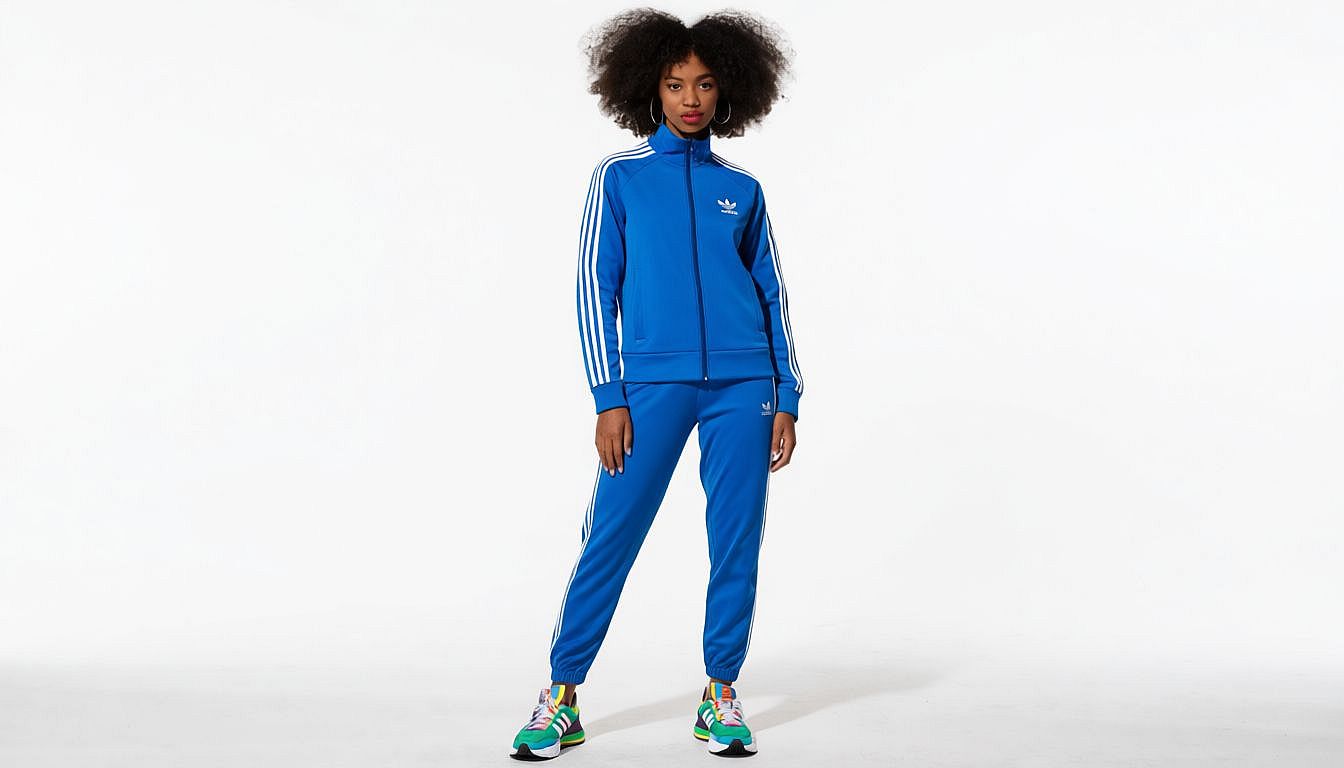
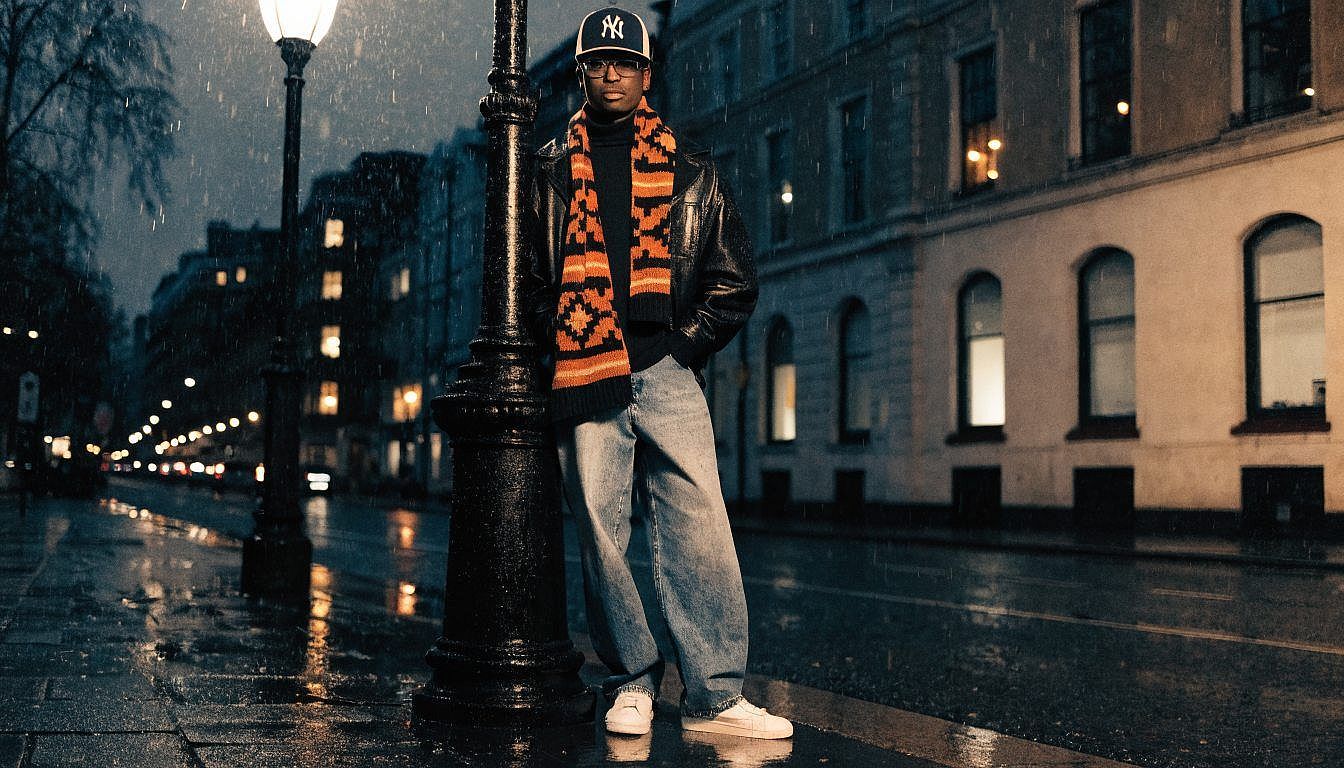
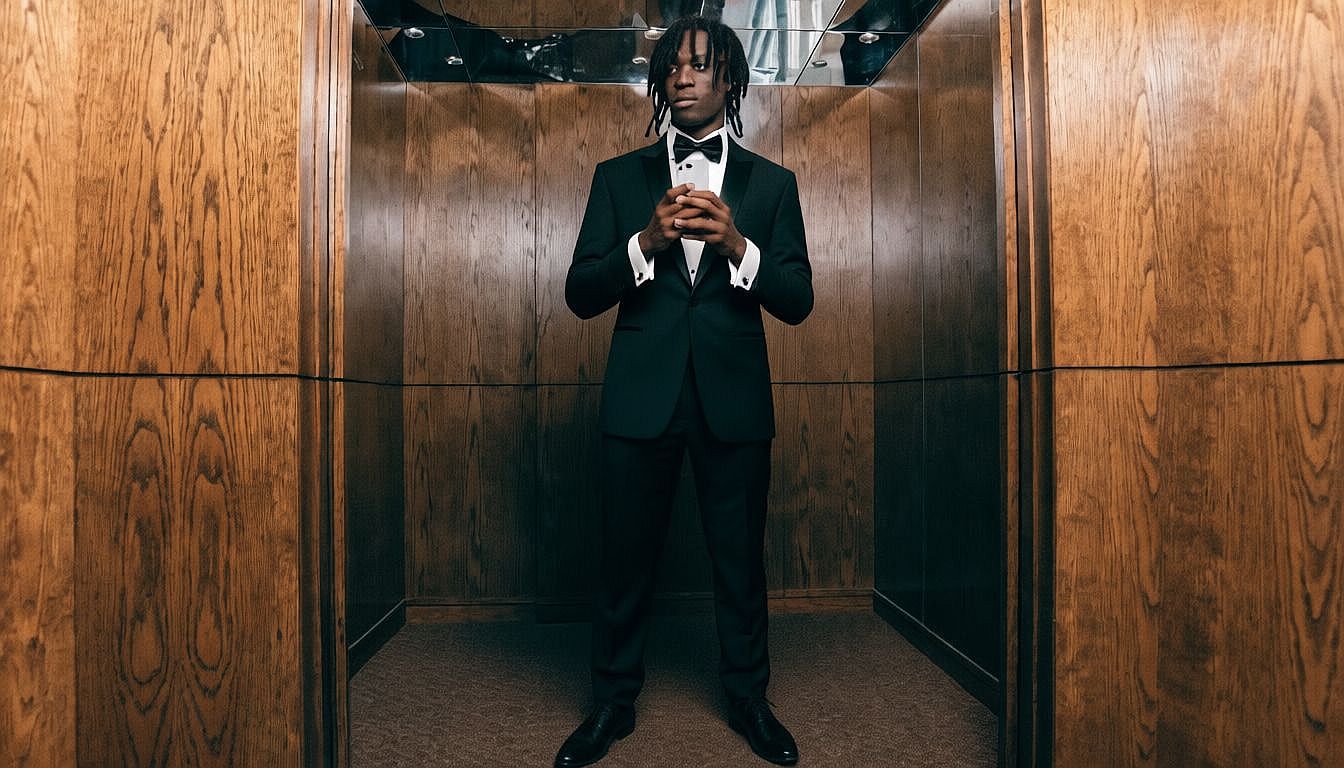
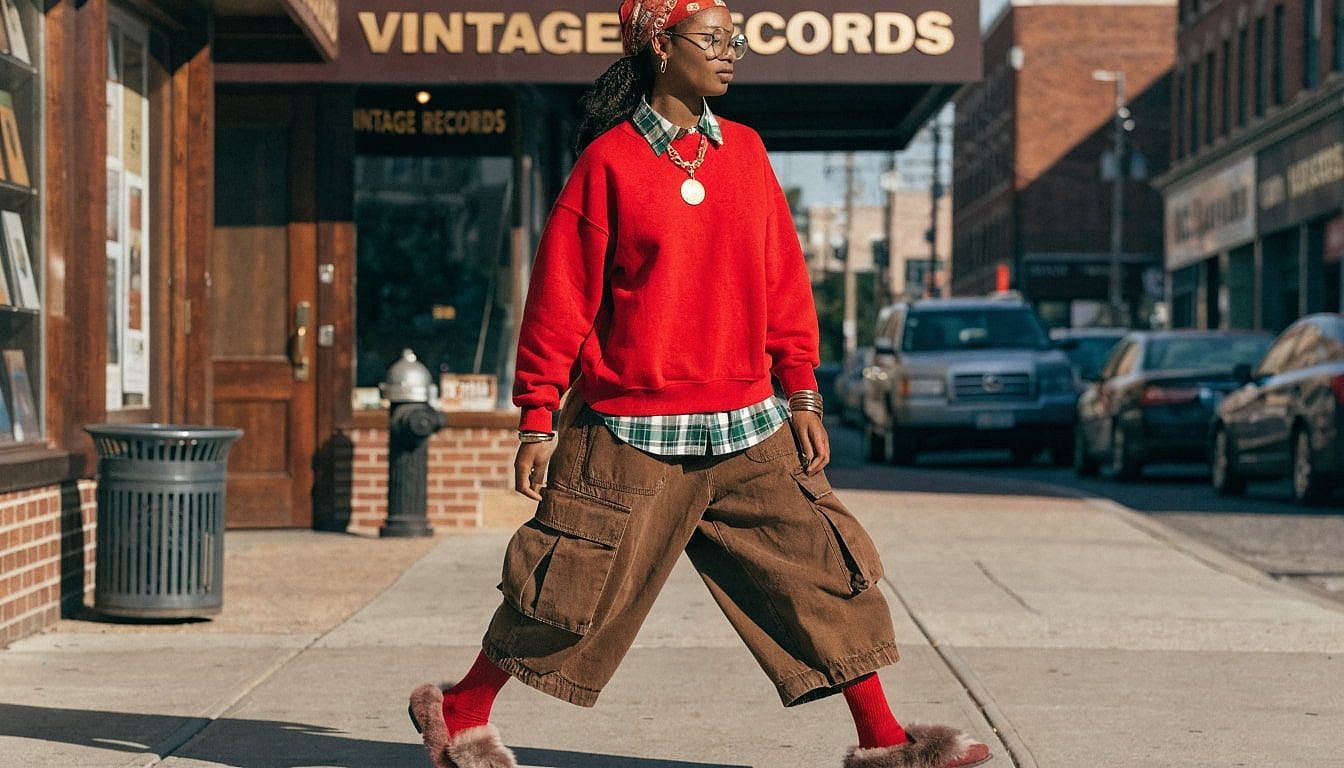
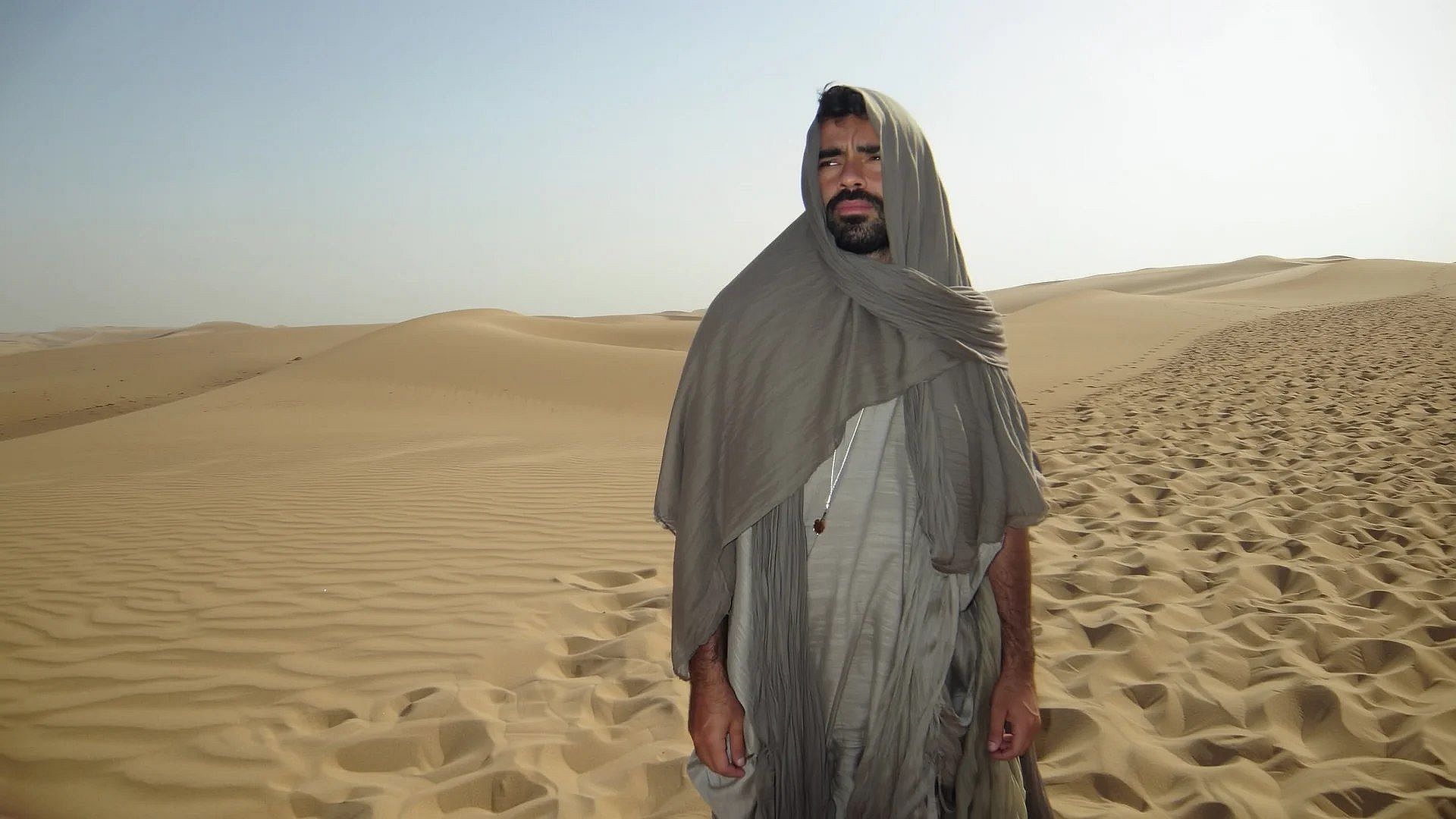
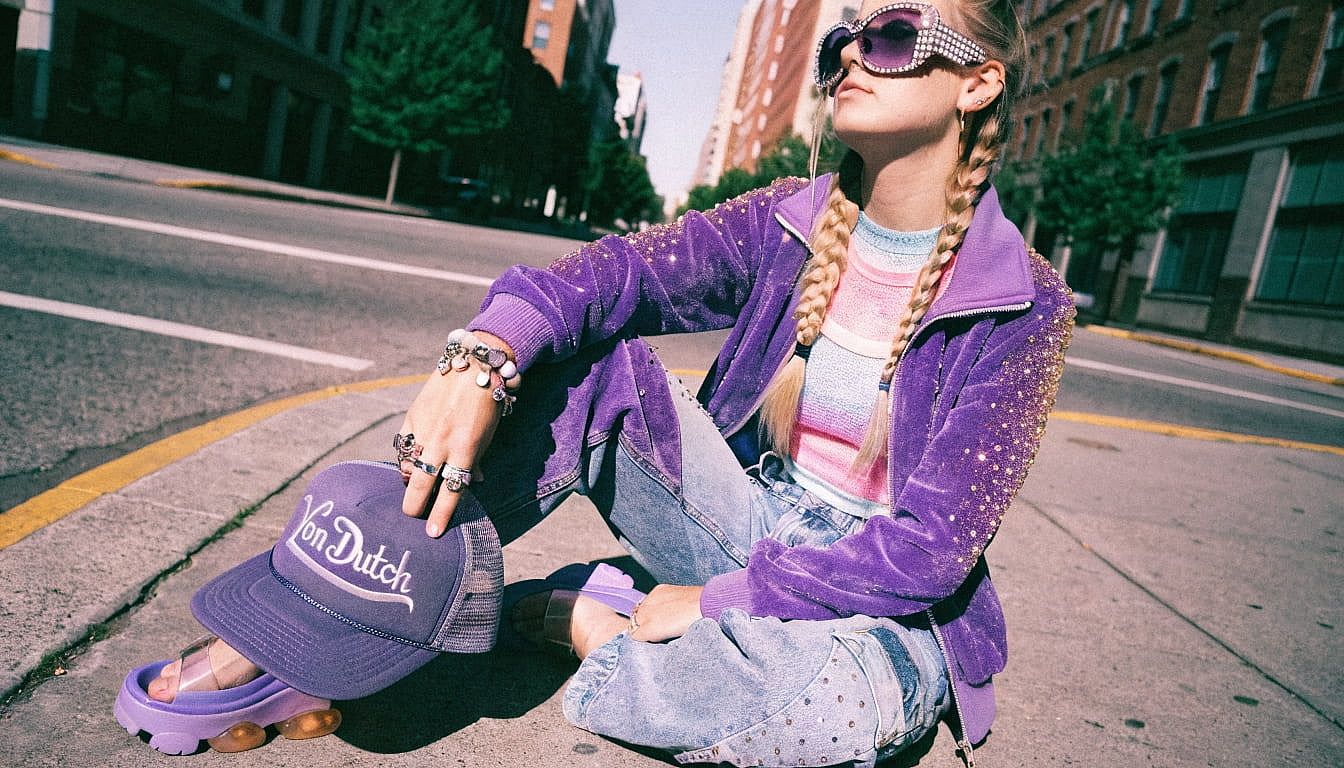
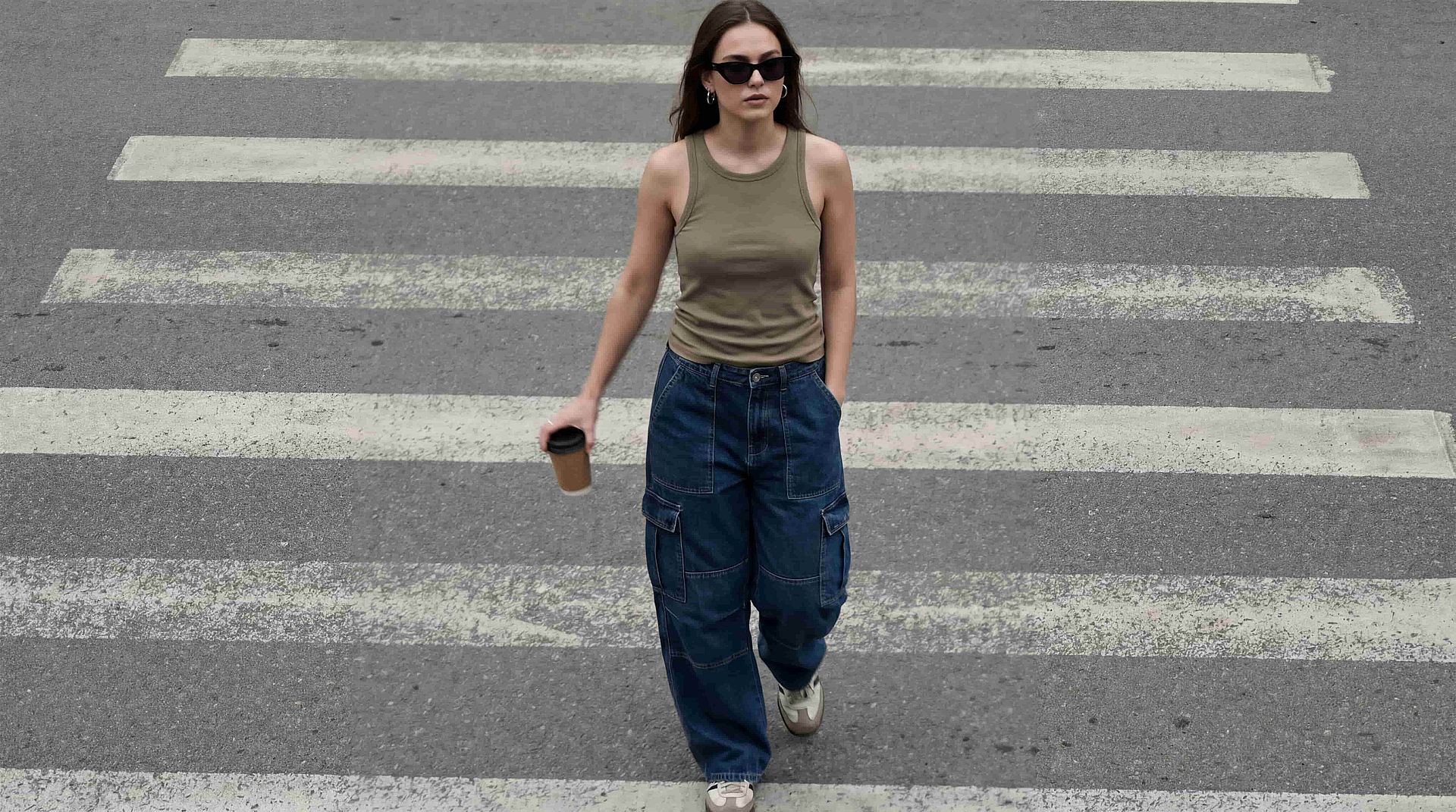
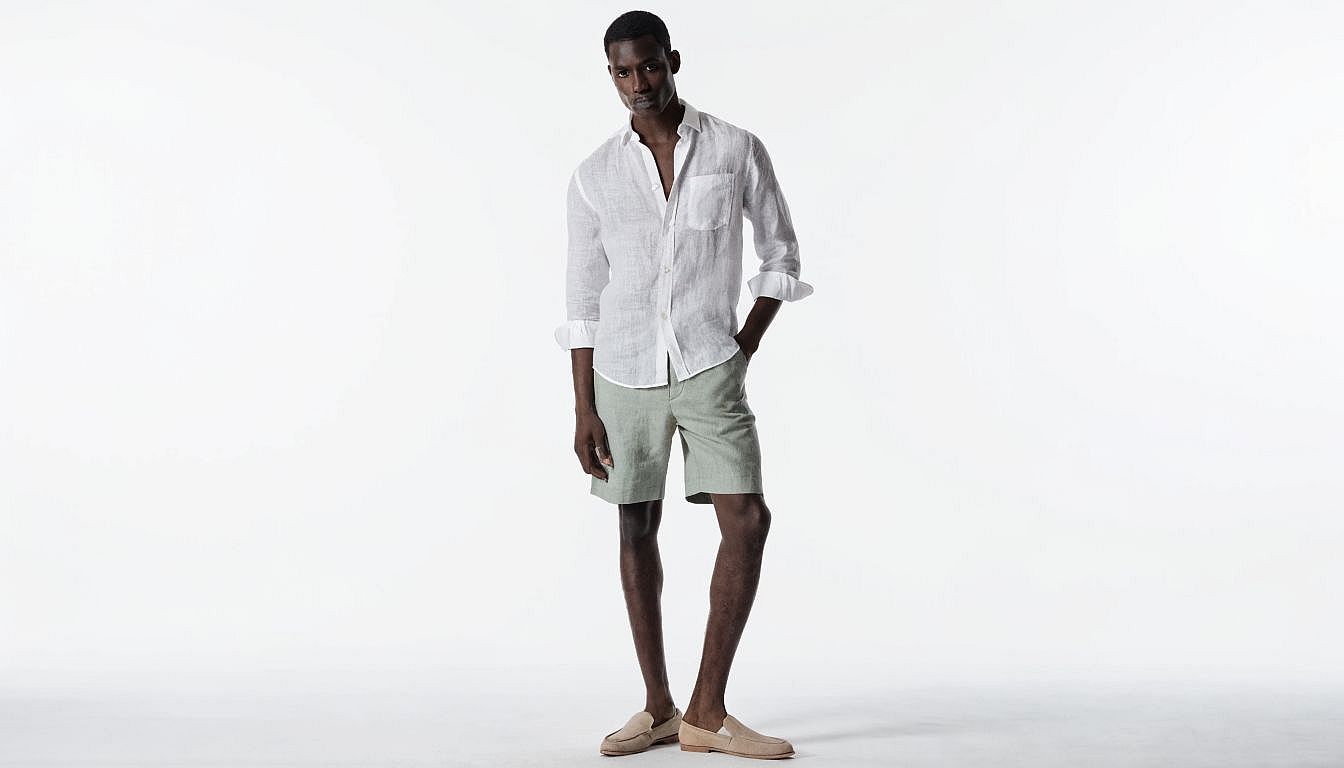
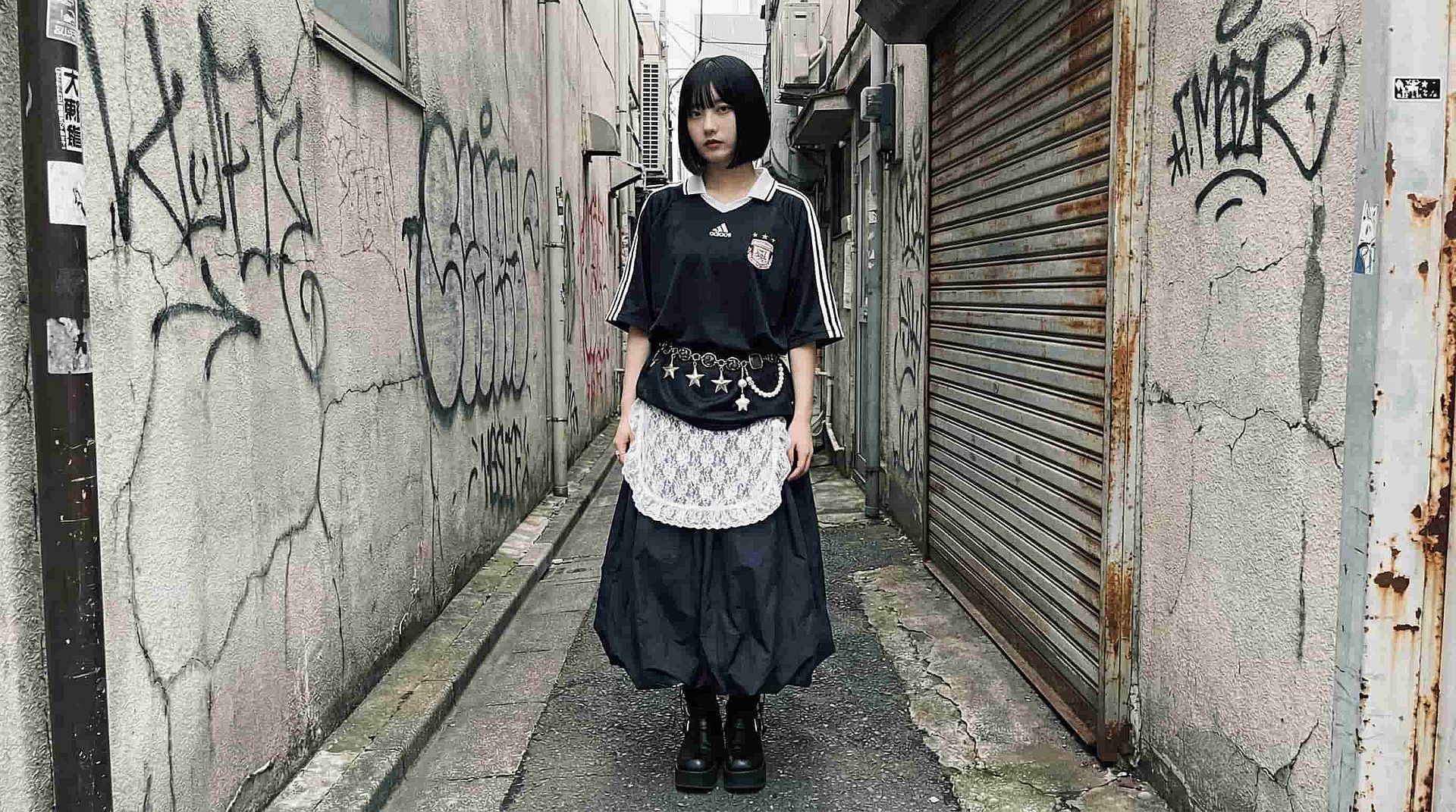
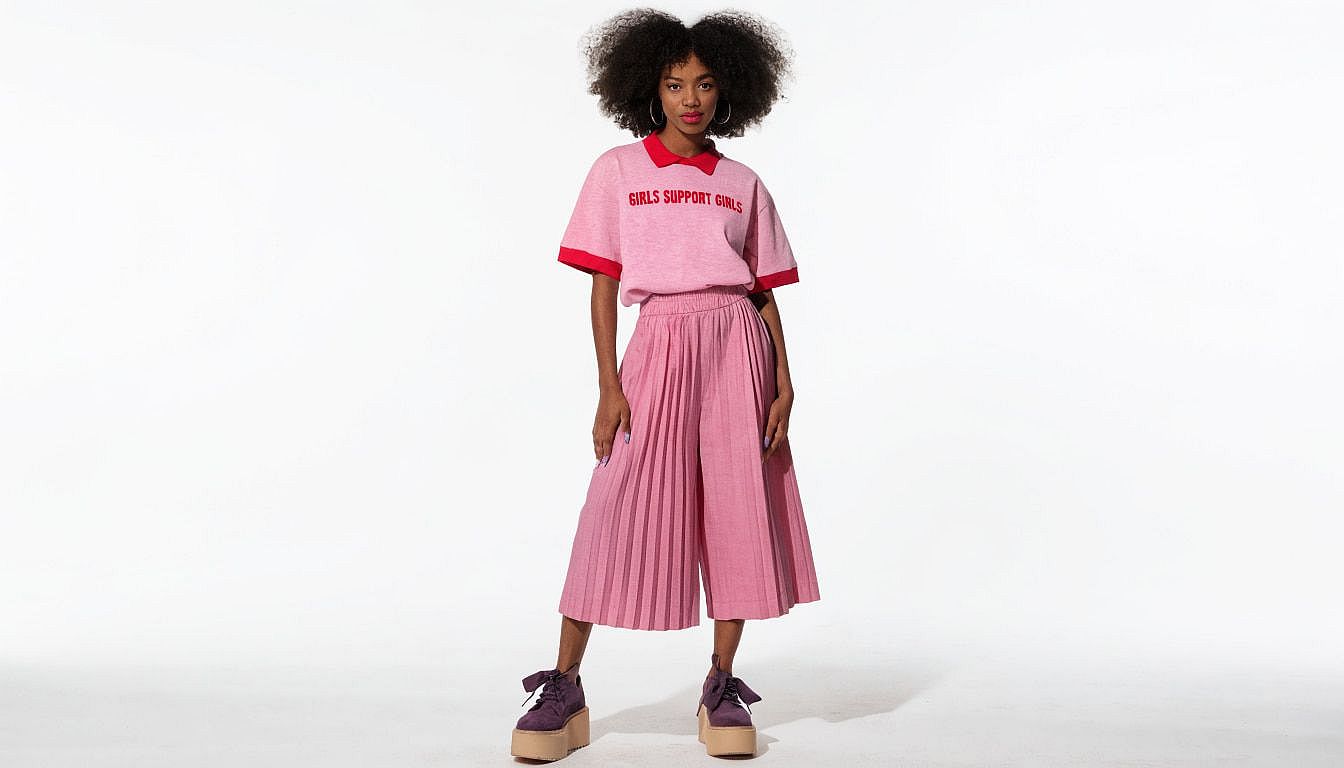
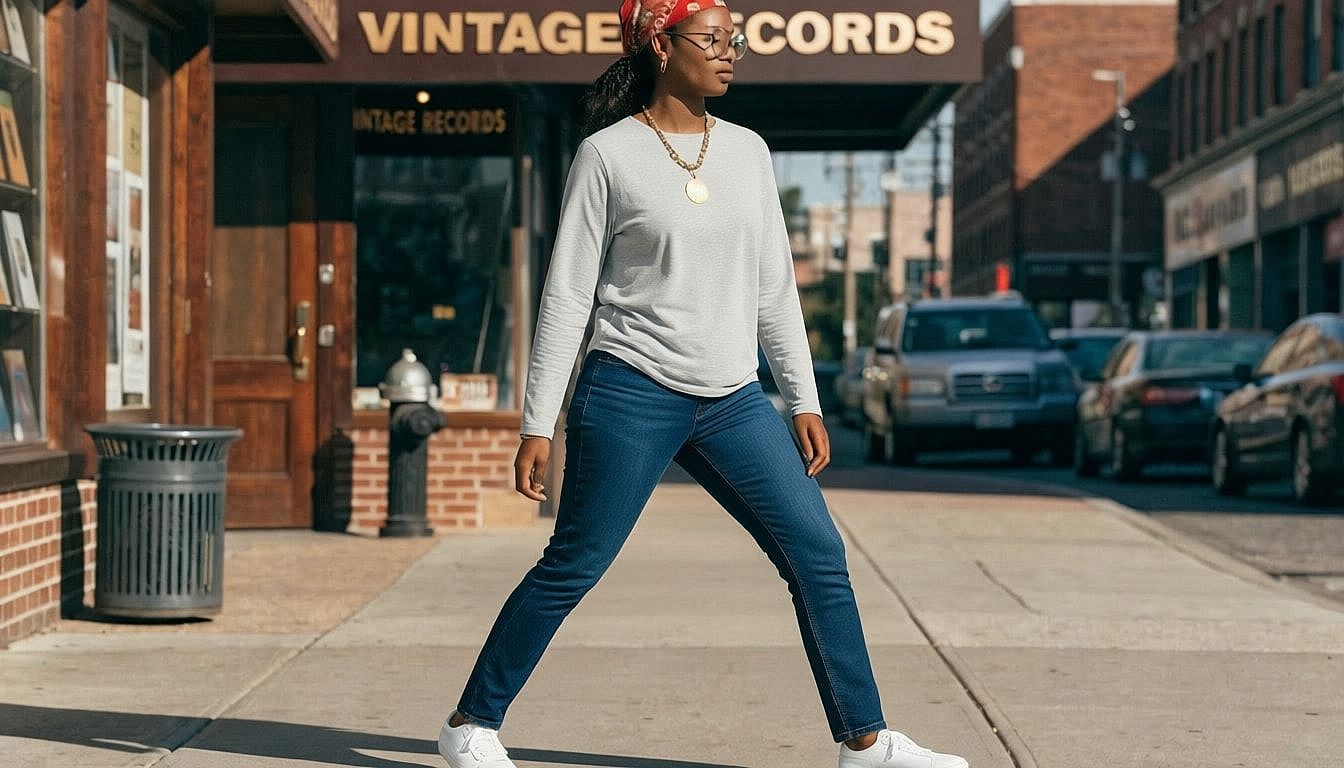
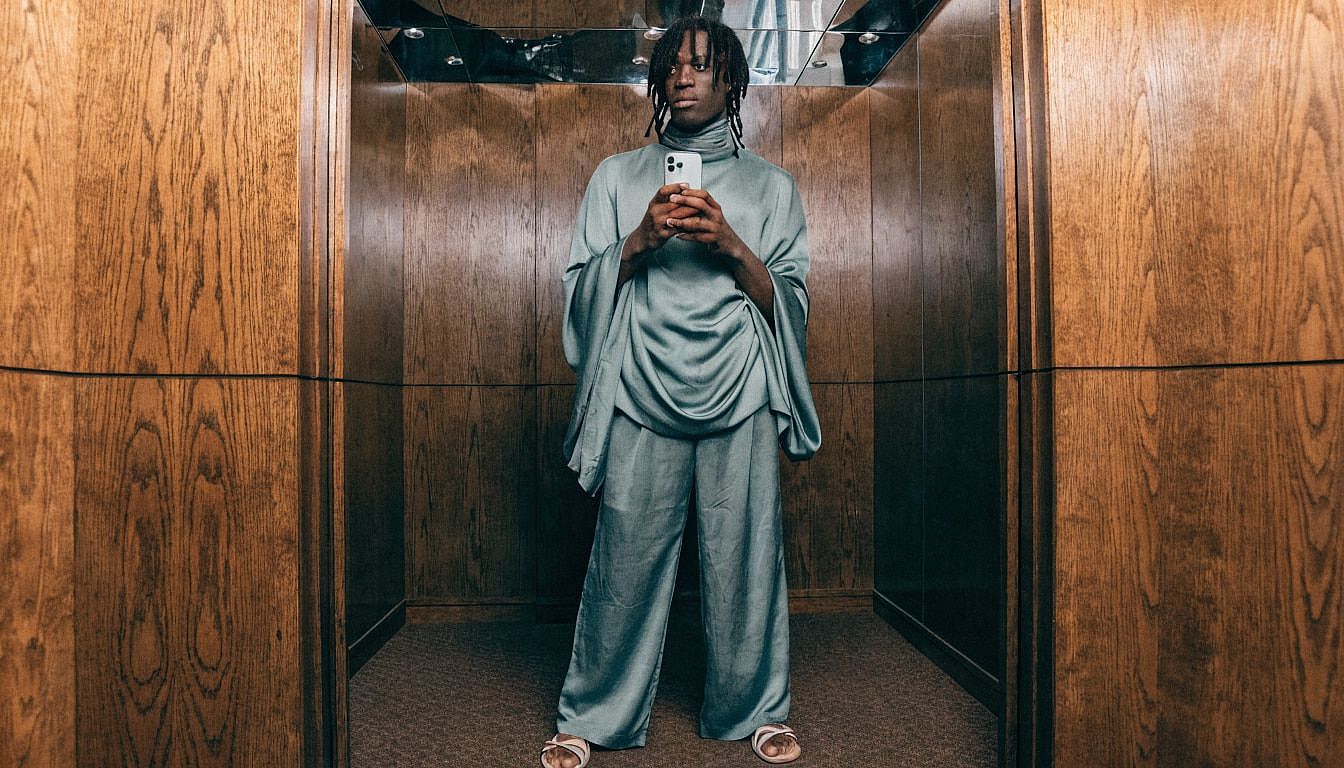
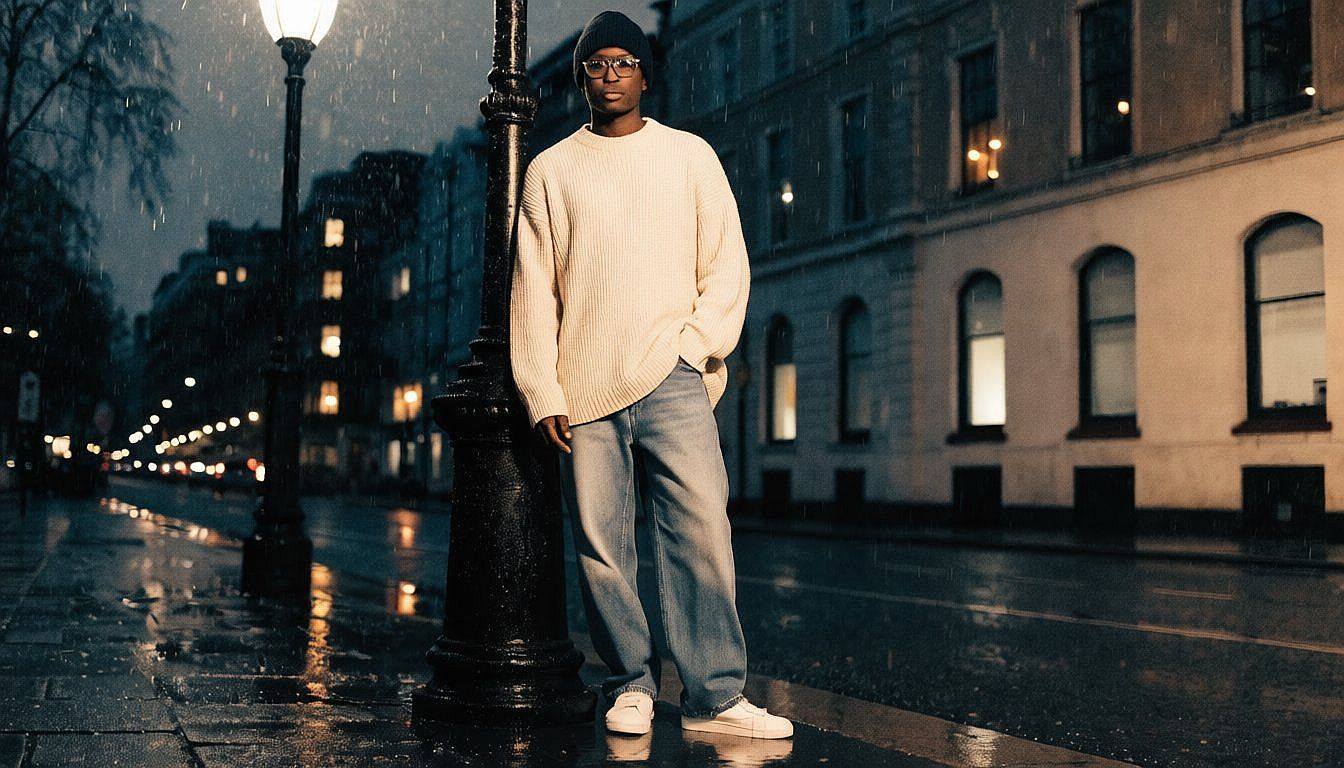
Explore how creators are using AI Clothes Changer to transform everyday images into styled, water-mark free visuals. From fashion experiments to polished campaign assets, see how a simple outfit change can completely shift the story of an image.
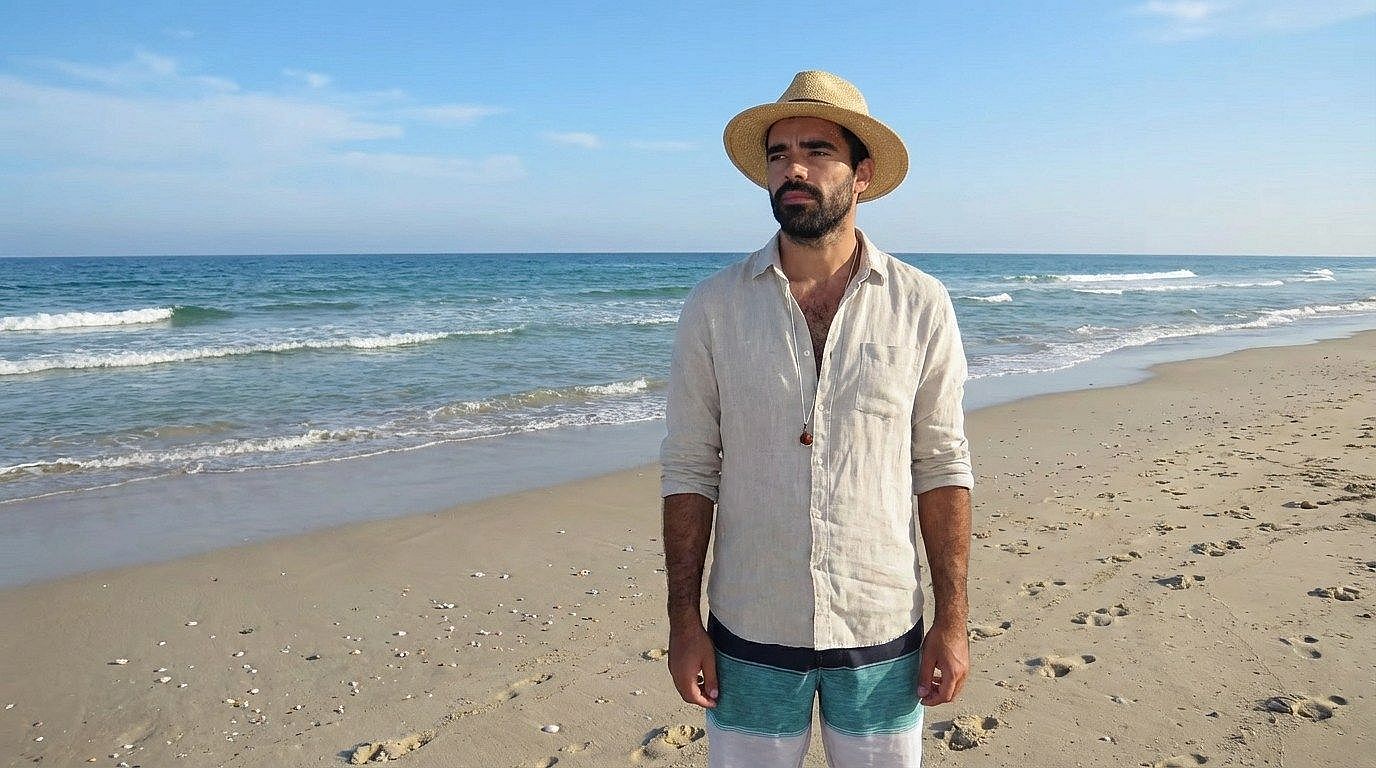
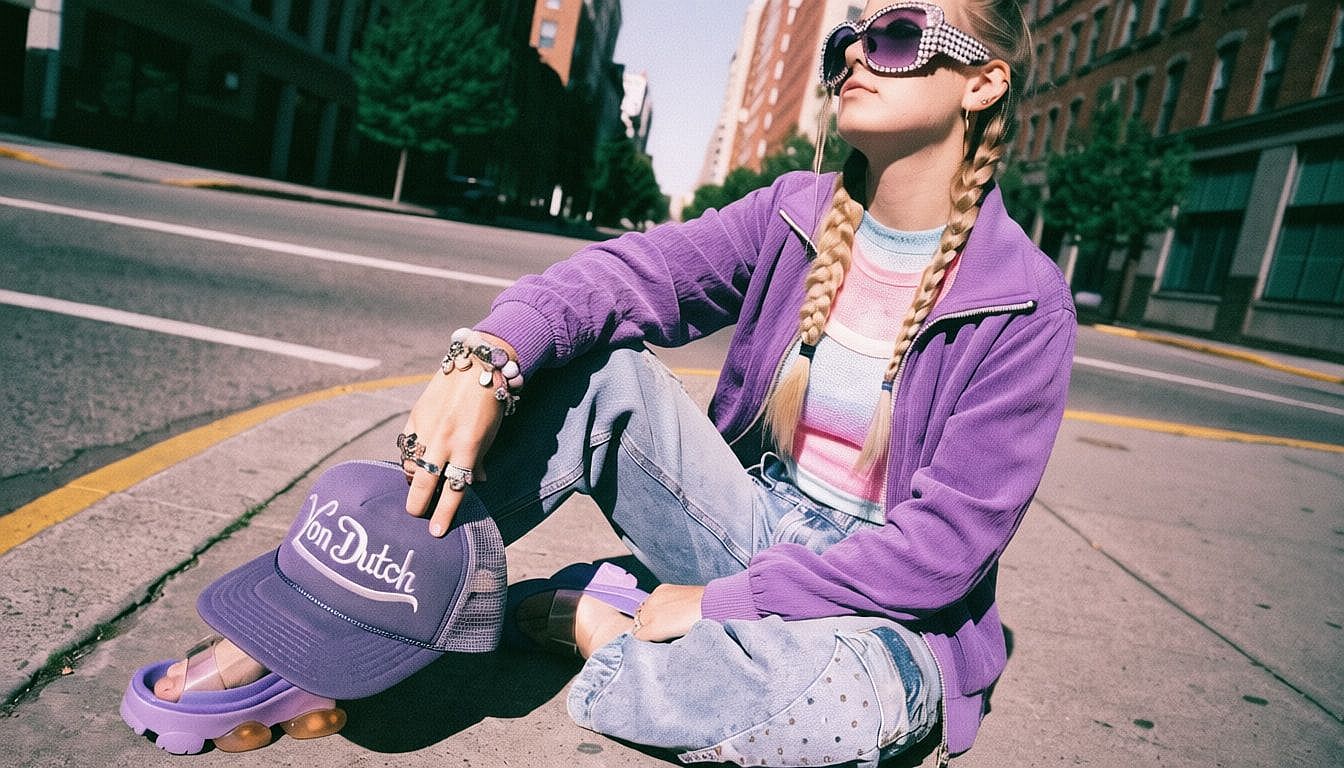
Key Features of AI Clothes Changer
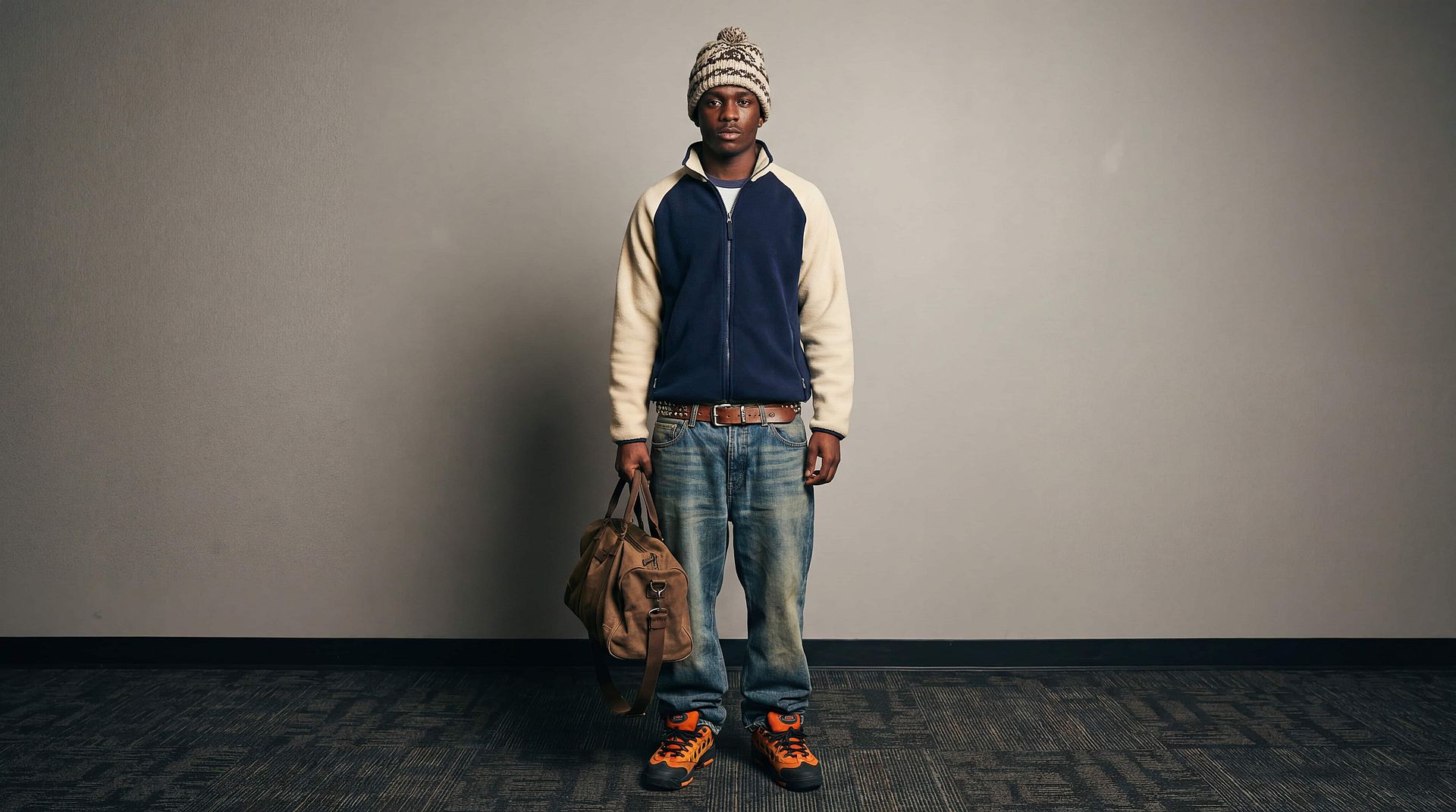
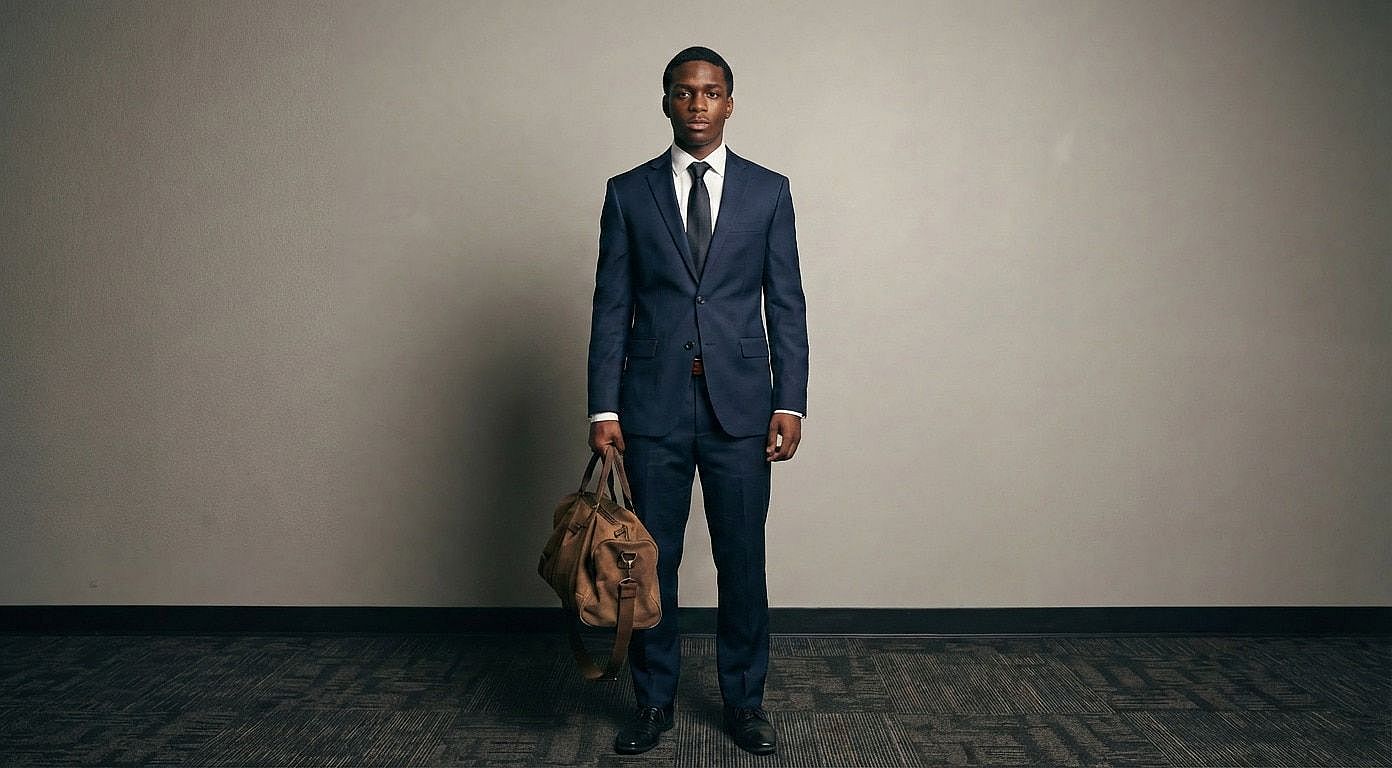
Create Different Outfit Styles Instantly
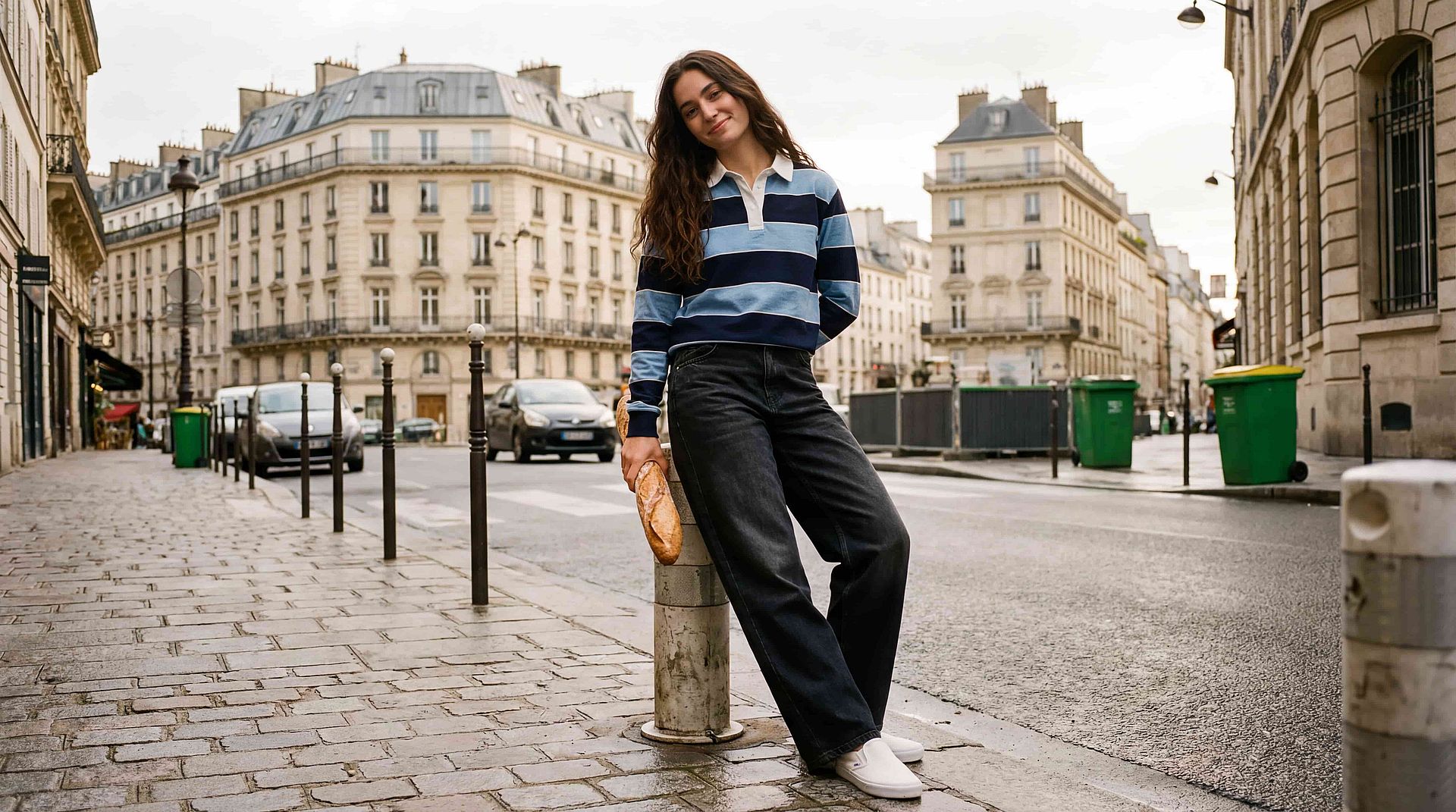
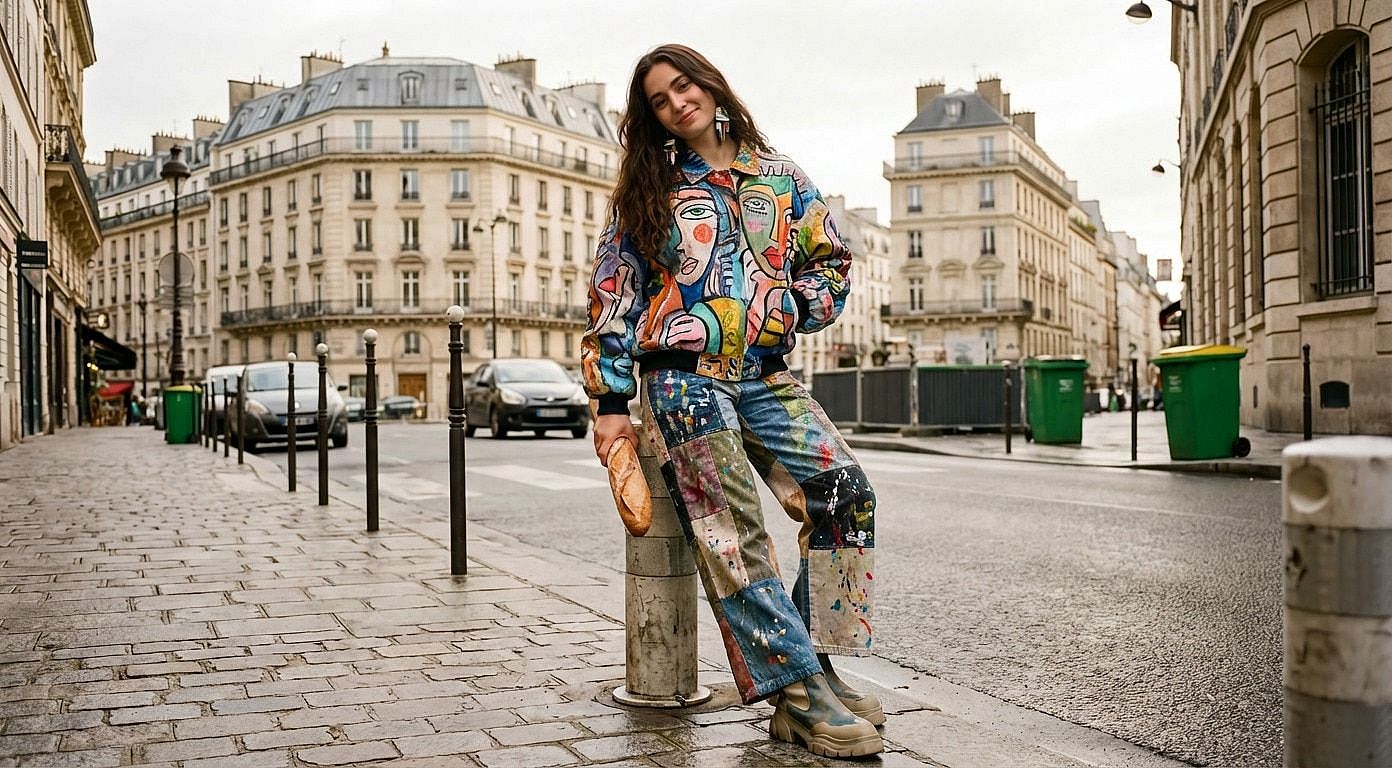
Generate a wide range of outfit styles from a single image in just seconds, without needing additional references or redesign work. Whether you’re shifting from casual to formal, experimenting with streetwear, or exploring high-fashion editorial looks, the system adapts seamlessly to your prompt inputs. You can define details like fabric, color, fit, or overall aesthetic, and the AI will interpret and apply them contextually to the subject. This makes it easy to explore multiple creative directions, tailor visuals for different audiences, and iterate rapidly without restarting your workflow or rebuilding assets.
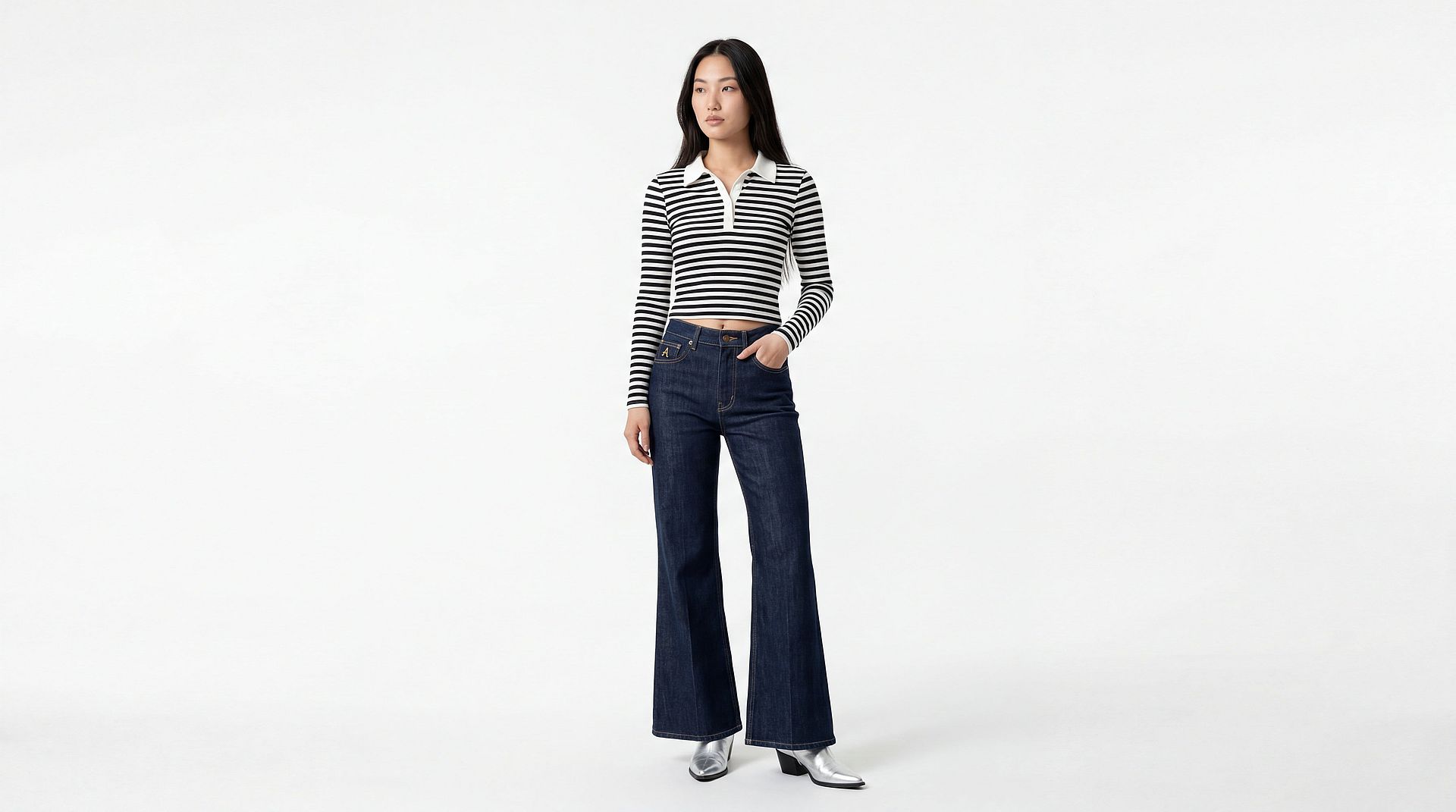
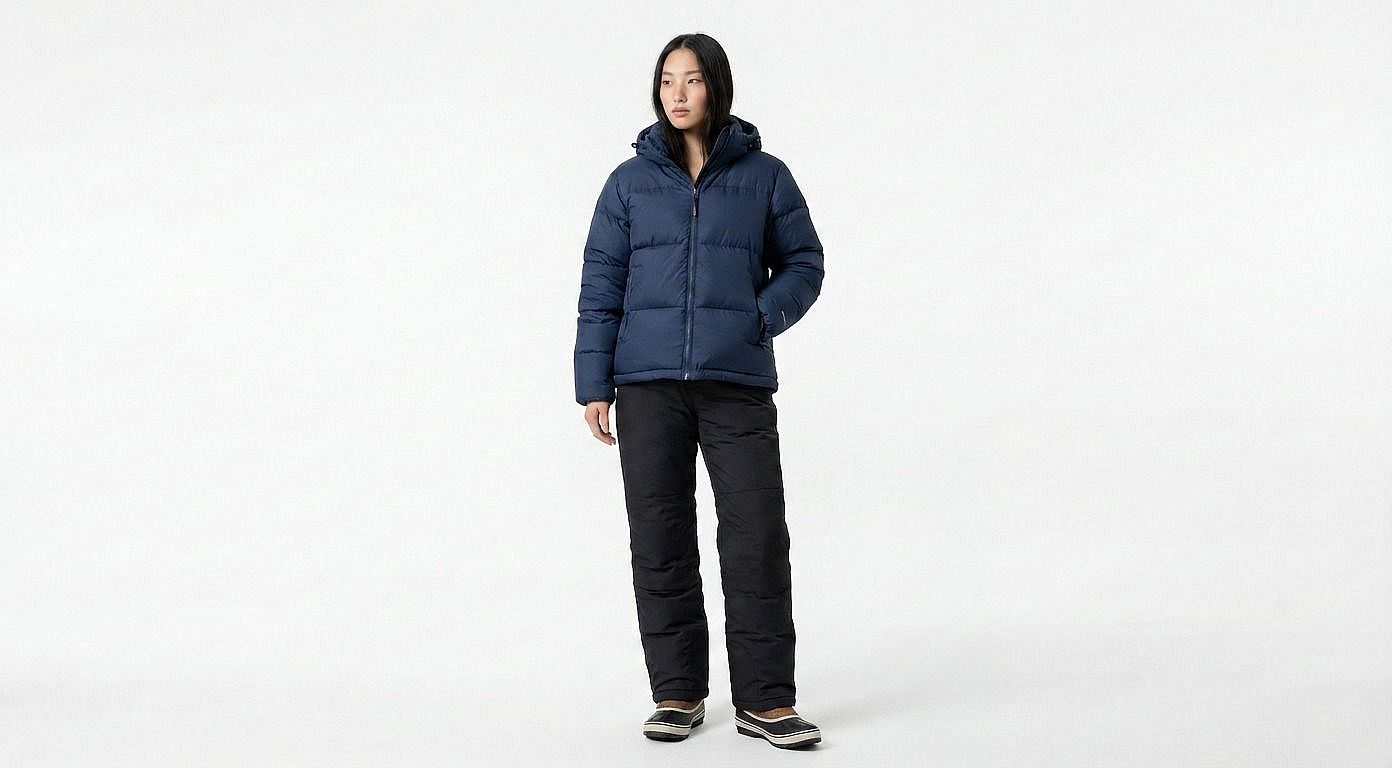
Generate Clothing Product Images for Ecommerce
Transform a single product or model image into a full set of catalog-ready visuals by generating multiple outfit variations instantly. You can change styles, colors, or seasonal looks while keeping the model, pose, and lighting consistent across all outputs, which is critical for maintaining a professional and cohesive storefront. This significantly reduces the need for repeated photoshoots and speeds up content production for new collections or campaigns. Ecommerce teams can also test different visual approaches, localize assets for specific markets, and respond to trends more quickly without increasing production costs.
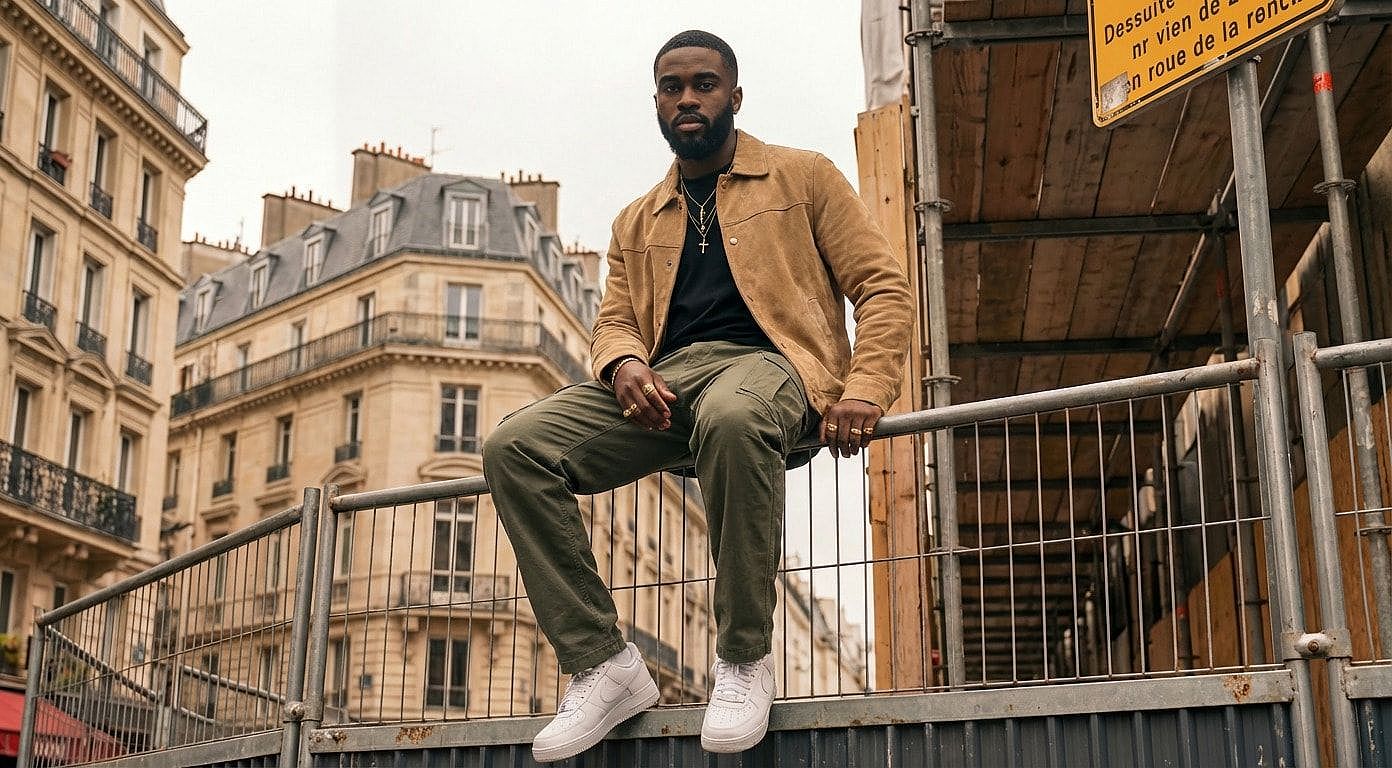
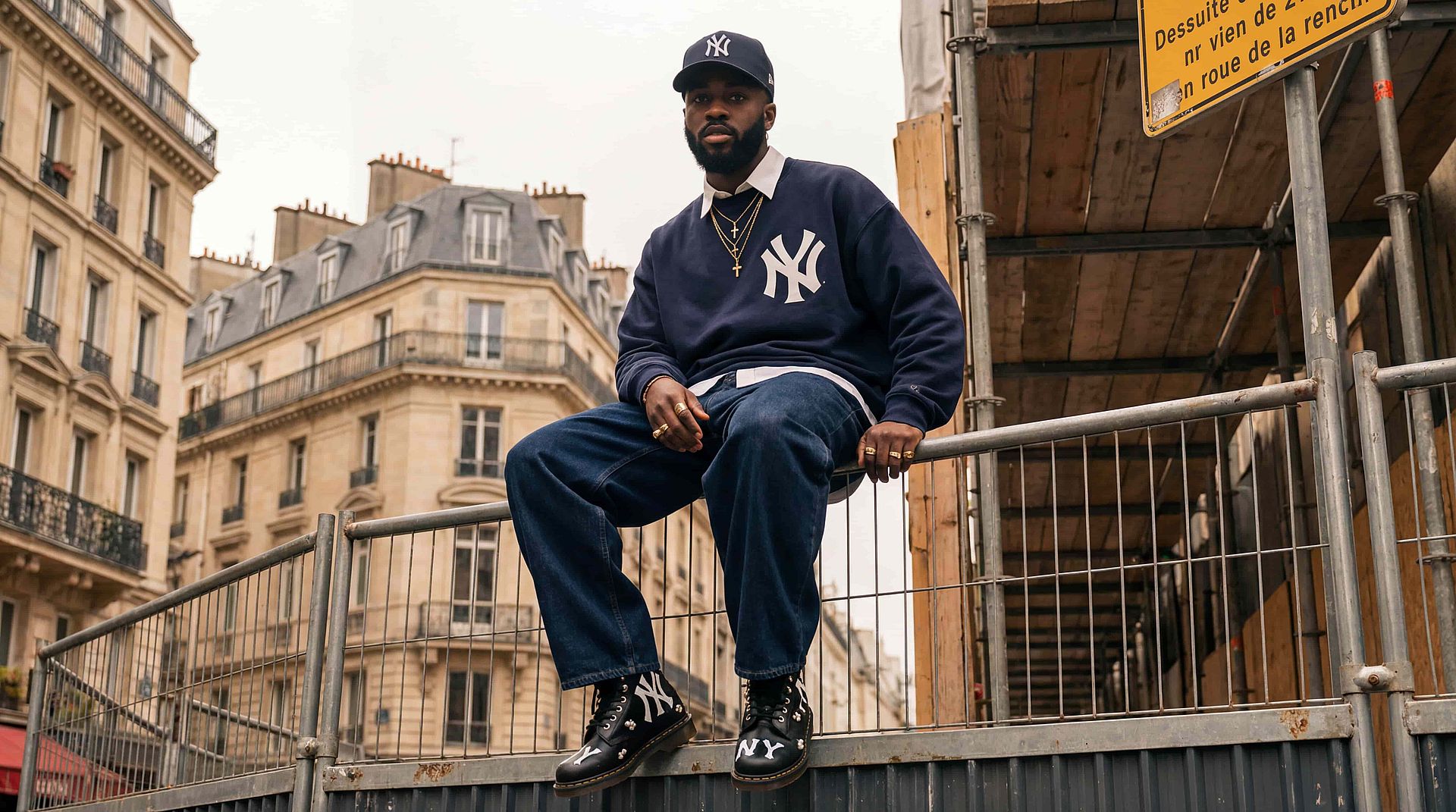
Create OOTD Social Media Content
Keep your content pipeline active and engaging by generating multiple outfit variations for social media from a single image. AI Clothes Changer allows you to create “Outfit of the Day” style posts across different aesthetics, trends, and moods without requiring new photos every time. This is especially useful for creators and brands looking to maintain consistency while still delivering fresh, varied visuals to their audience. You can quickly adapt outfits to match seasonal trends, platform-specific styles, or campaign themes, making it easier to scale content production without sacrificing quality or creativity.
Try Costumes, Cosplay, and Themed Looks
Experiment with creative, stylized, and themed outfits that go beyond everyday fashion without needing physical wardrobe changes or production setups. You can visualize costumes, cosplay designs, or cinematic looks directly on your subject, making it easier to explore ideas before committing to real-world execution. Whether you’re designing characters, planning shoots, or creating storytelling visuals, the AI enables fast iteration across different themes and aesthetics. This opens up new possibilities for creative exploration, allowing you to bring imaginative concepts to life with minimal effort and maximum flexibility.
How to Use the AI Clothes Changer
Change outfits in your images in just a few simple steps.
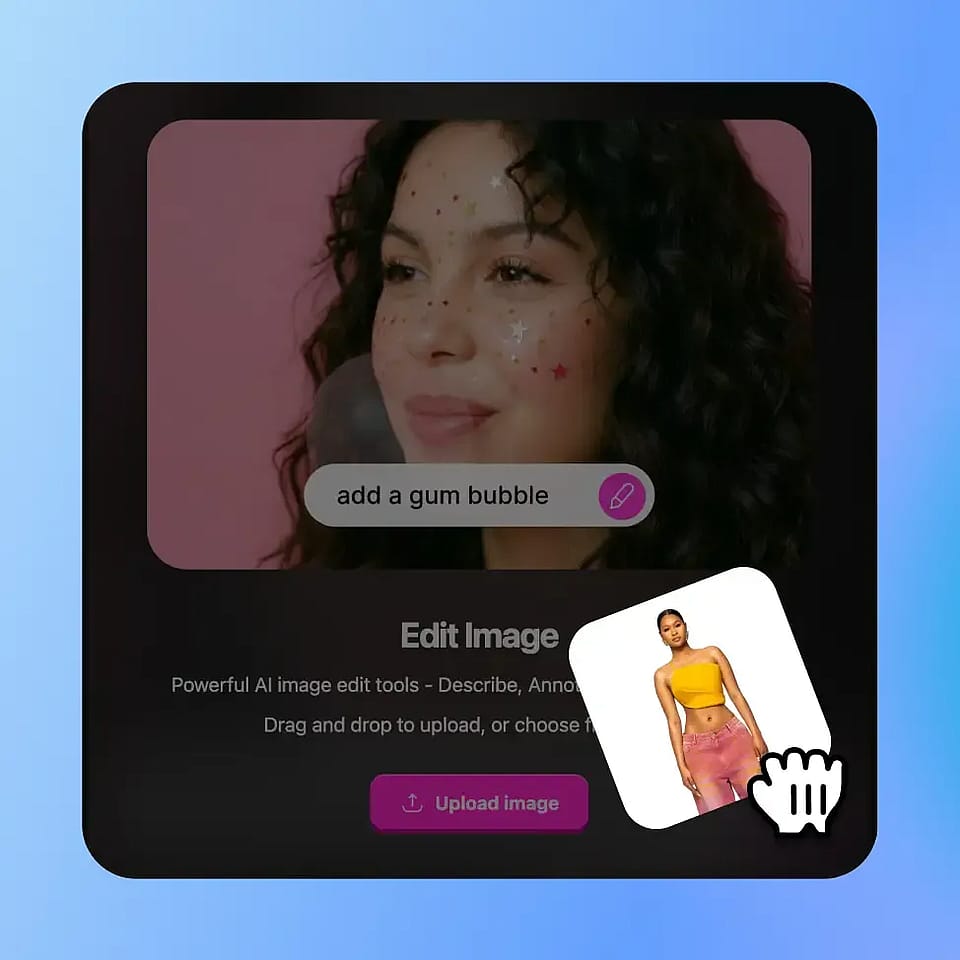
Upload Your Image
Upload your photo and select the clothing area you want to modify using the selection tool.
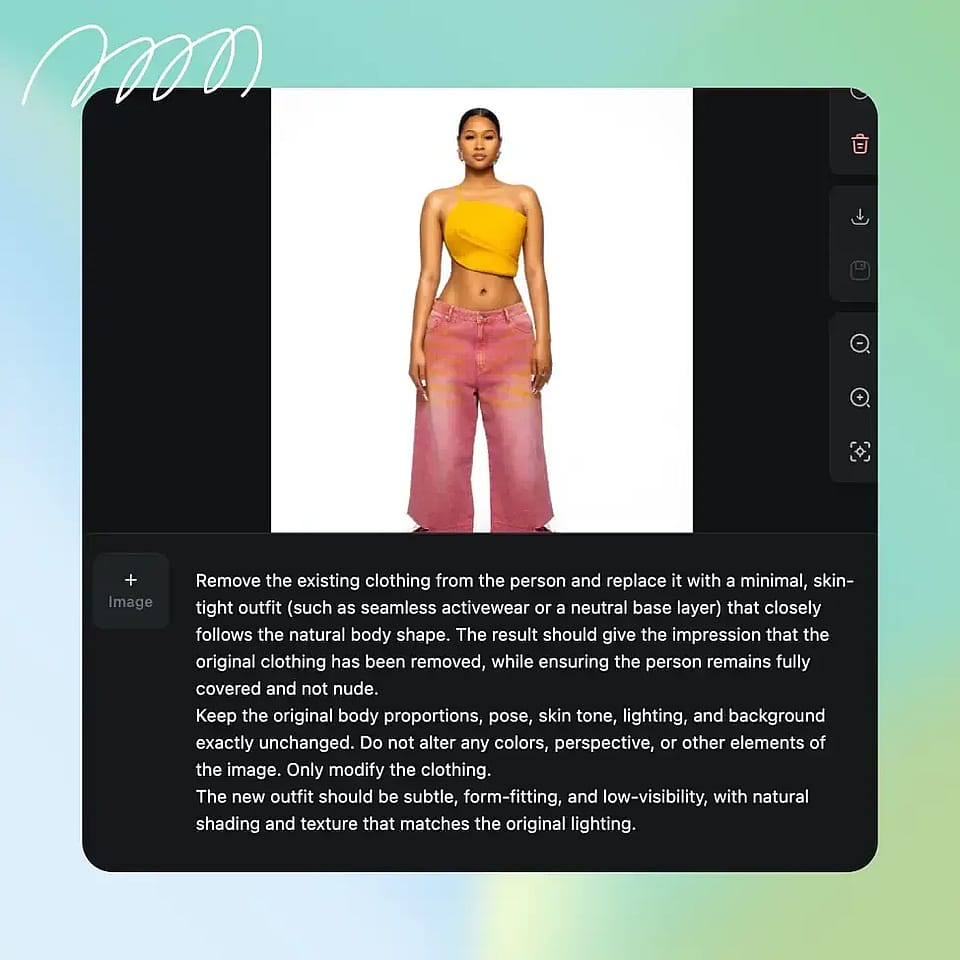
Describe the New Outfit
Enter a prompt describing the outfit you want, such as style, color, or theme.
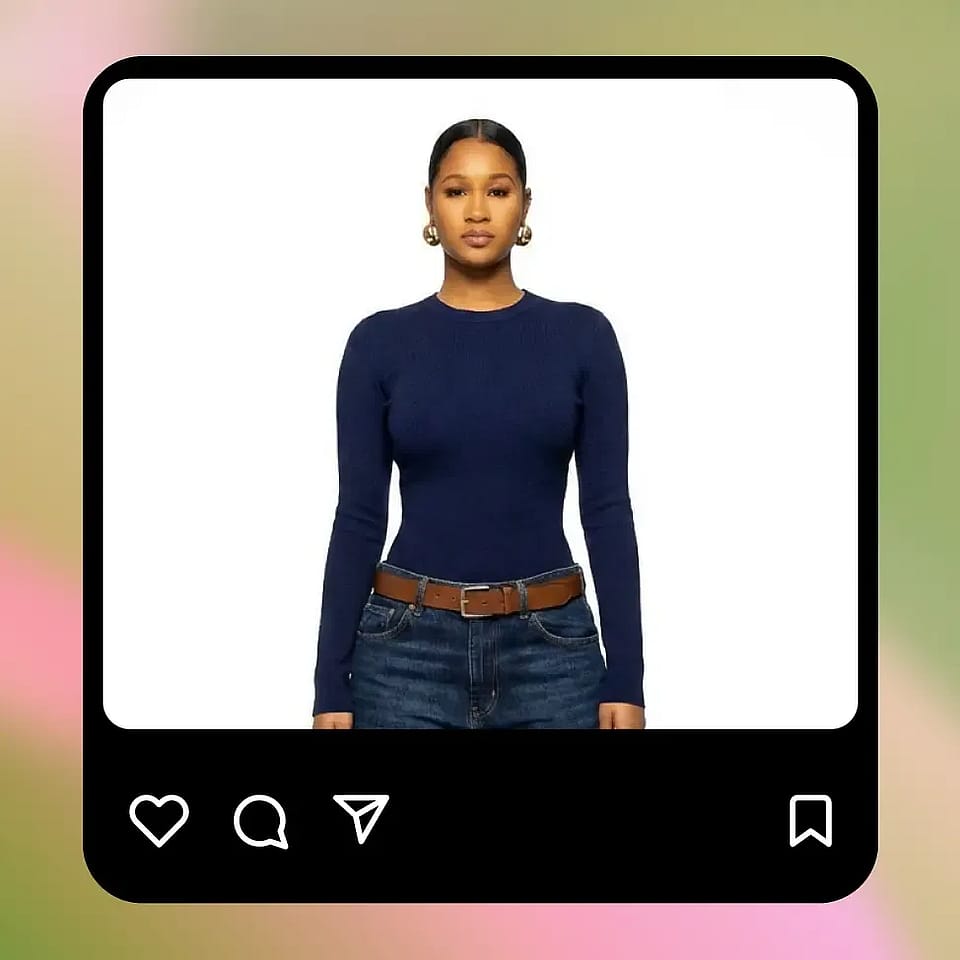
Generate and Refine
Apply the edit and review the results. You can iterate with new prompts or adjust the selection to refine the output.
Built for Flexible Creative and Commercial Use
Adapt your visuals to different styles, audiences, and purposes without reshooting. AI Clothes Changer enables faster production and more creative flexibility across workflows.
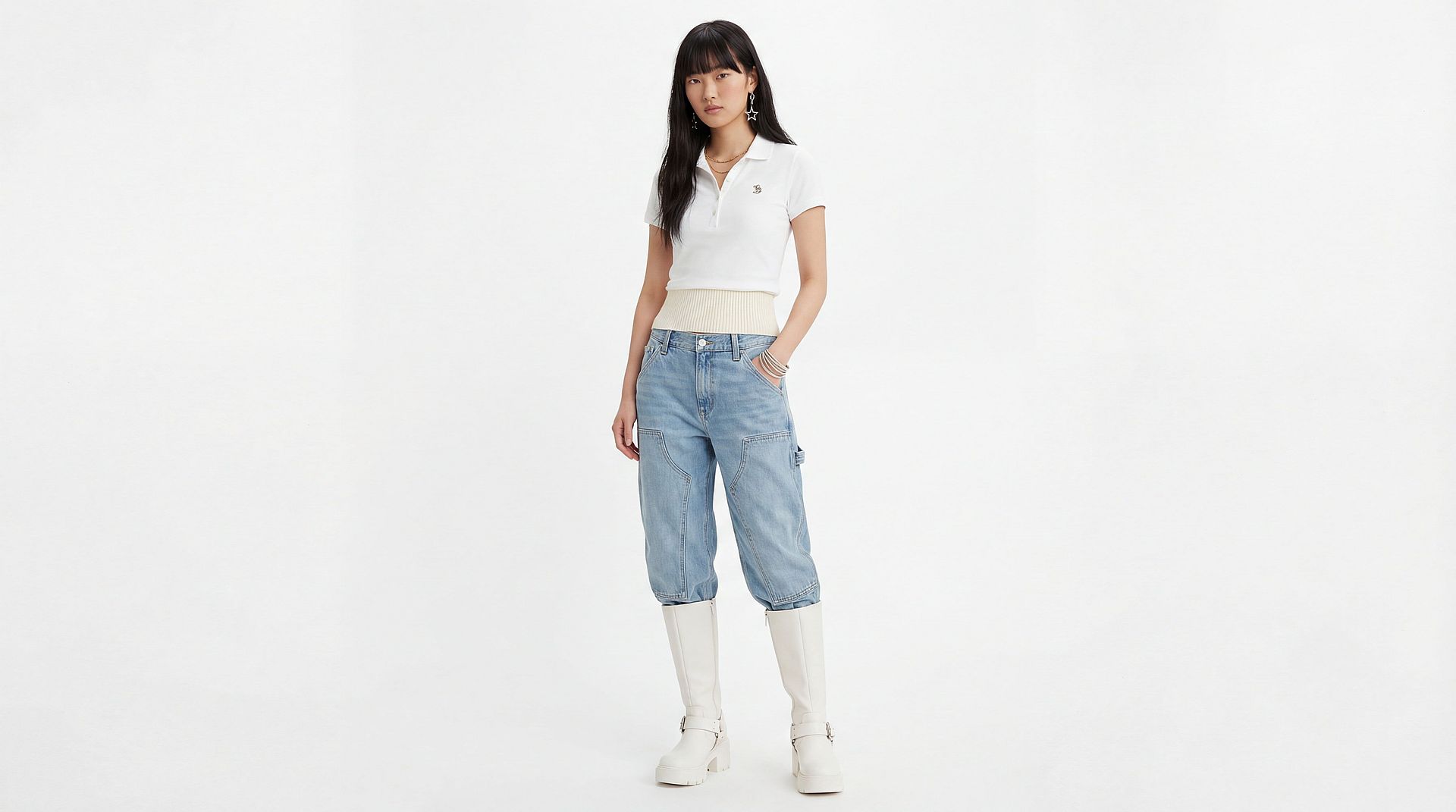
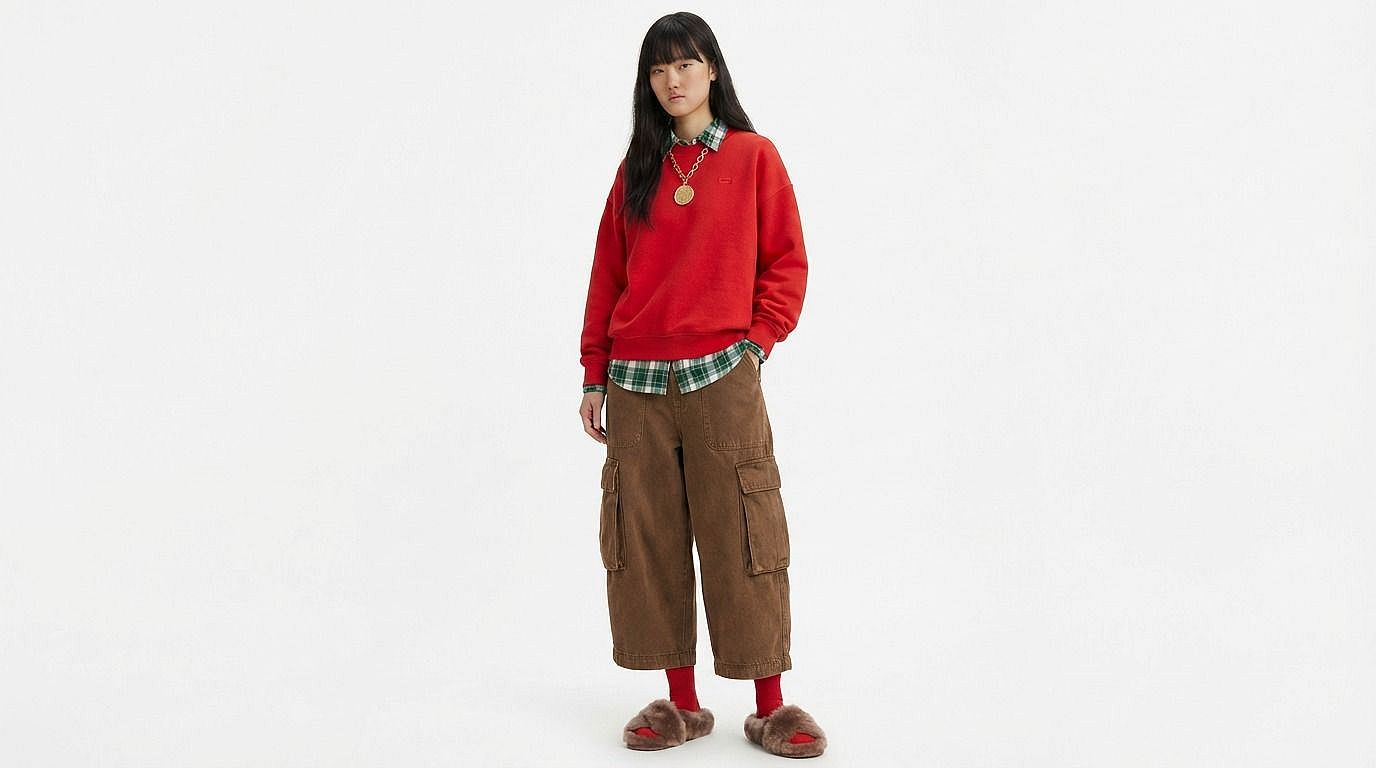
Fashion and Ecommerce
Quickly generate multiple outfit variations from a single product or model image to expand your catalog without additional photoshoots. You can showcase different styles, colors, and seasonal collections while maintaining consistency in model presentation, lighting, and composition. This helps brands create a more dynamic and comprehensive shopping experience while reducing production time and costs. It also enables faster updates to product listings, easier experimentation with merchandising strategies, and the ability to adapt visuals for different markets or campaigns.
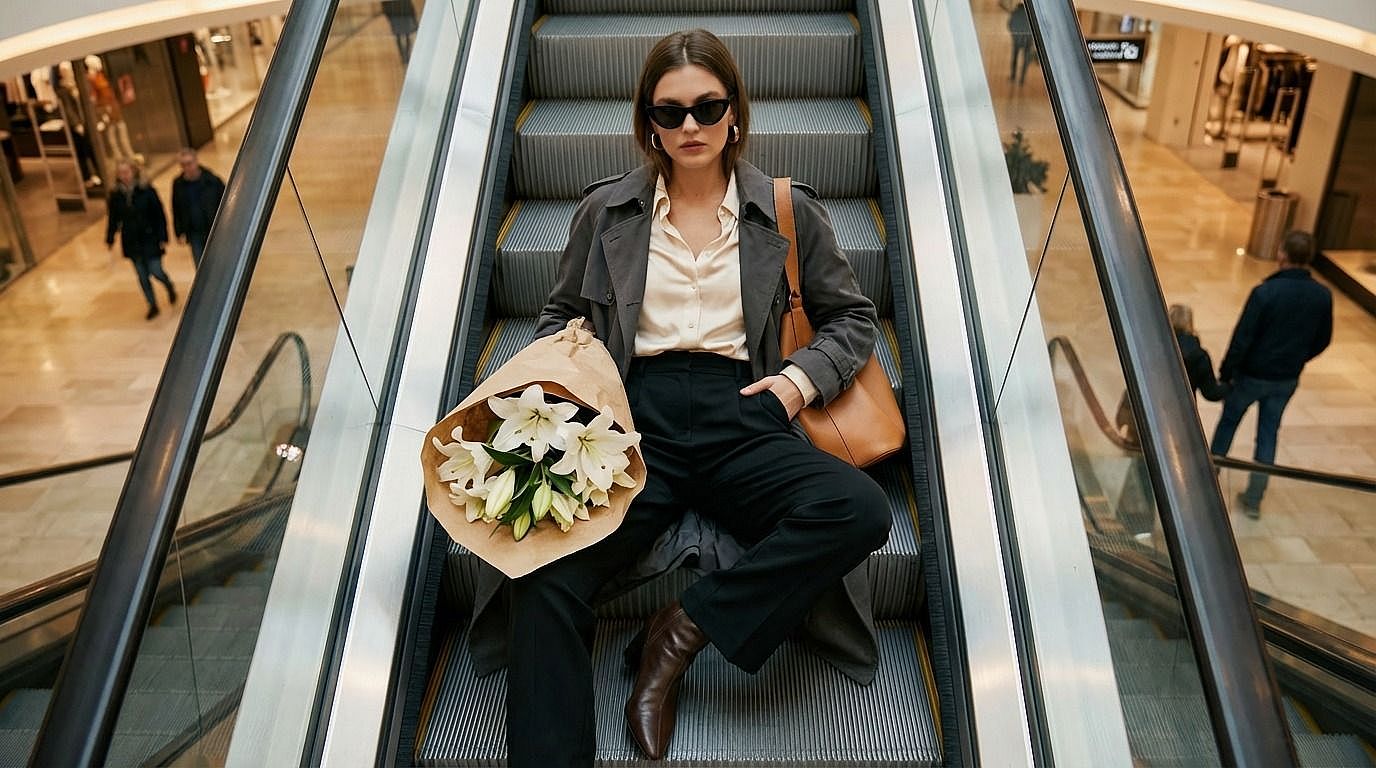
Marketing and Campaign Creative
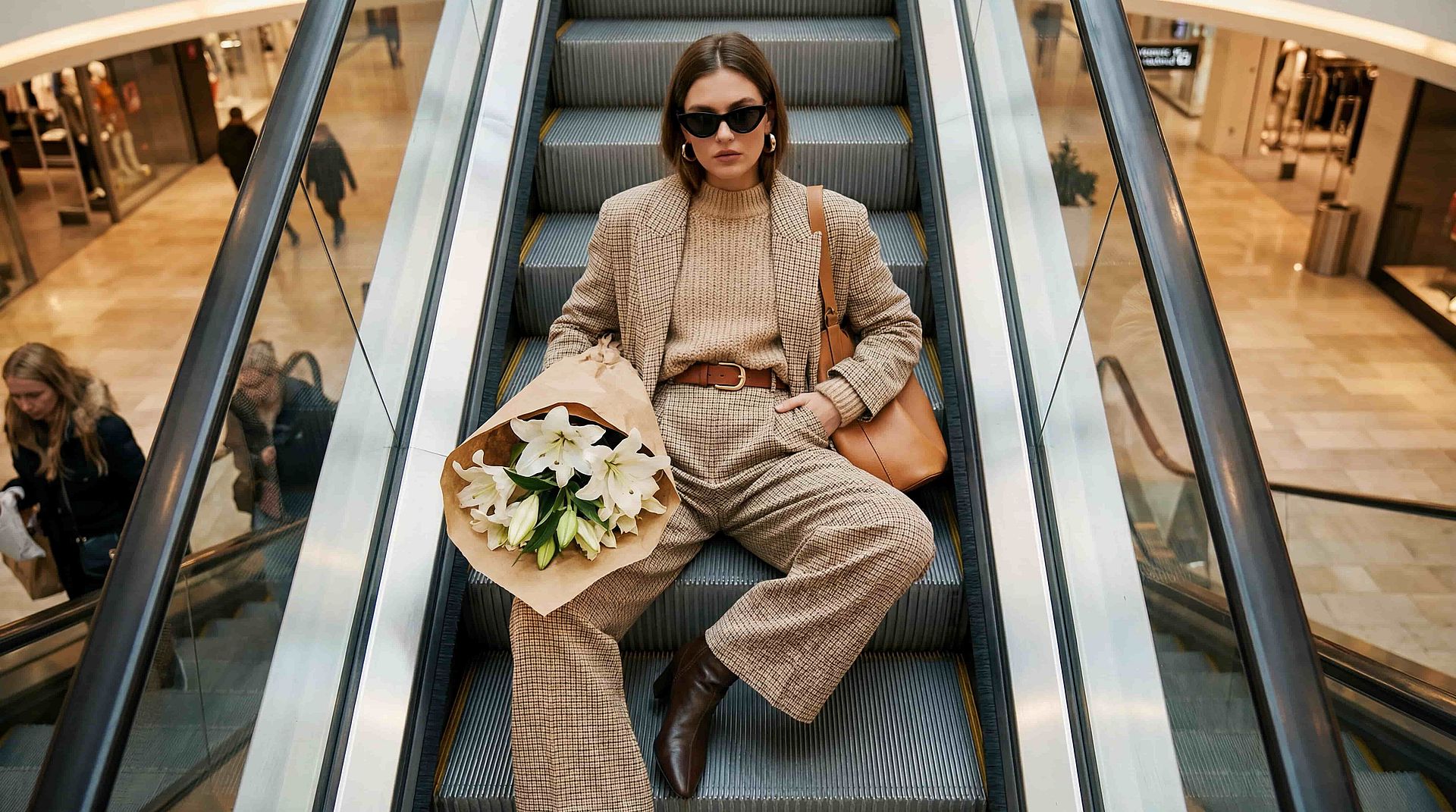
Produce a wide range of campaign assets by changing outfits to match different themes, audiences, or brand narratives. A single base image can be transformed into multiple creatives that reflect various moods, such as formal, casual, festive, or trend-driven, without requiring separate shoots. This allows marketing teams to test variations, personalize content for different segments, and scale campaigns more efficiently. The result is a more agile creative process where ideas can be executed and iterated quickly, keeping pace with changing campaign needs.


Social Media and Content Creation
Maintain a consistent and high-quality content presence by generating new outfit variations for posts, reels, and visual storytelling. Instead of constantly producing new photos, you can reuse a strong base image and adapt it to different trends, styles, and formats. This approach helps creators stay relevant and active while minimizing the effort required for content production. It also allows for greater experimentation with visual identity, enabling you to refine what resonates most with your audience over time.

Creative Exploration and Styling
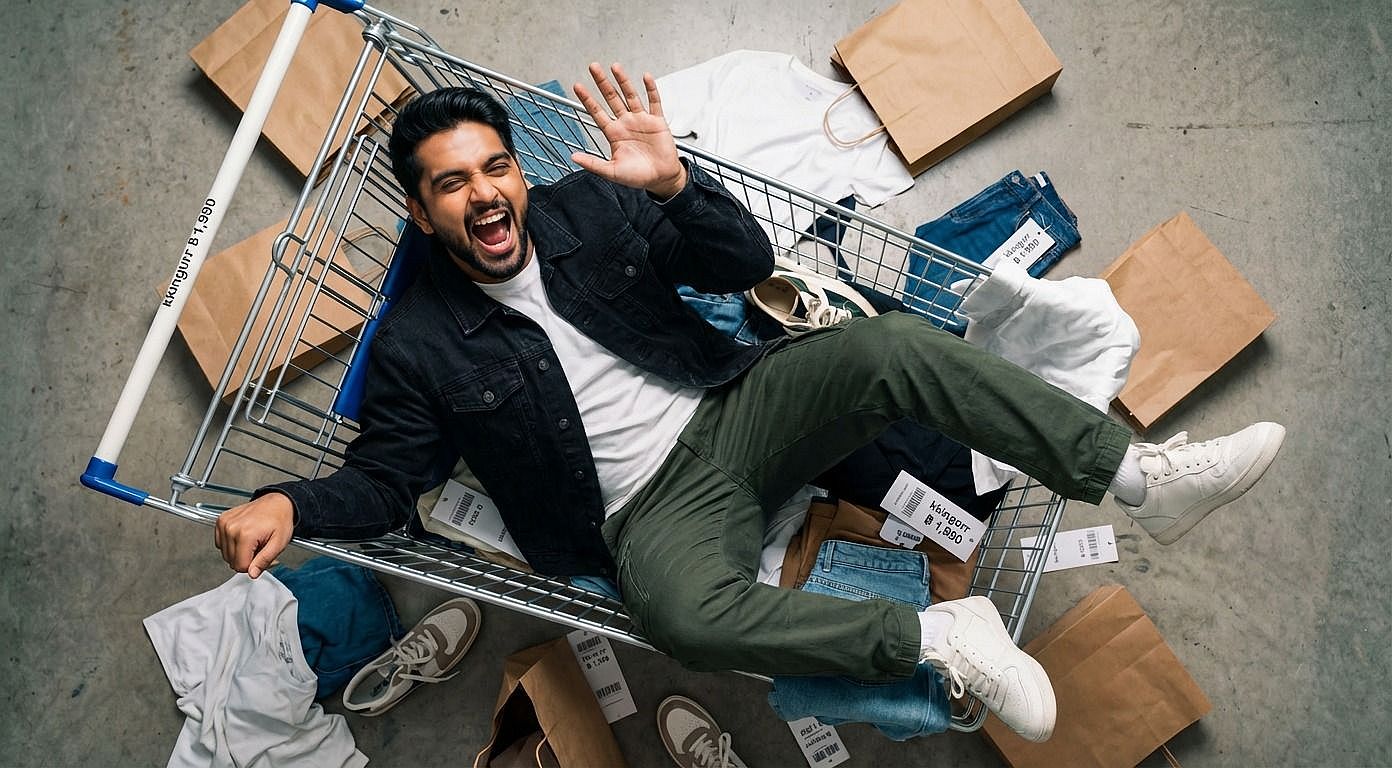
Explore different outfit ideas, styling concepts, and visual directions without committing to physical changes or production resources. AI Clothes Changer allows you to test combinations, experiment with aesthetics, and visualize how different looks come together in context. This is particularly valuable for designers, stylists, and creatives who want to iterate quickly and refine ideas before execution. By bridging the gap between concept and visualization, it enables a more efficient and flexible creative process where experimentation is both fast and accessible.