
WAN 2.7 – AI Video Generation Model
Create high-quality AI videos with WAN 2.7 on OpenArt. Generate clips using text, images, videos, and audio references with precise control over motion, composition, and editing. WAN 2.7 gives you consistent characters, controlled scenes, and flexible generation workflows.

Community Creations
See what creators are making with Wan 2.7. From cinematic camera moves to fluid character animations.
Start–End Frame Controlled Generation
WAN 2.7 lets you lock both the first frame and the last frame of your video, then generates motion that connects them. Instead of hoping the model produces the right transition, you can directly control outcomes like a character entering the frame, turning, or transforming into another state. This is useful when videos end abruptly, when motion feels inconsistent, or when you need a specific action to land at a specific moment. By defining both ends, the model fills in the motion in between in a more predictable way.
9-Grid Image-to-Video Composition
WAN 2.7 supports a grid-based image-to-video workflow where multiple images define different parts of the scene. This allows you to control layout before animation begins, so characters, backgrounds, and objects appear where you expect them. It reduces common issues like subjects shifting position or environments changing unpredictably across frames, making the final video feel more stable and intentional.
Video Continuation and Segment Control
WAN 2.7 can extend an existing video by generating the next segment while maintaining continuity with the previous one. With optional end-frame control, you can guide how one segment transitions into the next, which helps avoid clips that stop mid-action. This makes it easier to build longer sequences step by step while keeping motion and subject consistency intact.
Subject and Voice Reference Control
WAN 2.7 allows you to combine image, video, and audio references in a single generation. You can define what a subject looks like using an image, how they move using a video, and how they sound using audio input. This helps reduce issues like identity drift, mismatched motion, or lack of synchronization, resulting in more consistent and directed outputs across the entire clip.
Instruction and Reference-Based Video Editing
WAN 2.7 enables editing of existing videos using natural language instructions or reference inputs. Instead of regenerating an entire clip, you can change specific elements such as a subject, environment, or visual style while keeping the rest of the video intact. This makes it easier to fix small issues, create variations, or refine results without losing consistency.
Temporal Feature Transfer
WAN 2.7 can transfer motion patterns, camera movement, effects, and visual style from a reference video to a new scene. This is useful when you want a specific type of motion or cinematic feel but cannot reliably describe it through prompts. By reusing motion directly from a reference, you can achieve more consistent and controlled results across different videos.
How To Use Wan 2.7 AI Video Generator
Create controlled AI videos in three simple steps.
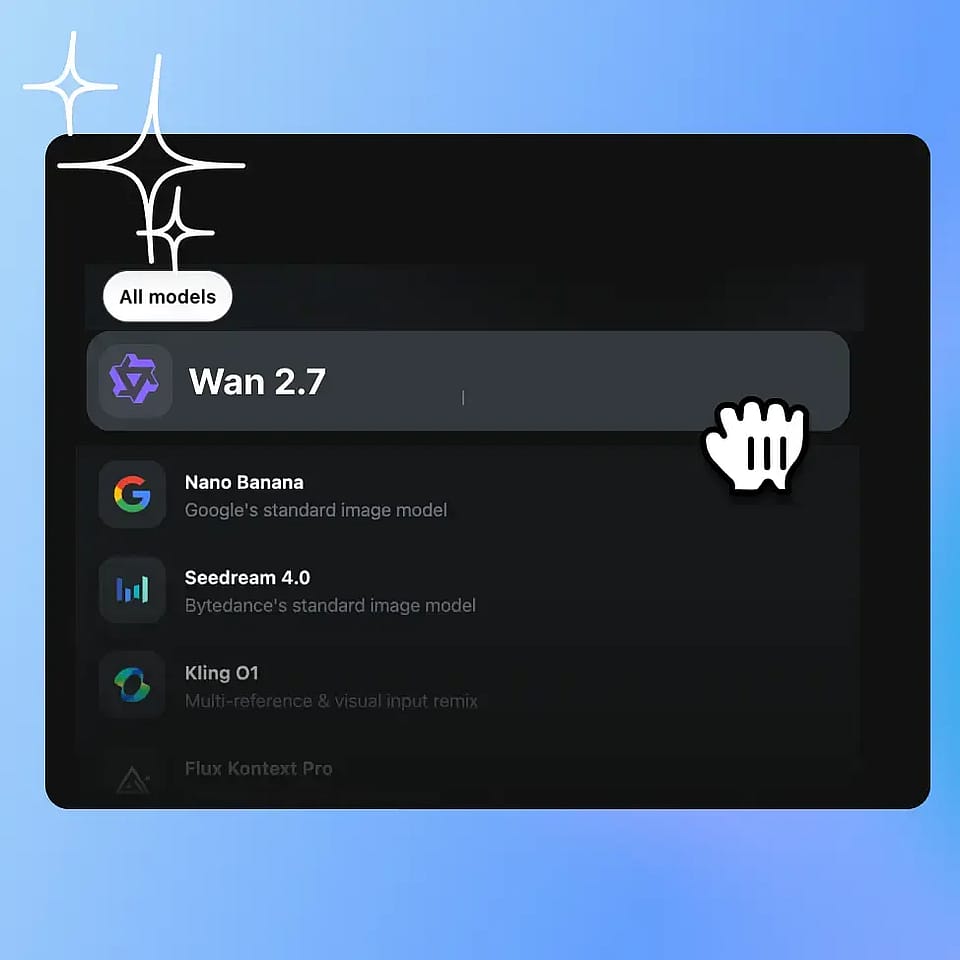
Pick the model & add inputs
Select WAN 2.7 in the Video tool, then enter your prompt and add any image references or start/end frames.
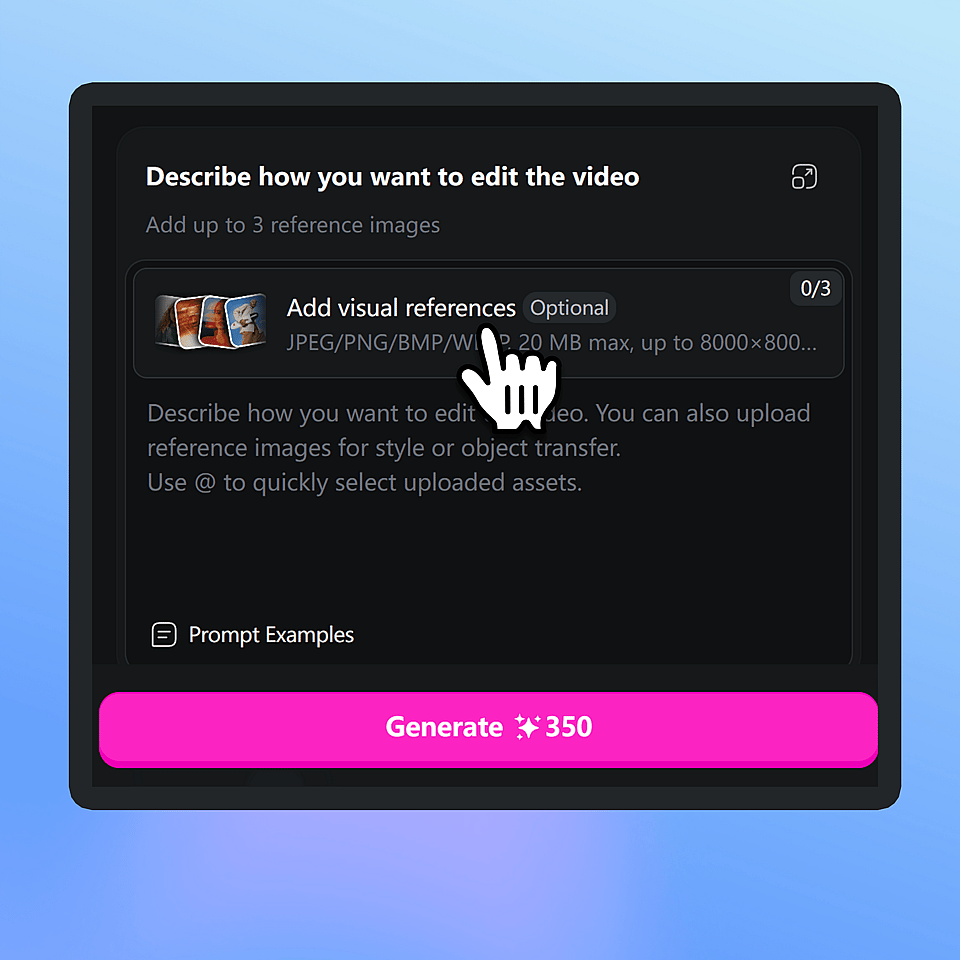
Configure outputs
Set audio generation preferences, multi-shot scenes, and choose aspect ratio, resolution, and duration.
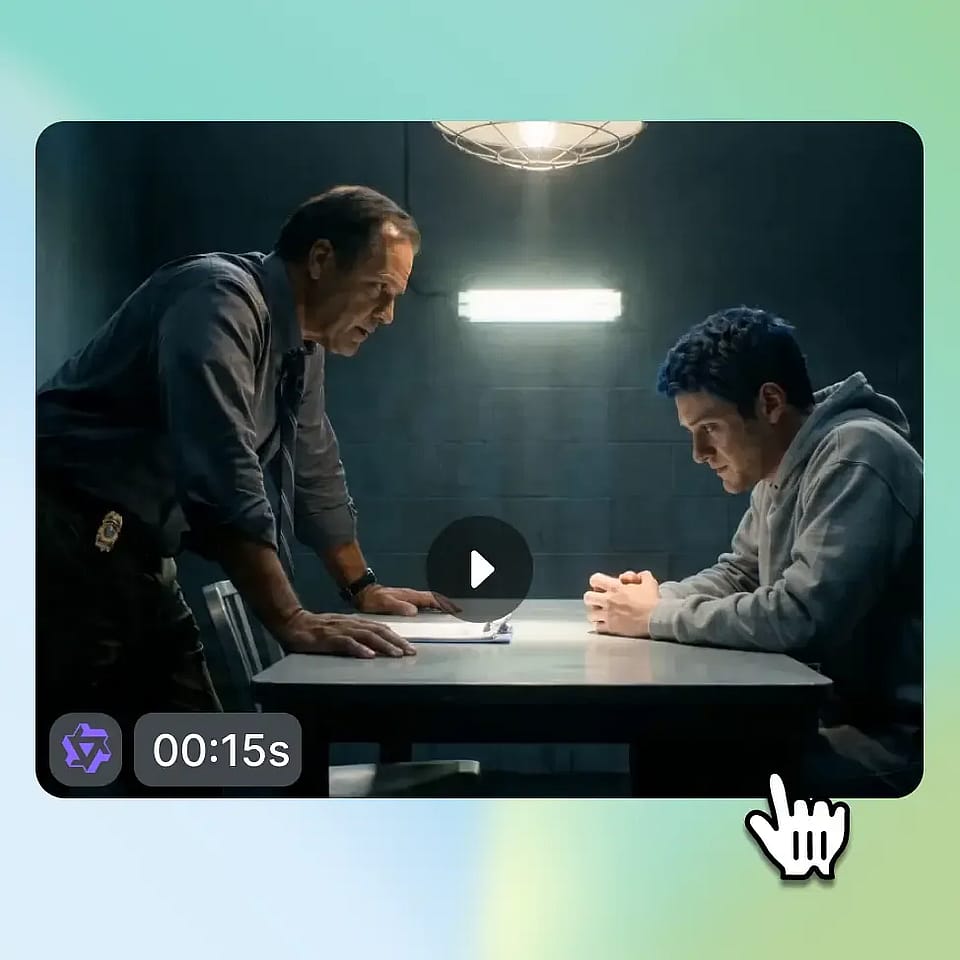
Generate & download
Create the video, refine if needed with new prompts, then download or continue editing.
How To Get The Best Results With Wan 2.7

Use strong reference inputs
High-quality images, videos, and audio references help maintain consistency and improve motion accuracy.

Define clear start and end states
Using start–end frame control makes motion more predictable and reduces unexpected transitions.

Keep compositions structured
Using grid layouts or clear framing helps the model maintain spatial consistency.
Use continuation for longer sequences
Building videos in segments improves stability compared to generating one long clip.

Edit instead of regenerating
Using editing tools allows you to refine specific parts without breaking the rest of the video.
Experiment with multimodal inputs
Combining different reference types gives you more control than prompts alone.
Use strong reference inputs
High-quality images, videos, and audio references help maintain consistency and improve motion accuracy.
Define clear start and end states
Using start–end frame control makes motion more predictable and reduces unexpected transitions.
Keep compositions structured
Using grid layouts or clear framing helps the model maintain spatial consistency.
Use continuation for longer sequences
Building videos in segments improves stability compared to generating one long clip.
Edit instead of regenerating
Using editing tools allows you to refine specific parts without breaking the rest of the video.
Experiment with multimodal inputs
Combining different reference types gives you more control than prompts alone.
Frequently Asked Questions
What can I create with WAN 2.7?
What inputs does WAN 2.7 support?
Can WAN 2.7 generate videos from real people?
What video length does WAN 2.7 support?
Can I edit an existing video with WAN 2.7?
How does video continuation work in WAN 2.7?
Loved by Creators
I've tried many AI platforms... but OpenArt is still the best for character creation, image-to-video quality, and the variety of models available.
OpenArt offers an excellent array of AI tools... once you learn the features, the creative possibilities are amazing - and their support team is outstanding.
OpenArt is a very versatile AI platform with many image and video models, consistent character creation, and powerful editing tools.
Helpful AI tools all in one place - image and video generation, editing, and more... no need for multiple subscriptions.
Customer service is always quick and helpful... and the platform keeps getting better with new features and tools.
I've tried many AI platforms... but OpenArt is still the best for character creation, image-to-video quality, and the variety of models available.
OpenArt offers an excellent array of AI tools... once you learn the features, the creative possibilities are amazing - and their support team is outstanding.
OpenArt is a very versatile AI platform with many image and video models, consistent character creation, and powerful editing tools.
Helpful AI tools all in one place - image and video generation, editing, and more... no need for multiple subscriptions.
Customer service is always quick and helpful... and the platform keeps getting better with new features and tools.
I've tried many AI platforms... but OpenArt is still the best for character creation, image-to-video quality, and the variety of models available.
OpenArt offers an excellent array of AI tools... once you learn the features, the creative possibilities are amazing - and their support team is outstanding.
OpenArt is a very versatile AI platform with many image and video models, consistent character creation, and powerful editing tools.
Helpful AI tools all in one place - image and video generation, editing, and more... no need for multiple subscriptions.
Customer service is always quick and helpful... and the platform keeps getting better with new features and tools.
With so many AI platforms out there, OpenArt stood out as a stellar choice - I'd recommend it to any creator.
This platform includes everything you need for AI content creation - images, video, characters, audio, and multiple AI models in one place.
OpenArt is pushing the boundaries of AI video creation... and it's clear the team is committed to improving the creator experience.
I made my first AI music video with OpenArt... and their support team was the best help I've ever experienced.
I'm very happy with the support - my issue was resolved quickly and the team made the process easy.
With so many AI platforms out there, OpenArt stood out as a stellar choice - I'd recommend it to any creator.
This platform includes everything you need for AI content creation - images, video, characters, audio, and multiple AI models in one place.
OpenArt is pushing the boundaries of AI video creation... and it's clear the team is committed to improving the creator experience.
I made my first AI music video with OpenArt... and their support team was the best help I've ever experienced.
I'm very happy with the support - my issue was resolved quickly and the team made the process easy.
With so many AI platforms out there, OpenArt stood out as a stellar choice - I'd recommend it to any creator.
This platform includes everything you need for AI content creation - images, video, characters, audio, and multiple AI models in one place.
OpenArt is pushing the boundaries of AI video creation... and it's clear the team is committed to improving the creator experience.
I made my first AI music video with OpenArt... and their support team was the best help I've ever experienced.
I'm very happy with the support - my issue was resolved quickly and the team made the process easy.
Create without limits
Join millions of creators using OpenArt to generate images, videos, characters, and stories - all in one platform.
Get Started for Free →