 ChatGPT
 Perplexity
 Claude
 Gemini
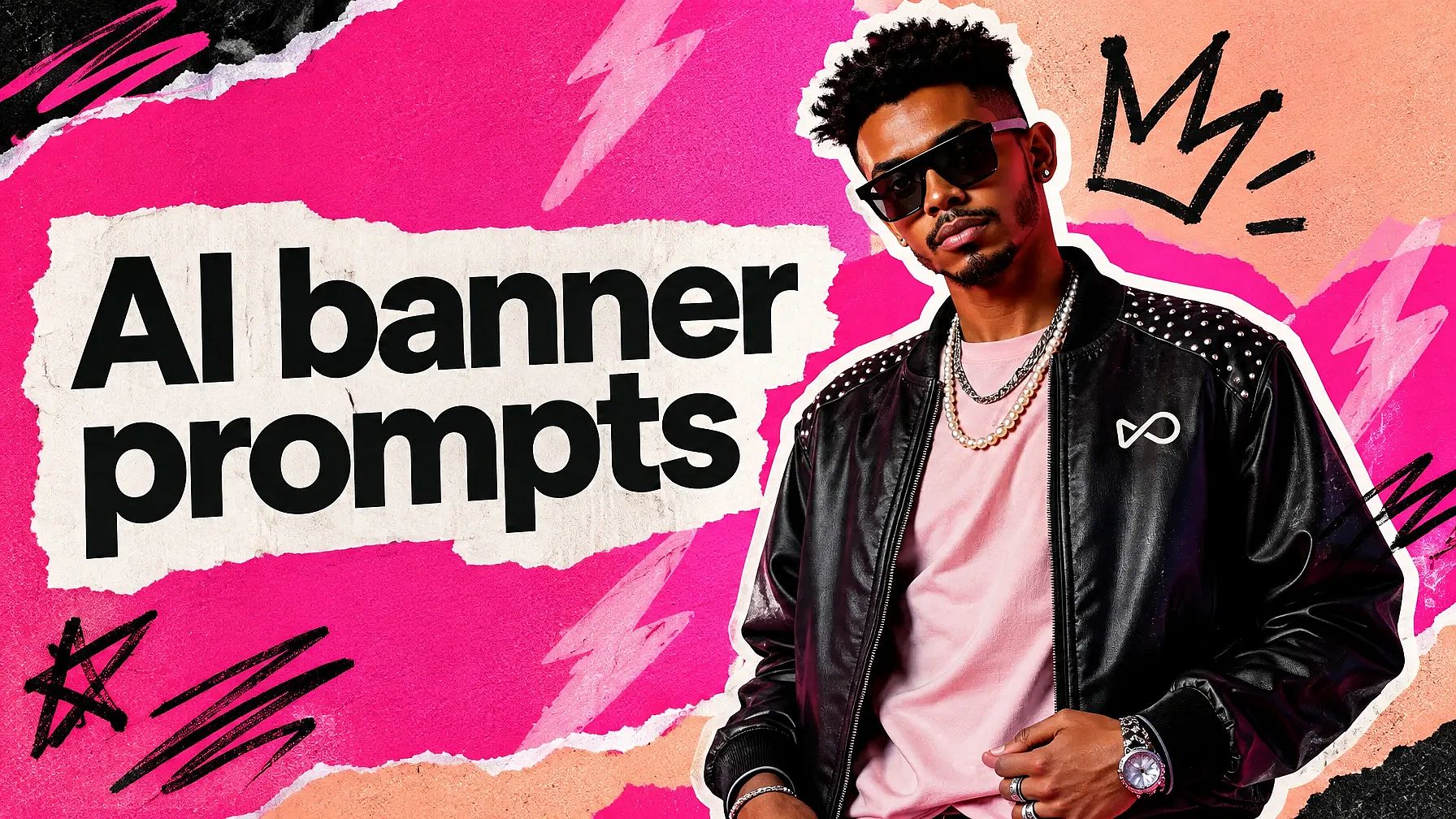
These banner prompts help you make a banner in minutes, whether it's for a shop sale or the top of your YouTube channel. Every prompt for banner design here is ready to copy. You'll also find prompts that turn your own photo into a banner, plus a size guide for every major platform.
Every example image on this page was made on OpenArt. Paste any prompt into OpenArt's AI banner generator and you'll have a few versions to pick from.
A fórmula do prompt de banner.
[Banner type] + [its shape] + [picture description] + [headline in quotes] + [brand colors] + [banner style].
Mantenha essa ordem e troque pelos seus próprios detalhes — funciona como um gerador simples de prompts de banner.
Principais destaques
- Put the exact words you want on the banner in quotes, and keep them short.
- Say "leave empty space for text" so the headline has room to breathe.
- Nomeie o formato, como 3:1 para um site ou 16:9 para o YouTube, para que nada fique cortado.
- You can upload a photo of a person or a product and build the banner around it.
- Keep the important parts in the middle of social media banners, since profile photos and phone screens cover the edges.
Para prompts em outros estilos, confira nosso guia sobre melhores prompts para gerador de imagens com IA.
Prompts de design de banner para empresas e lojas
A business banner has one job: get people to notice your offer. Keep the message short and leave room for your logo, and the rest of the design can stay simple.
1. Festive sale banner
Cores vibrantes e um clima de festa funcionam bem para as vendas de fim de ano.
Festive banner with bright colors and celebratory elements, in a holiday design style.
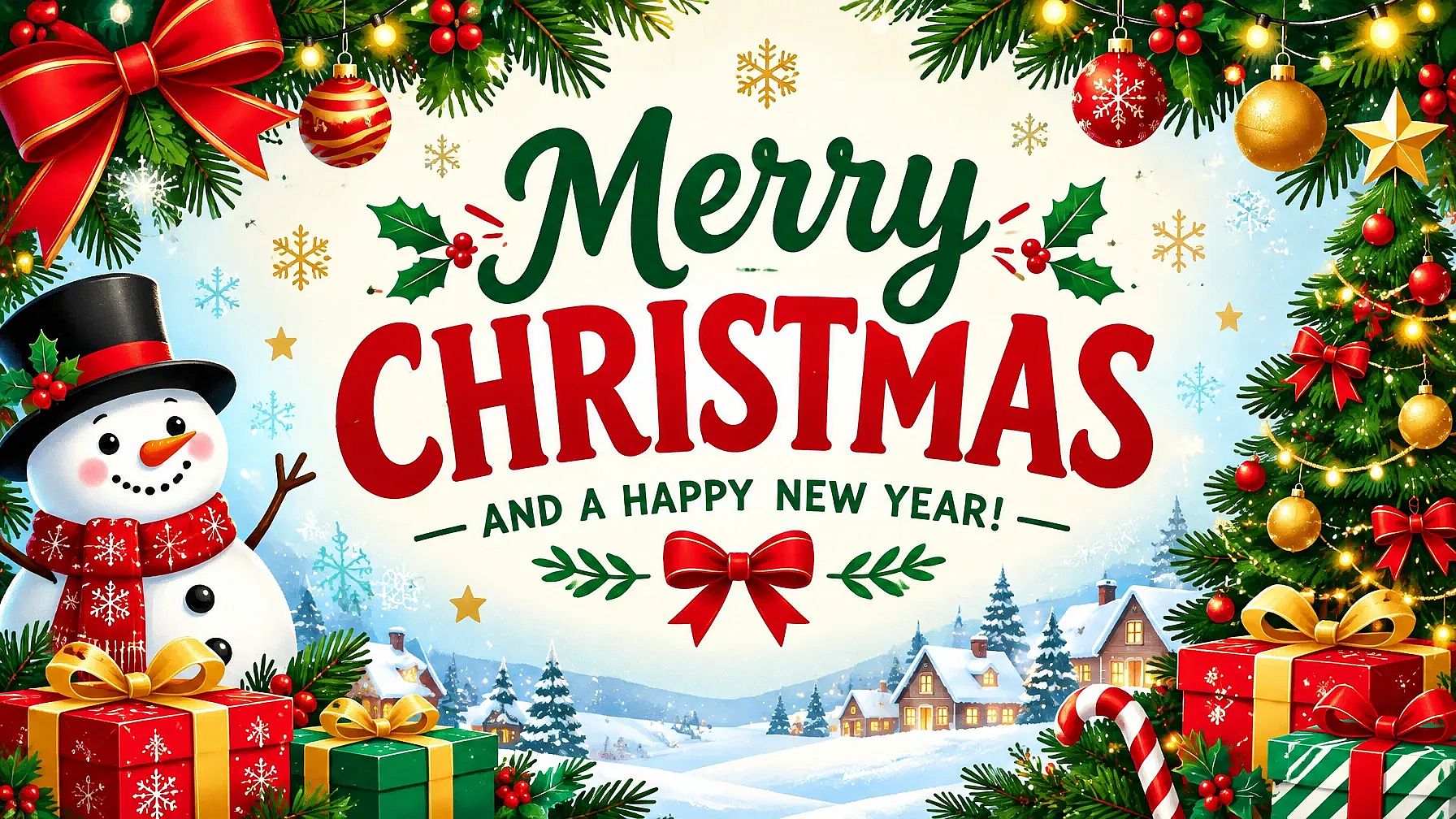
Para uma promoção de Diwali, adicione "diyas brilhantes e flores de calêndula, com as palavras 'PROMOÇÃO DE DIWALI' em dourado." Para a Black Friday, tente "preto e dourado, as palavras 'BLACK FRIDAY' em letras brancas e grossas."
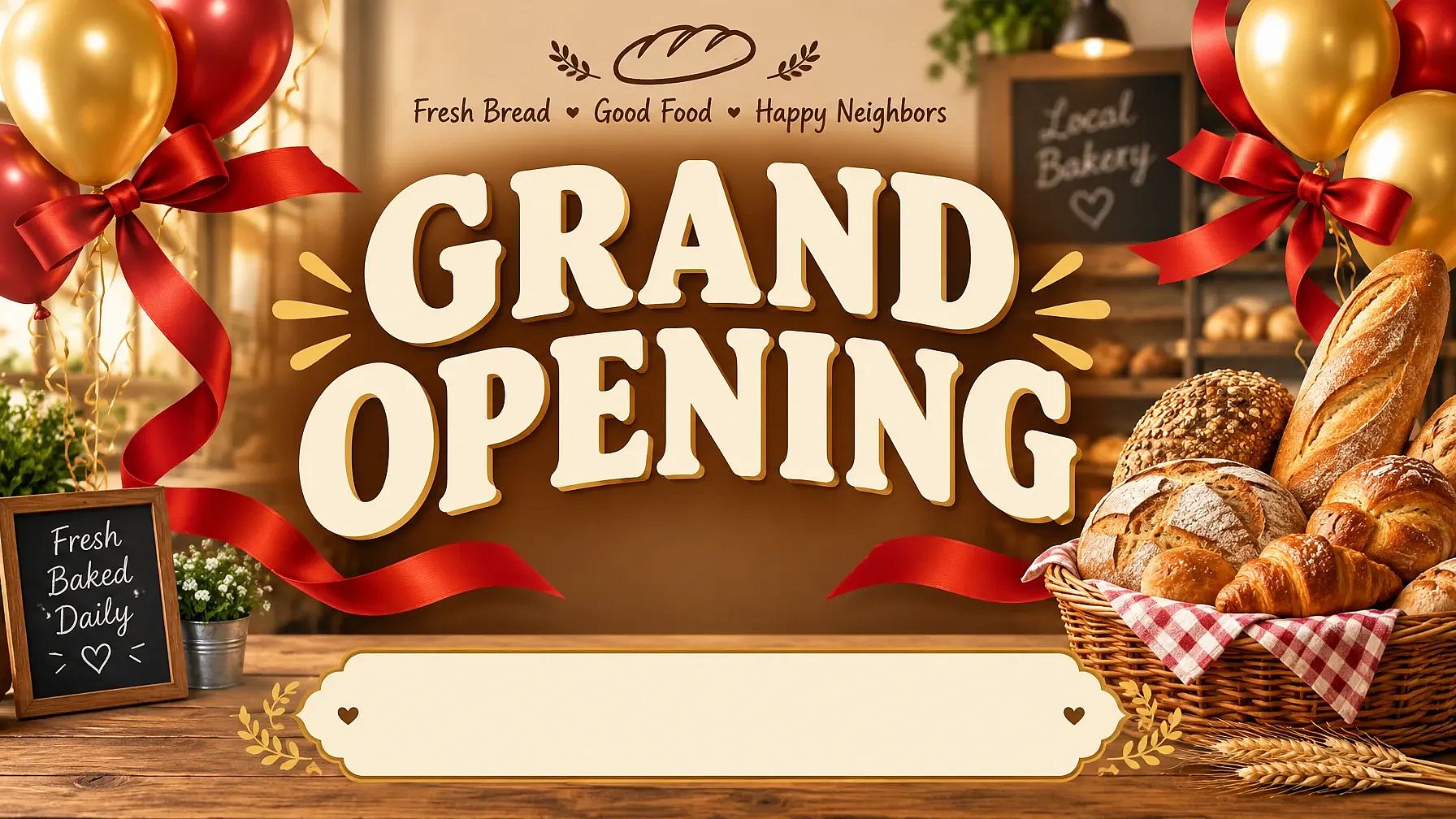
2. Shop grand opening banner
This one tells people your shop is open and gives them a reason to visit.
Wide grand opening banner for a small bakery, the words "GRAND OPENING" in big cream letters, red ribbons and gold balloons on the sides, a basket of fresh bread on the right, empty space at the bottom for the address, warm and friendly style.
3. Banner corporativo de negócios
This is a clean, professional look for a company website or a trade show.
Professional banner with corporate colors and sleek typography, in a business design style.
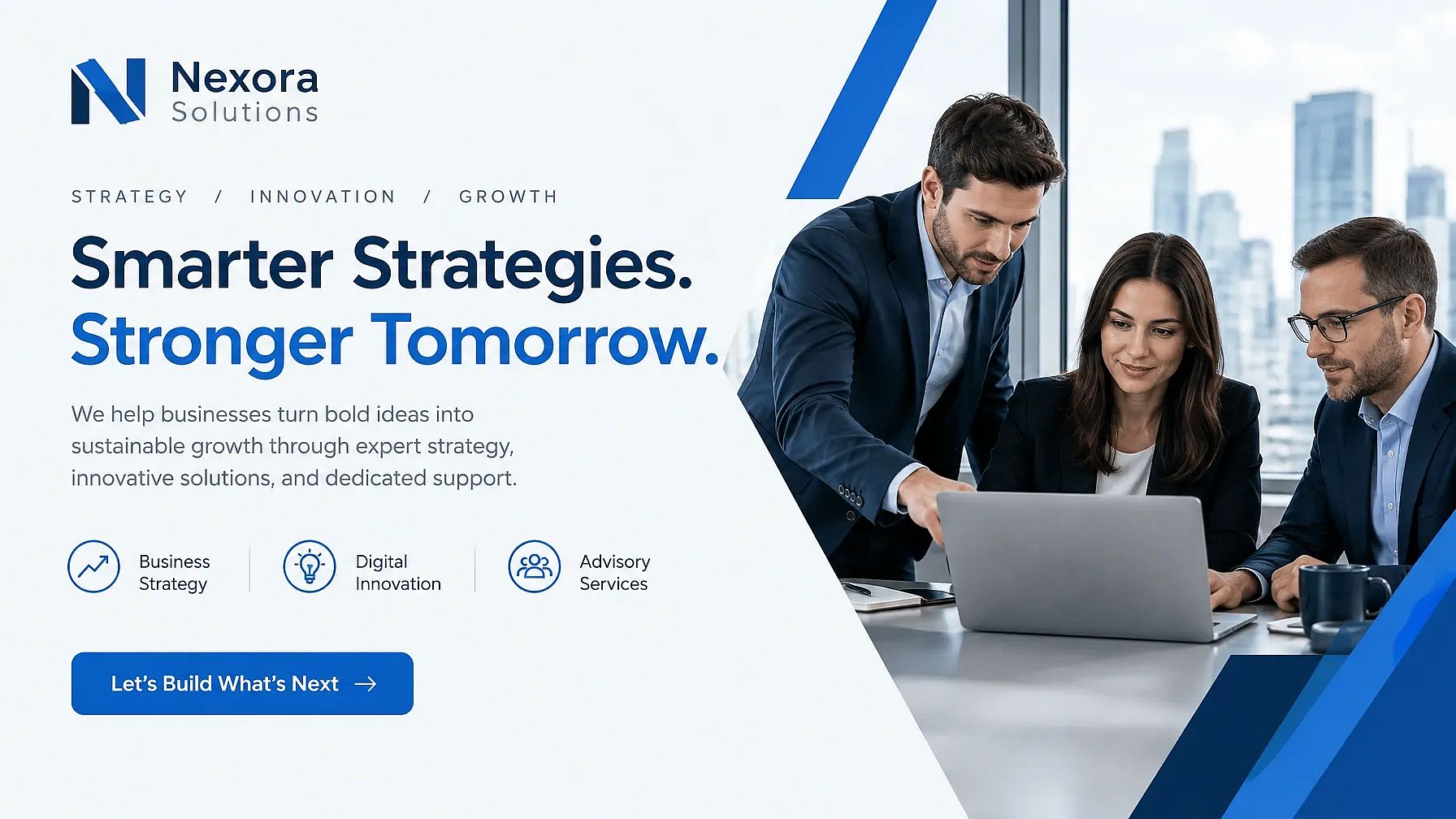
The same prompts work for a restaurant or a real estate banner. Swap the picture for a plate of food or a modern house, and change the headline.
How Do I Turn My Photo into a Banner?
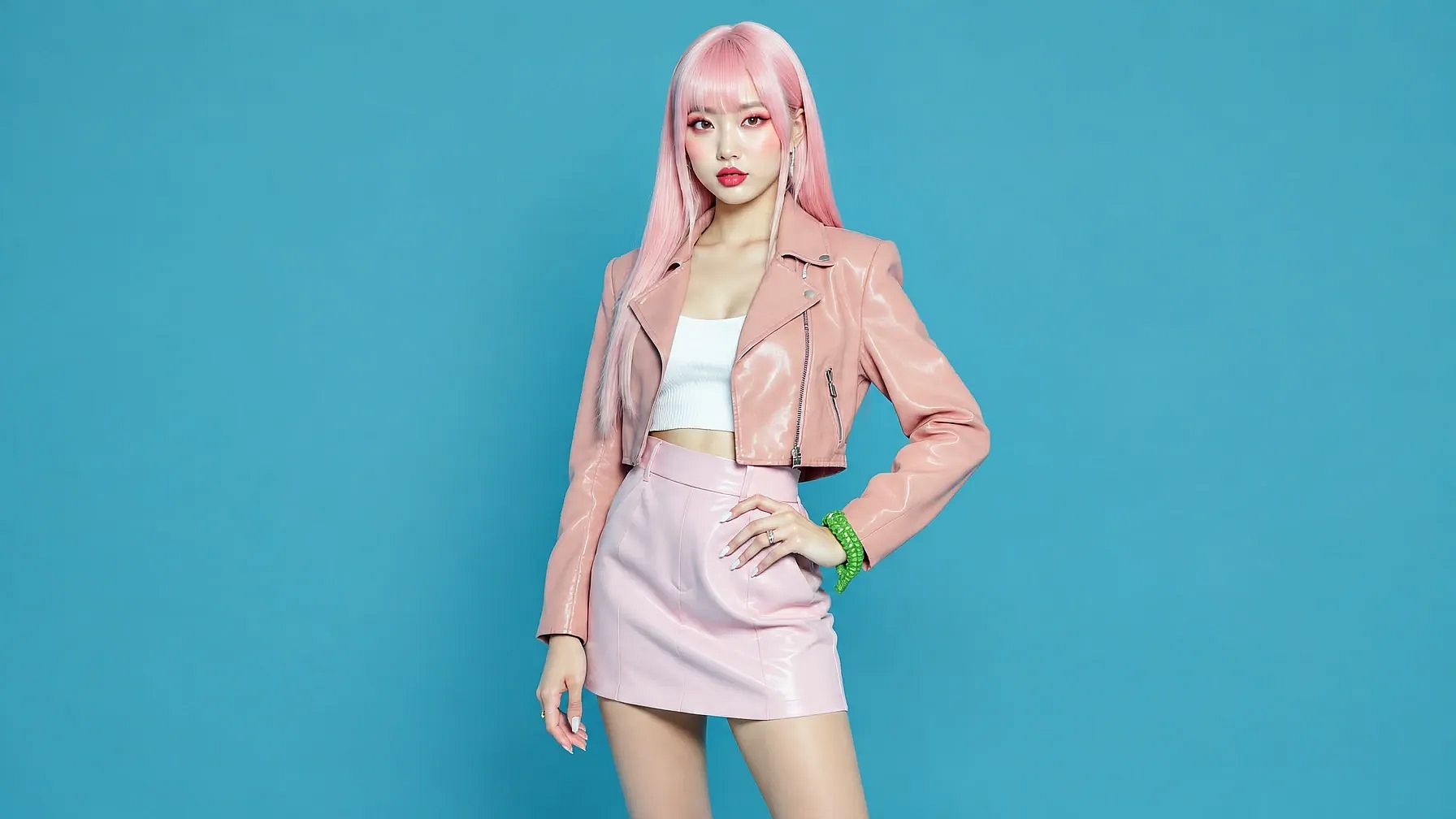
Upload your photo to Edit Image on OpenArt, or add it as a reference image in Create Image. Then start your banner prompt with "Keep the person exactly the same" or "Keep the product exactly the same," so the AI builds the banner around your photo without changing it.
These banner photo prompts work for anything from a birthday flex banner to a product sale. They're also handy banner editing prompts when you already have a design and want to add a photo to it.
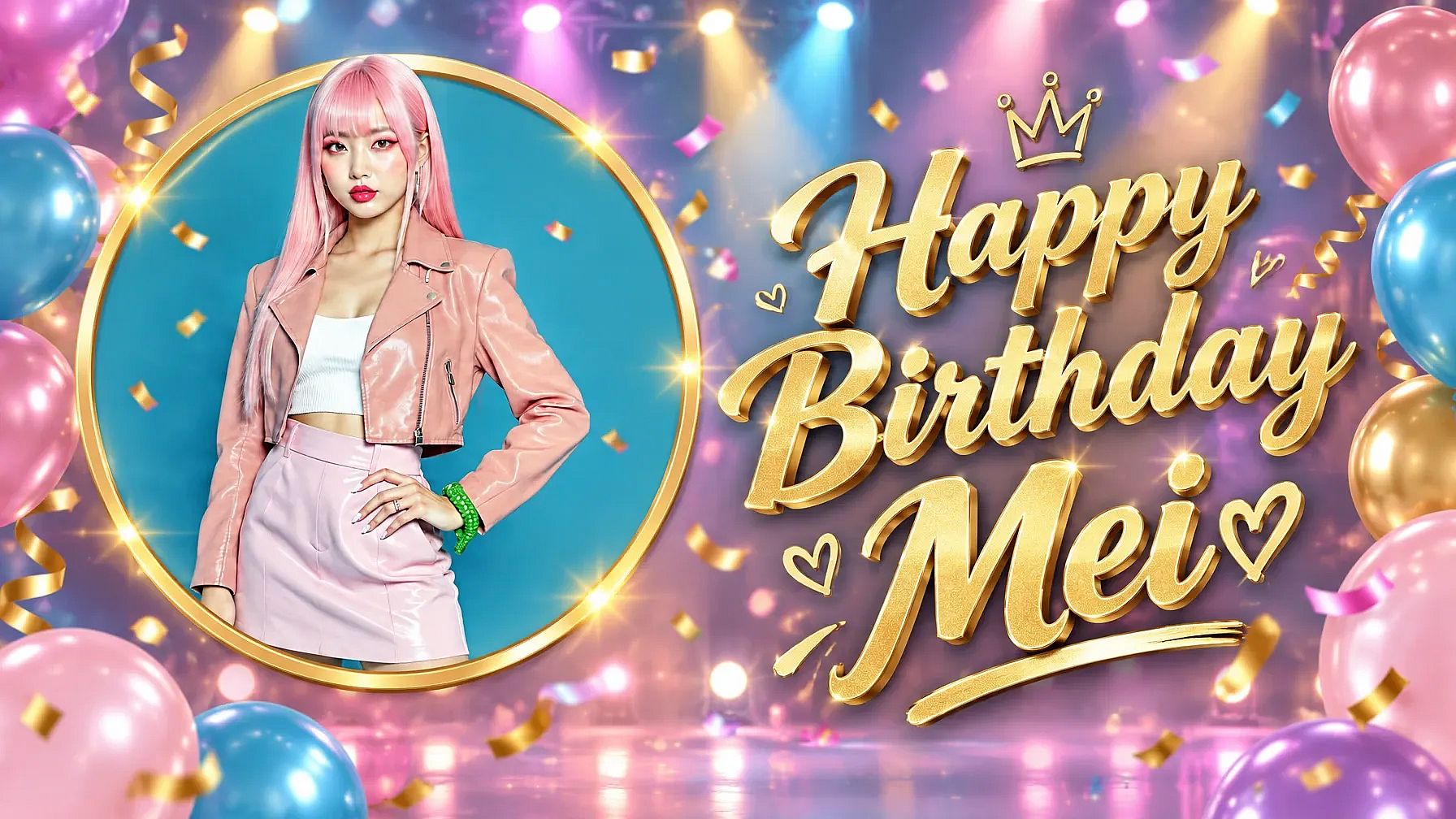
4. Birthday banner with your photo
This is the classic birthday flex banner, with the person's photo on one side and big wishes on the other.
Keep the person in my photo exactly the same. Create a wide birthday flex banner with my photo on the left inside a gold circle frame. On the right, the words "Happy Birthday Mei" in big gold letters, with colorful balloons, confetti and soft stage lights in the background.
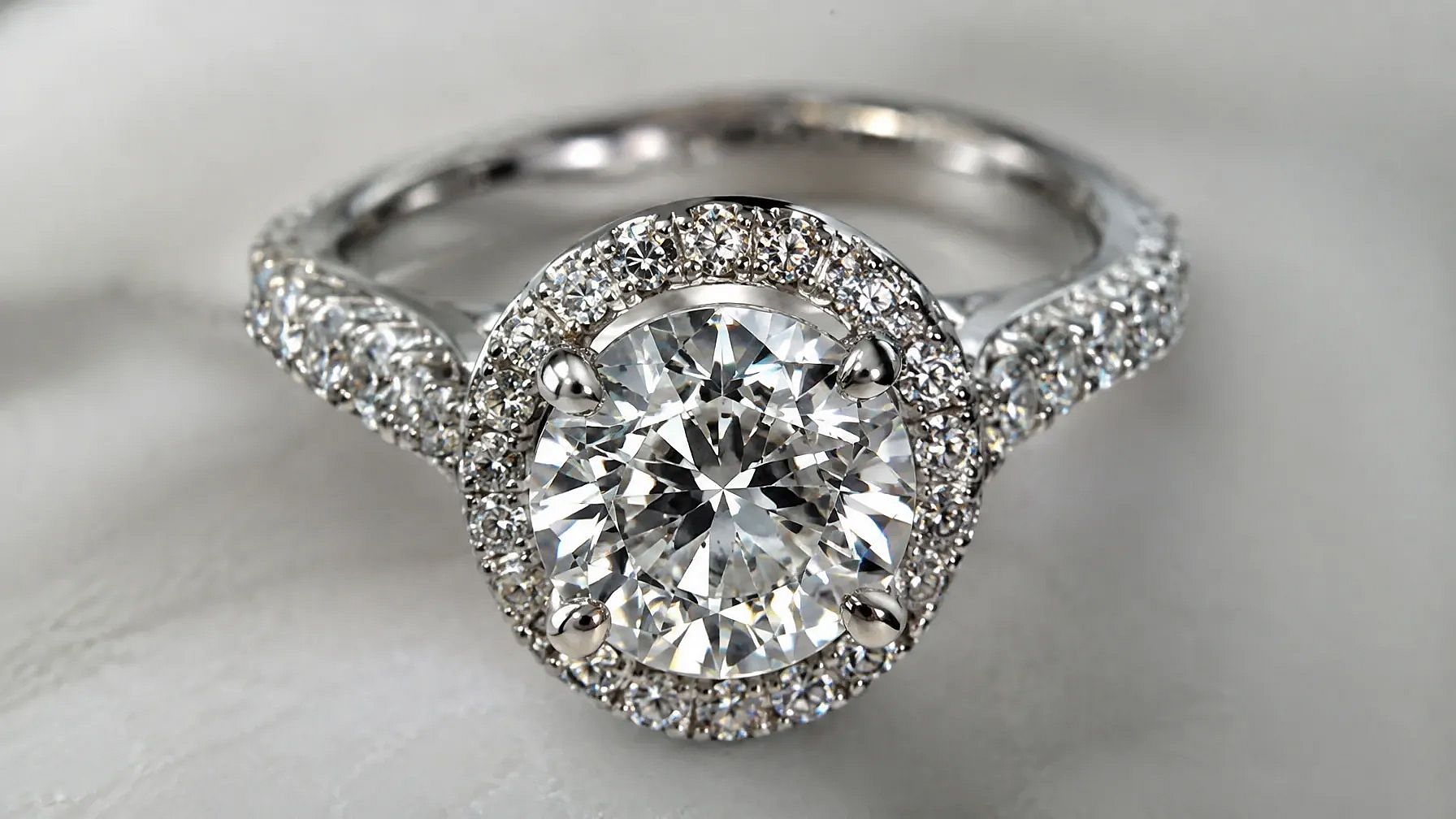
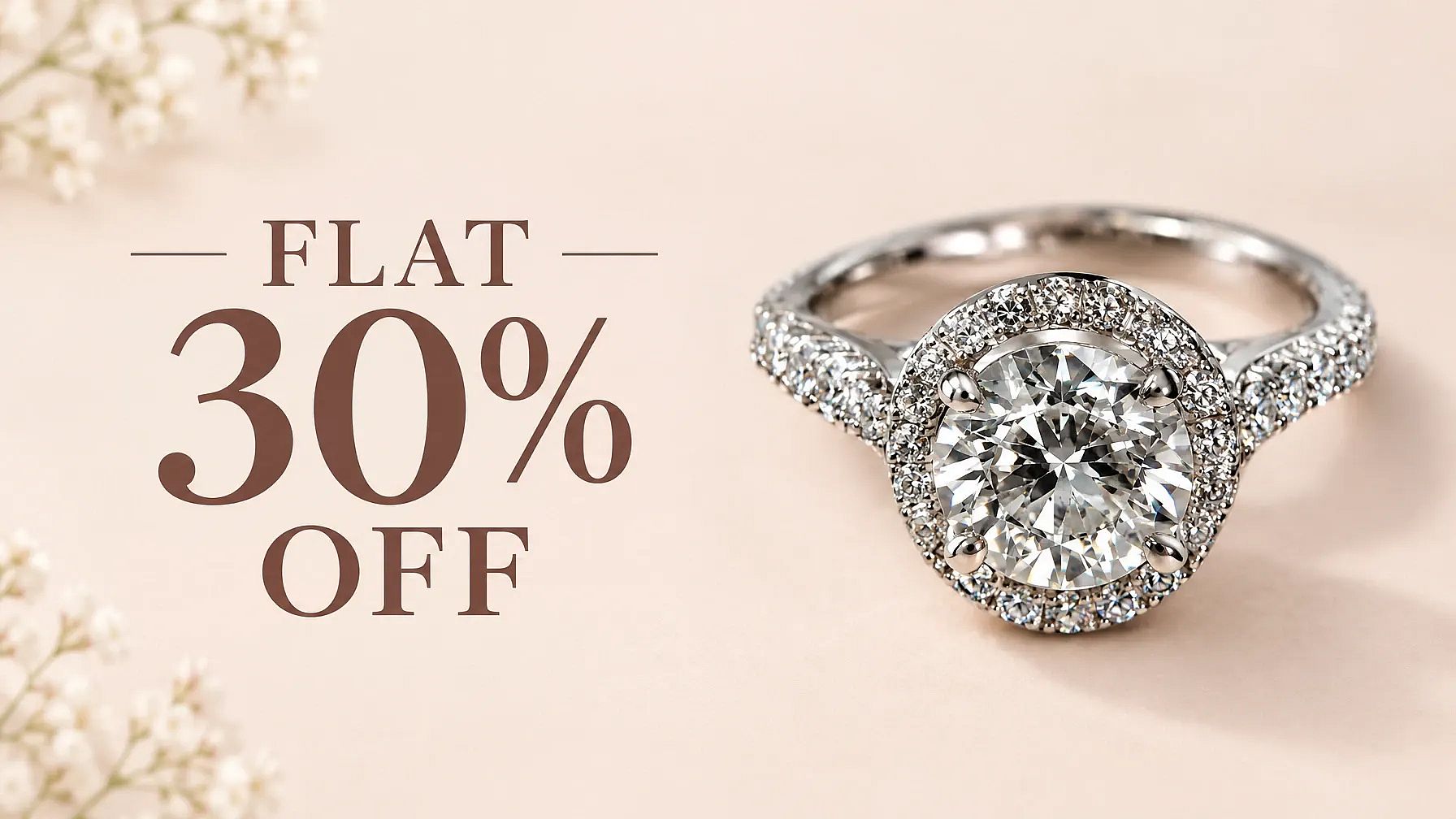
5. Sale banner from a product photo
Use uma foto que você já tem, e a IA a transforma em um banner de promoção pronto para publicar.
Keep the product in my photo exactly the same. Place it on the right side of a wide sale banner with a clean pastel blue background and a soft shadow. On the left, the words "FLAT 30% OFF" in bold white letters, with empty space below for a "Shop Now" button.
6. Event welcome banner with a photo
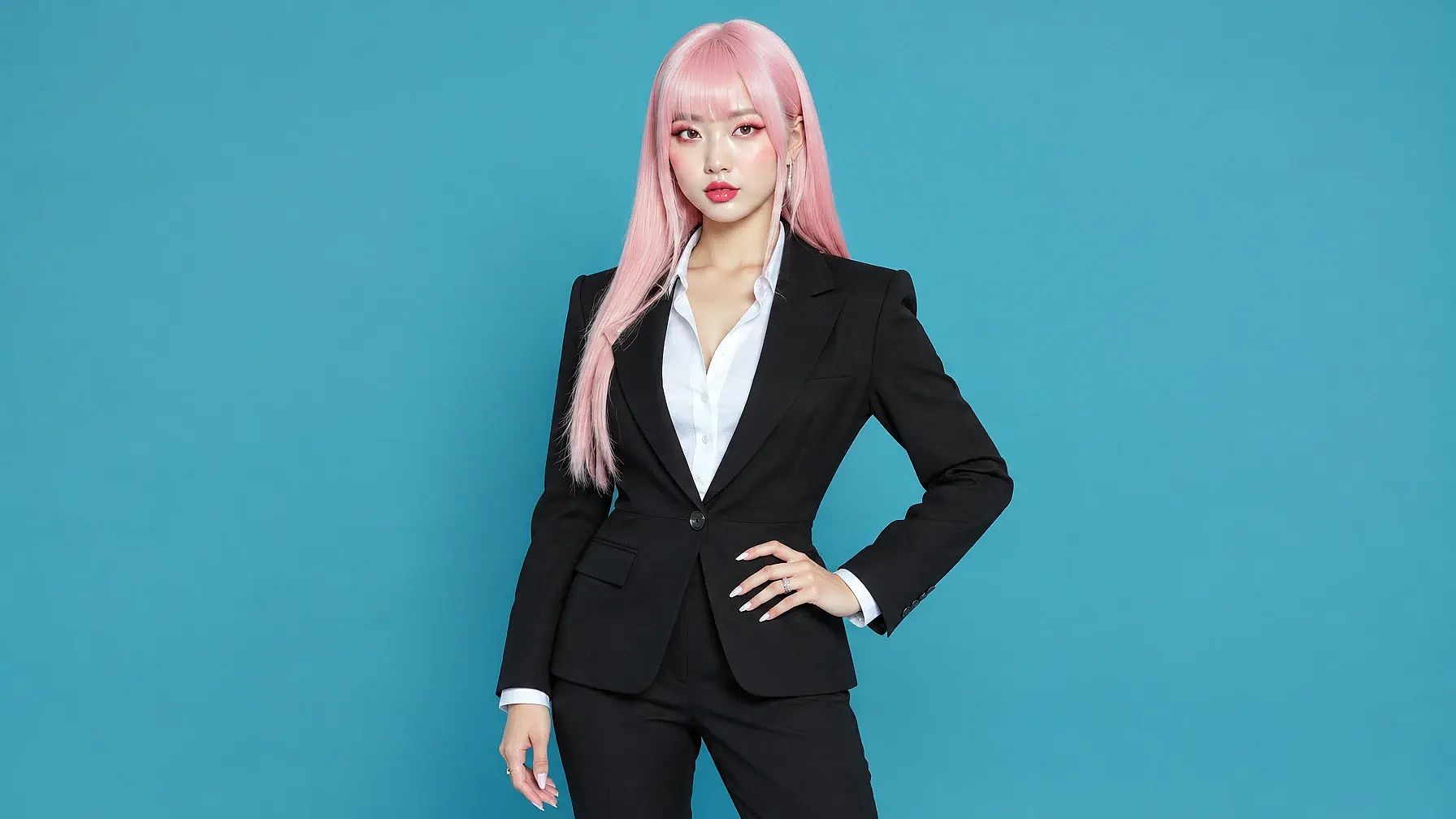
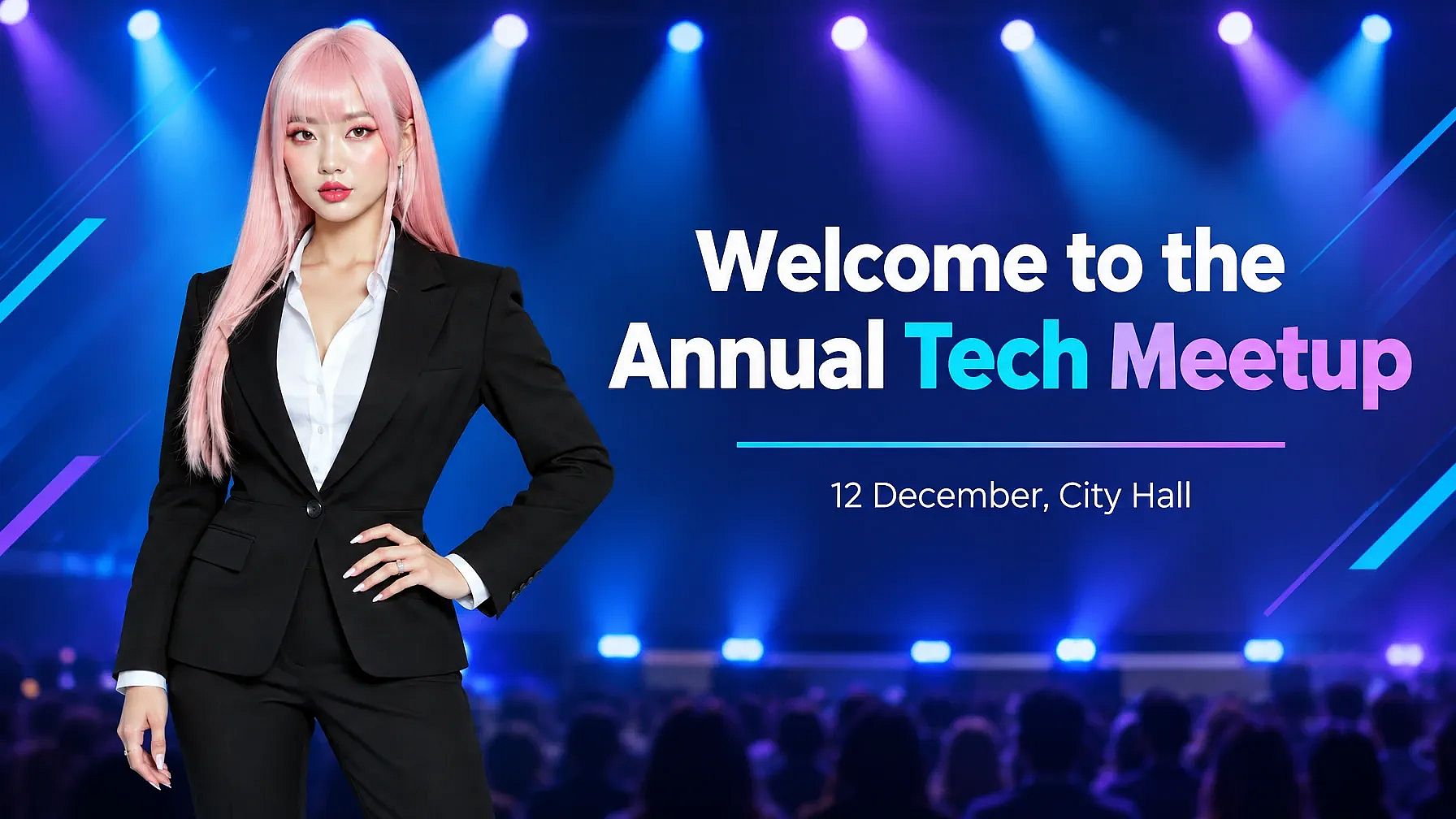
This works well for a seminar or a school event.
Keep the person in my photo exactly the same. Create a wide 16:9 event welcome banner with my photo on the left. On the right, the words "Welcome to the Annual Tech Meetup" and a smaller line "12 December, City Hall", with soft blue stage lights in the background.
Social Media and Website Banner Prompts
Banners de redes sociais são cortados de formas diferentes em celulares e TVs. Indique o formato no seu prompt e mantenha as partes importantes no centro, e seu banner vai ficar perfeito em qualquer lugar. Os tamanhos exatos estão no guia de tamanhos de banner abaixo.
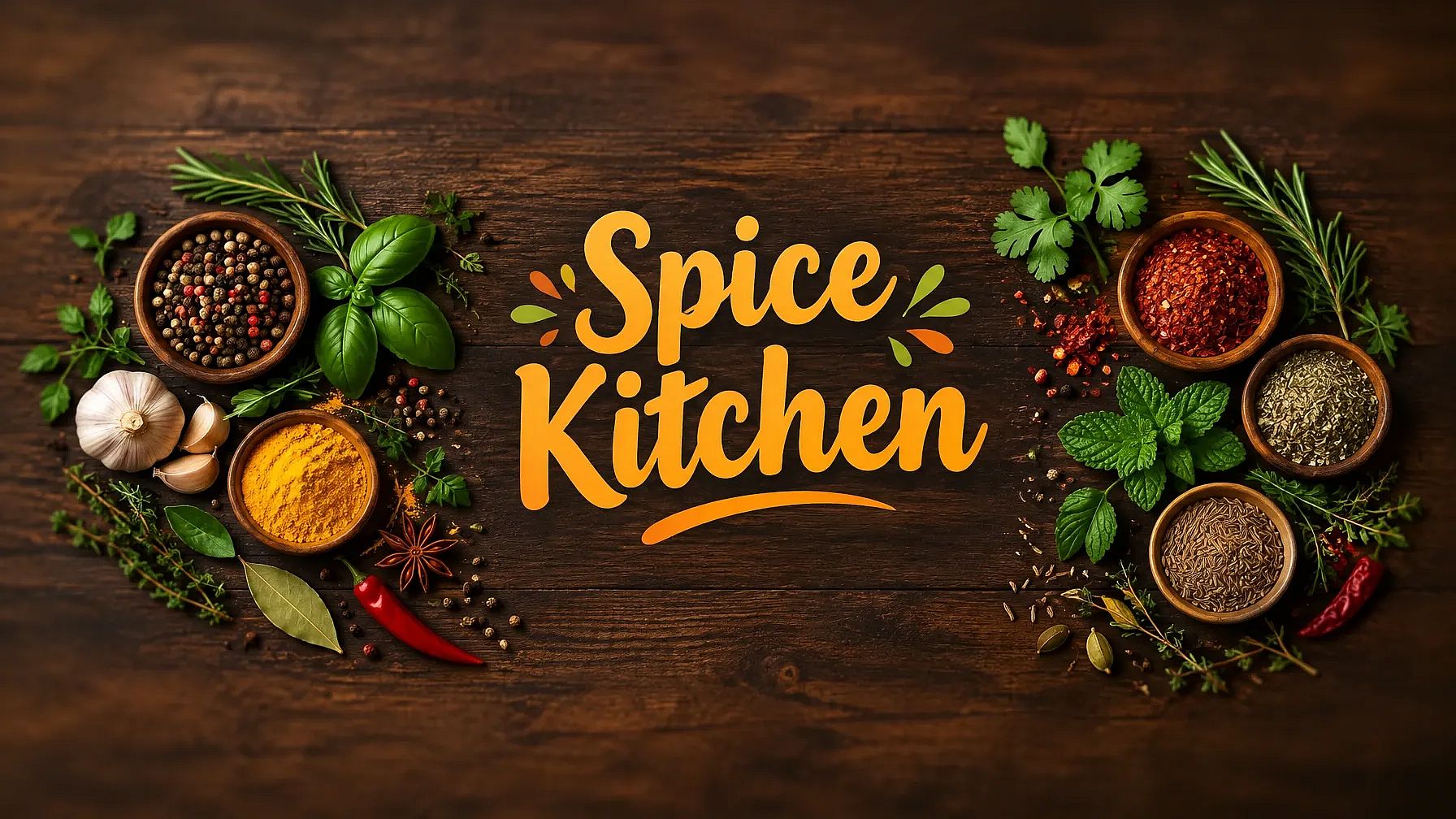
7. Banner do canal do YouTube
YouTube shows the full banner on TVs and only the middle strip on phones, so keep your channel name in the center. Make sure to check the required YouTube banner dimensions.
YouTube channel banner, wide, for a home cooking channel called "Spice Kitchen". The channel name in big warm letters in the very center, fresh spices and herbs spread across a dark wood table, plain soft edges with nothing important near them.
Está criando thumbnails também? Experimente o AI YouTube thumbnail generator so your channel art and videos match.
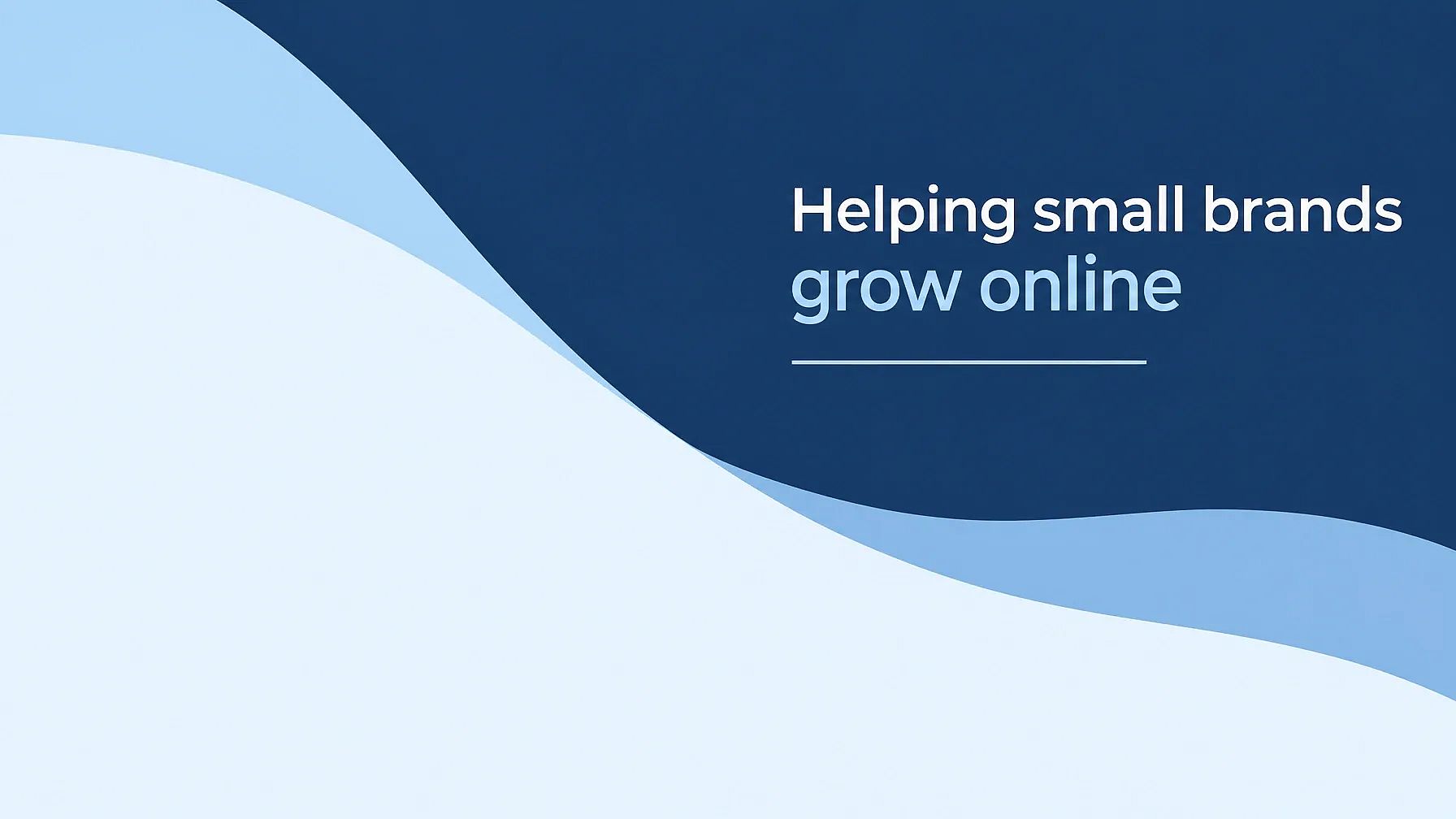
8. LinkedIn banner
Your profile photo covers the lower-left corner of a LinkedIn banner, so keep that spot empty. Make sure to check the banner dimensions required by LinkedIn.
LinkedIn banner, wide, calm navy and light blue shapes, the words "Helping small brands grow online" on the right side, a thin line under the text, the lower-left corner left plain and empty, clean professional style.
9. Banner principal de site
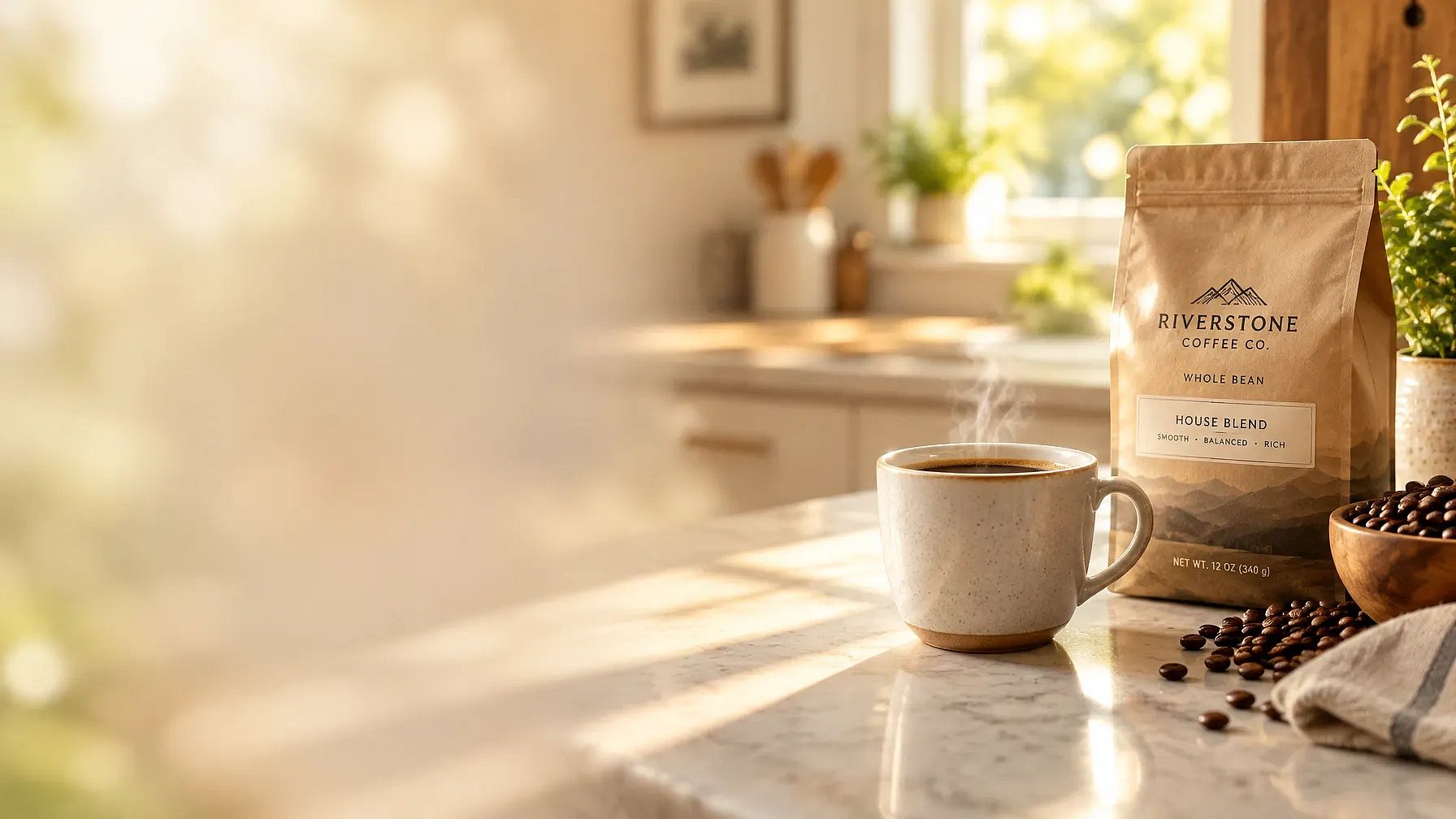
A hero banner is the big image at the top of a website. It needs clear space for your headline and a button.
Website hero banner, wide, a cup of coffee and a bag of beans on a sunlit kitchen counter on the right side, the left half soft and blurred with empty space for a headline and a button, warm morning light.
10. Twitch or Discord banner
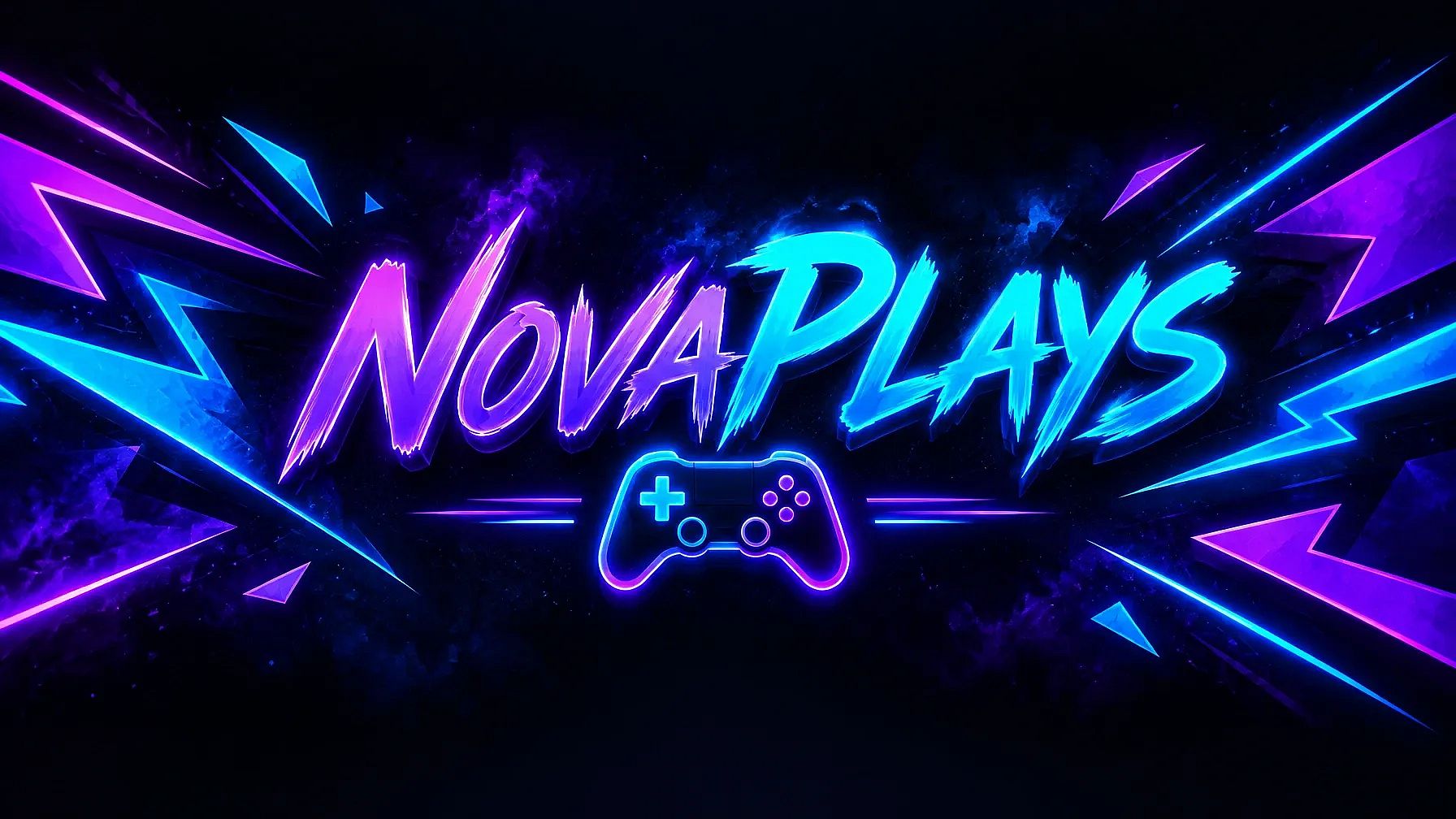
Banners de games podem ser chamativos e coloridos, desde que seu nome seja fácil de ler.
Twitch profile banner, wide, for a streamer called "NovaPlays". Bold purple and electric blue neon shapes, the name in big glowing letters in the center, a small game controller icon, dark background.
For a Discord server banner, change the shape to 16:9. For a Twitter or X header, use 3:1.
Prompts de banner para eventos e comemorações
Celebration banners are all about the feeling. Pick colors that match the event, and put the names or the date front and center.
11. Banner de festa de aniversário
This works as a printed banner on the wall or as a post on Instagram.
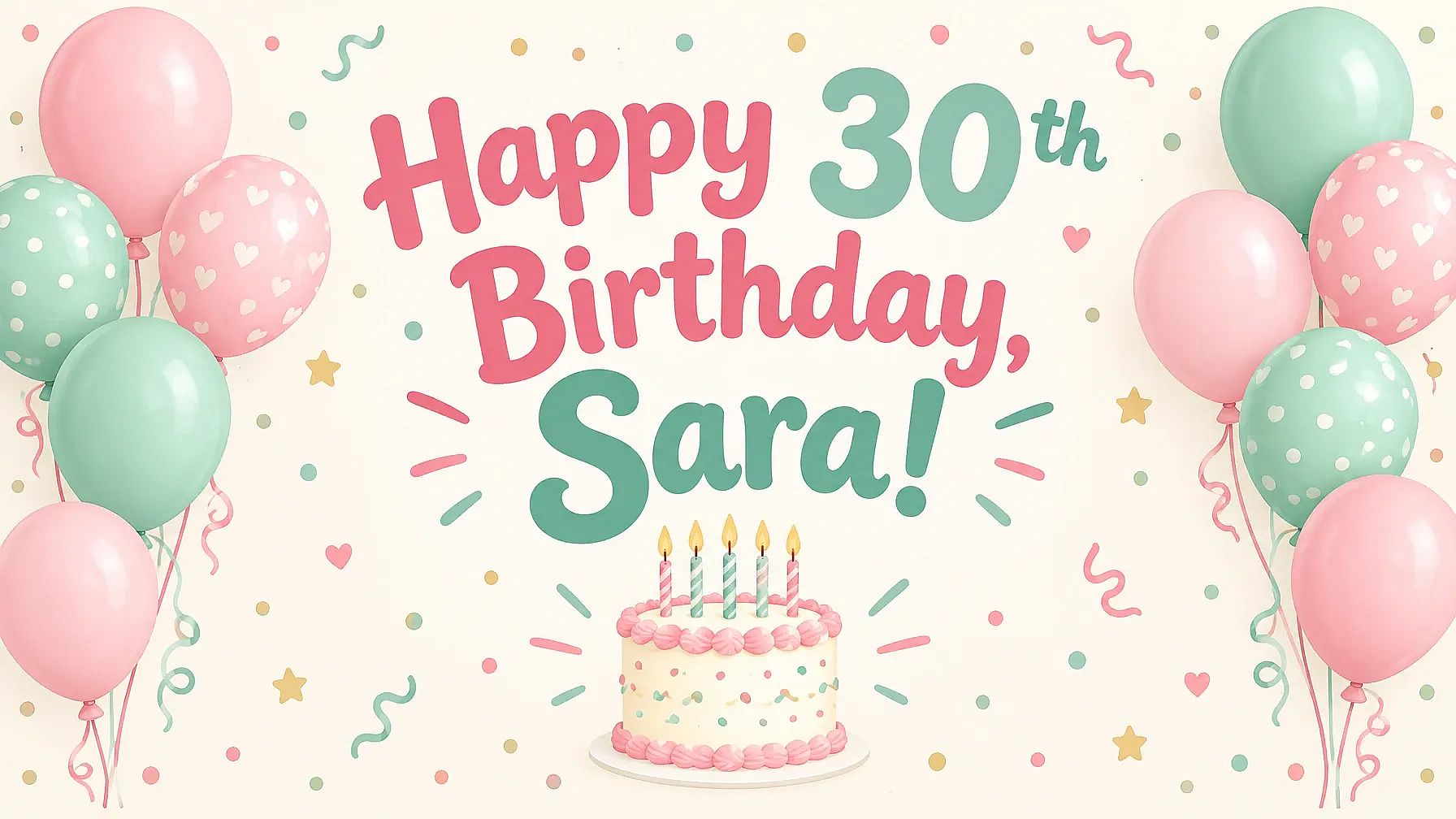
Wide birthday party banner, the words "Happy 30th Birthday, Sara!" in big playful letters in the center, pastel pink and mint balloons on both sides, a small cake with candles, soft confetti, cream background.
12. Banner de boas-vindas de casamento
A welcome banner greets guests at the entrance and looks lovely in photos.
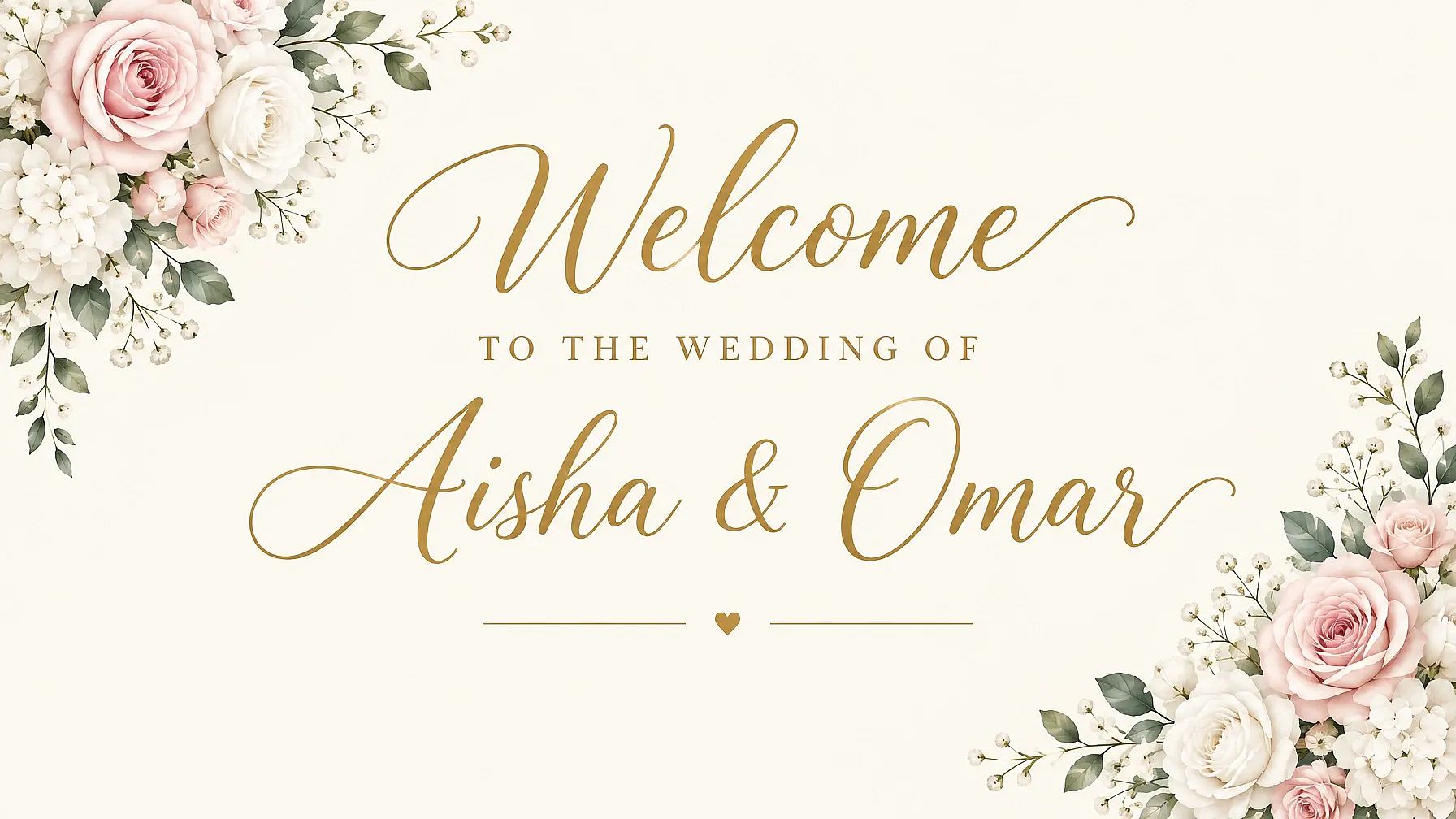
Wedding welcome banner, wide, the words "Welcome to the Wedding of Aisha & Omar" in elegant gold script in the center, soft blush and white flowers in the corners, ivory background, simple and romantic.
For an Indian wedding, swap the flowers for "bright marigold garlands and small hanging bells" and use deep red with gold.
How Do I Make a Flex Banner for Printing?
A flex banner needs a few big words and a simple background, so people can read it from across the street. Leave space around the edges, then make the image bigger with Image Upscale before you send it to the print shop.
Vinyl and roll-up banners follow the same rules as flex. The prompt below is a good flex design prompt to start with.
13. Shop-front flex banner
This is the kind of banner you'd hang above a shop door.
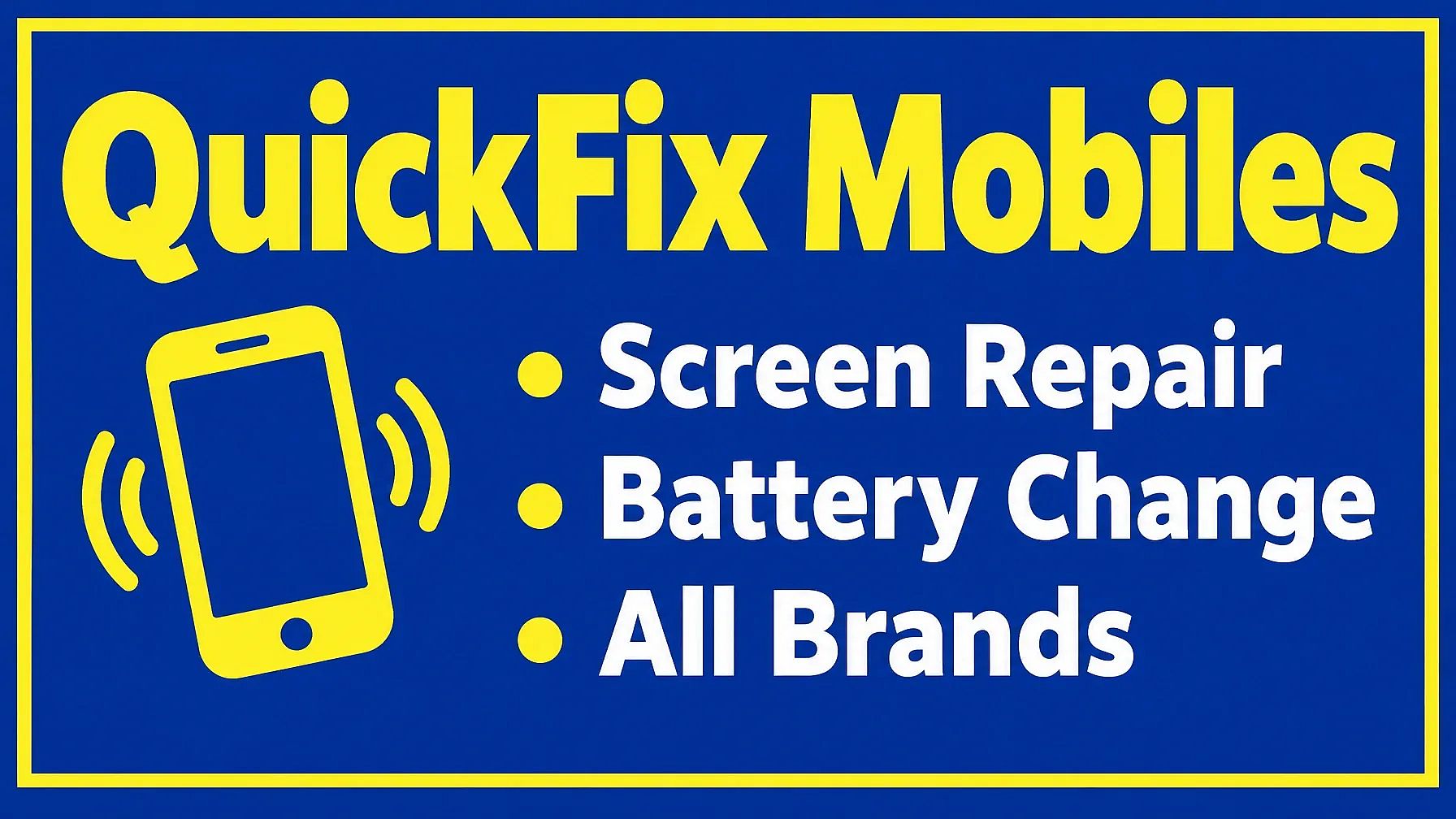
Wide shop-front flex banner for a mobile repair shop called "QuickFix Mobiles". The shop name in huge bold yellow letters on a deep blue background, three short lines below it: "Screen Repair", "Battery Change", "All Brands". A phone icon on the left, a plain border around the edges, easy to read from far away.
Print tips for flex banners
- Keep the text big and short. A shop name plus a few words is plenty.
- Leave about an inch of empty space at every edge, since the print shop may fold or punch holes there.
- Run your banner through Image Upscale on OpenArt so it stays sharp when printed large.
- Ask your print shop for the exact size in feet and the file size they need before you finish the design.
Trending Banner Style Prompts
A style gives your banner its mood before anyone reads a word. These two are easy to change for any brand or event.
14. Banner com design flat vibrante
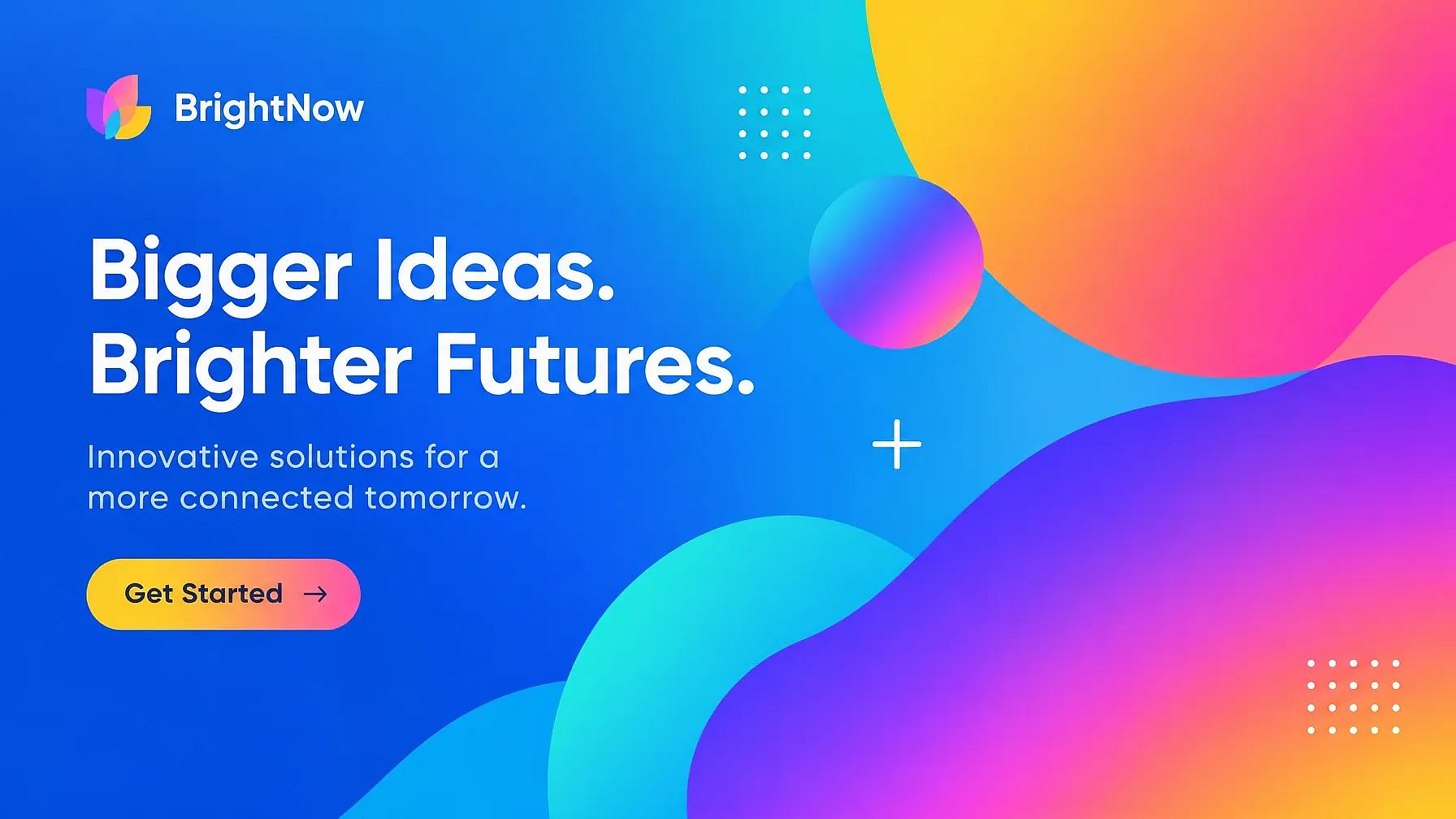
Formas planas e gradientes vibrantes parecem modernas e atuais, e deixam bastante espaço para texto.
Vibrant, colorful banner in a modern, flat design style, featuring abstract shapes and gradients.
15. Banner retrô dos anos 80
Letras em destaque e cores de pôr do sol dão a este banner um clima divertido e nostálgico.
Retro-style banner with bold typography and vintage color palette, inspired by 80s graphic design.
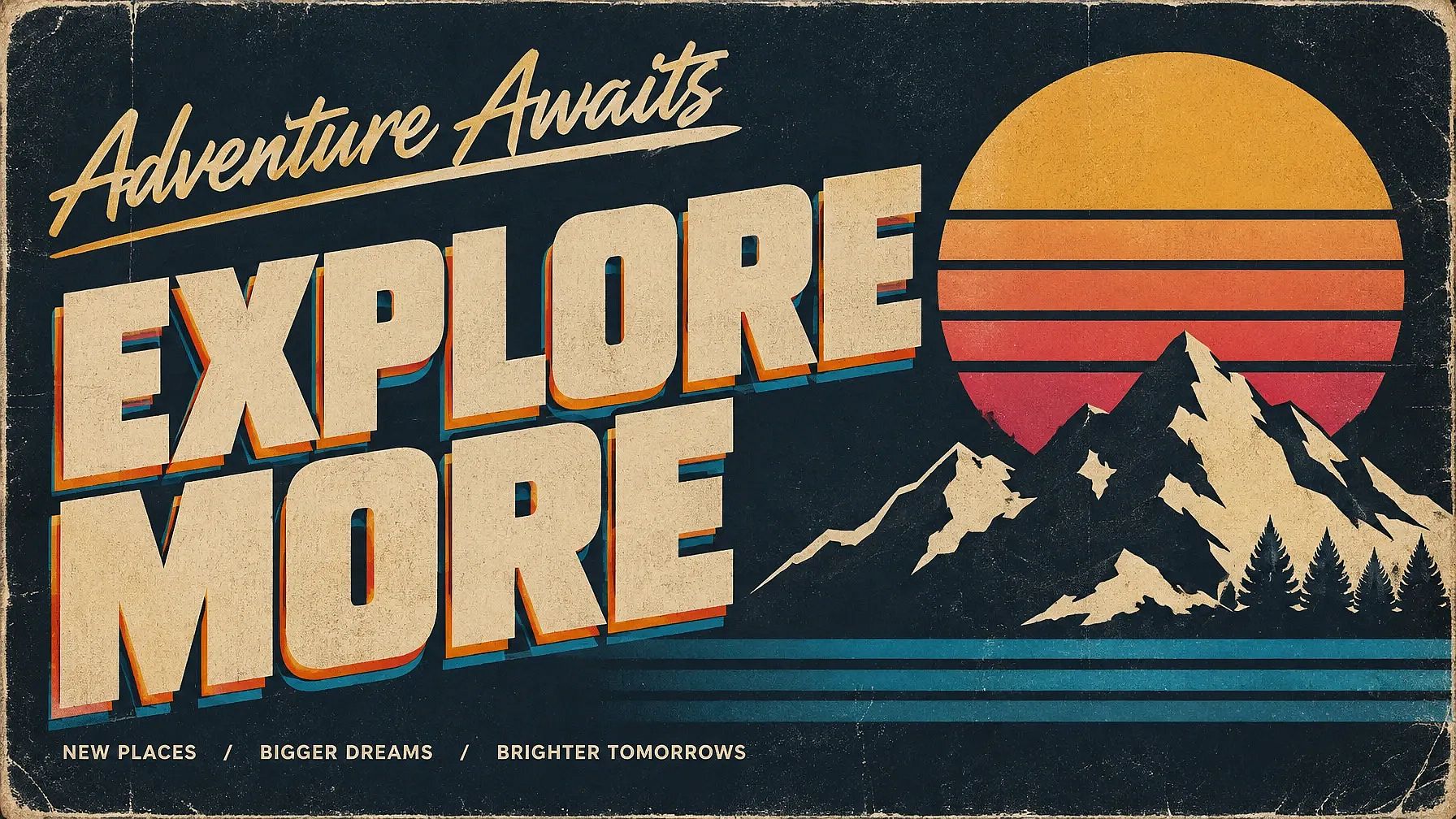
Want a different banner style? Swap the style for "minimalist with lots of white space" or "cyberpunk neon," and keep the rest. For more ideas, see these Prompts de pôster com IA e Prompts de tipografia com IA.
Banner Size Guide
The right banner size depends on where it goes. A YouTube banner is 2560 x 1440 pixels, while a LinkedIn banner is 1584 x 396 pixels.
| Banner | Size (pixels) | Forma | Onde posicionar textos e logos |
|---|---|---|---|
| Banner de canal do YouTube | 2560 x 1440 | 16:9 | The center strip, about 1546 x 423 |
| Banner de perfil do LinkedIn | 1584 x 396 | 4:1 | Longe do canto inferior esquerdo, onde fica a sua foto |
| Cabeçalho do X (Twitter) | 1500 x 500 | 3:1 | Away from the lower-left, where your photo sits, inside the middle band |
| Facebook page cover | 851 x 315 | 16:9 | O centro, já que os celulares cortam as laterais |
| Twitch profile banner | 1200 x 480 | 5:2 | The center |
| Discord server banner | 960 x 540 or larger | 16:9 | The center |
| Website hero banner | 1920 x 1080 é uma escolha comum | 16:9 | De um lado, mantendo o outro lado livre para o título |
| Anúncio display leaderboard | 728 x 90 | cerca de 8:1 | One short line of text and a button |
| Medium rectangle display ad | 300 x 250 | 6:5 | Headline at the top, button at the bottom |
| Wide skyscraper display ad | 160 x 600 | 4:15 | Stack the text from top to bottom |
Print banner sizes. Flex and vinyl banners are usually measured in feet. Common sizes are 3 x 5 ft and 4 x 6 ft, and roll-up banners are often about 2.75 x 6.5 ft. Print shops vary, so always check the exact size and file needs with yours.
Platforms change their sizes from time to time, so check the platform's help page before you upload.
How to Make One Banner in Every Size on OpenArt
Você pode transformar um único banner, ou uma foto de produto, em um conjunto completo para redes sociais e impressão. A OpenArt faz isso em quatro etapas.
- Make the banner. Paste a prompt into OpenArt's AI banner generator or the Gerador de imagens com IA. To build it from a product photo, upload the photo as a reference image in Create Image.
- Mantenha as cores da sua marca. Adicione um Brand Kit ao seu projeto com o seu logo e as cores da sua marca. Funciona no Create Image com o GPT Image 2.5 e o GPT Image 2, para que todos os banners do conjunto fiquem combinando.
- Redimensione para cada plataforma. Open Expand Image and pick a preset like Facebook Post or Instagram Story, or type a custom size such as 1584 x 396 for LinkedIn. Expand Image fills in the new space around your design, so nothing gets stretched.
- Get it ready for print. Passe banners grandes pelo Image Upscale para que fiquem nítidos em impressões em flex ou vinil.
Need to change the text later? Extract Layers splits your banner into separate layers, like the product and the background, so you can swap one part without starting over.
New accounts get 40 free trial credits, so you can try a full banner set before you pay anything. Making posters too? The Criador de pôsteres com IA works the same way.
Banner Prompts for ChatGPT and Gemini
ChatGPT and Gemini are great for writing the words on your banner. Fill in the brackets and paste this into either one:
I'm making a banner for [what it's for, such as a Diwali sale at my clothing shop]. Write 5 short headlines of 2 to 5 words each, and 3 call-to-action lines for a button. Keep them simple and easy to read from far away.
Escolha o título que você gostar e coloque entre aspas em qualquer prompt acima.
The photo prompts on this page (4 to 6) also work as banner design prompts for Gemini. Upload your photo in the chat, paste the prompt and send it. You can also write the headline in Hindi or Indonesian. Just zoom in and check every letter, since text in other scripts needs a careful look.
Banner Prompt Tips
Um banner tem um segundo ou dois para chamar a atenção de alguém. Estas palavras ajudam o seu a ser lido.
| Palavras que fazem os banners funcionarem | Words that cause problems |
|---|---|
| deixe espaço em branco para o texto | busy background, lots of details |
| headline in quotes, 2 to 5 words | frases longas, parágrafos |
| duas ou três cores | arco-íris completo de cores |
| big bold letters | small text, thin fonts |
| partes importantes no centro | texto próximo às bordas |
For AI tools, "text in quotes" works better than describing the words. Writing "SUMMER SALE" tells the AI exactly what to spell.
Common banner prompt mistakes
- Putting too much text on one banner. Pick one message and cut the rest.
- Colocar o título muito perto da borda, onde ele acaba cortado.
- Esquecer de pedir espaço vazio, fazendo a imagem preencher todo o banner e deixando o texto sem lugar.
- Leaving out the banner shape, so you get a square image when you needed a wide one.
- Skipping the spelling check. Zoom in on every word before you post or print.
Perguntas frequentes sobre prompts de banner
What is the best prompt for banner design?
The best banner design prompt names the banner shape and the main picture, then puts the headline in quotes. Add "leave empty space for text" and your brand colors. For example: "Wide 3:1 sale banner, white sneakers on the right, the words 'SUMMER SALE 40% OFF' on the left, bright orange and white."
How do I make a banner from my own photo with AI?
Upload your photo to Edit Image on OpenArt, or add it as a reference in Create Image. Start your prompt with "Keep the person exactly the same" or "Keep the product exactly the same," then describe the banner around it. Prompts 4 to 6 on this page are ready to copy.
What size should a YouTube or LinkedIn banner be?
A YouTube channel banner is 2560 x 1440 pixels, with the text kept in the center strip of about 1546 x 423. A LinkedIn profile banner is 1584 x 396 pixels, with the lower-left corner kept clear for your photo. The banner size guide above lists more platforms.
Can AI put readable text on a banner?
Yes, as long as you keep it short. Put the exact words in quotes and keep the headline to 2 to 5 words. Then zoom in to check the spelling. For long details like a phone number or an address, add them in a design app afterward.
How do I make a flex banner for printing?
Ask for a few big words on a simple background with a plain border, like prompt 13. Then run the image through Image Upscale on OpenArt so it stays sharp when printed. Check the exact size in feet with your print shop before you send the file.
How do I make one banner in every size?
Make your main banner first, then open Expand Image on OpenArt. Pick a preset like Facebook Post or Instagram Story, or type a custom size, and the tool fills in the new space around your design. A Brand Kit keeps your colors the same across every version.
What is a good banner prompt for Gemini or ChatGPT?
For the words, ask ChatGPT or Gemini to write five short headlines and a few button lines for your banner. For the image, upload your photo and use one of the photo prompts on this page. Both work well together: write the headline first, then put it in quotes in your image prompt.
Is there a free AI banner generator?
Yes. OpenArt's AI banner generator gives new accounts 40 free trial credits, so you can make a few banners for free. Every prompt on this page is also free to copy and use.