
Style Dataset Training Generator v1
5.0
0 reviews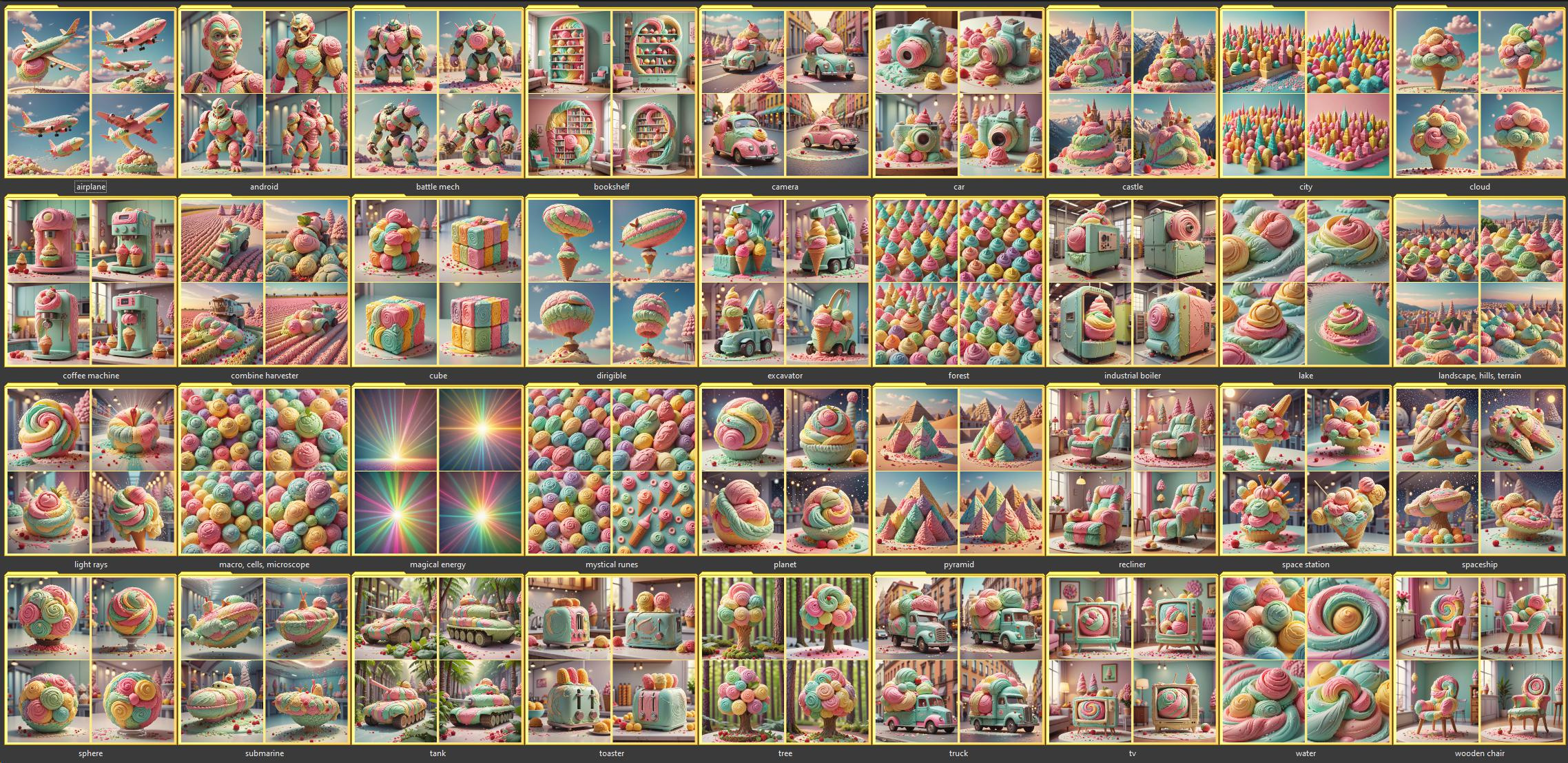
Description
This is an older version of this workflow.
I was unable to find the edit-button, and I can't find a way to delete this workflow. So I guess it remains.
The other version is more fully automated with automatic captions and naming of the output files.
What this workflow does
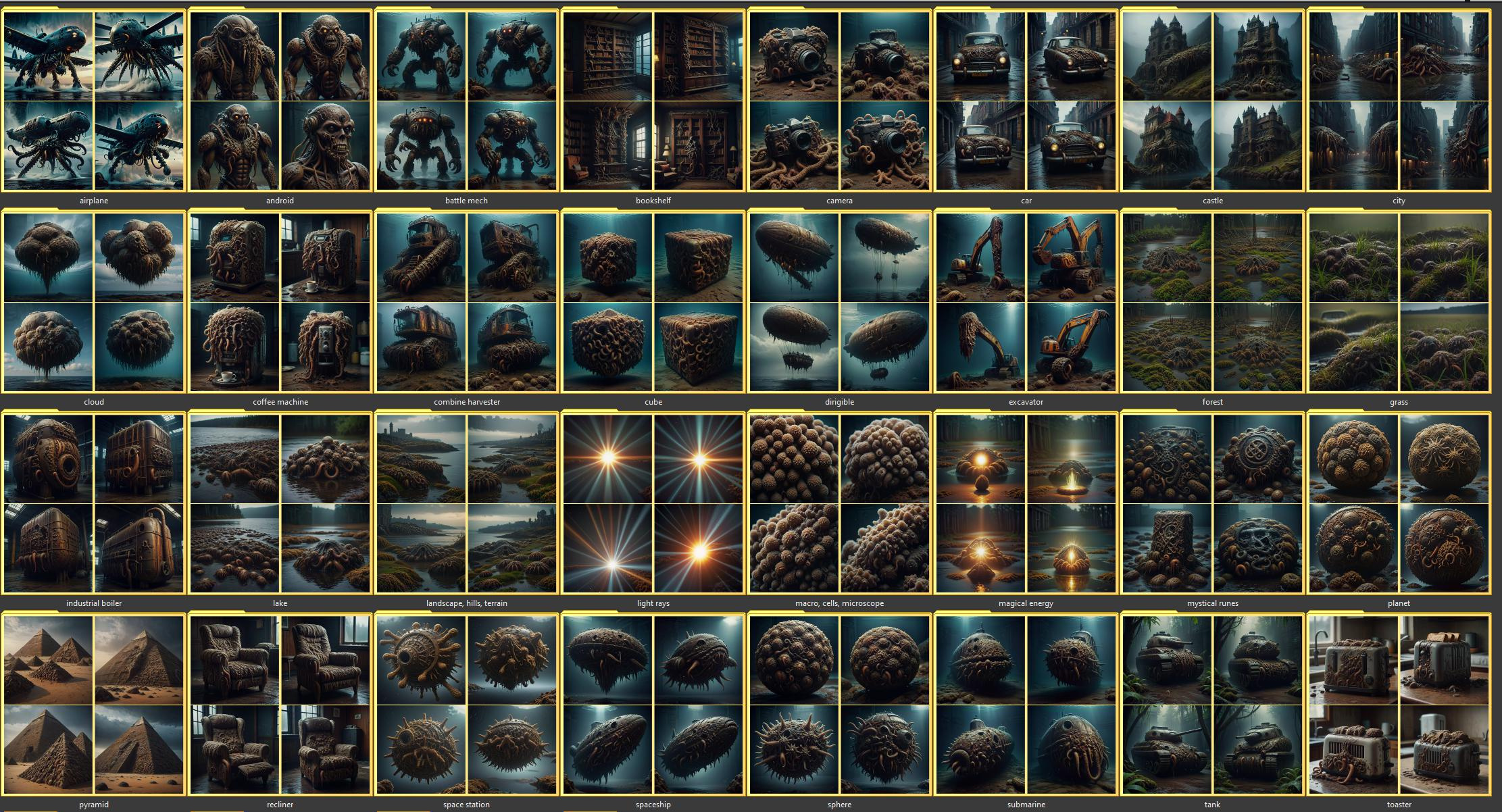
👉 Uses a reference image to set a "style", and then creates a full dataset suitable for training a style from.
How to use this workflow
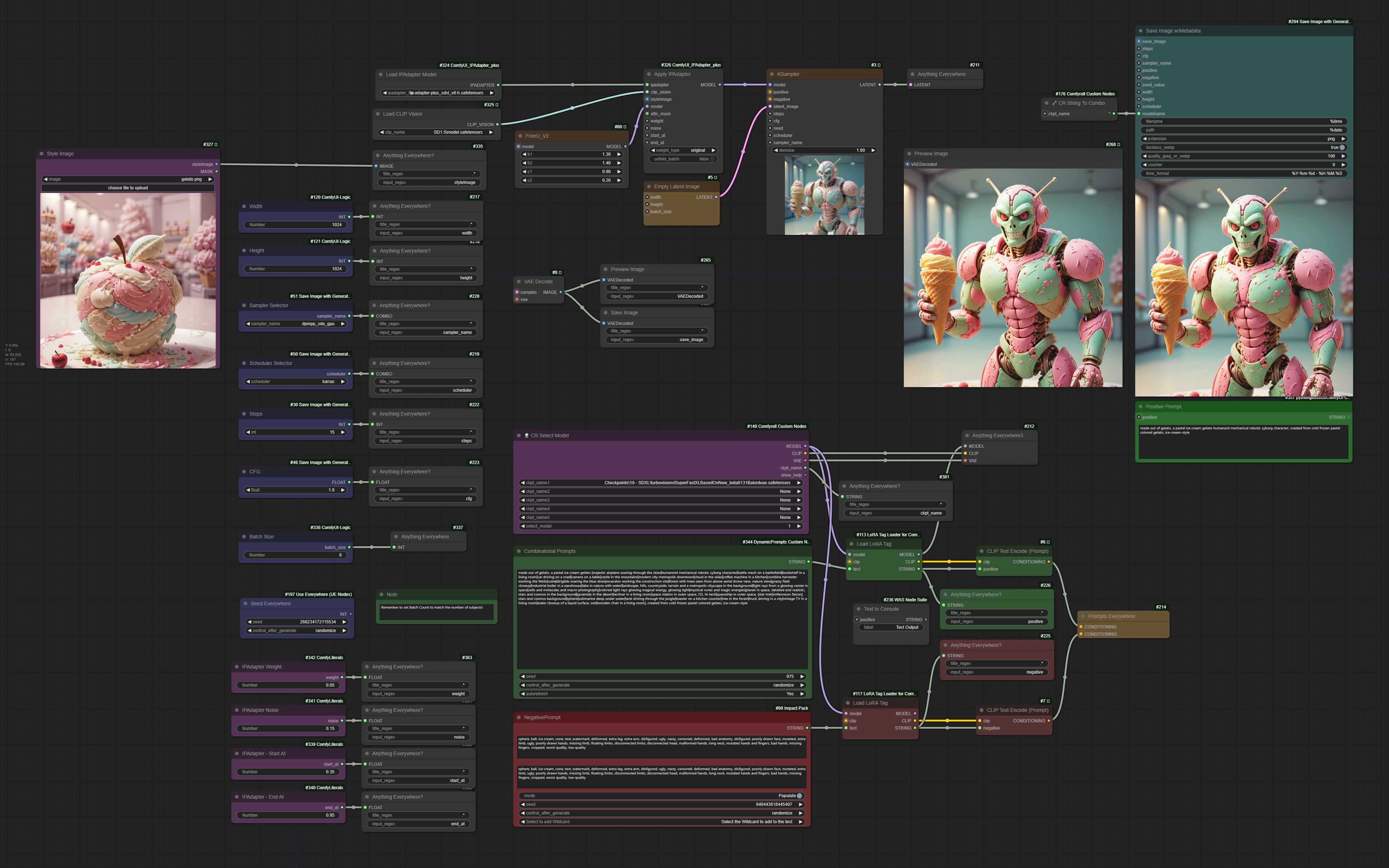
👉 Choose a checkpoint of choice. I have been using the TurboVisionXL (middle)
👉 Add an image to the Style Image section (top left)
👉 Adjust the IPAdapter settings, this takes some tweaking to get the right amount and timing of your input image (bottom left)
👉 Set the Batch Size to the number of images you want per concept, suggested 8
👉 Remember to set Batch Count to match the number of subjects! It's 37 for the example concepts in the demo prompt.
Ignore the red "missing" box to the left of the prompt. It is just a text note to set the batch count to match the number of subjects.
Tips about this workflow
👉 You're likely going to get a few bad variations, you may need to change settings and completely change the prompt for some concepts
Future Improvements to be made
👉 Name the files based on the concept/subject
👉 Generation a caption file along with the image
👉 Allow multiple/random images to be used as input
👉 Get stronger difference in the output, right now the outputs feel more like variation seeds rather than their own generations
Update:
I sat down and updated the workflow to automatically name the files according to the subject, as well as output a pre-filled caption file. It does require a node set to receive an update to the outputs, so it won't work until my local code is pushed to the save file name node.
Discussion
(No comments yet)
Loading...

Reviews
No reviews yet
Versions (1)
- latest (2 years ago)
Node Details
Primitive Nodes (22)
Anything Everywhere (2)
Anything Everywhere3 (1)
Anything Everywhere? (16)
IPAdapterApply (1)
Note (1)
Prompts Everywhere (1)
Custom Nodes (31)
- CR Select Model (1)
- CR String To Combo (1)
ComfyUI
- CLIPTextEncode (2)
- KSampler (1)
- EmptyLatentImage (1)
- FreeU_V2 (1)
- VAEDecode (1)
- PreviewImage (1)
- CLIPVisionLoader (1)
- LoadImage (1)
- ImpactWildcardProcessor (1)
- IPAdapterModelLoader (1)
- Int (3)
- Float (4)
- DPCombinatorialGenerator (1)
- LoraTagLoader (2)
- ShowText|pysssss (1)
- Cfg Literal (1)
- Sampler Selector (1)
- Scheduler Selector (1)
- Save Image w/Metadata (1)
- Int Literal (1)
- Seed Everywhere (1)
- Text to Console (1)
Model Details
Checkpoints (0)
LoRAs (0)