
SD Overlay Cool Cat
5.0
0 reviews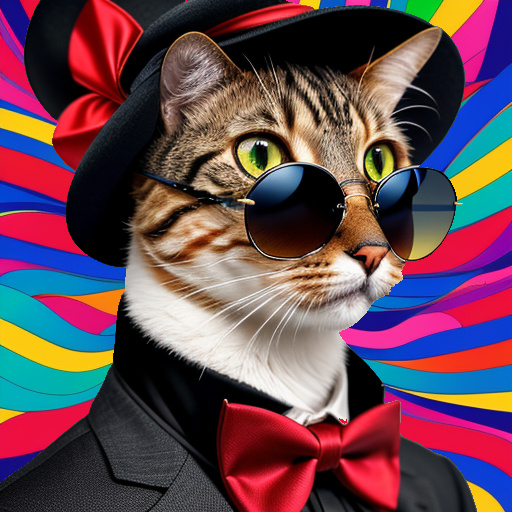
Description
Motivation
When I took pictures of cool cats with hats and bow ties, I was usually not satisfied with the background. The question arose as to how to create a new image consisting of the foreground (cool cat with hat and bow tie) and another, freely chosen background. This should be done automatically without using methods such as img2img or inpainting.
Introduction
The workflow is for learning and concept testing purposes. The workflow is creating two images and is then assembling them to a new final image.
Based on the fact that I do not like to reinvent the wheel a second time, I was looking if it is possible to realise my idea with existing nodes in an easy way.
What the Workflow Does
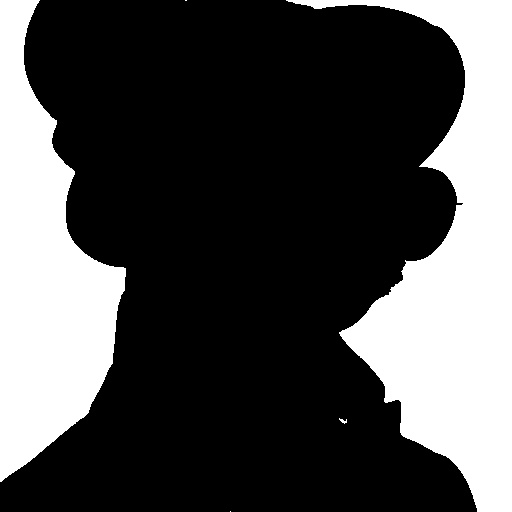
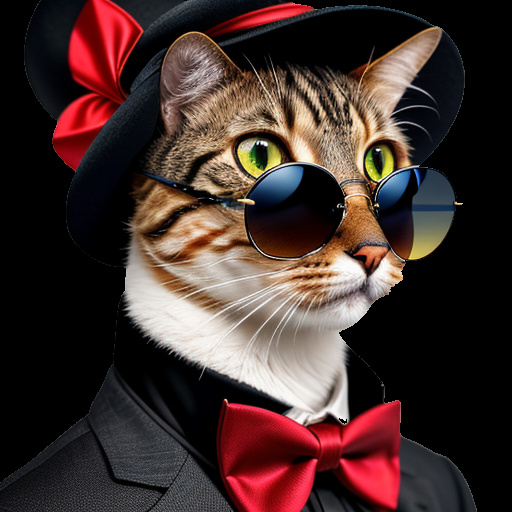
The workflow creates an image of a cool cat with hat wearing a bowtie and an colorful background image. From the image with the cool cat the background is removed. For this purpose I am using a node, which output an image and a mask. Afterwards both images are assembled to a new image.
Remark
The aim of the workflow is not to create a photorealistic image with depth of field. It is simply a recomposition of two images.
Limitations
With my software and hardware setup the workflow is limited to SD models. When I tried to use SDXL models I got a memory allocation error due to a lack of VRAM.
Conclusion
In a short period of time it was possible to create a workflow which assembles a foreground to a background
Discussion
(No comments yet)
Loading...

Reviews
No reviews yet
Versions (1)
- latest (a year ago)
Node Details
Primitive Nodes (3)
InspyrenetRembgAdvanced (1)
Reroute (2)
Custom Nodes (23)
ComfyUI
- VAELoader (2)
- CLIPTextEncode (4)
- CheckpointLoaderSimple (2)
- EmptyLatentImage (2)
- KSampler (2)
- PreviewImage (5)
- VAEDecode (2)
- InvertMask (1)
- ImageCompositeMasked (1)
- MaskToImage (1)
- Images to RGB (1)
Model Details
Checkpoints (2)
absolutereality_v181.safetensors
LoRAs (0)