
Hybridise Prompt Attention
5.0
0 reviews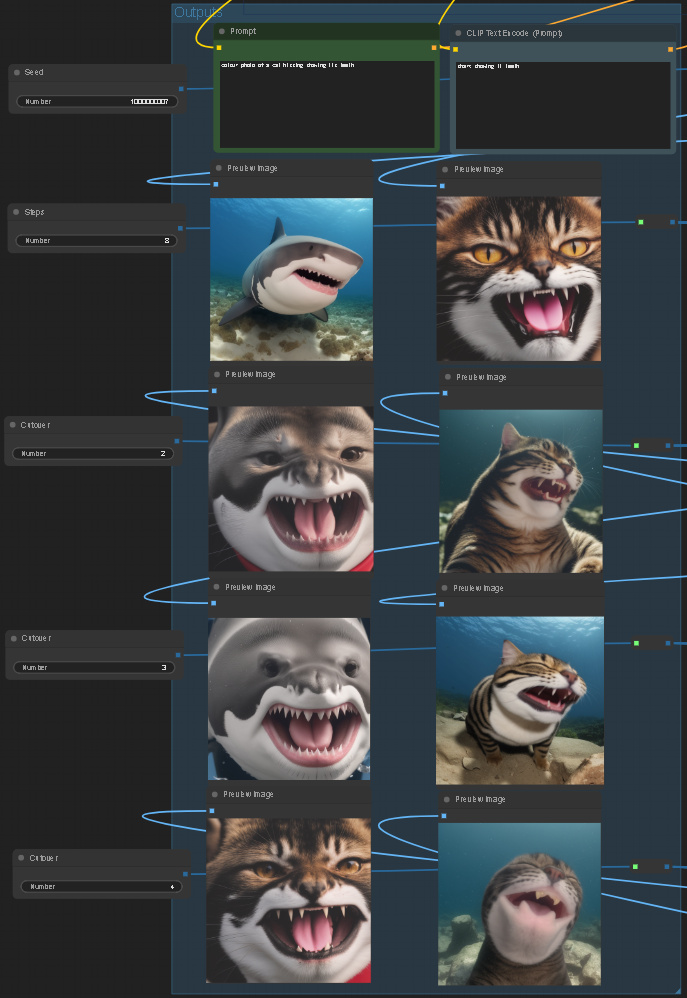
Description
What this workflow does
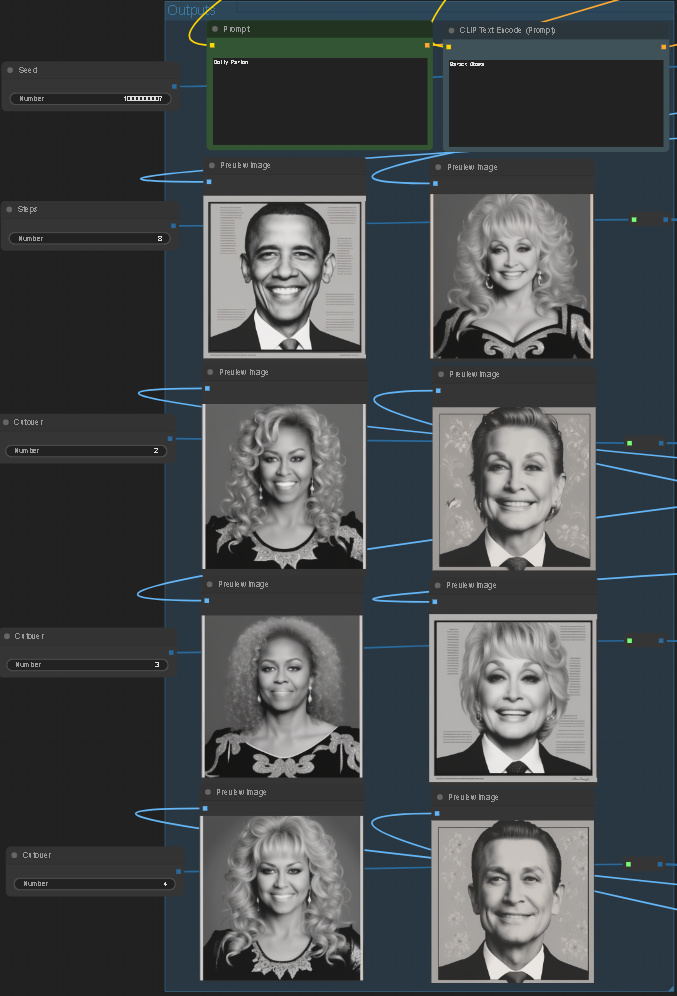
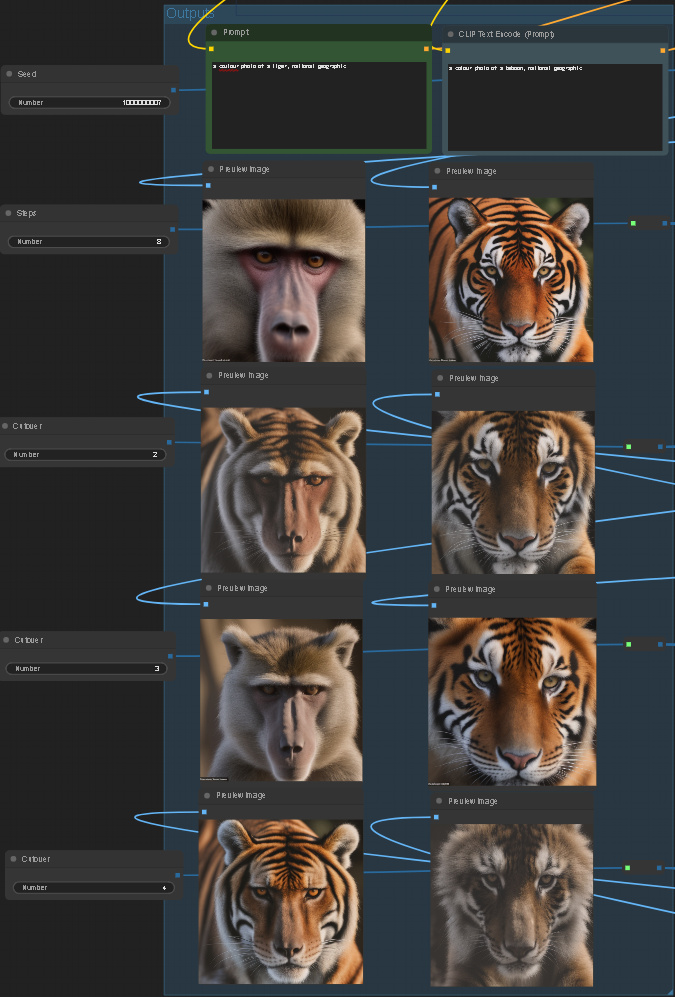
Given two prompts it cuts over from A to B (or B to A) at 25%, 33%, and 50% of the number of steps. This causes the attention layers to use the already established features such as eyes and overall composition for prompt A in prompt B (and vice versa).
How to use this workflow
The settings have been created for SD-Turbo or SDXL-Turbo.
Set the two prompts and hit generate. If you alter the number of steps you will need to update the three cutovers.
To save disc memory I've left off saving images. You might wish to replace the seed with a seed randomiser.
Tips about this workflow
The default is to cut over after 25% of the steps are complete and then the last cutover is at 50% complete. Based on my testing, a cutover after this is too late for the second prompt to have time to take shape.
You may need to try different wordings of your prompts to get similar features (as far as the attention layers consider them) in both images so they can hybridise.
Adding a LORA such as contrast offset is optional (simply change the connections in the top left).
Discussion
(No comments yet)
Loading...

Reviews
No reviews yet
Versions (1)
- latest (2 years ago)
Node Details
Primitive Nodes (20)
Reroute (20)
Custom Nodes (42)
ComfyUI
- CheckpointLoaderSimple (1)
- LoraLoader (1)
- EmptyLatentImage (1)
- PreviewImage (8)
- CLIPTextEncode (3)
- KSamplerAdvanced (14)
- VAEDecode (8)
- Int (6)
Model Details
Checkpoints (1)
sd_21_turbo.safetensors
LoRAs (1)
to8contrast_style-SD21.safetensors