
Improved Flux Inpainting with Differential Diffusion
5.0
1 reviews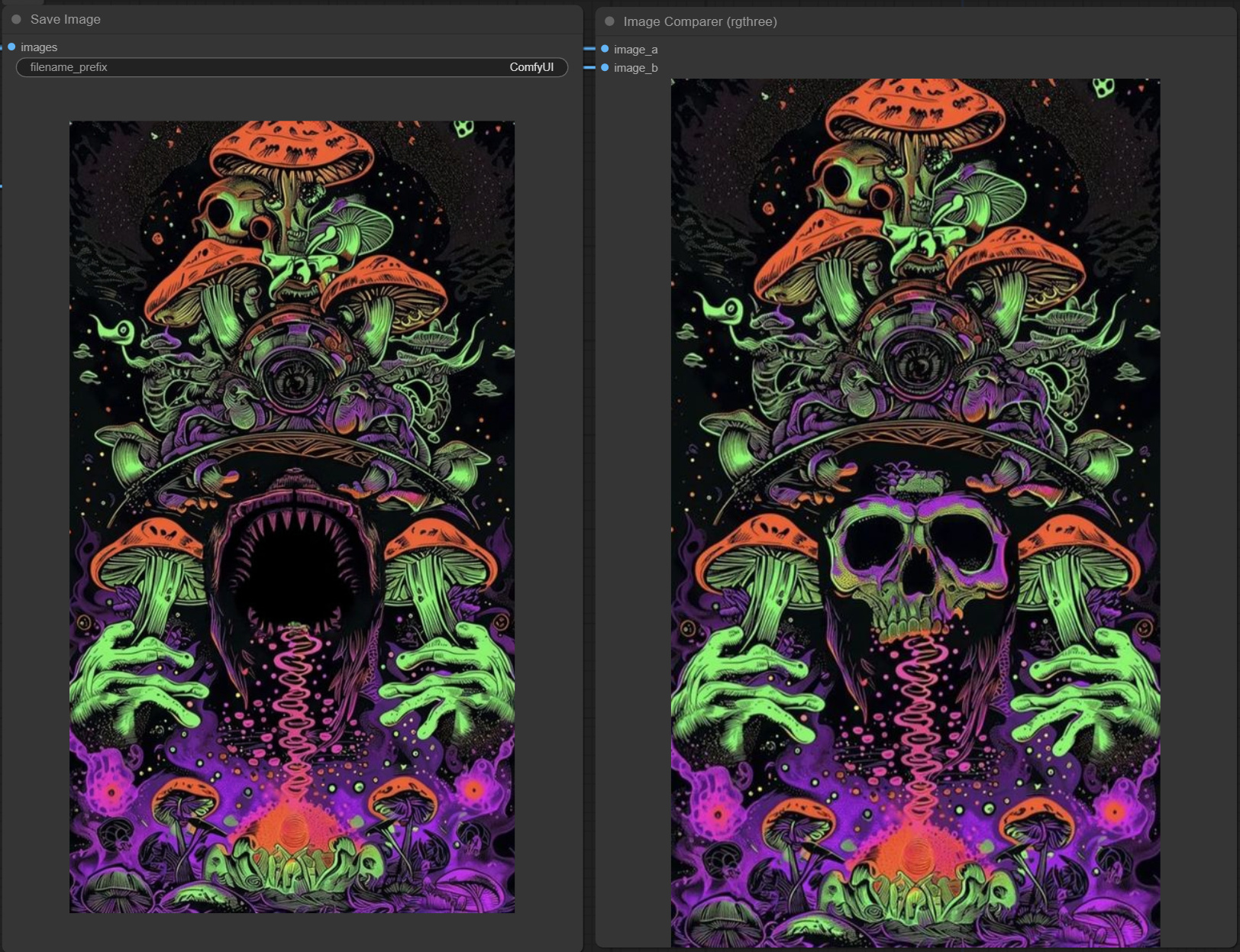
Description
I made this quick Flux inpainting workflow and thought of sharing some findings here.
1) Adding Differential Diffusion noticeably improves the inpainted image. Think of Differential Diffusion as a function that allows the inpaint to be 'context aware', hence improving the composition of the inpainted area, making the new image more natural looking.
2) Adding accurate style prompt significantly helps with style consistency. Which is why I included a WDTagger on the side for your refenrece.
However, there are still a few things I'd like to try out, and would love to have your help.
1) Is there a custom node that automatically extracts the "style prompt" of a the reference image? Sort of like WD14 tagger but specifically extracts the style related parts of the prompt.
2) Is there a way to combine IPAdapter with inpainting, to further ensure style consistency of the inpainted area? (Or, feel free to let me know that it isn't necessary and why).
Hope it helps, and would love to hear your feedback! Cheers.
Stonelax
Discussion
(No comments yet)
Loading...

Reviews
No reviews yet
Versions (1)
- latest (a year ago)
Node Details
Primitive Nodes (6)
CLIPTextEncodeFlux (2)
Image Comparer (rgthree) (1)
Note (3)
Custom Nodes (16)
ComfyUI
- VAEDecode (1)
- SaveImage (1)
- VAELoader (1)
- DualCLIPLoader (1)
- UNETLoader (1)
- SamplerCustomAdvanced (1)
- KSamplerSelect (1)
- BasicScheduler (1)
- BasicGuider (1)
- RandomNoise (1)
- LoadImage (1)
- InpaintModelConditioning (1)
- DifferentialDiffusion (1)
- MaskPreview+ (1)
- ImpactGaussianBlurMask (1)
- WD14Tagger|pysssss (1)
Model Details
Checkpoints (0)
LoRAs (0)