
FLUX Live Portrait Generator
5.0
0 reviews
Description
What this workflow does

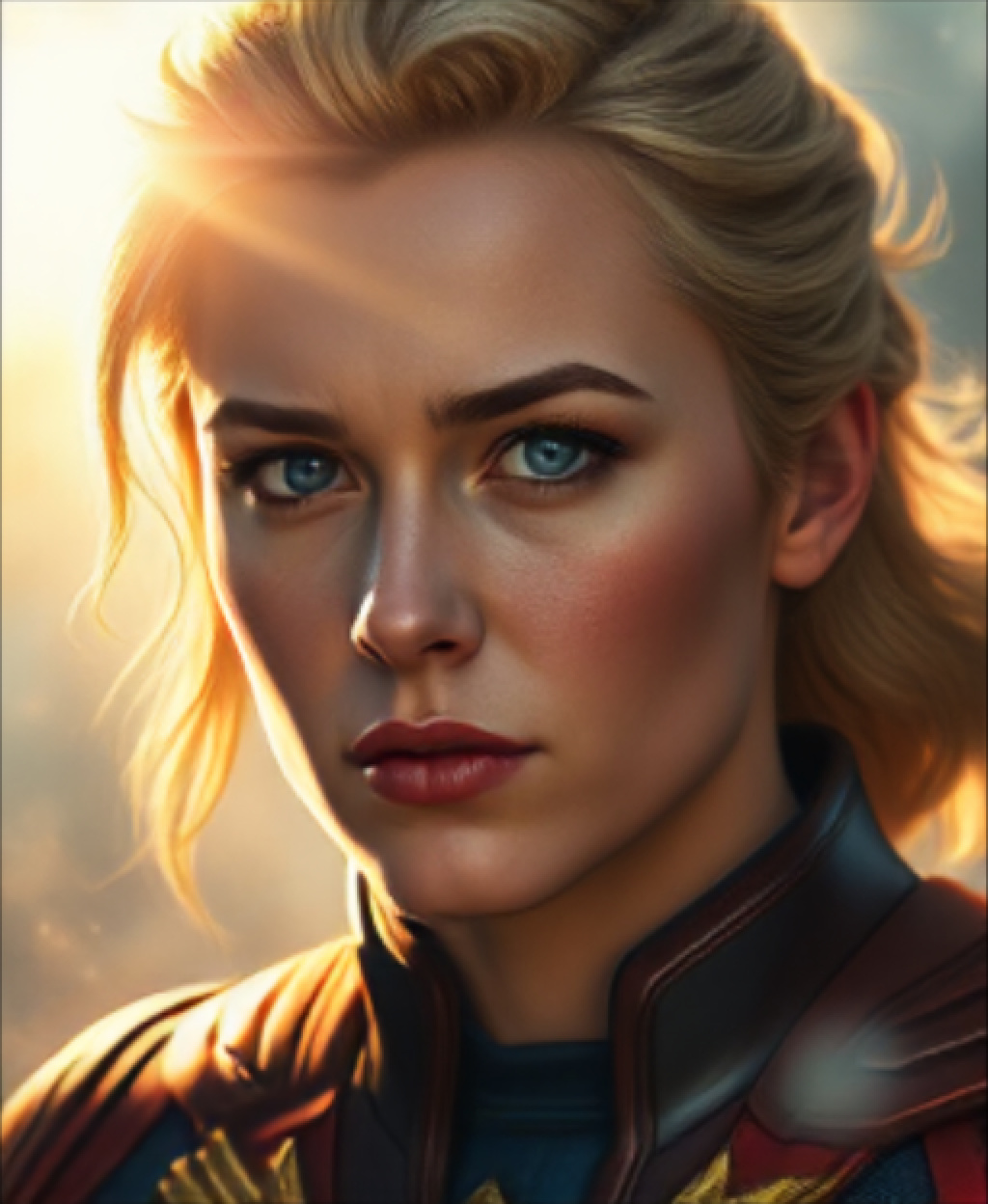
👉This workflow Generates Painted Animated portraits using a combination of the new FLUX model and my previous Presidential Portrait Painter Workflow
How to use this workflow
👉 To use this workflow:
- Upload a video with the facial expressions you would like to apply to your image or choose from the one I have provided in the assets section.
- Next use the green text prompt box to Describe or name the character you would like to generate
- Next hit Queue prompt and you're all done
Tips about this workflow/Need
👉 ComfyUI-LivePortraitKJ node:
https://github.com/kijai/ComfyUI-LivePortraitKJ
👉 FLUX installation:
- Update ComfyUI If
Download & Install Models
- Download t5xxl_fp8_e4m3fn.safetensors & clip_l.safetensors from Hugging Face.
Location: ComfyUI/models/clip/ directory.
VAE model
- ae.safetensors / ae.sft :
https://huggingface.co/black-forest-labs/FLUX.1-schnell/tree/main
Location: ComfyUI/models/vae/ folder.
- UNet Model
flux1-schnell.sft :
https://huggingface.co/black-forest-labs/FLUX.1-schnell/tree/main
Place in ComfyUI/models/unet/ folder.
🎥 Video demo link (optional)
👉 https://youtu.be/UQbqnhEMC_Y
https://www.youtube.com/@sekinVR
Contact/info: https://linktr.ee/SekinVR
-Enjoy-
Discussion
(No comments yet)
Loading...

Resources (1)
Reviews
No reviews yet
Versions (1)
- latest (a year ago)
Node Details
Primitive Nodes (6)
DownloadAndLoadLivePortraitModels (1)
LivePortraitComposite (1)
LivePortraitCropper (1)
LivePortraitLoadCropper (1)
LivePortraitProcess (1)
Note (1)
Custom Nodes (18)
ComfyUI
- BasicGuider (1)
- DualCLIPLoader (1)
- VAELoader (1)
- ConditioningConcat (1)
- SamplerCustomAdvanced (1)
- CLIPTextEncode (3)
- EmptyLatentImage (1)
- RandomNoise (1)
- KSamplerSelect (1)
- BasicScheduler (1)
- UNETLoader (1)
- PreviewImage (1)
- VAEDecode (1)
- ImageScaleBy (1)
- VHS_LoadVideo (1)
- VHS_VideoCombine (1)
Model Details
Checkpoints (0)
LoRAs (0)