
CatVTON with Flux Upscalers
5.0
0 reviews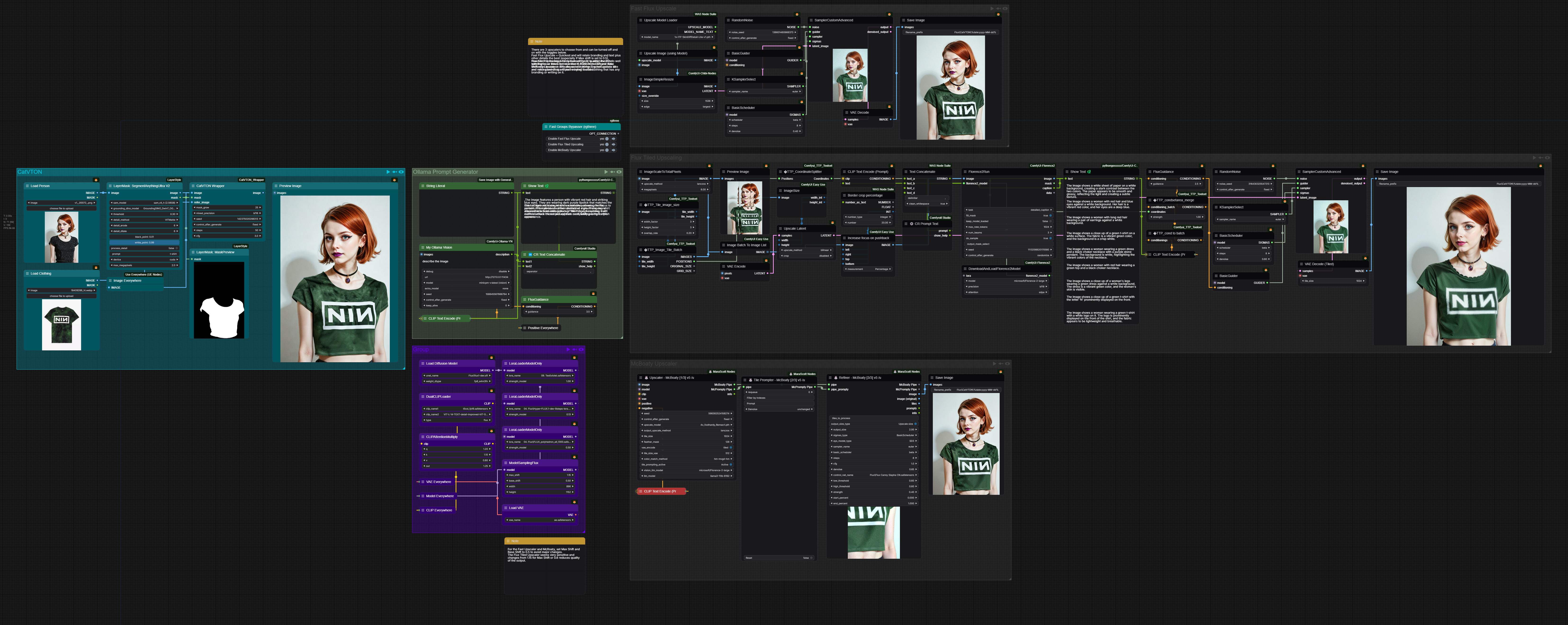
Description
NOTE: You will need Ollama set up for this.
Was playing with CatVTON and wanted to improve the output so was looking at ways to use Flux to upscale. I left 3 upscalers in as they all have different strengths and weaknesses.
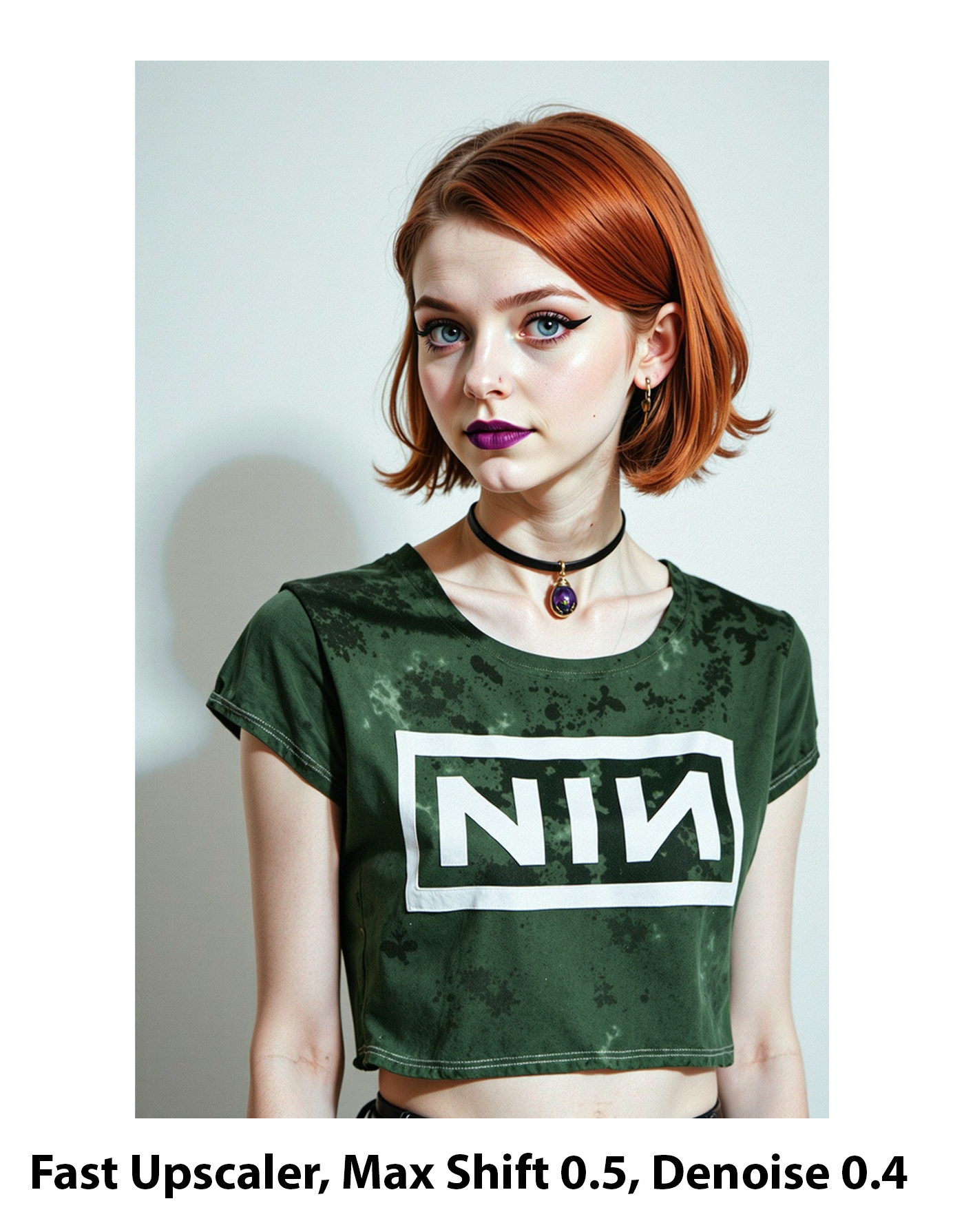
Fast Flux Upscaler - This is a simple upscale by model to 1536 on the longest side and then a pass with Flux. Didn't go any bigger as I find Flux has a tendency to leave a faint grid pattern when I do that. By far the fastest of the 3 options and if you don't want the upscale to be creative and make changes, setting Max Shift to 0.5 with this is the best way to acheive that.
Tiled Upscaling - Took this method straight from here: https://www.youtube.com/watch?v=crBVHdDMrZU&t=184s and this gives the best quality upscale and is still pretty fast. Main issue with it is you lose detail when dropping the Denoise and get unwanted additions if you raise it higher. Same applied to changing the Max Shift values, so this needs to be set at 0.6 Denoise and 1.15 Max Shift which means it will be fairly creative and make changes, and not a good choice if the clothing is branded or a band T-Shirt as it will corrupt the text, and that's the main reason I left the other 2 in.
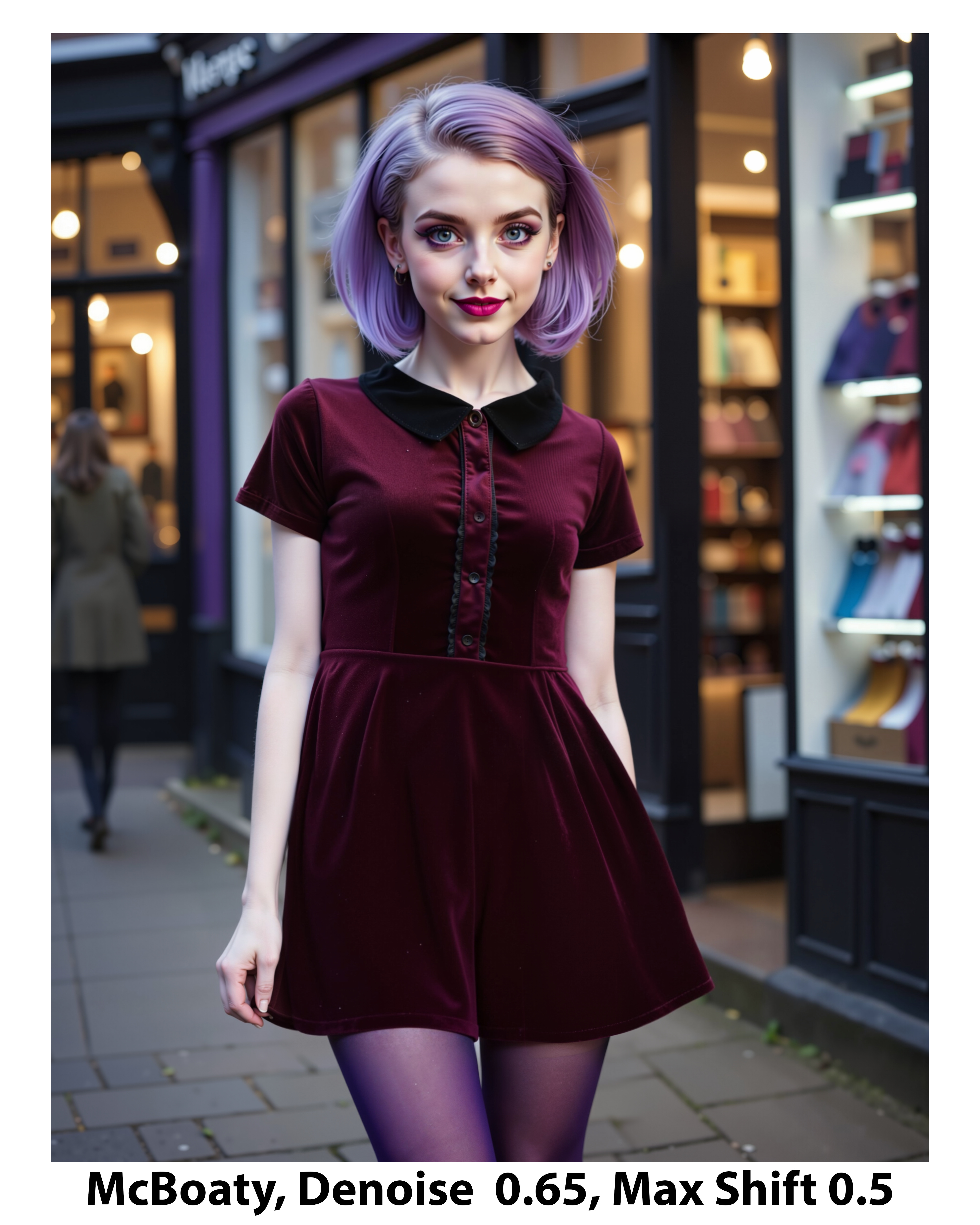
McBoaty Upscaler - By far the slowest but can get nice quality upscales bigger than 1536 on the longest side without the grid pattern, and can lower Max Shift to 0.5 to preserve the original details and it works well from branding and text on clothing.
For CatVTON itself you need to download 7 folders from here: https://drive.google.com/drive/folders/1TJNNql7UfDPVgHJuItDDjowycN5jpC5o and create a folder in your ComfyUI Models folder called "CatVTON" and put the 7 folders you have downloaded into there.
All the prompting is done via LLMs, so all you need to do is add your person and clothing, set your Max Shift value and set which upscaling you want to use and then run.
Discussion
(No comments yet)
Loading...
Reviews
No reviews yet
Versions (1)
- latest (a year ago)
Node Details
Primitive Nodes (24)
Anything Everywhere (5)
CatVTONWrapper (1)
DownloadAndLoadFlorence2Model (1)
Fast Groups Bypasser (rgthree) (1)
Florence2Run (1)
FluxGuidance (2)
MaraScottMcBoatyRefiner_v5 (1)
MaraScottMcBoatyTilePrompter_v5 (1)
MaraScottMcBoatyUpscaler_v5 (1)
ModelSamplingFlux (1)
MyOllamaVision (1)
Note (2)
TTP_CoordinateSplitter (1)
TTP_Image_Tile_Batch (1)
TTP_Tile_image_size (1)
TTP_condsetarea_merge (1)
TTP_condtobatch (1)
easy imageBatchToImageList (1)
Custom Nodes (47)
- CR Text Concatenate (1)
- CR Prompt Text (1)
ComfyUI
- BasicGuider (2)
- KSamplerSelect (2)
- ImageUpscaleWithModel (1)
- SamplerCustomAdvanced (2)
- PreviewImage (2)
- DualCLIPLoader (1)
- VAEDecode (1)
- LoraLoaderModelOnly (3)
- VAELoader (1)
- RandomNoise (2)
- BasicScheduler (2)
- CLIPTextEncode (4)
- SaveImage (3)
- CLIPAttentionMultiply (1)
- ImageScaleToTotalPixels (1)
- VAEEncode (1)
- LatentUpscale (1)
- UNETLoader (1)
- VAEDecodeTiled (1)
- LoadImage (2)
- easy imageSize (1)
- easy imageInsetCrop (1)
- LayerMask: MaskPreview (1)
- LayerMask: SegmentAnythingUltra V2 (1)
- ImageSimpleResize (1)
- ShowText|pysssss (2)
- String Literal (1)
- Upscale Model Loader (1)
- Text Concatenate (1)
- Constant Number (1)
Model Details
Checkpoints (0)
LoRAs (3)
04. Flux\Canon_EOS_1100D_-_Amateur_Style.safetensors
04. Flux\FLUX_polyhedron_all_1300.safetensors
04. Flux\Hyper-FLUX.1-dev-8steps-lora.safetensors