
圣诞节商品图摄影OminiControl
2.3
3 reviews

Description
🚀Edit& Run it online (RunningHub):
https://www.runninghub.ai/post/1867460200608284674/?utm_source=openart
RunningHub – Highly Reliable Cloud-Based ComfyUI, Edit and Run Workflows Online, no local installation required. Powered by RTX 4090 GPUs for faster performance and fully error-free node operation.
----------------------------------------------------------
🚀 在线编辑运行(RunningHub):
https://www.runninghub.cn/post/1867390332441952258/?utm_source=openart
【RunningHub - 超高可用性云端ComfyUI,在线编辑运行工作流,标配RTX4090带来更快运行速度,节点全不报红】
----------------------------------------------------------
项目地址:https://github.com/Yuanshi9815/OminiControl
插件地址:https://github.com/HM-RunningHub/ComfyUI_RH_OminiControl
Workflow Description
[Workflow Introduction]
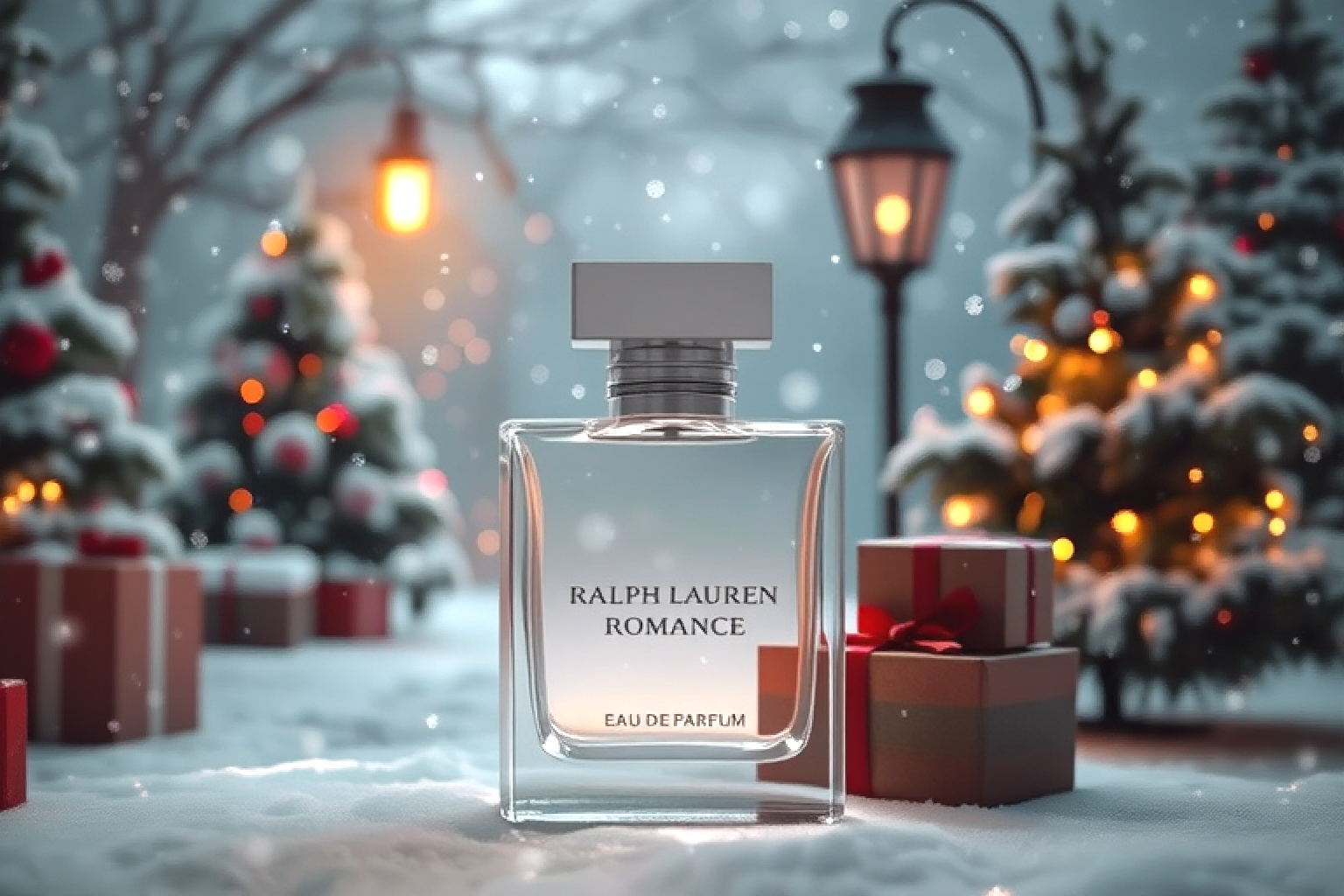
First, open the workflow, upload a white background image of the product, reverse the image through Runninghub Captioner, use 🔥BiRefNet to cut out the image and fill the background, and generate the image through OminiControl Subject. Then expand the generated image through the Plux-fill-dev model. Now the built-in parameters have been set. Come and experience it!
[Usage scenario]
This workflow can quickly change the background of your product. By using the external drawing board to change the size of the main image, the product can be better integrated into the scene, which greatly improves the work efficiency of e-commerce. It saves a lot of time and energy for e-commerce practitioners, enabling them to optimize product images more quickly, so as to better display the products, attract consumers' attention, and enhance the competitiveness of the products. Whether it is the display of the product details page or the application in advertising, this efficient background change workflow plays an important role and provides strong support for the development of e-commerce business.
----------------------------------------------------------
工作流内容介绍
【工作流介绍】
首先打开工作流,上传一张产品的白底图像,通过Runninghub Captioner对图像进行反推,使用🔥BiRefNet对图像抠像填充背景,通过OminiControl Subject对图像生成。然后把生成好的图像通过Plux-fill-dev模型扩图,现在内置参数已经设置完成,快来体验吧!
【使用场景】
这个工作流程能够迅速为您的商品更换背景。通过使用外补画板更改主体图像的大小,能够让商品更好地融入到场景之中,这极大地提高了电商的工作效率。它为电商从业者节省了大量的时间和精力,使其能够更快速地完成商品图片的优化处理,从而更好地展示商品,吸引消费者的目光,提升商品的竞争力。无论是在商品详情页的展示,还是在广告宣传中的应用,这种高效的换背景工作流程都发挥着重要的作用,为电商业务的发展提供了有力的支持。
----------------------------------------------------------
RunningHub:Join Us to Claim Free Perks

Discussion
(No comments yet)
Loading...

Reviews
No reviews yet
Versions (1)
- latest (a year ago)
Node Details
Primitive Nodes (9)
BiRefNet_Hugo (2)
FluxGuidance (1)
Label (rgthree) (2)
RH_Captioner (3)
RunningHub_Omini_Subject (1)
Custom Nodes (40)
ComfyUI
- DifferentialDiffusion (1)
- VAEDecode (1)
- LoadImage (3)
- UpscaleModelLoader (1)
- ImageUpscaleWithModel (1)
- UNETLoader (1)
- ImagePadForOutpaint (1)
- InpaintModelConditioning (1)
- CLIPTextEncode (2)
- PreviewImage (7)
- DualCLIPLoader (1)
- VAELoader (1)
- KSampler (1)
- SaveImage (2)
- easy cleanGpuUsed (2)
- ImageResize+ (1)
- LayerUtility: ColorPicker (1)
- LayerUtility: ImageBlendAdvance V2 (1)
- LayerUtility: ColorImage (1)
- LayerUtility: ExtendCanvas (1)
- LayerColor: Brightness & Contrast (1)
- TextCombinerTwo (2)
- Int (1)
- Image Overlay (1)
- ImageResizeKJ (1)
- ShowText|pysssss (2)
- SeargeIntegerConstant (1)
Model Details
Checkpoints (0)
LoRAs (0)