[SDXL] Tile upcale custom
5.0
0 reviewsDescription
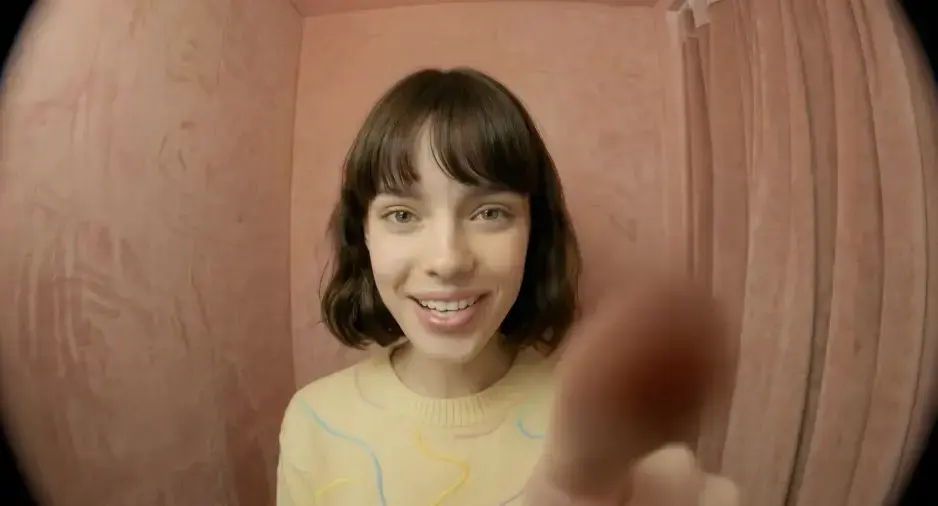
Experience unparalleled control and precision with this manual upscaling workflow. Â By dividing the image into smaller tiles, you can fine-tune every aspect of the upscaling process. Â Provide unique prompts and adjust parameters for each individual tile to achieve your desired results. Â The final step seamlessly merges all the tiles, producing a stunning 4K image with exceptional detail and clarity.
Discussion
(No comments yet)
Loading...
Reviews
No reviews yet
Versions (1)
- latest (a year ago)
Node Details
Primitive Nodes (236)
Any Switch (rgthree) (9)
Anything Everywhere? (10)
DepthAnythingV2Preprocessor (9)
Fast Groups Bypasser (rgthree) (3)
Get resolution [Crystools] (10)
GetNode (57)
Image Comparer (rgthree) (1)
ImageTile+ (1)
ImageUntile+ (1)
LayerMask: ImageToMask (9)
Miaoshouai_Tagger (9)
Note (3)
SetNode (60)
SetUnionControlNetType (9)
SimpleMathFloat+ (27)
SimpleMathInt+ (9)
workflow>Imagefrombatchpreview (9)
Custom Nodes (127)
- GoogleTranslateTextNode (9)
ComfyUI
- VAEEncode (9)
- MaskToImage (9)
- PreviewImage (9)
- VAEDecode (9)
- CLIPTextEncode (10)
- ImageFromBatch (9)
- UpscaleModelLoader (1)
- ImageUpscaleWithModel (1)
- ControlNetApplyAdvanced (18)
- KSampler (9)
- LoraLoader (1)
- CheckpointLoaderSimple (1)
- ControlNetLoader (1)
- LoadImage (1)
- easy convertAnything (2)
- TilePreprocessor (9)
ComfyUI_tinyterraNodes
- ttN text (9)
- ttN seed (1)
- ComfyUI_Image_Round__ImageRoundAdvanced (1)
- Int (2)
- Float (1)
- ImageBatchMulti (1)
- ConstrainImage|pysssss (2)
- Scheduler Selector (1)
- Sampler Selector (1)
Model Details
Checkpoints (1)
SDXL\Realistic\leosamsHelloworldXL_helloworldXL70.safetensors
LoRAs (1)
SDXL-Lightning\sdxl_lightning_8step_lora.safetensors