My stuff

  • My Workflows

  • Liked Workflows

  • Following Workflows

Go to OpenArt main site
Upload workflow

Janus Pro to BigPicture

5.0

0 reviews
1
2.2K
219
1
Description

Today, I want to introduce you to a simple and effective workflow that leverages the capabilities of the Janus-Pro-1B model, recently released by DeepSeek. This multimodal model is designed to understand and generate both text and images, unifying these capabilities within a single architecture.


Key Features of the Model:


- Separation of visual processing paths: Janus-Pro-1B uses distinct paths for interpreting and generating images, reducing conflicts between these two functions and enhancing the model's flexibility.


- SigLIP-L visual encoder: For image comprehension, the model employs the SigLIP-L visual encoder, which supports input resolutions of 384 x 384 pixels.


- Image generation-specific tokenizer: During the generation phase, Janus-Pro-1B uses a tokenizer with a downsampling factor of 16, meaning each token represents a 16x16 pixel block.


Workflow Description:


The proposed workflow utilizes two image inputs:


1. Input Image: The primary image from which the model extracts a description to create a new interpretation.


2. Style Image: An image that defines the style of the final output.


The Input Image is processed through three "Janus Understanding" nodes to extract:


1. The description of the main subject.

2. The description of the mood present in the image.

3. The description of the background.


In parallel, the Style Image is analyzed by another "Janus Understanding" node to describe the artistic style.


The four obtained descriptions are concatenated and sent to OLLAMA, which integrates them into a single coherent text.


Subsequently, the "Janus Image Generation" node generates a low-resolution image (384x384 pixels).


Technical Considerations on Resolution:


Although the visual tokenizer with a downsampling factor of 16 theoretically allows for higher resolution image generation, current implementations of the model are configured to produce images at a resolution of 384x384 pixels.


Next Steps in the Workflow:


1. Processing with KSampler: The generated image is refined using the SDXL V9+RDPhoto2-Lightning_4S model.


2. Style Transfer with IPAdapter: The style image is applied to the final image using the PLUS preset and setting the weight_type to "style transfer".


3. Upscaling with an upscaler: The final image is enlarged using the 4x_NMKD-Siax_200k model, available via the ComfyUI Manager. If the second KSampler takes a long time, I recommend using a 2x model.


4. Second pass with KSampler: The image is further enhanced.


5. Ultimate SD Upscale: to improve details and make further enlargement.


The final image is displayed via a Preview node and saved in the .\Janus2Big\ folder within the "Output" directory of ComfyUI.


It is important to note that the same seed is used for all generation nodes, set via the "Seed Everywhere" node.


This workflow demonstrates how to effectively combine the comprehension and generation capabilities of Janus-Pro-1B to obtain personalized and stylistically coherent images.


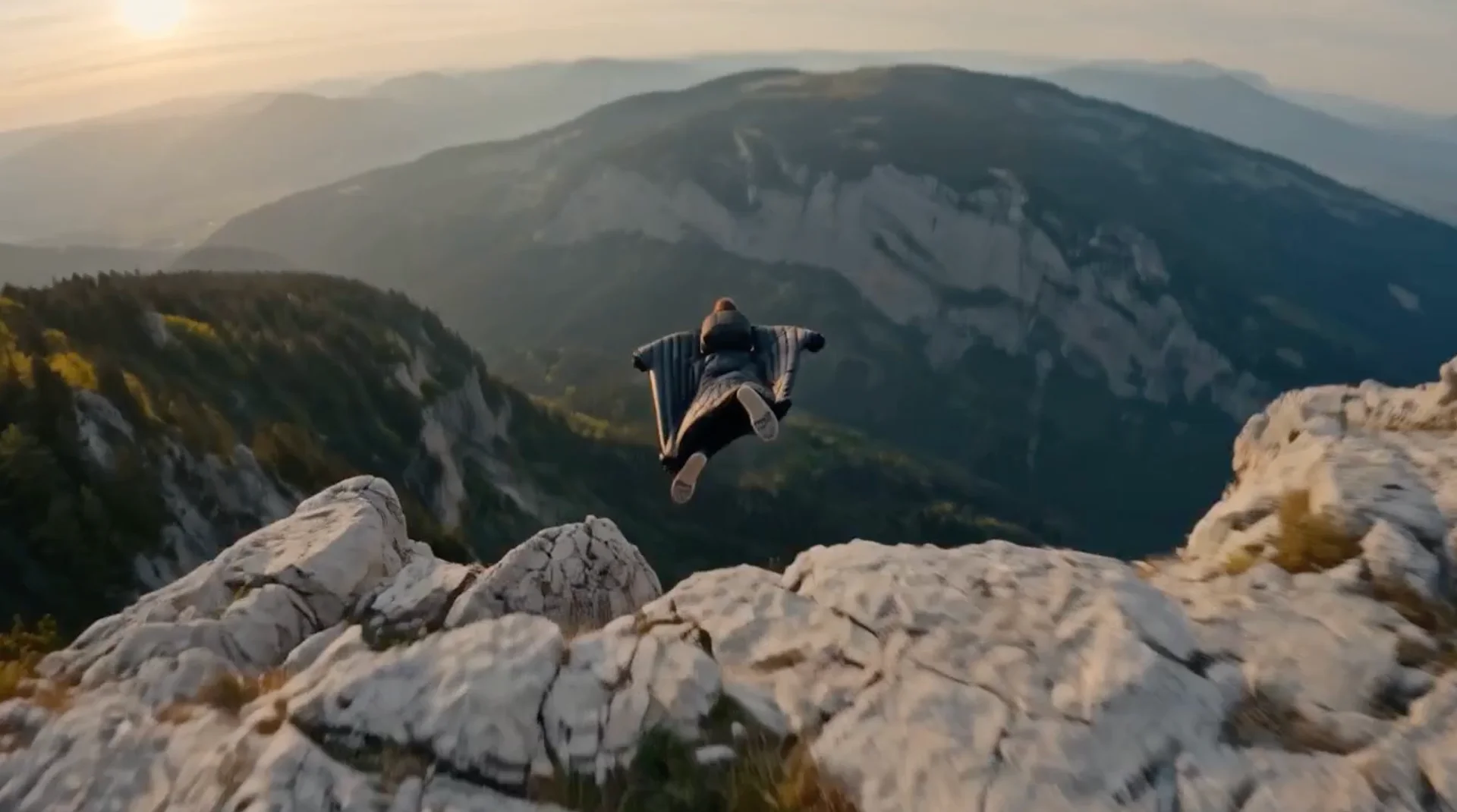
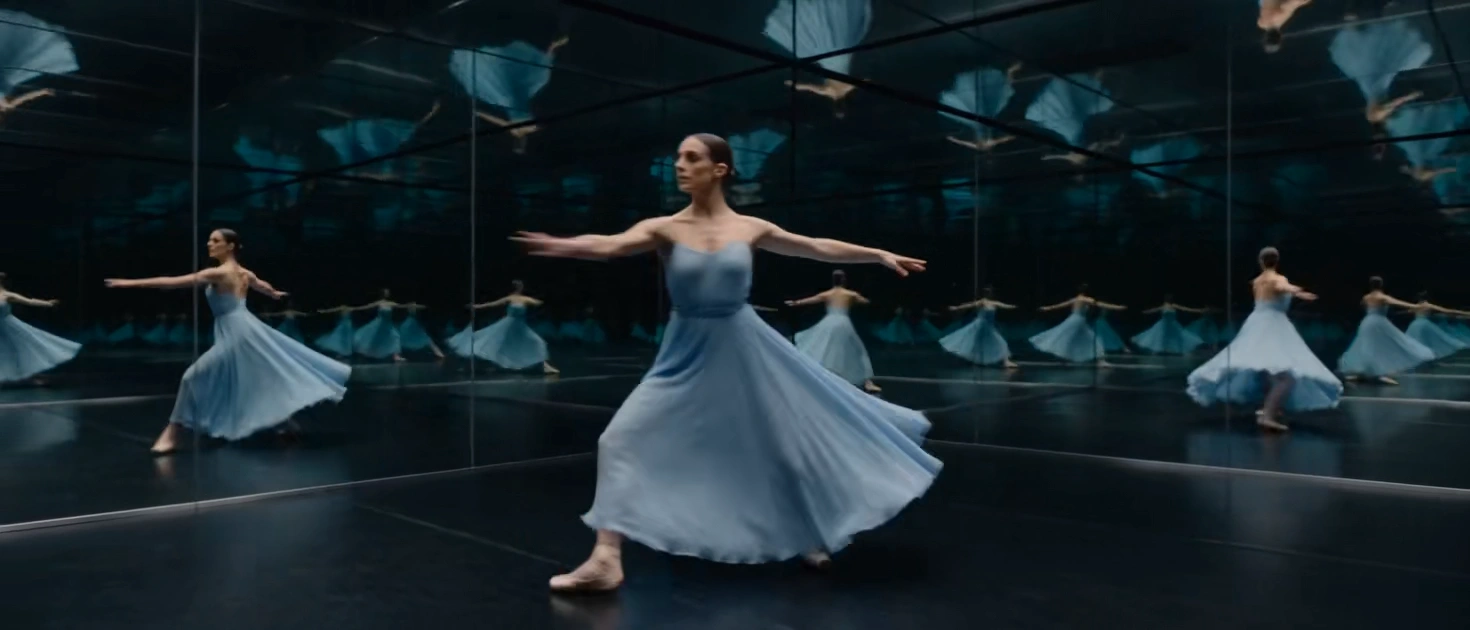
input images

Image created by Janus Pro 1B

Enlarged and refined image with SDXL

---------------

Download Model:

Here are the links to download the necessary models for the described workflow:


1. Janus-Pro-1B: This model can be downloaded from the official Hugging Face page: Click for Download Janus-Pro-1B model


2. Juggernaut-XL-V9-RDPhoto2-Lightning_4S:

  Available on Hugging Face: Juggernaut-XL-V9-RDPhoto2-Lightning_4S

  CivitAI: Juggernaut-XL-V9-RDPhoto2-Lightning_4S


  IMPORTANT!

  Clone the Janus-Pro-1B repository into the ComfyUI\models\Janus-Pro\Janus-Pro-1B\ folder,

  otherwise, you will not see the model in the Janus nodes.


3. 4x_NMKD-Siax_200k: This model can be downloaded via the ComfyUI Manager by searching for "Siax" in the search field.


4. OLLAMA: Click for Download


  How to download the model for Windows:

  After installing OLLAMA, open the Windows terminal and type the following command:

  ```

  ollama run nezahatkorkmaz/deepseek-v3

  ```

  Press Enter to start the download process.

  It shouldn't take long since the model is 2GB with Q4_K_M quantization.


  For those interested in more details, metadata can be found at:

  METADATA


-----------------


Make sure to follow the specific installation and integration instructions for each model within your ComfyUI environment.


-----------------


Change Log


Updated rules for ollama, it didn't follow parts of prompts that conflicted with each other, responding that there were inconsistencies and not creating the prompt.


Added nodes for noise and blur.


Changed some parameters of KSampler, to adapt it to the changes of the new nodes.


-----------------

Discussion

(No comments yet)

Loading...

Author

13
22.1K
198
122.1K

No reviews yet

  • - latest (10 months ago)

  • - v20250301-132756

  • - v20250301-123208

Primitive Nodes (28)

Anything Everywhere (2)

Bjornulf_ShowStringText (2)

GetNode (1)

Griptape Agent Config: Ollama [DEPRECATED] (1)

Griptape Create: Agent (1)

Griptape Create: Rules (1)

ImageToDevice+ (3)

JanusImageGeneration (1)

JanusImageUnderstanding (4)

JanusModelLoader (1)

Reroute (10)

SetNode (1)

Custom Nodes (36)

Comfyroll Studio

  • - CR Simple Image Compare (1)

  • - CR Text Concatenate (1)

ComfyUI

  • - CLIPTextEncode (2)

  • - VAEEncode (1)

  • - CheckpointLoaderSimple (1)

  • - LoadImage (2)

  • - SaveImage (3)

  • - PreviewImage (2)

  • - UpscaleModelLoader (1)

  • - VAEDecodeTiled (1)

  • - SD_4XUpscale_Conditioning (1)

  • - ImageUpscaleWithModel (1)

  • - VAEDecode (1)

  • - VAEEncodeTiled (1)

  • - KSampler (2)

  • - easy cleanGpuUsed (1)

  • - PreviewBridge (3)

  • - IPAdapter (1)

  • - IPAdapterUnifiedLoader (1)

  • - > Scale Image to Side (1)

  • - ImageGaussianBlur (1)

ntdviet/comfyui-ext

  • - gcLatentTunnel (2)

  • - UltimateSDUpscale (1)

  • - Seed Everywhere (1)

  • - Text Concatenate (1)

  • - Latent Noise Injection (1)

Checkpoints (1)

SDXL\juggernautXL_v9Rdphoto2Lightning.safetensors

LoRAs (0)