
Fast Generator 2.0.3
5.0
0 reviews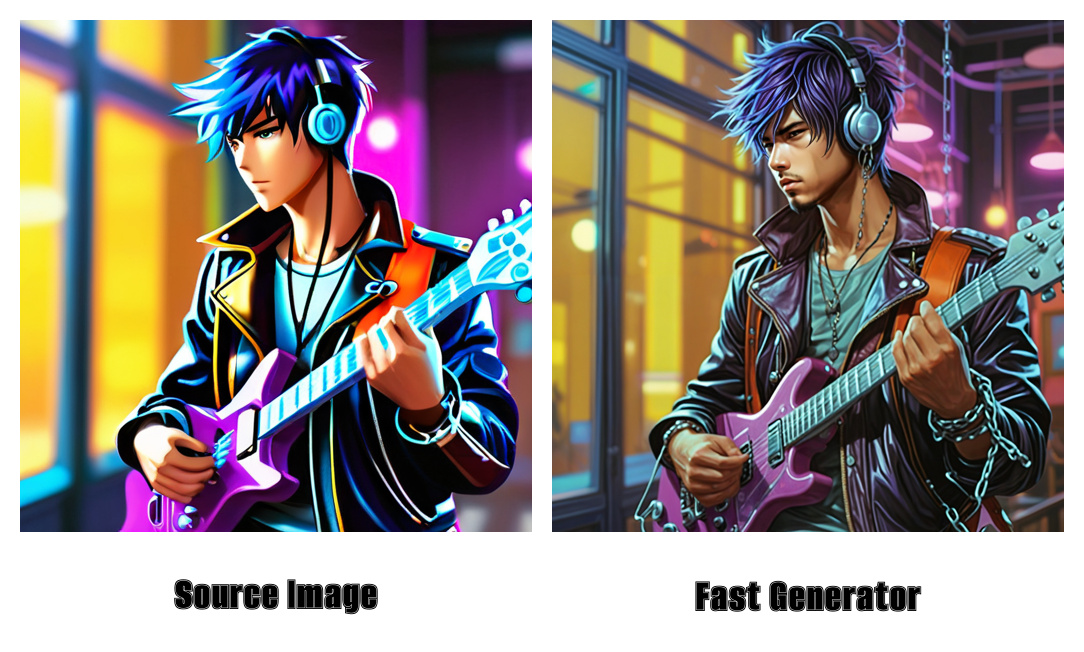

Description
Fast Generator 2.0.3
After a period of absence from OpenArt for professional reasons, I decided to see if anyone needed assistance with my workflows. To my pleasant surprise, I found numerous appreciations on various workflows I created, particularly on "Fast Creator." One user reported to me that, due to updates in the new version of ComfyUI, many custom nodes were no longer available, rendering the workflow inoperable.
Faced with this situation, I considered two options: update the old workflow, which is now obsolete, or create a new one with the same functionality, i.e., fast creation of 256x256 or 512x512-pixel previews and generation of high-quality, detailed images. I opted for the second solution, developing a new workflow that uses updated templates and methods to enlarge and add detail to the initial image.
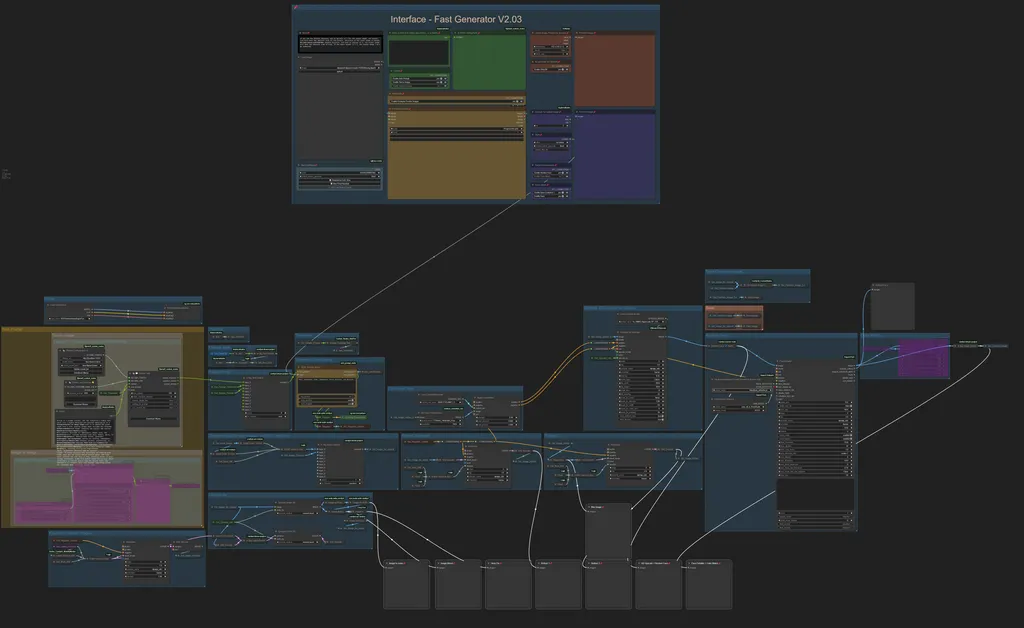
Functionality of the New Workflow
The new workflow is versatile and can handle both input images (image-to-image) and the creation of images from text (text-to-image). The user interface is designed to include all the features needed to create or enhance an image.
- Loading Images: You can load existing images via the "Load Image" option to enlarge them and add details. Once the image is loaded and the desired options are selected, the workflow generates a description of the image, resizes it to 256x256 or 512x512 pixels (depending on the user's choice) and then enlarges it by adding details.
- Text Description: A multi-line text field allows the user to enter a description of the desired image or a theme. This text can be written in the user's native language, as a built-in node automatically translates the content into English using the Google API.
Available Options
- Global Seed: A dedicated node allows you to set a global seed, ensuring consistency across nodes that use a seed, such as the ksampler.
- Prompt: Options to enable or disable Auto Prompt and choose between Text-to-Image or Image-to-Image modes.
- Thumbnails: This option determines whether the workflow should create thumbnails that will populate the "Preview Chooser" node. If enabled, the workflow pauses once the thumbnails are generated, waiting for the user to select the preferred one, after which execution automatically resumes.
- Latent Image Preset for Preview: Allows you to specify the number of batch images to be created. It is recommended to keep the size at 512x512 pixels for consistency.
- Generation at 256x256: If enabled, the thumbnails created will be 256x256 pixels, speeding up the generation process.
- Upscale for Output Image: Defines the desired magnification factor for the final image. A value of 1 maintains the original size, while a value of 2 doubles the size twice. For example:
- With an initial image of 256x256 pixels and an upscale of 2, the final image will be 1024x1024 pixels in size.
- With an initial image of 512x512 pixels and an upscale of 2, the final image will be 2048x2048 pixels.
- Style: Allows different styles to be applied to the image, providing creative flexibility.
- Face Enhancement:
1. Restore Face: If the image contains faces, this option can be turned on to improve the quality of the image. If there are no visible faces, it is advisable to turn it off to speed up processing.
2. Color Match: Aligns the colors of the output image with those of the source image.
- Saving Options: Allows you to enable or disable saving of generated images, which is useful during testing to avoid taking up space with unwanted images.
On the right side of the interface, there is a preview of the source image and, immediately below, a preview of the output image.
Technical Features
- Model Used: The workflow employs "TurboVision" based on tvxlV431, available at [Civitai](https://civitai.com/models/215418).
- Prompt Generation: To create the prompt from user-entered text, the workflow uses calls to OLLAMA. You must have Ollama installed and running, with the template "llava-llama3:latest" downloaded (about 5.5 GB).
- Prompt from Image: In Image-to-Image mode, the workflow leverages "Florence2" to generate the prompt from the image.
Depending on the user's choice between Text-to-Image or Image-to-Image, the workflow adapts by enabling the necessary parts and disabling the irrelevant parts, thus optimizing processing.
Process Processing
1. Resizing: Images are scaled to 256x256 or 512x512 pixels, depending on user selection, and then enlarged to twice the size.
2. Noise Addition: A specific node adds noise to the image, which is then blended to enrich details.
3. Hires Processing: The image passes through a Hires node using a 4X model (4x_NMKD-Superscale-SP_178000_G), then is resized to one quarter the size.
4. Refinement: The image goes through two stages of refining to further improve the quality.
5. Ultimate SD Upscale: Using the same 4X model, the image is enlarged according to the upscale factor chosen by the user.
6. Face Enhancement: If enabled, the image goes through the "Face Restore" and "Face Detailer" nodes to optimize the faces present.
7. Color Match: If enabled, this step aligns the colors of the final image with those of the source image.
8. Display and Save: The process ends with the final image being displayed and saved, if the option has been previously enabled by the user.
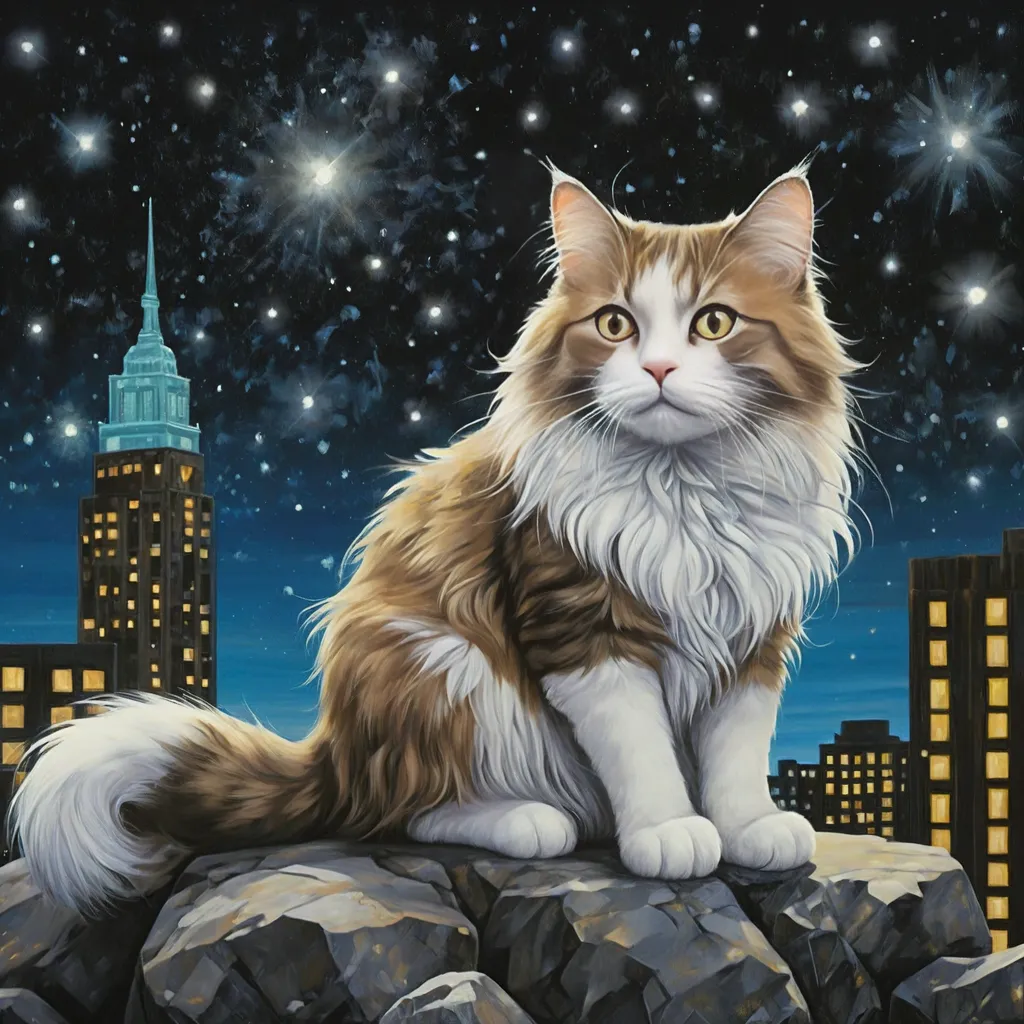
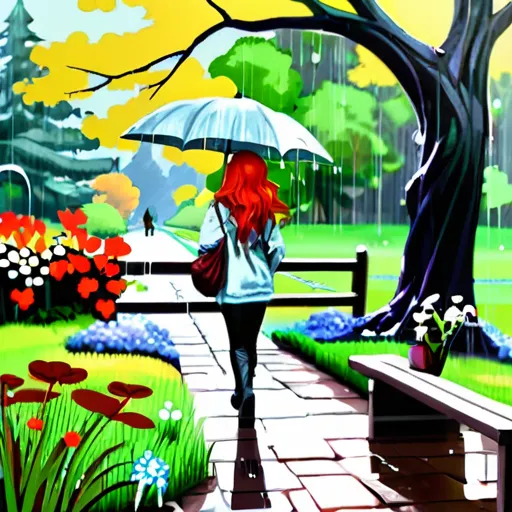
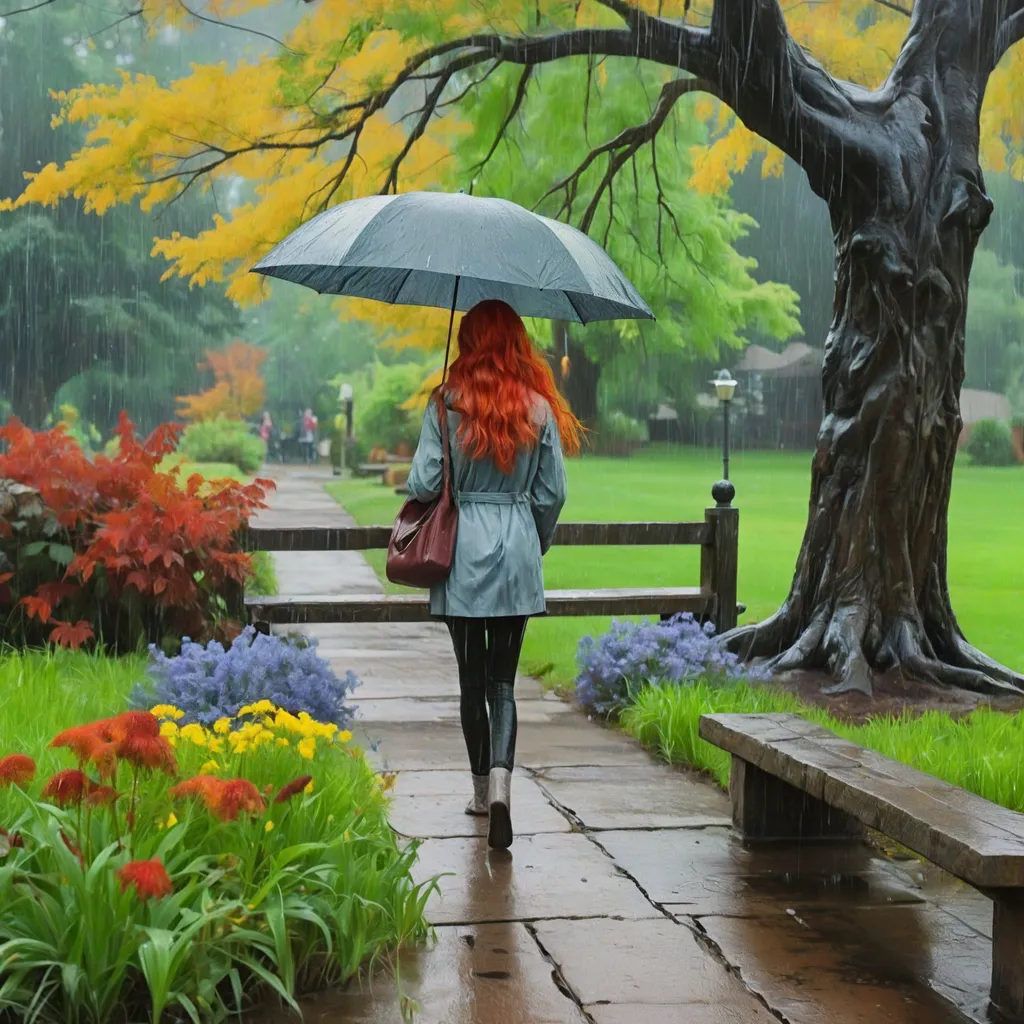
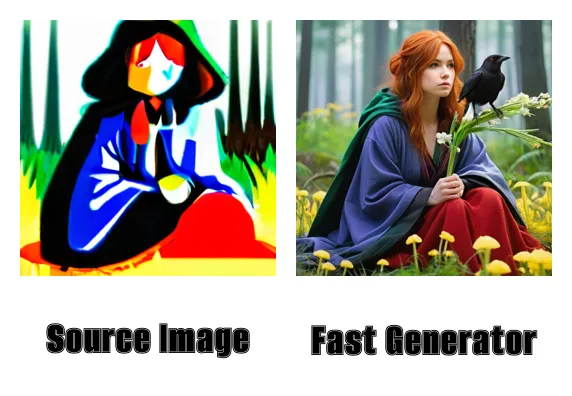
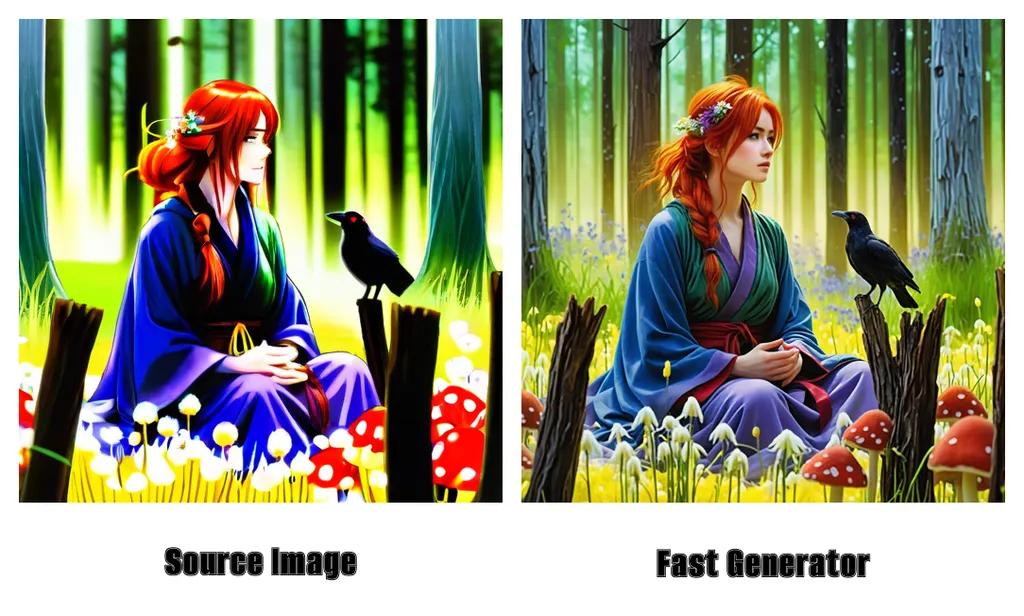
Examples of images

Discussion
(No comments yet)
Loading...

Reviews
No reviews yet
Versions (1)
- latest (10 months ago)
Node Details
Primitive Nodes (83)
Anything Everywhere (2)
Anything Everywhere3 (1)
Bjornulf_OllamaConfig (1)
Bjornulf_OllamaSystemJobSelector (1)
Bjornulf_OllamaTalk (1)
Bjornulf_ShowStringText (1)
Compare-🔬 (1)
DF_Latent_Scale_to_side (1)
DownloadAndLoadFlorence2Model (1)
Fast Groups Bypasser (rgthree) (5)
Float-🔬 (4)
Florence2Run (1)
GetNode (32)
If ANY return A else B-🔬 (4)
ImageColorMatchAdobe+ (1)
Label (rgthree) (1)
Note (1)
PrimitiveNode (1)
Reroute (4)
Seed (rgthree) (1)
SetNode (18)
Custom Nodes (65)
- GoogleTranslateTextNode (1)
- CR Simple Image Compare (1)
ComfyUI
- VAEDecode (4)
- ControlNetLoader (1)
- ControlNetApplyAdvanced (1)
- VAEEncode (3)
- LatentFromBatch (1)
- LatentUpscaleBy (1)
- ImageScaleBy (1)
- SaveImage (3)
- CheckpointLoaderSimple (1)
- KSampler (3)
- ImageBlend (1)
- UpscaleModelLoader (1)
- ImageBlur (1)
- PreviewImage (11)
- LoadImage (1)
- easy hiresFix (1)
- UltralyticsDetectorProvider (1)
- SAMLoader (1)
- FaceDetailer (1)
- AIO_Preprocessor (1)
ComfyUI_tinyterraNodes
- ttN text (5)
- ttN int (1)
- ImageScaleDownToSize (2)
- ImageScaleDownBy (1)
- Big Text Switch [Dream] (2)
- Big Image Switch [Dream] (2)
- Big Latent Switch [Dream] (1)
- Preview Chooser (1)
- EmptyLatentImagePresets (1)
- ShowText|pysssss (1)
- ReActorRestoreFace (1)
- SDXLPromptStyler (1)
- UltimateSDUpscale (1)
- Text to Conditioning (2)
- Images to RGB (1)
- Image to Noise (1)
Model Details
Checkpoints (1)
SDXL\turbovisionxlSuperFastXLBasedOnNew_tvxlV431Bakedvae.safetensors
LoRAs (0)