Convert'OMatic - QWEN Edit Image 2511
5.0
0 reviewsDescription
Qwen Image Edit 2511 - High Consistency Lightning Workflow
Introduction
Welcome to the Qwen Image Edit - High Consistency Workflow. This ComfyUI workflow utilizes the Qwen Image Edit 2511 model (GGUF Q8_0 format) to provide advanced image editing capabilities.
The system is optimized for speed, completing generation in just 4 steps, and features an integrated prompt translation system. This allows for the use of multilingual datasets and JSON lists. By employing an advanced Reference Control setup, the workflow achieves full image regeneration while strictly preserving the subject's identity and facial features.
This workflow isn't just about generating a specific style or a single type of image. It acts as a modular framework driven by a JSON list, allowing you to switch between entirely different tasks instantly by simply changing an index number.
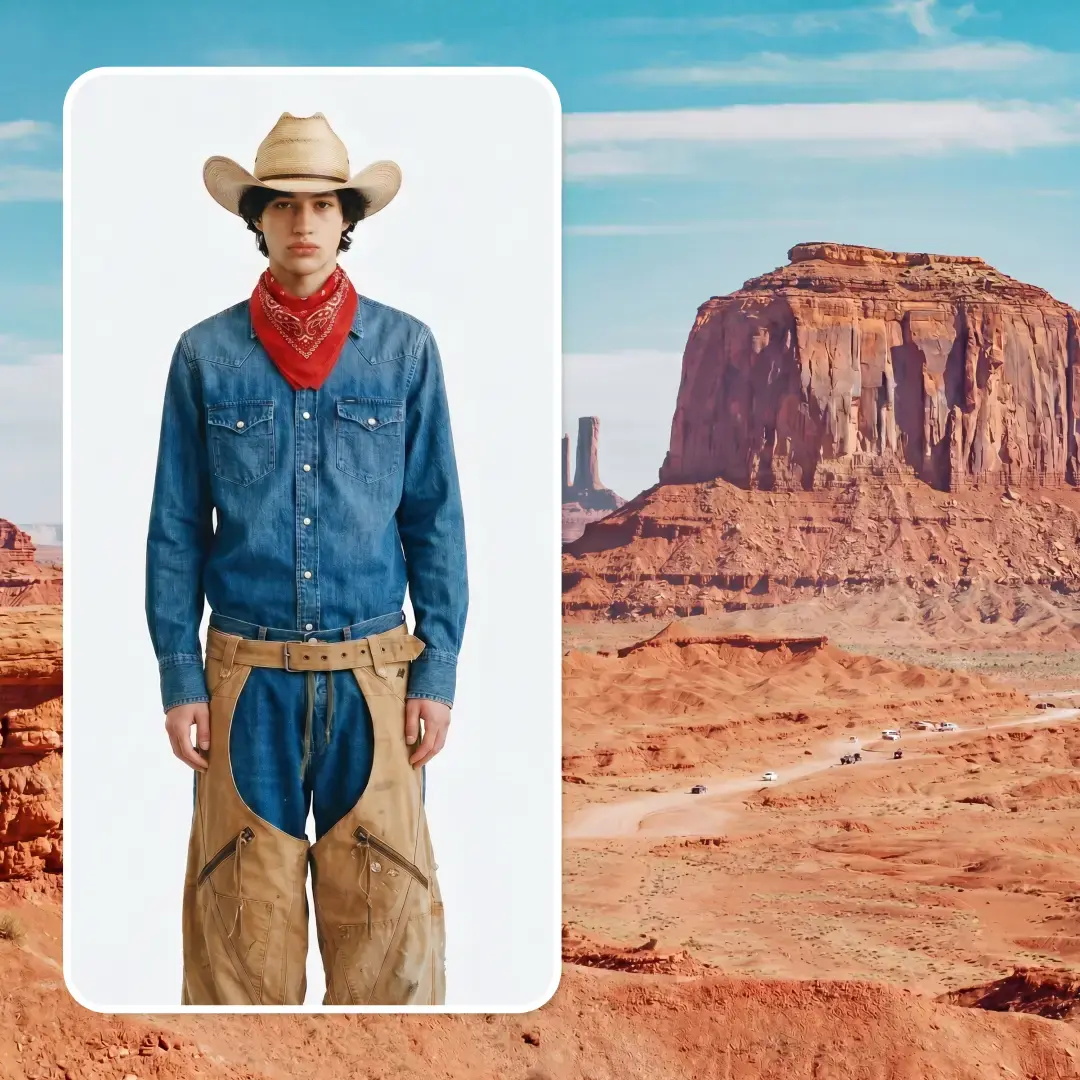
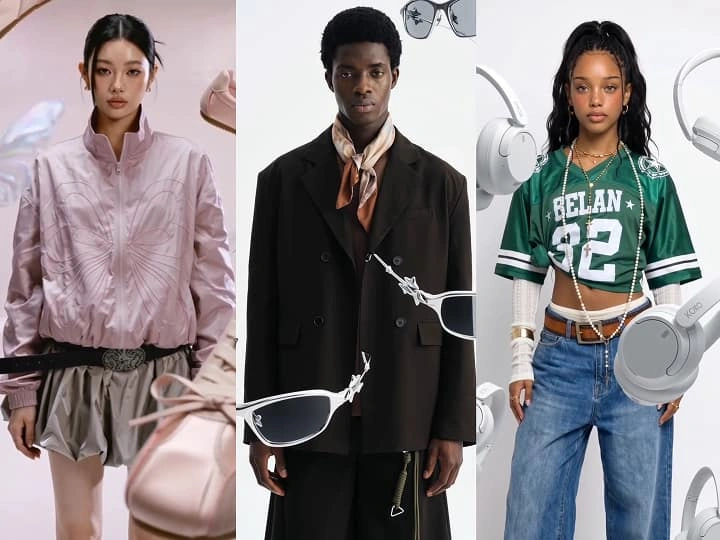
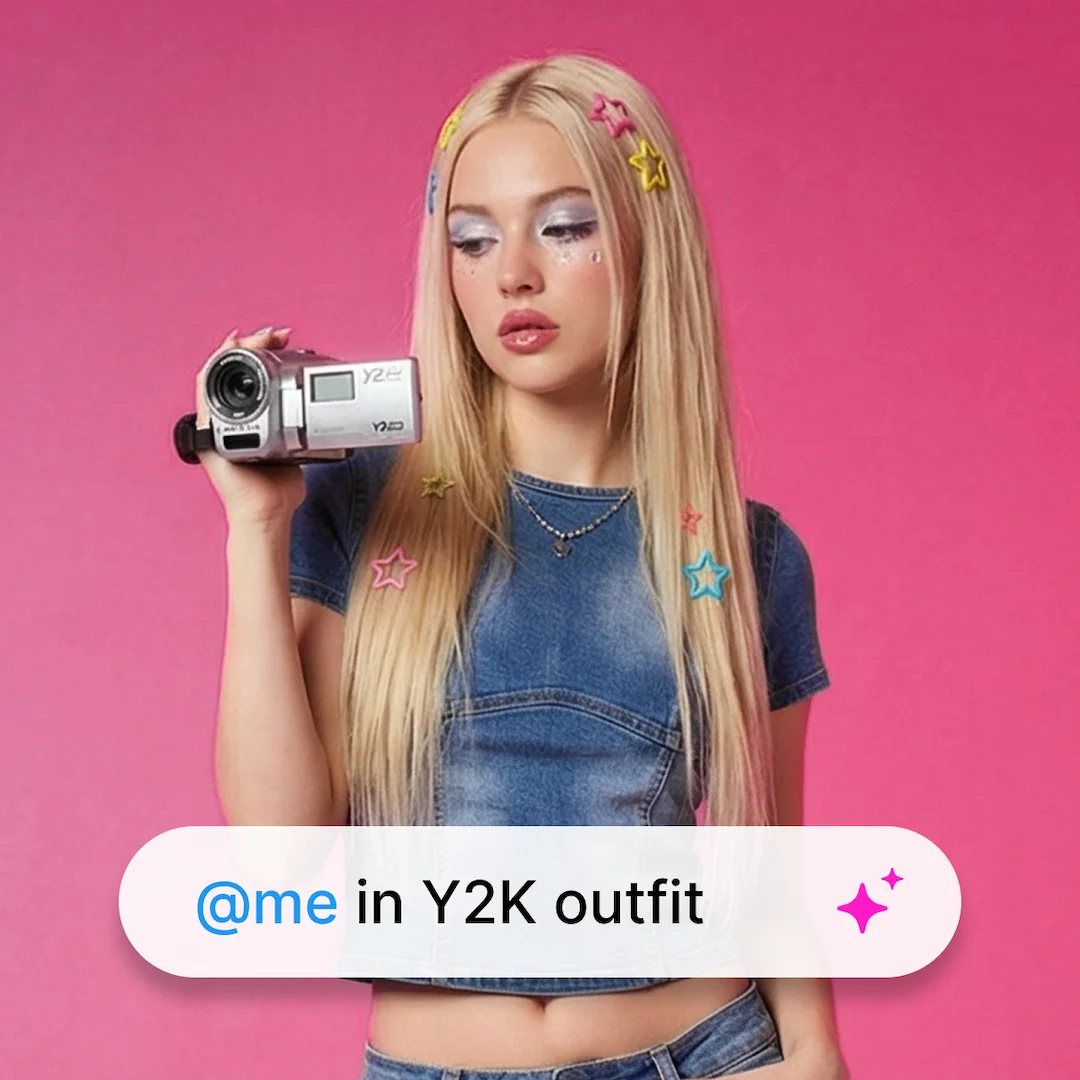
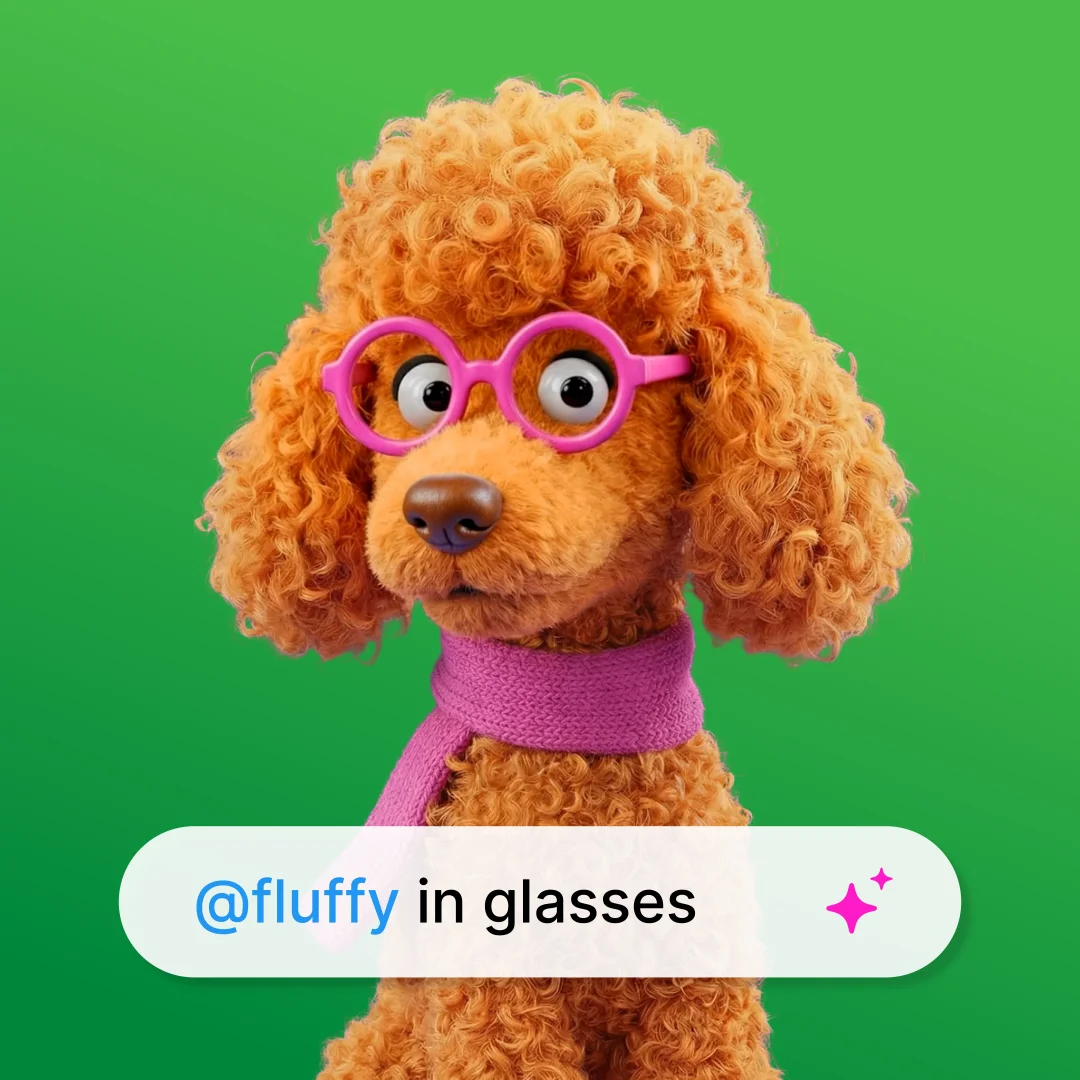
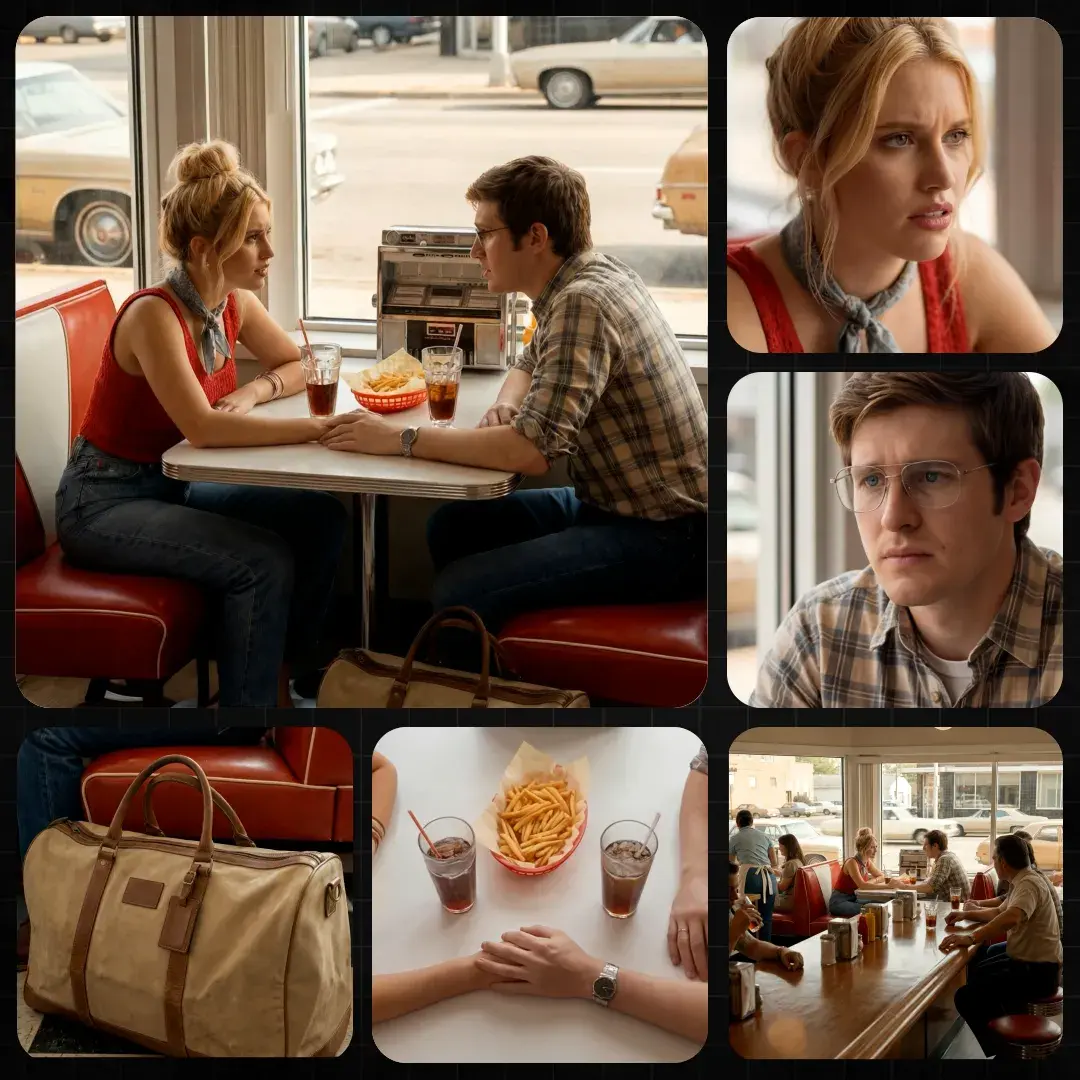
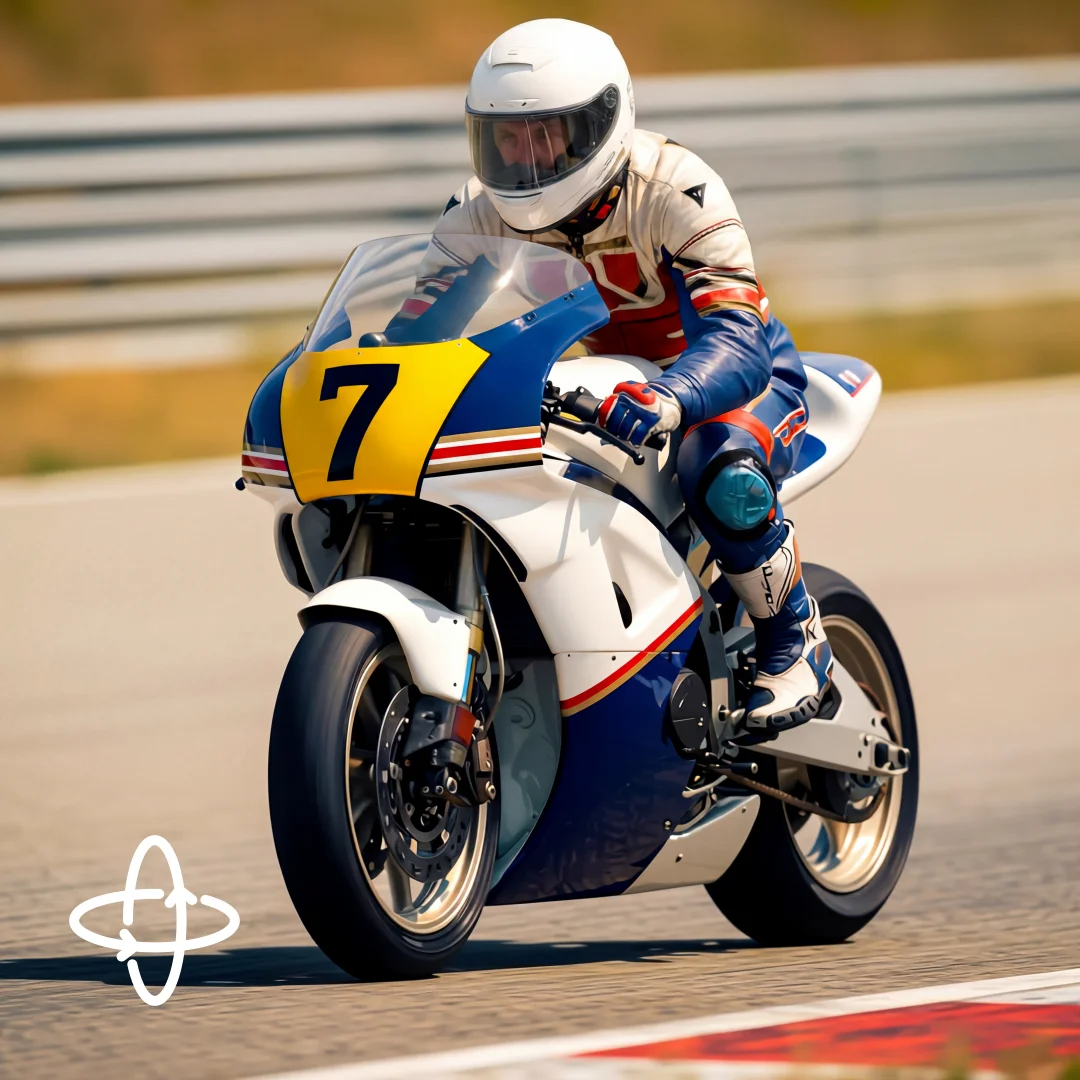
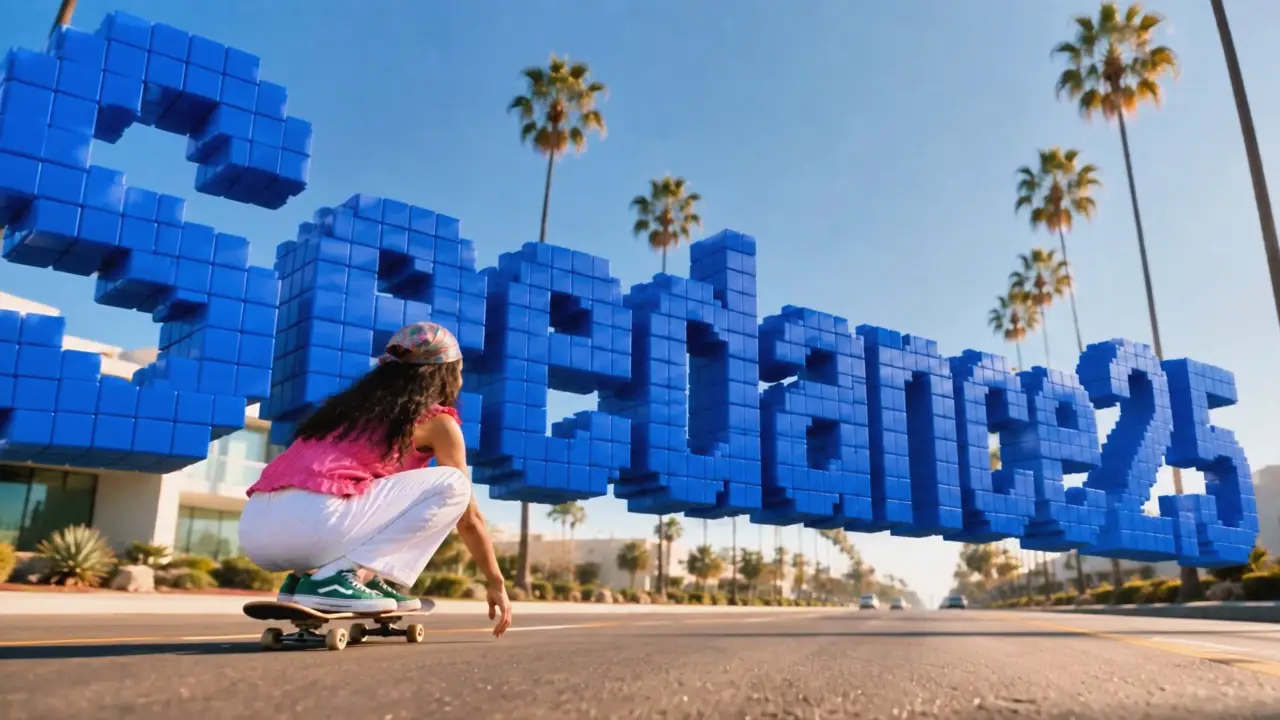
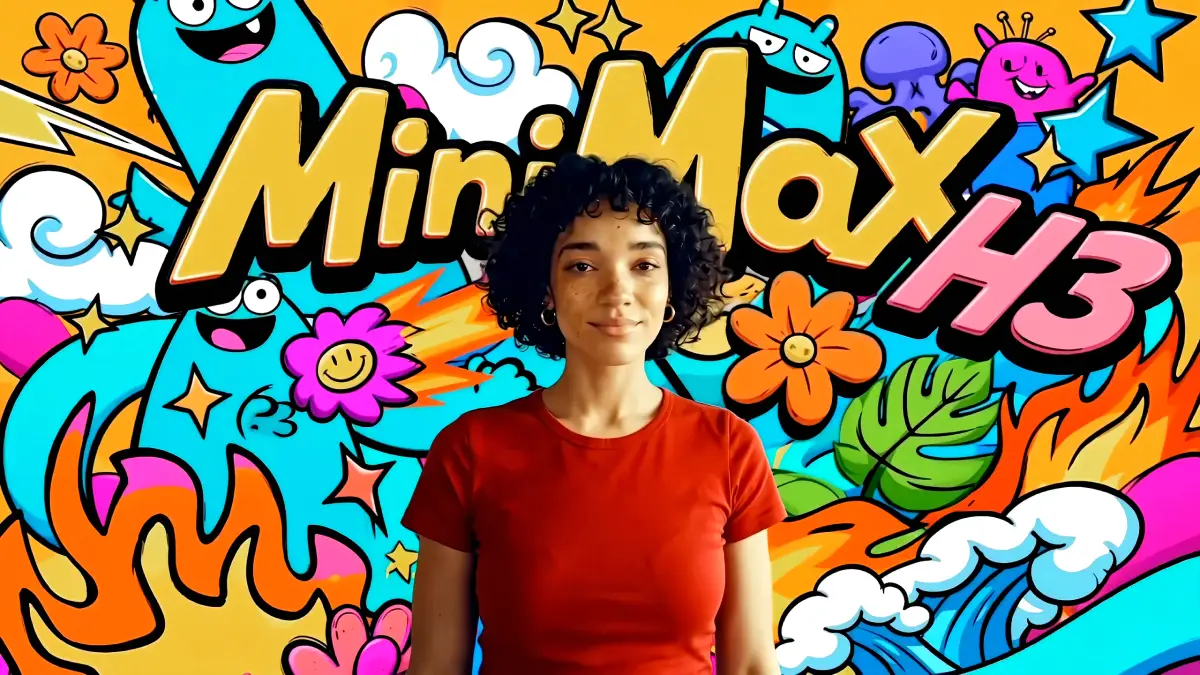
Think of it almost like a local version of 'Nano Banana': it exploits Qwen's ability to follow complex instructions to modify the input image in specific ways. I've included 11 pre-set prompts in the list to demonstrate this versatility:
- Index 1: Colors a line drawing.
- Index 3: Restores antique photos.
- And so on.
The system is infinitely expandable. You can add your own custom prompts to the JSON file, effectively giving you a library of different 'apps' or workflows at your fingertips within a single interface. The sample image was just one demonstration, but the real value lies in the mechanism that allows you to automate any image-to-image task just by selecting the corresponding number.
Key Features
- Lightning Fast Performance: Complete generation is achieved in 4 steps through the use of a specialized Lightning LoRA.
- Multilingual Support: Includes an automated translation node that converts prompts from any language (Italian, Spanish, Chinese, etc.) into English for optimal model performance.
- Smart Scaling: Automatically pre-processes input images to 1.20 Megapixels to balance visual quality with VRAM usage.
- High Fidelity: Utilizes the GGUF Q8_0 quantization format to ensure high-quality output.
- Character Consistency: Performs total regeneration (Denoise 1.0) while maintaining a deep structural lock on the original identity.
Technical Documentation
This section details the internal architecture of the Subgraphs for advanced users.
1. Loader & Core

- Model: Qwen Image Edit 2511 (GGUF Q8_0).
- LoRA: Lightning LoRA (Strength 1.0) used to drastically reduce sampling steps.
- Vision/CLIP: Qwen 2.5 VL (fp8 scaled) combined with Qwen Image VAE.
- Data Bus: Implements a modular Pipe architecture for efficient model transport.
2. Pre-Processing (Scaling)

- Dynamic Scaling: Input images are automatically resized based on a Total Pixel count of 1.20 MP using the Lanczos method.
- Latent Conversion: Immediate conversion to Latent Space follows scaling to optimize the processing pipeline.
3. Conditioning & Translation Engine

- Translator: The Google Translate node is configured to Auto -> English. It intercepts prompts from JSON files or lists, allowing users to deploy configuration files in their native language without manual translation.
- Qwen Encoding: The TextEncodeQwenImageEditPlus node fuses the translated text prompt with the visual data from the original input image.
4. Processor (Generation Engine)

- Guidance: Utilizes ModelSamplingAuraFlow (Shift: 3.10) and CFGNorm.
- Reference System: A dual Edit Model Reference Method node setup is used to lock visual consistency.
- KSampler Configuration:Steps: 4Sampler: EulerScheduler: Simple (Required for Qwen architecture)Denoise: 1.00 (Full reconstruction)CFG: 1.0
User Guide
1. Image Loading
Connect your source image to the Load Image node.
- Resolution: The workflow automatically resizes the image to 1.20 Megapixels. It is not necessary to manually resize input images before loading.
2. Prompt Management (JSON Lists)
This workflow is designed to process prompt lists (e.g., from JSON files or Text List nodes).
- Automatic Translation: Prompts within the JSON file do not need to be in English. The internal translator will convert them automatically before generation.
- Automation: Connect your prompt source and execute the queue.
3. Creating or Editing Prompts
When creating custom prompt lists for this workflow, adhere to the following guidelines to ensure optimal results:
- Full Scene Description: Since Denoise is set to 1.00, the model redraws the image from scratch. Do not simply describe the edit (e.g., "add glasses"); describe the entire desired scene.
- Consistency Instruction: To maximize the model's reference capabilities, always include a consistency instruction in your prompt (in your native language).Example: "...maintain character consistency and facial features..."
4. Troubleshooting
- Out of Memory (OOM): If using a GPU with limited VRAM, navigate to the Scaling subgraph and reduce the megapixel target from 1.20 to 1.00 or 0.80.
- Overexposed/Distorted Images: Ensure the CFG has not been increased. The Qwen model performs best with a CFG of 1.0.
Credits
Workflow created and optimized for the OpenArt community by Russo Alessandro.
Some additional examples
Restoration of old photos


Turn a landscape photo into an artistic photo with a fantasy and anime style.


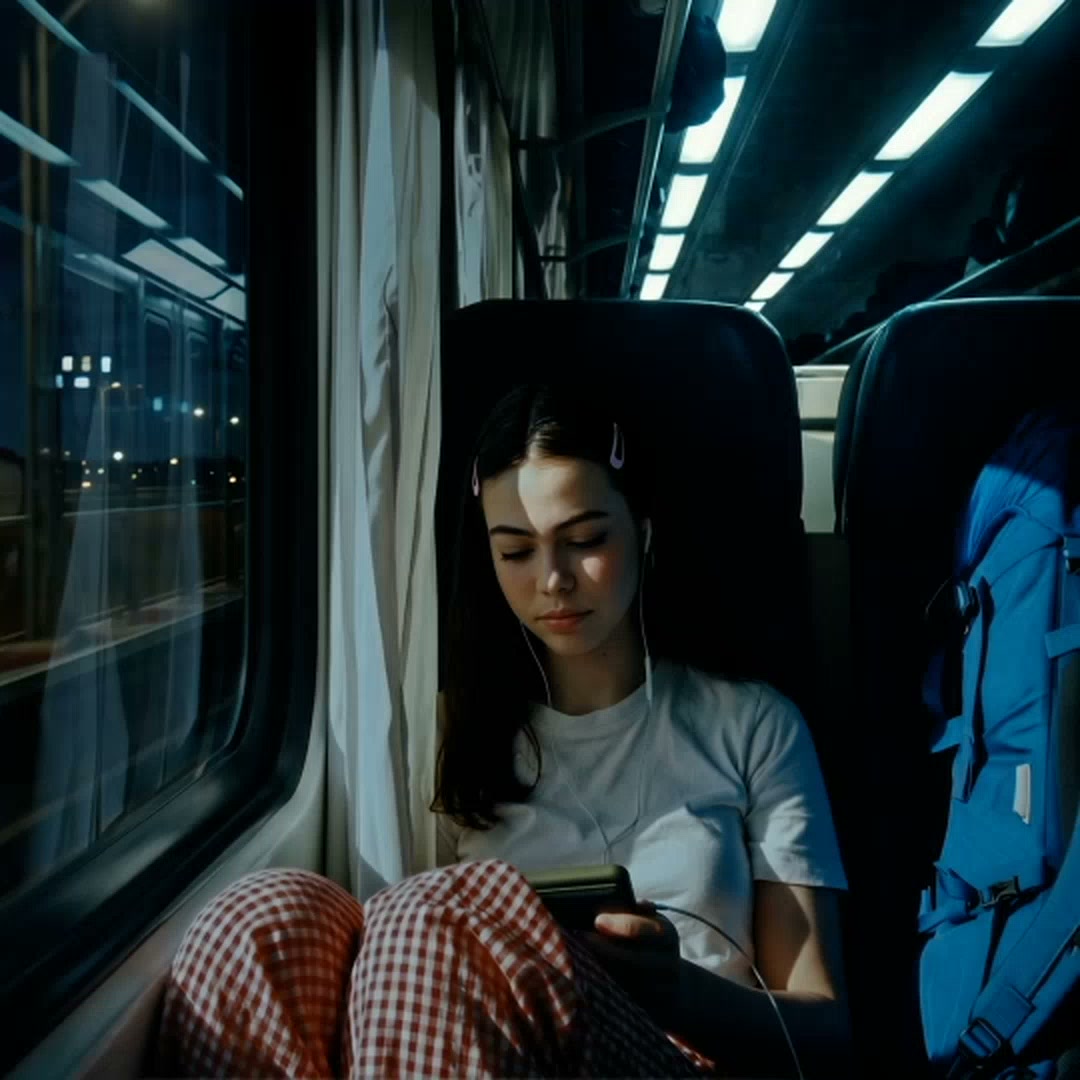
Create an aging effect on a photo
Image taken from the internet


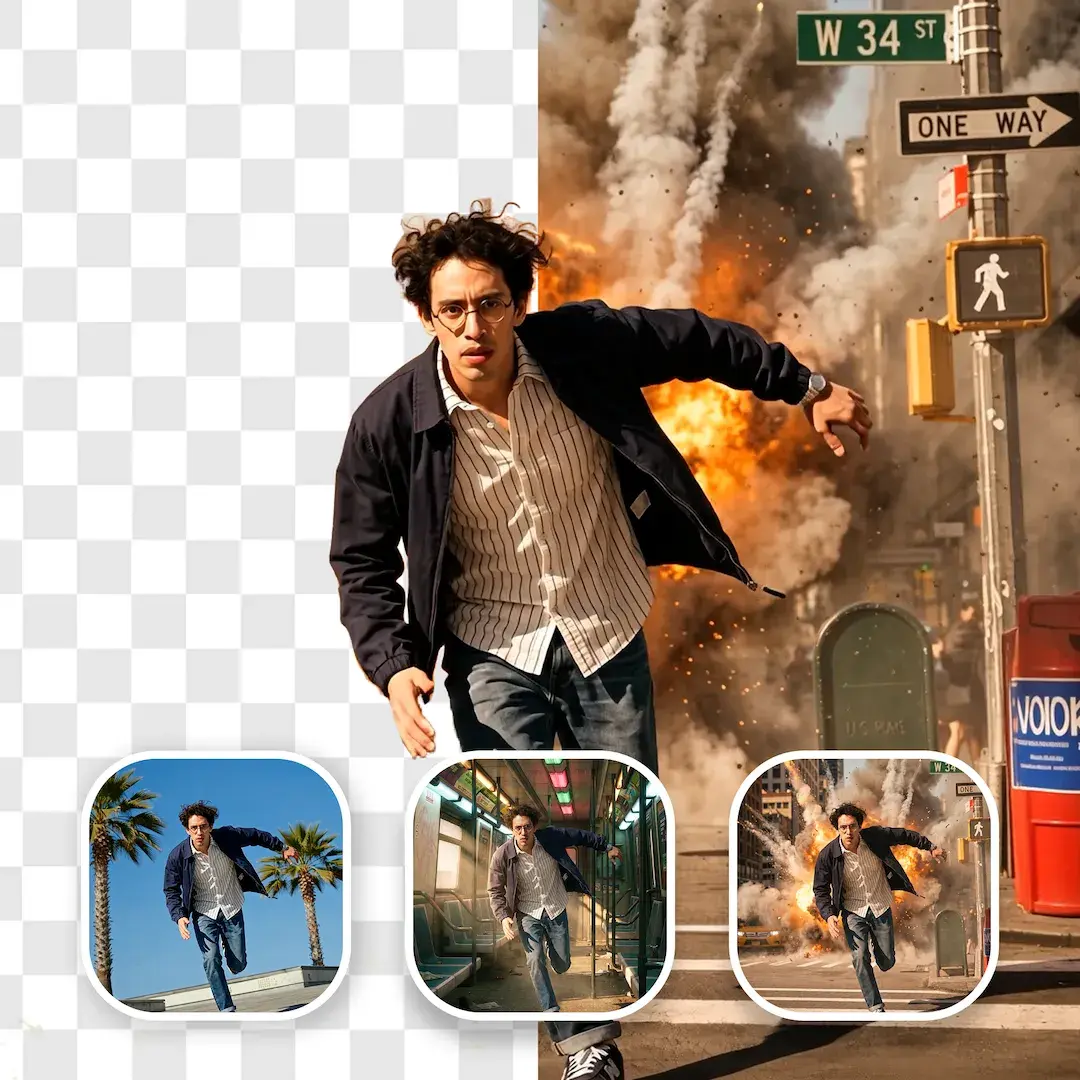
Create superheroes from an image or photo


Photo taken from the internet


There are many other things you can do; the only limit is your imagination and knowing how to write a prompt.
Discussion
(No comments yet)
Loading...
Reviews
No reviews yet
Versions (2)
- latest (8 days ago)
- v20251230-022205
Node Details
Primitive Nodes (10)
0da1e0d0-9889-4ab8-98c6-481dbeb2a0e8 (1)
3f4ae4bd-6972-49fc-aba0-a72c2263a354 (1)
80e7b427-5c3e-4995-a0b8-e891af58f04e (1)
Bjornulf_ShowStringText (1)
LayerUtility: PurgeVRAM V2 (2)
LoadJsonFromText (1)
b5ef2671-0348-479c-9920-3c47ad4c66dd (1)
d0f0edb0-8609-423e-88cd-18c9398f7cec (1)
d53839c5-4465-48ba-b4e5-42829ddb71d1 (1)
Custom Nodes (4)
ComfyUI
- SaveImage (2)
- LoadImage (1)
ComfyUI_tinyterraNodes
- ttN seed (1)
Model Details
Checkpoints (0)
LoRAs (0)