
AD&D Character Portrait Generator V2.3
5.0
0 reviews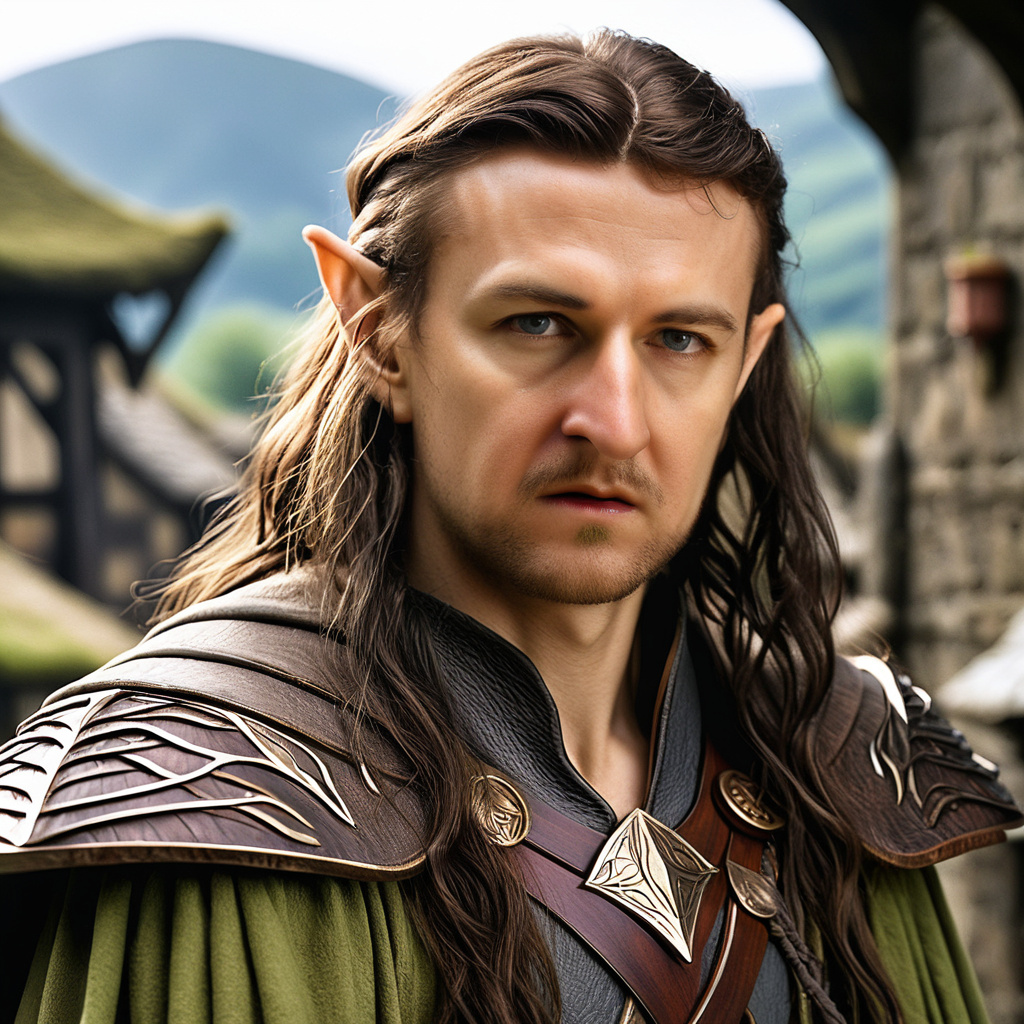
Description
🎭 AD&D Character Portrait Generator V2.3
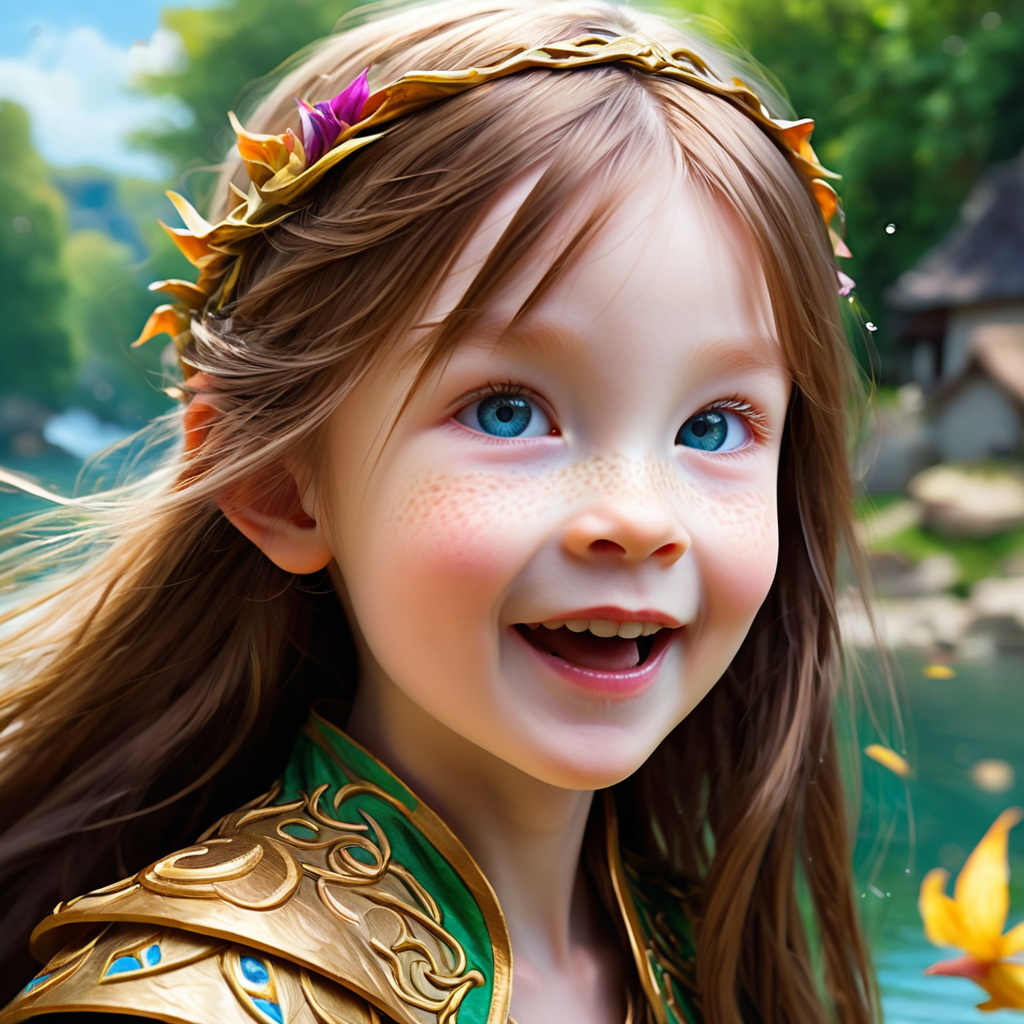
A clean and powerful workflow for generating stylized RPG character portraits in ComfyUI. Inspired by Advanced Dungeons & Dragons, this setup uses structured dropdowns to create characters based on Race, Class, Age, and more — perfect for fantasy art, campaign prep, or worldbuilding.
✅ What This Workflow Does
- Produces 1024x1024 close-up portraits using your selected SD or SDXL model
- Generates detailed prompt strings from character traits using the RPG-Characters custom node
- Offers dropdown-based configuration for Race, Ethnicity, Class, Age, Hair Style, Emotion, and Scene
- Includes optional likeness image support via FaceID/IPAdapter to influence facial features
- Automatically applies face restoration, boosting, and upscaling for high-quality results
🛠️ How to Use This Workflow
🧠 How to Install RPG-Characters Node
- Open **ComfyUI Manager** (via sidebar or `custom_nodes` menu).
- Navigate to the *Install Custom Nodes* tab.
- Search for: `RPG-Characters`
- Click **Install** – ZERO dependencies!!! (You're welcome. 😉)
- Restart ComfyUI and you're ready to go.
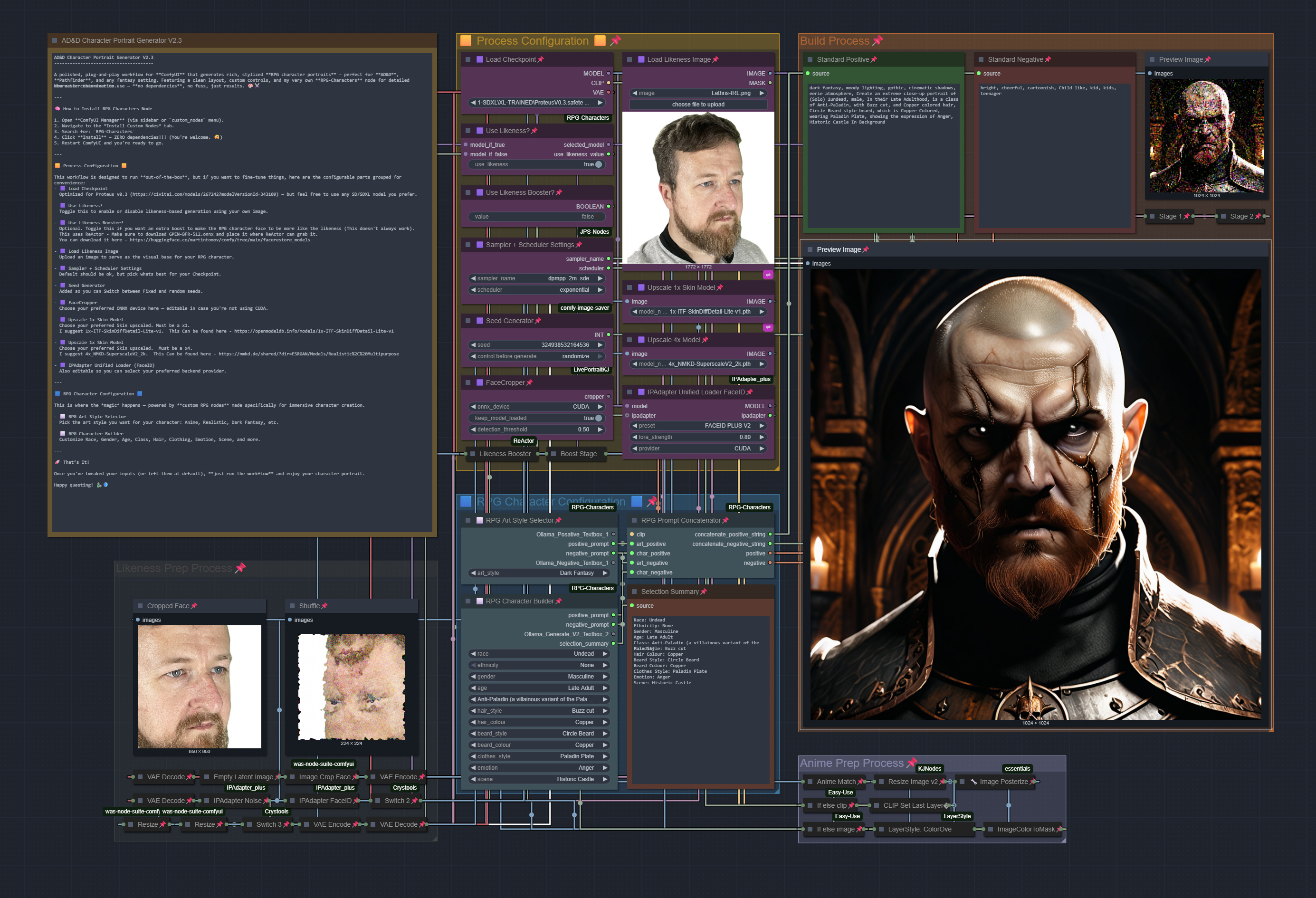
🟨 Process Configuration 🟨
This workflow is designed to run **out-of-the-box**, but if you want to fine-tune things, here are the configurable parts grouped for convenience:
- 🟪 Load Checkpoint — Optimized for Proteus v0.3, but other models can work too.
- 🟪 Use Likeness? — Toggle this to base the character on your uploaded photo.
- 🟪 Use Likeness Booster? — Applies face boosting with ReActor.
- Download GPEN-BFR-512.onnx from here and place it in your ReActor folder.
- 🟪 Load Likeness Image — Upload the image to guide your character’s appearance.
- 🟪 Sampler + Scheduler — Default works well, but tweak based on your model.
- 🟪 Seed Generator — Switch between fixed and random seeds.
- 🟪 FaceCropper — Choose ONNX device (e.g., CUDA or CPU).
- 🟪 1x Skin Upscaler — Recommended: 1x-ITF-SkinDiffDetail-Lite-v1
- 🟪 4x Final Upscaler — Recommended: 4x_NMKD-SuperscaleV2_2k
- 🟪 IPAdapter FaceID — Select your preferred ONNX provider.
🟦 RPG Character Configuration 🟦
This is where the *magic* happens — powered by **custom RPG nodes** made specifically for immersive character creation.
- ⬜ RPG Art Style Selector — Choose your desired art style.
- ⬜ RPG Character Builder — Fill in race, class, age, emotion, etc.
🚀 That’s It!
Once you've tweaked your inputs (or left them at default), **just run the workflow** and enjoy your character portrait.
💡 Tips About This Workflow
- 🎨 Try different art styles for drastically different results (anime, realistic, Pixar, etc.)
- 🖼️ For likeness support, use a clear, forward-facing headshot
- 🛠️ CPU/DML-compatible: You can adjust devices in the exposed nodes if needed
- 🧩 Works out of the box — no complicated prompt engineering required
- 🧑🏻 Toggle “Use Likeness” off to create random characters without a base image.
- ⚠️ If ReActor crashes or fails to apply, double-check the ONNX model path and device settings.
- 🎨 Experiment with art styles for very different visual aesthetics with the same base data.
- 🏎️ The booster can dramatically improve likeness but may reduce stylistic fidelity — use selectively.
🧾 Version Changes
v2.3 Highlights:
• 🆕 Updated to Subgraphs for Upscalers — faster, cleaner, and easier to manage
• 🎌 New Anime Prep Stage — boosts consistency and quality for anime-style portraits when using likeness mode
• 🧼 Minor prompt refinements and node cleanup for smoother outputs
v2.1 Highlights:
• 🧩 Added:
◦ Likeness Booster (ReActor-based enhancer)
◦ Seed Generator (fixed vs random toggle)
◦ Sampler & Scheduler controls
◦ Dual Upscaling Trick for 1x skin detail and 4x final output
v2.0 Highlights:
• ✅ Fully redesigned and easier to use
• 🧱 Includes new RPG Character Builder with dropdowns for detailed prompt control
• 🖼️ Adds optional FaceID input for likeness-based characters
• 📦 Streamlined setup — plug, play, and generate
Discussion
(No comments yet)
Loading...

Reviews
No reviews yet
Versions (3)
- latest (7 months ago)
- v20250620-005442
- v20250617-185922
Node Details
Primitive Nodes (18)
ImageResizeKJv2 (1)
LivePortraitLoadCropper (1)
ModelLikenessSwitch (1)
Note (1)
PreviewAny (3)
PrimitiveBoolean (1)
PromptConcatenatorNode (1)
RPGArtStyleSelector (1)
RPGCharacterSelector (1)
RegexMatch (1)
Switch any [Crystools] (2)
dc8f255a-28dd-449e-9b8d-ed07bbf218b7 (2)
easy ifElse (2)
Custom Nodes (28)
ComfyUI
- PreviewImage (4)
- VAEEncode (2)
- VAEDecode (3)
- EmptyLatentImage (1)
- KSamplerAdvanced (3)
- CheckpointLoaderSimple (1)
- LoadImage (1)
- CLIPSetLastLayer (1)
- ImageColorToMask (1)
- ImagePosterize+ (1)
- LayerStyle: ColorOverlay V2 (1)
- IPAdapterUnifiedLoaderFaceID (1)
- IPAdapterNoise (1)
- IPAdapterFaceID (1)
- Sampler Scheduler Settings (JPS) (1)
- ReActorFaceSwap (1)
- Seed Generator (1)
- Image Crop Face (1)
- Image Resize (2)
Model Details
Checkpoints (1)
1-SDXL\XL-TRAINED\ProteusV0.3.safetensors
LoRAs (0)