
FLUX.1 - Image to Image - Low VRAM - Optimized Workflow
5.0
0 reviews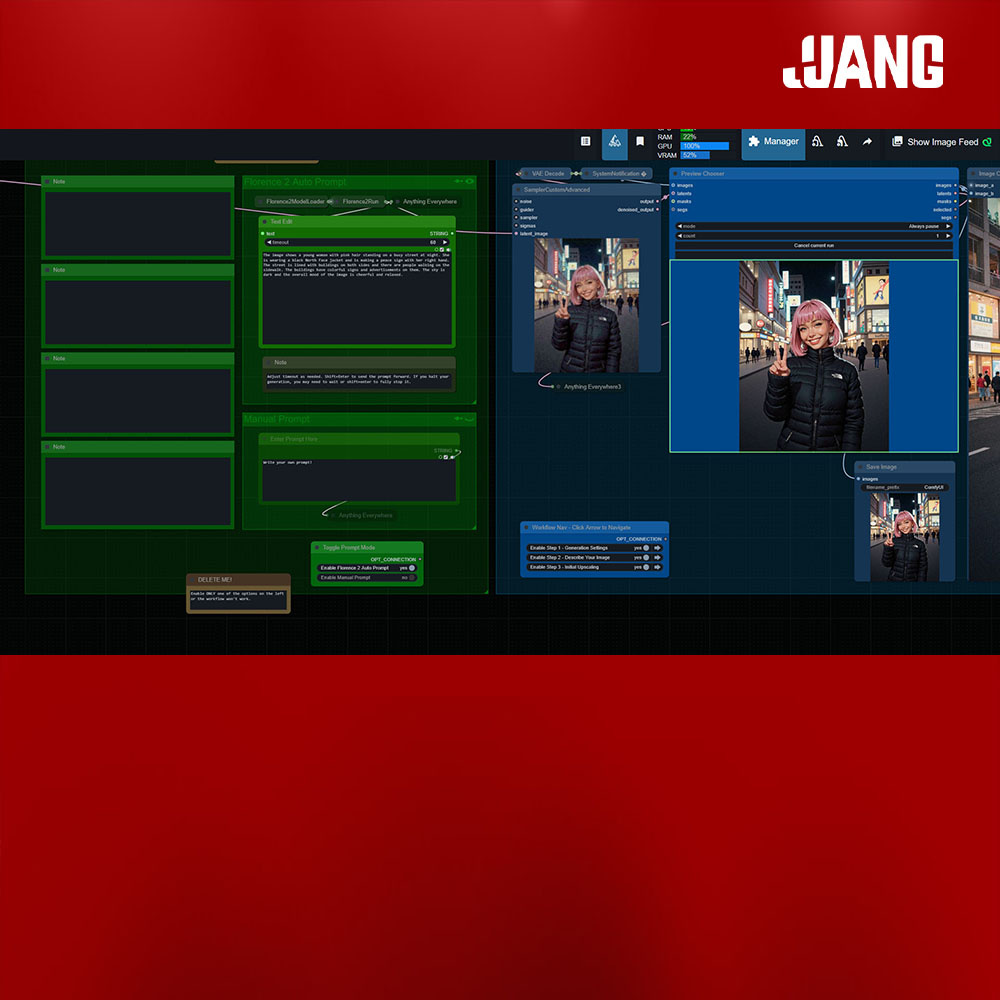

Description

The Text Edit node can be found here.
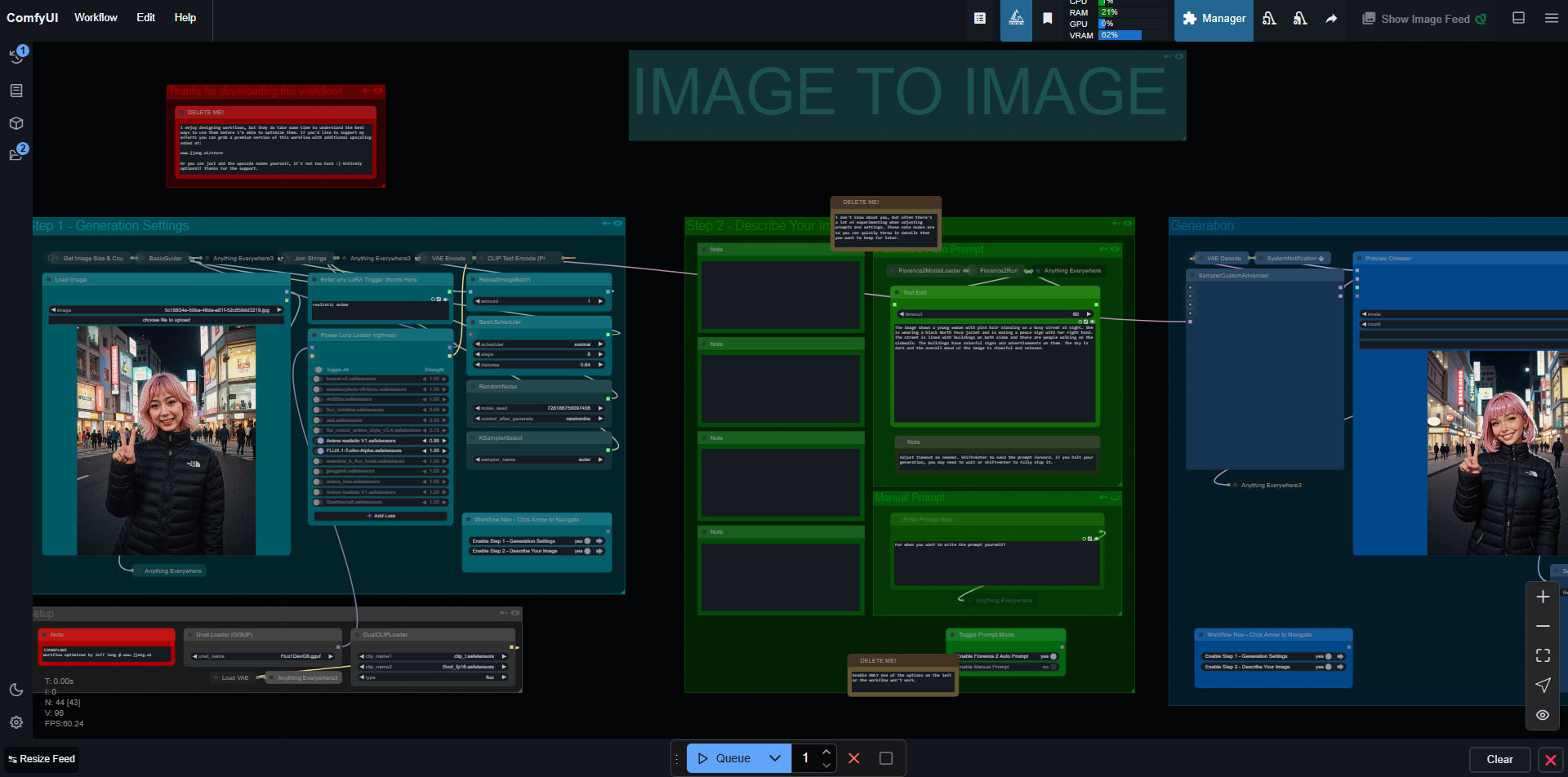
A complete, compact, and easy to use workflow for image to image designed by for those who value a clean working environment. This is designed to work with the Flux Dev model (and GGUF variants, etc.). It should work fine with Schnell as well. The entire workflow has been designed with every step in mind, making it as easy as possible for you to focus on creativity.
Workflow features:
- Layout optimized for working in 16:9, aka your typical computer monitor.
- Easy toggling between using Florence2 to generate your prompt (and edit it), and manual prompting.
- Notifications at key steps so you can tab out while it generates.
- All nodes that aren’t necessary for regular use are minimized to avoid clutter.
Discussion
(No comments yet)
Loading...

Reviews
No reviews yet
Versions (1)
- latest (a year ago)
Node Details
Primitive Nodes (25)
Anything Everywhere (3)
Anything Everywhere3 (4)
Fast Groups Muter (rgthree) (3)
Florence2ModelLoader (1)
Florence2Run (1)
Image Comparer (rgthree) (1)
Note (9)
Power Lora Loader (rgthree) (1)
Text Edit (1)
UnetLoaderGGUF (1)
Custom Nodes (19)
ComfyUI
- SamplerCustomAdvanced (1)
- DualCLIPLoader (1)
- RepeatImageBatch (1)
- RandomNoise (1)
- KSamplerSelect (1)
- SaveImage (1)
- VAELoader (1)
- VAEEncode (1)
- VAEDecode (1)
- CLIPTextEncode (1)
- BasicGuider (1)
- BasicScheduler (1)
- LoadImage (1)
- Preview Chooser (1)
- JoinStrings (1)
- GetImageSizeAndCount (1)
- SystemNotification|pysssss (1)
- String Literal (2)
Model Details
Checkpoints (0)
LoRAs (0)