
[v2.1] AnimateDiff Face Fix - LCM [Part 4]
5.0
0 reviews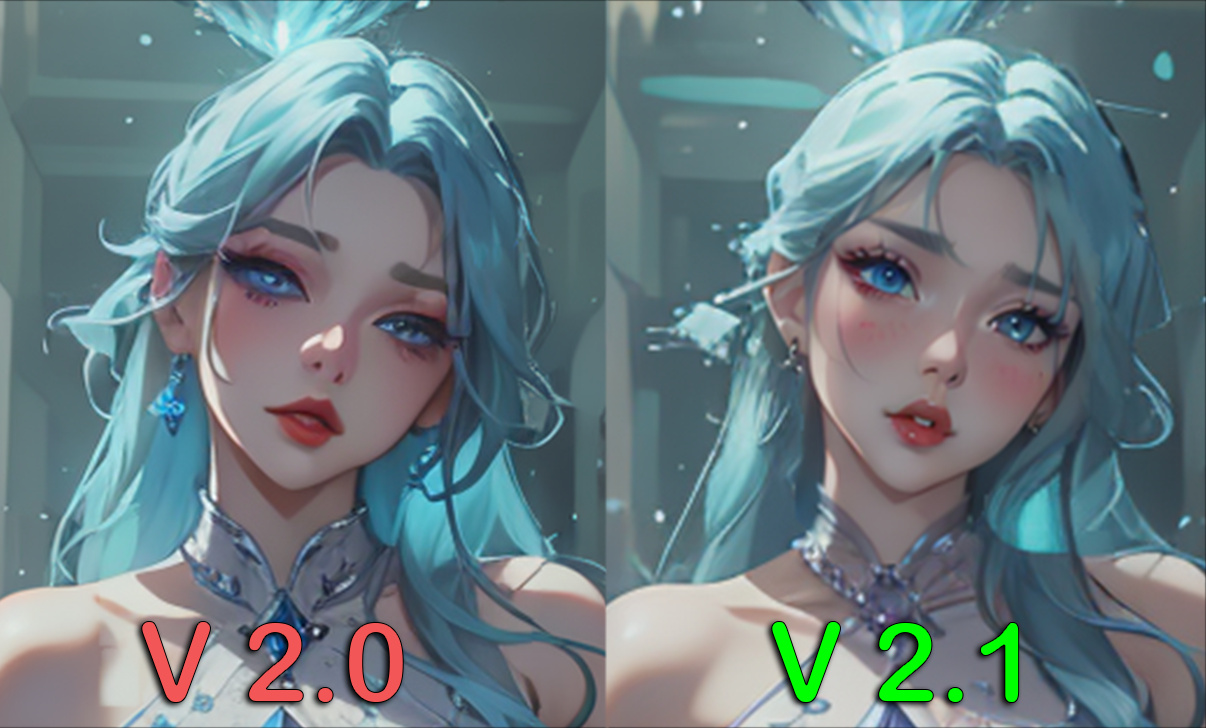
Description
1) Video Tutorial : https://youtu.be/qczh3caLZ8o
2) Documented Tutorial : https://www.patreon.com/posts/update-v2-1-lcm-95056616
.
.
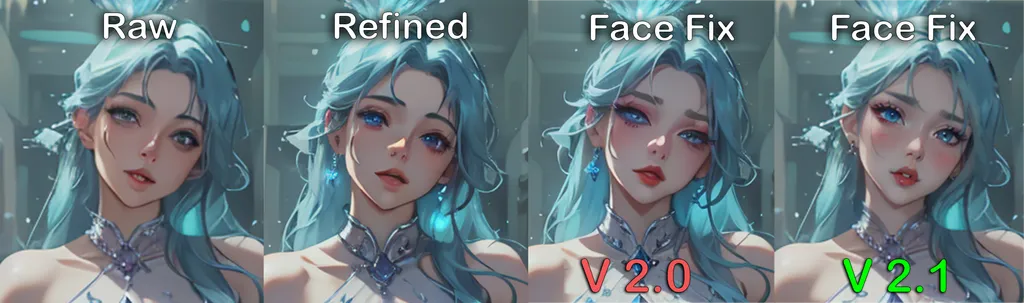
This Workflow fixes the bad faces produced in animateDiff animation from [Part 3] or after refined {Part 4]
[Optional] If you don't have faces in your video, or faces are looking good you can skip this workflow
If you see face flicker in your refiner pass, you can use this workflow again to reduce the flickering just update the input and output folders.
HOW TO USE:
After you have refined the Images in [Part 3] AnimateDiff Refiner,
- 1) Enter the Paths in Purple Directory Nodes of the Refined Images from [Part 3]
- 2) Enter the Output path for saving them
- 3) Enter Batch Range for face fix, you can try to put all images (Enter the total number of input images), in one go as only face area will be rendered so Ram will be free. (took only about 6gb vram for 350 images, 2GB free but took 2 hours to render)
- 4) Skip Frame is 0 by default (Ignore if you put all images in batch range)
- 5) Enter Denoise and Refine Value, it should be around 0.25 - 0.45 for best results. 0.4 is default.
- (artifacts, sliding can be seen around neck and detection edges, use lower values if you see any) or you can use lower values and again use this workflow to refine the faces.
- 6) Enter Prompts for face only, for more accuracy.
- 7) Choose Model checkpoint you want to use.
TIPS
You can Use this face fix pass for any video. Even from old workflows or SVD,
- Extract frames using [Part 1] or After Effects and input the original frames in the input directory node
- Enter Output Path
- Set Denoise to 0.4 - 0.5
- Enter Prompts for more Accuracy
Run it !
My Discord Server : https://discord.gg/z9rgJyfPWJ
Discussion
(No comments yet)
Loading...

Reviews
No reviews yet
Versions (1)
- latest (2 years ago)
Node Details
Primitive Nodes (12)
Note (4)
PrimitiveNode (2)
Reroute (6)
Custom Nodes (43)
- ADE_AnimateDiffUniformContextOptions (1)
- ADE_AnimateDiffLoaderWithContext (1)
- CR Apply LoRA Stack (1)
- CR Integer To String (3)
- CR LoRA Stack (1)
ComfyUI
- VAELoader (1)
- PreviewImage (2)
- CheckpointLoaderSimple (1)
- ImageScaleBy (1)
- ModelSamplingDiscrete (1)
- LoraLoader (1)
- UltralyticsDetectorProvider (1)
- SAMLoader (1)
- ImpactSimpleDetectorSEGS_for_AD (1)
- SEGSPaste (1)
- SEGSDetailerForAnimateDiff (1)
- ToBasicPipe (1)
- LoadImagesFromDirectory (1)
- VHS_SplitImages (2)
- FloatConstant (4)
- ColorMatch (1)
- ShowText|pysssss (2)
- Int Literal (2)
- Cfg Literal (1)
- smZ CLIPTextEncode (2)
- GetImageSize (1)
- Image Save (1)
- Text Multiline (2)
- String to Text (2)
- Text Concatenate (1)
- Text String (1)
Model Details
Checkpoints (1)
imp_v10.safetensors
LoRAs (1)
lcm_pytorch_lora_weights.safetensors