
基于参考图室内装修_多选+放大 V2Pro丨Interior decoration based on reference pictures_multiple selection + upscale
5.0
1 reviews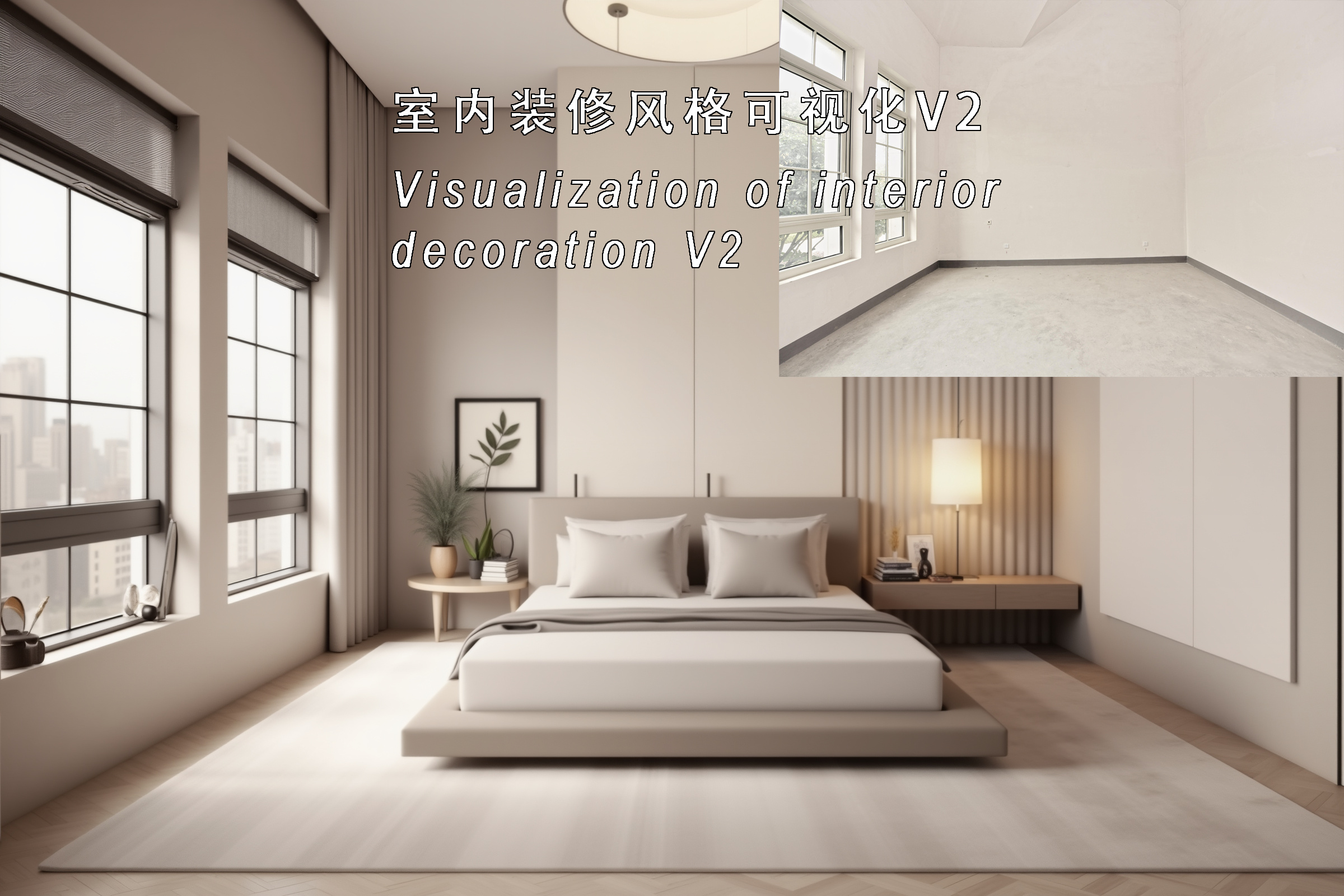
Description
室内装修风格可视化 V2改进版
V2优化
- 对空间的控制比前版本更准确
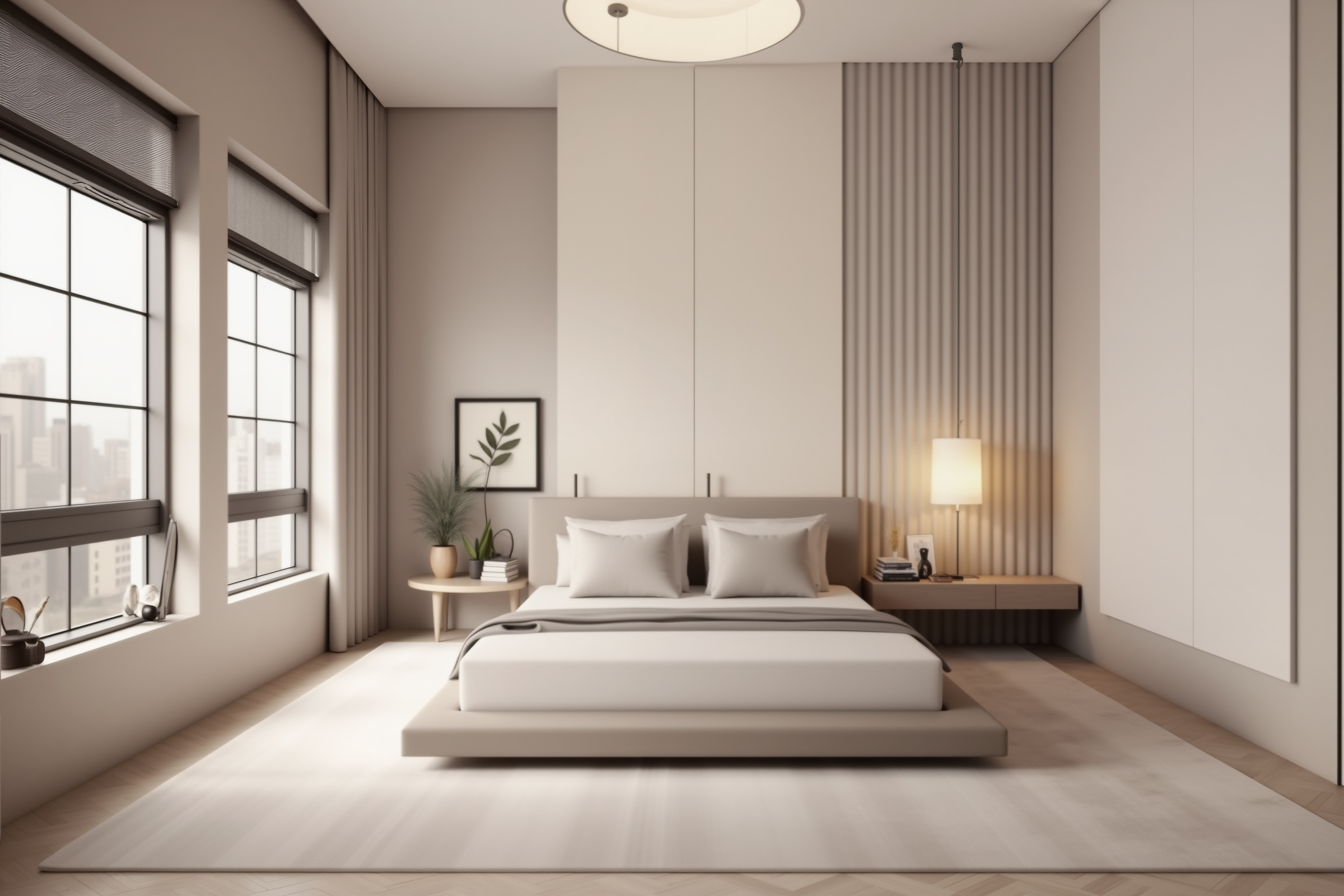
- 增加了卧室适配,在上传图片下方,选择1适配客厅,选择2适配卧室
- 室内家居效果更真实
- 更便捷,(云版本专属)点击生成后自动完成两张效果图的生成和放大,无需人工干预
云版本链接:
https://runninghub.cn/#/post/1836286479432663042/?utm_source=kol01-RH009
V1介绍
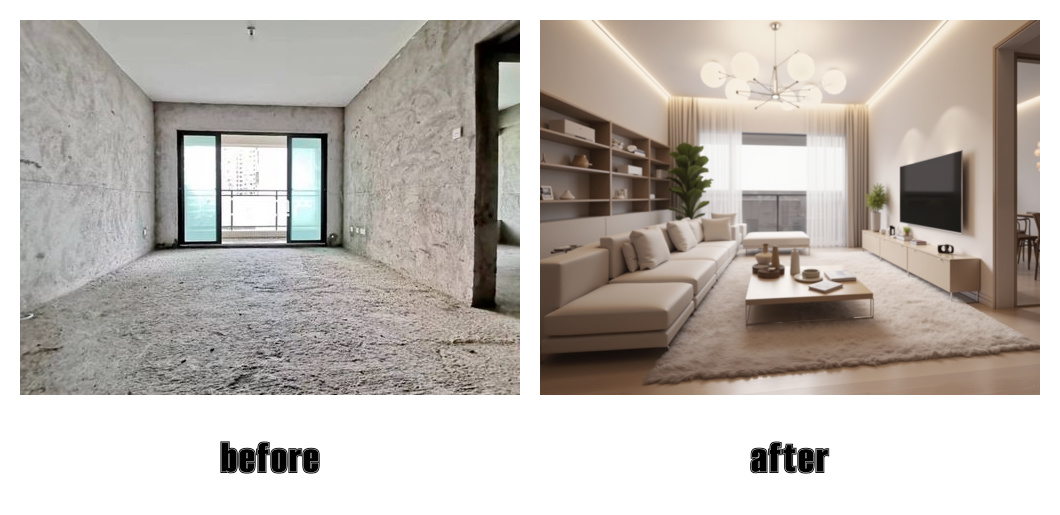
这是一个不需要手动输入提示词,就将毛坯房间转化成指定装修风格的工作流
比如上传一张客厅毛坯图,再上传一张你想要参考的客厅风格图,工作流会执行两个阶段任务:
第一阶段,根据参考图生成四张粗略的装修风格图;
第二阶段,工作流会对进一步细化你选择的图,最后得到四张高清放大的效果图。
如果你是甲方业主,你可以通过这个工作流将你的想法可视化,交给设计师照完成细化设计,避免反复沟通耗时耗力;
如果你是乙方设计师,你可以通过这个工作流将甲方意向可视化,帮助TA完成决策,拿下订单,然后再回归细化设计。
如果好用请给我反馈,会持续迭代这个工作流
Enjoy!
-----------------------------------------------------------------------------------------------------
Visualization of interior decoration style V2 improved version
V2 optimization
- Control of space is more accurate than the previous version
- Added bedroom adaptation. Under the uploaded picture, select 1 to adapt to the living room and select 2 to adapt to the bedroom
- Indoor home effect is more realistic
- More convenient. (Cloud version only) After clicking generate, the generation and enlargement of two renderings are automatically completed without manual intervention
- Cloud version avaliable on link:
https://runninghub.cn/#/post/1836286479432663042/?utm_source=kol01-RH009
V1 introduction
This is a workflow that converts a rough room into a specified decoration style without manually entering prompt words
For example, upload a rough living room picture, and then upload a living room style picture you want to refer to. The workflow will perform two-stage tasks:
In the first stage, four rough decoration style pictures are generated based on the reference picture;
In the second stage, the workflow will further refine the picture you selected, and finally get four high-definition enlarged renderings.
If you are the owner of Party A, you can use this workflow to visualize your ideas and hand them over to the designer to complete the detailed design to avoid time-consuming and labor-intensive repeated communication;
If you are a designer of Party B, you can use this workflow to visualize Party A's intentions, help TA make decisions, get orders, and then return to detailed design.
If it works well, please give me feedback. I will continue to iterate this workflow.
Enjoy!
Discussion
(No comments yet)
Loading...

Resources (3)
Reviews
No reviews yet
Versions (1)
- latest (a year ago)
Node Details
Primitive Nodes (52)
Anything Everywhere3 (1)
CLIPTextEncodeHunyuanDiT (2)
ControlNetApplySD3 (2)
DepthAnything_V2 (1)
DownloadAndLoadDepthAnythingV2Model (1)
DownloadAndLoadFlorence2Model (1)
Fast Groups Muter (rgthree) (1)
Florence2Run (1)
FluxGuidance (1)
GetNode (21)
Int-🔬 (1)
ModelSamplingFlux (1)
Note (1)
SetNode (17)
Custom Nodes (43)
ComfyUI
- ControlNetLoader (2)
- PreviewImage (4)
- BasicGuider (1)
- KSamplerSelect (1)
- VAEEncode (1)
- SamplerCustomAdvanced (1)
- RandomNoise (1)
- BasicScheduler (1)
- UpscaleModelLoader (1)
- VAELoader (2)
- CLIPTextEncode (1)
- EmptyLatentImage (1)
- KSampler (1)
- DualCLIPLoader (1)
- VAEDecode (2)
- UNETLoader (1)
- CheckpointLoaderSimple (1)
- ConditioningZeroOut (1)
- LoadImage (2)
- LoraLoader (1)
- SaveImage (1)
- easy cleanGpuUsed (1)
- ImpactSwitch (1)
- LineArtPreprocessor (1)
- TextInput_ (3)
Hakkun-ComfyUI-nodes
- Multi Text Merge (1)
- ShowText|pysssss (2)
- PlaySound|pysssss (1)
- GetImageSize (2)
- UltimateSDUpscale (1)
- JWImageResizeByLongerSide (2)
Model Details
Checkpoints (1)
hunyuan_dit_1.2.safetensors
LoRAs (1)
flux_室内现代风格.safetensors