
(UPDATED) FLUX POWER INPAINTER V1.1 - ULTIMATE
5.0
0 reviews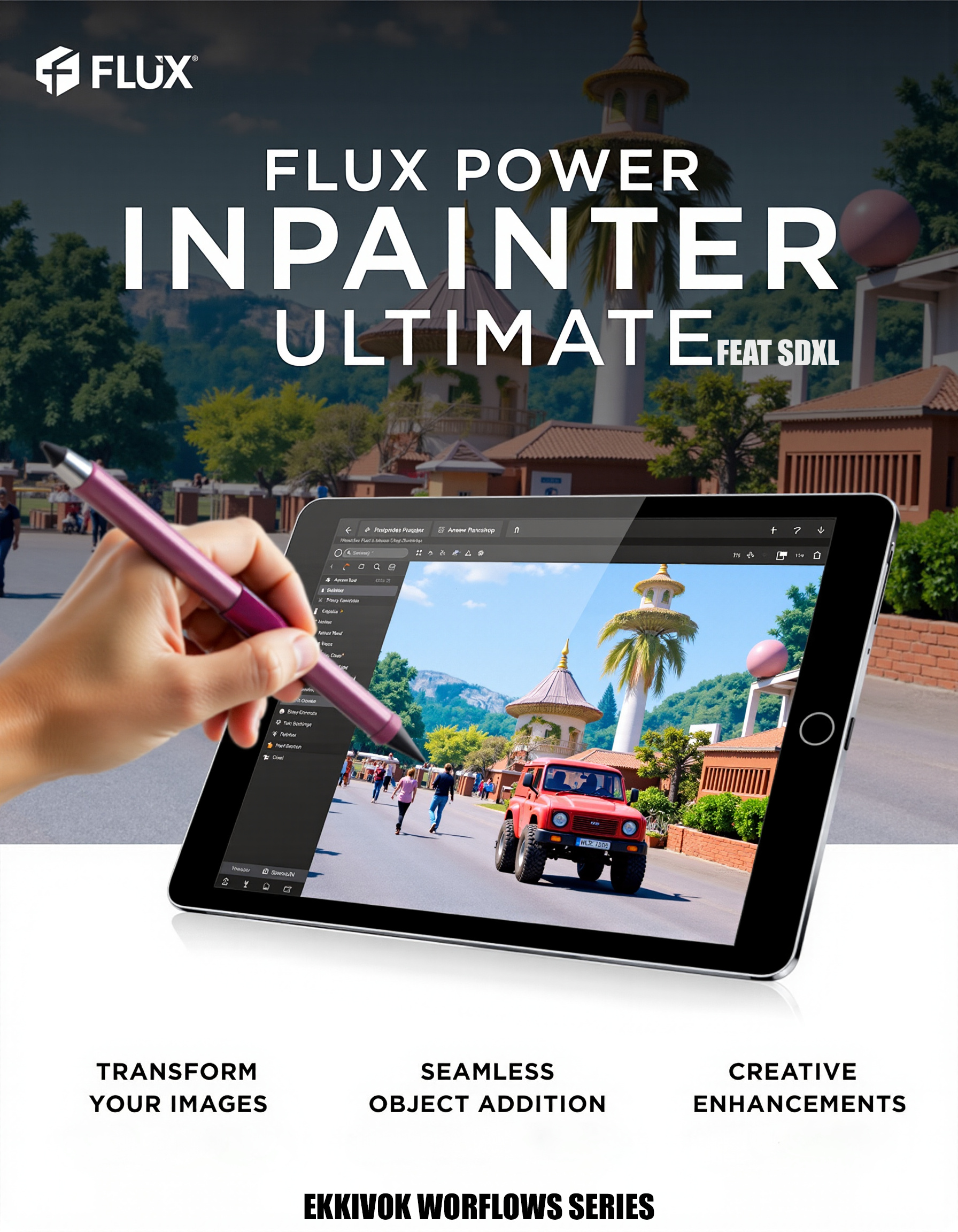

Description
Update (1.1)
Updated V1.1 (Inpainter updated, major image improvement + Lora correction).
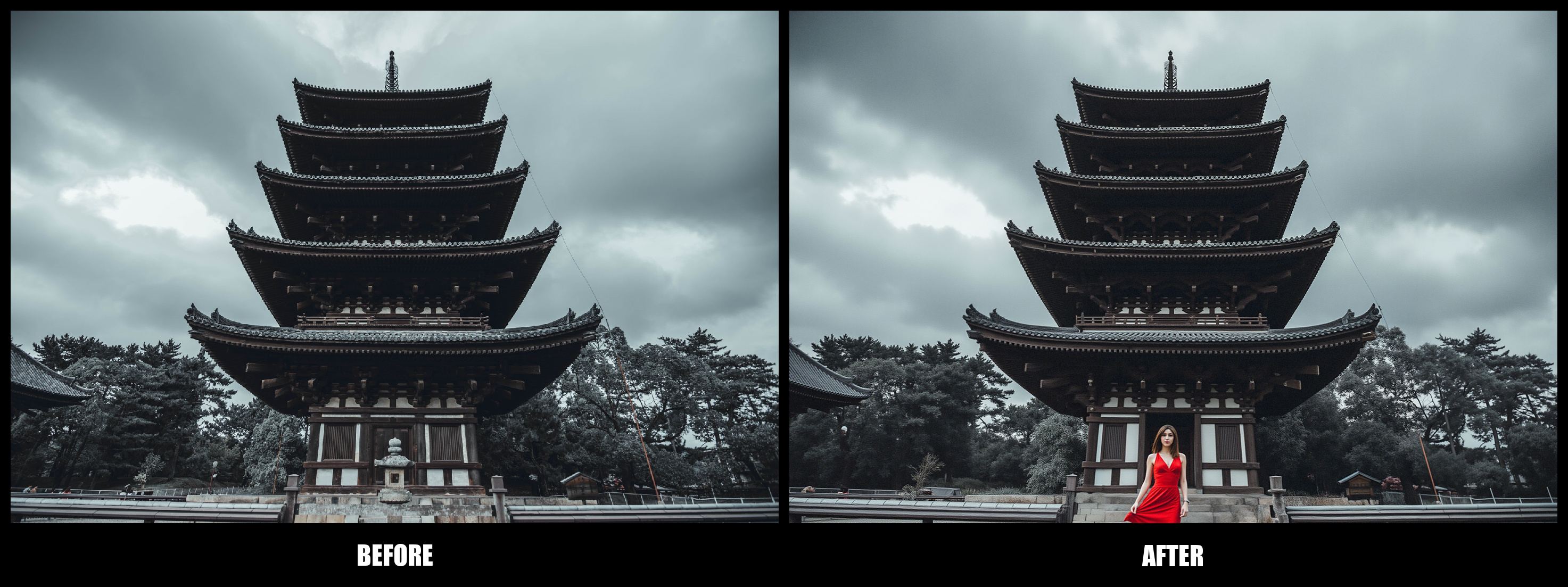
The "FLUX POWER INPAINTER - ULTIMATE" workflow is a cutting-edge solution designed for artists and creators who wish to seamlessly integrate objects and elements into their images with precision and flair. Leveraging advanced inpainting technology, this workflow allows users to enhance existing photos or artworks by intelligently filling in gaps or adding new components, transforming ordinary visuals into extraordinary pieces of art.
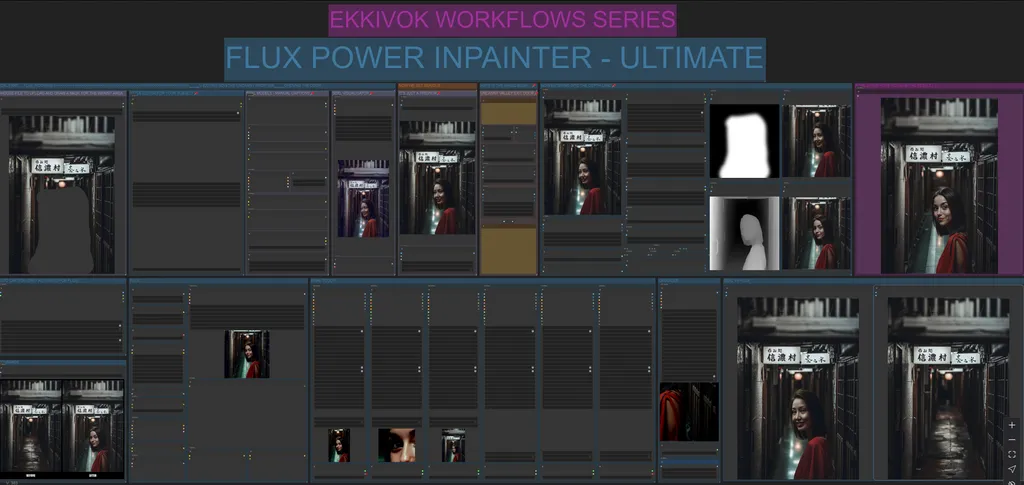
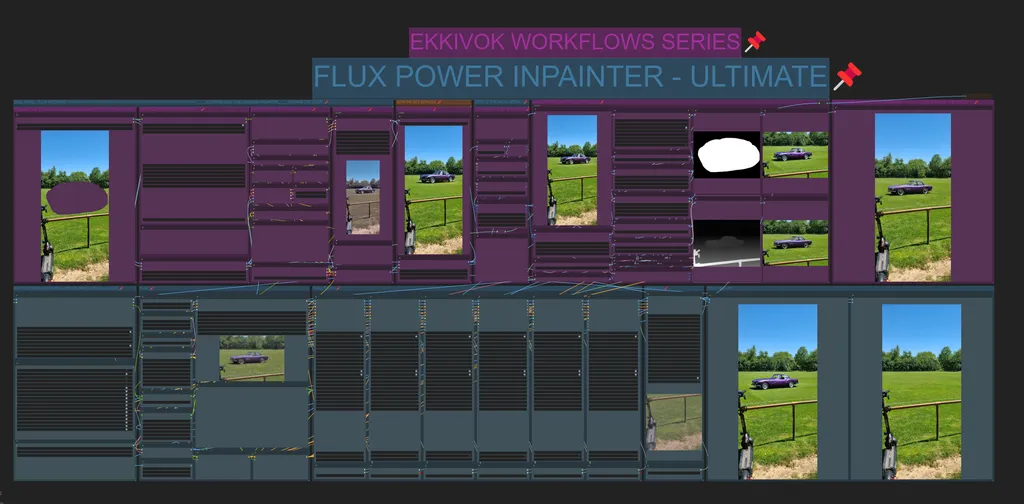
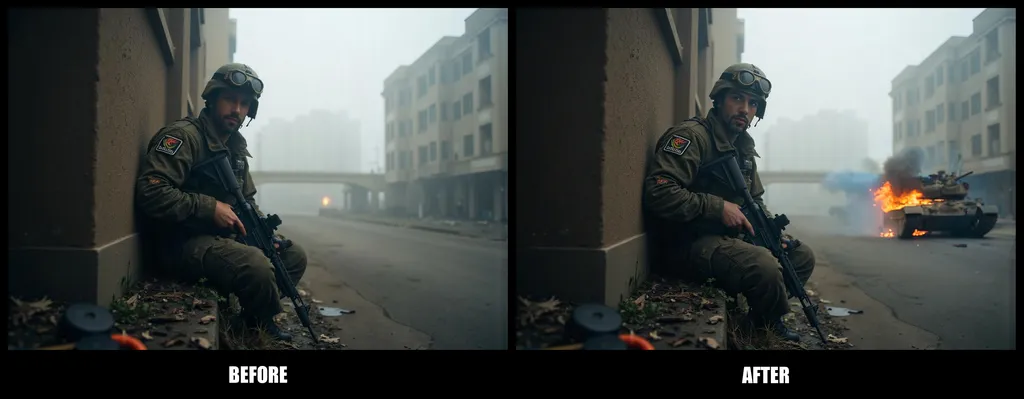
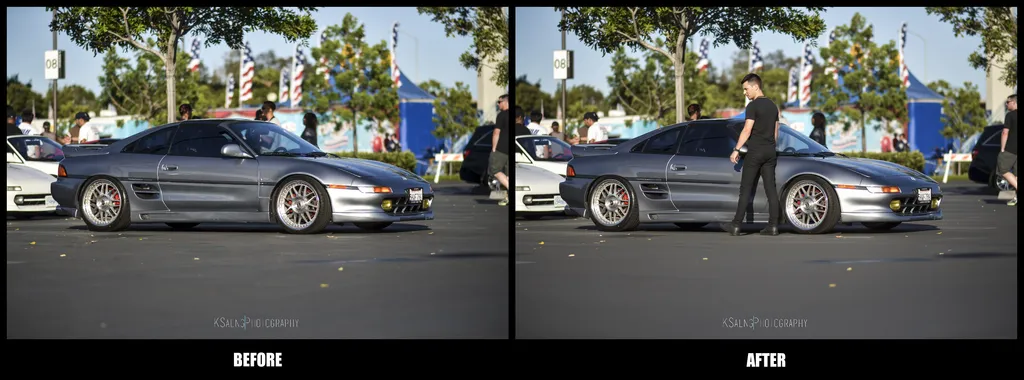
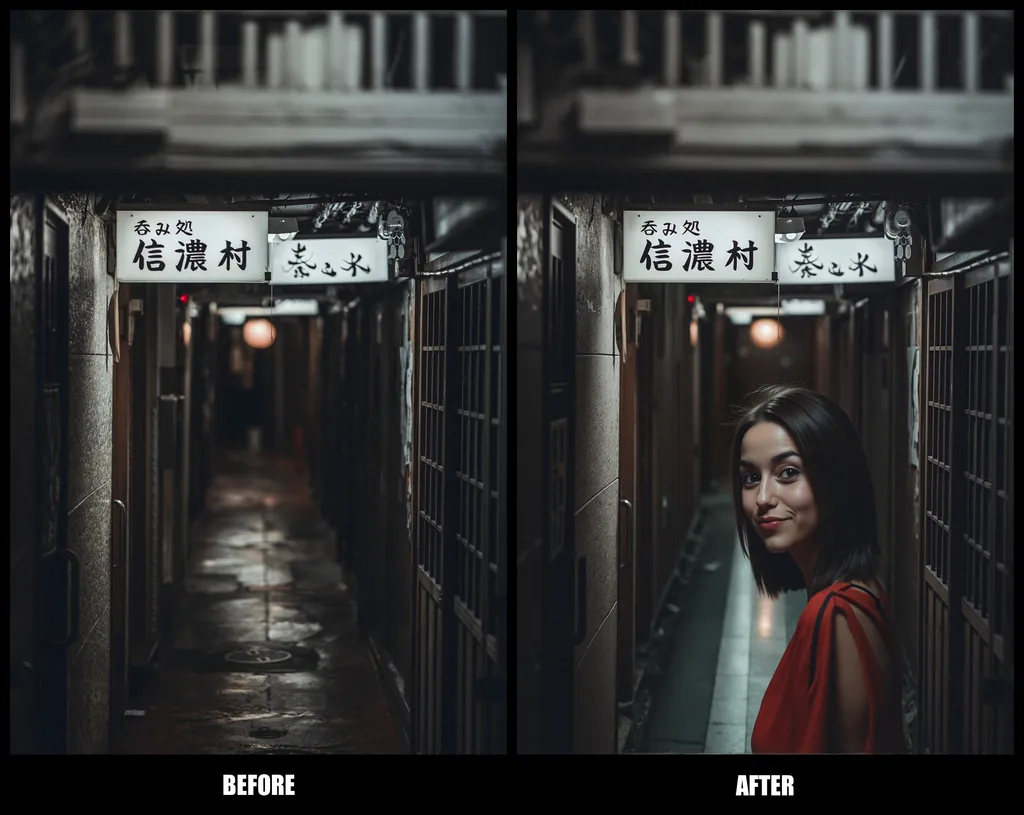
Key Features:
- Advanced Inpainting Technology: Utilize sophisticated algorithms to fill in missing areas or integrate new objects into images, ensuring a natural and cohesive look that enhances the overall composition.
- Dynamic Object Integration: Effortlessly add a variety of elements—such as people, vehicles, or backgrounds—while maintaining the original style and ambiance of the image, allowing for endless creative possibilities.
- Intuitive User Interface: Designed for efficiency, the workflow features a user-friendly interface that simplifies the inpainting process, enabling both beginners and experienced artists to achieve professional results with ease.
- Fine-Tuned Control Over Details: Adjust parameters such as blending, texture, and lighting to achieve a perfect match between the new elements and the existing image, ensuring seamless integration.
- High-Resolution Output: Create stunning visuals with high fidelity, perfect for both digital displays and print applications, without compromising on quality.
The "FLUX POWER INPAINTER - ULTIMATE" workflow is ideal for digital artists, photographers, and content creators looking to enhance their work by adding depth and creativity. Transform your images by unlocking the full potential of inpainting and let your imagination flow as you create captivating compositions that resonate with your audience.
Discussion
(No comments yet)
Loading...

Reviews
No reviews yet
Versions (2)
- latest (a year ago)
- v20241103-133739
Node Details
Primitive Nodes (18)
DepthAnythingV2Preprocessor (1)
Fast Groups Muter (rgthree) (1)
Florence2ModelLoader (1)
Florence2Run (1)
Image Comparer (rgthree) (2)
InpaintResize (1)
LayerFilter: AddGrain (1)
Lora Loader Stack (rgthree) (1)
Note (4)
Reroute (5)
Custom Nodes (75)
- BilboXPhotoPrompt (1)
- CR Simple Image Compare (1)
- CR Text Replace (1)
- CR Text (1)
ComfyUI
- ImageToMask (2)
- PreviewImage (6)
- CLIPTextEncode (5)
- MaskToImage (1)
- ControlNetLoader (1)
- ControlNetApplyAdvanced (1)
- InpaintModelConditioning (1)
- VAEDecode (2)
- SaveImage (2)
- UpscaleModelLoader (1)
- LoadImage (1)
- CheckpointLoaderSimple (1)
- KSampler (2)
- ImageCompositeMasked (1)
- DualCLIPLoader (1)
- VAELoader (1)
- UNETLoader (1)
- GetImageSize+ (3)
- SimpleMath+ (2)
- ImageResize+ (4)
- UltralyticsDetectorProvider (6)
- FaceDetailer (6)
- INPAINT_VAEEncodeInpaintConditioning (1)
- INPAINT_LoadFooocusInpaint (1)
- INPAINT_ApplyFooocusInpaint (1)
- ImageScaleToMegapixels (2)
Hakkun-ComfyUI-nodes
- Image size to string (2)
- GrowMaskWithBlur (1)
- PlaySound|pysssss (2)
- ShowText|pysssss (4)
- SeargePromptCombiner (2)
- UltimateSDUpscale (1)
- Bounded Image Crop with Mask (2)
- Bounded Image Blend with Mask (1)
Model Details
Checkpoints (1)
realvisxlV50_v50Bakedvae.safetensors
LoRAs (1)
Kim_Hostwood_FLUX.safetensors