
PromptFusion Photorealism Final PRO
5.0
0 reviews
Description
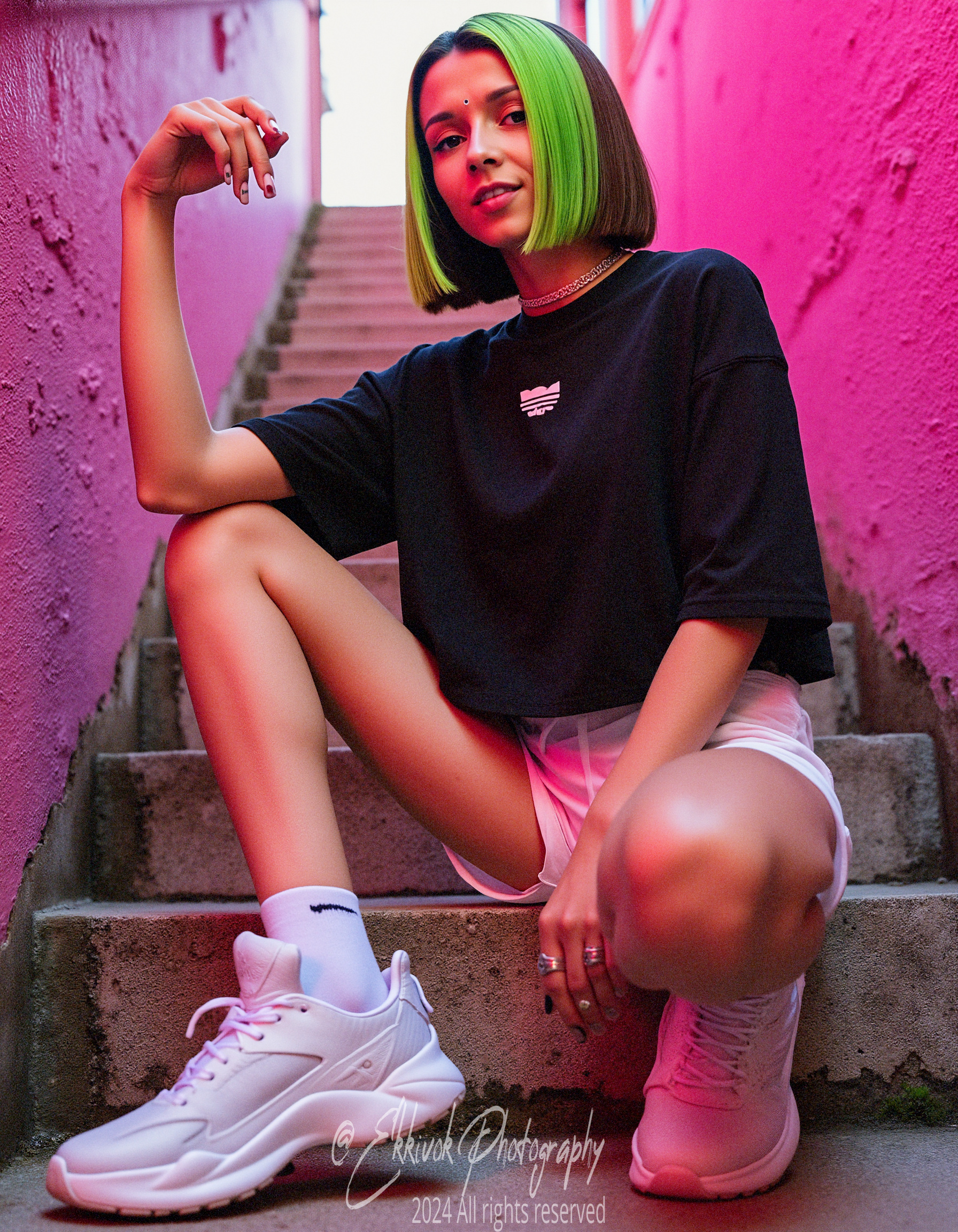
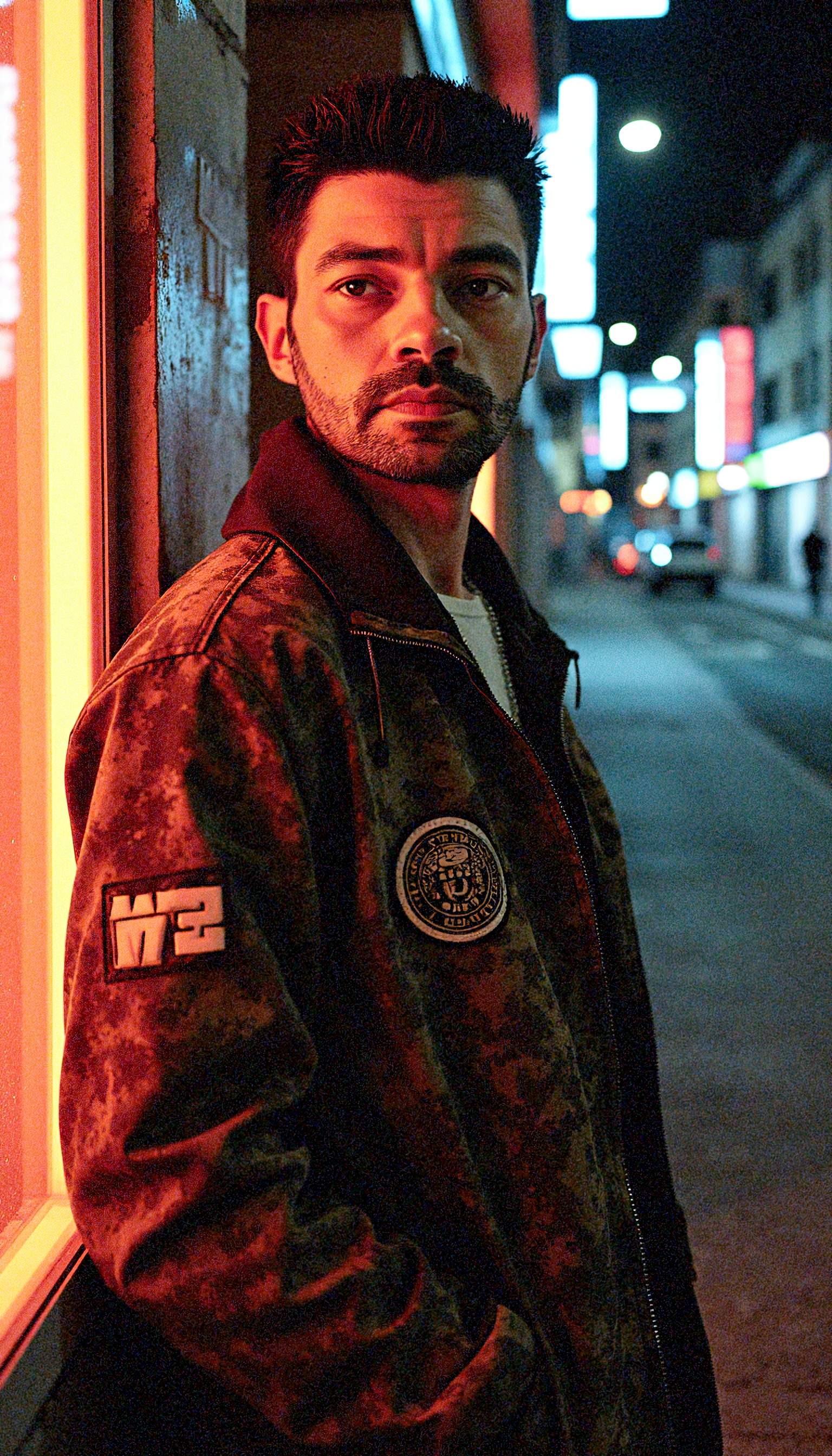
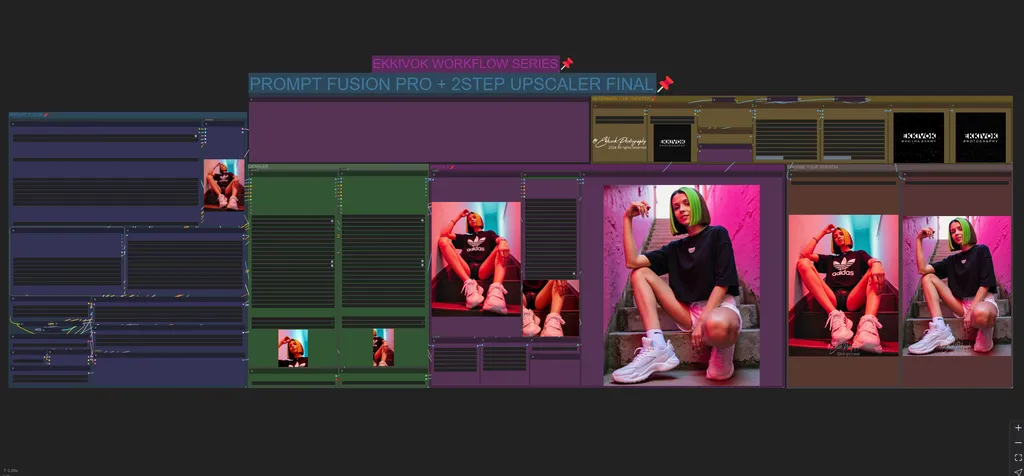
This ComfyUI workflow, designed by EKKIVOK, integrates multiple advanced nodes to create, detail, and upscale images with exceptional quality, focusing on prompt fusion, detail refinement, upscaling, and the introduction of film grain for photorealism. The workflow features a custom-built noise and film grain injector system, which enhances the image by adding grain to simulate natural photographic imperfections, making the output more lifelike.
Key Workflow Components:
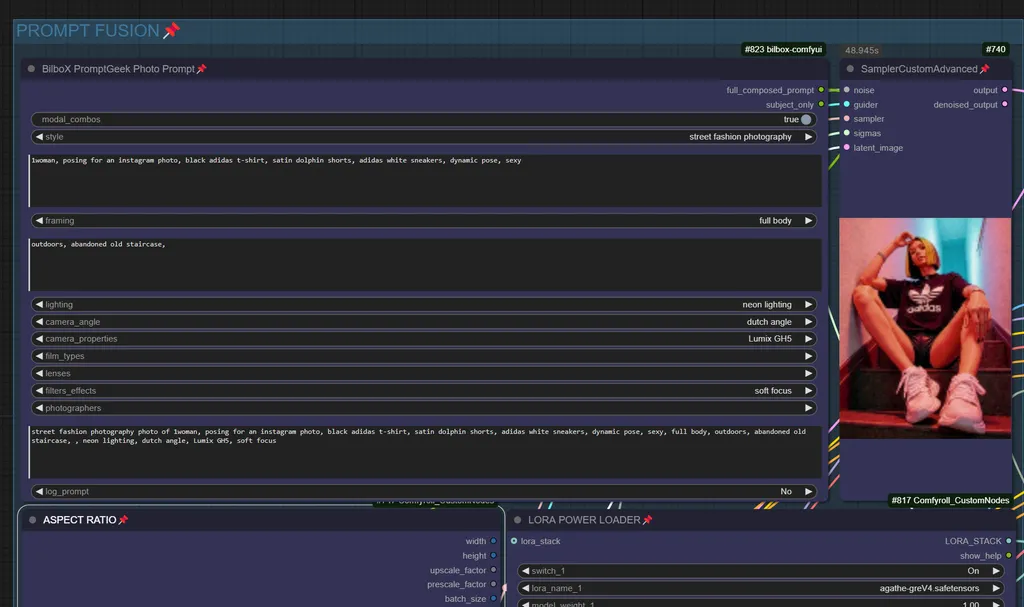
- Prompt Fusion:The BilboXPhotoPrompt node composes complex photo prompts, tailored for "street fashion photography" and similar genres. It integrates key inputs such as camera type (Lumix GH5), location, pose, and photography features to craft detailed prompts.The CLIPTextEncodeFlux node encodes the text prompt, conditioning the model to accurately reflect the described scene with focus on both the subject's style and the setting.
- Model and LoRA Integration:The CR Apply LoRA Stack node applies selected LoRA models for added flexibility in generating image outputs.UNETLoader and VAELoader ensure model integration while preserving the quality of the generated images.
- Noise and Sampling:A custom noise and film grain injection system is built using the BetterFilmGrain node. This system adds grain and noise to the image, giving it a natural, photorealistic texture, replicating real-life camera imperfections and enhancing the visual realism.The RandomNoise, KSamplerSelect, and BasicScheduler nodes handle noise injection, guiding the generation process, and refining the image's quality.
- Detailing and Enhancement:The FaceDetailer and UltralyticsDetectorProvider nodes refine specific image areas, particularly for human subjects, ensuring that facial details and features are sharp and well-defined.The grain and noise injection system also further enhances these detailed features.
- 2-Step Upscaling:Using the UltimateSDUpscale node, the workflow applies a 2-step upscaling process with models like 4x_NMKD-Siax_200k.pth, ensuring that the upscaled images maintain both clarity and photorealistic grain texture.The Image Comparer node allows for direct comparison between the original and upscaled versions, ensuring the upscaling process maintains image fidelity.
- Saving Outputs:The workflow includes SaveImage nodes that store both original and upscaled versions of the images for review.
- Preview and Comparison:The PreviewImage node allows real-time monitoring of the generated images.The Image Comparer node ensures side-by-side visual quality checks between normal and upscaled images.
Discussion
(No comments yet)
Loading...

Reviews
No reviews yet
Versions (1)
- latest (a year ago)
Node Details
Primitive Nodes (5)
CLIPTextEncodeFlux (1)
Image Comparer (rgthree) (1)
ModelSamplingFlux (1)
Note (2)
Custom Nodes (36)
- BilboXPhotoPrompt (1)
- CR Apply LoRA Stack (1)
- CR Aspect Ratio (1)
- CR LoRA Stack (1)
ComfyUI
- PreviewImage (3)
- SamplerCustomAdvanced (1)
- RandomNoise (1)
- KSamplerSelect (1)
- VAELoader (1)
- BasicGuider (1)
- UNETLoader (1)
- DualCLIPLoader (1)
- BasicScheduler (1)
- VAEDecode (1)
- LoadImage (2)
- SaveImage (2)
- UpscaleModelLoader (1)
- UltralyticsDetectorProvider (2)
- FaceDetailer (2)
- LayerUtility: ShowBlindWaterMark (2)
- LayerUtility: AddBlindWaterMark (2)
- FL_ImageDimensionDisplay (1)
- EG_CPSYTJ (2)
- BetterFilmGrain (2)
- ShowText|pysssss (1)
- UltimateSDUpscale (1)
Model Details
Checkpoints (0)
LoRAs (1)
agathe-greV4.safetensors