
BLACK MIRROR - TURBO 8STEPS + 1 STEP UPSCALER ULTIMATE
5.0
0 reviews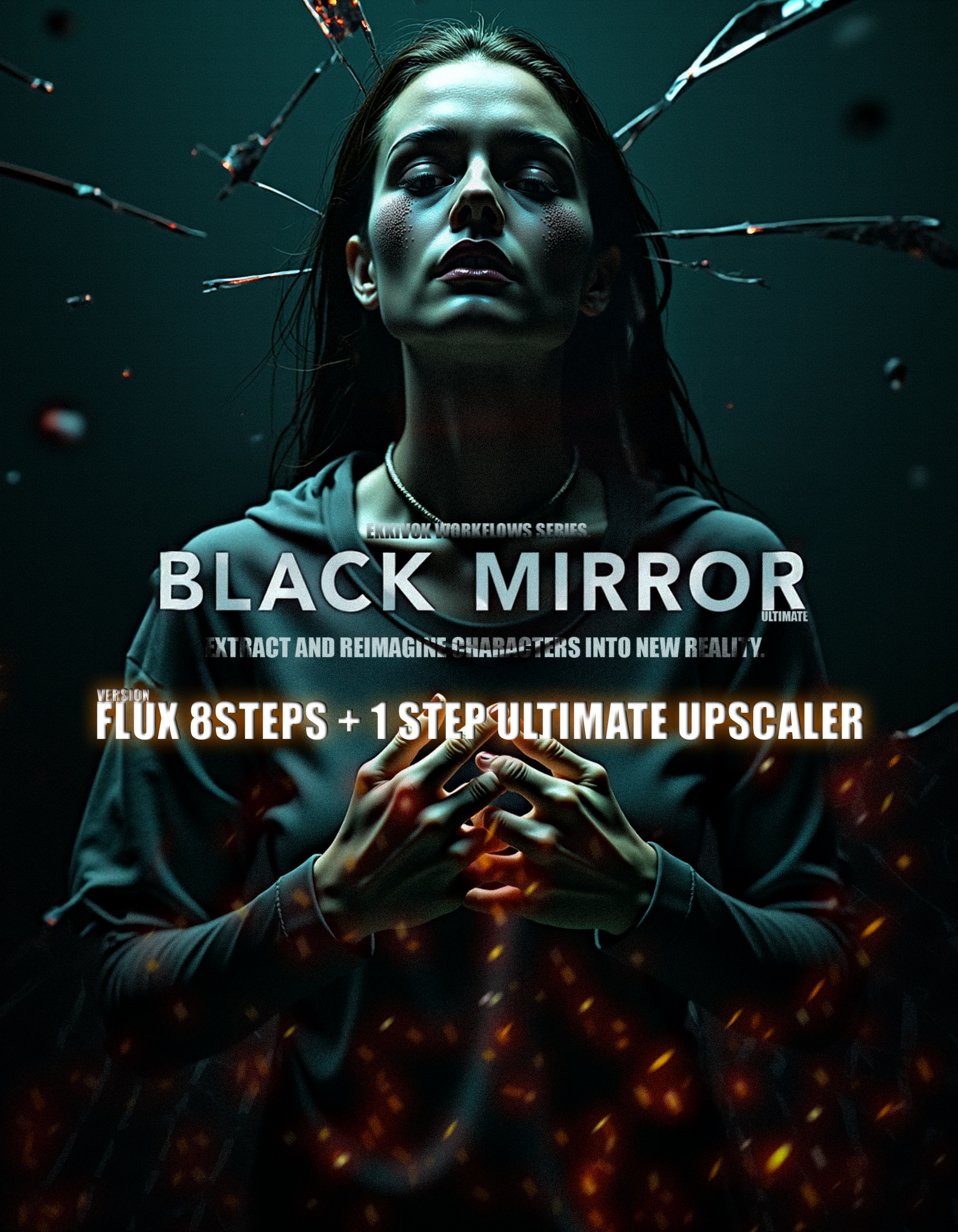
Description
Hi everyone!
I’m thrilled to be back with a special workflow for you all! After countless hours of hard work, late nights, and testing, I’m excited to introduce BLACK MIRROR!
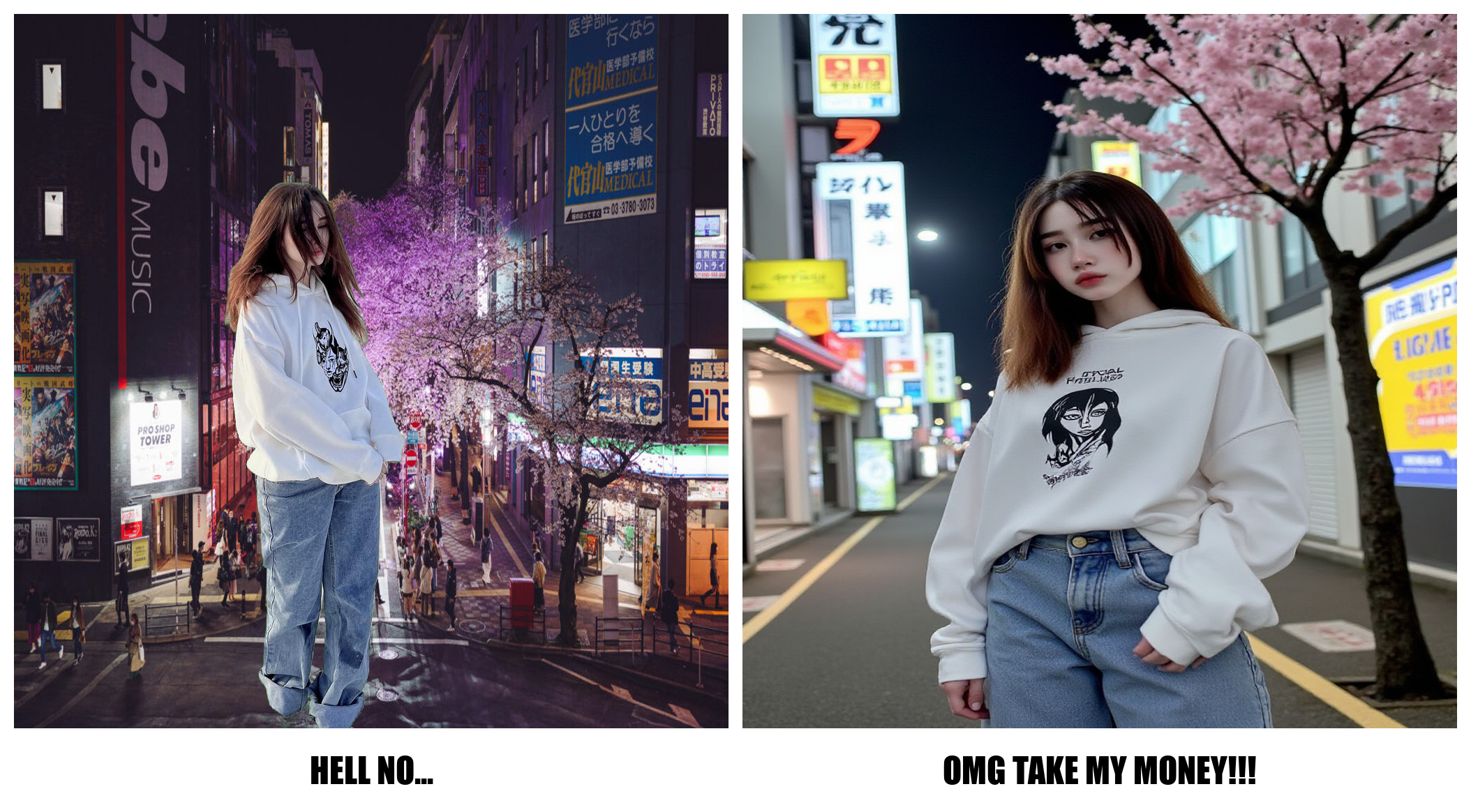
Wait, isn’t that the name of a series? Yes, but it can be much more! This workflow will help you reimagine characters in any environment using just one photo (thanks to the Pulid System) or with Lora integration (the Lora power loader is included).
For a clearer understanding of the vision and purpose of this workflow, please check out my showcase. A huge thank you to all of you for your support!
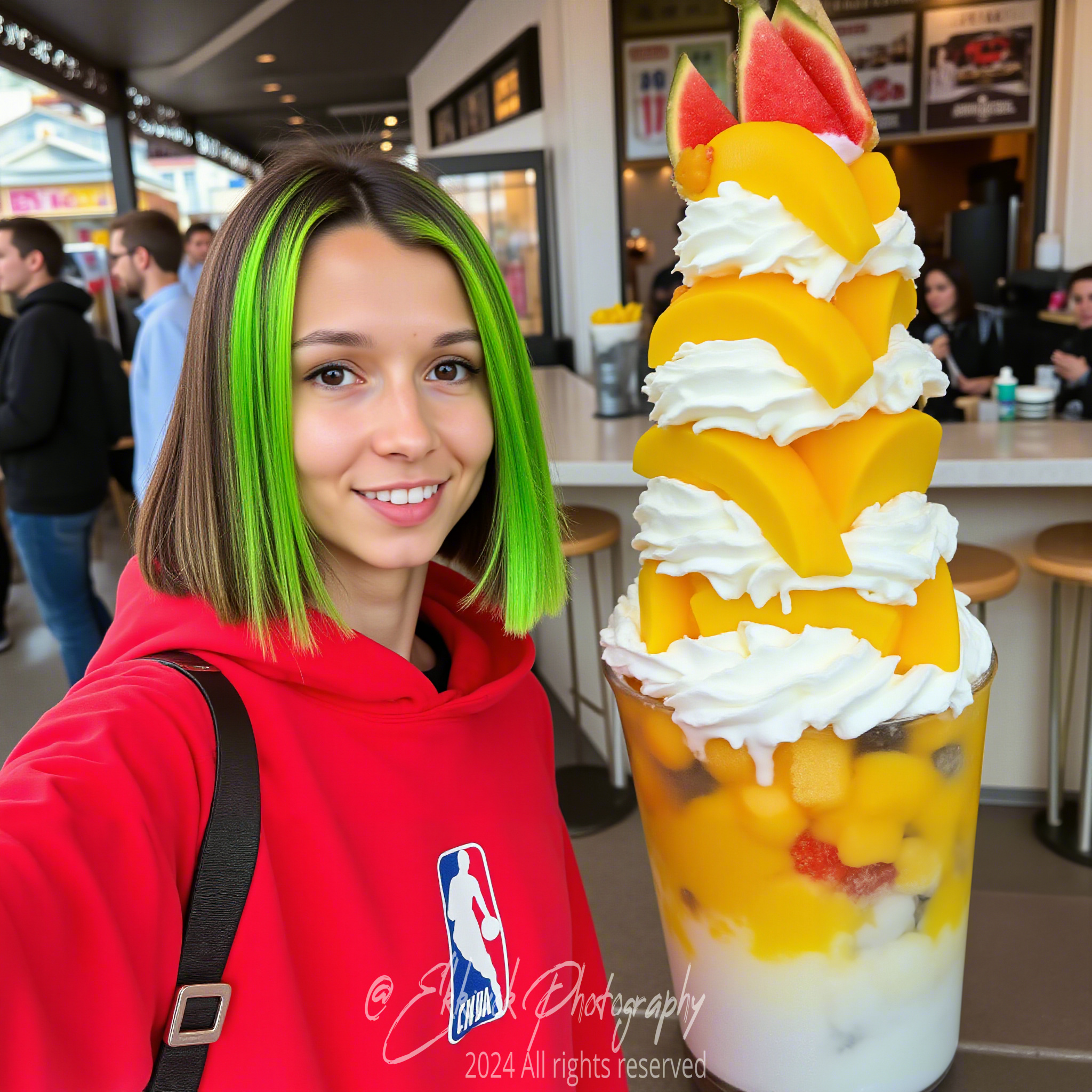
See the Magic: Check out the screenshots at the end of this post.
Key Features:
- 8-Step Turbo Image Generation: Designed for high-speed, high-quality image production.
- FLUX.1-Turbo-Alpha Lora: This function utilizes the "FLUX.1-Turbo-Alpha" Lora. Download it here.
- 1-Step Upscaler: Final upscale for maximum resolution without quality loss.
- Integrated Lora and CLIP Models: Easily integrate Lora models without needing trigger words.
Specifics:
- Ultimate Upscaler: Produces high-resolution results, perfect for intricate details.
- Smart Composition Controls: Adjust subject position, scaling, and layout with real-time previews.
- Blind Watermarking System: Applies a subtle yet effective watermark that’s nearly invisible but traceable.
Nodes Description:
- ImageResizeKJ: Controls image size for consistent resolution.
- DualCLIPLoader: Loads CLIP models for text-based generation guidance.
- UNETLoader: Loads the UNET model for noise prediction and image generation.
- ImageComposite+: Composes layered images for advanced scene creation.
- PreviewImage: Live preview to monitor the generated output as it builds.
- RandomNoise: Adds noise to create texture and natural effects in your image.
- SamplerCustomAdvanced: Controls advanced sampling techniques for higher-quality generation.
- Watermark Node: Applies a blind watermark to images, protecting them against theft without affecting aesthetics.
Acknowledgments:
A big thank you to the developers behind ImageResizeKJ, DualCLIPLoader, and the Watermark Node for their fantastic contributions to this workflow!
How to Use:
- Set your image dimensions using ImageResizeKJ.
- Integrate your Lora models and prompts with DualCLIPLoader.
- Generate the image and apply the final upscale.
- The system will automatically add a blind watermark to protect your creations.
User-Friendly Design:
The automatic watermarking system and intuitive nodes make this workflow beginner-friendly, while still providing advanced features for experienced users.
Quick Tips:
- Install ComfyUI Manager: This tool helps automatically download and manage any missing nodes required for the workflow, keeping everything organized and up to date.
Thank you for your support! It means a lot to me. <3 If you love these workflows, please like, buzz, and subscribe! Follow me on Instagram @ekkiv0k for more exciting content, including workflow updates and exclusive tips. Don’t hesitate to ask questions, and stay tuned for more powerful workflows coming soon!
Discussion
(No comments yet)
Loading...

Reviews
No reviews yet
Versions (1)
- latest (a year ago)
Node Details
Primitive Nodes (21)
Fast Groups Muter (rgthree) (1)
FluxGuidance (1)
Image Comparer (rgthree) (2)
ImageComposite+ (1)
JoyCaption (1)
Lora Loader Stack (rgthree) (1)
ModelSamplingFlux (1)
Note (8)
Reroute (5)
Custom Nodes (51)
- CR SDXL Aspect Ratio (1)
- CR Simple Image Compare (1)
ComfyUI
- PreviewImage (5)
- DualCLIPLoader (1)
- UNETLoader (1)
- VAELoader (1)
- SamplerCustomAdvanced (1)
- RandomNoise (1)
- CLIPTextEncode (1)
- BasicGuider (1)
- LoadImage (5)
- UpscaleModelLoader (1)
- SaveImage (2)
- VAEDecode (1)
- KSamplerSelect (1)
- BasicScheduler (1)
- FaceDetailer (5)
- UltralyticsDetectorProvider (5)
- LayerUtility: ShowBlindWaterMark (3)
- LayerUtility: AddBlindWaterMark (2)
- FL_ImageDimensionDisplay (1)
- EG_CPSYTJ (2)
- BRIAAI Matting (1)
- ImageResizeKJ (2)
- GetImageSizeAndCount (1)
- ShowText|pysssss (2)
- UltimateSDUpscale (1)
- Text Find and Replace (1)
Model Details
Checkpoints (0)
LoRAs (1)
FLUX.1-Turbo-Alpha.safetensors