
Genfill
5.0
0 reviews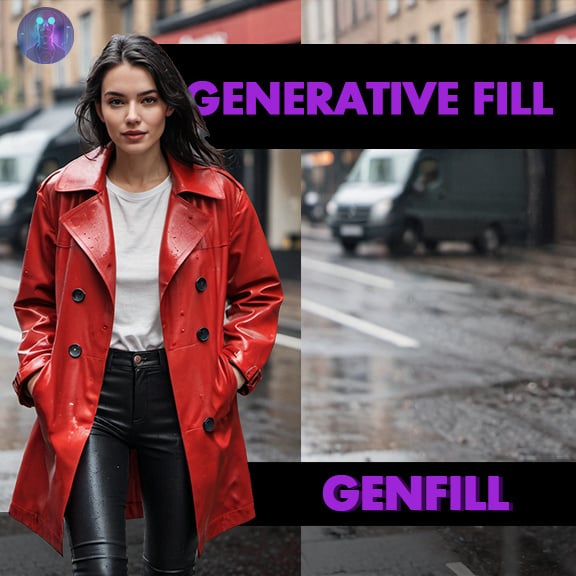
Description
Genfill
IMPORTANT Lower the denoise from 75 to 50/60 that should be the default. until next update, 75 is for aggressive inpainting,
Generative fill style in comfy.
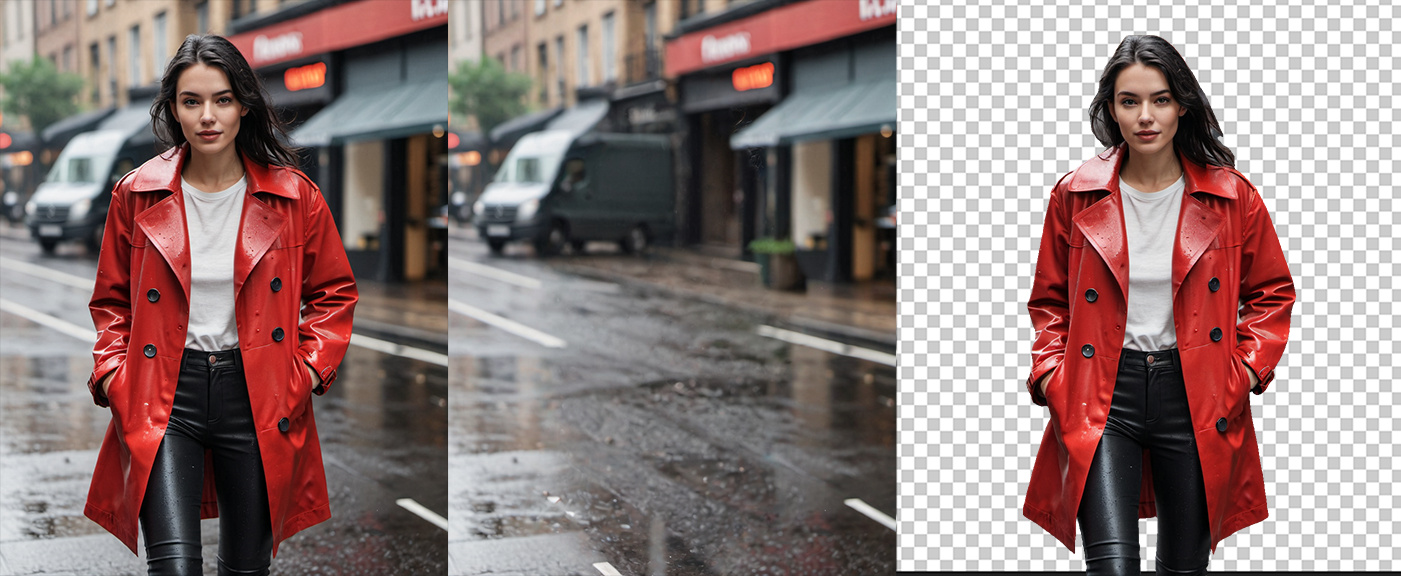
This workflow removes subjects from images, fills the background using a
technique similar to Photoshop's generative fill style, and saves the
subject on a separate transparent layer.
Update:
Cleaner version, removed the generation part its only for existing images.
Masking options:
Manual
Auto
Combo
https://www.instagram.com/distylands
https://twitter.com/diStylands
Discussion
(No comments yet)
Loading...

Reviews
No reviews yet
Versions (2)
- latest (2 years ago)
- v20240405-175446
Node Details
Primitive Nodes (9)
Image Comparer (rgthree) (2)
Primitive float [Crystools] (2)
Reroute (5)
Custom Nodes (39)
ComfyUI
- SaveImage (2)
- LoraLoader (2)
- VAEDecode (3)
- VAELoader (1)
- PreviewImage (3)
- ImageCompositeMasked (2)
- VAEEncode (1)
- SetLatentNoiseMask (1)
- KSampler (3)
- GrowMask (1)
- JoinImageWithAlpha (1)
- CLIPSetLastLayer (1)
- CheckpointLoaderSimple (1)
- CLIPTextEncode (2)
- DifferentialDiffusion (1)
- LoadImage (1)
- MaskPreview+ (1)
- ImpactSwitch (1)
- PreviewBridge (1)
- ImpactGaussianBlurMask (1)
- AddMask (1)
- ImpactDilateMask (1)
- LamaRemover (1)
ComfyUI_tinyterraNodes
- ttN seed (1)
- String Literal (1)
- SAMModelLoader (segment anything) (1)
- GroundingDinoModelLoader (segment anything) (1)
- GroundingDinoSAMSegment (segment anything) (1)
- Mask Invert (1)
Model Details
Checkpoints (1)
checkpoints_e\wildcardxXLLIGHTNING_wildcardxXL.safetensors
LoRAs (2)
lora\incase_style_v2_ponyxl_ilff.safetensors
lora\xl_more_art-full-beta1.safetensors