
FLUX.1-Fill-dev. [Inpaint->Regional Inpaint->Outpaint]. 3 in 1. [Flux-Tool]
5.0
0 reviews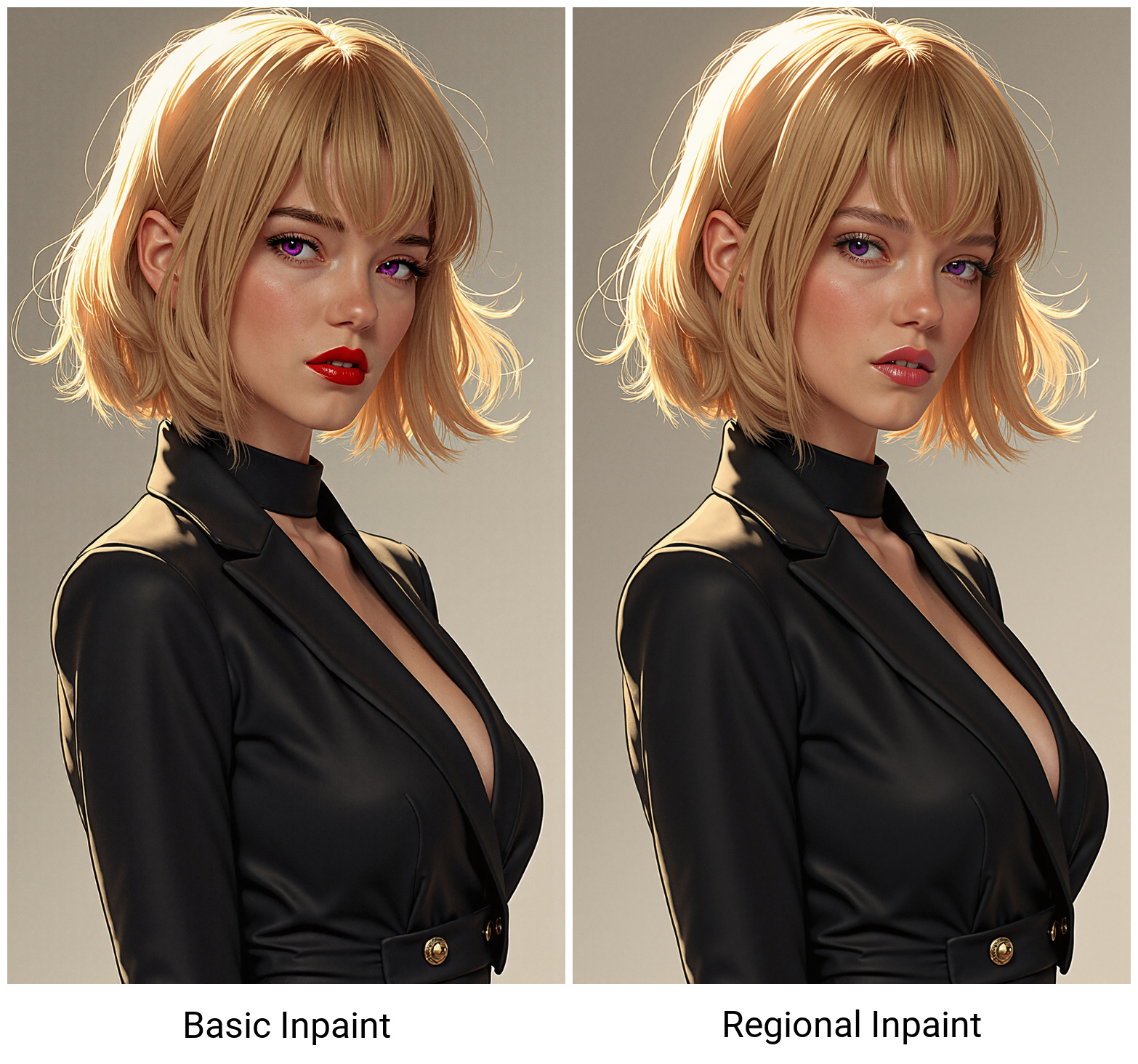

Description
ComfyUI workflow designed to use with FLUX.1-Fill-dev model(s).
Supports switching between diffusion models and it's GGuf variants, as well as different inpainting modes (basic and regional)+outpainting.
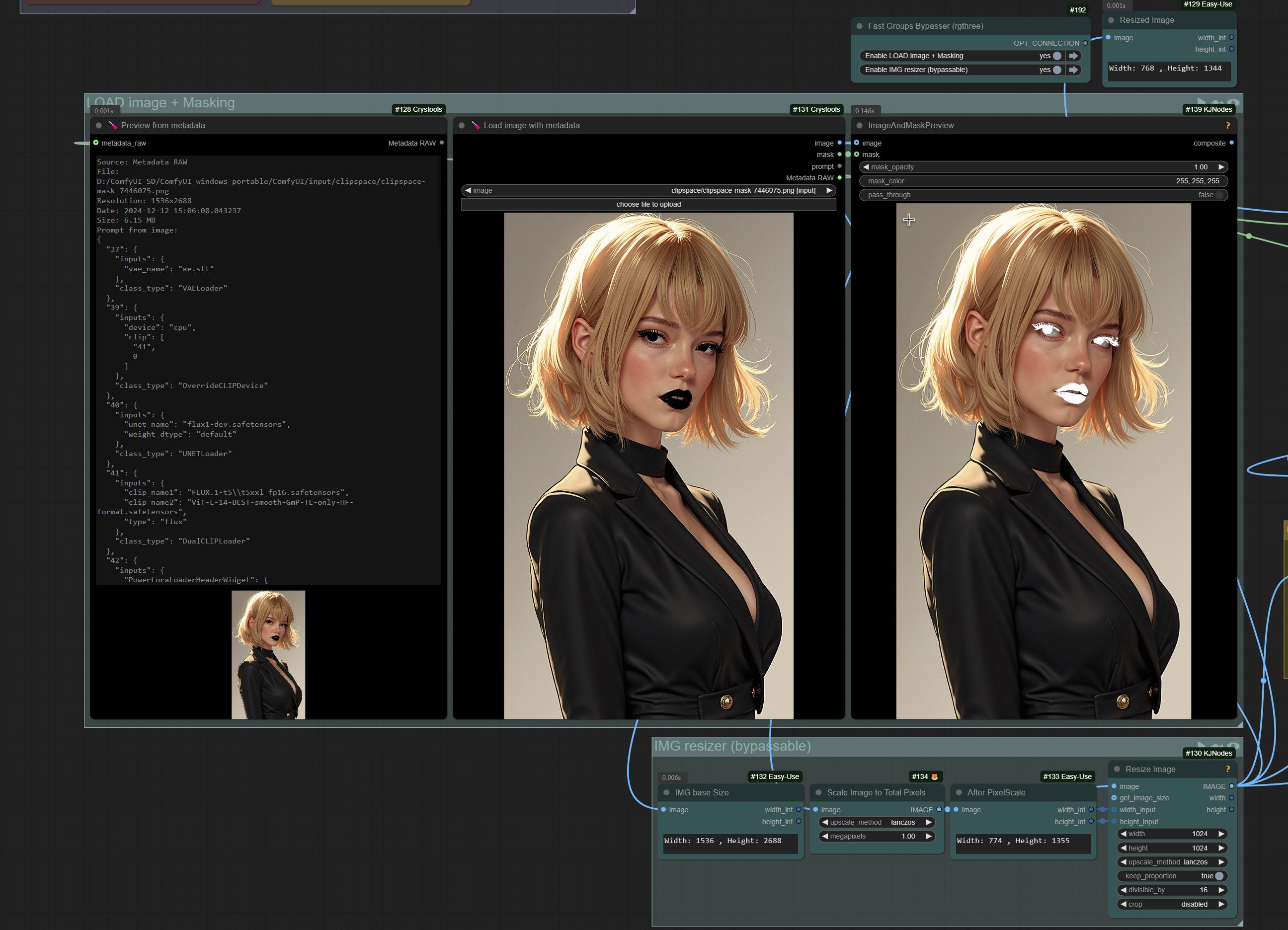
Also supports optional mask editing, switching between manual and florence2 prompt, exif viewer...
Note: Regional inpaint (a.k.a. - crop and stitch nodes) works better if you need to edit small parts of a large image, also allows you to preserve base resolution of input image. In other cases standart inpainting and regional inpainting will act similarly.
Intrsructions provided in workflow.
Discussion
(No comments yet)
Loading...

Reviews
No reviews yet
Versions (1)
- latest (a year ago)
Node Details
Primitive Nodes (25)
Anything Everywhere3 (2)
CLIPTextEncodeFlux (1)
DownloadAndLoadFlorence2Model (1)
DualCLIPLoaderGGUF (1)
Fast Groups Bypasser (rgthree) (4)
Fast Groups Muter (rgthree) (1)
Florence2Run (1)
Image Comparer (rgthree) (1)
Image Inset Crop (rgthree) (1)
Load image with metadata [Crystools] (1)
Note (5)
OverrideCLIPDevice (2)
Power Lora Loader (rgthree) (2)
Preview from metadata [Crystools] (1)
UnetLoaderGGUF (1)
Custom Nodes (36)
- GoogleTranslateTextNode (1)
- CR Text Input Switch (1)
ComfyUI
- ImageScaleToTotalPixels (2)
- VAELoader (2)
- DualCLIPLoader (1)
- UNETLoader (1)
- PreviewImage (1)
- ConditioningZeroOut (1)
- LoadImage (1)
- DifferentialDiffusion (1)
- CLIPTextEncode (1)
- InpaintModelConditioning (1)
- VAEDecode (1)
- SaveImage (1)
- KSampler (1)
- ImagePadForOutpaint (1)
- easy imageSize (7)
- ImageMaskSwitch (1)
- InpaintStitch (1)
- InpaintCrop (1)
- ImageAndMaskPreview (2)
- ImageResizeKJ (2)
- GrowMaskWithBlur (1)
- ShowText|pysssss (2)
- Seed Everywhere (1)
Model Details
Checkpoints (0)
LoRAs (0)