
Control Flux Image Visualization
5.0
0 reviews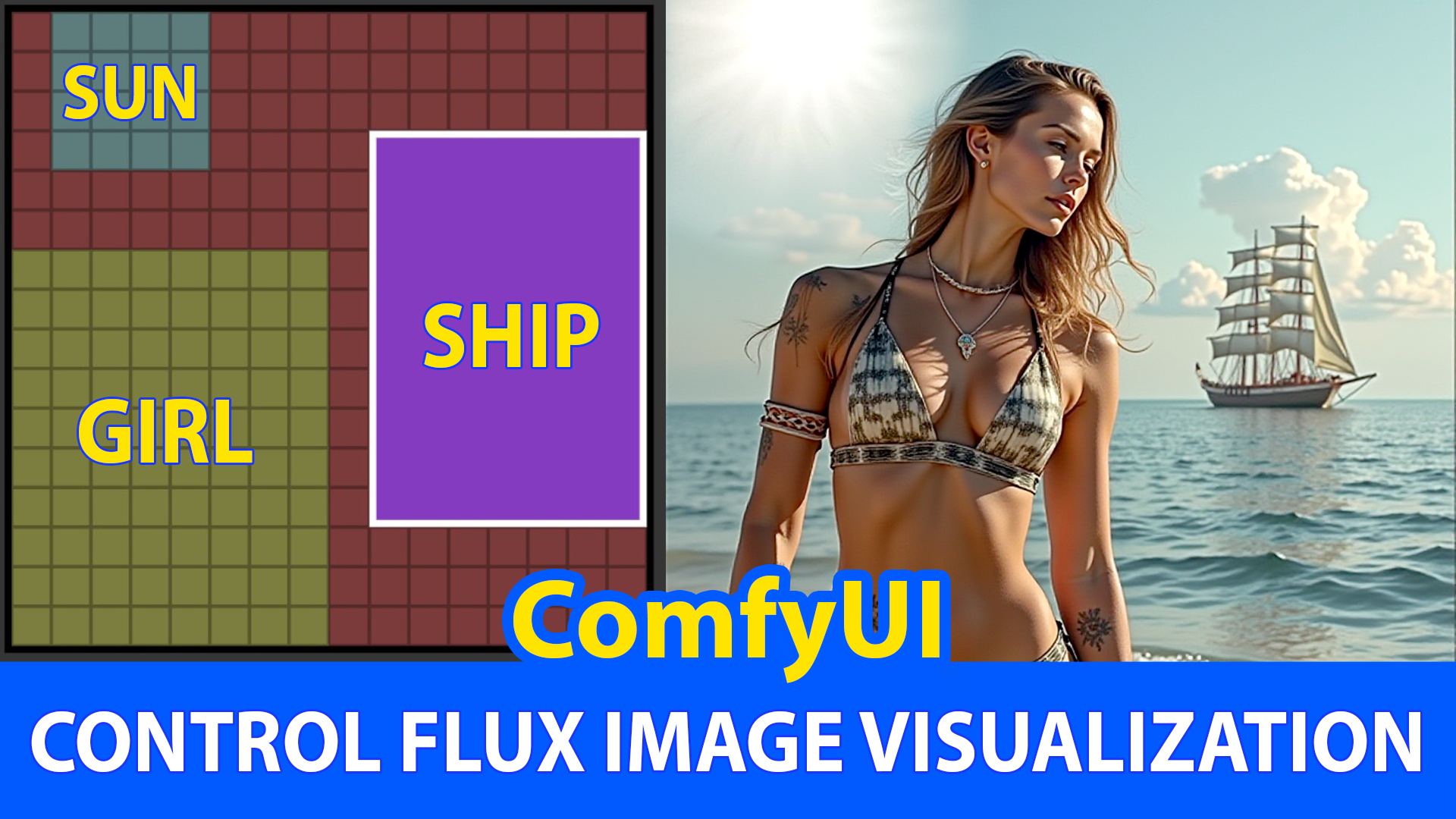
Description
The ConditioningSetArea node is designed to allow you to define a specific area within your conditioning data, setting its dimensions and position, and adjusting the strength of the conditioning effect within that area. This node is particularly useful for AI artists who want to apply conditioning effects to a targeted region of their input data, providing greater control over the conditioning process. By specifying the width, height, x, and y coordinates, you can precisely control the area of influence, while the strength parameter allows you to adjust the intensity of the conditioning effect. This node is essential for tasks that require localized conditioning, enabling more refined and detailed outputs.
**************************************
Click on below link for video tutorials:
Discussion
(No comments yet)
Loading...

Reviews
No reviews yet
Versions (1)
- latest (a year ago)
Node Details
Primitive Nodes (6)
CLIPTextEncodeFlux (4)
LyingSigmaSampler (1)
MultiAreaConditioning (1)
Custom Nodes (11)
ComfyUI
- RandomNoise (1)
- BasicGuider (1)
- KSamplerSelect (1)
- UNETLoader (1)
- BasicScheduler (1)
- EmptyLatentImage (1)
- VAELoader (1)
- DualCLIPLoader (1)
- SamplerCustomAdvanced (1)
- VAEDecode (1)
- PreviewImage (1)
Model Details
Checkpoints (0)
LoRAs (0)