ComfyUI - Video Transformation Technique - AnimateDiff, ControlNet, IPAdapter
5.0
0 reviews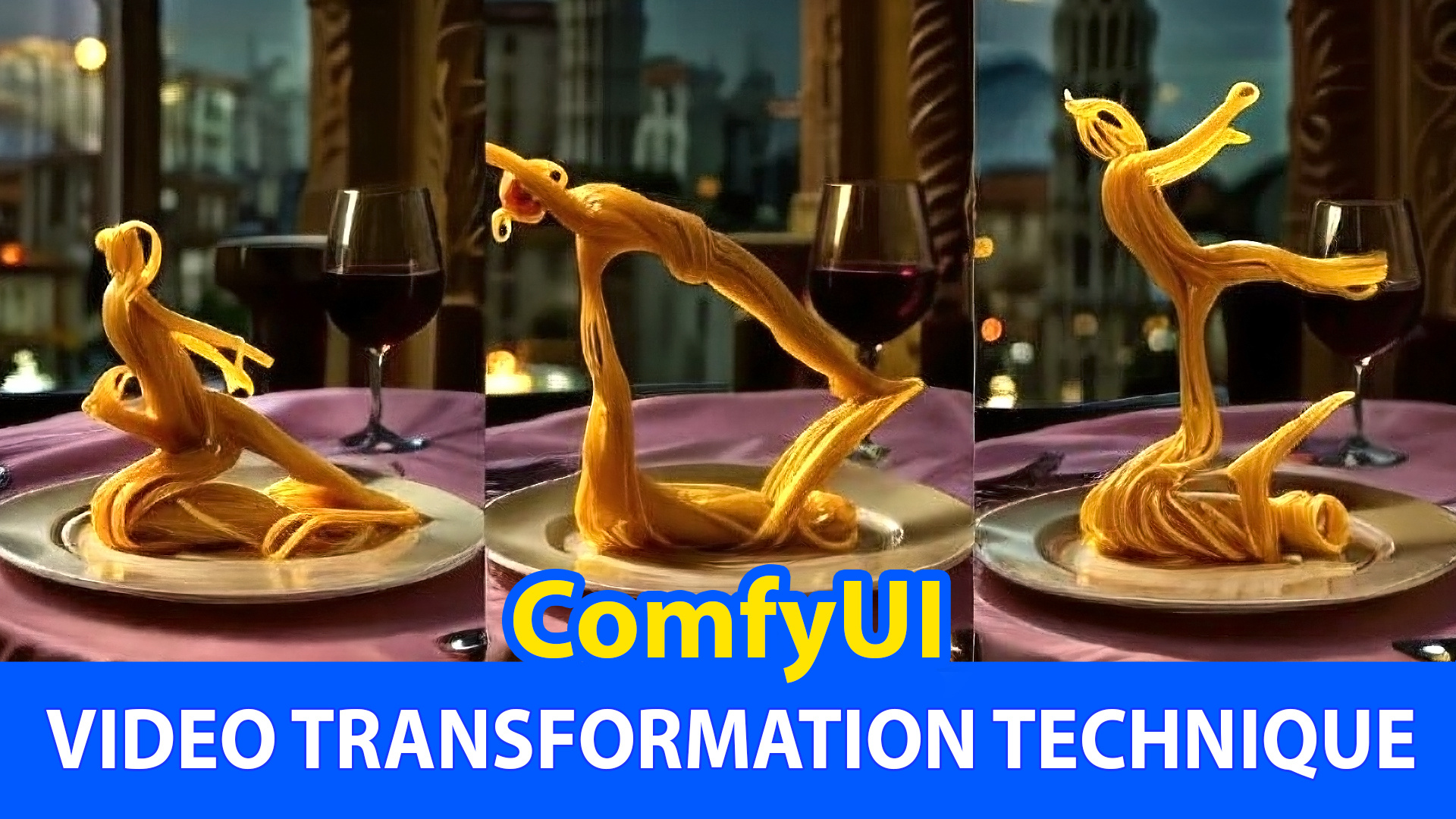
Description
In this video, we show how you can transform a real video into an artistic video by combining several famous custom nodes like IPAdapter, ControlNet, and AnimateDiff.
IPAdapter:
Enhances ComfyUI's image processing by integrating deep learning models for tasks like style transfer and image enhancement. It's ideal for experimenting with aesthetic modifications and improving image quality.
AnimateDiff:
Adds animation effects to static images using diffusion models. It creates smooth transitions and motion effects, perfect for artists who want to animate still frames.
ControlNet:
Provides precise control over neural network operations in ComfyUI. It allows users to adjust model behavior and input parameters, enabling fine-tuned control for optimizing generated image outputs and experimenting with different configurations.
Click on below link for video tutorials:
Discussion
(No comments yet)
Loading...

Resources (1)
Reviews
No reviews yet
Versions (1)
- latest (a year ago)
Node Details
Primitive Nodes (6)
GetNode (3)
SetNode (3)
Custom Nodes (28)
- ADE_UseEvolvedSampling (1)
- ADE_ApplyAnimateDiffModelSimple (1)
- ADE_LoadAnimateDiffModel (1)
- ADE_LoopedUniformContextOptions (1)
- ADE_AnimateDiffLoRALoader (1)
- ADE_MultivalDynamic (1)
- ADE_AnimateDiffSamplingSettings (1)
ComfyUI
- LoadImage (2)
- EmptyLatentImage (1)
- ImageToMask (1)
- MaskToImage (1)
- InvertMask (1)
- LayerMask: RemBgUltra (1)
- LineArtPreprocessor (1)
- IPAdapterAdvanced (2)
- IPAdapterUnifiedLoader (1)
- ControlNetLoaderAdvanced (2)
- VHS_VideoCombine (1)
- VHS_LoadVideo (1)
- LoRA Stacker (1)
- Control Net Stacker (2)
- Apply ControlNet Stack (1)
- Efficient Loader (1)
- KSampler (Efficient) (1)
Model Details
Checkpoints (0)
LoRAs (3)