
Create Longer AI Video Using Framepack Model
5.0
0 reviews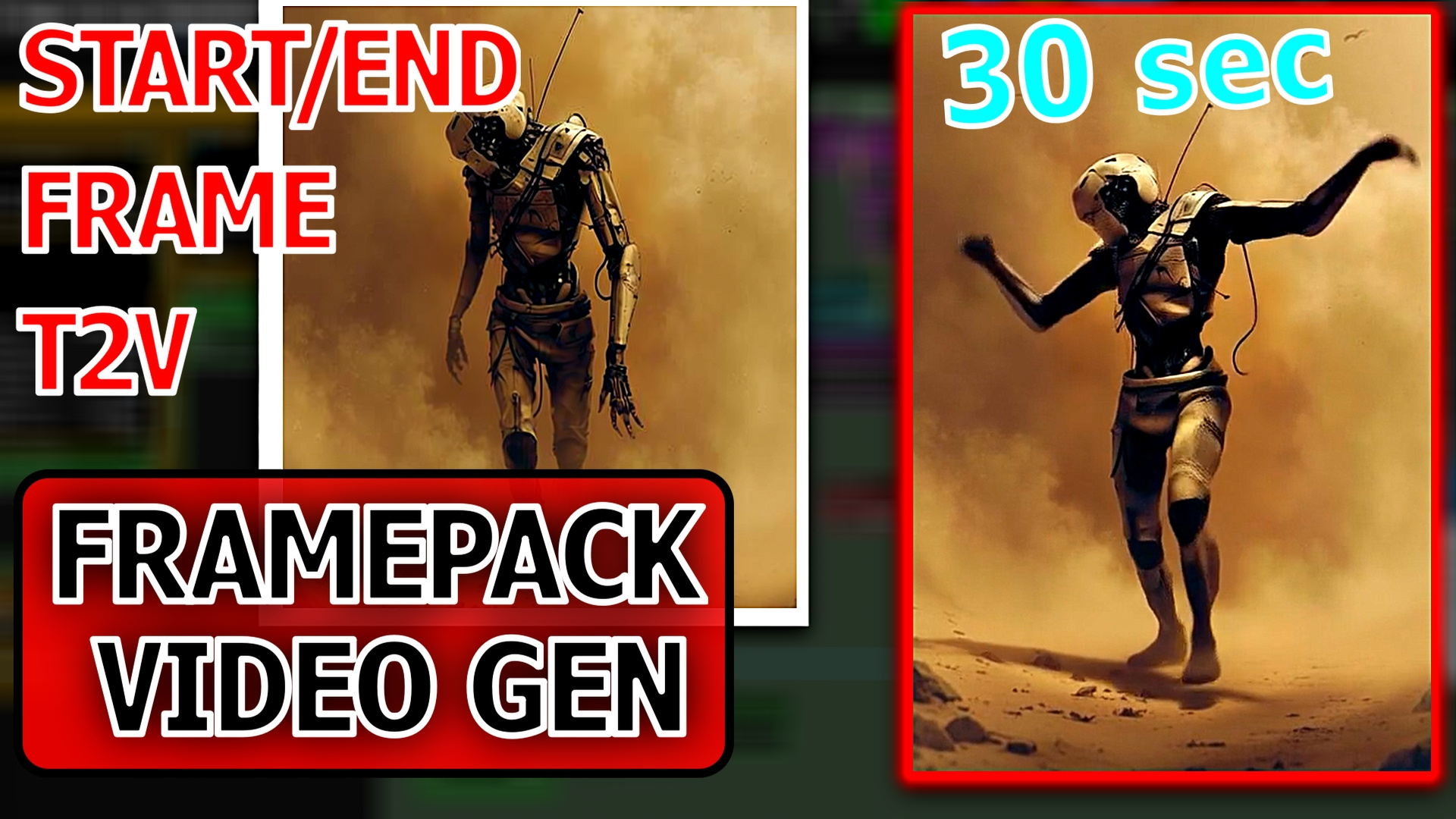
Description
Hey creators! 👋
I'm super excited to share something powerful and time-saving with you all. I’ve just built a custom workflow using the latest Framepack video generation model, and it simplifies the entire process into just TWO EASY STEPS:
✅ Upload your image
✅ Add a short prompt
That’s it. The workflow handles the rest – no complicated settings or long setup times.
🔁 What’s inside the new Framepack workflow?
✅ Uses Start Frame or Start + End Frame
✅ Fully custom-built to reduce complexity
✅ Toggle switch to control:
this workflow allows you to create
Video tutorial link
Get more workflow on my patreon
patreon.com/CGPIXELAI
Discussion
(No comments yet)
Loading...

Reviews
No reviews yet
Versions (1)
- latest (8 months ago)
Node Details
Primitive Nodes (75)
Any Switch (rgthree) (1)
DownloadAndLoadFlorence2Model (2)
Fast Groups Muter (rgthree) (1)
Florence2Run (3)
FramePackFindNearestBucket (1)
FramePackSampler (1)
GetNode (32)
Label (rgthree) (2)
LoadFramePackModel (1)
MarkdownNote (1)
Note (4)
SetNode (22)
Simple String (1)
mxSlider (3)
Custom Nodes (38)
- CM_IntToFloat (1)
- CR Text Replace (3)
ComfyUI
- VAELoader (1)
- VAEDecodeTiled (1)
- VAEEncode (2)
- CLIPVisionEncode (2)
- CLIPVisionLoader (1)
- DualCLIPLoader (1)
- ImageScaleBy (1)
- UpscaleModelLoader (1)
- ImageScale (1)
- ConditioningZeroOut (1)
- CLIPTextEncode (1)
- LoadImage (2)
- ImageUpscaleWithModel (1)
- easy cleanGpuUsed (1)
- ImageResize+ (2)
- ImageFromBatch+ (1)
- SimpleMath+ (2)
- GetImageSize+ (1)
- ImageListToImageBatch (1)
- LayerUtility: PurgeVRAM (1)
- VHS_VideoCombine (2)
- GetImageSizeAndCount (3)
- StringFunction|pysssss (4)
Model Details
Checkpoints (0)
LoRAs (0)