
Unified Image Generation Animation
5.0
0 reviews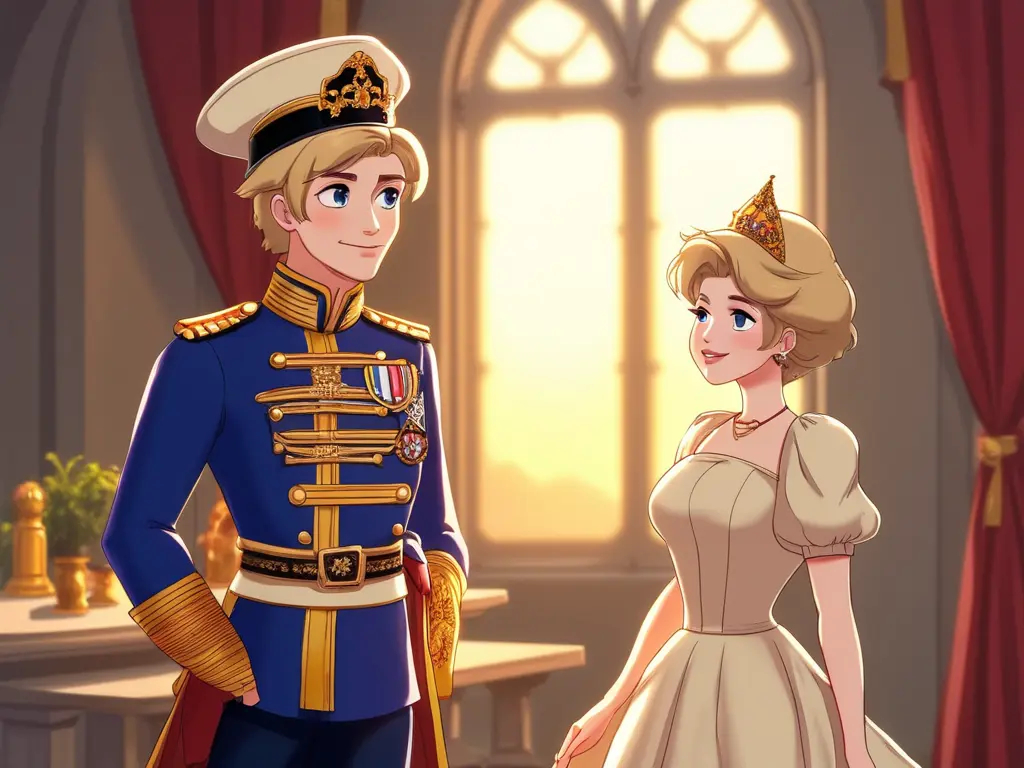
Description
Workflow name: Unified image generation animation
[Workflow introduction]
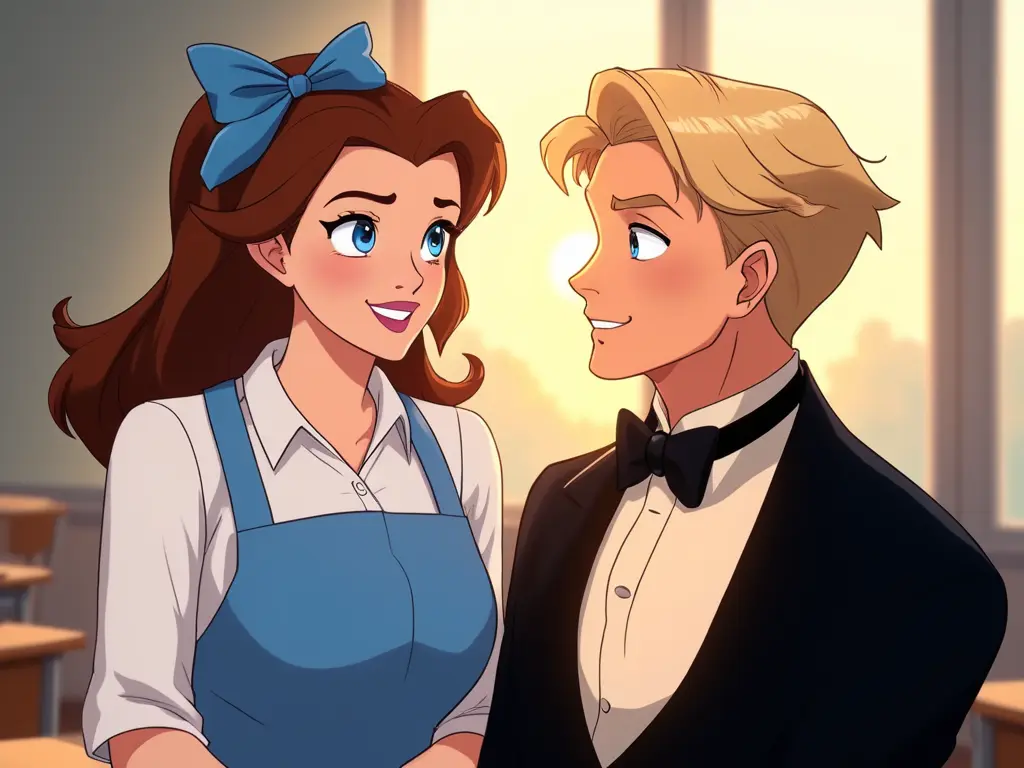
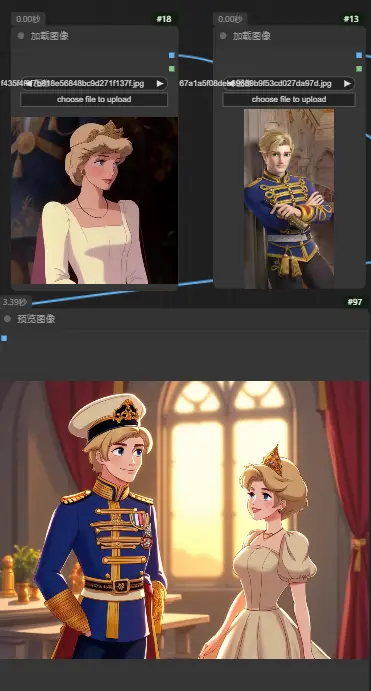
Open this workflow, upload 2 images you want to synthesize in the image loading area on the left, then reverse the prompt words in Runninghub Captioner, and combine them with OmniGenNode for generation. If necessary, you can change the action and scene atmosphere prompt words of the image you want to generate. Please do not change the other keywords at will. Now that the built-in parameters are completed, click Run. This workflow is a beta version for now, but will be improved later to obtain better generation effect.
You can choose two pictures with different styles to get more interesting performance.
[Usage scenario]
You only need to upload 2 images to get a unified generated synthetic image. Come and show your creativity and try it!
[Key nodes]
OmniGenNode
[Model version]
Model name: MiniCPM-V-26-int4
Discussion
(No comments yet)
Loading...

Reviews
No reviews yet
Versions (1)
- latest (a year ago)
Node Details
Primitive Nodes (14)
DisplayText (2)
Label (rgthree) (2)
MiniCPM_VQA (2)
OmniGenNode (1)
RH_Captioner (2)
Switch any [Crystools] (2)
TextNode (1)
easy mathString (2)
Custom Nodes (27)
ComfyUI
- LoadImage (2)
- SaveImage (1)
- PreviewImage (4)
- EmptyLatentImage (1)
- easy cleanGpuUsed (3)
- TextCombinerSix (1)
- TextCombinerTwo (1)
- StringConstant (4)
- ImageResizeKJ (2)
- ShowText|pysssss (5)
- Text _O (3)
Model Details
Checkpoints (0)
LoRAs (0)