
Facial Expression ProductionAdvancedLivePortrait
5.0
0 reviews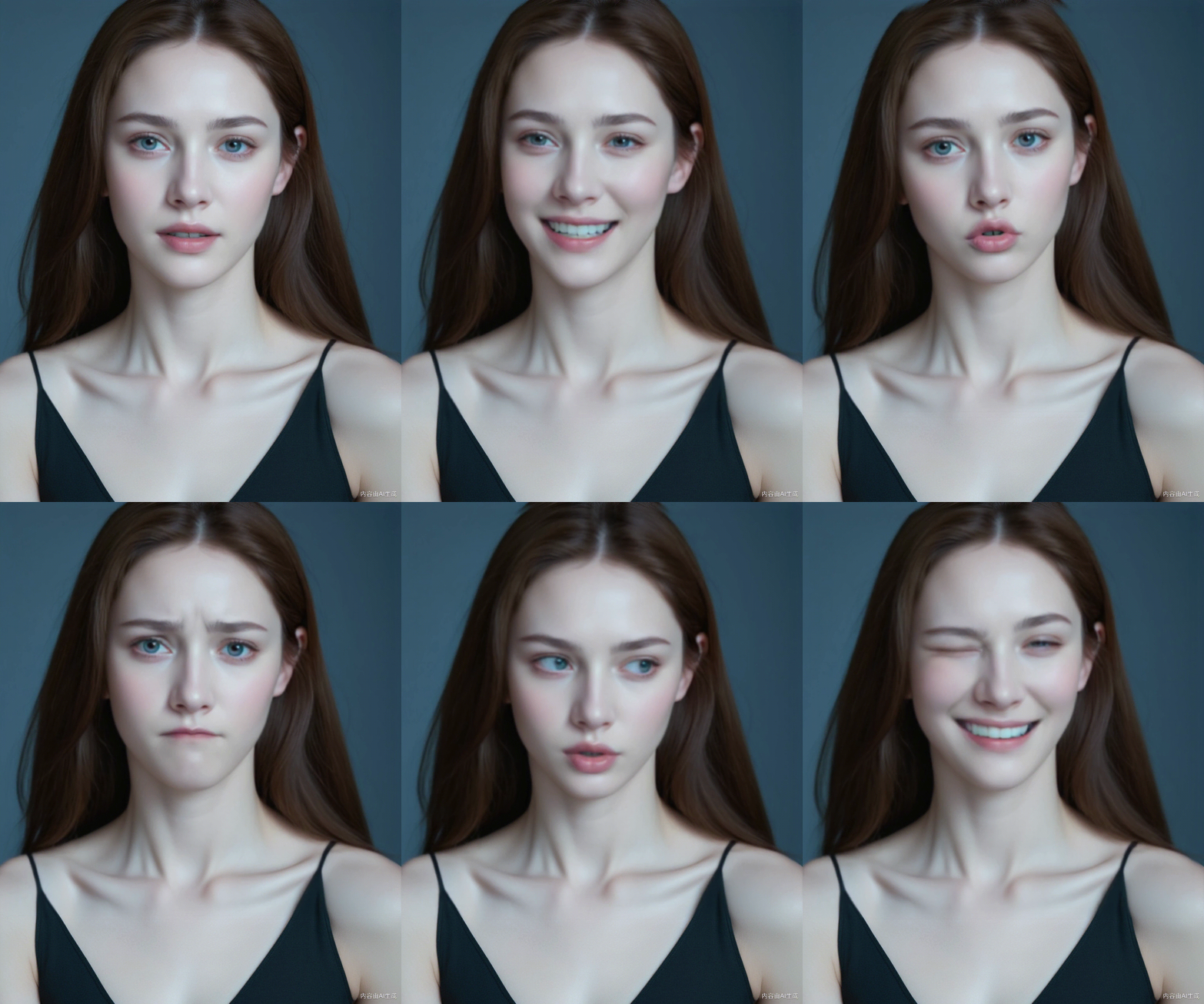
Description
🚀 Edit & Run it online (RunningHub):
https://www.runninghub.ai/#/post/1839236369607786498?utm_source=openart
RunningHub – Highly Reliable Cloud-Based ComfyUI, Edit and Run Workflows Online, no local installation required. Powered by RTX 4090 GPUs for faster performance and fully error-free node operation.
🚀 在线编辑运行(RunningHub):
https://www.runninghub.cn/#/post/1839236369607786498?utm_source=openart
【RunningHub - 超高可用性云端ComfyUI,在线编辑运行工作流,标配RTX4090带来更快运行速度,节点全不报红】
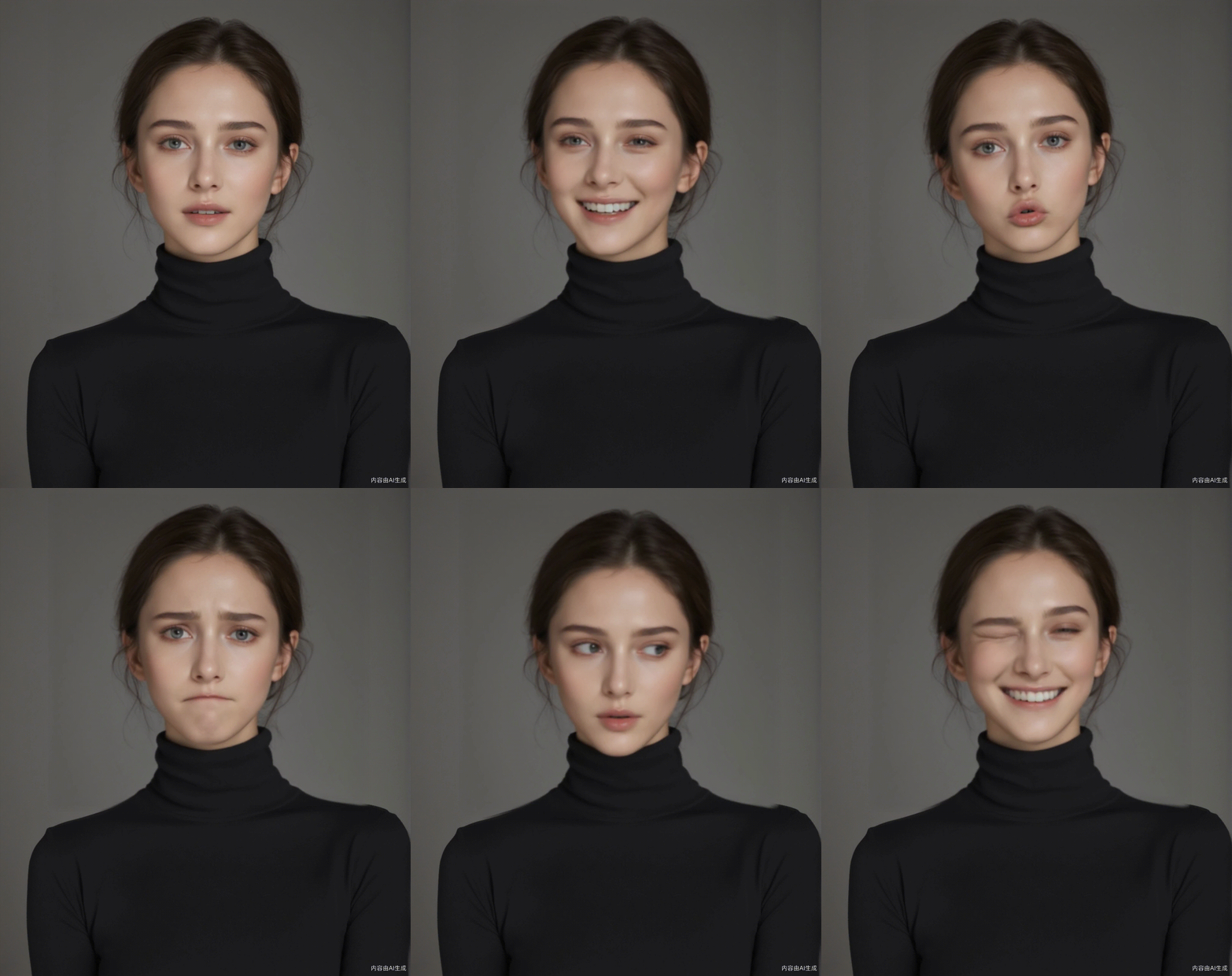
Open the workflow and upload an image first. Next, modify the corresponding expression properties of the Expression Editor (PHM) node. Then, use the AdvancedLivePortrait node to generate the corresponding expression. Use the image combination batch to string the generated images together and merge them into a video. At the same time, you need to change the frame rate of the node merged into the video to 1. Now that the built-in parameters have been set, just click Run. Come and try it!
打开工作流,先上传一张图片,接下来修改表情编辑器(PHM)节点对应的表情属性,然后使用 AdvancedLivePortrait 节点生成对应的表情,使用图片合集将生成的图片串起来,合并成视频,同时需要将合并成视频的节点帧率改为 1。 现在内置参数已经设置好了,直接点击运行就可以了,快来试试吧!
RunningHub:Join Us to Claim Free Perks
Discussion
(No comments yet)
Loading...

Reviews
No reviews yet
Versions (1)
- latest (a year ago)
Node Details
Primitive Nodes (13)
AdvancedLivePortrait (6)
ExpressionEditor (5)
Label (rgthree) (2)
Custom Nodes (3)
Model Details
Checkpoints (0)
LoRAs (0)