
VACE视频编辑(inpaint)
5.0
0 reviews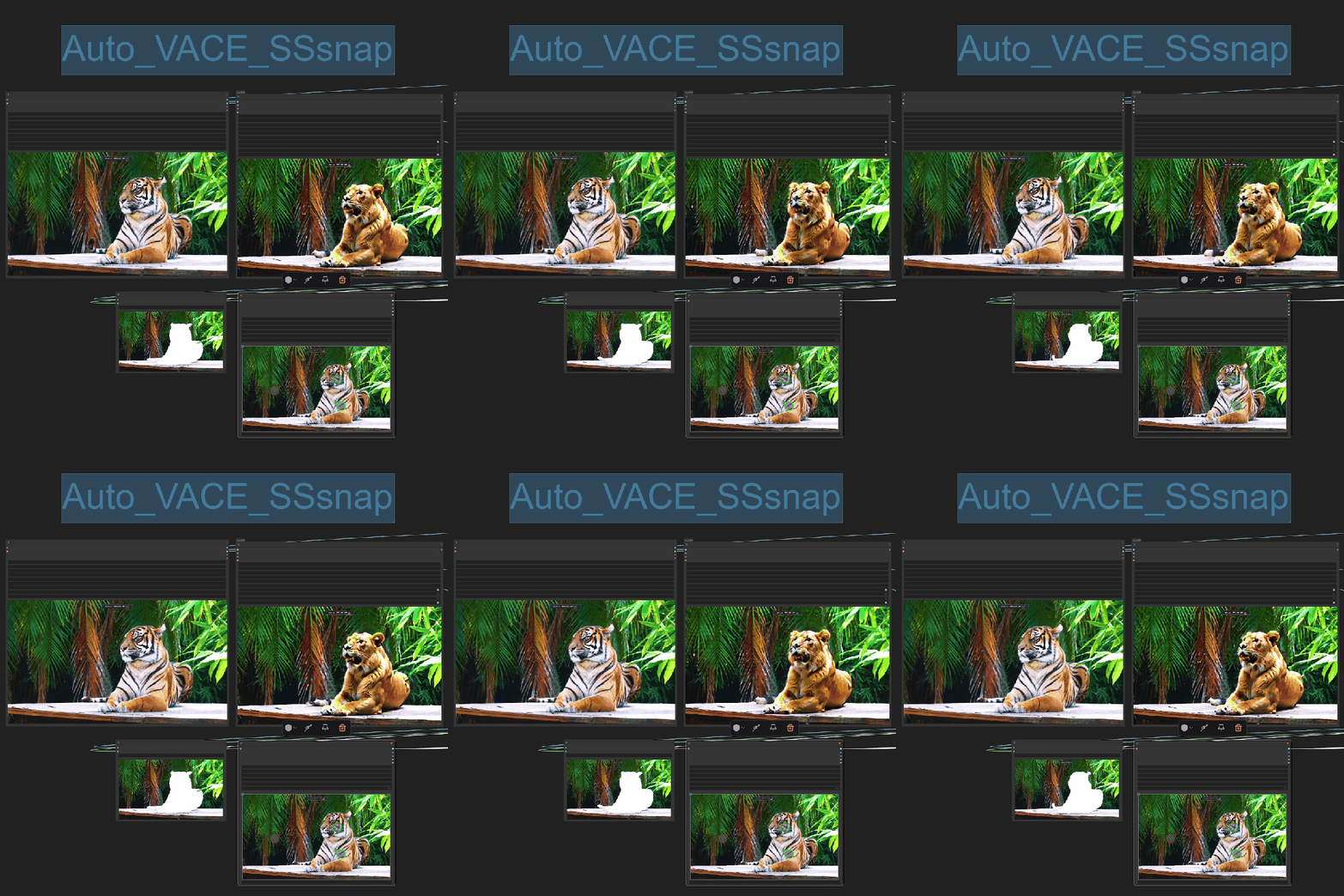
Description
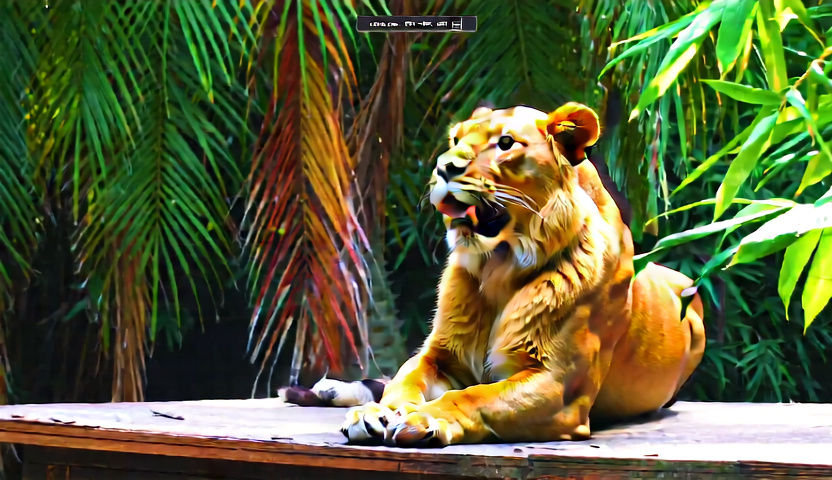
这套流程借助阿里最新开源的VACE实现了视频编辑
你只需要输入视频并设置视频尺寸,尽量强制为832*480/480*832
流程里使用了裁切的重缩放方法,当然也可以设置为正方形。
接着你需要为视频做出蒙版,我们借助SAM2来实现
在画布中选择你要去除的坐标点和保留的坐标点
shift + 鼠标左键,加入正向坐标
shift + 鼠标左键,加入反向坐标
右键删除坐标。
This workflow uses Alibaba’s newly open-sourced VACE for video editing. You only need to import a video and set its resolution—ideally forcing it to 832×480 or 480×832. The process employs a crop-and-rescale method, but you can also choose a square format. Next, you create a mask for the video using SAM2. On the canvas, select the coordinates you want to remove or keep:
• Press Shift + Left Mouse Button to add a positive (keep) coordinate
• Press Shift + Left Mouse Button to add a negative (remove) coordinate
• Right-click to delete a coordinate
Discussion
(No comments yet)
Loading...

Reviews
No reviews yet
Versions (1)
- latest (9 months ago)
Node Details
Primitive Nodes (21)
DownloadAndLoadSAM2Model (1)
Int-🔬 (2)
LoadWanVideoT5TextEncoder (1)
Note (3)
PointsEditor (1)
Reroute (1)
Sam2Segmentation (1)
String-🔬 (1)
WanVideoDecode (1)
WanVideoModelLoader (1)
WanVideoSLG (1)
WanVideoSampler (1)
WanVideoTeaCache (1)
WanVideoTextEncode (1)
WanVideoTorchCompileSettings (1)
WanVideoVACEEncode (2)
WanVideoVAELoader (1)
Custom Nodes (9)
ComfyUI
- ImageFromBatch (1)
- PreviewImage (1)
- ImageResize+ (1)
- InpaintPreprocessor (1)
- VHS_VideoCombine (1)
- VHS_LoadVideo (1)
- GrowMaskWithBlur (1)
- PreviewAnimation (1)
- ShowText|pysssss (1)
Model Details
Checkpoints (0)
LoRAs (0)